Stage 01 · Write · Researched comparison
Best Terminal Recording Tools in 2026
asciinema is the first pick for most developers. It records a terminal session as a lightweight text-based asciicast file that can be replayed, shared and embedded, and it suits people who want searchable, copyable output. VHS is the better choice when you need a polished GIF or video from a scripted session. Terminalizer is a reasonable middle option if you want a YAML config and GIF export from one tool.

By Shihab Mia
Published 27 Nov 2026 · 6 tools compared
We run no ads and no affiliate links at launch. The order of a list follows our published method. See how we score.
Prices are the starting prices vendors list publicly. Plans change, so confirm the current price on the vendor page before you buy.
Key takeaways
- asciinema, VHS, Terminalizer, t-rec, agg and script are all free or open source, so cost is not the deciding factor.
- asciinema and script capture raw terminal output as text, which stays small and can be copied; VHS, Terminalizer and t-rec render to GIF or video.
- VHS and Terminalizer record from a script file, so the same demo can be regenerated after a CLI change.
- Recordings can contain secrets, tokens or customer data; review the file before you publish it.
Who each pick is for
- Developers who want lightweight, replayable, copyable terminal sessionsasciinema
- Teams that want scripted, repeatable GIF and video demosVHS
- Developers who want a config file and GIF export in one toolTerminalizer
- Quick GIF captures from a real terminal windowt-rec
- Turning existing asciicast recordings into GIFsagg
- Capturing sessions on any Linux box with no installscript and scriptreplay
Comparison
| Tool | Best for | Standout feature | Listed starting price | Free plan or trial |
|---|---|---|---|---|
| 1asciinema | Developers who want lightweight, replayable, copyable terminal sessions | Text-based asciicast format stays small | Free (open source) | Free plan |
| 2VHS | Teams that want scripted, repeatable GIF and video demos | Tape scripts make demos reproducible | Free (open source) | Free plan |
| 3Terminalizer | Developers who want a config file and GIF export in one tool | Records interactively, then renders to GIF or a web player | Free (open source) | Free plan |
| 4t-rec | Quick GIF captures from a real terminal window | Single Rust binary with no runtime dependency | Free (open source) | Free plan |
| 5agg | Turning existing asciicast recordings into GIFs | Converts asciicast files to GIF locally | Free (open source) | Free plan |
| 6script and scriptreplay | Capturing sessions on any Linux box with no install | Part of util-linux, so usually already installed | Free (open source) | Free plan |
How we picked
We picked tools that genuinely record or render terminal sessions and are currently maintained. Criteria were fit for the job, supported platforms, licence and price, whether processing happens locally, and the main limits of each tool. Sources are vendor pages, project documentation and public repositories. We did not run benchmarks or hands-on tests. Prices and features change, so confirm details on the vendor or project site before you commit.
The tools, one by one
asciinema
Best for developers who want lightweight, replayable, copyable terminal sessions
What it is and where it fits
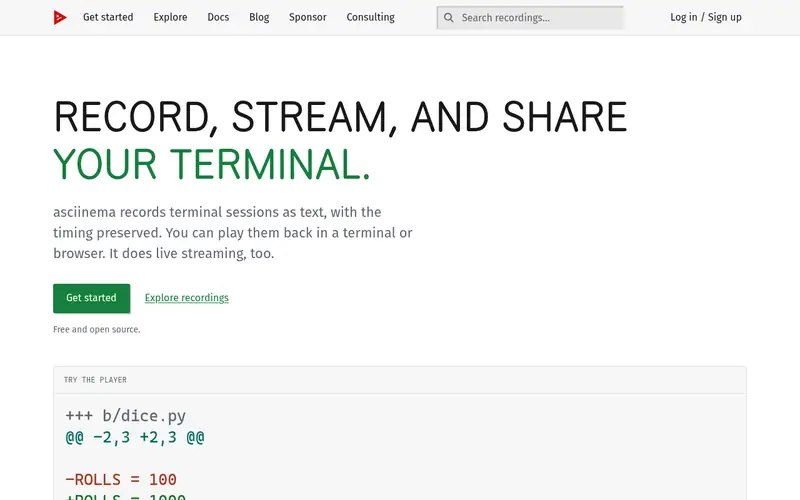
asciinema records a terminal session and saves it as an asciicast file, a text format that stores output with timing. The file is small compared with video and can be replayed in a terminal or in the web player. Viewers can pause and copy text from the recording, which matters for tutorials and bug reports.
The CLI runs on Linux, macOS and Windows, and it is open source under the GPLv3. You can record locally with `asciinema rec` and keep the file, or upload to asciinema.org to share a link. Local files can be played back with `asciinema play`. The project also publishes agg for converting recordings to GIF.
Skip asciinema if you need a ready-made video for a slide deck or social post without a conversion step. Also check every recording before uploading, since the full terminal output is captured.
Standout: Text-based asciicast format stays small
Free (open source), as listed by the vendor (asciinema website). Confirm the current plan price before you buy.
Free plan. Plans change, so confirm on the vendor's pricing page before you buy.
Benefits
- Text-based asciicast format stays small
- replay, share and embed from the CLI or the web player
Drawbacks
- Output is not a video file by default
- public uploads need a review for sensitive data
Skip it if this limit matters to you: output is not a video file by default.
Verdict. A sensible pick for developers who want lightweight, replayable, copyable terminal sessions.
Alternatives in this guide: VHS, Terminalizer, t-rec
VHS
Best for teams that want scripted, repeatable GIF and video demos
What it is and where it fits
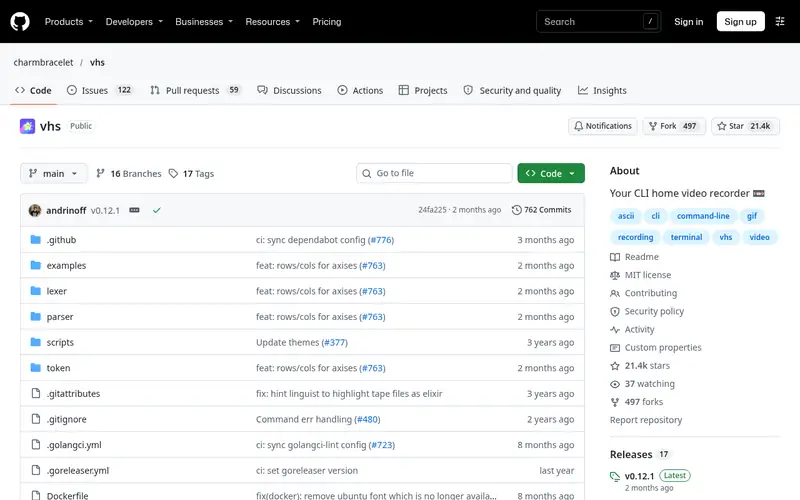
VHS from Charmbracelet records terminal sessions from a `.tape` script. You describe typing, keystrokes, waits and output settings, then run `vhs demo.tape` to render a GIF, MP4, WebM or PNG. Because the demo is a file, you can commit it and regenerate the recording whenever the CLI output changes.
It runs on Linux, macOS and Windows, and the project lists ffmpeg and ttyd as dependencies. The tool is open source under the MIT licence. Rendering happens locally, so nothing is uploaded unless you choose to publish the output.
VHS is a poor fit if you want to capture an ad hoc session interactively. It is built for planned, scripted demos. The tape format also takes time to learn, and complex terminal UIs may need tuning to render correctly.
Standout: Tape scripts make demos reproducible
Free (open source), as listed by the vendor (VHS website). Confirm the current plan price before you buy.
Free plan. Plans change, so confirm on the vendor's pricing page before you buy.
Benefits
- Tape scripts make demos reproducible
- exports GIF, MP4, WebM and PNG
Drawbacks
- Requires ffmpeg and ttyd
- script syntax has a learning curve
Skip it if this limit matters to you: requires ffmpeg and ttyd.
Verdict. A sensible pick for teams that want scripted, repeatable GIF and video demos.
Alternatives in this guide: asciinema, Terminalizer, t-rec
Terminalizer
Best for developers who want a config file and GIF export in one tool
What it is and where it fits
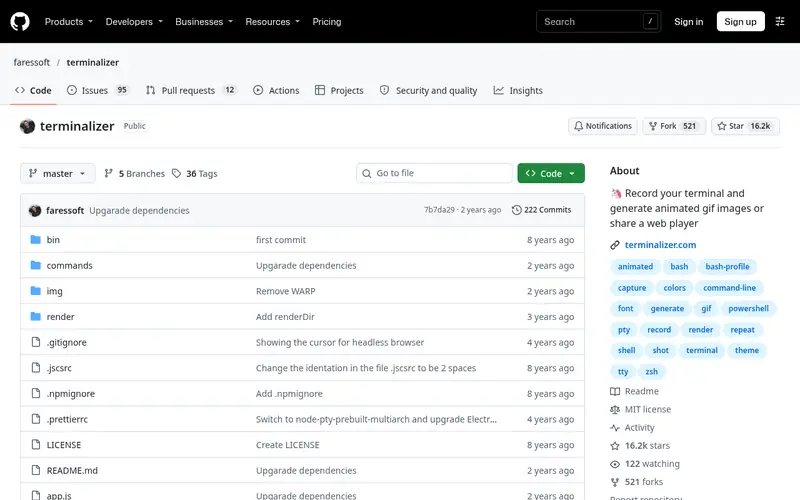
Terminalizer records a live terminal session with `terminalizer record`, saves it as a YAML file, and renders it with `terminalizer render`. The config file controls frame delay, quality and other output settings, so you can re-render the same capture at different sizes.
It is a Node.js package, so you need Node installed. It runs where Node runs, including Linux, macOS and Windows. The project is open source under the MIT licence and the recording and rendering steps happen on your machine.
Choose Terminalizer if you like the record-then-render workflow and want a single tool for capture and GIF output. Skip it if you need the smallest possible file or copyable text output, where asciinema is a better fit. Check the repository for recent activity before adopting it in a team workflow.
Standout: Records interactively, then renders to GIF or a web player
Free (open source), as listed by the vendor (Terminalizer website). Confirm the current plan price before you buy.
Free plan. Plans change, so confirm on the vendor's pricing page before you buy.
Benefits
- Records interactively, then renders to GIF or a web player
- YAML config for frame delay and quality
Drawbacks
- Node.js dependency
- project maintenance is slower than some alternatives
Skip it if this limit matters to you: node.js dependency.
Verdict. A sensible pick for developers who want a config file and GIF export in one tool.
t-rec
Best for quick GIF captures from a real terminal window
What it is and where it fits
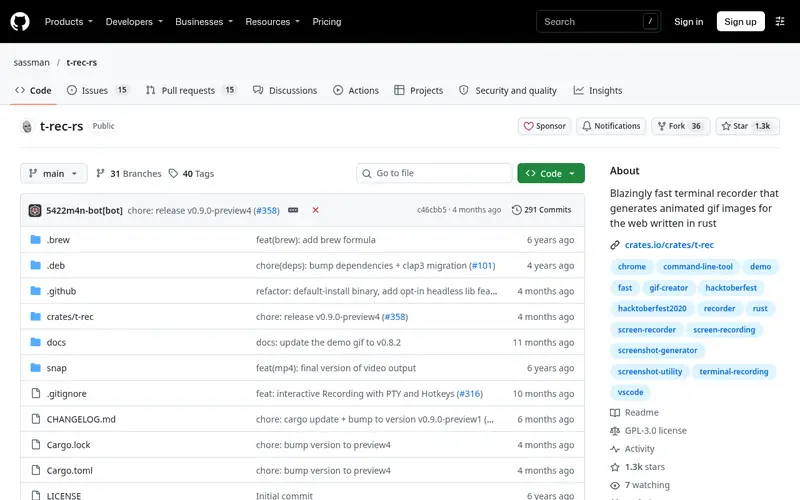
t-rec is a Rust command-line tool that records a terminal window and writes a GIF. It is aimed at short captures rather than long sessions. You start it, work in the terminal, and stop it to get a file.
It ships as a single binary, so installation does not pull in a language runtime. The project is open source and targets Linux and macOS, with Windows support noted as limited in the repository. Check the current release notes for your platform before relying on it.
t-rec suits a developer who wants a GIF fast and does not need a scripted, repeatable demo. Skip it if you need frame-level control, MP4 output or a tape-style script; VHS covers those cases.
Standout: Single Rust binary with no runtime dependency
Free (open source), as listed by the vendor (t-rec website). Confirm the current plan price before you buy.
Free plan. Plans change, so confirm on the vendor's pricing page before you buy.
Benefits
- Single Rust binary with no runtime dependency
- records a live window to GIF
Drawbacks
- Less control over scripted input
- smaller feature set than VHS
Skip it if this limit matters to you: less control over scripted input.
Verdict. A sensible pick for quick GIF captures from a real terminal window.
Alternatives in this guide: asciinema, VHS, Terminalizer
agg
Best for turning existing asciicast recordings into GIFs
What it is and where it fits
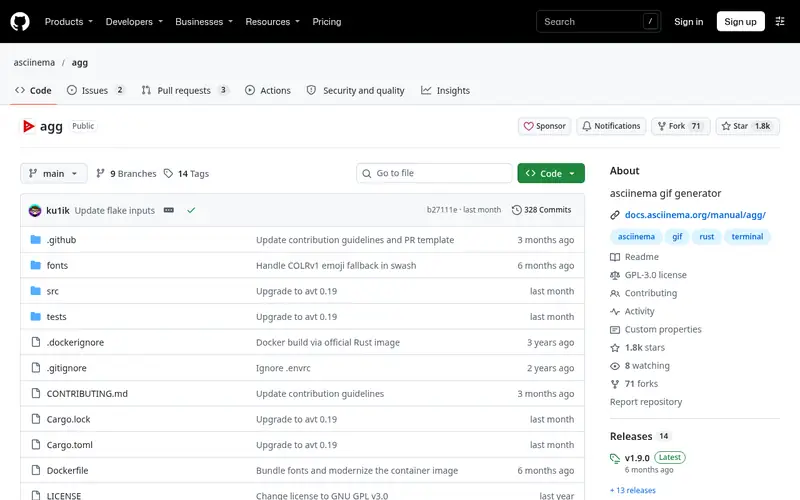
agg is the asciinema GIF generator. It reads an asciicast file and writes a GIF, so it pairs with asciinema rather than replacing it. Run `agg demo.cast demo.gif` to produce an animated image for a README or issue.
It is written in Rust and distributed as a single binary for Linux, macOS and Windows. The project is open source. Conversion runs locally, so the recording is not uploaded anywhere.
Use agg when you already have asciicast files and need a GIF for a page that does not support the asciinema player. It is not a recorder, so it is not a standalone answer if you have nothing captured yet. Font rendering and theme options are configurable but narrower than a full video editor.
Standout: Converts asciicast files to GIF locally
Free (open source), as listed by the vendor (agg website). Confirm the current plan price before you buy.
Free plan. Plans change, so confirm on the vendor's pricing page before you buy.
Benefits
- Converts asciicast files to GIF locally
- small single binary
Drawbacks
- Does not record sessions itself
- needs an asciicast input
Skip it if this limit matters to you: does not record sessions itself.
Verdict. A sensible pick for turning existing asciicast recordings into GIFs.
Alternatives in this guide: asciinema, VHS, Terminalizer
script and scriptreplay
Best for capturing sessions on any Linux box with no install
What it is and where it fits
`script` is part of util-linux and is present on most Linux systems. Running `script session.txt` captures everything printed in the terminal to a file until you exit. `scriptreplay` replays the session using a timing file written with `script --log-timing`.
The output is plain text, which makes it easy to grep, attach to a ticket or archive. There is no web player, no GIF export and no upload step; sharing means sending the file. It is open source under the util-linux licence terms.
This is the right tool when you are on a server, cannot install anything, and just need a log of what happened. Skip it when you need a presentable recording for documentation or a demo video.
Standout: Part of util-linux, so usually already installed
Free (open source), as listed by the vendor (script and scriptreplay website). Confirm the current plan price before you buy.
Free plan. Plans change, so confirm on the vendor's pricing page before you buy.
Benefits
- Part of util-linux, so usually already installed
- plain text typescript output
Drawbacks
- No built-in sharing or GIF export
- timing replay needs the separate timing file
Skip it if this limit matters to you: no built-in sharing or GIF export.
Verdict. A sensible pick for capturing sessions on any Linux box with no install.
Alternatives in this guide: asciinema, VHS, Terminalizer
Who should use what
If you write tutorials or file bug reports and want small, copyable recordings, use asciinema. If you maintain a CLI and want a demo GIF that regenerates from source, use VHS with a committed tape script. If you already have asciicast files and need a GIF, add agg. If you are on a locked-down Linux server and only need a log, use script and scriptreplay. Terminalizer and t-rec fit developers who want a quick GIF from a live window with less setup.
Questions to settle before you buy
What to check before you buy
- Confirm the tool runs on your OS and check the current release notes for platform limits.
- Check the licence if you plan to bundle the tool or its output in a product.
- Decide whether you need text replay, GIF, MP4 or all three before picking.
- Review recordings for secrets, tokens, hostnames and customer data before sharing.
- For scripted tools, commit the tape or config file so demos can be regenerated.
FAQ
Is asciinema a video file?
No. asciinema saves an asciicast file, which is text with timing data. It replays in a terminal or the web player and can be converted to GIF with agg. That keeps files small and lets viewers copy text, but it is not an MP4.
Can I record a terminal without installing anything?
On most Linux systems, `script` from util-linux is already installed. It writes terminal output to a plain text file. You get no GIF or web player, but it works on a server where you cannot add packages.
Do these tools upload my recordings?
Not by default. asciinema uploads only when you run the upload command or use the share flow. VHS, Terminalizer, t-rec, agg and script write files locally. Always check the recording for secrets before you publish it.
Which tool makes GIFs from a script?
VHS records from a `.tape` script and exports GIF, MP4, WebM or PNG. Terminalizer records interactively and renders from a YAML config. Both let you regenerate the output after a CLI change.
Are these tools free?
Yes. All six are free or open source. asciinema, VHS, Terminalizer, t-rec and agg are open-source projects, and script ships with util-linux. Check each project's licence if you plan to redistribute it.
Sources we checked
Method: how we score · editorial policy.
Change log. First published 27 Nov 2026.