Stage 01 · Write · Researched comparison
Best iOS Dependency Managers in 2026
Swift Package Manager is the first pick for most iOS teams because it ships with Xcode and needs no extra install. It suits new projects and anyone who wants Apple-supported tooling. CocoaPods remains an option for projects that depend on its large pod catalog, but plan a migration path. Tuist fits teams that want project generation plus package management, and Mint covers command-line Swift tools.

By Shihab Mia
Published 27 Nov 2026 · 6 tools compared
We run no ads and no affiliate links at launch. The order of a list follows our published method. See how we score.
Prices are the starting prices vendors list publicly. Plans change, so confirm the current price on the vendor page before you buy.
Key takeaways
- Swift Package Manager is built into Xcode and the Swift toolchain, so it costs nothing and requires no separate install.
- CocoaPods still works, but its trunk becomes read-only in December 2026, so treat it as a legacy dependency.
- Tuist and XcodeGen generate Xcode projects; Tuist also integrates Swift Package Manager dependencies.
- Carthage has low maintenance activity, so check its repository before adopting it for new work.
Who each pick is for
- Teams that want Apple-supported dependency management inside XcodeSwift Package Manager
- Existing projects that depend on the large CocoaPods pod catalogCocoaPods
- Projects that want to build dependencies as frameworks without a workspaceCarthage
- Teams that want Xcode project generation with Swift Package Manager integrationTuist
- Installing and pinning Swift command-line tools per projectMint
- Teams that want to generate Xcode projects from a YAML specXcodeGen
Comparison
| Tool | Best for | Standout feature | Listed starting price | Free plan or trial |
|---|---|---|---|---|
| 1Swift Package Manager | Teams that want Apple-supported dependency management inside Xcode | Ships with Xcode and the Swift toolchain | Free (open source) | Free plan |
| 2CocoaPods | Existing projects that depend on the large CocoaPods pod catalog | Very large catalog of Objective-C and Swift pods | Free (open source) | Free plan |
| 3Carthage | Projects that want to build dependencies as frameworks without a workspace | Builds dependencies into frameworks you link manually | Free (open source) | Free plan |
| 4Tuist | Teams that want Xcode project generation with Swift Package Manager integration | Generates Xcode projects from manifests | See vendor pricing page | Free plan |
| 5Mint | Installing and pinning Swift command-line tools per project | Pins command-line tool versions in a Mintfile | Free (open source) | Free plan |
| 6XcodeGen | Teams that want to generate Xcode projects from a YAML spec | Generates projects from a readable YAML file | Free (open source) | Free plan |
How we picked
We picked tools that handle dependency resolution, project generation or command-line tool installs for iOS and Swift projects. Criteria were fit for the job, supported platforms, price and licence, and known limits such as maintenance activity or upcoming changes. Sources are vendor pages, official documentation and project repositories. Prices and plan details change, so confirm them on the vendor site before you commit.
The tools, one by one
Swift Package Manager
Best for teams that want Apple-supported dependency management inside Xcode
What it is and where it fits
Swift Package Manager (SPM) is the dependency manager maintained by Apple as part of the Swift project. It resolves package dependencies from Git repositories, builds them, and integrates with Xcode through the package dependencies panel. You add a package by URL and version rule, and Xcode fetches and builds it.
Because SPM is part of the toolchain, there is no separate install, licence fee or account. It runs on macOS for iOS work and on Linux for server-side Swift. Version rules use semantic versioning ranges, branches or exact commits. Package.swift files describe targets and products.
SPM is the default choice for new iOS projects. Teams with heavy reliance on older CocoaPods-only libraries may still need CocoaPods during a transition. SPM does not manage non-Swift binary dependencies as smoothly as some alternatives, so check each dependency's support before migrating.
Standout: Ships with Xcode and the Swift toolchain
Free (open source), as listed by the vendor (Swift Package Manager website). Confirm the current plan price before you buy.
Free plan. Plans change, so confirm on the vendor's pricing page before you buy.
Benefits
- Ships with Xcode and the Swift toolchain
- no extra install or account needed
Drawbacks
- Limited support for some binary and resource-heavy pod workflows
- package ecosystem differs from CocoaPods
Skip it if this limit matters to you: limited support for some binary and resource-heavy pod workflows.
Verdict. A sensible pick for teams that want Apple-supported dependency management inside Xcode.
CocoaPods
Best for existing projects that depend on the large CocoaPods pod catalog
What it is and where it fits
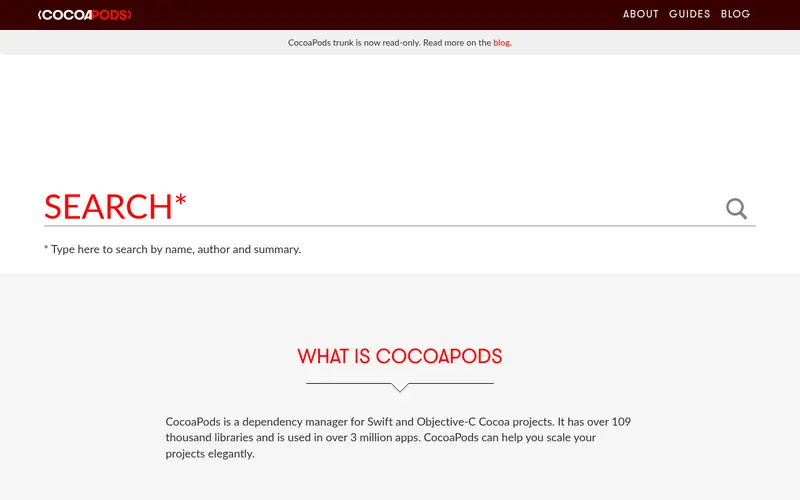
CocoaPods is a dependency manager for Swift and Objective-C projects. You declare pods in a Podfile, run `pod install`, and CocoaPods creates an Xcode workspace that links the dependencies. It has long been the default for iOS projects that need libraries not yet available as Swift packages.
CocoaPods is open source and free. It runs on macOS and requires Ruby, which is available on macOS but often managed with a version manager. The central spec repository is the CocoaPods trunk. According to the CocoaPods blog, the trunk becomes read-only in December 2026, which affects how new pod versions are published.
For new projects, SPM is the safer long-term choice. For existing projects, CocoaPods still resolves and builds dependencies, but teams should plan a migration and check the status of each pod. Verify current trunk behavior on the official site before you commit to a release process.
Standout: Very large catalog of Objective-C and Swift pods
Free (open source), as listed by the vendor (CocoaPods website). Confirm the current plan price before you buy.
Free plan. Plans change, so confirm on the vendor's pricing page before you buy.
Benefits
- Very large catalog of Objective-C and Swift pods
- mature tooling and wide documentation
Drawbacks
- Trunk becomes read-only in December 2026 per the CocoaPods blog
- Ruby-based install adds setup steps
Skip it if this limit matters to you: trunk becomes read-only in December 2026 per the CocoaPods blog.
Verdict. A sensible pick for existing projects that depend on the large CocoaPods pod catalog.
Alternatives in this guide: Swift Package Manager, Carthage, Tuist
Carthage
Best for projects that want to build dependencies as frameworks without a workspace
What it is and where it fits
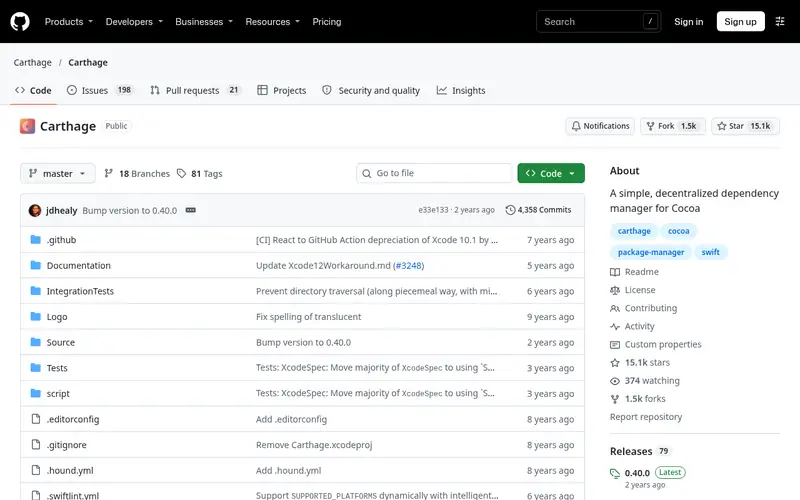
Carthage is a decentralized dependency manager that builds your dependencies into frameworks. You list dependencies in a Cartfile, run `carthage update`, and add the built frameworks to your project. It does not create or modify an Xcode workspace, which some teams prefer for control over project structure.
Carthage is open source and free. It runs on macOS and requires Xcode command-line tools. It supports Git repositories and binary frameworks. Because it builds from source, build times can grow with the number of dependencies.
The project has low maintenance activity, so check the repository for recent commits and open issues before adopting it. It is a poor fit for teams that want automatic project integration or Swift package support. Most new projects are better served by Swift Package Manager.
Standout: Builds dependencies into frameworks you link manually
Free (open source), as listed by the vendor (Carthage website). Confirm the current plan price before you buy.
Free plan. Plans change, so confirm on the vendor's pricing page before you buy.
Benefits
- Builds dependencies into frameworks you link manually
- does not modify your Xcode project
Drawbacks
- Low maintenance activity
- no built-in support for Swift packages or resources
Skip it if this limit matters to you: low maintenance activity.
Verdict. A sensible pick for projects that want to build dependencies as frameworks without a workspace.
Alternatives in this guide: Swift Package Manager, CocoaPods, Tuist
Tuist
Best for teams that want Xcode project generation with Swift Package Manager integration
What it is and where it fits
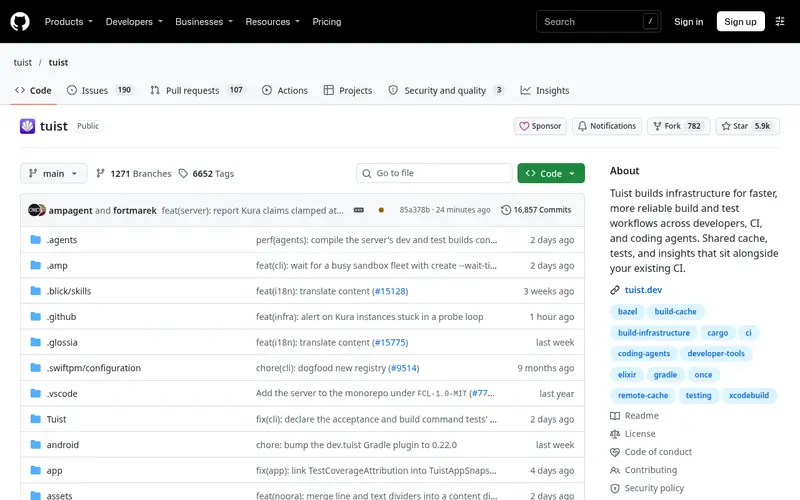
Tuist is a tool for generating and managing Xcode projects. You describe your project in Swift manifests, and Tuist generates the `.xcodeproj` files. It also integrates Swift Package Manager dependencies, so you can declare packages alongside your project structure.
Tuist is open source, and the project offers paid cloud plans for caching and related services. Pricing for those plans is on the vendor site, so check it there. The command-line tool runs on macOS. It is aimed at teams that want reproducible project files and less merge conflict on `.xcodeproj` files.
Tuist suits medium and large teams that already use Swift Package Manager and want project generation. Small single-target apps may find the manifest workflow more overhead than value. Evaluate the free tooling first and confirm which features require a paid plan.
Standout: Generates Xcode projects from manifests
See vendor pricing page, as listed by the vendor (Tuist website). Confirm the current plan price before you buy.
Free plan. Plans change, so confirm on the vendor's pricing page before you buy.
Benefits
- Generates Xcode projects from manifests
- integrates Swift Package Manager dependencies
Drawbacks
- Adds a manifest-based workflow to learn
- some features are tied to paid plans
Skip it if this limit matters to you: adds a manifest-based workflow to learn.
Verdict. A sensible pick for teams that want Xcode project generation with Swift Package Manager integration.
Alternatives in this guide: Swift Package Manager, CocoaPods, Carthage
Mint
Best for installing and pinning Swift command-line tools per project
What it is and where it fits
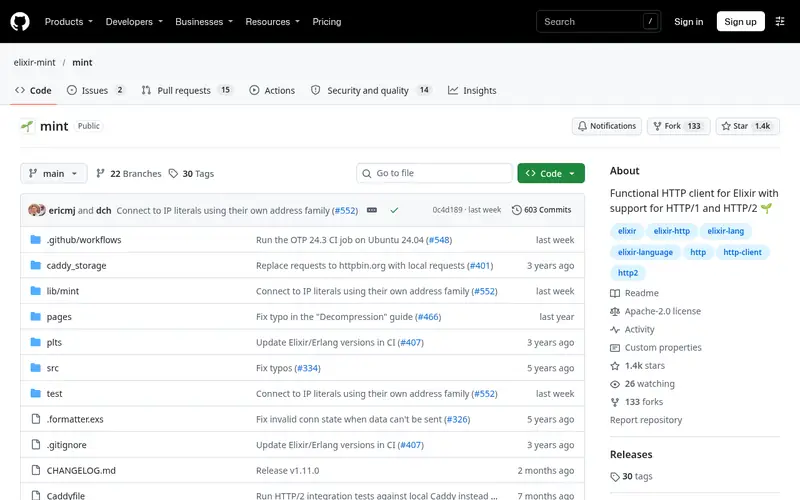
Mint is a package manager for Swift command-line tools. You list tools and versions in a Mintfile, and Mint installs and runs the pinned versions. It is useful for tools like SwiftLint or SwiftFormat, where version consistency across a team matters.
Mint is open source and free. It runs on macOS and installs tools from Swift packages. It does not manage app dependencies or Xcode project integration, so it complements rather than replaces Swift Package Manager or CocoaPods.
Use Mint when you want reproducible command-line tool versions in CI and on developer machines. It is not a fit for managing iOS app libraries. Check that each tool you need is distributed as a Swift package before relying on Mint for it.
Standout: Pins command-line tool versions in a Mintfile
Free (open source), as listed by the vendor (Mint website). Confirm the current plan price before you buy.
Free plan. Plans change, so confirm on the vendor's pricing page before you buy.
Benefits
- Pins command-line tool versions in a Mintfile
- installs tools from Swift packages
Drawbacks
- Only manages command-line tools, not app dependencies
- requires Swift toolchain setup
Skip it if this limit matters to you: only manages command-line tools, not app dependencies.
Verdict. A sensible pick for installing and pinning Swift command-line tools per project.
Alternatives in this guide: Swift Package Manager, CocoaPods, Carthage
XcodeGen
Best for teams that want to generate Xcode projects from a YAML spec
What it is and where it fits
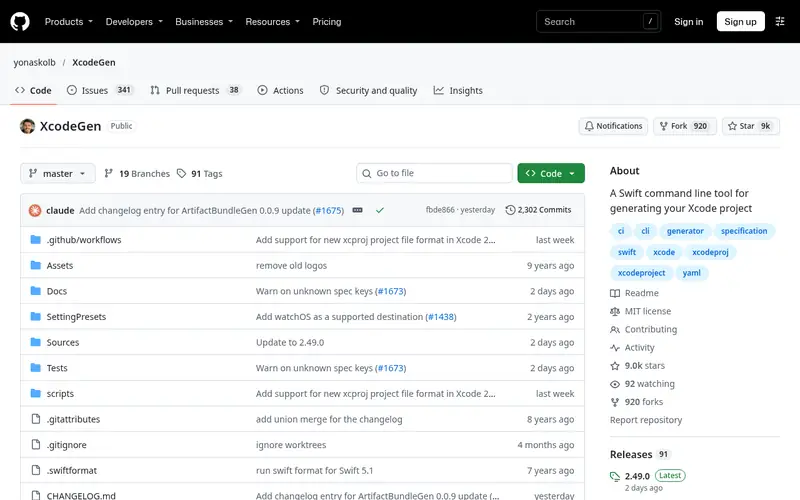
XcodeGen generates Xcode projects from a YAML specification. You define targets, settings and dependencies in a `project.yml` file, and XcodeGen produces the `.xcodeproj`. It reduces merge conflicts on project files and makes project structure reviewable in version control.
XcodeGen is open source and free. It runs on macOS and works alongside Swift Package Manager or CocoaPods for actual dependency resolution. It does not fetch or build packages on its own, so pair it with a dependency manager.
XcodeGen fits teams that want a simple, file-based project definition without a full manifest language. Teams that also want dependency integration may prefer Tuist. Confirm the spec supports the build settings and targets your app needs before migrating.
Standout: Generates projects from a readable YAML file
Free (open source), as listed by the vendor (XcodeGen website). Confirm the current plan price before you buy.
Free plan. Plans change, so confirm on the vendor's pricing page before you buy.
Benefits
- Generates projects from a readable YAML file
- reduces `.xcodeproj` merge conflicts
Drawbacks
- Does not resolve dependencies itself
- requires learning the spec format
Skip it if this limit matters to you: does not resolve dependencies itself.
Verdict. A sensible pick for teams that want to generate Xcode projects from a YAML spec.
Alternatives in this guide: Swift Package Manager, CocoaPods, Carthage
Who should use what
New iOS projects should start with Swift Package Manager because it is built into Xcode and needs no extra setup. Existing projects with CocoaPods-only libraries should keep CocoaPods for now but plan a migration before the trunk change in December 2026. Teams that want reproducible project files and Swift Package Manager integration should look at Tuist, while teams that prefer a simple YAML spec can use XcodeGen. Use Mint to pin command-line tools like linters across a team. Avoid Carthage for new work unless you have checked its maintenance status.
Questions to settle before you buy
What to check before you buy
- Confirm each dependency is available for your chosen manager and supports your Swift and Xcode versions.
- Check the licence and any paid plan limits, especially for Tuist cloud features.
- For CocoaPods projects, review the trunk read-only change and plan a migration path.
- Verify that CI machines can install and run the tool reproducibly.
- Check the repository for recent commits and open issues before adopting low-activity tools.
FAQ
Is Swift Package Manager replacing CocoaPods?
Swift Package Manager is the default for new Apple-platform projects because it ships with Xcode. CocoaPods still works, but its trunk becomes read-only in December 2026 per the CocoaPods blog. Many teams are migrating to SPM, though some libraries remain pod-only.
Can I use more than one dependency manager in a project?
Yes. It is common to use Swift Package Manager for most dependencies and CocoaPods for libraries that are not yet available as Swift packages. Keep the split documented so the team knows where each dependency comes from and how to update it.
Does Tuist replace Swift Package Manager?
No. Tuist generates Xcode projects and can integrate Swift Package Manager dependencies. It does not replace SPM's package resolution. Think of Tuist as project generation plus dependency integration, not a standalone package registry.
Is Carthage still maintained?
Carthage has low maintenance activity. Check the repository for recent commits and open issues before adopting it. For new projects, Swift Package Manager is the safer choice, and CocoaPods remains an option for legacy libraries.
Do these tools cost anything?
Swift Package Manager, CocoaPods, Carthage, Mint and XcodeGen are free and open source. Tuist offers open-source tooling plus paid cloud plans. Check the Tuist vendor pricing page for current plan details and limits.
Sources we checked
Method: how we score · editorial policy.
Change log. First published 27 Nov 2026.