Stage 01 · Write · Researched comparison
Best Web Component Libraries in 2026
Lit is the first pick for most teams. It is a small, standards-based library for building custom elements, and it suits developers who want plain Web Components without a heavy framework. Stencil is a strong alternative when you need compiler-driven output and framework wrappers. Web Awesome fits teams that want ready-made components rather than a build layer. All three are open source.

By Shihab Mia
Published 27 Nov 2026 · 7 tools compared
We run no ads and no affiliate links at launch. The order of a list follows our published method. See how we score.
Prices are the starting prices vendors list publicly. Plans change, so confirm the current price on the vendor page before you buy.
Key takeaways
- Lit, Stencil, FAST, Haunted and Spectrum Web Components are free and open source; Web Awesome and Ionic have paid tiers.
- Lit and Haunted are small runtime libraries; Stencil and FAST include a compiler and design-system tooling.
- Web Awesome and Spectrum ship finished components, while Lit, Stencil, FAST and Haunted help you build your own.
- Check the licence and pricing page before adopting a paid tier, since terms change.
Who each pick is for
- Teams building custom elements with minimal runtimeLit
- Teams needing a compiler plus framework wrappersStencil
- Design systems with adaptive styling and tokensMicrosoft FAST
- Ready-made components with a paid support optionWeb Awesome
- React-style hooks for Web ComponentsHaunted
- Teams wanting Adobe Spectrum design componentsSpectrum Web Components
- Cross-platform apps using Web Components via StencilIonic
Comparison
| Tool | Best for | Standout feature | Listed starting price | Free plan or trial |
|---|---|---|---|---|
| 1Lit | Teams building custom elements with minimal runtime | Small runtime | Free (open source) | Free plan |
| 2Stencil | Teams needing a compiler plus framework wrappers | Compiles to standard custom elements | Free (open source) | Free plan |
| 3Microsoft FAST | Design systems with adaptive styling and tokens | Design-token and adaptive styling support | Free (open source) | Free plan |
| 4Web Awesome | Ready-made components with a paid support option | Large catalog of finished components | See vendor pricing page | Free plan |
| 5Haunted | React-style hooks for Web Components | Hook-based API familiar to React developers | Free (open source) | Free plan |
| 6Spectrum Web Components | Teams wanting Adobe Spectrum design components | Implements the Spectrum design system | Free (open source) | Free plan |
| 7Ionic | Cross-platform apps using Web Components via Stencil | Large component set for mobile and web | See vendor pricing page | Free plan |
How we picked
We compared libraries on fit for building or using standard Web Components, supported platforms and build tooling, licence and pricing, and the main limits each one states. We also noted whether a project ships finished components or only primitives. Sources are vendor sites, official documentation and project repositories. Prices and plan terms change, so confirm current details on the vendor page before you commit.
The tools, one by one
Lit
Best for teams building custom elements with minimal runtime
What it is and where it fits
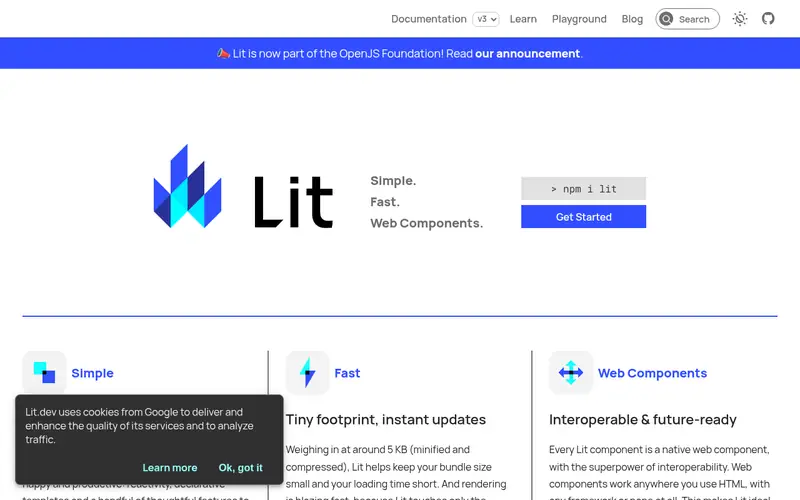
Lit is a library for building fast, lightweight Web Components. It provides reactive properties, declarative templates and scoped styles on top of the standard custom elements API. Components built with Lit run in any browser that supports custom elements, and they work inside React, Vue, Angular and other frameworks.
Lit is distributed as npm packages under the BSD-3-Clause licence. There is no paid tier and no hosted service. The main limit is scope: Lit gives you the primitives, not a finished design system, so you supply your own components, theming and accessibility work. It also relies on modern browser features, so very old browsers need polyfills. Teams that want a large catalog of ready components should look at Web Awesome or Spectrum instead.
Standout: Small runtime
Free (open source), as listed by the vendor (Lit website). Confirm the current plan price before you buy.
Free plan. Plans change, so confirm on the vendor's pricing page before you buy.
Benefits
- Small runtime
- standards-based custom elements and templates
Drawbacks
- No built-in component set
- you write your own styles and components
Skip it if this limit matters to you: no built-in component set.
Verdict. A sensible pick for teams building custom elements with minimal runtime.
Alternatives in this guide: Stencil, Microsoft FAST, Web Awesome
Stencil
Best for teams needing a compiler plus framework wrappers
What it is and where it fits
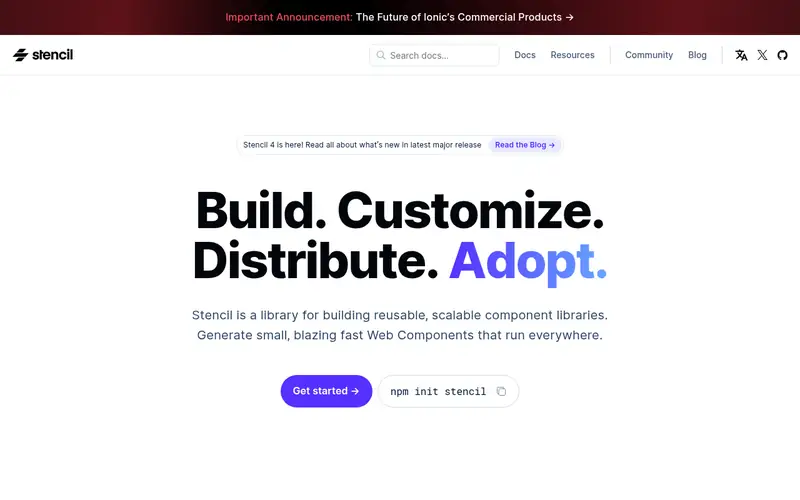
Stencil is a compiler for generating Web Components. You write components with TypeScript and JSX-like syntax, and Stencil outputs standard custom elements plus optional wrappers for React, Vue and Angular. It also handles lazy loading and produces a documentation file for your components.
Stencil is open source under the MIT licence and is maintained by the Ionic team. It runs on Node.js as a build tool, so your output is plain browser code. The tradeoff is complexity: there is a build pipeline to configure, and the generated output adds code compared with a minimal runtime. Teams that only need a small runtime and no wrappers may find Lit simpler. Stencil is the better fit when you are shipping a component library to several frameworks at once.
Standout: Compiles to standard custom elements
Free (open source), as listed by the vendor (Stencil website). Confirm the current plan price before you buy.
Free plan. Plans change, so confirm on the vendor's pricing page before you buy.
Benefits
- Compiles to standard custom elements
- generates React, Vue and Angular wrappers
Drawbacks
- Extra build step
- more configuration than a plain runtime
Skip it if this limit matters to you: extra build step.
Verdict. A sensible pick for teams needing a compiler plus framework wrappers.
Alternatives in this guide: Lit, Microsoft FAST, Web Awesome
Microsoft FAST
Best for design systems with adaptive styling and tokens
What it is and where it fits
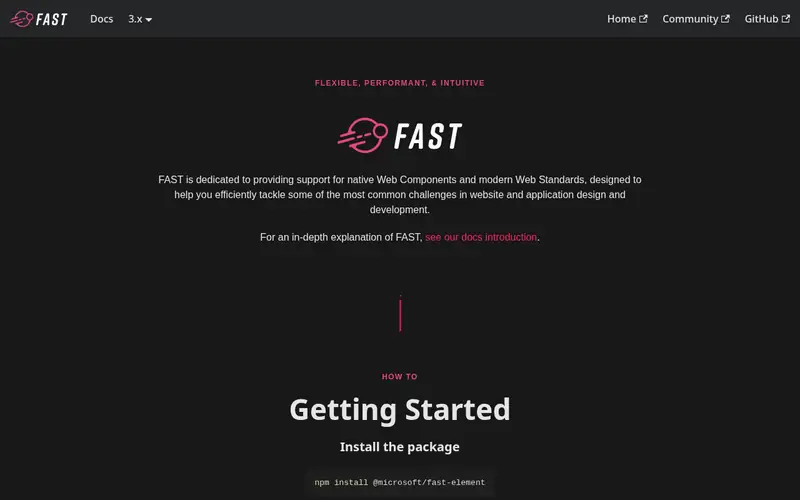
Microsoft FAST is a set of packages for building Web Components and design systems. It includes a component base class, templating, design tokens and an adaptive UI system that adjusts density and colors to the host environment. FAST also ships a component explorer for documenting your library.
FAST is open source under the MIT licence and maintained by Microsoft. It targets modern browsers and works alongside other libraries. The main limits are adoption and learning curve: the ecosystem is smaller than Lit's, and the design-token and adaptive features add concepts you may not need for a simple component set. Teams building a themed, multi-brand design system get the most from it. Teams that want the shortest path to a few elements should start with Lit.
Standout: Design-token and adaptive styling support
Free (open source), as listed by the vendor (Microsoft FAST website). Confirm the current plan price before you buy.
Free plan. Plans change, so confirm on the vendor's pricing page before you buy.
Benefits
- Design-token and adaptive styling support
- component explorer tooling
Drawbacks
- Smaller community than Lit
- documentation assumes design-system knowledge
Skip it if this limit matters to you: smaller community than Lit.
Verdict. A sensible pick for design systems with adaptive styling and tokens.
Alternatives in this guide: Lit, Stencil, Web Awesome
Web Awesome
Best for ready-made components with a paid support option
What it is and where it fits
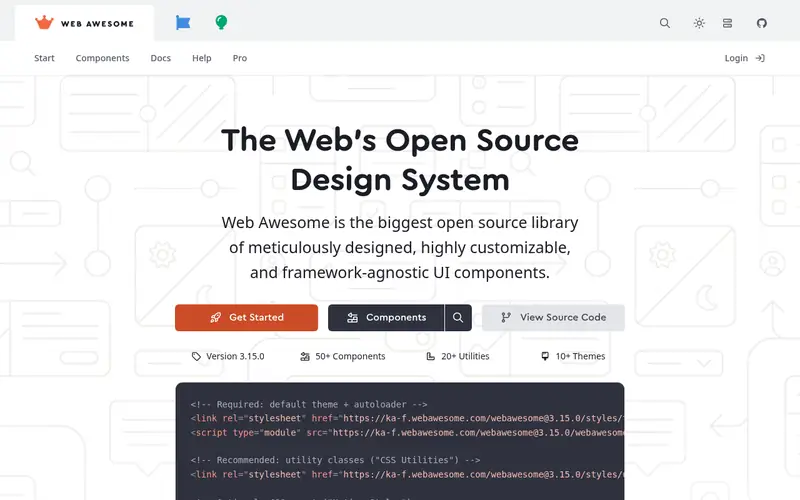
Web Awesome is the successor to Shoelace, a popular library of ready-made Web Components. It provides buttons, inputs, dialogs, tabs and many other components that work in any framework because they are standard custom elements. The project is open source, and the vendor sells paid tiers that add support and extra features.
The core components are free to use. Paid tiers and their prices are listed on the vendor site, and terms have changed since the project moved from the Shoelace name, so check the current pricing page before you commit. The main limit is control: you get the vendor's components and styling conventions rather than a blank build layer. Teams that want a finished component set quickly should consider it. Teams building a custom design system from scratch may prefer Lit or FAST.
Standout: Large catalog of finished components
See vendor pricing page, as listed by the vendor (Web Awesome website). Confirm the current plan price before you buy.
Free plan. Plans change, so confirm on the vendor's pricing page before you buy.
Benefits
- Large catalog of finished components
- built on Web Components
Drawbacks
- Some features tied to paid tiers
- pricing changes, so confirm on the site
Skip it if this limit matters to you: some features tied to paid tiers.
Verdict. A sensible pick for ready-made components with a paid support option.
Alternatives in this guide: Lit, Stencil, Microsoft FAST
Haunted
Best for react-style hooks for Web Components
What it is and where it fits
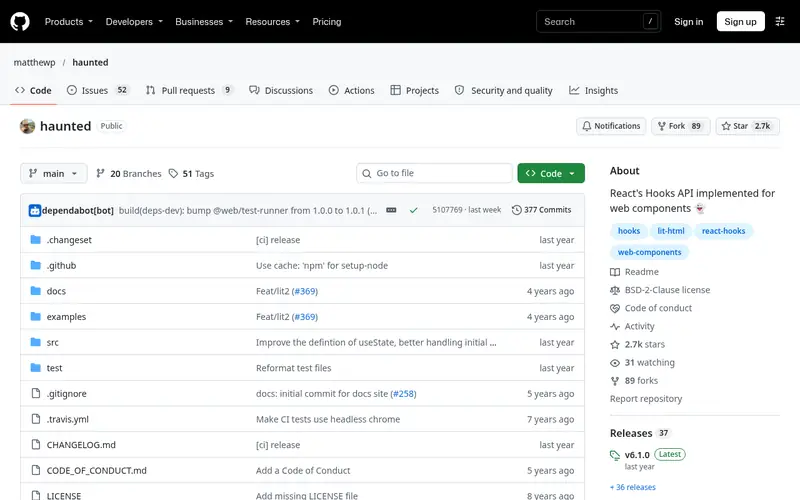
Haunted is a library that brings React-style hooks to Web Components. It provides hooks such as useState, useEffect and useReducer, and it can wrap them into custom elements using lit-html templates. Developers who know React hooks can adopt it quickly.
Haunted is open source and published on npm. It is a thin layer, so it depends on a templating library for rendering, and its documentation and community are smaller than Lit's. It does not include a component catalog or design-system tooling. It suits teams already comfortable with hooks who want Web Components without a class-based API. Teams that want the largest ecosystem and long-term support should weigh Lit first.
Standout: Hook-based API familiar to React developers
Free (open source), as listed by the vendor (Haunted website). Confirm the current plan price before you buy.
Free plan. Plans change, so confirm on the vendor's pricing page before you buy.
Benefits
- Hook-based API familiar to React developers
- small package
Drawbacks
- Small community
- fewer examples than larger libraries
Skip it if this limit matters to you: small community.
Verdict. A sensible pick for react-style hooks for Web Components.
Alternatives in this guide: Lit, Stencil, Microsoft FAST
Spectrum Web Components
Best for teams wanting Adobe Spectrum design components
What it is and where it fits
Spectrum Web Components is an implementation of Adobe's Spectrum design system as Web Components. It provides buttons, menus, dialogs, pickers and other elements that follow Spectrum's visual and accessibility guidelines. Components are built on Lit and work in any framework.
The project is open source under the Apache-2.0 licence. It is a good fit if you want Adobe's design language and accessible defaults without building components yourself. The limit is that the components carry Spectrum styling and conventions, so heavy customization takes more work. Loading many components also adds bundle weight. Teams with their own brand system should use Lit or FAST as a base instead.
Standout: Implements the Spectrum design system
Free (open source), as listed by the vendor (Spectrum Web Components website). Confirm the current plan price before you buy.
Free plan. Plans change, so confirm on the vendor's pricing page before you buy.
Benefits
- Implements the Spectrum design system
- accessible components
Drawbacks
- Tied to Spectrum look and feel
- larger bundle if you use many components
Skip it if this limit matters to you: tied to Spectrum look and feel.
Verdict. A sensible pick for teams wanting Adobe Spectrum design components.
Alternatives in this guide: Lit, Stencil, Microsoft FAST
Ionic
Best for cross-platform apps using Web Components via Stencil
What it is and where it fits
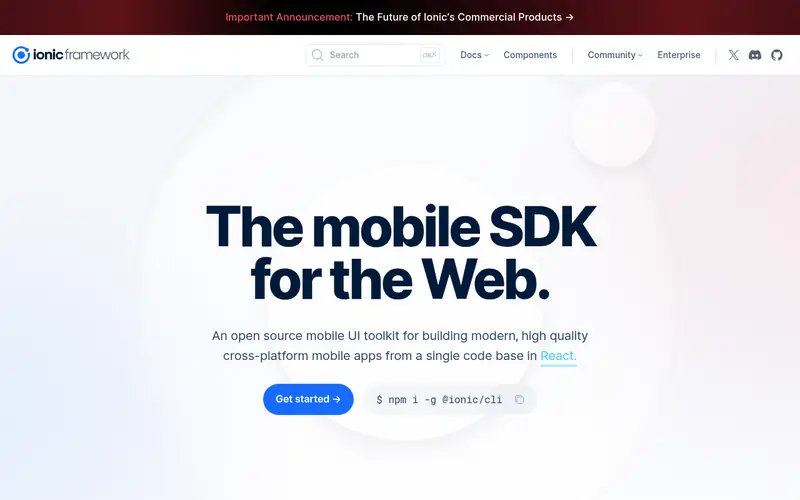
Ionic is a UI toolkit for building cross-platform apps. Its components are Web Components generated with Stencil, so they run in browsers and inside native shells through Capacitor. It includes form controls, navigation, modals and layout components aimed at mobile-style interfaces.
The open-source framework is free, and the vendor sells related services and tooling. Prices are listed on the vendor site and vary by product, so confirm there. The main limit is fit: Ionic's components follow its own mobile-oriented design language, and the toolkit is heavier than a minimal library. Teams building a general website design system may not need it. Teams shipping mobile and web apps from one component set are the intended audience.
Standout: Large component set for mobile and web
See vendor pricing page, as listed by the vendor (Ionic website). Confirm the current plan price before you buy.
Free plan. Plans change, so confirm on the vendor's pricing page before you buy.
Benefits
- Large component set for mobile and web
- built on Web Components
Drawbacks
- Framework-oriented
- paid services and pricing vary
Skip it if this limit matters to you: framework-oriented.
Verdict. A sensible pick for cross-platform apps using Web Components via Stencil.
Alternatives in this guide: Lit, Stencil, Microsoft FAST
Who should use what
If you are building a custom design system and want a small runtime, start with Lit. If you must ship components to React, Vue and Angular teams at once, Stencil's generated wrappers save work. If you want finished components quickly and can accept the vendor's styling, Web Awesome or Spectrum Web Components fit. If you are building a mobile-style app for web and native, Ionic covers both. If your team already thinks in React hooks, Haunted is a short step.
Questions to settle before you buy
What to check before you buy
- Confirm the library outputs standard custom elements that work in your target browsers.
- Check the licence and any paid tier terms on the vendor site.
- Verify framework support if you need React, Vue or Angular wrappers.
- Review bundle size and whether components load lazily.
- Check accessibility documentation and how theming or design tokens are handled.
FAQ
Do I need a library to write Web Components?
No. The custom elements and shadow DOM APIs are built into browsers. Libraries like Lit, Stencil and FAST add templating, reactivity and build tooling that reduce boilerplate. For a few simple elements, plain JavaScript is enough. For a larger component set, a library usually saves time and keeps code consistent.
What is the difference between Lit and Stencil?
Lit is a small runtime you import into your components. Stencil is a compiler that generates custom elements and optional framework wrappers from your source. Lit gives you less tooling and a smaller output; Stencil adds a build step and cross-framework wrappers. Both produce standard Web Components.
Are these libraries free?
Lit, Stencil, Microsoft FAST, Haunted and Spectrum Web Components are free and open source. Web Awesome and Ionic have free open-source cores plus paid tiers for support or related services. Check each vendor's pricing page, since terms change.
Can I use Web Components with React?
Yes. Custom elements work in React, though older React versions needed extra handling for properties and events. Stencil can generate React wrappers, and Lit components can be wrapped manually. Check the current React documentation for custom element support in your version.
Do Web Components work in all browsers?
Custom elements, shadow DOM and templates are supported in current versions of Chrome, Firefox, Safari and Edge. Older browsers may need polyfills. Check the library's browser support notes and test in the browsers your users actually run.
Sources we checked
Method: how we score · editorial policy.
Change log. First published 27 Nov 2026.