Stage 01 · Write · Researched comparison
Best man page alternatives in 2026
tealdeer is the first pick for most developers who want short, example-driven help in the terminal. It is a fast client for the tldr pages project and runs on Linux, macOS and Windows. cheat.sh suits people who want help without installing anything, since it works over HTTP. Zeal is a good fit on Linux and Windows when you need full offline documentation sets rather than short examples.

By Shihab Mia
Published 27 Nov 2026 · 8 tools compared
We run no ads and no affiliate links at launch. The order of a list follows our published method. See how we score.
Prices are the starting prices vendors list publicly. Plans change, so confirm the current price on the vendor page before you buy.
Key takeaways
- tldr pages and its clients replace long man pages with short, example-based summaries.
- tealdeer, navi and cheat are free and open source; Dash for macOS is paid.
- cheat.sh needs no install but sends your query to a remote server over the network.
- None of these tools replaces man for complete flag and option reference; they complement it.
Who each pick is for
- Developers who want short, example-first command helptldr pages
- Fast tldr client for Linux, macOS and Windowstealdeer
- Zero-install help over HTTP or a terminal clientcheat.sh
- Interactive cheat sheet browser with fuzzy searchnavi
- Managing your own personal cheat sheetscheat
- Example-focused help with detailed explanationseg
- macOS users who want offline docs plus snippet managementDash for macOS
- Offline documentation browser for Linux and WindowsZeal
Comparison
| Tool | Best for | Standout feature | Listed starting price | Free plan or trial |
|---|---|---|---|---|
| 1tldr pages | Developers who want short, example-first command help | Large community-maintained page set | Free (open source) | Free plan |
| 2tealdeer | Fast tldr client for Linux, macOS and Windows | Single binary written in Rust | Free (open source) | Free plan |
| 3cheat.sh | Zero-install help over HTTP or a terminal client | Works with curl or a browser, no install needed | Free (open source) | Free plan |
| 4navi | Interactive cheat sheet browser with fuzzy search | Fuzzy search and interactive selection | Free (open source) | Free plan |
| 5cheat | Managing your own personal cheat sheets | Simple workflow for creating and editing your own sheets | Free (open source) | Free plan |
| 6eg | Example-focused help with detailed explanations | Explanations accompany each example | Free (open source) | Free plan |
| 7Dash for macOS | macOS users who want offline docs plus snippet management | Large set of offline documentation sets | See vendor pricing page | Free trial |
| 8Zeal | Offline documentation browser for Linux and Windows | Free and open source | Free (open source) | Free plan |
How we picked
We picked tools that directly shorten the path from a command name to a usable example or reference, and that are currently maintained. Criteria were fit for the job, platform support, price and licence, whether the tool works offline, and how it handles queries that leave your machine. Sources are vendor pages, project documentation and public repositories. Prices and plan terms change, so confirm details on the vendor site before you buy.
The tools, one by one
tldr pages
Best for developers who want short, example-first command help
What it is and where it fits
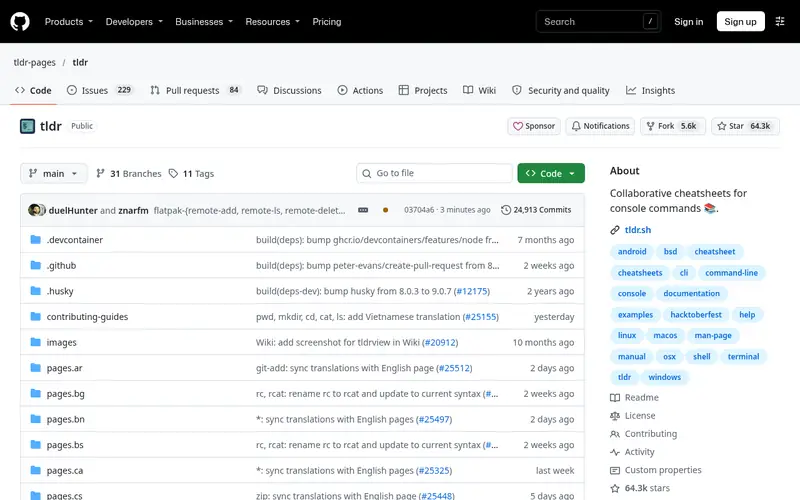
tldr pages is the data behind most of the tools in this guide. Each page gives a one-line description and a handful of common examples instead of the full option list a man page carries. The project is community-maintained on GitHub and accepts pull requests for new pages and corrections.
The pages themselves are plain Markdown, so you can read them in a browser, clone the repository, or use any client. There is no single official binary. That is a strength for portability and a small friction point for setup, since you need to pick a client or use the web version. Skip it if you need every flag documented; keep man for that.
Standout: Large community-maintained page set
Free (open source), as listed by the vendor (tldr pages website). Confirm the current plan price before you buy.
Free plan. Plans change, so confirm on the vendor's pricing page before you buy.
Benefits
- Large community-maintained page set
- simple Markdown format you can edit
- works through many clients
Drawbacks
- Pages are summaries, not full reference
- coverage of niche tools varies
Skip it if this limit matters to you: pages are summaries, not full reference.
Verdict. A sensible pick for developers who want short, example-first command help.
tealdeer
Best for fast tldr client for Linux, macOS and Windows
What it is and where it fits
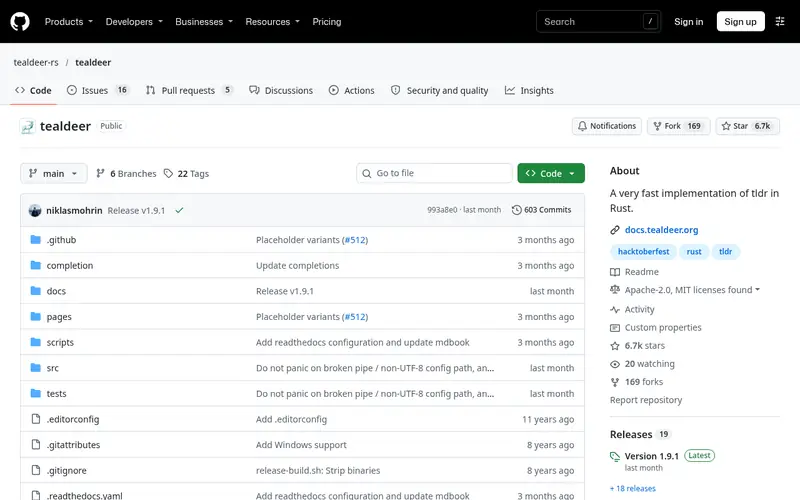
tealdeer is a client for tldr pages written in Rust. It downloads the page set to a local cache, so lookups are fast and work offline once synced. It runs on Linux, macOS and Windows and ships as a single binary, which makes installation simple through package managers or a direct download.
The command is `tldr` by default, so it fits naturally next to man in your workflow. You control cache refresh yourself, which means pages can go stale if you never update. It does not read man pages, so it is not a full replacement for the system manual. Choose it if you want the tldr experience with minimal overhead.
Standout: Single binary written in Rust
Free (open source), as listed by the vendor (tealdeer website). Confirm the current plan price before you buy.
Free plan. Plans change, so confirm on the vendor's pricing page before you buy.
Benefits
- Single binary written in Rust
- local cache makes lookups fast and offline-capable after sync
Drawbacks
- Only shows tldr pages, not full man content
- cache needs periodic updates
Skip it if this limit matters to you: only shows tldr pages, not full man content.
Verdict. A sensible pick for fast tldr client for Linux, macOS and Windows.
Alternatives in this guide: tldr pages, cheat.sh, navi
cheat.sh
Best for zero-install help over HTTP or a terminal client
What it is and where it fits
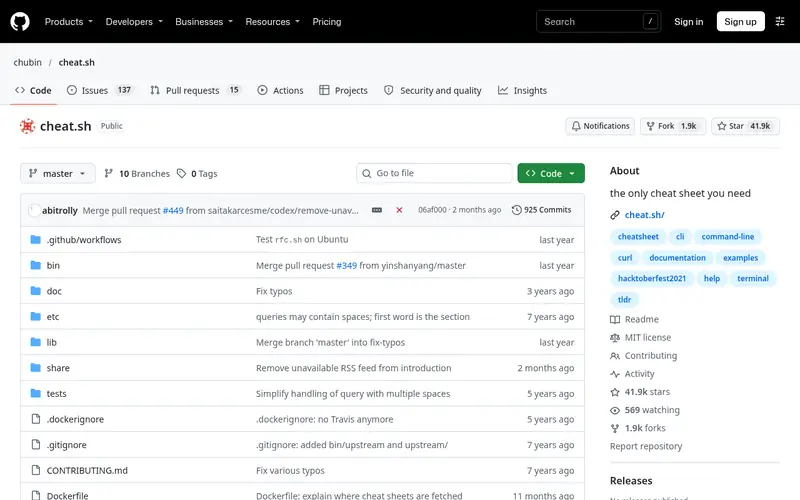
cheat.sh serves cheat sheets over HTTP. You can query it with curl, a browser or the provided shell function, and it returns concise answers for commands, programming languages and common tasks. Because it is a service, there is nothing to install and no local cache to manage.
The tradeoff is that your query leaves your machine. Do not send sensitive command lines, hostnames or tokens in a query. It also depends on the service being reachable, so it is a poor fit for air-gapped or offline environments. Use it for quick lookups when you have network access and the query is not sensitive.
Standout: Works with curl or a browser, no install needed
Free (open source), as listed by the vendor (cheat.sh website). Confirm the current plan price before you buy.
Free plan. Plans change, so confirm on the vendor's pricing page before you buy.
Benefits
- Works with curl or a browser, no install needed
- covers many languages and tools beyond shell commands
Drawbacks
- Queries go to a remote server
- depends on network access and service availability
Skip it if this limit matters to you: queries go to a remote server.
Verdict. A sensible pick for zero-install help over HTTP or a terminal client.
Alternatives in this guide: tldr pages, tealdeer, navi
navi
Best for interactive cheat sheet browser with fuzzy search
What it is and where it fits
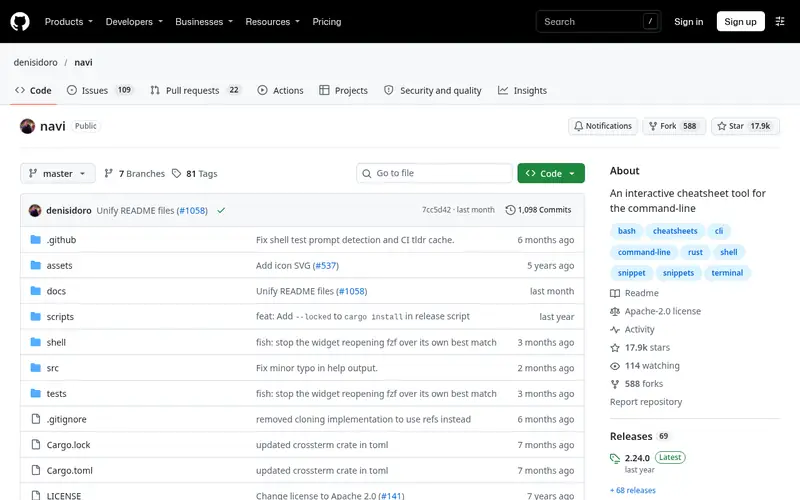
navi is an interactive cheatsheet tool. It lets you browse and search snippets with a fuzzy finder, preview a command, and fill in variables before running it. It can load cheat sheets from cheat.sh, local files and your own repositories, so you can mix community content with team-specific commands.
It runs on Linux and macOS, with Windows support through compatible environments. The interactive model is helpful when you half-remember a command but not the exact syntax. It is slower than typing `tldr tar` when you already know what you want. Skip it if you prefer non-interactive output you can pipe or copy.
Standout: Fuzzy search and interactive selection
Free (open source), as listed by the vendor (navi website). Confirm the current plan price before you buy.
Free plan. Plans change, so confirm on the vendor's pricing page before you buy.
Benefits
- Fuzzy search and interactive selection
- can pull cheat sheets from multiple repositories
Drawbacks
- Interactive workflow is slower for a single known command
- requires some configuration
Skip it if this limit matters to you: interactive workflow is slower for a single known command.
Verdict. A sensible pick for interactive cheat sheet browser with fuzzy search.
Alternatives in this guide: tldr pages, tealdeer, cheat.sh
cheat
Best for managing your own personal cheat sheets
What it is and where it fits
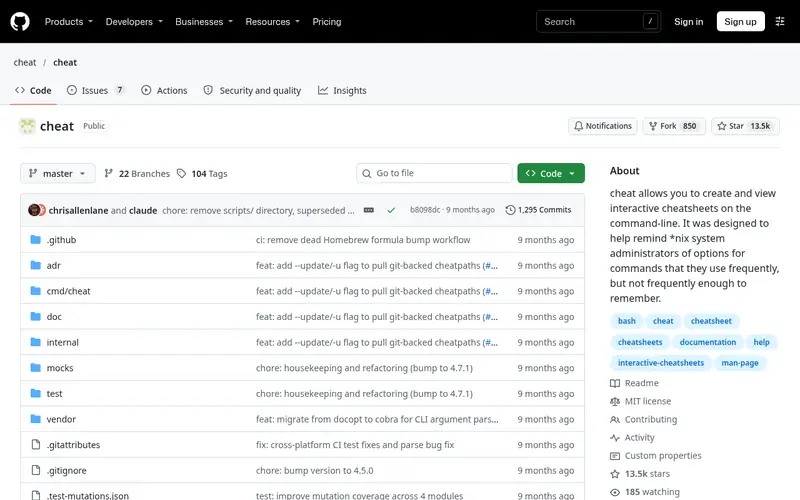
cheat lets you create and view cheat sheets from the command line. It ships with a set of community sheets and lets you add your own files, so you can record the commands your team actually uses. Sheets are plain text, which makes them easy to version in a repository.
It runs on Linux, macOS and Windows. The main value is the personal and team layer: internal deploy commands, environment-specific flags, and notes that no public project would carry. The public sheet set is smaller than tldr's, so it works best alongside a tldr client rather than as the only tool. Plan to maintain your own sheets over time.
Standout: Simple workflow for creating and editing your own sheets
Free (open source), as listed by the vendor (cheat website). Confirm the current plan price before you buy.
Free plan. Plans change, so confirm on the vendor's pricing page before you buy.
Benefits
- Simple workflow for creating and editing your own sheets
- can combine community sheets with personal ones
Drawbacks
- Community sheet coverage is thinner than tldr
- personal sheets need your own upkeep
Skip it if this limit matters to you: community sheet coverage is thinner than tldr.
Verdict. A sensible pick for managing your own personal cheat sheets.
Alternatives in this guide: tldr pages, tealdeer, cheat.sh
eg
Best for example-focused help with detailed explanations
What it is and where it fits
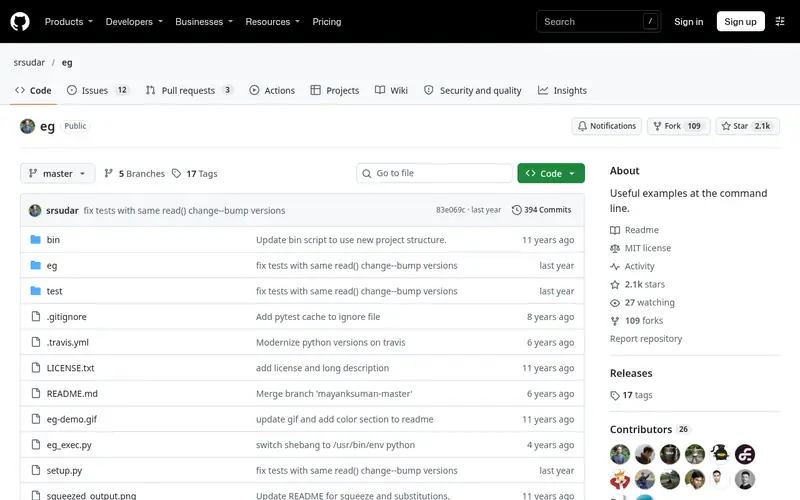
eg provides examples for common commands with a short explanation for each one. It is closer to a tutorial than a reference, which helps when you are learning a tool rather than confirming a flag. Output is formatted for the terminal and easy to scan.
It is written in Python and installs through pip. The page set is smaller than tldr's, so coverage of less common tools is limited. It runs where Python runs, which covers Linux, macOS and Windows. Choose it when explanations matter more than breadth, and pair it with man or tldr for commands it does not cover.
Standout: Explanations accompany each example
Free (open source), as listed by the vendor (eg website). Confirm the current plan price before you buy.
Free plan. Plans change, so confirm on the vendor's pricing page before you buy.
Benefits
- Explanations accompany each example
- clean terminal output
Drawbacks
- Smaller page set than tldr
- Python dependency for installation
Skip it if this limit matters to you: smaller page set than tldr.
Verdict. A sensible pick for example-focused help with detailed explanations.
Alternatives in this guide: tldr pages, tealdeer, cheat.sh
Dash for macOS
Best for macOS users who want offline docs plus snippet management
What it is and where it fits
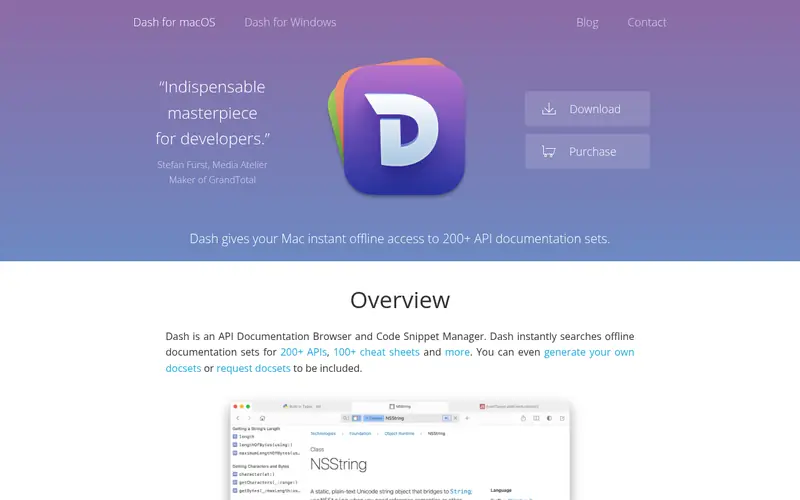
Dash is a documentation browser for macOS. It downloads documentation sets for languages, frameworks and tools, then lets you search them offline. It also stores code snippets and integrates with editors so you can look up an API without leaving your workflow.
It is a paid product with a trial; check the vendor page for current licence terms and pricing, since these change. It is macOS-only, so teams on mixed platforms need another option for Linux and Windows users. For a single developer on a Mac who wants offline reference and snippet storage in one place, it covers more ground than a terminal-only tool.
Standout: Large set of offline documentation sets
See vendor pricing page, as listed by the vendor (Dash for macOS website). Confirm the current plan price before you buy.
Free trial. Plans change, so confirm on the vendor's pricing page before you buy.
Benefits
- Large set of offline documentation sets
- integrates with many editors and supports snippets
Drawbacks
- macOS only
- paid licence after the trial
Skip it if this limit matters to you: macOS only.
Verdict. A sensible pick for macOS users who want offline docs plus snippet management.
Alternatives in this guide: tldr pages, tealdeer, cheat.sh
Zeal
Best for offline documentation browser for Linux and Windows
What it is and where it fits
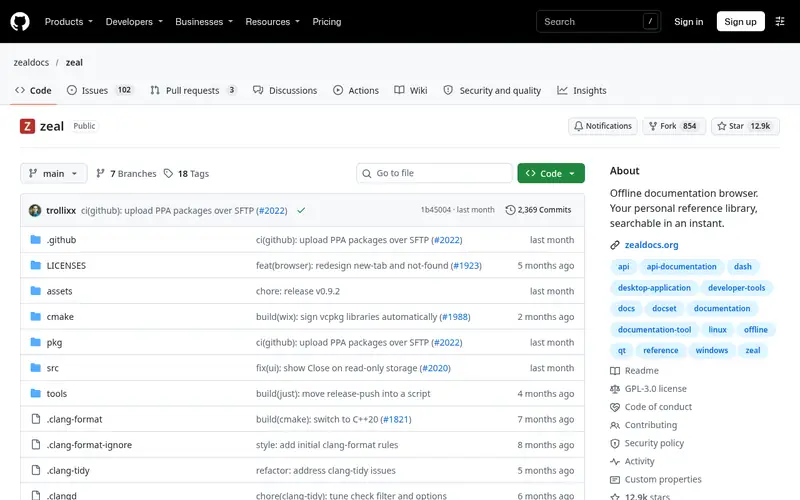
Zeal is an offline documentation browser for Linux and Windows. It downloads doc sets and lets you search them without a network connection. It is a practical choice for air-gapped machines or unreliable networks where a hosted service is not an option.
It is free and open source, and the interface is straightforward: pick doc sets, download them, search. Coverage depends on which doc sets are published, so very new or niche tools may be missing. There is no macOS build, which is the main reason to look at Dash instead. Use it when offline access to full reference docs matters more than short examples.
Standout: Free and open source
Free (open source), as listed by the vendor (Zeal website). Confirm the current plan price before you buy.
Free plan. Plans change, so confirm on the vendor's pricing page before you buy.
Benefits
- Free and open source
- offline doc sets with fast search
Drawbacks
- No macOS build
- doc set coverage depends on what is available to download
Skip it if this limit matters to you: no macOS build.
Verdict. A sensible pick for offline documentation browser for Linux and Windows.
Alternatives in this guide: tldr pages, tealdeer, cheat.sh
Who should use what
If you live in a terminal and want fast, short examples, install tealdeer and sync the tldr pages. If you cannot install software or need a quick lookup from any machine, use cheat.sh, but keep queries free of sensitive data. If you want to record your team's own commands, use cheat and keep the sheets in version control. If you need full offline documentation on Linux or Windows, use Zeal; on macOS, look at Dash and check its current pricing.
Questions to settle before you buy
What to check before you buy
- Confirm the tool runs on your operating system and installs through your package manager.
- Check whether it works offline, and how often its page or doc set cache needs updating.
- Decide whether you need short examples, full reference docs, or both.
- Review what data leaves your machine, especially with hosted services like cheat.sh.
- Check the licence and, for paid tools, the current price and trial terms on the vendor page.
FAQ
Do these tools replace man?
No. They complement man. Short example tools like tldr and eg help you get started fast, while man remains the complete reference for every flag and edge case. Most developers keep both and reach for the shorter tool first.
Which option works without installing anything?
cheat.sh works through curl or a browser with no install. Keep in mind that your query goes to a remote server, so avoid sending sensitive command lines, hostnames or tokens. For offline use with no install, read the tldr pages repository directly.
Can I use these tools offline?
tealdeer caches tldr pages locally and works offline after a sync. Zeal and Dash download documentation sets for offline search. cheat.sh requires network access. navi and cheat work offline once their sheets are stored locally.
Is there a free option for macOS?
Yes. tealdeer, navi, cheat and eg all run on macOS and are free and open source. Dash is the paid option, with a trial before you need a licence. Zeal does not have a macOS build.
How do I add my own commands?
cheat and navi both support local, personal cheat sheets. Store them in a Git repository so your team can share and review changes. tldr pages accepts contributions through pull requests if the content is generally useful.
Sources we checked
Method: how we score · editorial policy.
Change log. First published 27 Nov 2026.