Stage 01 · Write · Researched comparison
Best Shells for Developers in 2026
Zsh is the first pick for most developers because it is the default login shell on macOS, works on Linux and Unix, and has a large plugin ecosystem. Fish suits people who want smart defaults and better interactive behavior without extra setup. Bash remains the safe choice for portability and scripting, and Nushell fits developers who prefer structured data over plain text streams.

By Shihab Mia
Published 27 Nov 2026 · 7 tools compared
We run no ads and no affiliate links at launch. The order of a list follows our published method. See how we score.
Prices are the starting prices vendors list publicly. Plans change, so confirm the current price on the vendor page before you buy.
Key takeaways
- Zsh, Fish, Bash, Nushell, PowerShell 7, Xonsh and Elvish are all free, and all seven are open source.
- Zsh and Bash run on macOS, Linux and Unix; Fish, Nushell, Xonsh and Elvish also run on Windows.
- PowerShell 7 is the cross-platform choice for .NET and Windows administration tasks.
- Shell choice affects scripting syntax, startup files and completion behavior, so test it before switching your login shell.
Who each pick is for
- Developers on macOS and Linux who want a mature, extensible shellZsh
- Developers who want strong defaults and low configuration effortFish
- Developers who need portability and POSIX-style scriptingBash
- Developers who want structured data and typed pipelinesNushell
- Developers working with .NET, Windows administration or cross-platform automationPowerShell 7
- Python developers who want Python and shell commands in one languageXonsh
- Developers who want a modern shell with structured values and a clean scripting languageElvish
Comparison
| Tool | Best for | Standout feature | Listed starting price | Free plan or trial |
|---|---|---|---|---|
| 1Zsh | Developers on macOS and Linux who want a mature, extensible shell | Default login shell on macOS | Free (open source) | Free plan |
| 2Fish | Developers who want strong defaults and low configuration effort | Autosuggestions and syntax highlighting work out of the box | Free (open source) | Free plan |
| 3Bash | Developers who need portability and POSIX-style scripting | Available almost everywhere | Free (open source) | Free plan |
| 4Nushell | Developers who want structured data and typed pipelines | Commands work on structured tables instead of plain text | Free (open source) | Free plan |
| 5PowerShell 7 | Developers working with .NET, Windows administration or cross-platform automation | Object-based pipelines | Free (open source) | Free plan |
| 6Xonsh | Python developers who want Python and shell commands in one language | Python syntax and shell commands in the same session | Free (open source) | Free plan |
| 7Elvish | Developers who want a modern shell with structured values and a clean scripting language | Structured values in pipelines | Free (open source) | Free plan |
How we picked
We selected shells that are real, currently maintained projects and that work as interactive command interpreters for developers. Criteria were fit for daily development work, supported platforms, licence and price, scripting compatibility, and the main practical limits such as POSIX support and ecosystem size. Sources are official project websites, documentation and public repositories. All seven entries are free and open source. Prices and licences can change, so confirm details on the vendor or project site before you commit.
The tools, one by one
Zsh
Best for developers on macOS and Linux who want a mature, extensible shell
What it is and where it fits
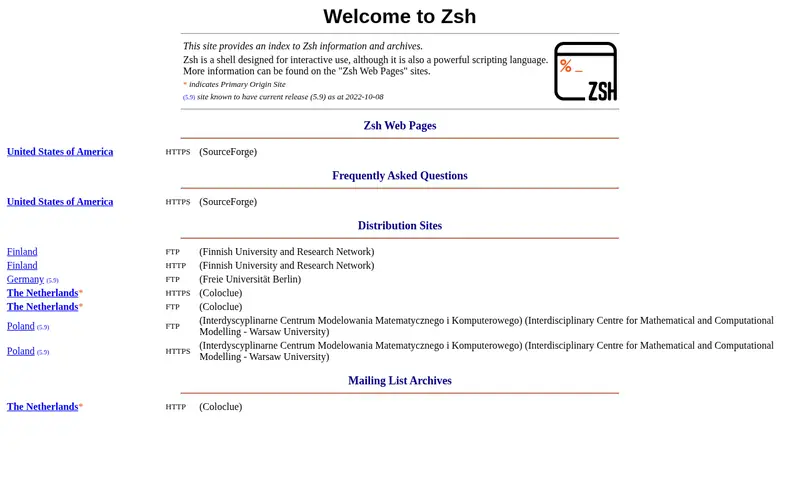
Zsh is a Unix shell with strong interactive features, including advanced tab completion, spelling correction and themable prompts. It is the default login shell on macOS and is available in package repositories on most Linux distributions. It runs on macOS, Linux and other Unix-like systems.
The shell is free and open source under an MIT-style licence. Its main strength is extensibility: frameworks and plugin managers add completion definitions, aliases and prompt customization. The cost is configuration. Zsh reads several startup files, and the order matters, so a messy setup can be hard to debug.
Zsh is a good fit if you want a widely used shell with deep customization. Developers who want sensible defaults without writing config files should look at Fish instead.
Standout: Default login shell on macOS
Free (open source), as listed by the vendor (Zsh website). Confirm the current plan price before you buy.
Free plan. Plans change, so confirm on the vendor's pricing page before you buy.
Benefits
- Default login shell on macOS
- large ecosystem of plugins and themes
Drawbacks
- Configuration is spread across several startup files
- completion setup can be complex
Skip it if this limit matters to you: configuration is spread across several startup files.
Verdict. A sensible pick for developers on macOS and Linux who want a mature, extensible shell.
Fish
Best for developers who want strong defaults and low configuration effort
What it is and where it fits
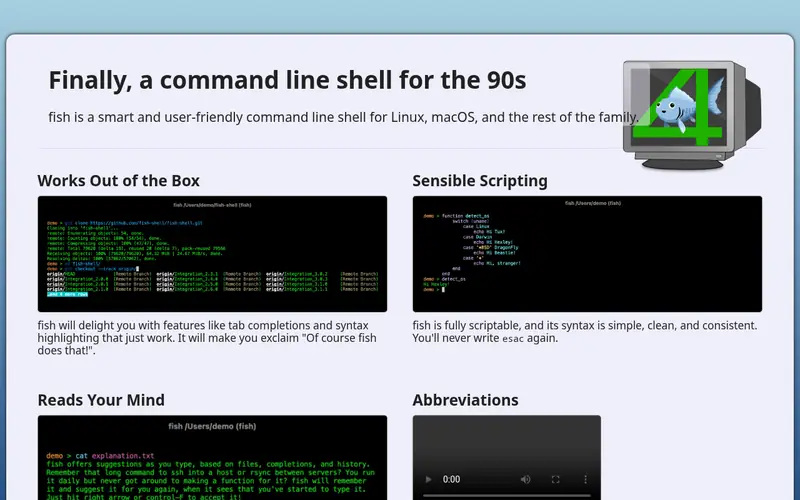
Fish is an interactive shell designed to work well without heavy configuration. It ships with autosuggestions, syntax highlighting, tab completion generated from man pages and a web-based configuration interface. It runs on macOS, Linux and Windows.
Fish is free and open source under the GPLv2. Its scripting language differs from POSIX shell syntax, which is the main trade-off. Simple scripts are easier to read, but scripts copied from Bash or Zsh often need changes. Some tools that expect a POSIX shell need a separate Bash invocation.
Fish suits developers who value interactive comfort and are willing to keep complex scripts in Bash or another language. If you need strict POSIX compatibility for shared scripts, skip it.
Standout: Autosuggestions and syntax highlighting work out of the box
Free (open source), as listed by the vendor (Fish website). Confirm the current plan price before you buy.
Free plan. Plans change, so confirm on the vendor's pricing page before you buy.
Benefits
- Autosuggestions and syntax highlighting work out of the box
- clear, readable scripting syntax
Drawbacks
- Scripting syntax is not POSIX-compatible
- some third-party scripts assume Bash or Zsh
Skip it if this limit matters to you: scripting syntax is not POSIX-compatible.
Verdict. A sensible pick for developers who want strong defaults and low configuration effort.
Bash
Best for developers who need portability and POSIX-style scripting
What it is and where it fits
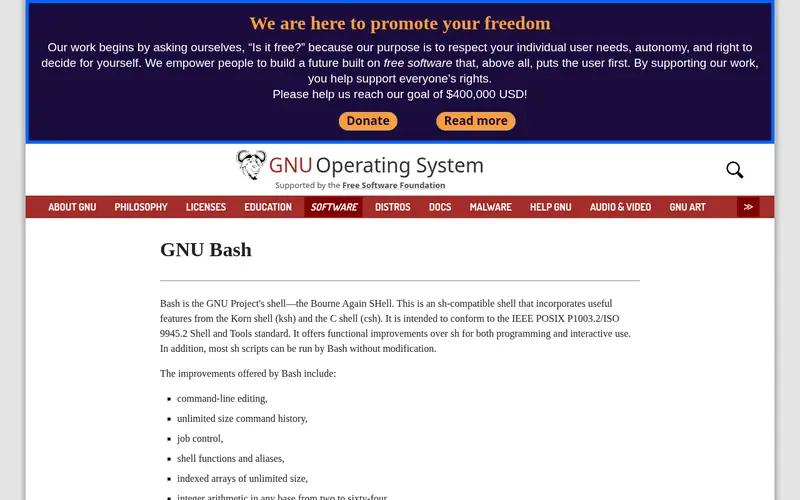
Bash is the GNU Bourne Again Shell and the default shell on many Linux distributions. It runs on Linux, macOS and other Unix-like systems, and it is the shell most CI images and container base images assume. That makes it the safest target for scripts that must run in many environments.
Bash is free and open source under the GPLv3. Interactive features such as programmable completion and prompt customization exist, but they require setup through startup files. Compared with Fish or Zsh, the defaults are plainer, and error handling in scripts is limited.
Bash is the right choice when portability matters more than interactive polish, and for anyone writing shell scripts that others will run. Developers who mostly work interactively may prefer Zsh or Fish for daily use.
Standout: Available almost everywhere
Free (open source), as listed by the vendor (Bash website). Confirm the current plan price before you buy.
Free plan. Plans change, so confirm on the vendor's pricing page before you buy.
Benefits
- Available almost everywhere
- scripts run across Linux, macOS and CI systems
Drawbacks
- Weaker interactive defaults than Fish or Zsh
- completion and prompt setup need extra work
Skip it if this limit matters to you: weaker interactive defaults than Fish or Zsh.
Verdict. A sensible pick for developers who need portability and POSIX-style scripting.
Nushell
Best for developers who want structured data and typed pipelines
What it is and where it fits
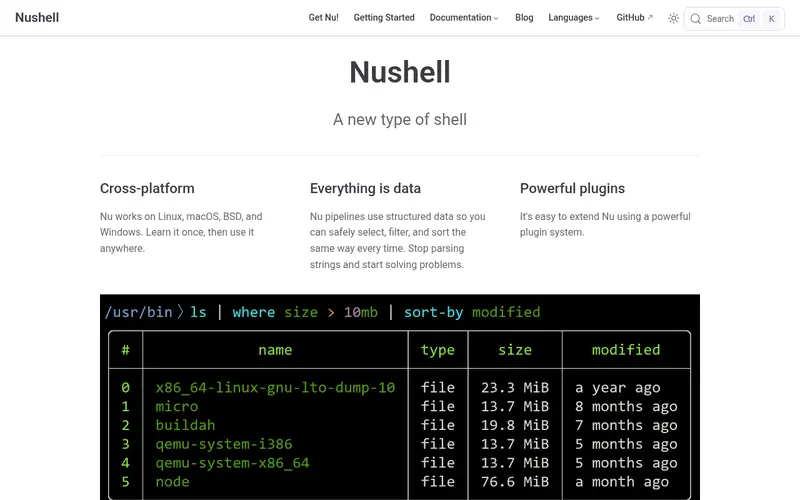
Nushell treats command output as structured data. Pipelines pass tables and records rather than raw text, which makes filtering, sorting and converting data more predictable. It runs on macOS, Linux and Windows.
Nushell is free and open source under the MIT licence. Its syntax is consistent across platforms, and built-in commands cover common file, data and network tasks. The main limit is compatibility: it does not run POSIX shell scripts, so existing automation has to be ported. External commands still work, but their output is plain text until parsed.
Nushell suits developers who work with data-heavy command lines and want fewer text-parsing workarounds. Teams with large collections of Bash scripts should keep Bash for those and use Nushell interactively.
Standout: Commands work on structured tables instead of plain text
Free (open source), as listed by the vendor (Nushell website). Confirm the current plan price before you buy.
Free plan. Plans change, so confirm on the vendor's pricing page before you buy.
Benefits
- Commands work on structured tables instead of plain text
- consistent syntax across platforms
Drawbacks
- Not POSIX-compatible, so existing shell scripts need rewriting
- smaller ecosystem than Bash or Zsh
Skip it if this limit matters to you: not POSIX-compatible, so existing shell scripts need rewriting.
Verdict. A sensible pick for developers who want structured data and typed pipelines.
PowerShell 7
Best for developers working with .NET, Windows administration or cross-platform automation
What it is and where it fits
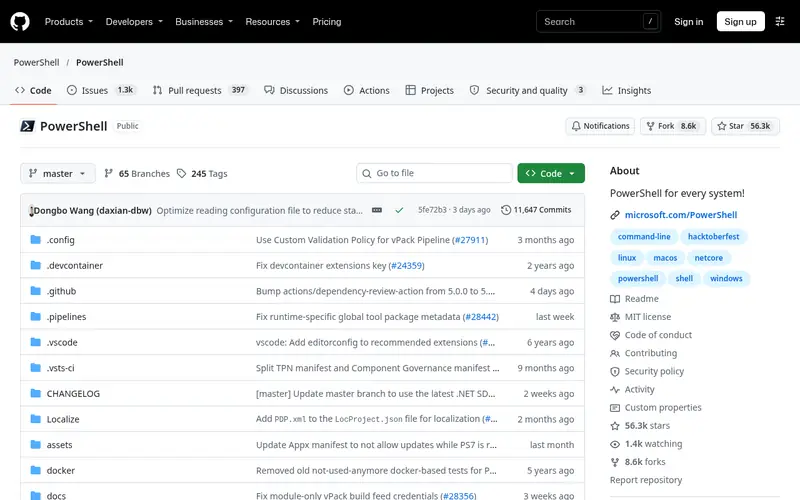
PowerShell 7 is a cross-platform automation shell and scripting language built on .NET. It runs on Windows, macOS and Linux, and it is the current major version of PowerShell, separate from the older Windows PowerShell that ships with Windows.
PowerShell 7 is free and open source under the MIT licence. Pipelines pass objects rather than text, which makes many administration and automation tasks more direct. It integrates with .NET and has modules for cloud and system management. The trade-off is syntax: cmdlet names are longer, and habits from Bash or Zsh do not carry over.
PowerShell 7 fits developers who manage Windows systems, write .NET automation or want one scripting language across platforms. Developers who only need Unix-style scripting can stay with Bash or Zsh.
Standout: Object-based pipelines
Free (open source), as listed by the vendor (PowerShell 7 website). Confirm the current plan price before you buy.
Free plan. Plans change, so confirm on the vendor's pricing page before you buy.
Benefits
- Object-based pipelines
- consistent across Windows, macOS and Linux
Drawbacks
- Verbose syntax compared with Unix shells
- different conventions from POSIX tools
Skip it if this limit matters to you: verbose syntax compared with Unix shells.
Verdict. A sensible pick for developers working with .NET, Windows administration or cross-platform automation.
Xonsh
Best for python developers who want Python and shell commands in one language
What it is and where it fits
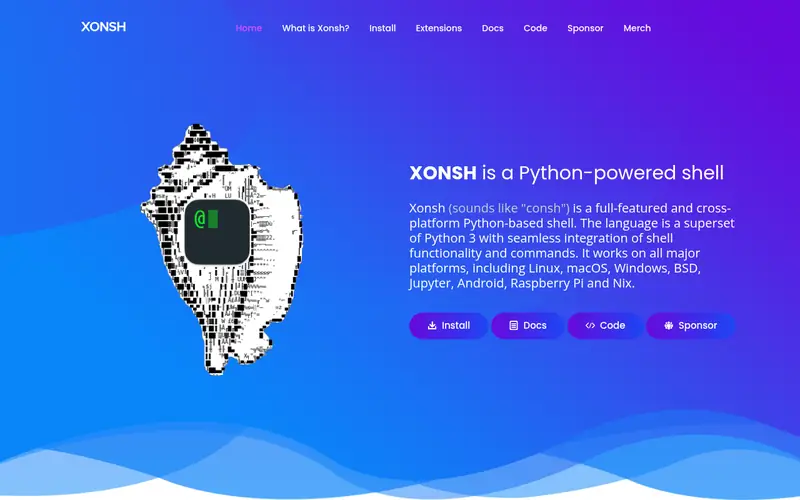
Xonsh is a shell and scripting language that combines Python with shell command syntax. It runs on macOS, Linux and Windows. You can call external commands directly and use Python expressions, loops and functions in the same script.
Xonsh is free and open source under a BSD licence. It is useful when a task needs both shell commands and real programming constructs, since you avoid switching between a shell script and a Python file. Python packages can be imported in interactive sessions.
The main limit is ecosystem size. Fewer people use Xonsh than Bash or Zsh, so examples and community answers are thinner. It also behaves differently from POSIX shells in some areas. It suits Python-heavy workflows; others should stay with a mainstream shell.
Standout: Python syntax and shell commands in the same session
Free (open source), as listed by the vendor (Xonsh website). Confirm the current plan price before you buy.
Free plan. Plans change, so confirm on the vendor's pricing page before you buy.
Benefits
- Python syntax and shell commands in the same session
- Python libraries available directly
Drawbacks
- Niche compared with mainstream shells
- some shell behavior differs from POSIX expectations
Skip it if this limit matters to you: niche compared with mainstream shells.
Verdict. A sensible pick for python developers who want Python and shell commands in one language.
Elvish
Best for developers who want a modern shell with structured values and a clean scripting language
What it is and where it fits
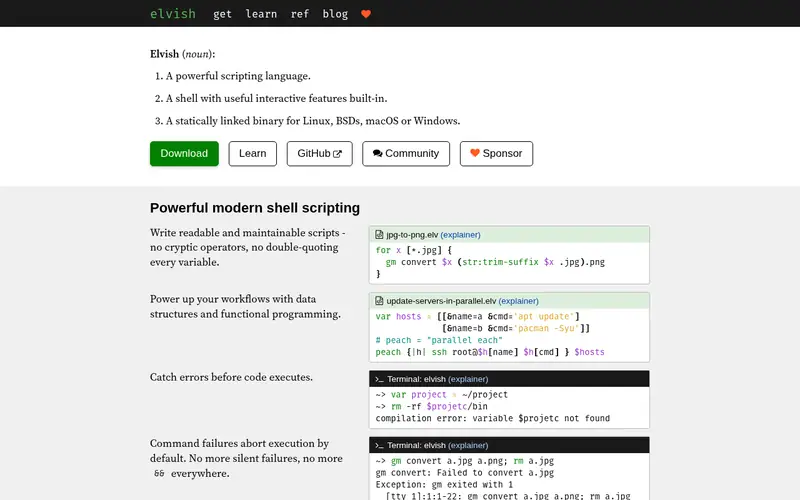
Elvish is a shell with its own scripting language that passes structured values through pipelines rather than only text. It runs on macOS, Linux and Windows. It includes features such as command completion, a directory history mode and a built-in package manager for its modules.
Elvish is free and open source under a BSD-style licence. Its syntax is consistent between interactive use and scripts, which reduces surprises. The trade-off is compatibility: it does not run POSIX scripts, and the community is small, so help and third-party examples are limited.
Elvish suits developers who want a modern shell with structured data and are comfortable with a smaller ecosystem. Teams that depend on POSIX scripts should not make it their default login shell.
Standout: Structured values in pipelines
Free (open source), as listed by the vendor (Elvish website). Confirm the current plan price before you buy.
Free plan. Plans change, so confirm on the vendor's pricing page before you buy.
Benefits
- Structured values in pipelines
- consistent scripting language and interactive features
Drawbacks
- Small user base
- not POSIX-compatible, so existing scripts need rewriting
Skip it if this limit matters to you: small user base.
Verdict. A sensible pick for developers who want a modern shell with structured values and a clean scripting language.
Who should use what
Developers on macOS who want a mature default should use Zsh. Anyone who wants strong interactive features with little setup should try Fish. Developers writing scripts that must run across Linux, macOS and CI systems should keep Bash. Windows and .NET developers, or people who want one automation language on every platform, should use PowerShell 7. Data-heavy command-line work fits Nushell, Python-centric workflows fit Xonsh, and developers who want structured pipelines in a small, modern shell can try Elvish.
Questions to settle before you buy
What to check before you buy
- Confirm the shell is available in your package manager or as a supported install for your OS.
- Check whether your existing scripts need POSIX compatibility, since Fish, Nushell, Xonsh and Elvish do not provide it.
- Review startup files and environment variables so the new shell reads the settings you expect.
- Verify that tab completion exists for the tools you use most, such as Git, Docker and your language toolchain.
- Test the shell as a login shell for a week before changing your system default.
FAQ
Are these shells free?
Yes. Zsh, Fish, Bash, Nushell, PowerShell 7, Xonsh and Elvish are all free and open source. You can install and use them without a paid licence. Support options vary by project.
Can I use these shells on Windows?
Fish, Nushell, PowerShell 7, Xonsh and Elvish run on Windows. Zsh and Bash are primarily Unix shells; on Windows they are typically used through a compatibility layer such as WSL rather than natively.
Which shell is best for scripting?
Bash is the safest choice for scripts that must run in many environments, because it is widely available and POSIX-style. PowerShell 7 is strong for .NET and system automation. Nushell, Xonsh and Elvish offer structured or Python-based scripting but are not POSIX-compatible.
Do I have to change my login shell?
No. You can run any of these shells in a terminal session without changing your system default. Test it interactively first, then change the login shell once your startup files and completions work as expected.
Is Zsh the same as Bash?
No. Zsh and Bash are separate shells with different features and startup files. Zsh is the default login shell on macOS and has a large plugin ecosystem. Bash is the default on many Linux distributions and is the more common target for portable scripts.
Sources we checked
Method: how we score · editorial policy.
Change log. First published 27 Nov 2026.