Stage 01 · Write · Researched comparison
Best Shell History Tools for Developers in 2026
Atuin is the first pick for most developers who want searchable, optionally synced shell history across machines, and it is free and open source. McFly suits Bash and Zsh users who want a small local tool that ranks suggestions by context. hstr is a good fit if you prefer a curses-style menu for browsing and editing history. All three are free and open source.

By Shihab Mia
Published 27 Nov 2026 · 5 tools compared
We run no ads and no affiliate links at launch. The order of a list follows our published method. See how we score.
Prices are the starting prices vendors list publicly. Plans change, so confirm the current price on the vendor page before you buy.
Key takeaways
- Atuin, McFly, hstr, fzf and zsh-history-substring-search are all free and open source, so cost is not the deciding factor.
- Atuin is the only pick here built around optional encrypted sync between machines; the others work on local history files.
- McFly and Atuin both rank suggestions by context, while hstr and the fzf widget focus on fast browsing and selection.
- zsh-history-substring-search is a small Zsh-only binding, not a full history manager, so pair it with another tool if you need search across shells.
Who each pick is for
- Developers who want searchable history and optional sync across machinesAtuin
- Bash and Zsh users who want local, context-ranked suggestionsMcFly
- Users who want a curses menu to browse, filter and edit historyhstr
- Users who already use fzf and want fuzzy Ctrl-R history searchfzf history widget
- Zsh users who want substring search bound to arrow keyszsh-history-substring-search
Comparison
| Tool | Best for | Standout feature | Listed starting price | Free plan or trial |
|---|---|---|---|---|
| 1Atuin | Developers who want searchable history and optional sync across machines | Optional end-to-end encrypted sync | Free (open source) | Free plan |
| 2McFly | Bash and Zsh users who want local, context-ranked suggestions | Ranks suggestions using context and prior choices | Free (open source) | Free plan |
| 3hstr | Users who want a curses menu to browse, filter and edit history | Full-screen menu with filtering and editing before run | Free (open source) | Free plan |
| 4fzf history widget | Users who already use fzf and want fuzzy Ctrl-R history search | Fuzzy matching over history with a familiar interface | Free (open source) | Free plan |
| 5zsh-history-substring-search | Zsh users who want substring search bound to arrow keys | Small and fast | Free (open source) | Free plan |
How we picked
We picked projects that directly address finding and reusing shell history, and that are actively maintained with public repositories. Criteria were fit for the job, supported shells and platforms, licence and price, whether history leaves the machine, and the main limits of each approach. Details come from vendor pages, project documentation and repositories. Prices and features change, so confirm current terms on the vendor site before you commit.
The tools, one by one
Atuin
Best for developers who want searchable history and optional sync across machines
What it is and where it fits
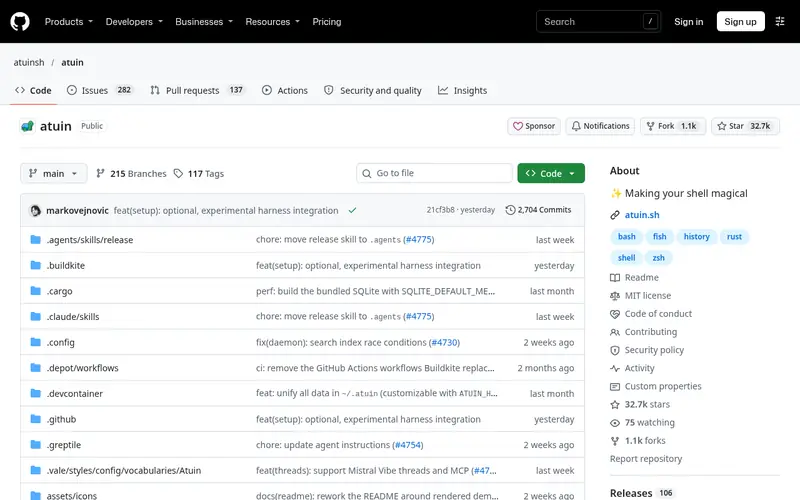
Atuin replaces your shell history with a SQLite database and adds a search interface bound to the up arrow or Ctrl-R. It records extra context with each command, such as the directory, exit code and duration, and lets you filter on it. It supports Bash, Zsh, Fish and other shells, and runs on Linux, macOS and Windows.
Sync is optional. You can run a self-hosted server or use the hosted service, and the project documents end-to-end encryption for synced data. If you only want local history, Atuin works without sync. The trade-off is a larger install and a daemon for sync, which is more than some users need. Skip it if you want a zero-configuration tool that only touches your existing history file.
Standout: Optional end-to-end encrypted sync
Free (open source), as listed by the vendor (Atuin website). Confirm the current plan price before you buy.
Free plan. Plans change, so confirm on the vendor's pricing page before you buy.
Benefits
- Optional end-to-end encrypted sync
- context-aware search across shells and machines
Drawbacks
- Sync requires a server or account
- setup is heavier than a key binding
Skip it if this limit matters to you: sync requires a server or account.
Verdict. A sensible pick for developers who want searchable history and optional sync across machines.
Alternatives in this guide: McFly, hstr, fzf history widget
McFly
Best for bash and Zsh users who want local, context-ranked suggestions
What it is and where it fits
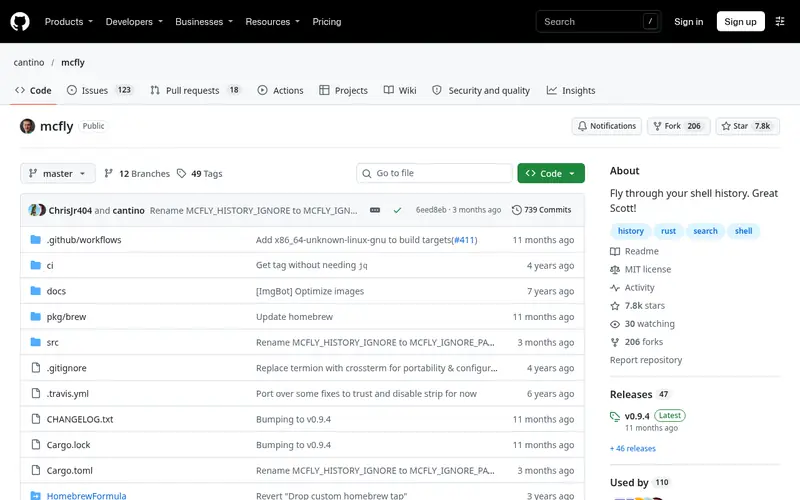
McFly replaces Ctrl-R with a search interface backed by a local SQLite database. It scores candidates using the current directory, the command you just ran and which suggestions you picked before, so frequently useful commands rise over time. It is written in Rust and ships as a single binary for Linux and macOS.
It supports Bash and Zsh. History stays on the machine; there is no sync feature, so moving between machines means copying the database or using another tool. It is a good fit if you want better ranking without a server or account. Skip it if you use Fish or need history shared across several computers.
Standout: Ranks suggestions using context and prior choices
Free (open source), as listed by the vendor (McFly website). Confirm the current plan price before you buy.
Free plan. Plans change, so confirm on the vendor's pricing page before you buy.
Benefits
- Ranks suggestions using context and prior choices
- small local database
Drawbacks
- Bash and Zsh only
- no built-in sync between machines
Skip it if this limit matters to you: bash and Zsh only.
Verdict. A sensible pick for bash and Zsh users who want local, context-ranked suggestions.
Alternatives in this guide: Atuin, hstr, fzf history widget
hstr
Best for users who want a curses menu to browse, filter and edit history
What it is and where it fits
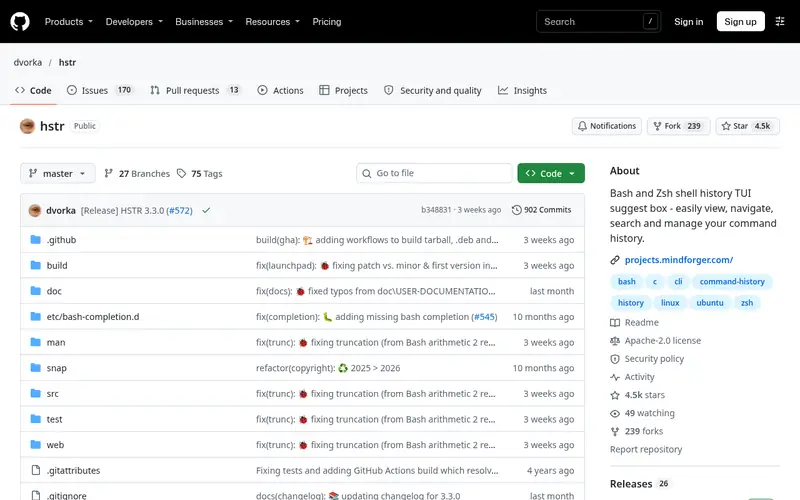
hstr shows your history in a curses interface bound to Ctrl-R. You can type to filter, move through matches, delete entries and edit a command before running it. It reads your existing shell history file, so it does not replace the history mechanism the way Atuin does.
It supports Bash and Zsh on Linux and macOS. Setup involves binding the key and pointing hstr at your history file. There is no sync and no context ranking beyond filtering. It suits people who like a visible list and want to prune history as they go. Skip it if you prefer inline suggestions in the prompt.
Standout: Full-screen menu with filtering and editing before run
Free (open source), as listed by the vendor (hstr website). Confirm the current plan price before you buy.
Free plan. Plans change, so confirm on the vendor's pricing page before you buy.
Benefits
- Full-screen menu with filtering and editing before run
- works with Bash and Zsh
Drawbacks
- Interface is menu-based rather than inline
- configuration takes a few steps
Skip it if this limit matters to you: interface is menu-based rather than inline.
Verdict. A sensible pick for users who want a curses menu to browse, filter and edit history.
Alternatives in this guide: Atuin, McFly, fzf history widget
fzf history widget
Best for users who already use fzf and want fuzzy Ctrl-R history search
What it is and where it fits
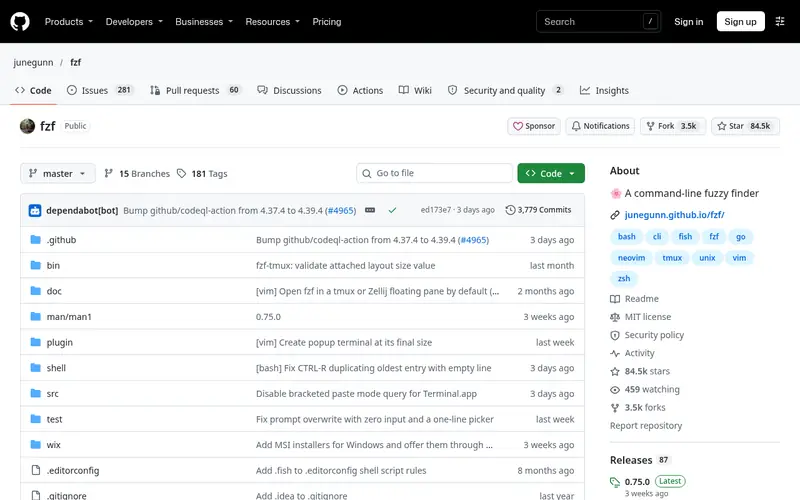
fzf is a general-purpose fuzzy finder, and its shell integration includes a Ctrl-R binding that searches history. The binding is enabled through the project's shell setup scripts for Bash, Zsh and Fish. It reads the history your shell already keeps, so there is no separate database.
The strength is fuzzy matching: you can type characters in any order and narrow the list quickly. It does not rank by directory or exit code, and it does not sync. If you already use fzf for files and other lists, the history binding adds little overhead. Skip it if you want context-aware ranking or a dedicated history store.
Standout: Fuzzy matching over history with a familiar interface
Free (open source), as listed by the vendor (fzf history widget website). Confirm the current plan price before you buy.
Free plan. Plans change, so confirm on the vendor's pricing page before you buy.
Benefits
- Fuzzy matching over history with a familiar interface
- key bindings for Bash, Zsh and Fish
Drawbacks
- No context ranking or sync
- depends on fzf being installed and configured
Skip it if this limit matters to you: no context ranking or sync.
Verdict. A sensible pick for users who already use fzf and want fuzzy Ctrl-R history search.
zsh-history-substring-search
Best for zsh users who want substring search bound to arrow keys
What it is and where it fits
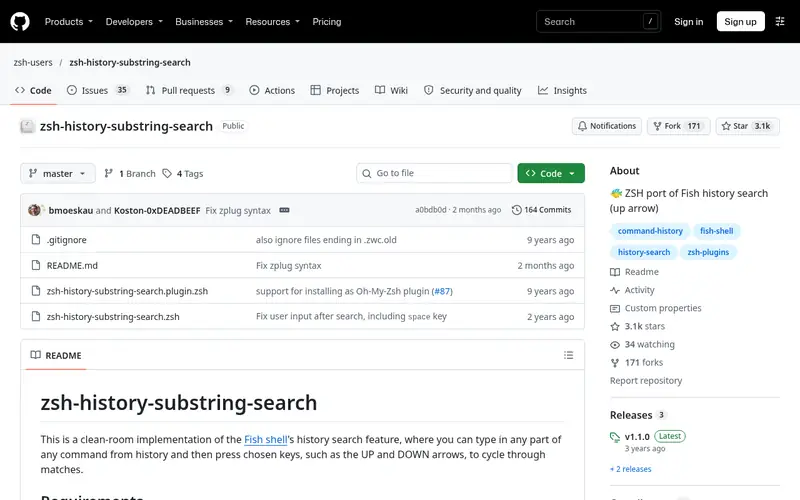
This plugin adds substring search over Zsh history and binds it to the up and down arrows, or keys you set. Typing part of a command and pressing up cycles through history entries that contain that text. It is a single script sourced from your Zsh configuration.
It does not store history separately, rank results or sync anything. It is best treated as a small addition to Zsh rather than a full replacement for Ctrl-R search. Pair it with Atuin, McFly or fzf if you want richer search. Skip it if you use Bash or Fish, or if you want a browsable list.
Standout: Small and fast
Free (open source), as listed by the vendor (zsh-history-substring-search website). Confirm the current plan price before you buy.
Free plan. Plans change, so confirm on the vendor's pricing page before you buy.
Benefits
- Small and fast
- binds substring search to keys you choose
Drawbacks
- Zsh only
- no menu, ranking or sync
Skip it if this limit matters to you: zsh only.
Verdict. A sensible pick for zsh users who want substring search bound to arrow keys.
Who should use what
If you work across a laptop and a remote server and want the same history in both places, start with Atuin and enable sync only if you need it. If you work on one machine in Bash or Zsh and want better Ctrl-R ranking with no server, McFly is the simpler choice. If you like seeing a full list you can filter and edit, try hstr. If you already use fzf for files and Git, enable its Ctrl-R binding and skip a separate tool. Zsh users who only want arrow-key substring search can add the small plugin.
Questions to settle before you buy
What to check before you buy
- Confirm the tool supports your shell (Bash, Zsh, Fish) and your operating system.
- Decide whether history should stay local or sync between machines, and check how sync data is encrypted.
- Check what the tool does to your existing history file and whether it can be imported.
- Review how to disable or uninstall it and restore your previous Ctrl-R binding.
- Read the licence and confirm the project is still maintained before relying on it.
FAQ
Do these tools send my shell history anywhere?
Only if you enable sync. Atuin sync is optional and documented as end-to-end encrypted. McFly, hstr, the fzf binding and zsh-history-substring-search work on local history files and do not sync by default.
Can I use more than one of these at the same time?
Sometimes, but key bindings can conflict. Atuin and McFly both take over Ctrl-R, so pick one for that key. The zsh-history-substring-search plugin binds arrow keys and can sit alongside a Ctrl-R tool if you configure the keys carefully.
Which tool works with Fish shell?
Atuin and the fzf history binding support Fish. McFly and hstr target Bash and Zsh, and zsh-history-substring-search is Zsh only. Check the project documentation for the current list of supported shells.
Is my history safe if I paste commands into a web page?
Avoid pasting history that contains tokens, passwords or production hostnames into third-party web pages. Prefer tools that run locally in your terminal, as all five listed here do, and keep secrets out of history where possible.
Do I need to replace my shell history file?
Not always. hstr, the fzf binding and zsh-history-substring-search read the history your shell already keeps. Atuin and McFly maintain their own databases, so check the import steps before switching.
Sources we checked
Method: how we score · editorial policy.
Change log. First published 27 Nov 2026.