Stage 01 · Write · Researched comparison
Best React Drag and Drop Libraries in 2026
dnd kit is the first pick for most React teams. It is open source, works with React 18 and 19, and supports sortable lists, grids and multi-container layouts without wrapping your markup in extra DOM nodes. For large apps that need native HTML5 drag behavior and framework-agnostic code, Pragmatic drag and drop from Atlassian is a strong alternative. For simple vertical and horizontal lists with keyboard support built in, @hello-pangea/dnd is the easiest place to start.

By Shihab Mia
Published 27 Nov 2026 · 6 tools compared
We run no ads and no affiliate links at launch. The order of a list follows our published method. See how we score.
Prices are the starting prices vendors list publicly. Plans change, so confirm the current price on the vendor page before you buy.
Key takeaways
- dnd kit is free and open source (MIT) and covers sortable lists, grids and multiple containers with one API.
- Pragmatic drag and drop is free and open source, built by Atlassian, and works outside React as well.
- @hello-pangea/dnd is the maintained fork of react-beautiful-dnd, which is archived and no longer updated.
- All six libraries are free and open source, so there is no licence cost to compare; check maintenance activity instead.
Who each pick is for
- Sortable lists, grids and multi-container layouts in Reactdnd kit
- Large apps needing native HTML5 drag with framework-agnostic corePragmatic drag and drop
- Existing codebases already built on its connector APIreact-dnd
- Simple vertical and horizontal lists with strong keyboard support@hello-pangea/dnd
- Teams wanting the SortableJS engine behind a React wrapperSortableJS with react-sortablejs
- Lightweight sortable lists with minimal configurationFormKit drag-and-drop
Comparison
| Tool | Best for | Standout feature | Listed starting price | Free plan or trial |
|---|---|---|---|---|
| 1dnd kit | Sortable lists, grids and multi-container layouts in React | No wrapper DOM nodes | Free (open source) | Free plan |
| 2Pragmatic drag and drop | Large apps needing native HTML5 drag with framework-agnostic core | Built on the browser's native drag events | Free (open source) | Free plan |
| 3react-dnd | Existing codebases already built on its connector API | Mature API with HTML5 and touch backends | Free (open source) | Free plan |
| 4@hello-pangea/dnd | Simple vertical and horizontal lists with strong keyboard support | Accessible by default | Free (open source) | Free plan |
| 5SortableJS with react-sortablejs | Teams wanting the SortableJS engine behind a React wrapper | Mature, widely used engine | Free (open source) | Free plan |
| 6FormKit drag-and-drop | Lightweight sortable lists with minimal configuration | Small API | Free (open source) | Free plan |
How we picked
We compared libraries on fit for common React drag and drop jobs (sortable lists, boards, grids, file drops), React version support, licence and price, accessibility features such as keyboard dragging, and the main limits of each API. Sources are vendor documentation, project repositories and public pricing pages. All six entries are free and open source, so cost was not a differentiator. Maintenance activity and API scope were. Prices and project status change, so confirm details on the vendor or repository page before you commit.
The tools, one by one
dnd kit
Best for sortable lists, grids and multi-container layouts in React
What it is and where it fits
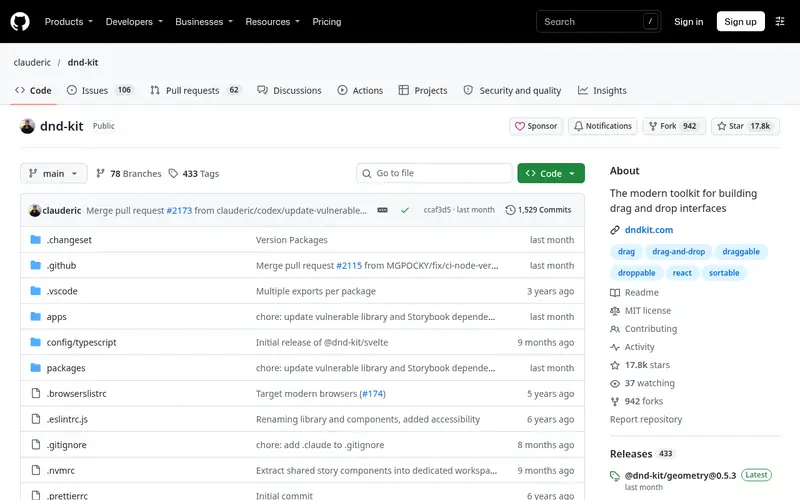
dnd kit is a modular toolkit for building drag and drop in React. You compose sensors, modifiers and collision detection rather than calling one component. That makes it a good fit for sortable lists, kanban boards, image grids and nested containers. It supports pointer, mouse, touch and keyboard sensors, so accessible drag interactions are possible without a separate library.
The package is published under the MIT licence and works with modern React versions. It does not add wrapper elements around your items, which matters when you have strict layout or CSS grid requirements. The tradeoff is more code: you write the context providers and handlers yourself. Teams that want a single component with built-in list behavior may find it heavier than needed. Check the repository for the current release and React version support before adopting it.
Standout: No wrapper DOM nodes
Free (open source), as listed by the vendor (dnd kit website). Confirm the current plan price before you buy.
Free plan. Plans change, so confirm on the vendor's pricing page before you buy.
Benefits
- No wrapper DOM nodes
- sensors for pointer, keyboard and touch
Drawbacks
- More setup code than drop-in list libraries
- docs assume some familiarity
Skip it if this limit matters to you: more setup code than drop-in list libraries.
Verdict. A sensible pick for sortable lists, grids and multi-container layouts in React.
Alternatives in this guide: Pragmatic drag and drop, react-dnd, @hello-pangea/dnd
Pragmatic drag and drop
Best for large apps needing native HTML5 drag with framework-agnostic core
What it is and where it fits
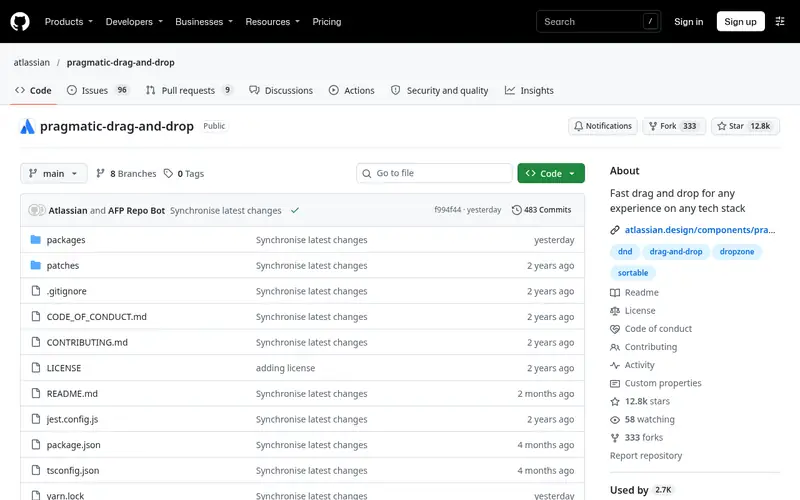
Pragmatic drag and drop is Atlassian's drag and drop system, used in its own products. The core package is framework-agnostic and sits on top of the native HTML5 drag and drop API, with optional React adapters. It supports files, external drop targets and cross-window drags that pure pointer-based libraries struggle with.
It is open source and free to use. The design favors explicit drop targets and optional visual indicators rather than a single sortable component, so you assemble behavior yourself. That suits teams with complex requirements but adds work for a basic reorderable list. Because it is newer than dnd kit and react-dnd, expect fewer community examples. Confirm the current package names and React adapter status in the repository before committing.
Standout: Built on the browser's native drag events
Free (open source), as listed by the vendor (Pragmatic drag and drop website). Confirm the current plan price before you buy.
Free plan. Plans change, so confirm on the vendor's pricing page before you buy.
Benefits
- Built on the browser's native drag events
- core works outside React
Drawbacks
- Newer ecosystem
- fewer ready-made list recipes than dnd kit
Skip it if this limit matters to you: newer ecosystem.
Verdict. A sensible pick for large apps needing native HTML5 drag with framework-agnostic core.
Alternatives in this guide: dnd kit, react-dnd, @hello-pangea/dnd
react-dnd
Best for existing codebases already built on its connector API
What it is and where it fits
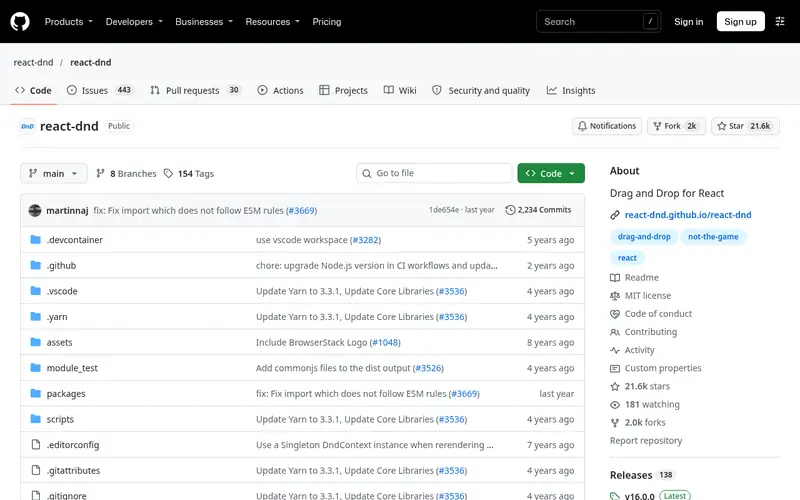
react-dnd is one of the older React drag and drop libraries. It uses a connectors and hooks model, with separate HTML5 and touch backends. Many existing projects and tutorials use it, so it remains relevant for maintenance work and for teams already familiar with its patterns.
The project is open source and free. Its activity has slowed compared with dnd kit and Pragmatic drag and drop, so check the repository's recent commits and issue activity before starting a new build on it. It works with function components through hooks, but the mental model takes time to learn. For a new project with no legacy code, the more actively developed options in this list are usually the safer choice.
Standout: Mature API with HTML5 and touch backends
Free (open source), as listed by the vendor (react-dnd website). Confirm the current plan price before you buy.
Free plan. Plans change, so confirm on the vendor's pricing page before you buy.
Benefits
- Mature API with HTML5 and touch backends
- wide historical adoption
Drawbacks
- Low recent activity
- new projects may prefer more actively maintained options
Skip it if this limit matters to you: low recent activity.
Verdict. A sensible pick for existing codebases already built on its connector API.
Alternatives in this guide: dnd kit, Pragmatic drag and drop, @hello-pangea/dnd
@hello-pangea/dnd
Best for simple vertical and horizontal lists with strong keyboard support
What it is and where it fits
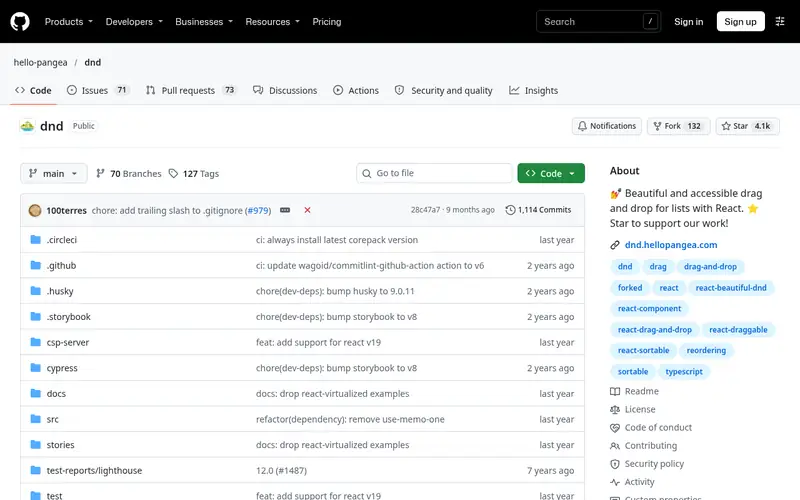
@hello-pangea/dnd is a maintained fork of react-beautiful-dnd, which is archived and no longer maintained. It keeps the same API: Droppable and Draggable components that handle vertical and horizontal lists, with keyboard dragging and screen reader announcements built in.
It is free and open source. The library is opinionated: it is designed for lists and boards, not free-form canvas dragging or file drops. If your requirement is reordering items in a column or moving cards between columns, it is one of the fastest paths to a working, accessible result. If you need grids, nested containers or arbitrary drop zones, use dnd kit or Pragmatic drag and drop instead. Check the fork's repository for current React version support.
Standout: Accessible by default
Free (open source), as listed by the vendor (@hello-pangea/dnd website). Confirm the current plan price before you buy.
Free plan. Plans change, so confirm on the vendor's pricing page before you buy.
Benefits
- Accessible by default
- small API surface for list reordering
Drawbacks
- Limited to list patterns
- not a general-purpose drag system
Skip it if this limit matters to you: limited to list patterns.
Verdict. A sensible pick for simple vertical and horizontal lists with strong keyboard support.
Alternatives in this guide: dnd kit, Pragmatic drag and drop, react-dnd
SortableJS with react-sortablejs
Best for teams wanting the SortableJS engine behind a React wrapper
What it is and where it fits
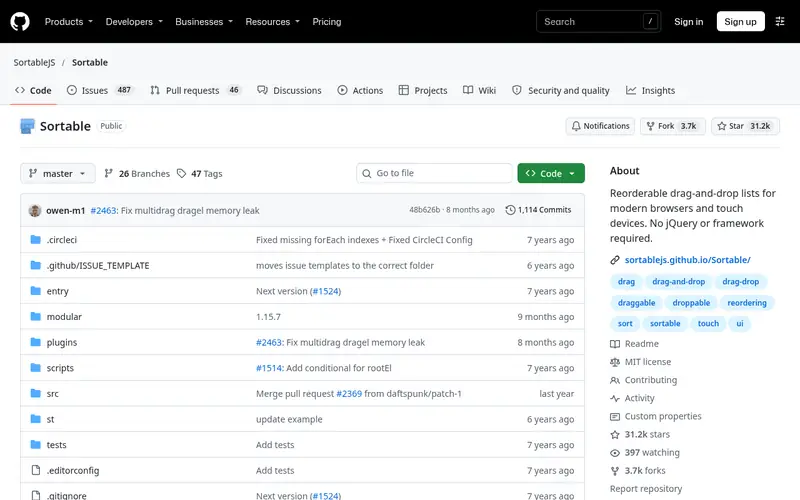
SortableJS is a long-standing, framework-agnostic drag and drop library for reorderable lists and grids. react-sortablejs is a React wrapper that binds it to a component. You get the SortableJS feature set, including multi-list sorting, handle-based dragging and animation options.
Both are free and open source. The wrapper is thin, so SortableJS manipulates the DOM directly. That can conflict with React's rendering if you are not careful about keys and state updates. It suits teams that already use SortableJS elsewhere or need its specific options. For a React-first API with fewer DOM edge cases, dnd kit or @hello-pangea/dnd are usually simpler. Review the wrapper's repository for its current maintenance status.
Standout: Mature, widely used engine
Free (open source), as listed by the vendor (SortableJS with react-sortablejs website). Confirm the current plan price before you buy.
Free plan. Plans change, so confirm on the vendor's pricing page before you buy.
Benefits
- Mature, widely used engine
- works with plain DOM and many frameworks
Drawbacks
- React wrapper is a thin layer
- imperative DOM handling can clash with React state
Skip it if this limit matters to you: react wrapper is a thin layer.
Verdict. A sensible pick for teams wanting the SortableJS engine behind a React wrapper.
Alternatives in this guide: dnd kit, Pragmatic drag and drop, react-dnd
FormKit drag-and-drop
Best for lightweight sortable lists with minimal configuration
What it is and where it fits
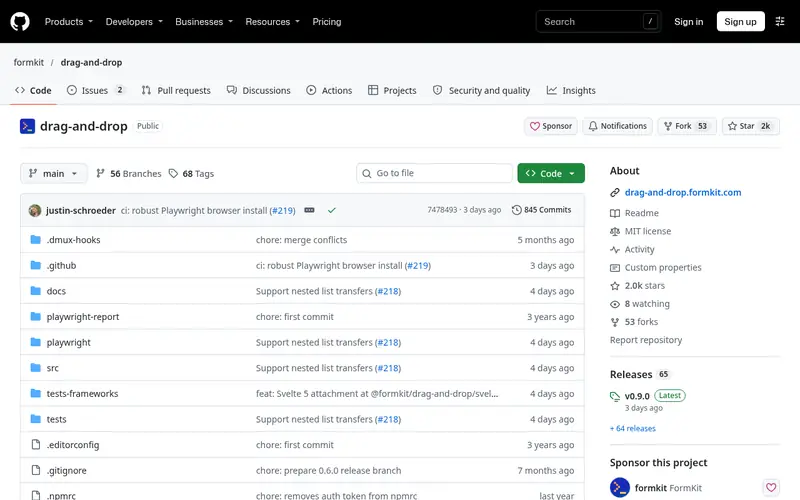
FormKit drag-and-drop is a standalone library from the FormKit project. It focuses on sortable lists and groups with a compact API, and it handles mouse and touch input. It is not tied to the FormKit form framework and can be used in any React app.
It is free and open source. The scope is narrower than dnd kit: it targets list and group sorting rather than arbitrary drag sources and drop targets. That makes it quick to set up for a reorderable list or a simple multi-column board. Teams needing file drops, cross-window drags or custom collision detection should look at Pragmatic drag and drop or dnd kit. Check the repository for React support details and recent releases before adopting it.
Standout: Small API
Free (open source), as listed by the vendor (FormKit drag-and-drop website). Confirm the current plan price before you buy.
Free plan. Plans change, so confirm on the vendor's pricing page before you buy.
Benefits
- Small API
- supports lists, groups and touch
Drawbacks
- Smaller community than dnd kit
- fewer advanced examples
Skip it if this limit matters to you: smaller community than dnd kit.
Verdict. A sensible pick for lightweight sortable lists with minimal configuration.
Alternatives in this guide: dnd kit, Pragmatic drag and drop, react-dnd
Who should use what
If you are building a kanban board or a grid with nested containers, start with dnd kit. If you need native HTML5 drag behavior, file drops or code shared with non-React parts of an app, Pragmatic drag and drop fits better. If you just need an accessible vertical or horizontal list, @hello-pangea/dnd gets you there with the least code. If you already use SortableJS in another framework and want the same engine in React, the react-sortablejs wrapper is the direct path. Teams maintaining older code on react-dnd can keep it, but new projects should weigh the more active options.
Questions to settle before you buy
What to check before you buy
- Confirm the library supports your React version, including React 19 if you have upgraded.
- Check keyboard dragging and screen reader behavior if accessibility is a requirement.
- Decide whether you need list-only sorting or arbitrary drag sources and drop targets.
- Review the repository's recent commits and open issues to judge maintenance activity.
- Test how the library handles controlled state and re-renders in your existing components.
FAQ
Is dnd kit free to use?
Yes. dnd kit is open source under the MIT licence, with no paid tier. You can use it in commercial projects at no cost. Check the repository for the current licence file and release notes.
What replaced react-beautiful-dnd?
react-beautiful-dnd is archived. @hello-pangea/dnd is a maintained fork that keeps the same API, so it is the usual migration path. It is also free and open source.
Can I use these libraries outside React?
Pragmatic drag and drop and SortableJS have framework-agnostic cores, so they work outside React. dnd kit, react-dnd, @hello-pangea/dnd and FormKit drag-and-drop are built around React or a specific framework integration.
Do these libraries support touch devices?
Most do. dnd kit, @hello-pangea/dnd, SortableJS and FormKit drag-and-drop include touch support. Test on real devices, since behavior varies by browser and by how you configure sensors.
Do I need to worry about pasting data into these tools?
No. These are code libraries you install and run in your own app. They do not send your data to a third-party web page. That differs from online formatters or encoders, where you should avoid pasting secrets or production data.
Sources we checked
Method: how we score · editorial policy.
Change log. First published 27 Nov 2026.