Stage 01 · Write · Researched comparison
Best Rails Admin Panels in 2026
ActiveAdmin is the most established choice for teams that want a DSL-driven admin built directly on Active Record, and it suits projects that already follow Rails conventions. Avo is the pick when you want a modern UI and a path to paid features. Administrate fits teams that prefer plain Rails controllers and views they can edit. All three are open source, so cost is mostly your setup time.

By Shihab Mia
Published 27 Nov 2026 · 7 tools compared
We run no ads and no affiliate links at launch. The order of a list follows our published method. See how we score.
Prices are the starting prices vendors list publicly. Plans change, so confirm the current price on the vendor page before you buy.
Key takeaways
- ActiveAdmin, Administrate, RailsAdmin, Trestle, Madmin and Motor Admin are free and open source; Avo has a free community edition plus paid tiers.
- These are Ruby gems you add to a Rails app, not hosted services, so your admin data stays inside your own application and database.
- ActiveAdmin and RailsAdmin generate admin screens from your models; Administrate and Trestle give you generated code you can edit.
- Motor Admin runs as a separate engine with its own UI and stores its configuration in your database.
Who each pick is for
- Teams that want a mature DSL-based admin on Active RecordActiveAdmin
- Teams that want a modern admin UI with an upgrade pathAvo
- Developers who want generated Rails code they can editAdministrate
- Quick model-driven admin with minimal configurationRailsAdmin
- Teams that want a Rails-native admin with editable generated codeTrestle
- Small apps that need a lightweight, simple adminMadmin
- Teams that want a no-code admin UI configured in the browserMotor Admin
Comparison
| Tool | Best for | Standout feature | Listed starting price | Free plan or trial |
|---|---|---|---|---|
| 1ActiveAdmin | Teams that want a mature DSL-based admin on Active Record | Long-established project with broad documentation | Free (open source) | Free plan |
| 2Avo | Teams that want a modern admin UI with an upgrade path | Clean default interface | See vendor pricing page | Free plan |
| 3Administrate | Developers who want generated Rails code they can edit | Generates plain controllers and views you own | Free (open source) | Free plan |
| 4RailsAdmin | Quick model-driven admin with minimal configuration | Works with many ORMs, not just Active Record | Free (open source) | Free plan |
| 5Trestle | Teams that want a Rails-native admin with editable generated code | Built on Rails conventions with generated admin resources | Free (open source) | Free plan |
| 6Madmin | Small apps that need a lightweight, simple admin | Small codebase that is easy to read and modify | Free (open source) | Free plan |
| 7Motor Admin | Teams that want a no-code admin UI configured in the browser | Configure resources and dashboards from the UI | Free (open source) | Free plan |
How we picked
We compared these gems on fit for the job, supported Rails and ORM setups, licence and pricing model, where configuration and data live, and the main limits of each. Sources are vendor pages, official documentation and project repositories. We did not run benchmarks or hands-on tests. Prices and feature splits change, so confirm current terms on the vendor site before you commit.
The tools, one by one
ActiveAdmin
Best for teams that want a mature DSL-based admin on Active Record
What it is and where it fits
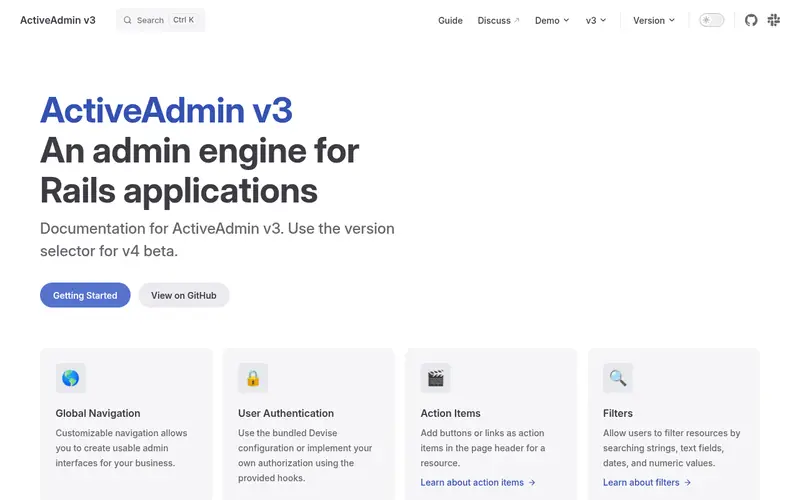
ActiveAdmin is a Rails engine that builds admin screens from your models using a Ruby DSL. You register resources in files under app/admin, and it generates index, show, edit and new pages with filters, scopes and batch actions. It works with Active Record and is designed around Rails conventions, so an existing app can get a working admin in a short time. The project is open source under the MIT license and is maintained on GitHub.
It runs wherever your Rails app runs. There is no hosted version and no paid tier, so cost is your setup and maintenance time. The main limits are the learning curve of the DSL and the default styling, which most teams override. Skip it if you want generated controllers and views you can edit directly, or if you need a modern UI out of the box.
Standout: Long-established project with broad documentation
Free (open source), as listed by the vendor (ActiveAdmin website). Confirm the current plan price before you buy.
Free plan. Plans change, so confirm on the vendor's pricing page before you buy.
Benefits
- Long-established project with broad documentation
- index filters, scopes and batch actions built in
Drawbacks
- DSL can feel heavy on large apps
- default UI looks dated without customization
Skip it if this limit matters to you: DSL can feel heavy on large apps.
Verdict. A sensible pick for teams that want a mature DSL-based admin on Active Record.
Alternatives in this guide: Avo, Administrate, RailsAdmin
Avo
Best for teams that want a modern admin UI with an upgrade path
What it is and where it fits
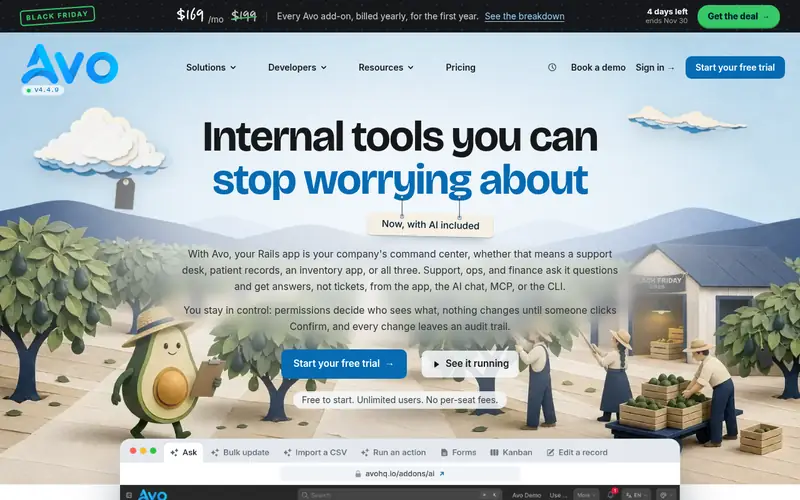
Avo is a Rails admin framework with a free community edition and paid tiers. It provides a resource-based configuration, a modern default interface, and support for Active Record models. The community edition covers the core workflow of listing, viewing and editing records. Paid tiers add features such as advanced authorization, audit logging and additional customization options.
It installs as a gem in your Rails app and runs on your own servers. Because the free edition has limits, check the vendor pricing page for the current feature split before you commit. It suits teams that value a polished UI and are willing to pay for advanced features. Skip it if you need everything under a permissive open-source license with no paid tier.
Standout: Clean default interface
See vendor pricing page, as listed by the vendor (Avo website). Confirm the current plan price before you buy.
Free plan. Plans change, so confirm on the vendor's pricing page before you buy.
Benefits
- Clean default interface
- free community edition covers core resource CRUD
Drawbacks
- Advanced features sit behind paid tiers
- smaller ecosystem than ActiveAdmin
Skip it if this limit matters to you: advanced features sit behind paid tiers.
Verdict. A sensible pick for teams that want a modern admin UI with an upgrade path.
Alternatives in this guide: ActiveAdmin, Administrate, RailsAdmin
Administrate
Best for developers who want generated Rails code they can edit
What it is and where it fits
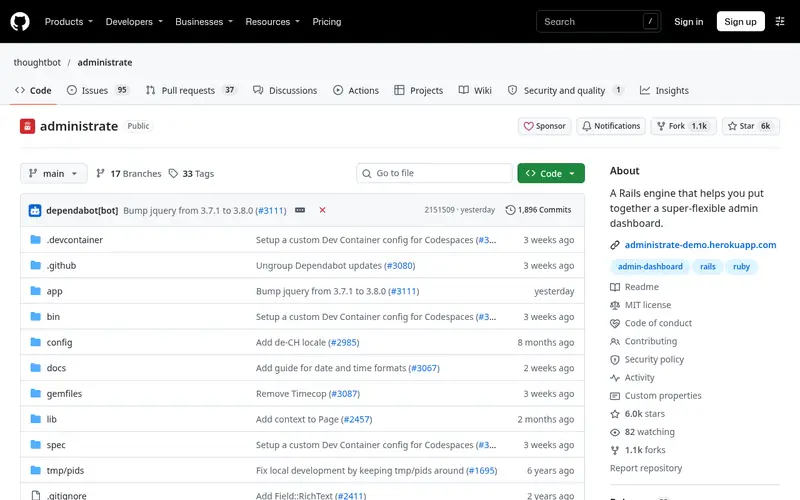
Administrate is a Thoughtbot library that generates admin dashboards as ordinary Rails controllers and views. You run a generator per model, and the output lives in your app where you can edit it like any other Rails code. There is no separate DSL to learn for the generated screens, which makes it easy to reason about and customize. It is open source under the MIT license.
It runs inside your Rails app on your own infrastructure. Because the generated code is yours, upgrades are manual: you re-run generators or adapt by hand when the library changes. The trade-off is fewer built-in features than ActiveAdmin or Avo, so expect to write more filtering, search and batch-action logic yourself. Skip it if you want a batteries-included admin with minimal custom code.
Standout: Generates plain controllers and views you own
Free (open source), as listed by the vendor (Administrate website). Confirm the current plan price before you buy.
Free plan. Plans change, so confirm on the vendor's pricing page before you buy.
Benefits
- Generates plain controllers and views you own
- follows Rails conventions closely
Drawbacks
- Less built-in than DSL-based tools
- you write more of the custom logic yourself
Skip it if this limit matters to you: less built-in than DSL-based tools.
Verdict. A sensible pick for developers who want generated Rails code they can edit.
Alternatives in this guide: ActiveAdmin, Avo, RailsAdmin
RailsAdmin
Best for quick model-driven admin with minimal configuration
What it is and where it fits
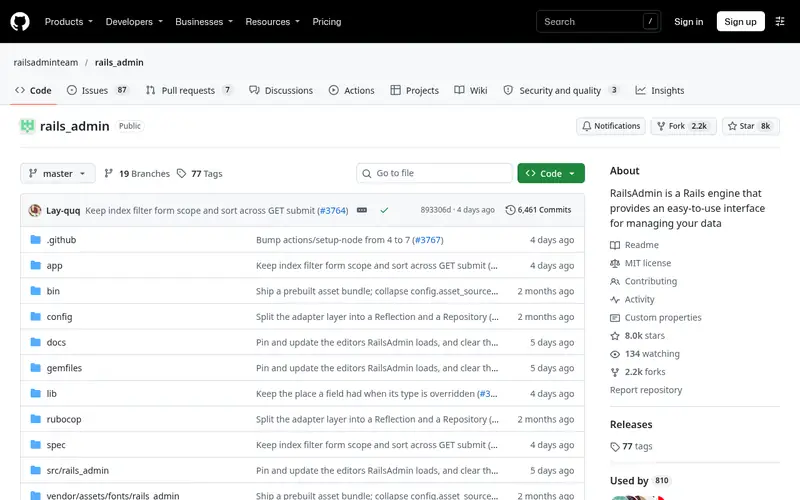
RailsAdmin is a Rails engine that provides an admin interface generated from your models. It mounts with a short initializer and works with Active Record and other ORMs through adapters, which makes it useful when a project is not purely Active Record. It offers CRUD screens, search, filtering and export options, and it is open source under the MIT license.
It runs inside your Rails app. Setup is quick: add the gem, mount the engine and configure authentication. The limits show up when you need deep customization, since the generated interface gives you less control than a DSL or generated-code approach. Skip it if you need fine-grained control over every screen, or if your app depends on ORM features the adapters do not cover.
Standout: Works with many ORMs, not just Active Record
Free (open source), as listed by the vendor (RailsAdmin website). Confirm the current plan price before you buy.
Free plan. Plans change, so confirm on the vendor's pricing page before you buy.
Benefits
- Works with many ORMs, not just Active Record
- fast to mount on an existing app
Drawbacks
- Interface and customization can feel limited
- heavy customization takes effort
Skip it if this limit matters to you: interface and customization can feel limited.
Verdict. A sensible pick for quick model-driven admin with minimal configuration.
Alternatives in this guide: ActiveAdmin, Avo, Administrate
Trestle
Best for teams that want a Rails-native admin with editable generated code
What it is and where it fits
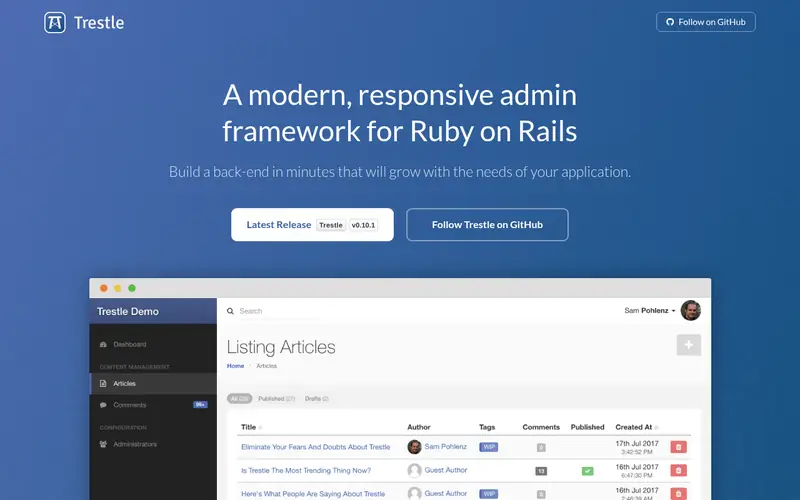
Trestle is a Rails admin framework that generates admin resources you can edit. It uses a DSL for resource configuration but keeps the output close to standard Rails, and it ships with a Bootstrap-based layout. It supports Active Record and provides CRUD screens, search, filtering and form builders. The project is open source under the MIT license.
It runs inside your Rails app on your own servers. Setup involves adding the gem and generating admin resources per model. The community is smaller than ActiveAdmin's, so fewer tutorials and extensions exist, and you may need to read the source when you hit edge cases. Skip it if you want the largest ecosystem or a paid support path.
Standout: Built on Rails conventions with generated admin resources
Free (open source), as listed by the vendor (Trestle website). Confirm the current plan price before you buy.
Free plan. Plans change, so confirm on the vendor's pricing page before you buy.
Benefits
- Built on Rails conventions with generated admin resources
- Bootstrap-based layout
Drawbacks
- Smaller community than ActiveAdmin
- fewer third-party extensions
Skip it if this limit matters to you: smaller community than ActiveAdmin.
Verdict. A sensible pick for teams that want a Rails-native admin with editable generated code.
Alternatives in this guide: ActiveAdmin, Avo, Administrate
Madmin
Best for small apps that need a lightweight, simple admin
What it is and where it fits
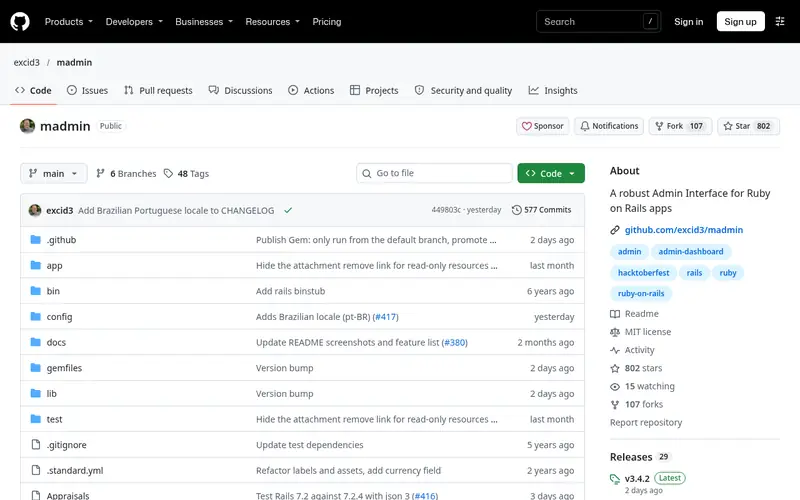
Madmin is a lightweight Rails admin gem from Chris Oliver. It focuses on a small, readable codebase rather than a large feature set, which makes it easy to understand and adapt. It provides resource-based admin screens for Active Record models and is intended for projects that need a simple internal interface without a heavy framework. It is open source.
It runs inside your Rails app. Because the codebase is small, you can read the source and adjust behavior directly, but you also get fewer built-in features such as advanced filtering or batch actions. It suits small teams and side projects. Skip it if you need extensive built-in functionality or a large community for support.
Standout: Small codebase that is easy to read and modify
Free (open source), as listed by the vendor (Madmin website). Confirm the current plan price before you buy.
Free plan. Plans change, so confirm on the vendor's pricing page before you buy.
Benefits
- Small codebase that is easy to read and modify
- quick to set up
Drawbacks
- Fewer features than larger frameworks
- limited built-in customization
Skip it if this limit matters to you: fewer features than larger frameworks.
Verdict. A sensible pick for small apps that need a lightweight, simple admin.
Alternatives in this guide: ActiveAdmin, Avo, Administrate
Motor Admin
Best for teams that want a no-code admin UI configured in the browser
What it is and where it fits
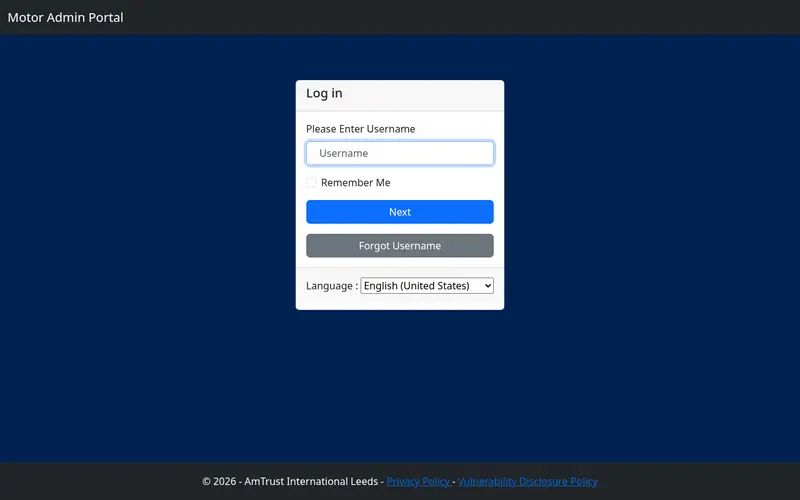
Motor Admin is a Rails engine that provides a no-code admin panel. You configure resources, forms and dashboards from the browser rather than in Ruby files, and the configuration is stored in your database. It supports Active Record models and includes features such as custom actions and SQL dashboards. The project is open source.
It mounts in your Rails app and runs on your own servers. Because configuration lives in the database, changes are made by users in the UI rather than through code review, which affects how you manage environments and migrations. It suits teams that want non-developers to adjust the admin. Skip it if you prefer all admin configuration to live in version-controlled code.
Standout: Configure resources and dashboards from the UI
Free (open source), as listed by the vendor (Motor Admin website). Confirm the current plan price before you buy.
Free plan. Plans change, so confirm on the vendor's pricing page before you buy.
Benefits
- Configure resources and dashboards from the UI
- separate engine with its own interface
Drawbacks
- Configuration lives in the database
- less code-level control than gem-based DSLs
Skip it if this limit matters to you: configuration lives in the database.
Verdict. A sensible pick for teams that want a no-code admin UI configured in the browser.
Alternatives in this guide: ActiveAdmin, Avo, Administrate
Who should use what
Teams on a conventional Active Record app that want a mature, well-documented admin should start with ActiveAdmin. Teams that want a modern UI and may pay for advanced features should look at Avo. Developers who prefer generated Rails code they can edit should choose Administrate or Trestle. Small projects that need something simple should try Madmin, and teams that want non-developers to configure the admin from a browser should evaluate Motor Admin. RailsAdmin fits apps that need multi-ORM support.
Questions to settle before you buy
What to check before you buy
- Confirm the gem supports your Rails version and ORM, and check the last release date.
- Decide whether you want a DSL, generated code or browser-based configuration, since that affects long-term maintenance.
- Check how authentication and authorization integrate with your existing user model.
- Review the licence and, for Avo, the current split between the free and paid tiers.
- Plan how you will manage admin configuration across environments and code review.
FAQ
Are these Rails admin panels free?
Most are free and open source: ActiveAdmin, Administrate, RailsAdmin, Trestle, Madmin and Motor Admin. Avo has a free community edition plus paid tiers. Check each project's licence and the vendor pricing page for current terms.
Do these tools send my data to a third party?
No. They are gems or engines that run inside your own Rails application and database. Your admin data stays on your infrastructure. Configuration storage differs: most use code files, while Motor Admin stores configuration in your database.
Can I use these with an existing Rails app?
Yes. Each is designed to mount into an existing Rails application. Setup ranges from a short initializer for RailsAdmin to per-model generators for Administrate and Trestle, or resource files for ActiveAdmin and Avo.
Which one is easiest to customize?
Administrate and Trestle generate code you can edit directly, which many developers find easiest to customize. ActiveAdmin and Avo use a DSL that is powerful but has a learning curve. Madmin has a small codebase you can read and modify.
Do any of them support ORMs other than Active Record?
RailsAdmin supports multiple ORMs through adapters. The others are primarily built around Active Record. Check the documentation for your specific ORM before choosing.
Sources we checked
Method: how we score · editorial policy.
Change log. First published 27 Nov 2026.