Stage 01 · Write · Researched comparison
Best Laravel Admin Panels in 2026
Filament is the first pick for most teams. It is free, open source, actively maintained and built on the TALL stack, so it fits Laravel projects that already use Livewire or Alpine. Laravel Nova suits teams that want a paid, first-party product with support from Laravel. Backpack for Laravel is a good alternative when you want a free core with optional paid add-ons and a more traditional Blade-based admin.

By Shihab Mia
Published 27 Nov 2026 · 6 tools compared
We run no ads and no affiliate links at launch. The order of a list follows our published method. See how we score.
Prices are the starting prices vendors list publicly. Plans change, so confirm the current price on the vendor page before you buy.
Key takeaways
- Filament is free and open source, and it is the most widely adopted option in this list.
- Laravel Nova is a paid first-party product; check the vendor pricing page for current licence terms.
- Backpack has a free open-source core and separate paid add-ons for extra features.
- Twill is a CMS toolkit rather than a general admin builder, so pick it for content-heavy sites.
Who each pick is for
- Teams on the TALL stack who want a free, full admin builderFilament
- Teams that want a paid, first-party Laravel admin with supportLaravel Nova
- Blade-oriented teams that want a free core plus paid add-onsBackpack for Laravel
- Developers who want a screen-based admin platform with its own UI kitOrchid
- Laravel teams that want a free admin panel with a simple resource APIMoonShine
- Content-heavy sites that need a CMS-style admin, not a generic CRUD builderTwill
Comparison
| Tool | Best for | Standout feature | Listed starting price | Free plan or trial |
|---|---|---|---|---|
| 1Filament | Teams on the TALL stack who want a free, full admin builder | Free and open source | Free (open source) | Free plan |
| 2Laravel Nova | Teams that want a paid, first-party Laravel admin with support | Built and supported by the Laravel team | See vendor pricing page | No free plan |
| 3Backpack for Laravel | Blade-oriented teams that want a free core plus paid add-ons | Free MIT core | Free (open source) | Free plan |
| 4Orchid | Developers who want a screen-based admin platform with its own UI kit | Free and open source | Free (open source) | Free plan |
| 5MoonShine | Laravel teams that want a free admin panel with a simple resource API | Free and open source | Free (open source) | Free plan |
| 6Twill | Content-heavy sites that need a CMS-style admin, not a generic CRUD builder | Free and open source | Free (open source) | Free plan |
How we picked
We picked packages that are currently maintained, install as Laravel packages and genuinely provide an admin panel or admin-building layer. We compared them on fit for common admin jobs, the stack they assume, licence and pricing model, how much of the core is free, and the main limits named in their documentation. Sources are vendor websites, official documentation and project repositories. Prices and licence terms change, so confirm them on the vendor site before you commit.
The tools, one by one
Filament
Best for teams on the TALL stack who want a free, full admin builder
What it is and where it fits
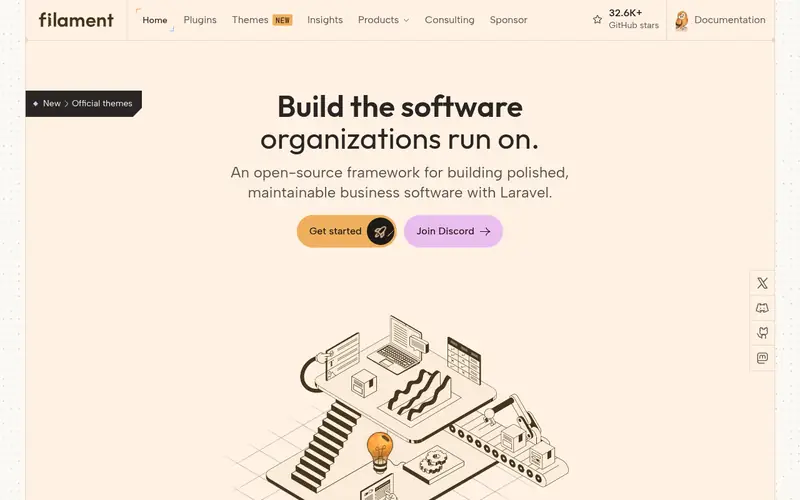
Filament is a full admin panel and form builder for Laravel built on Livewire, Alpine.js and Tailwind CSS. You define resources, forms and tables in PHP, and Filament renders the panel. It covers CRUD resources, relation managers, filters, actions, notifications, widgets and multi-panel setups with separate access rules per panel. It runs anywhere Laravel runs.
The package is free and open source under the MIT licence, with no paid tier for the core. Optional first-party plugins and a commercial ecosystem exist, but the panel itself needs no licence. The main limits are architectural: if your team does not use Livewire, the mental model takes longer to learn, and the frequent major releases mean you should read upgrade guides before bumping versions. Skip Filament if you need a Blade-only admin with no JavaScript framework layer.
Standout: Free and open source
Free (open source), as listed by the vendor (Filament website). Confirm the current plan price before you buy.
Free plan. Plans change, so confirm on the vendor's pricing page before you buy.
Benefits
- Free and open source
- large set of form, table and panel components
Drawbacks
- Tied to Livewire and Alpine
- fast release cycle means occasional upgrade work
Skip it if this limit matters to you: tied to Livewire and Alpine.
Verdict. A sensible pick for teams on the TALL stack who want a free, full admin builder.
Alternatives in this guide: Laravel Nova, Backpack for Laravel, Orchid
Laravel Nova
Best for teams that want a paid, first-party Laravel admin with support
What it is and where it fits
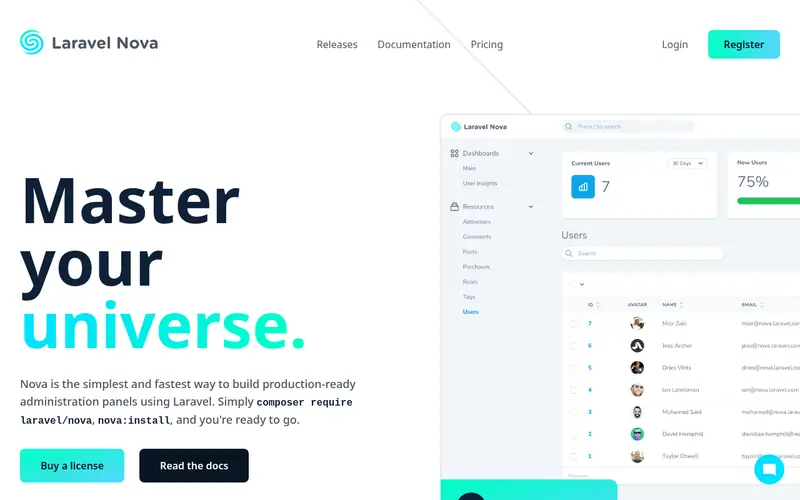
Laravel Nova is a commercial admin panel from the Laravel team. It provides resources, fields, filters, lenses, actions, metrics and cards, and it installs as a package into an existing Laravel app. Because it comes from the same organisation as the framework, its conventions track Laravel releases closely.
Nova is not free. It is sold under a paid licence with terms set by the vendor, and pricing and renewal rules change, so confirm the current cost on the vendor pricing page before you budget. There is no free plan. The trade-off is closed source: you get a maintained product and support, but you cannot modify the core. It suits teams that value first-party support over open-source flexibility, and it is a poor fit for projects that require an MIT-licensed stack.
Standout: Built and supported by the Laravel team
See vendor pricing page, as listed by the vendor (Laravel Nova website). Confirm the current plan price before you buy.
No free plan. Plans change, so confirm on the vendor's pricing page before you buy.
Benefits
- Built and supported by the Laravel team
- polished resource and metric system
Drawbacks
- Paid licence
- closed source, so you cannot patch the core yourself
Skip it if this limit matters to you: paid licence.
Verdict. A sensible pick for teams that want a paid, first-party Laravel admin with support.
Alternatives in this guide: Filament, Backpack for Laravel, Orchid
Backpack for Laravel
Best for blade-oriented teams that want a free core plus paid add-ons
What it is and where it fits
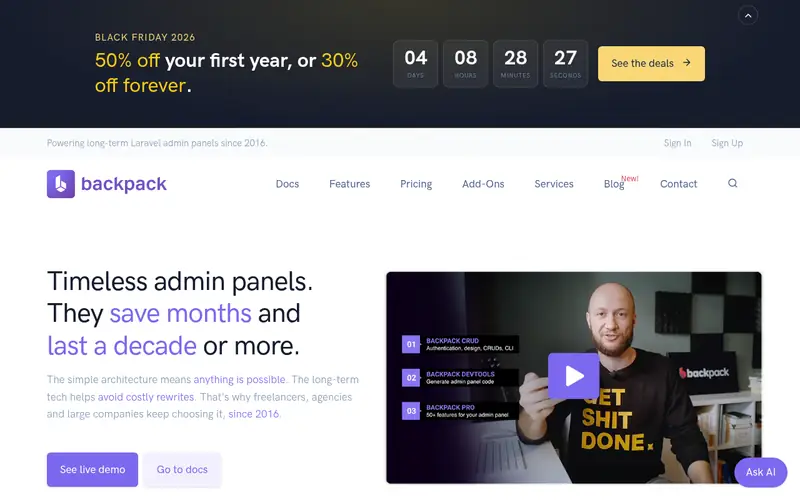
Backpack for Laravel is an admin panel builder with a free, open-source core. You generate CRUD controllers and define fields in PHP, and Backpack renders list, create, update and show views. It uses Blade templates rather than a JavaScript component framework, which makes it easier to reason about for developers who prefer server-rendered pages.
The core package is free under the MIT licence. Extra capabilities, such as some pro add-ons, are sold separately, so check which features you need before assuming the free core covers them. The project has been maintained for years and has stable documentation. Its component library is smaller than Filament's, and the add-on split means you should map your requirements to the free versus paid line early. Skip it if you want a single free package with everything included.
Standout: Free MIT core
Free (open source), as listed by the vendor (Backpack for Laravel website). Confirm the current plan price before you buy.
Free plan. Plans change, so confirm on the vendor's pricing page before you buy.
Benefits
- Free MIT core
- long-running project with clear add-on model
Drawbacks
- Some features sit behind paid add-ons
- smaller component set than Filament
Skip it if this limit matters to you: some features sit behind paid add-ons.
Verdict. A sensible pick for blade-oriented teams that want a free core plus paid add-ons.
Alternatives in this guide: Filament, Laravel Nova, Orchid
Orchid
Best for developers who want a screen-based admin platform with its own UI kit
What it is and where it fits
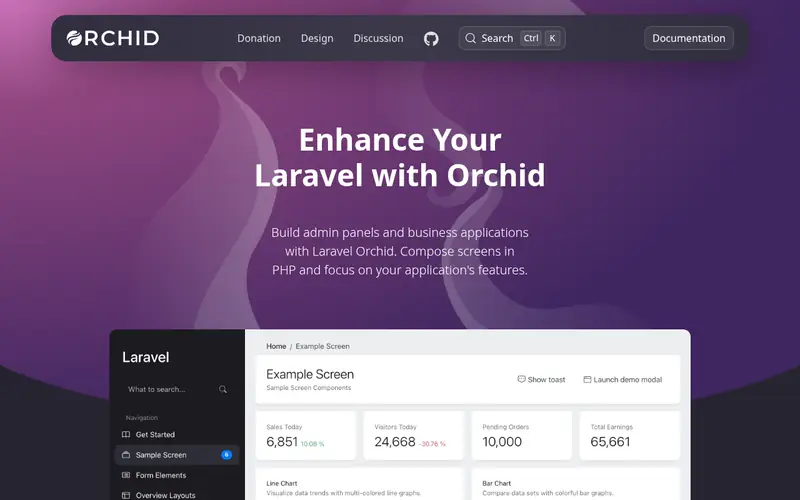
Orchid is an open-source package for building admin panels in Laravel. It introduces a screen concept, where each admin page is a class with its own layout, and it ships a set of Blade UI components for forms, tables and charts. It also includes access control helpers and a field system for building forms quickly.
Orchid is free and open source. It runs as a Laravel package with no separate runtime. The learning curve is real: the screen and layout abstractions are specific to Orchid, and documentation assumes you know Laravel well. The community and plugin ecosystem are smaller than Filament's, so you will write more custom code for edge cases. It suits developers who like its structure and want a self-contained admin platform, and it is a weaker choice if you need a large pool of ready-made third-party packages.
Standout: Free and open source
Free (open source), as listed by the vendor (Orchid website). Confirm the current plan price before you buy.
Free plan. Plans change, so confirm on the vendor's pricing page before you buy.
Benefits
- Free and open source
- includes a screen and layout abstraction plus UI components
Drawbacks
- Smaller community than Filament
- fewer third-party integrations
Skip it if this limit matters to you: smaller community than Filament.
Verdict. A sensible pick for developers who want a screen-based admin platform with its own UI kit.
Alternatives in this guide: Filament, Laravel Nova, Backpack for Laravel
MoonShine
Best for laravel teams that want a free admin panel with a simple resource API
What it is and where it fits
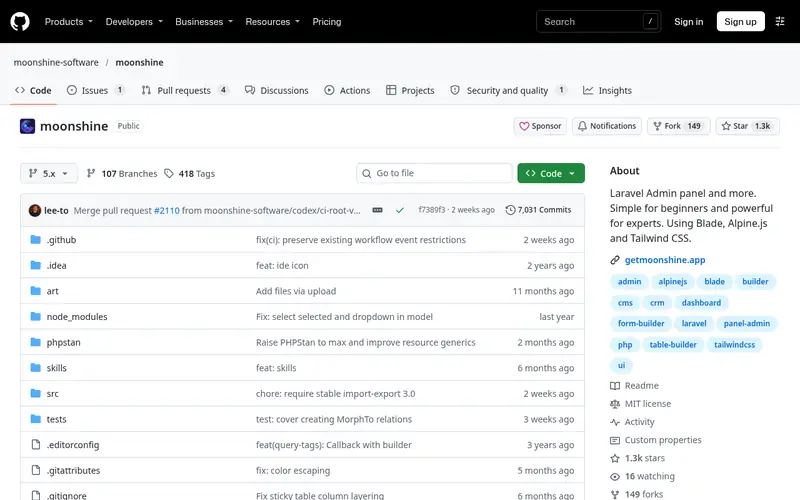
MoonShine is an open-source admin panel for Laravel. You define resources and fields in PHP, and MoonShine builds the CRUD screens, filters and tables. It includes form fields, table columns, actions and a query builder layer, and it supports Laravel's authorization features for access control.
The package is free and open source. It installs into a Laravel app and needs no paid licence for the core. Compared with Filament, the ecosystem of third-party packages is smaller, and some documentation sections are less detailed, so expect to read the source when you hit an edge case. It is a reasonable fit for small and mid-sized projects where a simple resource API is enough, and a weaker fit for large teams that need a broad plugin market and long track record.
Standout: Free and open source
Free (open source), as listed by the vendor (MoonShine website). Confirm the current plan price before you buy.
Free plan. Plans change, so confirm on the vendor's pricing page before you buy.
Benefits
- Free and open source
- straightforward resource and field definitions
Drawbacks
- Smaller ecosystem
- documentation is thinner in places than larger projects
Skip it if this limit matters to you: smaller ecosystem.
Verdict. A sensible pick for laravel teams that want a free admin panel with a simple resource API.
Alternatives in this guide: Filament, Laravel Nova, Backpack for Laravel
Twill
Best for content-heavy sites that need a CMS-style admin, not a generic CRUD builder
What it is and where it fits
Twill is an open-source CMS toolkit for Laravel from Area 17. It provides an admin interface aimed at editorial work: content blocks, media management, versioning, previews and a publishing workflow. You model content in Laravel and Twill generates the authoring screens.
Twill is free and open source. It is not a general-purpose CRUD panel in the same sense as the others; it is built around content types and editorial workflows, so it fits marketing sites, publications and other content-heavy projects. If you need a generic admin for orders, users and internal tools, Twill adds concepts you will not use. It suits teams with editorial requirements and a Laravel codebase, and it is the wrong tool for a plain database admin.
Standout: Free and open source
Free (open source), as listed by the vendor (Twill website). Confirm the current plan price before you buy.
Free plan. Plans change, so confirm on the vendor's pricing page before you buy.
Benefits
- Free and open source
- strong authoring and media features for editorial teams
Drawbacks
- CMS-focused rather than a general admin builder
- opinionated data model
Skip it if this limit matters to you: CMS-focused rather than a general admin builder.
Verdict. A sensible pick for content-heavy sites that need a CMS-style admin, not a generic CRUD builder.
Alternatives in this guide: Filament, Laravel Nova, Backpack for Laravel
Who should use what
If your app already uses Livewire and you want a free, broad component set, start with Filament. If you want a paid product with first-party support and do not need to modify the core, look at Laravel Nova. If you prefer Blade-rendered admin pages and can accept paid add-ons for some features, Backpack for Laravel fits. If you are building a content-heavy site with editorial workflows, Twill is the closer match than a generic CRUD builder.
Questions to settle before you buy
What to check before you buy
- Confirm the package supports your Laravel and PHP versions, and check the upgrade notes for the last major release.
- Check the licence: MIT core, paid licence or free core with paid add-ons, and note which features sit behind the paid line.
- Verify the stack it assumes (Livewire, Blade, Vue) matches what your team already maintains.
- Review authorization support so panel access maps to Laravel policies and gates.
- Read the documentation for the specific fields and relations you need, not just the demo screens.
FAQ
Is Filament free to use?
Yes. Filament is open source under the MIT licence, and the core panel needs no paid licence. Optional first-party and third-party plugins may have their own terms, so check each one you add.
Do I need Livewire to use Filament?
Filament is built on Livewire, Alpine.js and Tailwind CSS, so working with it means working with Livewire. If your team does not use Livewire, expect a learning period before you are productive.
Is Laravel Nova open source?
No. Nova is a commercial product sold under a paid licence by the Laravel team. Pricing and renewal terms are set by the vendor, so confirm the current cost on the vendor pricing page.
Can I use these panels for a content site?
Twill is designed for editorial workflows and content types, which makes it the closest fit for a content site. The other panels can store content, but they are general admin builders and you will model the editorial workflow yourself.
Which panel has the largest ecosystem?
Filament has the largest ecosystem of the options listed here, with a broad set of first-party and community plugins. The others have smaller ecosystems, so expect more custom code for unusual requirements.
Sources we checked
Method: how we score · editorial policy.
Change log. First published 27 Nov 2026.