Stage 01 · Write · Researched comparison
Best JavaScript Select Libraries in 2026
Tom Select is the first pick for most teams that want a small, framework-agnostic select library with search, tagging and remote data loading. Choices.js suits projects that need styled, accessible selects with little setup. react-select is the natural choice for React apps that need a controlled, extensible component. All three are open source and free to use.

By Shihab Mia
Published 27 Nov 2026 · 7 tools compared
We run no ads and no affiliate links at launch. The order of a list follows our published method. See how we score.
Prices are the starting prices vendors list publicly. Plans change, so confirm the current price on the vendor page before you buy.
Key takeaways
- Tom Select, Choices.js, Select2, react-select, Headless UI, Downshift and Vue Select are all free and open source.
- Select2 depends on jQuery, so skip it for new projects that do not already use jQuery.
- Headless UI and Downshift ship behavior and accessibility hooks but no default styles, so you style the markup yourself.
- react-select and Vue Select are tied to their frameworks; Tom Select, Choices.js and Select2 work with plain HTML and most frameworks.
Who each pick is for
- Framework-agnostic selects with search, tagging and remote dataTom Select
- Styled, accessible selects and multi-selects with low setupChoices.js
- jQuery projects that need searchable selects and remote dataSelect2
- React apps that need a controlled, extensible select componentreact-select
- React and Vue teams that want unstyled, accessible combobox behaviorHeadless UI Combobox
- React teams building custom autocomplete and select primitivesDownshift
- Vue apps that need a searchable select componentVue Select
Comparison
| Tool | Best for | Standout feature | Listed starting price | Free plan or trial |
|---|---|---|---|---|
| 1Tom Select | Framework-agnostic selects with search, tagging and remote data | Works without a framework and ships as ES modules | Free (open source) | Free plan |
| 2Choices.js | Styled, accessible selects and multi-selects with low setup | Text inputs, selects and multi-selects from one library | Free (open source) | Free plan |
| 3Select2 | jQuery projects that need searchable selects and remote data | Mature and widely used with extensive docs | Free (open source) | Free plan |
| 4react-select | React apps that need a controlled, extensible select component | Controlled component API that fits React state | Free (open source) | Free plan |
| 5Headless UI Combobox | React and Vue teams that want unstyled, accessible combobox behavior | Handles keyboard and ARIA behavior | Free (open source) | Free plan |
| 6Downshift | React teams building custom autocomplete and select primitives | Render-prop and hook APIs give full control | Free (open source) | Free plan |
| 7Vue Select | Vue apps that need a searchable select component | Simple props API for Vue | Free (open source) | Free plan |
How we picked
We picked libraries that solve the select, dropdown and autocomplete job and are actively maintained. Criteria were fit for the job, supported frameworks and platforms, price and licence, how much accessibility behavior the library handles, and the main limits such as framework lock-in or required dependencies. Sources are vendor pages, official documentation and project repositories. Prices and licences can change, so confirm on the project site before you commit.
The tools, one by one
Tom Select
Best for framework-agnostic selects with search, tagging and remote data
What it is and where it fits
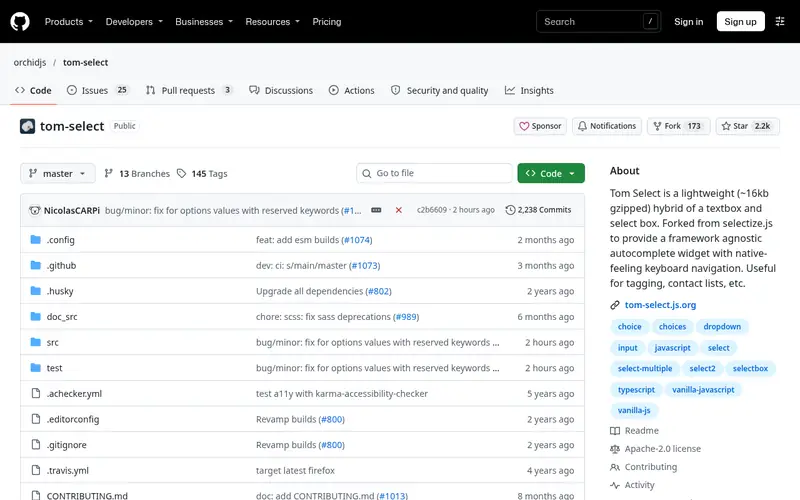
Tom Select is a fork of the older Selectize library and runs on plain JavaScript. It turns a native select or text input into a searchable dropdown with multi-select, tagging, remote data loading and optgroup support. It works with vanilla JS and has wrappers for common frameworks. The project is distributed under the Apache 2.0 licence.
The library is modular: core behavior is small, and features like drag-and-drop or virtual scrolling come as plugins you enable. That keeps the base bundle lean but means you read the plugin docs to get advanced behavior. It does not ship a full design system, so plan for custom CSS.
Skip it if you need a fully styled component out of the box or a React-specific API. Choose it when you want one library across several frameworks and are comfortable styling the control.
Standout: Works without a framework and ships as ES modules
Free (open source), as listed by the vendor (Tom Select website). Confirm the current plan price before you buy.
Free plan. Plans change, so confirm on the vendor's pricing page before you buy.
Benefits
- Works without a framework and ships as ES modules
- supports remote data, tagging and multi-select
Drawbacks
- Default styles are minimal, so you add your own CSS
- plugin setup takes some reading
Skip it if this limit matters to you: default styles are minimal, so you add your own CSS.
Verdict. A sensible pick for framework-agnostic selects with search, tagging and remote data.
Alternatives in this guide: Choices.js, Select2, react-select
Choices.js
Best for styled, accessible selects and multi-selects with low setup
What it is and where it fits
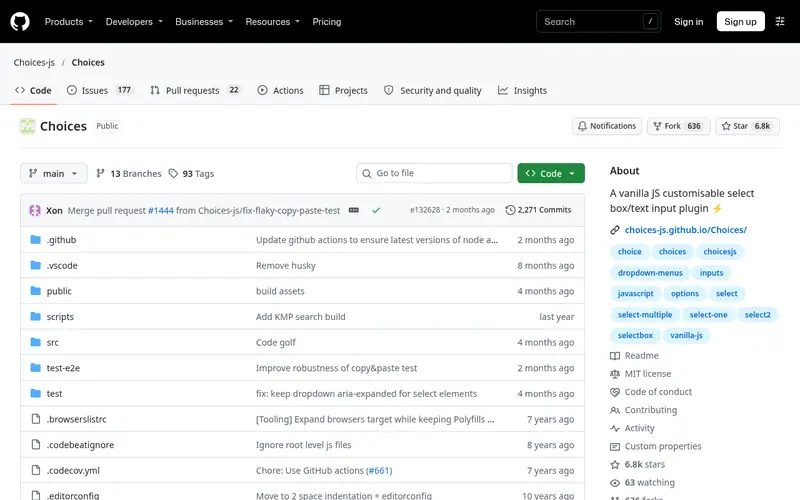
Choices.js is a vanilla JavaScript library that replaces select boxes and text inputs with customizable, accessible controls. It supports single and multi-select, searchable lists, tagging and grouped options. It is published under the MIT licence and works in any page that can load a script or module.
The library renders its own markup, which makes styling consistent across browsers but means you override its CSS classes to match a design system. It handles keyboard navigation and ARIA attributes, which helps with accessibility audits, though you should still test with a screen reader.
It is a good fit for server-rendered pages and apps that are not built around a single framework. Skip it if you need deep framework integration or a headless API where you control every element.
Standout: Text inputs, selects and multi-selects from one library
Free (open source), as listed by the vendor (Choices.js website). Confirm the current plan price before you buy.
Free plan. Plans change, so confirm on the vendor's pricing page before you buy.
Benefits
- Text inputs, selects and multi-selects from one library
- accessible markup and keyboard support
Drawbacks
- Styling overrides can be fiddly
- large option lists need care for performance
Skip it if this limit matters to you: styling overrides can be fiddly.
Verdict. A sensible pick for styled, accessible selects and multi-selects with low setup.
Alternatives in this guide: Tom Select, Select2, react-select
Select2
Best for jQuery projects that need searchable selects and remote data
What it is and where it fits
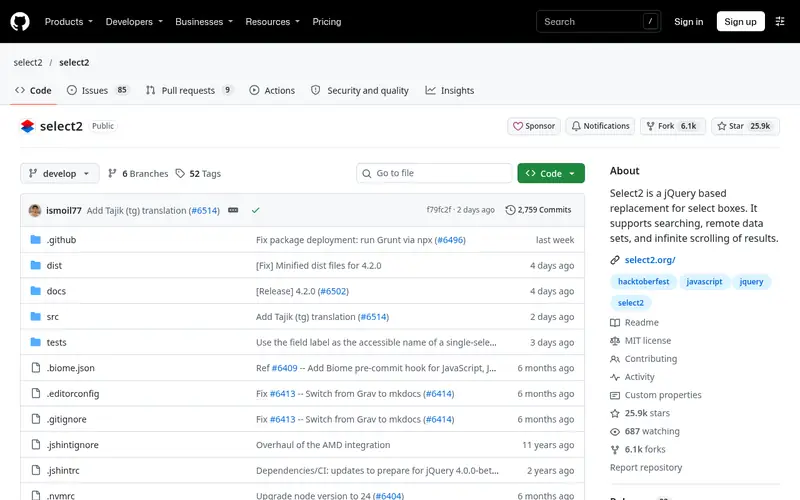
Select2 is a jQuery-based replacement for select boxes. It adds search, multi-select, tagging, remote data sets and infinite scrolling. It is licensed under MIT and has years of documentation and community answers behind it.
The main constraint is the jQuery dependency. If your codebase already uses jQuery, Select2 is a practical choice and its remote data support is well documented. For a new project without jQuery, adding the library just for a select control is hard to justify when Tom Select and Choices.js cover similar ground without it.
The default theme looks dated next to modern design systems, and custom theming takes work. Skip it for greenfield framework apps; keep it for maintaining existing jQuery admin panels and forms.
Standout: Mature and widely used with extensive docs
Free (open source), as listed by the vendor (Select2 website). Confirm the current plan price before you buy.
Free plan. Plans change, so confirm on the vendor's pricing page before you buy.
Benefits
- Mature and widely used with extensive docs
- strong remote data and AJAX support
Drawbacks
- Requires jQuery
- styling and theming are dated compared with newer libraries
Skip it if this limit matters to you: requires jQuery.
Verdict. A sensible pick for jQuery projects that need searchable selects and remote data.
Alternatives in this guide: Tom Select, Choices.js, react-select
react-select
Best for react apps that need a controlled, extensible select component
What it is and where it fits
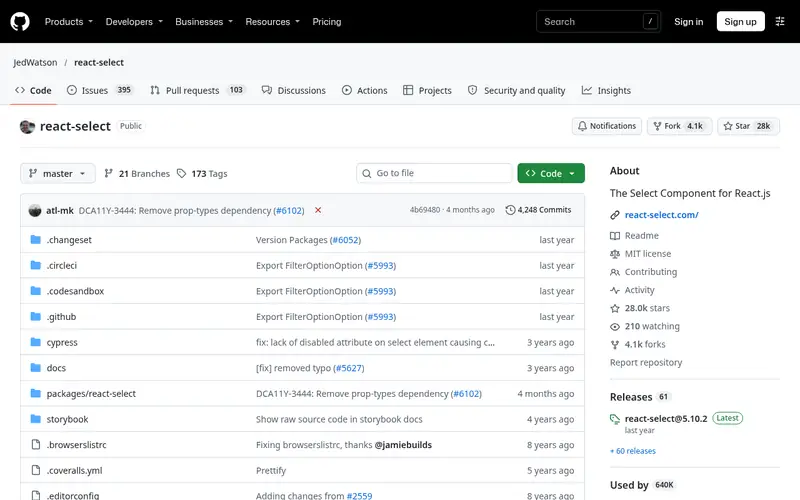
react-select is a select control for React. It supports single and multi-select, async option loading, creatable options, grouped options and custom rendering of options and values. It is MIT licensed and maintained in the react-select repository.
Because it is a controlled component, the selected value lives in your React state, which keeps forms predictable. You can replace parts of the UI with custom components, which is useful when a design system needs a specific option layout. The trade-off is that the full package is fairly large, so check what you import.
Skip it outside React. If you use a headless approach and want to own the markup, Downshift or Headless UI may fit better. Choose react-select when you want a complete component with sensible defaults.
Standout: Controlled component API that fits React state
Free (open source), as listed by the vendor (react-select website). Confirm the current plan price before you buy.
Free plan. Plans change, so confirm on the vendor's pricing page before you buy.
Benefits
- Controlled component API that fits React state
- supports async options, grouping and custom components
Drawbacks
- Only works in React
- bundle size grows with the full package
Skip it if this limit matters to you: only works in React.
Verdict. A sensible pick for react apps that need a controlled, extensible select component.
Alternatives in this guide: Tom Select, Choices.js, Select2
Headless UI Combobox
Best for react and Vue teams that want unstyled, accessible combobox behavior
What it is and where it fits
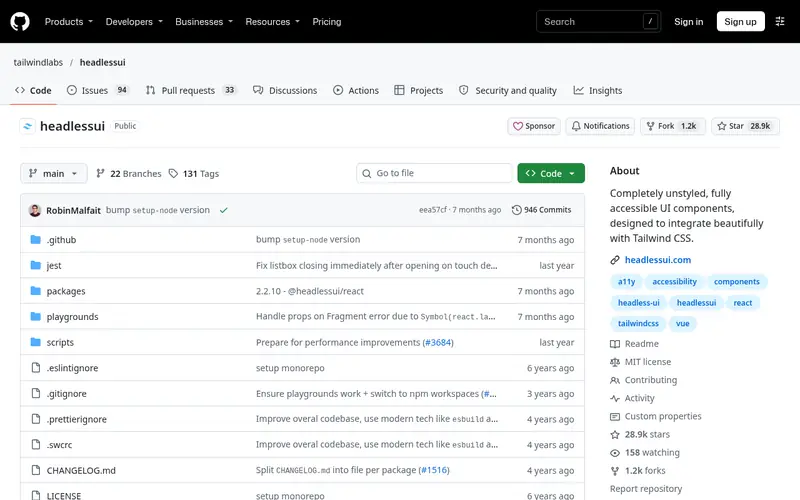
Headless UI is a set of unstyled, accessible UI components from the Tailwind Labs team. Its Combobox component covers the select and autocomplete pattern: it manages open state, keyboard navigation, focus and ARIA attributes, and leaves rendering to you. It is MIT licensed and works with React and Vue.
The benefit is full control over markup and styles, which suits teams with an existing design system. The cost is that you write the option list, the input and the styling yourself. There is no built-in remote data loading, so you wire that up in your own code.
Skip it if you want a ready-made dropdown with search and tagging out of the box. Choose it when accessibility behavior is the hard part and you already have the visual design covered.
Standout: Handles keyboard and ARIA behavior
Free (open source), as listed by the vendor (Headless UI Combobox website). Confirm the current plan price before you buy.
Free plan. Plans change, so confirm on the vendor's pricing page before you buy.
Benefits
- Handles keyboard and ARIA behavior
- no default styles, so it fits any design system
Drawbacks
- You build and style all markup yourself
- limited to React and Vue
Skip it if this limit matters to you: you build and style all markup yourself.
Verdict. A sensible pick for react and Vue teams that want unstyled, accessible combobox behavior.
Alternatives in this guide: Tom Select, Choices.js, Select2
Downshift
Best for react teams building custom autocomplete and select primitives
What it is and where it fits
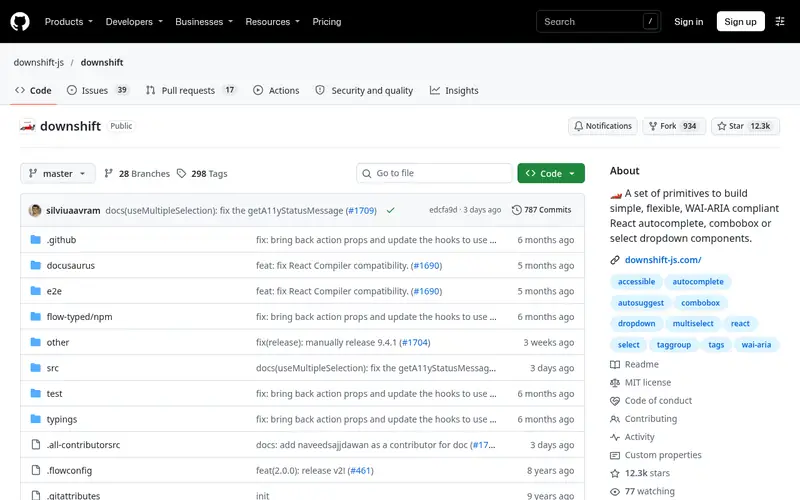
Downshift is a React library for building accessible autocomplete, combobox and select components. It provides hooks and render props that manage state, keyboard interaction and ARIA attributes, and you supply the markup. It is MIT licensed.
It is a primitive rather than a finished control. You decide how options render, how filtering works and how remote data loads. That flexibility suits teams with unusual designs or strict accessibility requirements, but it means more code than a drop-in component.
Skip it if you want a complete select with search and multi-select without writing the UI. Choose it when you need a custom interaction and want the accessibility logic handled for you.
Standout: Render-prop and hook APIs give full control
Free (open source), as listed by the vendor (Downshift website). Confirm the current plan price before you buy.
Free plan. Plans change, so confirm on the vendor's pricing page before you buy.
Benefits
- Render-prop and hook APIs give full control
- handles ARIA and keyboard patterns
Drawbacks
- React only
- you implement rendering, filtering and styling
Skip it if this limit matters to you: react only.
Verdict. A sensible pick for react teams building custom autocomplete and select primitives.
Alternatives in this guide: Tom Select, Choices.js, Select2
Vue Select
Best for vue apps that need a searchable select component
What it is and where it fits
Vue Select is a select component for Vue. It provides searchable single and multi-select, tagging, filtering and async option loading through props and events. It is MIT licensed and maintained in the vue-select repository.
It fits Vue apps that want a ready component without building the interaction from scratch. The API is smaller than react-select, and the styling is basic, so you adjust CSS to match your design. Check that the version you install matches your Vue major version.
Skip it outside Vue. Choose it when you want a compact, Vue-native select and do not need the larger feature set of a full component suite.
Standout: Simple props API for Vue
Free (open source), as listed by the vendor (Vue Select website). Confirm the current plan price before you buy.
Free plan. Plans change, so confirm on the vendor's pricing page before you buy.
Benefits
- Simple props API for Vue
- supports tagging, filtering and async options
Drawbacks
- Vue only
- styling and feature depth are smaller than react-select
Skip it if this limit matters to you: vue only.
Verdict. A sensible pick for vue apps that need a searchable select component.
Alternatives in this guide: Tom Select, Choices.js, Select2
Who should use what
A team building server-rendered forms across several frameworks should start with Tom Select or Choices.js, since both work without a framework. A React app that wants a complete component with async options should use react-select. A React or Vue team with an existing design system should look at Headless UI Combobox or Downshift and own the markup. A Vue app that wants a simple searchable select should use Vue Select. Teams maintaining jQuery admin panels can keep Select2.
Questions to settle before you buy
What to check before you buy
- Confirm the library supports your framework and version, or works without one.
- Check the licence and whether it fits your distribution model.
- Test keyboard navigation and screen reader output, not just mouse behavior.
- Review bundle size and what you import, especially for React packages.
- Check maintenance activity and open issues before adopting a library for a long-lived project.
FAQ
Do I need jQuery for these libraries?
Only Select2 requires jQuery. Tom Select, Choices.js, react-select, Headless UI, Downshift and Vue Select do not. If your project already uses jQuery, Select2 remains a practical option, but new projects can avoid the extra dependency.
Which library works without a framework?
Tom Select, Choices.js and Select2 work with plain HTML and JavaScript. The others are tied to React or Vue. If you need one select library across different stacks, a framework-agnostic option is the safer choice.
Are these libraries free?
Yes. All seven are open source and free to use under their respective licences, including MIT and Apache 2.0. Check each project's licence file for the exact terms before shipping.
Which one is best for accessibility?
Headless UI Combobox and Downshift focus on accessibility behavior and leave styling to you. Choices.js and Tom Select also handle keyboard and ARIA patterns. Whatever you pick, test with a screen reader and keyboard only.
Can these libraries load options from an API?
Tom Select, Choices.js, Select2, react-select and Vue Select support remote or async option loading. Headless UI and Downshift leave data loading to your own code, which gives you full control over caching and errors.
Sources we checked
Method: how we score · editorial policy.
Change log. First published 27 Nov 2026.