Stage 01 · Write · Researched comparison
Best JavaScript Math Libraries in 2026
math.js is the first pick for most teams that need one library for expressions, units, matrices and arbitrary precision. It suits general application and scientific work. For money and other exact decimal arithmetic, decimal.js is the safer choice, and big.js is a smaller option when you only need basic decimal math. For statistics, simple-statistics covers common descriptive and regression functions without a heavy dependency.

By Shihab Mia
Published 27 Nov 2026 · 7 tools compared
We run no ads and no affiliate links at launch. The order of a list follows our published method. See how we score.
Prices are the starting prices vendors list publicly. Plans change, so confirm the current price on the vendor page before you buy.
Key takeaways
- All seven libraries here are free and open source, so cost is not the deciding factor.
- math.js is the broadest option, but its full build is large; use its smaller bundles or tree-shaking.
- decimal.js, big.js and bignumber.js come from the same author and solve overlapping problems, so pick one rather than mixing them.
- These libraries run in Node.js and browsers and do the math locally, so no numbers are sent to a third party.
Who each pick is for
- General math, expressions, units and matrices in one librarymath.js
- Exact decimal arithmetic for money and precision-sensitive workdecimal.js
- Small, simple decimal math for prices and totalsbig.js
- Arbitrary-precision arithmetic with a familiar number-like APIbignumber.js
- Exact rational arithmetic and fraction displayFraction.js
- Descriptive statistics and regression in plain JavaScriptsimple-statistics
- Fast vector and matrix math for WebGL and 3D graphicsgl-matrix
Comparison
| Tool | Best for | Standout feature | Listed starting price | Free plan or trial |
|---|---|---|---|---|
| 1math.js | General math, expressions, units and matrices in one library | Broad feature set with expressions, units and matrices | Free (open source) | Free plan |
| 2decimal.js | Exact decimal arithmetic for money and precision-sensitive work | Arbitrary-precision decimals with configurable precision | Free (open source) | Free plan |
| 3big.js | Small, simple decimal math for prices and totals | Very small footprint | Free (open source) | Free plan |
| 4bignumber.js | Arbitrary-precision arithmetic with a familiar number-like API | Wide set of math functions | Free (open source) | Free plan |
| 5Fraction.js | Exact rational arithmetic and fraction display | Exact fractions without floating-point rounding | Free (open source) | Free plan |
| 6simple-statistics | Descriptive statistics and regression in plain JavaScript | Covers common statistics without a heavy dependency | Free (open source) | Free plan |
| 7gl-matrix | Fast vector and matrix math for WebGL and 3D graphics | High-performance vector and matrix operations | Free (open source) | Free plan |
How we picked
We picked libraries that are actively maintained, have a public repository and a clear licence, and genuinely cover the job in the heading: general math, exact decimals, big numbers, fractions, statistics or matrix math. We compared platform support, API scope, bundle size where documented, and the main limits each library states. Sources are vendor pages, documentation and project repositories. Prices and licences can change, so confirm on the vendor site.
The tools, one by one
math.js
Best for general math, expressions, units and matrices in one library
What it is and where it fits
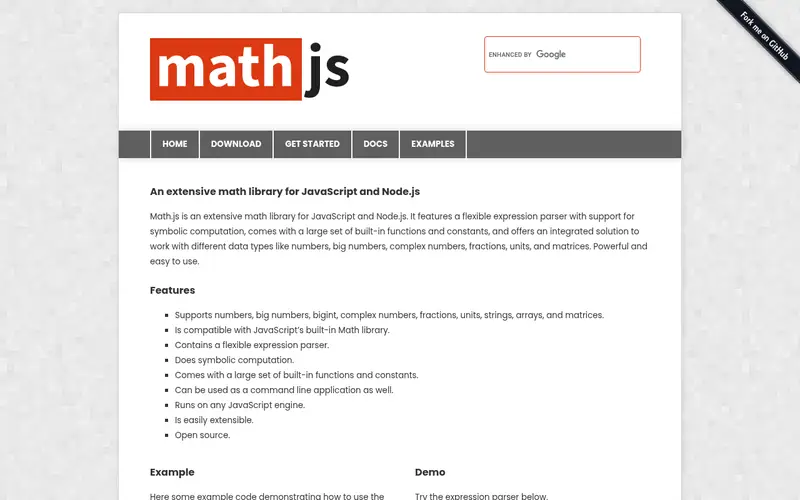
math.js is a general-purpose math library for JavaScript and Node.js. It parses and evaluates expressions, works with units, handles matrices and complex numbers, and supports arbitrary-precision arithmetic through its BigNumber configuration. It runs in browsers and Node.js and ships as an npm package under the Apache-2.0 licence.
The library offers several build sizes, including a full bundle and smaller number-only or basic builds, so you can trade features for bundle size. It also has a parser with a configurable scope, which suits calculators, rule engines and educational tools. The main cost is weight: the full build is large for a browser page, and the API is wide enough that new users need the documentation.
Skip math.js if you only need exact decimal arithmetic for prices; a focused decimal library is smaller and simpler. It is also more than you need for a single matrix operation.
Standout: Broad feature set with expressions, units and matrices
Free (open source), as listed by the vendor (math.js website). Confirm the current plan price before you buy.
Free plan. Plans change, so confirm on the vendor's pricing page before you buy.
Benefits
- Broad feature set with expressions, units and matrices
- supports arbitrary precision and big numbers
Drawbacks
- Full bundle is large
- the API surface takes time to learn
Skip it if this limit matters to you: full bundle is large.
Verdict. A sensible pick for general math, expressions, units and matrices in one library.
Alternatives in this guide: decimal.js, big.js, bignumber.js
decimal.js
Best for exact decimal arithmetic for money and precision-sensitive work
What it is and where it fits
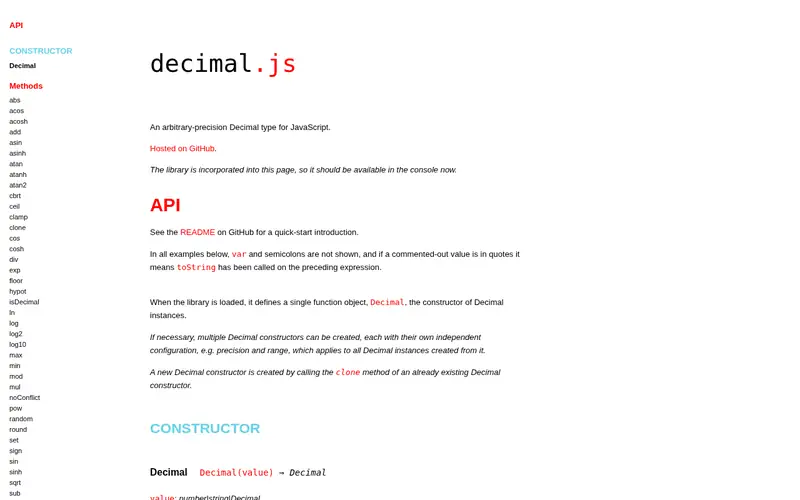
decimal.js provides arbitrary-precision decimal arithmetic. It avoids the rounding errors you get with binary floating point, which matters for prices, invoices, tax and any calculation where a value like 0.1 + 0.2 must equal 0.3. It runs in browsers and Node.js and is published under the MIT licence.
You set precision and rounding through a global configuration or per-instance settings. The library supports a wide range of math functions, including square roots, powers and logarithms, and handles values far outside the range of native numbers. It also includes methods for formatting and parsing.
The trade-off is speed: decimal operations are slower than native floating point, so avoid it in tight numeric loops such as graphics or simulations. It also does not parse expressions or handle matrices. If you need only addition, subtraction, multiplication and division on decimals, big.js is lighter.
Standout: Arbitrary-precision decimals with configurable precision
Free (open source), as listed by the vendor (decimal.js website). Confirm the current plan price before you buy.
Free plan. Plans change, so confirm on the vendor's pricing page before you buy.
Benefits
- Arbitrary-precision decimals with configurable precision
- handles very large and very small values
Drawbacks
- Slower than native numbers
- not a general expression or matrix library
Skip it if this limit matters to you: slower than native numbers.
Verdict. A sensible pick for exact decimal arithmetic for money and precision-sensitive work.
Alternatives in this guide: math.js, big.js, bignumber.js
big.js
Best for small, simple decimal math for prices and totals
What it is and where it fits
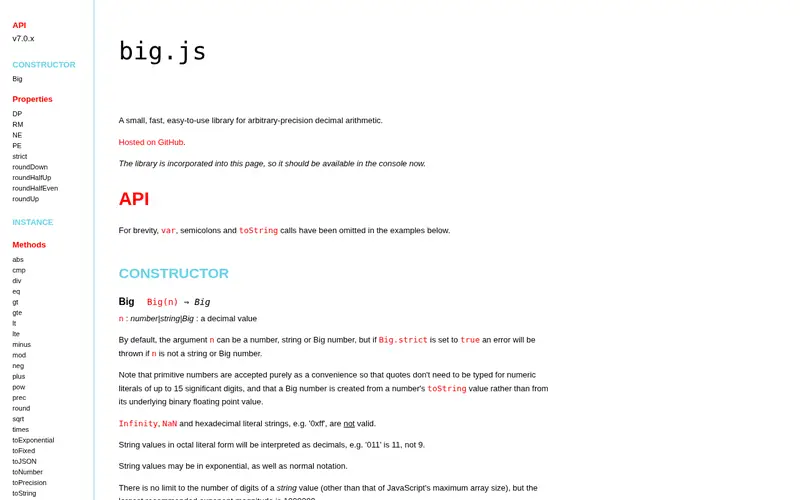
big.js is a small library for arbitrary-precision decimal arithmetic. It covers the core operations: addition, subtraction, multiplication, division, modulo, comparison and rounding. It is designed to be compact, which makes it a good fit for browser bundles where size matters. It runs in browsers and Node.js under the MIT licence.
The API is close to decimal.js but narrower. You get a Big number constructor, configurable precision and rounding, and methods for converting to and from strings and numbers. It is enough for cart totals, currency conversion and similar work.
Choose big.js when you want exact decimals without the extra weight. Choose decimal.js when you need square roots, powers, logarithms or a wider set of math functions. Neither library parses expressions or handles matrices, so they are not substitutes for math.js.
Standout: Very small footprint
Free (open source), as listed by the vendor (big.js website). Confirm the current plan price before you buy.
Free plan. Plans change, so confirm on the vendor's pricing page before you buy.
Benefits
- Very small footprint
- simple API for basic decimal operations
Drawbacks
- Limited function set
- no arbitrary-precision math functions like square root
Skip it if this limit matters to you: limited function set.
Verdict. A sensible pick for small, simple decimal math for prices and totals.
Alternatives in this guide: math.js, decimal.js, bignumber.js
bignumber.js
Best for arbitrary-precision arithmetic with a familiar number-like API
What it is and where it fits
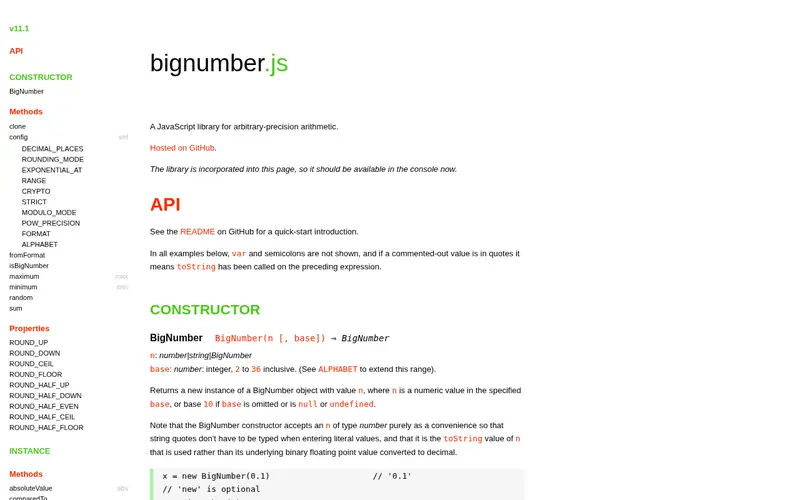
bignumber.js is an arbitrary-precision library for decimal and non-decimal arithmetic. It supports a broad set of functions, including square root, power, logarithm, exponential and trigonometric methods, plus base conversion. It runs in browsers and Node.js and is published under the MIT licence.
The API is designed to feel close to JavaScript numbers, with methods such as plus, minus, times and dividedBy. You configure precision, rounding mode and the exponent range. It handles very large and very small values and is often used in financial and scientific code.
Because it overlaps with decimal.js from the same author, most projects should pick one. decimal.js is generally the recommended choice for base-10 work, while bignumber.js is useful when you need its specific API or base-conversion features. Do not load both in the same bundle without a reason.
Standout: Wide set of math functions
Free (open source), as listed by the vendor (bignumber.js website). Confirm the current plan price before you buy.
Free plan. Plans change, so confirm on the vendor's pricing page before you buy.
Benefits
- Wide set of math functions
- configurable precision and rounding
Drawbacks
- Overlaps heavily with decimal.js
- slower than native numbers
Skip it if this limit matters to you: overlaps heavily with decimal.js.
Verdict. A sensible pick for arbitrary-precision arithmetic with a familiar number-like API.
Alternatives in this guide: math.js, decimal.js, big.js
Fraction.js
Best for exact rational arithmetic and fraction display
What it is and where it fits
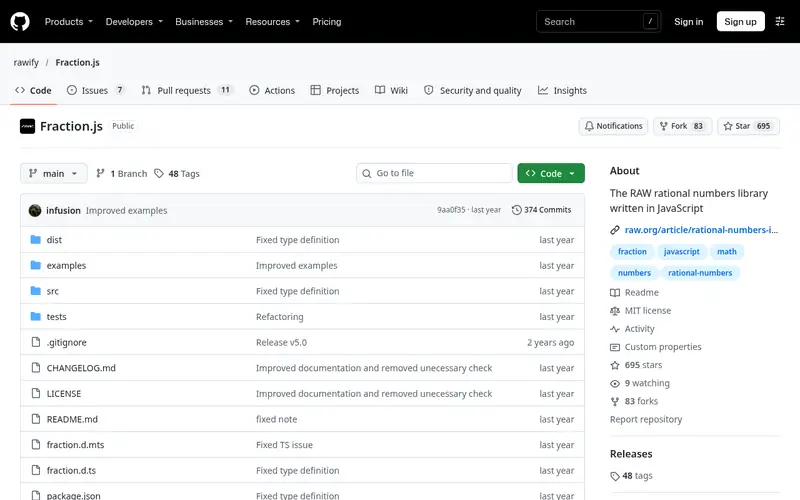
Fraction.js implements rational number arithmetic. It stores a numerator and denominator and performs addition, subtraction, multiplication and division exactly, which suits recipes, measurements, ratios and educational tools. It runs in browsers and Node.js and is published under the MIT licence.
The library parses strings such as "1/3" and mixed numbers, and it can convert to and from decimals. It also supports comparison and simplification. Because fractions are exact, results do not drift the way floating-point results can.
The main limit is growth: repeated operations can produce very large numerators and denominators, which costs memory and time. It is not a replacement for decimal libraries in money code, where a fixed decimal scale is usually clearer. It also does not cover statistics or matrices.
Standout: Exact fractions without floating-point rounding
Free (open source), as listed by the vendor (Fraction.js website). Confirm the current plan price before you buy.
Free plan. Plans change, so confirm on the vendor's pricing page before you buy.
Benefits
- Exact fractions without floating-point rounding
- supports parsing and formatting of fraction strings
Drawbacks
- Values can grow large with repeated operations
- smaller community than the decimal libraries
Skip it if this limit matters to you: values can grow large with repeated operations.
Verdict. A sensible pick for exact rational arithmetic and fraction display.
Alternatives in this guide: math.js, decimal.js, big.js
simple-statistics
Best for descriptive statistics and regression in plain JavaScript
What it is and where it fits
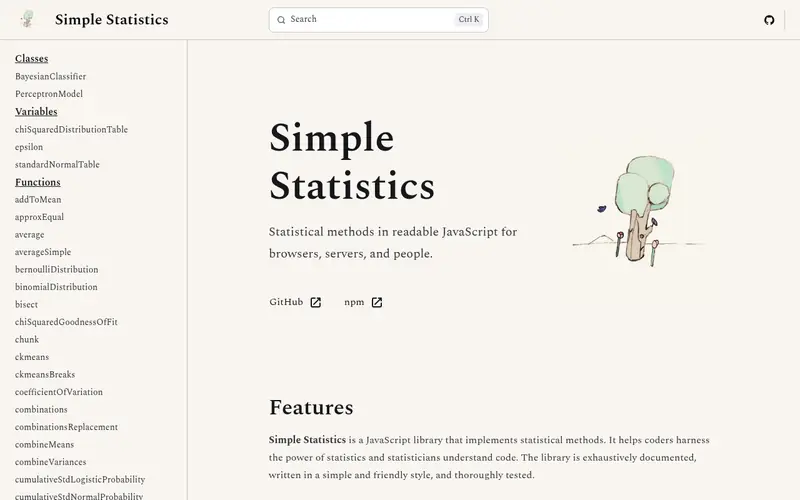
simple-statistics is a statistics library for JavaScript. It provides functions for mean, median, mode, variance, standard deviation, percentiles, correlation and linear regression, among others. It runs in browsers and Node.js and is published under the ISC licence.
The API is a set of plain functions that take arrays of numbers, so it fits scripts, dashboards and small analysis jobs. It does not try to be a data-frame library, and it does not include plotting. For larger analysis work, a full data tool is a better fit.
Check the documentation for the exact function list before you commit, since coverage is narrower than in Python or R statistics packages. It pairs well with math.js when you need both general math and summary statistics.
Standout: Covers common statistics without a heavy dependency
Free (open source), as listed by the vendor (simple-statistics website). Confirm the current plan price before you buy.
Free plan. Plans change, so confirm on the vendor's pricing page before you buy.
Benefits
- Covers common statistics without a heavy dependency
- works in browsers and Node.js
Drawbacks
- Not a full data-science stack
- no plotting or data-frame features
Skip it if this limit matters to you: not a full data-science stack.
Verdict. A sensible pick for descriptive statistics and regression in plain JavaScript.
Alternatives in this guide: math.js, decimal.js, big.js
gl-matrix
Best for fast vector and matrix math for WebGL and 3D graphics
What it is and where it fits
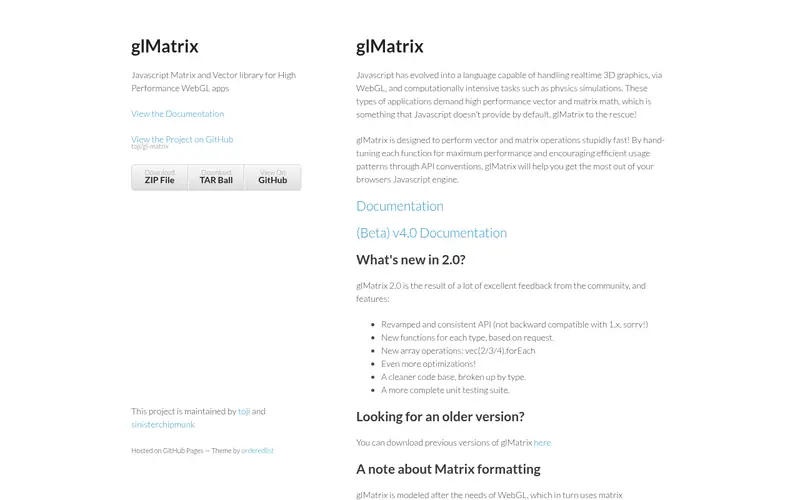
gl-matrix provides vector and matrix types and operations for 2D and 3D graphics. It covers 2, 3 and 4-component vectors, 2x2 to 4x4 matrices, quaternions and the usual operations such as multiply, transform and invert. It runs in browsers and Node.js and is published under the MIT licence.
The library is built for speed and avoids allocation where it can, which suits game loops and rendering code. It is not a general math library: it does not do arbitrary-precision decimals, expression parsing or statistics.
Choose gl-matrix for WebGL, canvas and 3D work. For general arithmetic or exact decimals, use one of the other libraries here. The API is low-level and expects you to manage output arrays, so read the documentation before wiring it into a renderer.
Standout: High-performance vector and matrix operations
Free (open source), as listed by the vendor (gl-matrix website). Confirm the current plan price before you buy.
Free plan. Plans change, so confirm on the vendor's pricing page before you buy.
Benefits
- High-performance vector and matrix operations
- designed for 3D and WebGL work
Drawbacks
- Focused on graphics, not general arithmetic
- API is low-level
Skip it if this limit matters to you: focused on graphics, not general arithmetic.
Verdict. A sensible pick for fast vector and matrix math for WebGL and 3D graphics.
Alternatives in this guide: math.js, decimal.js, big.js
Who should use what
If you are building a calculator, a rule engine or anything that mixes units and matrices, start with math.js. If you handle money, invoices or tax, use decimal.js, or big.js when you want a smaller package for basic operations. If you need exact ratios for recipes or measurements, Fraction.js is the fit. For dashboards and summary statistics, simple-statistics covers the common cases. For WebGL and 3D rendering, gl-matrix is the right tool.
Questions to settle before you buy
What to check before you buy
- Confirm the licence matches your project and that the package is still maintained.
- Check bundle size for browser builds and prefer smaller builds or tree-shaking where available.
- Decide whether you need exact decimals, fractions or native floating point before picking a library.
- Verify the function list against your actual calculations, especially for statistics and trigonometry.
- Keep sensitive numbers in your own code; these libraries run locally, but do not paste production data into third-party web calculators.
FAQ
Do I need a library for basic arithmetic?
No. Native JavaScript numbers are fine for most UI and general work. Use a library when you need exact decimals for money, arbitrary precision, fractions, statistics or matrix math.
Which library should I use for currency calculations?
decimal.js is the usual choice for exact decimal work. big.js is a smaller option for basic operations. Avoid native floating point for prices, since values like 0.1 + 0.2 do not equal 0.3 exactly.
Can I use more than one of these libraries?
Yes, but watch bundle size. math.js and simple-statistics pair well. Do not load decimal.js and bignumber.js together without a reason, since they overlap.
Are these libraries safe for sensitive data?
They run locally in your code, so numbers are not sent anywhere. The risk is third-party web calculators that ask you to paste data. Prefer local or offline tools for secrets and production data.
Do these libraries work in both browsers and Node.js?
Yes. All seven listed here run in browsers and Node.js and are distributed as npm packages. Check the documentation for any environment-specific notes.
Sources we checked
Method: how we score · editorial policy.
Change log. First published 27 Nov 2026.