Stage 01 · Write · Researched comparison
Best JavaScript Lightbox Libraries in 2026
PhotoSwipe is the first pick for most teams that want a dependency-free, open-source lightbox with strong touch and gesture support. GLightbox suits projects that want a small, simple library with a plain MIT licence. Fancybox and lightGallery are the stronger choices when you need commercial support and can accept a paid licence for commercial use.

By Shihab Mia
Published 27 Nov 2026 · 5 tools compared
We run no ads and no affiliate links at launch. The order of a list follows our published method. See how we score.
Prices are the starting prices vendors list publicly. Plans change, so confirm the current price on the vendor page before you buy.
Key takeaways
- PhotoSwipe, GLightbox and yet-another-react-lightbox are free and open source under MIT.
- Fancybox and lightGallery use a dual licence: free for non-commercial use, paid for commercial projects.
- PhotoSwipe ships without third-party runtime dependencies; yet-another-react-lightbox is built for React.
- Check the licence terms before shipping, because the free tier of Fancybox and lightGallery does not cover commercial sites.
Who each pick is for
- Vanilla JS projects that need gesture-heavy galleriesPhotoSwipe
- Small sites that want a simple MIT-licensed lightboxGLightbox
- Commercial sites that want support and a polished UIFancybox
- Feature-rich galleries with plugins and framework wrapperslightGallery
- React apps that need a typed, modular lightboxyet-another-react-lightbox
Comparison
| Tool | Best for | Standout feature | Listed starting price | Free plan or trial |
|---|---|---|---|---|
| 1PhotoSwipe | Vanilla JS projects that need gesture-heavy galleries | No runtime dependencies | Free (open source) | Free plan |
| 2GLightbox | Small sites that want a simple MIT-licensed lightbox | Small footprint | Free (open source) | Free plan |
| 3Fancybox | Commercial sites that want support and a polished UI | Polished default UI | See vendor pricing page | No free plan |
| 4lightGallery | Feature-rich galleries with plugins and framework wrappers | Large plugin set | See vendor pricing page | No free plan |
| 5yet-another-react-lightbox | React apps that need a typed, modular lightbox | Built for React | Free (open source) | Free plan |
How we picked
We compared libraries on fit for image and gallery lightbox work, browser and framework support, licence and price, dependency footprint, and the main limits each one documents. Sources are vendor pages, official documentation and project repositories. We did not run benchmarks or collect user reviews. Prices and licence terms change, so confirm the current terms on the vendor site before you commit.
The tools, one by one
PhotoSwipe
Best for vanilla JS projects that need gesture-heavy galleries
What it is and where it fits
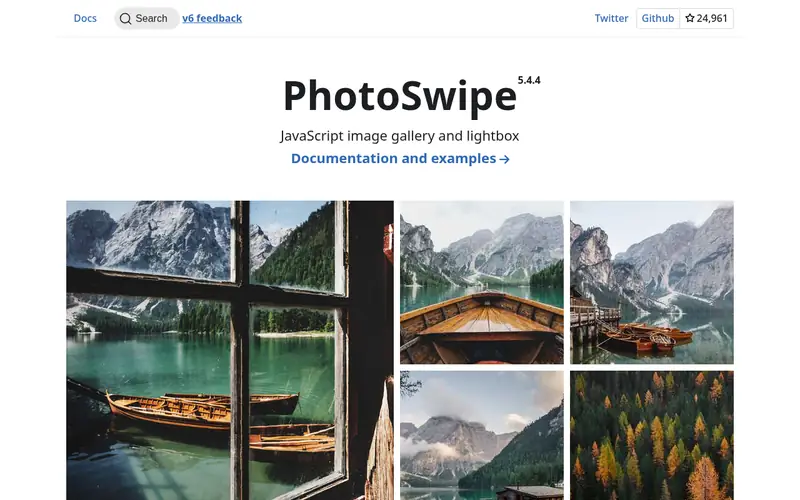
PhotoSwipe is a modular, framework-agnostic lightbox for images and galleries. It handles mouse and touch input, pinch zoom, swipe navigation and keyboard control. It has no third-party runtime dependencies, so it does not pull in jQuery or a framework. You write the markup and wire up the options yourself, which keeps the output small but means more setup than drop-in plugins.
It is distributed under the MIT licence and is free for commercial use. It works in modern browsers and is commonly used with plain HTML, or wrapped by community integrations for frameworks. The project is maintained on GitHub. Teams that want a fully styled, zero-configuration plugin may find it takes more work; teams that want control over markup and behaviour tend to prefer it.
Standout: No runtime dependencies
Free (open source), as listed by the vendor (PhotoSwipe website). Confirm the current plan price before you buy.
Free plan. Plans change, so confirm on the vendor's pricing page before you buy.
Benefits
- No runtime dependencies
- strong touch, pinch and swipe handling
Drawbacks
- Requires you to supply your own markup and CSS
- API has a learning curve
Skip it if this limit matters to you: requires you to supply your own markup and CSS.
Verdict. A sensible pick for vanilla JS projects that need gesture-heavy galleries.
Alternatives in this guide: GLightbox, Fancybox, lightGallery
GLightbox
Best for small sites that want a simple MIT-licensed lightbox
What it is and where it fits
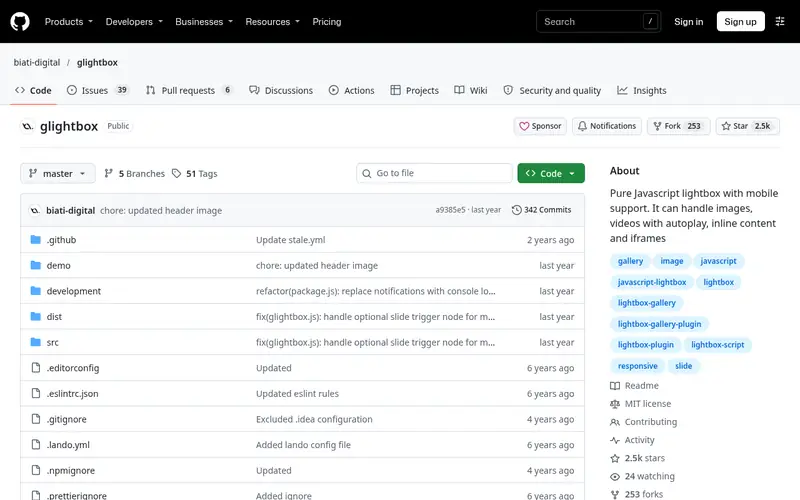
GLightbox is a pure JavaScript lightbox with no jQuery dependency. It handles images, iframes, inline HTML and video, and supports touch gestures and keyboard navigation. Setup is a script tag plus data attributes or a small JavaScript call, which makes it a quick fit for static sites and small projects.
It is released under the MIT licence and is free for commercial use. The library is maintained on GitHub. It covers common gallery needs but has fewer built-in features than the larger commercial options, such as deep plugin systems or extensive theming. Projects that need heavy customisation or formal vendor support should look at the paid libraries instead.
Standout: Small footprint
Free (open source), as listed by the vendor (GLightbox website). Confirm the current plan price before you buy.
Free plan. Plans change, so confirm on the vendor's pricing page before you buy.
Benefits
- Small footprint
- supports images, video and inline content
Drawbacks
- Fewer advanced gallery features than larger libraries
- smaller ecosystem
Skip it if this limit matters to you: fewer advanced gallery features than larger libraries.
Verdict. A sensible pick for small sites that want a simple MIT-licensed lightbox.
Alternatives in this guide: PhotoSwipe, Fancybox, lightGallery
Fancybox
Best for commercial sites that want support and a polished UI
What it is and where it fits
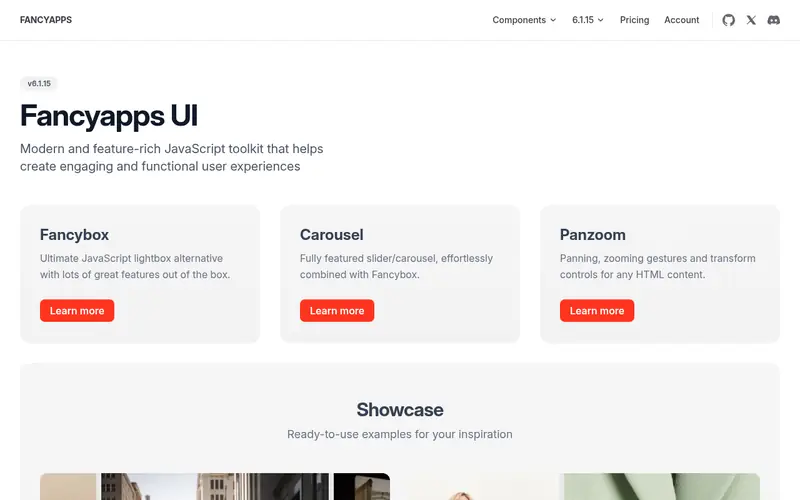
Fancybox is a widely used lightbox library from Fancyapps. It supports images, galleries, video, iframes and inline HTML, with touch gestures and a customisable interface. It works with plain JavaScript and has integrations for common frameworks.
The licence is the key detail. Fancybox is free for non-commercial use, but commercial use requires a paid licence. Pricing is listed on the vendor site, so check the current terms before you commit. The library is actively maintained and documented. It suits teams that want a mature, supported product and are willing to pay for a commercial licence. Hobby projects and open-source sites can use it under the free terms.
Standout: Polished default UI
See vendor pricing page, as listed by the vendor (Fancybox website). Confirm the current plan price before you buy.
No free plan. Plans change, so confirm on the vendor's pricing page before you buy.
Benefits
- Polished default UI
- broad content support including images, video and HTML
Drawbacks
- Commercial licence required for commercial use
- not free for business projects
Skip it if this limit matters to you: commercial licence required for commercial use.
Verdict. A sensible pick for commercial sites that want support and a polished UI.
Alternatives in this guide: PhotoSwipe, GLightbox, lightGallery
lightGallery
Best for feature-rich galleries with plugins and framework wrappers
What it is and where it fits
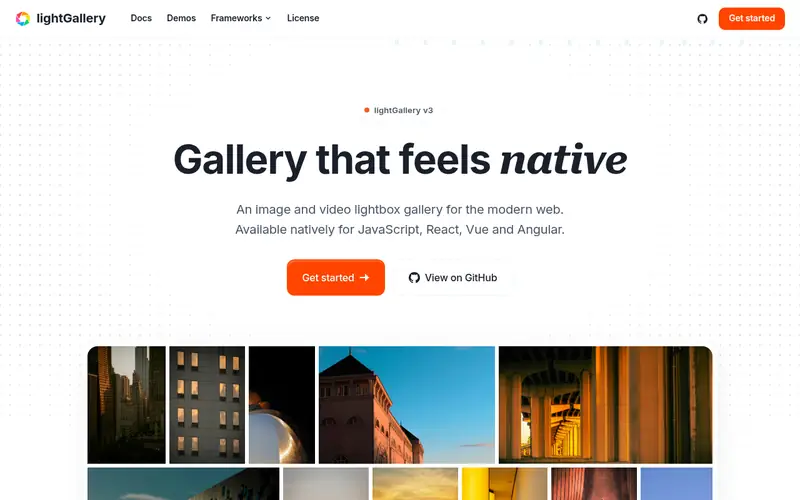
lightGallery is a modular gallery library with a plugin architecture. It covers images, video, zoom, thumbnails, autoplay and social sharing through separate plugins, so you add only what you need. It has official wrappers for React, Vue and Angular, and works with plain JavaScript.
Like Fancybox, it uses a dual licence: free for non-commercial use and paid for commercial projects. Pricing is on the vendor site. The plugin model keeps the core small, but a full-featured gallery adds weight. It suits teams that want many gallery features in one library and can accept the commercial licence. Simple projects may get by with a smaller MIT library.
Standout: Large plugin set
See vendor pricing page, as listed by the vendor (lightGallery website). Confirm the current plan price before you buy.
No free plan. Plans change, so confirm on the vendor's pricing page before you buy.
Benefits
- Large plugin set
- wrappers for React, Vue and Angular
Drawbacks
- Commercial licence needed for commercial use
- larger bundle with plugins
Skip it if this limit matters to you: commercial licence needed for commercial use.
Verdict. A sensible pick for feature-rich galleries with plugins and framework wrappers.
Alternatives in this guide: PhotoSwipe, GLightbox, Fancybox
yet-another-react-lightbox
Best for react apps that need a typed, modular lightbox
What it is and where it fits
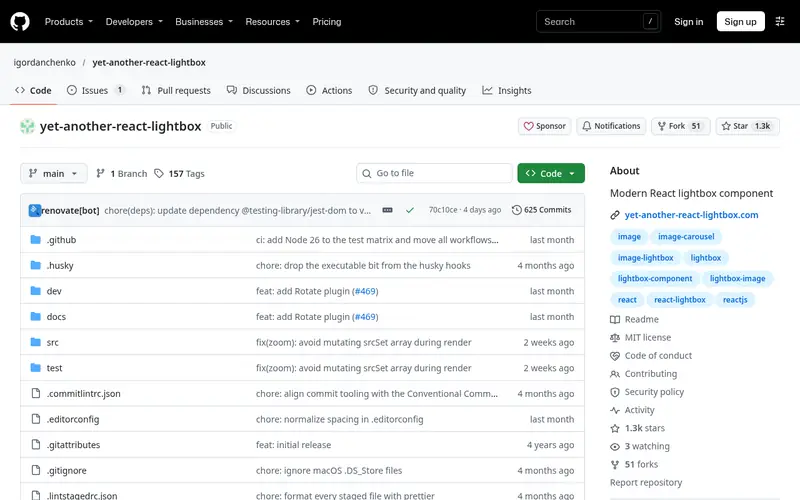
yet-another-react-lightbox is a lightbox component built for React. It ships as a component with optional plugins for zoom, thumbnails, captions, video and fullscreen, and includes TypeScript types. It is designed to fit React state and rendering rather than manipulating the DOM directly.
It is released under the MIT licence and is free for commercial use. The project is maintained on GitHub. Because it is React-specific, it does not help plain HTML, Vue or Angular projects, which should use PhotoSwipe, GLightbox or lightGallery instead. For React teams it avoids wrapper code and keeps the lightbox inside the component tree.
Standout: Built for React
Free (open source), as listed by the vendor (yet-another-react-lightbox website). Confirm the current plan price before you buy.
Free plan. Plans change, so confirm on the vendor's pricing page before you buy.
Benefits
- Built for React
- modular plugins and TypeScript types
Drawbacks
- React only
- not usable in plain HTML projects
Skip it if this limit matters to you: react only.
Verdict. A sensible pick for react apps that need a typed, modular lightbox.
Alternatives in this guide: PhotoSwipe, GLightbox, Fancybox
Who should use what
Plain HTML or static sites should start with PhotoSwipe or GLightbox, both MIT-licensed and dependency-free. React applications are best served by yet-another-react-lightbox, which is built as a React component. Commercial products that need vendor support and a polished default UI should compare Fancybox and lightGallery and budget for their commercial licences. Small content sites that only need simple image overlays can use GLightbox and skip the larger libraries.
Questions to settle before you buy
What to check before you buy
- Confirm the licence covers commercial use, especially for Fancybox and lightGallery.
- Check whether the library needs a framework or has runtime dependencies.
- Verify touch, keyboard and screen-reader behaviour in your target browsers.
- Review bundle size with the plugins or modules you plan to enable.
- Check the repository for recent commits and open issues before adopting it.
FAQ
Are these lightbox libraries free?
PhotoSwipe, GLightbox and yet-another-react-lightbox are free and open source under MIT. Fancybox and lightGallery are free only for non-commercial use; commercial projects need a paid licence. Check each vendor's current terms.
Which library works without jQuery?
All five listed here work without jQuery. PhotoSwipe and GLightbox are plain JavaScript with no framework requirement. yet-another-react-lightbox requires React.
Can I use Fancybox or lightGallery on a commercial site for free?
No. Both use a dual licence where commercial use requires a paid licence. Review the vendor's licence page and pricing before shipping on a business site.
Which is best for a React project?
yet-another-react-lightbox is built for React and includes TypeScript types and modular plugins. React teams that want a framework-agnostic option can also wrap PhotoSwipe or GLightbox in a component.
Do lightbox libraries handle video and iframes?
Fancybox, lightGallery and GLightbox support video and iframe content. PhotoSwipe focuses on images and galleries. Check the documentation for the content types you need.
Sources we checked
Method: how we score · editorial policy.
Change log. First published 27 Nov 2026.