Stage 01 · Write · Researched comparison
Best JavaScript Keyboard Shortcut Libraries in 2026
hotkeys-js is the first pick for most projects that want a small, framework-agnostic library with a wide browser support range and a simple string syntax for key bindings. tinykeys is the better fit when bundle size matters and you target modern browsers with a small API. react-hotkeys-hook is the practical choice for React apps that want hooks and scope handling.

By Shihab Mia
Published 27 Nov 2026 · 5 tools compared
We run no ads and no affiliate links at launch. The order of a list follows our published method. See how we score.
Prices are the starting prices vendors list publicly. Plans change, so confirm the current price on the vendor page before you buy.
Key takeaways
- hotkeys-js, tinykeys, react-hotkeys-hook, kbar and ninja-keys are all free and open source.
- All five are client-side libraries, so key bindings and handler logic run in the browser, not on a server.
- kbar and ninja-keys are command palette components, not just key-binding helpers, so they cover more UI than the others.
Who each pick is for
- Framework-agnostic apps that need broad key-binding supporthotkeys-js
- Small bundles on modern browserstinykeys
- React apps that want hooks and scopesreact-hotkeys-hook
- React apps that need a command palette with shortcutskbar
- Web component command palette with keyboard navigationninja-keys
Comparison
| Tool | Best for | Standout feature | Listed starting price | Free plan or trial |
|---|---|---|---|---|
| 1hotkeys-js | Framework-agnostic apps that need broad key-binding support | Simple string syntax for combos and scopes | Free (open source) | Free plan |
| 2tinykeys | Small bundles on modern browsers | Very small footprint | Free (open source) | Free plan |
| 3react-hotkeys-hook | React apps that want hooks and scopes | Hook-based API fits React | Free (open source) | Free plan |
| 4kbar | React apps that need a command palette with shortcuts | Ships a command palette UI | Free (open source) | Free plan |
| 5ninja-keys | Web component command palette with keyboard navigation | Works as a web component in any framework | Free (open source) | Free plan |
How we picked
We compared libraries on fit for the job of binding keyboard shortcuts, supported platforms and frameworks, licence and price, and the main limits each one documents. All five are open source and client-side. We did not run benchmarks or hands-on tests. Sources are vendor pages, project documentation and public repositories. Prices and maintenance activity change, so confirm details on the project site before you commit.
The tools, one by one
hotkeys-js
Best for framework-agnostic apps that need broad key-binding support
What it is and where it fits
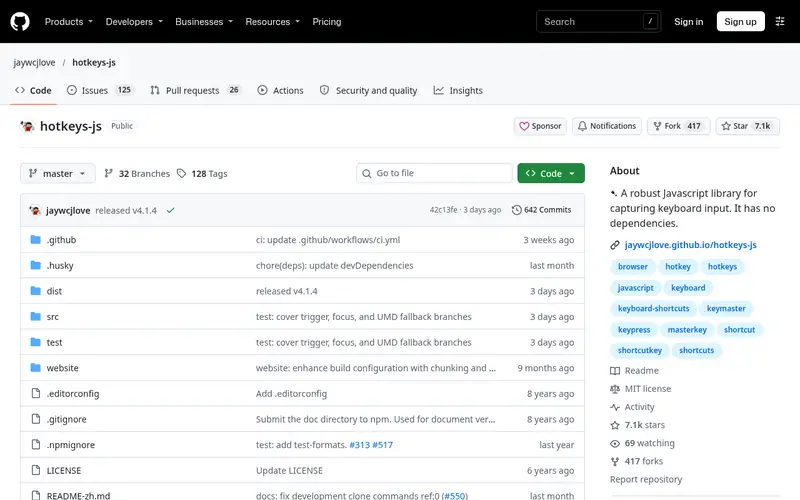
hotkeys-js maps key combinations to callbacks using strings like "ctrl+s" or "shift+a". It supports key scopes, so you can enable one set of shortcuts for a modal and another for the main page. It also handles filtering when the user is typing in an input, which avoids firing shortcuts inside text fields.
The library is plain JavaScript and works with any framework or none. It is published under the MIT license. Because it attaches listeners at the document level, you should scope and unbind handlers when components unmount to avoid leaks. Skip it if you want a ready-made command palette UI rather than a binding helper.
Standout: Simple string syntax for combos and scopes
Free (open source), as listed by the vendor (hotkeys-js website). Confirm the current plan price before you buy.
Free plan. Plans change, so confirm on the vendor's pricing page before you buy.
Benefits
- Simple string syntax for combos and scopes
- works without a framework
Drawbacks
- No built-in UI
- global listener model needs care in large apps
Skip it if this limit matters to you: no built-in UI.
Verdict. A sensible pick for framework-agnostic apps that need broad key-binding support.
Alternatives in this guide: tinykeys, react-hotkeys-hook, kbar
tinykeys
Best for small bundles on modern browsers
What it is and where it fits
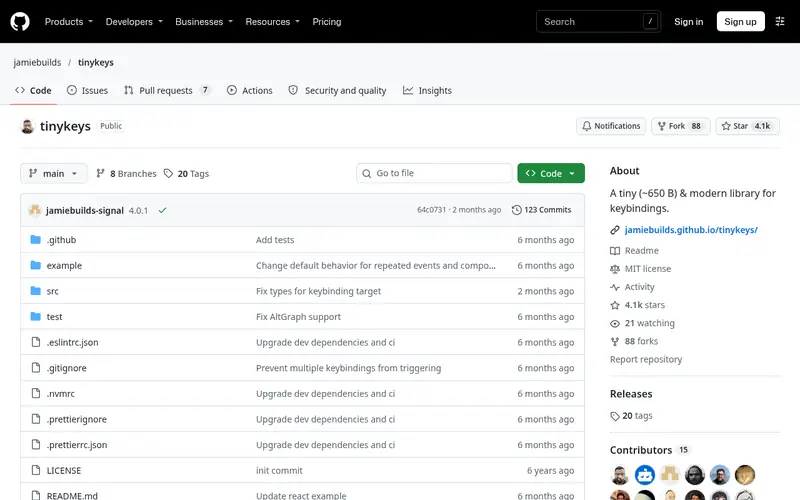
tinykeys is a small library focused on binding key sequences to handlers. Its syntax supports sequences such as "g i" for pressing g then i, which suits Vim-style navigation. It returns an unsubscribe function from each binding call, which makes cleanup straightforward in component lifecycles.
It is written for modern browsers and does not aim to support old ones. It has no UI layer and no scope system beyond what you build yourself. That makes it a good fit when you want a thin dependency and are comfortable writing your own enable and disable logic. Choose something else if you need legacy browser support.
Standout: Very small footprint
Free (open source), as listed by the vendor (tinykeys website). Confirm the current plan price before you buy.
Free plan. Plans change, so confirm on the vendor's pricing page before you buy.
Benefits
- Very small footprint
- clean key sequence syntax
Drawbacks
- Targets modern browsers only
- minimal feature set
Skip it if this limit matters to you: targets modern browsers only.
Verdict. A sensible pick for small bundles on modern browsers.
Alternatives in this guide: hotkeys-js, react-hotkeys-hook, kbar
react-hotkeys-hook
Best for react apps that want hooks and scopes
What it is and where it fits
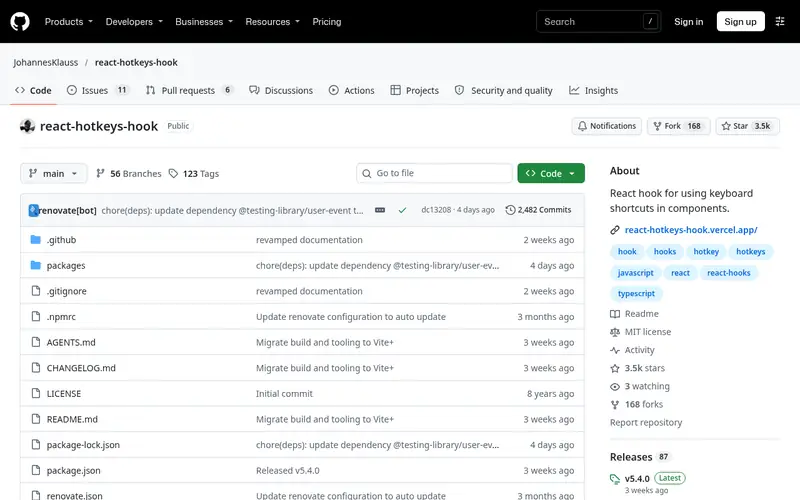
react-hotkeys-hook provides a useHotkeys hook for binding keys inside React components. It handles cleanup on unmount, supports key scopes so you can enable shortcuts only in certain parts of the tree, and offers options for triggering on keydown or keyup and for ignoring inputs.
Because it is a hook, it follows React rules: call it at the top level of a component, not inside conditions. It is the natural pick for React projects that already use hooks and want shortcut state tied to component lifecycles. It is not usable outside React, so plain JavaScript projects should look at hotkeys-js or tinykeys.
Standout: Hook-based API fits React
Free (open source), as listed by the vendor (react-hotkeys-hook website). Confirm the current plan price before you buy.
Free plan. Plans change, so confirm on the vendor's pricing page before you buy.
Benefits
- Hook-based API fits React
- supports scopes and focus handling
Drawbacks
- React only
- hook rules apply to usage
Skip it if this limit matters to you: react only.
Verdict. A sensible pick for react apps that want hooks and scopes.
Alternatives in this guide: hotkeys-js, tinykeys, kbar
kbar
Best for react apps that need a command palette with shortcuts
What it is and where it fits
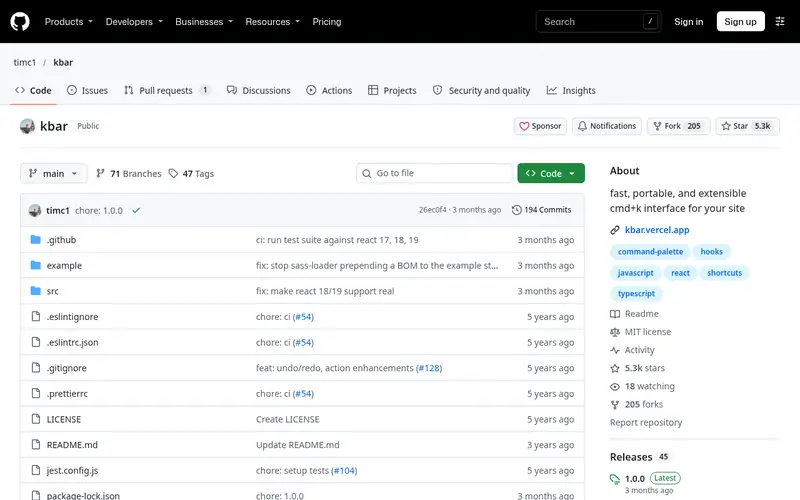
kbar is a command palette library for React. You define actions with an id, a name, a section and optional keyboard shortcut, and kbar renders a searchable palette. Users can open it with a shortcut and run actions by typing or by pressing the assigned keys.
It covers more ground than a pure key-binding library because it owns the palette UI and its state. That is helpful when you want a consistent command surface across an app. It is React only and more opinionated, so teams that only need to map keys to callbacks should use a smaller library instead.
Standout: Ships a command palette UI
Free (open source), as listed by the vendor (kbar website). Confirm the current plan price before you buy.
Free plan. Plans change, so confirm on the vendor's pricing page before you buy.
Benefits
- Ships a command palette UI
- actions can carry shortcuts
Drawbacks
- React only
- more opinionated than a binding helper
Skip it if this limit matters to you: react only.
Verdict. A sensible pick for react apps that need a command palette with shortcuts.
Alternatives in this guide: hotkeys-js, tinykeys, react-hotkeys-hook
ninja-keys
Best for web component command palette with keyboard navigation
What it is and where it fits
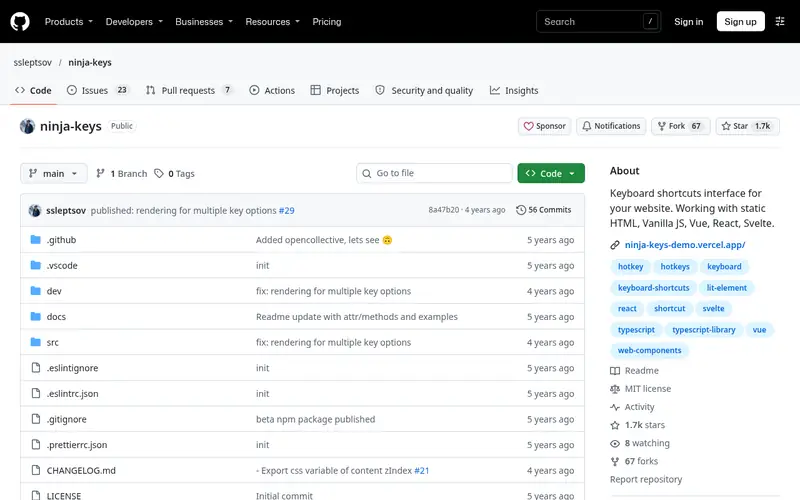
ninja-keys is a web component that provides a command palette with keyboard navigation. Because it is a custom element, it can be used in plain HTML, React, Vue or other frameworks without a framework-specific wrapper. You register actions and the component handles search, arrow-key navigation and selection.
It is a UI component first. If your goal is only to bind shortcuts to handlers, a smaller library is a better fit. If you want a palette that users open with a shortcut and drive from the keyboard, ninja-keys gives you that out of the box. You will need to style it to match your app.
Standout: Works as a web component in any framework
Free (open source), as listed by the vendor (ninja-keys website). Confirm the current plan price before you buy.
Free plan. Plans change, so confirm on the vendor's pricing page before you buy.
Benefits
- Works as a web component in any framework
- built-in keyboard navigation
Drawbacks
- UI-focused rather than a general binding library
- styling needs work
Skip it if this limit matters to you: UI-focused rather than a general binding library.
Verdict. A sensible pick for web component command palette with keyboard navigation.
Alternatives in this guide: hotkeys-js, tinykeys, react-hotkeys-hook
Who should use what
A plain JavaScript or multi-framework app should start with hotkeys-js for its string syntax and scope support. A performance-sensitive project on modern browsers can use tinykeys for a very small dependency. A React app that wants shortcuts tied to component lifecycles should use react-hotkeys-hook. A team that wants a full command palette in React should look at kbar, and one that wants a framework-agnostic palette should look at ninja-keys.
Questions to settle before you buy
What to check before you buy
- Confirm the library supports the browsers and frameworks your project targets.
- Check how it handles shortcuts while the user is typing in inputs, textareas or contenteditable elements.
- Verify cleanup and unbinding behavior so listeners do not leak on unmount.
- Review the licence and the project's recent commit and release activity.
- Test key conflicts with browser and OS shortcuts, such as Ctrl+S or Cmd+W, before shipping.
FAQ
Are these keyboard shortcut libraries free?
Yes. hotkeys-js, tinykeys, react-hotkeys-hook, kbar and ninja-keys are all open source and free to use. Check each project's licence file for terms.
Which library is best for React?
react-hotkeys-hook is the direct fit for binding keys inside React components. kbar and ninja-keys also work in React when you want a command palette UI rather than only key bindings.
Can I use these libraries without a framework?
Yes. hotkeys-js and tinykeys are plain JavaScript. ninja-keys is a web component, so it works in plain HTML too.
Do these libraries send data to a server?
No. They run in the browser and bind key events locally. Your shortcut definitions and handlers stay on the client.
Do these libraries support key sequences?
Yes. tinykeys supports sequences such as "g i" for Vim-style navigation, and hotkeys-js handles multi-key combinations through its string syntax. Check each project's documentation for the exact sequence behavior.
Sources we checked
Method: how we score · editorial policy.
Change log. First published 27 Nov 2026.