Stage 01 · Write · Researched comparison
Best JavaScript Canvas Libraries in 2026
Fabric.js is the first pick for most teams that need interactive 2D canvas objects with selection, grouping and serialization. It suits editors, annotation tools and design apps. Konva is the better fit for layered scene graphs and drag-and-drop interfaces, while PixiJS is the choice when you need fast WebGL or WebGPU rendering for many sprites. All three are open source and free to use.

By Shihab Mia
Published 27 Nov 2026 · 7 tools compared
We run no ads and no affiliate links at launch. The order of a list follows our published method. See how we score.
Prices are the starting prices vendors list publicly. Plans change, so confirm the current price on the vendor page before you buy.
Key takeaways
- All seven libraries here are free and open source, so cost is not the deciding factor; fit and rendering model are.
- Fabric.js and Konva both give you an object model on top of the canvas, which saves work on selection, transforms and hit testing.
- PixiJS renders through WebGL or WebGPU, so it scales to large sprite counts that plain 2D canvas struggles with.
- These libraries run in the browser and draw to a canvas element; they do not protect data you load into a page, so keep secrets out of demos and shared links.
Who each pick is for
- Interactive object editing and canvas apps with selection and groupingFabric.js
- Layered scene graphs, drag-and-drop UIs and canvas apps with many nodesKonva
- Vector graphics, path geometry and bezier work on canvasPaper.js
- High-performance 2D rendering with WebGL or WebGPUPixiJS
- Creative coding, teaching and generative sketchesp5.js
- Lightweight 2D scenes that can render to canvas, SVG or WebGLTwo.js
- Hand-drawn and sketch-style shapes on canvas or SVGRough.js
Comparison
| Tool | Best for | Standout feature | Listed starting price | Free plan or trial |
|---|---|---|---|---|
| 1Fabric.js | Interactive object editing and canvas apps with selection and grouping | Rich object model with selection, grouping and serialization | Free (open source) | Free plan |
| 2Konva | Layered scene graphs, drag-and-drop UIs and canvas apps with many nodes | Scene graph with groups, layers and events | Free (open source) | Free plan |
| 3Paper.js | Vector graphics, path geometry and bezier work on canvas | Strong vector and path API with boolean operations | Free (open source) | Free plan |
| 4PixiJS | High-performance 2D rendering with WebGL or WebGPU | GPU rendering through WebGL and WebGPU | Free (open source) | Free plan |
| 5p5.js | Creative coding, teaching and generative sketches | Friendly API for sketching and teaching | Free (open source) | Free plan |
| 6Two.js | Lightweight 2D scenes that can render to canvas, SVG or WebGL | One scene API with multiple renderers | Free (open source) | Free plan |
| 7Rough.js | Hand-drawn and sketch-style shapes on canvas or SVG | Distinct sketch aesthetic with simple API | Free (open source) | Free plan |
How we picked
We picked libraries that genuinely draw 2D graphics to canvas or a related renderer, are currently maintained, and have a clear official repository. Criteria were fit for common jobs (object editing, scene graphs, vector paths, GPU rendering, creative coding, multi-renderer scenes, sketch styling), platform support in browser and Node.js, licence and price, and the main limits each project documents. Sources are vendor pages, official documentation and project repositories. Prices and licences can change, so confirm on the vendor site before you commit.
The tools, one by one
Fabric.js
Best for interactive object editing and canvas apps with selection and grouping
What it is and where it fits
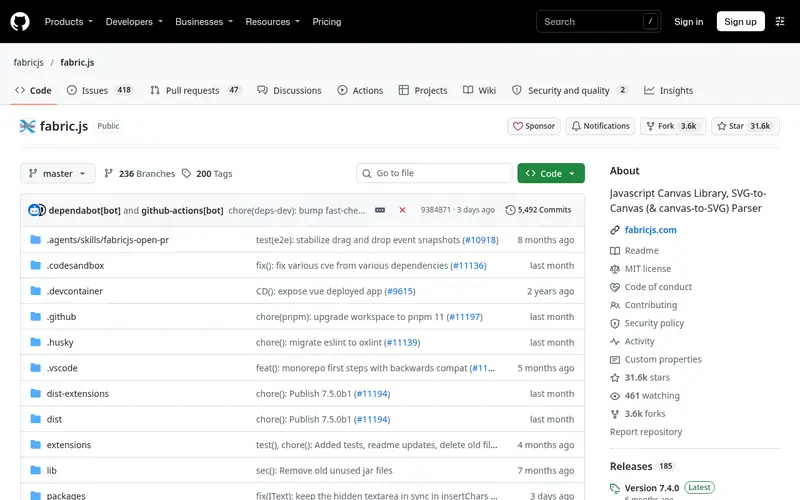
Fabric.js adds an object model on top of the HTML canvas element. Shapes, text, images and paths become objects you can select, move, scale, rotate and group. It handles hit testing and transform controls for you, which is the bulk of the work in an editor. It can serialize a canvas to JSON and reload it, and it can export to SVG.
It runs in the browser and also has a Node.js build for server-side rendering. The project is open source under the MIT licence, maintained on GitHub, and free to use with no paid tier. The main limits are performance on very large object counts and the amount of code you write for custom controls. Skip it if you only need to draw pixels or a simple chart and do not need object interaction.
Standout: Rich object model with selection, grouping and serialization
Free (open source), as listed by the vendor (Fabric.js website). Confirm the current plan price before you buy.
Free plan. Plans change, so confirm on the vendor's pricing page before you buy.
Benefits
- Rich object model with selection, grouping and serialization
- works with both canvas and SVG output
Drawbacks
- Larger learning curve than a plain drawing API
- heavy scenes can need manual optimization
Skip it if this limit matters to you: larger learning curve than a plain drawing API.
Verdict. A sensible pick for interactive object editing and canvas apps with selection and grouping.
Konva
Best for layered scene graphs, drag-and-drop UIs and canvas apps with many nodes
What it is and where it fits
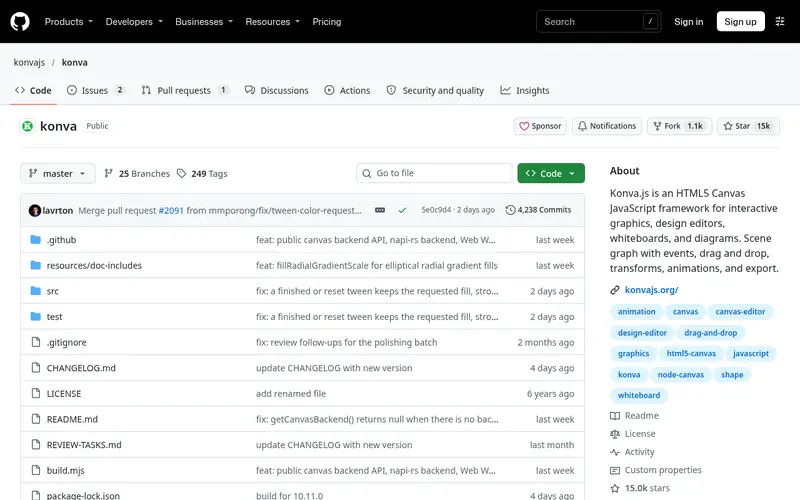
Konva is a 2D canvas library built around a scene graph. You create nodes such as shapes, groups, layers and text, then attach event handlers to them. It supports drag and drop, hit detection, filters, tweening and a separate animation library. The layer model lets you redraw only what changed, which helps with busy interfaces.
It runs in the browser and has a Node.js build using node-canvas for server-side drawing. The project is open source under the MIT licence and free. It renders with the 2D canvas API, so it is not the pick for GPU-heavy sprite workloads. Skip it if you need WebGL throughput or a pure vector-path model.
Standout: Scene graph with groups, layers and events
Free (open source), as listed by the vendor (Konva website). Confirm the current plan price before you buy.
Free plan. Plans change, so confirm on the vendor's pricing page before you buy.
Benefits
- Scene graph with groups, layers and events
- good fit for interactive diagrams and editors
Drawbacks
- Rendering is 2D canvas only
- very large scenes still need layer and node management
Skip it if this limit matters to you: rendering is 2D canvas only.
Verdict. A sensible pick for layered scene graphs, drag-and-drop UIs and canvas apps with many nodes.
Paper.js
Best for vector graphics, path geometry and bezier work on canvas
What it is and where it fits
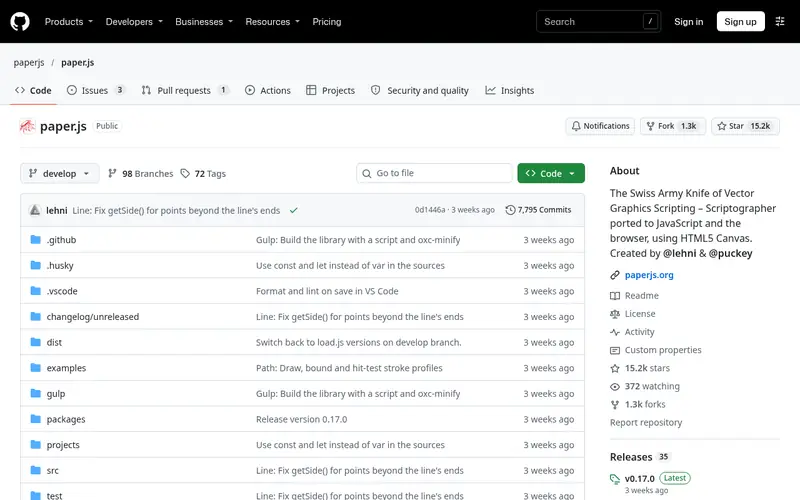
Paper.js is a vector graphics library that draws to canvas. It gives you a document and item model with paths, segments, curves and compound paths. Boolean operations, path simplification and geometric queries are built in, which makes it useful for illustration tools, diagram editors and generative vector work.
It runs in the browser and in Node.js with the canvas package. The project is open source under a permissive licence and free. It is not a sprite renderer and does not target WebGL, so very large scenes or high frame-rate games are better served elsewhere. Skip it if your work is mostly raster images or thousands of moving sprites.
Standout: Strong vector and path API with boolean operations
Free (open source), as listed by the vendor (Paper.js website). Confirm the current plan price before you buy.
Free plan. Plans change, so confirm on the vendor's pricing page before you buy.
Benefits
- Strong vector and path API with boolean operations
- clean scene graph for vector items
Drawbacks
- Smaller ecosystem than Fabric.js or Konva
- not aimed at pixel or sprite rendering
Skip it if this limit matters to you: smaller ecosystem than Fabric.js or Konva.
Verdict. A sensible pick for vector graphics, path geometry and bezier work on canvas.
PixiJS
Best for high-performance 2D rendering with WebGL or WebGPU
What it is and where it fits
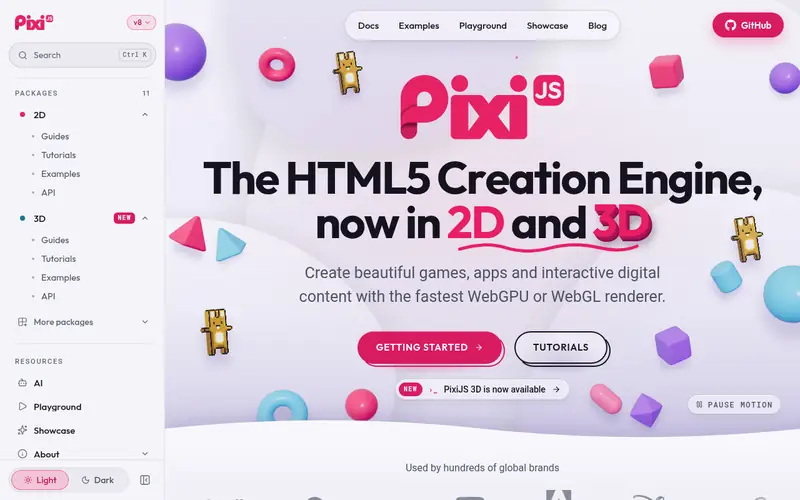
PixiJS is a 2D renderer that uses WebGL or WebGPU rather than the 2D canvas API. It is built for scenes with many sprites, textures, filters and particle effects, and it is common in games, data visualization and interactive media. It has a scene graph, asset loading, text rendering and a filter system.
It runs in the browser and has packages for Node.js use. The project is open source under the MIT licence and free. Because it depends on GPU support, you should plan a fallback for devices without WebGL. Skip it for simple static drawings where the 2D canvas API is enough, or when you need SVG output.
Standout: GPU rendering through WebGL and WebGPU
Free (open source), as listed by the vendor (PixiJS website). Confirm the current plan price before you buy.
Free plan. Plans change, so confirm on the vendor's pricing page before you buy.
Benefits
- GPU rendering through WebGL and WebGPU
- strong sprite, texture and filter support
Drawbacks
- Steeper setup than a plain 2D canvas library
- GPU output needs fallback planning for older devices
Skip it if this limit matters to you: steeper setup than a plain 2D canvas library.
Verdict. A sensible pick for high-performance 2D rendering with WebGL or WebGPU.
p5.js
Best for creative coding, teaching and generative sketches
What it is and where it fits
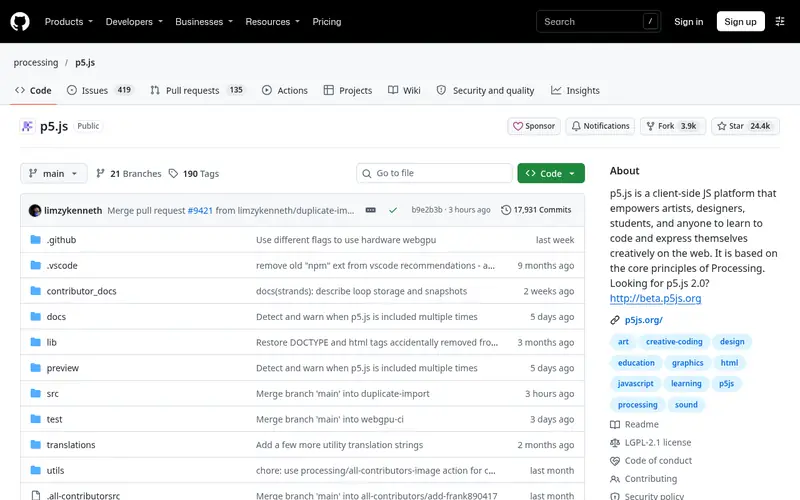
p5.js is a creative coding library with a canvas-first API. It offers simple functions for shapes, color, text, images and input, plus add-on libraries for sound, DOM work and more. It is widely used for teaching, art, prototypes and generative visuals.
It runs in the browser and can be used in the p5.js Web Editor or in your own projects. The project is open source under the LGPL licence and free. It favors ease of use over app-scale structure, so large interactive products usually need a different foundation. Skip it if you need a strict scene graph or GPU sprite throughput.
Standout: Friendly API for sketching and teaching
Free (open source), as listed by the vendor (p5.js website). Confirm the current plan price before you buy.
Free plan. Plans change, so confirm on the vendor's pricing page before you buy.
Benefits
- Friendly API for sketching and teaching
- large set of drawing, input and sound helpers
Drawbacks
- Not built for large app architectures
- performance limits on very heavy scenes
Skip it if this limit matters to you: not built for large app architectures.
Verdict. A sensible pick for creative coding, teaching and generative sketches.
Two.js
Best for lightweight 2D scenes that can render to canvas, SVG or WebGL
What it is and where it fits
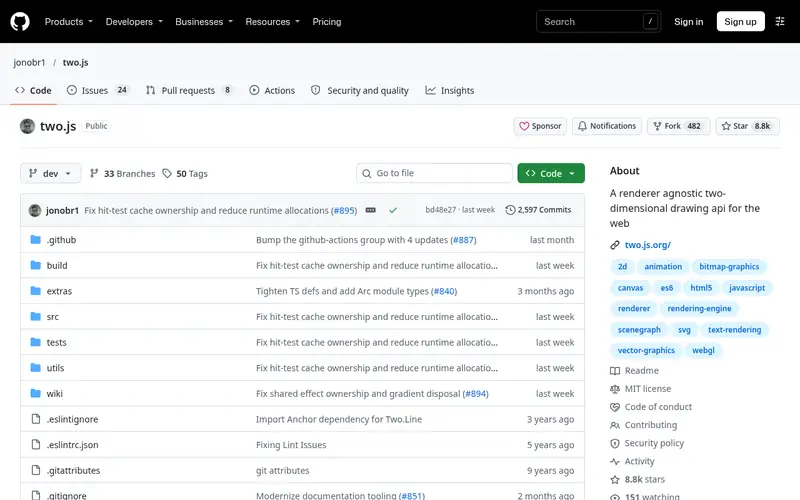
Two.js is a 2D drawing library with a renderer-agnostic scene. You build shapes and groups once, then render through canvas, SVG or WebGL. That makes it useful when you want the same scene to work as vector output or as a canvas drawing without rewriting it.
It runs in the browser and has a Node.js build. The project is open source under the MIT licence and free. It is smaller in scope than Fabric.js or Konva, with fewer built-in interaction and editing features. Skip it if you need rich object editing controls or a large plugin ecosystem.
Standout: One scene API with multiple renderers
Free (open source), as listed by the vendor (Two.js website). Confirm the current plan price before you buy.
Free plan. Plans change, so confirm on the vendor's pricing page before you buy.
Benefits
- One scene API with multiple renderers
- small and focused
Drawbacks
- Smaller feature set and community than the larger libraries
- fewer built-in UI controls
Skip it if this limit matters to you: smaller feature set and community than the larger libraries.
Verdict. A sensible pick for lightweight 2D scenes that can render to canvas, SVG or WebGL.
Rough.js
Best for hand-drawn and sketch-style shapes on canvas or SVG
What it is and where it fits
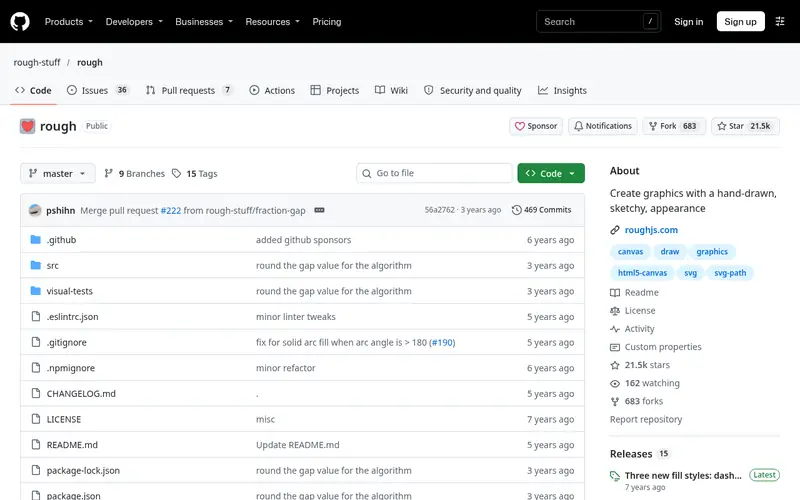
Rough.js draws shapes with a hand-drawn, sketchy look. It provides primitives for lines, rectangles, circles, arcs, curves and fills, plus a generator for SVG paths. It is often paired with other libraries to give diagrams and charts a informal style.
It runs in the browser and can output to canvas or SVG. The project is open source under the MIT licence and free. It is not a scene graph, an interaction layer or a renderer for large sprite counts, so it is a complement rather than a replacement for the libraries above. Skip it if you need precise geometry or built-in editing.
Standout: Distinct sketch aesthetic with simple API
Free (open source), as listed by the vendor (Rough.js website). Confirm the current plan price before you buy.
Free plan. Plans change, so confirm on the vendor's pricing page before you buy.
Benefits
- Distinct sketch aesthetic with simple API
- works with canvas and SVG
Drawbacks
- Narrow purpose, not a full scene or interaction library
- not suited to precise technical drawing
Skip it if this limit matters to you: narrow purpose, not a full scene or interaction library.
Verdict. A sensible pick for hand-drawn and sketch-style shapes on canvas or SVG.
Who should use what
If you are building an editor or annotation tool with selectable objects, start with Fabric.js. If your app is a layered diagram or drag-and-drop interface, Konva fits the scene graph model. If you need fast rendering for many sprites or effects, PixiJS is the GPU option. For vector illustration and path geometry, use Paper.js. For teaching, art or quick sketches, p5.js is the easiest entry. Two.js suits projects that want one scene across canvas, SVG and WebGL, and Rough.js adds a sketch style on top of another tool.
Questions to settle before you buy
What to check before you buy
- Confirm the rendering model you need: 2D canvas, SVG, WebGL or WebGPU.
- Check the licence and whether it fits your product's distribution terms.
- Test your target browsers and devices, especially GPU fallbacks for WebGL libraries.
- Review the object or scene model against your interaction needs, such as selection, grouping and hit testing.
- Check maintenance activity and open issues on the official repository before adopting.
FAQ
Do I need a library, or is the plain canvas API enough?
The 2D canvas API is enough for simple drawing, charts and one-off graphics. Libraries add object models, scene graphs, hit testing, filters or GPU rendering. Choose a library when those features would otherwise be work you write and maintain yourself.
Which library is best for interactive editors?
Fabric.js and Konva are the usual picks. Fabric.js centers on selectable objects with grouping and serialization. Konva centers on a scene graph with layers and events. Both are free and open source, so test both against your interaction requirements.
Can these libraries run outside the browser?
Several have Node.js builds, including Fabric.js, Konva, Paper.js, PixiJS and Two.js. Server-side rendering often depends on a native canvas package. Check the official docs for the current setup before relying on it in production.
Are these libraries free?
All seven listed here are open source and free to use. Each has its own licence, such as MIT or LGPL, so read the licence file in the repository. There is no paid tier for the libraries themselves.
Is it safe to paste sensitive data into canvas demos?
No. Canvas demos and online playgrounds run in a web page and may log or store what you enter. Keep secrets, tokens and production data out of third-party pages. Prefer running the library locally or offline when you work with real data.
Sources we checked
Method: how we score · editorial policy.
Change log. First published 27 Nov 2026.