Stage 01 · Write · Researched comparison
Best Java PDF Libraries in 2026
Apache PDFBox is the first pick for most teams that want a free, Apache-licensed library for creating and reading PDFs in Java. iText Core suits teams that need advanced layout and can accept the AGPL or buy a commercial licence. OpenPDF is a good fit if you want an LGPL/MPL fork of an older iText line without copyleft on your own code.

By Shihab Mia
Published 27 Nov 2026 · 7 tools compared
We run no ads and no affiliate links at launch. The order of a list follows our published method. See how we score.
Prices are the starting prices vendors list publicly. Plans change, so confirm the current price on the vendor page before you buy.
Key takeaways
- Apache PDFBox is free under the Apache License 2.0 and covers creation, text extraction and rendering.
- iText Core is AGPL by default, so closed-source products need a commercial licence.
- OpenHTMLtoPDF converts HTML and CSS to PDF and is maintained under the io.github.openhtmltopdf fork.
- Aspose.PDF for Java is commercial and sold by subscription or perpetual licence; confirm prices on the vendor page.
Who each pick is for
- Free PDF creation, text extraction and rendering in JavaApache PDFBox
- Advanced PDF layout and forms in commercial Java productsiText Core
- LGPL/MPL PDF library for teams avoiding AGPLOpenPDF
- Rendering HTML and CSS to PDF in JavaOpenHTMLtoPDF
- Report design and PDF export from templatesJasperReports
- Commercial teams needing broad PDF features and vendor supportAspose.PDF for Java
- XHTML and CSS 2.1 rendering to PDF on the JVMFlying Saucer
Comparison
| Tool | Best for | Standout feature | Listed starting price | Free plan or trial |
|---|---|---|---|---|
| 1Apache PDFBox | Free PDF creation, text extraction and rendering in Java | Apache License 2.0 is friendly to commercial use | Free (open source) | Free plan |
| 2iText Core | Advanced PDF layout and forms in commercial Java products | Rich layout, form and digital signature features | See vendor pricing page | Free trial (30 days) |
| 3OpenPDF | LGPL/MPL PDF library for teams avoiding AGPL | LGPL and MPL dual licence | Free (open source) | Free plan |
| 4OpenHTMLtoPDF | Rendering HTML and CSS to PDF in Java | CSS 2.1 layout with some CSS 3 support | Free (open source) | Free plan |
| 5JasperReports | Report design and PDF export from templates | Visual report designer with JRXML templates | Free (open source) | Free plan |
| 6Aspose.PDF for Java | Commercial teams needing broad PDF features and vendor support | Wide feature set including conversion, forms and signatures | See vendor pricing page | Free trial (30 days) |
| 7Flying Saucer | XHTML and CSS 2.1 rendering to PDF on the JVM | Long-standing XHTML/CSS renderer | Free (open source) | Free plan |
How we picked
We picked libraries that are actively used for generating or processing PDFs in Java and have a public website or repository. Criteria were fit for common PDF jobs, JVM platform support, licence terms, whether output can be produced locally without sending data to a third party, and known limits such as CSS support or AGPL obligations. Sources are vendor pages, project documentation and repositories. Prices change, so confirm on the vendor site.
The tools, one by one
Apache PDFBox
Best for free PDF creation, text extraction and rendering in Java
What it is and where it fits
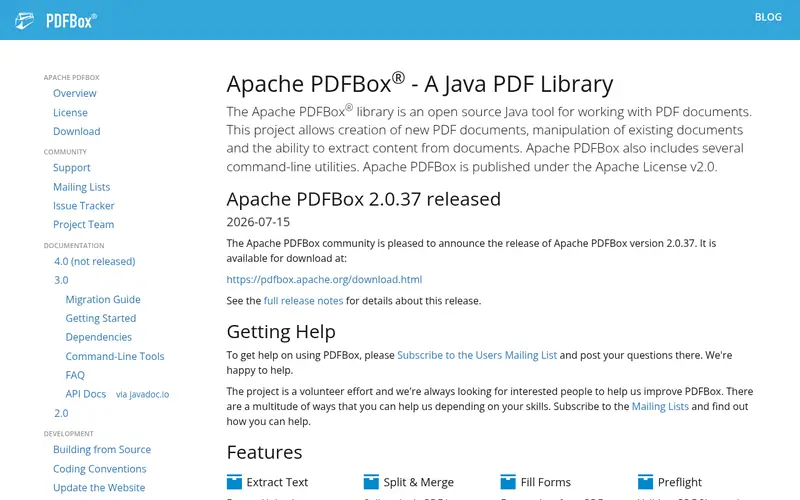
Apache PDFBox is an Apache Software Foundation project for working with PDF documents in Java. It can create new PDFs, extract text, split and merge files, fill forms and render pages to images. The API is low-level: you position text and shapes yourself, which gives control but means more code for complex layouts.
It runs on the JVM and has no runtime licence cost. The Apache License 2.0 lets you ship it in closed-source products. Documentation is on the project site, and the user mailing list is the main support channel. There is no commercial support tier from the project itself.
Choose PDFBox when you want a permissive licence and can handle layout in code. Skip it if you need HTML-to-PDF conversion or a high-level template engine.
Standout: Apache License 2.0 is friendly to commercial use
Free (open source), as listed by the vendor (Apache PDFBox website). Confirm the current plan price before you buy.
Free plan. Plans change, so confirm on the vendor's pricing page before you buy.
Benefits
- Apache License 2.0 is friendly to commercial use
- handles creation, extraction and rendering
Drawbacks
- Low-level API, so layout takes more code
- no built-in HTML/CSS rendering
Skip it if this limit matters to you: low-level API, so layout takes more code.
Verdict. A sensible pick for free PDF creation, text extraction and rendering in Java.
Alternatives in this guide: iText Core, OpenPDF, OpenHTMLtoPDF
iText Core
Best for advanced PDF layout and forms in commercial Java products
What it is and where it fits
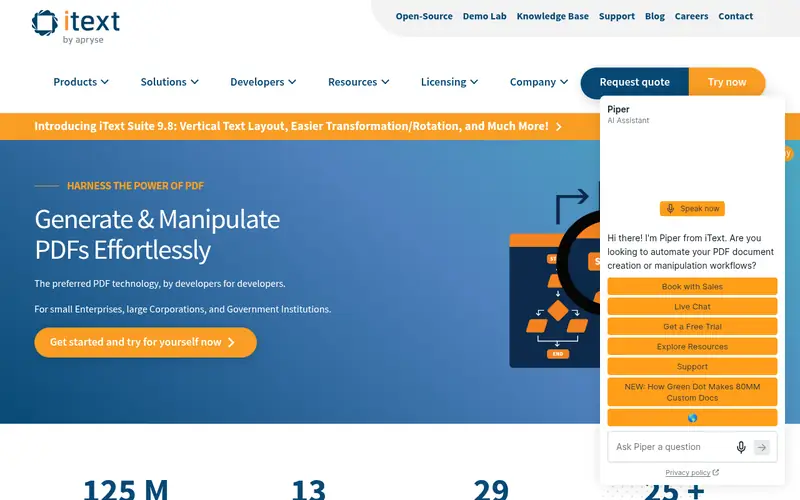
iText Core is a Java library for creating and manipulating PDFs, with strong support for forms, digital signatures, tagging and PDF/A. It is widely used in document workflows. The API is higher level than PDFBox for many layout tasks.
The licence is the main decision point. iText Core is offered under the AGPL, which requires you to release source under compatible terms if you distribute the software. Closed-source commercial use needs a commercial licence from iText. Pricing is not published as a fixed number, so check the vendor page.
Pick iText Core when its features match your needs and the licence works for your product. Skip it if AGPL is a blocker and you do not want to buy a licence.
Standout: Rich layout, form and digital signature features
See vendor pricing page, as listed by the vendor (iText Core website). Confirm the current plan price before you buy.
Free trial (30 days). Plans change, so confirm on the vendor's pricing page before you buy.
Benefits
- Rich layout, form and digital signature features
- long track record in production systems
Drawbacks
- AGPL by default, which affects closed-source distribution
- commercial licence needed for many uses
Skip it if this limit matters to you: AGPL by default, which affects closed-source distribution.
Verdict. A sensible pick for advanced PDF layout and forms in commercial Java products.
Alternatives in this guide: Apache PDFBox, OpenPDF, OpenHTMLtoPDF
OpenPDF
Best for lGPL/MPL PDF library for teams avoiding AGPL
What it is and where it fits
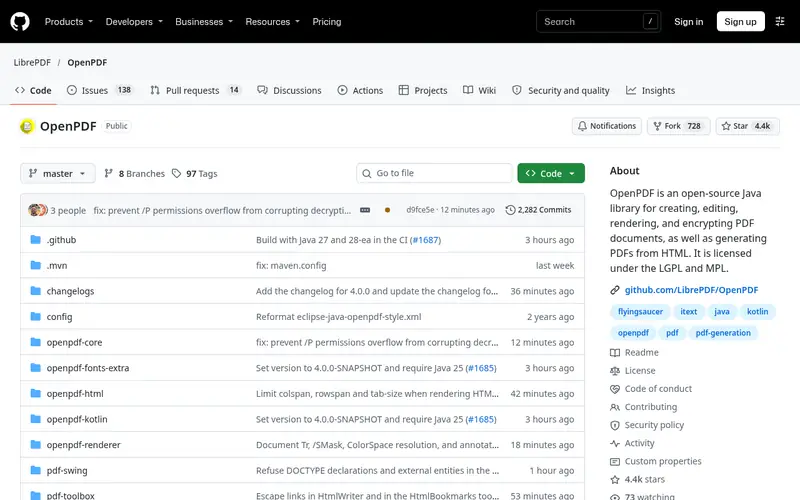
OpenPDF is a community fork of an older iText line, maintained under the LibrePDF organisation. It is dual-licensed under the LGPL and MPL, which is often easier to accept in commercial products than the AGPL. The API will look familiar to developers who used iText 2 or 4.
It covers common tasks: creating PDFs, adding text and images, tables and basic forms. It does not match iText Core on newer features such as advanced tagging or the latest PDF standards. Documentation lives in the repository and the project wiki.
Choose OpenPDF when licence compatibility matters more than the newest features. Skip it if you need advanced accessibility tagging or vendor-backed support.
Standout: LGPL and MPL dual licence
Free (open source), as listed by the vendor (OpenPDF website). Confirm the current plan price before you buy.
Free plan. Plans change, so confirm on the vendor's pricing page before you buy.
Benefits
- LGPL and MPL dual licence
- familiar API for teams that used older iText versions
Drawbacks
- Smaller feature set than iText Core
- fewer commercial support options
Skip it if this limit matters to you: smaller feature set than iText Core.
Verdict. A sensible pick for LGPL/MPL PDF library for teams avoiding AGPL.
Alternatives in this guide: Apache PDFBox, iText Core, OpenHTMLtoPDF
OpenHTMLtoPDF
Best for rendering HTML and CSS to PDF in Java
What it is and where it fits
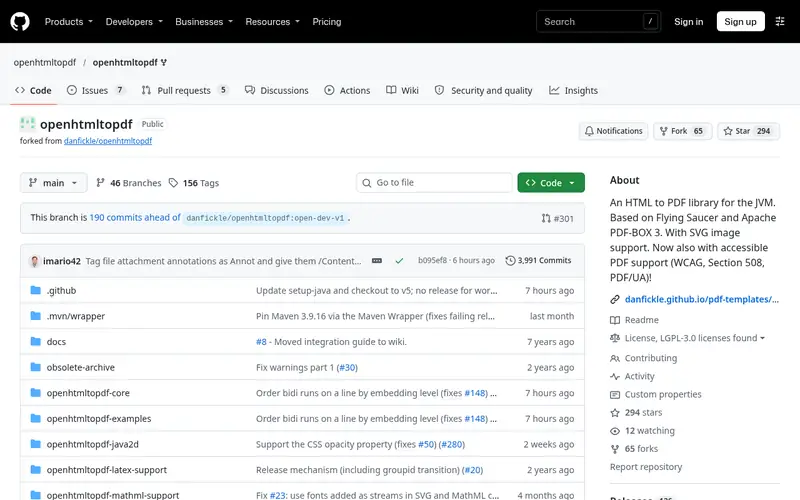
OpenHTMLtoPDF renders XHTML and CSS to PDF. It uses PDFBox for PDF output and supports a practical subset of CSS, including page margins, headers and footers. It is a common choice for generating invoices and reports from HTML templates.
Use the community fork at github.com/openhtmltopdf/openhtmltopdf. The earlier danfickle repository is no longer maintained, so pin your dependency to the active fork. The library is free and open source under the LGPL.
It is not a browser engine. Complex CSS, JavaScript and modern layout features will not render as they do in Chrome. Test your templates against the library's supported CSS list. Skip it if you need pixel-accurate browser rendering.
Standout: CSS 2.1 layout with some CSS 3 support
Free (open source), as listed by the vendor (OpenHTMLtoPDF website). Confirm the current plan price before you buy.
Free plan. Plans change, so confirm on the vendor's pricing page before you buy.
Benefits
- CSS 2.1 layout with some CSS 3 support
- builds on PDFBox for output
Drawbacks
- Not full browser CSS
- the older danfickle repository is unmaintained
Skip it if this limit matters to you: not full browser CSS.
Verdict. A sensible pick for rendering HTML and CSS to PDF in Java.
Alternatives in this guide: Apache PDFBox, iText Core, OpenPDF
JasperReports
Best for report design and PDF export from templates
What it is and where it fits
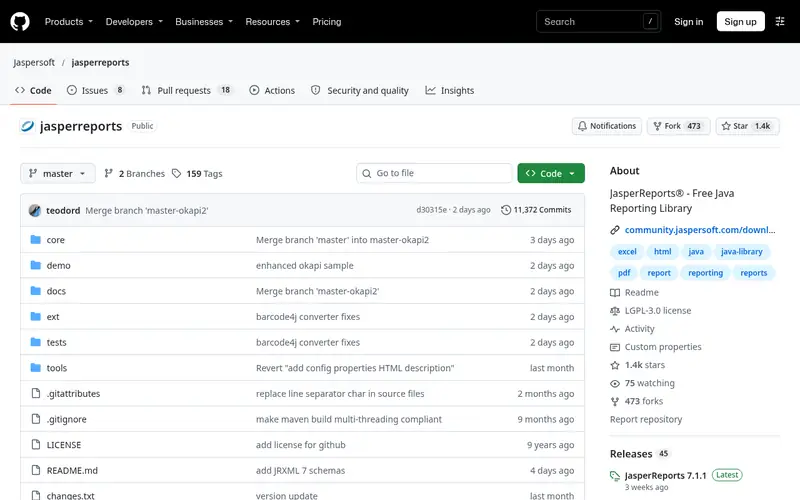
JasperReports is a reporting library that defines reports in JRXML templates and exports them to PDF, HTML, Excel and other formats. Jaspersoft Studio is the visual designer. The library is free and open source under the LGPL.
It fits applications that need recurring, template-driven reports such as statements and summaries. You design once and fill the template with data at runtime. The PDF output is handled by the library, so you do not write layout code for each report.
The trade-off is weight. You add a reporting engine and a template workflow, not just a PDF writer. For one-off PDF generation, a lighter library is simpler. Jaspersoft also sells commercial editions of its server products; check those pages separately.
Standout: Visual report designer with JRXML templates
Free (open source), as listed by the vendor (JasperReports website). Confirm the current plan price before you buy.
Free plan. Plans change, so confirm on the vendor's pricing page before you buy.
Benefits
- Visual report designer with JRXML templates
- exports to PDF and many other formats
Drawbacks
- Heavier setup than a plain PDF library
- design tooling adds a learning curve
Skip it if this limit matters to you: heavier setup than a plain PDF library.
Verdict. A sensible pick for report design and PDF export from templates.
Alternatives in this guide: Apache PDFBox, iText Core, OpenPDF
Aspose.PDF for Java
Best for commercial teams needing broad PDF features and vendor support
What it is and where it fits
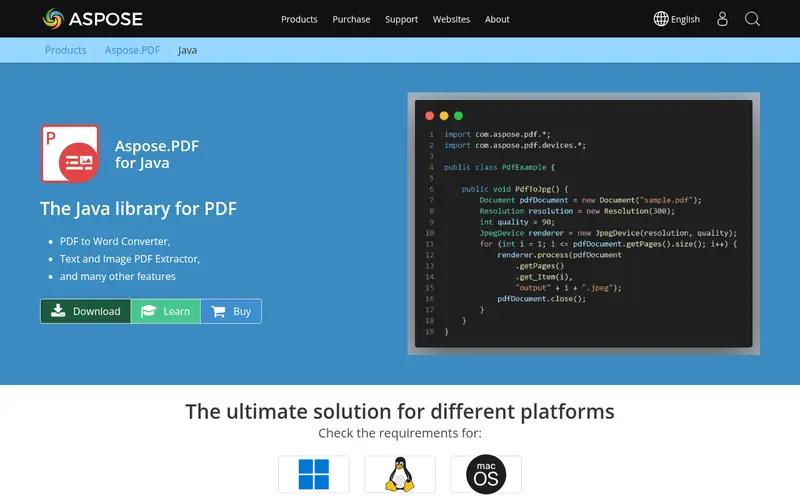
Aspose.PDF for Java is a commercial library for creating, editing and converting PDFs. It covers text and image handling, form fields, digital signatures, PDF/A and conversion between PDF and other formats. It is aimed at teams that want a vendor-backed product rather than a community project.
It is proprietary software. You need a licence for production use, sold as developer and deployment licences. The vendor lists editions and prices on its site; confirm current terms there because they change. A free trial is offered with evaluation limits.
Choose Aspose.PDF when you need a broad feature set and paid support, and the budget fits. Skip it for small projects where an open-source library covers the job.
Standout: Wide feature set including conversion, forms and signatures
See vendor pricing page, as listed by the vendor (Aspose.PDF for Java website). Confirm the current plan price before you buy.
Free trial (30 days). Plans change, so confirm on the vendor's pricing page before you buy.
Benefits
- Wide feature set including conversion, forms and signatures
- commercial support available
Drawbacks
- Paid licence for production use
- cost scales with deployment
Skip it if this limit matters to you: paid licence for production use.
Verdict. A sensible pick for commercial teams needing broad PDF features and vendor support.
Alternatives in this guide: Apache PDFBox, iText Core, OpenPDF
Flying Saucer
Best for xHTML and CSS 2.1 rendering to PDF on the JVM
What it is and where it fits
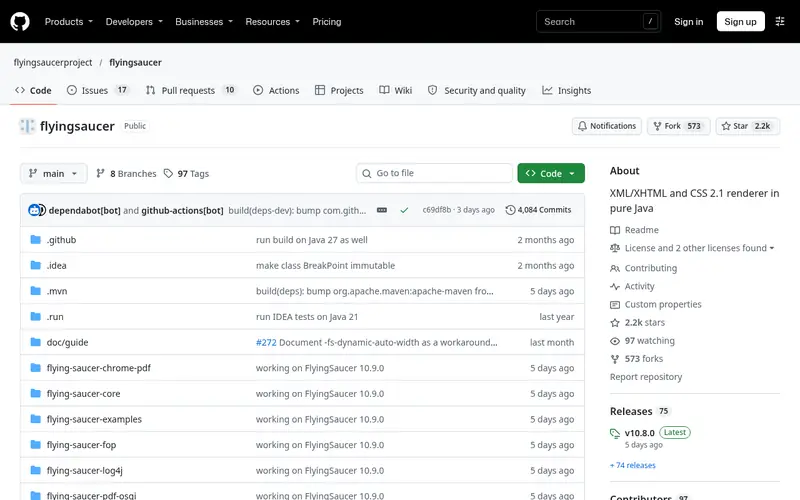
Flying Saucer renders XHTML and CSS to PDF and other outputs. It implements CSS 2.1 and has been used for years to turn HTML templates into printable documents. It works with PDF output libraries to produce the final file.
Its CSS support is older than what modern templates assume. Flexbox, grid and newer CSS features are not supported. The project sees limited activity, so check the repository for recent commits before adopting it for new work. It is free and open source.
Flying Saucer can still suit simple, well-controlled XHTML templates. For new projects that need modern CSS, OpenHTMLtoPDF is usually the better starting point. Skip it if your templates rely on current CSS layout.
Standout: Long-standing XHTML/CSS renderer
Free (open source), as listed by the vendor (Flying Saucer website). Confirm the current plan price before you buy.
Free plan. Plans change, so confirm on the vendor's pricing page before you buy.
Benefits
- Long-standing XHTML/CSS renderer
- integrates with PDF output backends
Drawbacks
- CSS support is dated
- project activity is limited
Skip it if this limit matters to you: CSS support is dated.
Verdict. A sensible pick for XHTML and CSS 2.1 rendering to PDF on the JVM.
Alternatives in this guide: Apache PDFBox, iText Core, OpenPDF
Who should use what
If you want a free, permissively licensed library and can write layout code, start with Apache PDFBox. If you need advanced forms, signatures and tagging and the AGPL or a commercial licence works for you, look at iText Core. If you generate documents from HTML templates, use OpenHTMLtoPDF with PDFBox underneath. If you need recurring, template-driven reports, JasperReports fits. Teams that need vendor support and a broad feature set should evaluate Aspose.PDF for Java against their budget.
Questions to settle before you buy
What to check before you buy
- Read the licence in full: AGPL, LGPL, MPL and Apache 2.0 have different obligations for distribution.
- Check that the library supports the PDF features you need, such as forms, signatures, PDF/A or tagging.
- Test your real templates against the library's supported CSS if you convert HTML.
- Confirm the project is maintained by checking recent commits and releases.
- Verify current pricing and support terms on the vendor page before you budget.
FAQ
Is Apache PDFBox free for commercial use?
Yes. PDFBox is released under the Apache License 2.0, which allows commercial and closed-source use with attribution and notice requirements. Check the licence text for the exact terms.
Do I need a commercial licence for iText Core?
Often, yes. iText Core is AGPL by default. If you distribute closed-source software that uses it, you generally need a commercial licence from iText. Open-source projects under a compatible licence can use the AGPL version.
Can these libraries convert HTML to PDF?
OpenHTMLtoPDF and Flying Saucer render HTML and CSS to PDF. Both support a subset of CSS, not full browser rendering. PDFBox and iText work at the PDF level and need extra code or add-ons for HTML input.
Which library is best for report generation?
JasperReports is built for template-driven reports and exports to PDF and other formats. For simpler documents, PDFBox or OpenHTMLtoPDF with your own templates may be enough.
Do these tools send my documents to a server?
No. These are Java libraries that run in your own process, so documents stay on your infrastructure. That differs from online PDF web tools, where you should not paste secrets or production data.
Sources we checked
Method: how we score · editorial policy.
Change log. First published 27 Nov 2026.