Stage 01 · Write · Researched comparison
Best Java CSV Libraries in 2026
Apache Commons CSV is the safest default for most teams: it is small, Apache-licensed and handles the common read and write cases without extra dependencies. OpenCSV suits projects that want bean mapping and a long-established API. Jackson dataformat-csv fits codebases that already use Jackson for JSON. All three are open source, so the choice comes down to API style, dependency weight and how much control you need over parsing edge cases.

By Shihab Mia
Published 27 Nov 2026 · 5 tools compared
We run no ads and no affiliate links at launch. The order of a list follows our published method. See how we score.
Prices are the starting prices vendors list publicly. Plans change, so confirm the current price on the vendor page before you buy.
Key takeaways
- Apache Commons CSV, OpenCSV, Jackson dataformat-csv and FastCSV are all free and open source.
- Univocity Parsers is still usable but shows low recent activity, so treat it as a maintenance risk.
- Jackson dataformat-csv only makes sense if you already depend on Jackson; otherwise it adds weight.
- Check each library's CSV dialect options (delimiter, quote, escape, line ending) before you commit.
Who each pick is for
- General-purpose read and write with a small dependencyApache Commons CSV
- Bean mapping and annotation-driven CSV bindingOpenCSV
- Teams already using Jackson for JSON or XMLJackson dataformat-csv
- Low-allocation parsing with a small footprintFastCSV
- Fixed-width and multi-format parsing alongside CSVUnivocity Parsers
Comparison
| Tool | Best for | Standout feature | Listed starting price | Free plan or trial |
|---|---|---|---|---|
| 1Apache Commons CSV | General-purpose read and write with a small dependency | Simple API for parsing and printing | Free (open source) | Free plan |
| 2OpenCSV | Bean mapping and annotation-driven CSV binding | Bean binding with annotations | Free (open source) | Free plan |
| 3Jackson dataformat-csv | Teams already using Jackson for JSON or XML | Same ObjectMapper model as other Jackson formats | Free (open source) | Free plan |
| 4FastCSV | Low-allocation parsing with a small footprint | Small dependency with a focus on speed and low garbage | Free (open source) | Free plan |
| 5Univocity Parsers | Fixed-width and multi-format parsing alongside CSV | Handles CSV, TSV and fixed-width in one library | Free (open source) | Free plan |
How we picked
We compared libraries on fit for common CSV jobs (parsing, writing, bean mapping, large files), supported Java platforms, licence and dependency weight, configuration options for dialects, and project activity. Sources are the official project pages, repositories and documentation. We did not run benchmarks. Prices and licences can change, so confirm details on the project site before you commit.
The tools, one by one
Apache Commons CSV
Best for general-purpose read and write with a small dependency
What it is and where it fits
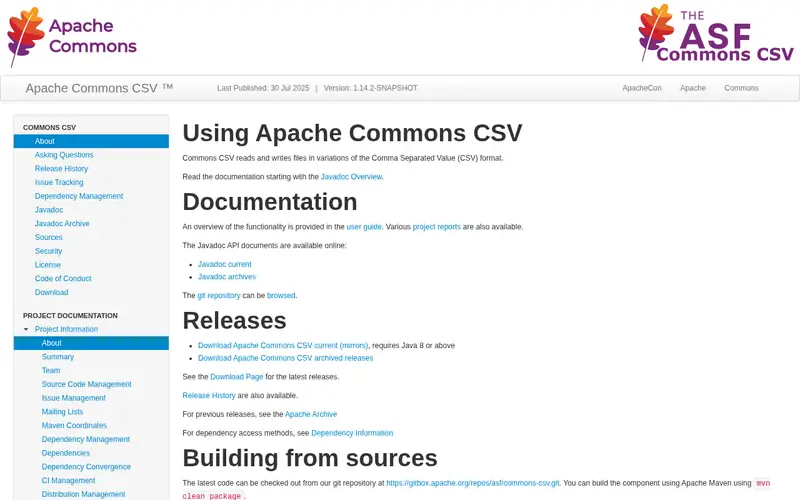
Apache Commons CSV is part of the Apache Commons project and runs on any standard Java runtime. It gives you a CSVFormat builder for delimiter, quote character, escape character, record separator and header handling, plus a parser that returns records and a printer that writes them. It is a single small jar with no transitive dependencies, which keeps build files clean.
The library does not map rows to Java beans on its own. You read a record and convert fields yourself, or pair it with a mapping layer. That is fine for import and export jobs, log processing and test fixtures, and it is the reason the API stays predictable. Teams that want annotation-driven bean binding usually pick OpenCSV instead.
Choose Commons CSV when you want a dependable parser with a familiar Apache licence and no extra baggage. Skip it if you need automatic bean conversion or a fluent mapping DSL out of the box.
Standout: Simple API for parsing and printing
Free (open source), as listed by the vendor (Apache Commons CSV website). Confirm the current plan price before you buy.
Free plan. Plans change, so confirm on the vendor's pricing page before you buy.
Benefits
- Simple API for parsing and printing
- Apache 2.0 licence and steady maintenance
Drawbacks
- No built-in bean mapping
- fewer format conveniences than OpenCSV
Skip it if this limit matters to you: no built-in bean mapping.
Verdict. A sensible pick for general-purpose read and write with a small dependency.
Alternatives in this guide: OpenCSV, Jackson dataformat-csv, FastCSV
OpenCSV
Best for bean mapping and annotation-driven CSV binding
What it is and where it fits
OpenCSV is one of the longest-running Java CSV libraries. It provides CSVReader and CSVWriter for low-level work and a bean binding layer that maps columns to fields with annotations such as @CsvBindByName and @CsvBindByPosition. It also supports custom converters for dates, enums and other types, which cuts down on manual parsing code.
The library is Apache 2.0 licensed and runs on standard Java. Some parts, such as certain converter helpers, pull in additional dependencies, so check your dependency tree if you keep builds lean. The API predates modern fluent styles, and documentation examples vary in age, but the core reader and writer behaviour is stable.
Pick OpenCSV when bean mapping is the main job and you want annotations rather than hand-written field conversion. Skip it if you prefer a minimal parser or already standardise on Jackson for data binding.
Standout: Bean binding with annotations
Free (open source), as listed by the vendor (OpenCSV website). Confirm the current plan price before you buy.
Free plan. Plans change, so confirm on the vendor's pricing page before you buy.
Benefits
- Bean binding with annotations
- mature API with many examples
Drawbacks
- Older API style
- some features need extra dependencies
Skip it if this limit matters to you: older API style.
Verdict. A sensible pick for bean mapping and annotation-driven CSV binding.
Alternatives in this guide: Apache Commons CSV, Jackson dataformat-csv, FastCSV
Jackson dataformat-csv
Best for teams already using Jackson for JSON or XML
What it is and where it fits
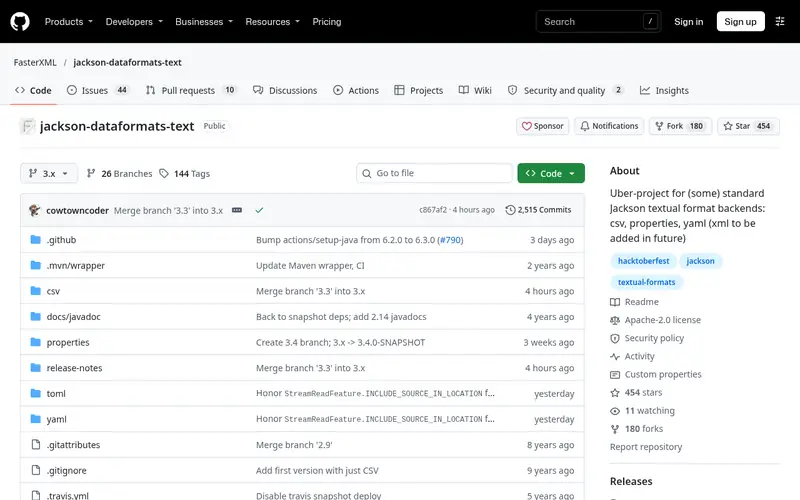
Jackson dataformat-csv is the CSV backend for Jackson, the widely used JSON library. It lets you read and write CSV through the same ObjectMapper and data-binding model you use for JSON, including POJO mapping, schema configuration and streaming access. If your service already depends on Jackson, adding CSV support is a small step.
The trade-off is weight and scope. You bring in Jackson core and databind, and the CSV backend does not aim to cover every dialect edge case that dedicated parsers handle. It is best for structured, schema-known data rather than messy third-party files. The project is Apache 2.0 licensed and actively maintained as part of the Jackson family.
Use it when consistency with an existing Jackson stack matters more than a tiny dependency footprint. Skip it for one-off scripts or when you need fine control over unusual CSV dialects.
Standout: Same ObjectMapper model as other Jackson formats
Free (open source), as listed by the vendor (Jackson dataformat-csv website). Confirm the current plan price before you buy.
Free plan. Plans change, so confirm on the vendor's pricing page before you buy.
Benefits
- Same ObjectMapper model as other Jackson formats
- strong schema and type handling
Drawbacks
- Pulls in Jackson core
- CSV support is less complete than dedicated parsers
Skip it if this limit matters to you: pulls in Jackson core.
Verdict. A sensible pick for teams already using Jackson for JSON or XML.
Alternatives in this guide: Apache Commons CSV, OpenCSV, FastCSV
FastCSV
Best for low-allocation parsing with a small footprint
What it is and where it fits
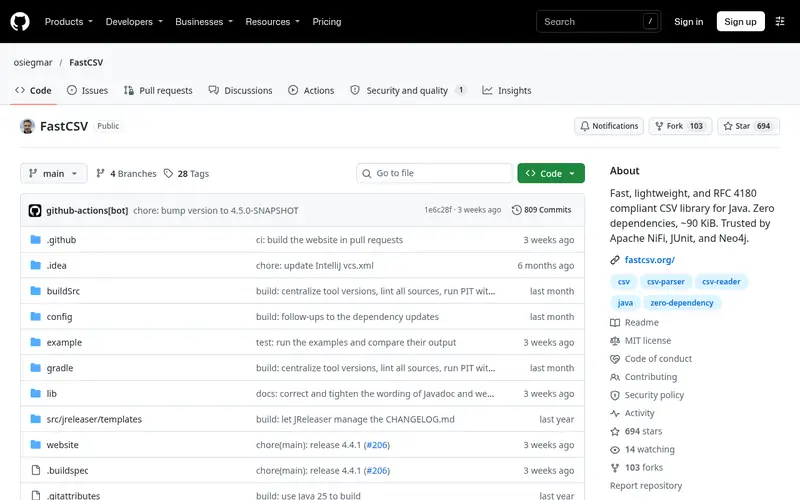
FastCSV is a lightweight Java CSV library built around a streaming reader and writer with an emphasis on low allocation and speed. It supports configurable separators, quote handling and line endings, and it offers both a simple API and a callback-based API for large files. It has no dependencies outside the JDK.
The project is MIT licensed and maintained on GitHub. Its community and third-party integrations are smaller than Apache Commons CSV or OpenCSV, so fewer Stack Overflow answers and tutorials exist. The API is clear enough that the source and README usually answer questions.
Choose FastCSV when throughput and memory matter, such as bulk imports of large files, and you are comfortable with a smaller ecosystem. Skip it if you need bean mapping with annotations or want the widest possible pool of community examples.
Standout: Small dependency with a focus on speed and low garbage
Free (open source), as listed by the vendor (FastCSV website). Confirm the current plan price before you buy.
Free plan. Plans change, so confirm on the vendor's pricing page before you buy.
Benefits
- Small dependency with a focus on speed and low garbage
- clean modern API
Drawbacks
- Smaller community than Apache or OpenCSV
- fewer integrations
Skip it if this limit matters to you: smaller community than Apache or OpenCSV.
Verdict. A sensible pick for low-allocation parsing with a small footprint.
Alternatives in this guide: Apache Commons CSV, OpenCSV, Jackson dataformat-csv
Univocity Parsers
Best for fixed-width and multi-format parsing alongside CSV
What it is and where it fits
Univocity Parsers is a parsing library that covers CSV, TSV and fixed-width files with a shared settings model. It offers bean mapping, column selection, custom conversions and parallel parsing options. For projects that must read several text formats, having one library can simplify the code.
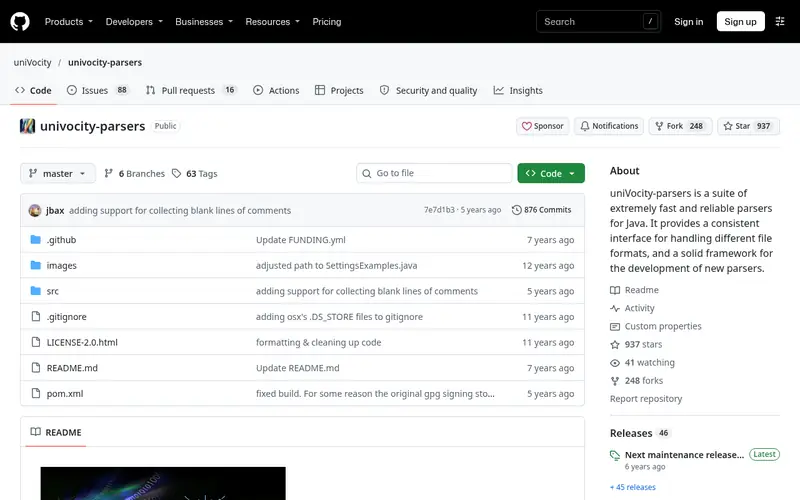
The main concern is maintenance. The repository shows low recent activity, so bug fixes and updates to newer Java versions may lag. The library is Apache 2.0 licensed and still works on current Java runtimes, but teams starting fresh should weigh that against more actively developed options.
Use Univocity if you already depend on it or need its fixed-width support and accept the maintenance risk. For new CSV-only work, a more active library is the safer pick.
Standout: Handles CSV, TSV and fixed-width in one library
Free (open source), as listed by the vendor (Univocity Parsers website). Confirm the current plan price before you buy.
Free plan. Plans change, so confirm on the vendor's pricing page before you buy.
Benefits
- Handles CSV, TSV and fixed-width in one library
- rich configuration options
Drawbacks
- Low recent activity
- treat long-term maintenance as a risk
Skip it if this limit matters to you: low recent activity.
Verdict. A sensible pick for fixed-width and multi-format parsing alongside CSV.
Alternatives in this guide: Apache Commons CSV, OpenCSV, Jackson dataformat-csv
Who should use what
If you need a dependable parser with no extra dependencies, start with Apache Commons CSV. If your code maps CSV rows to annotated beans, OpenCSV saves boilerplate. If your service already uses Jackson for JSON, the Jackson CSV backend keeps one data-binding model. If you process very large files and care about allocation, FastCSV is worth a look. Teams maintaining existing Univocity code can keep it, but new projects should weigh its low activity against more active alternatives.
Questions to settle before you buy
What to check before you buy
- Confirm the library supports your exact dialect: delimiter, quote, escape and line endings.
- Check the licence and whether it fits your distribution model.
- Review the dependency tree; some libraries pull in more than expected.
- Test behaviour on malformed rows, embedded newlines and quoted commas.
- Check recent commit and release activity for long-term maintenance.
FAQ
Is Apache Commons CSV free?
Yes. Apache Commons CSV is open source under the Apache 2.0 licence and free to use in commercial and open-source projects.
Which Java CSV library is best for bean mapping?
OpenCSV is the most direct fit, with annotations for binding columns to fields. Jackson dataformat-csv also maps POJOs if you already use Jackson.
Can these libraries handle large CSV files?
Yes, most offer streaming readers. FastCSV is built around low allocation, and Commons CSV and OpenCSV stream records rather than loading whole files.
Is Univocity Parsers still maintained?
The repository shows low recent activity. It still works, but treat long-term maintenance as a risk and check the project before adopting it for new code.
Do I need a library, or can I split on commas?
Splitting on commas breaks on quoted fields, embedded commas and newlines. A library handles these cases and malformed input, which saves debugging time.
Sources we checked
Method: how we score · editorial policy.
Change log. First published 27 Nov 2026.