Stage 01 · Write · Researched comparison
Best Fuzzy Finders for the Terminal in 2026
fzf is the first pick for most developers: it is fast, works on Linux, macOS and Windows, and plugs into shells, Vim and scripts. Pick skim if you want a Rust tool with a similar interface and a library API. Pick Telescope.nvim if you work mainly inside Neovim and want fuzzy search wired into buffers, files and LSP results.

By Shihab Mia
Published 27 Nov 2026 · 6 tools compared
We run no ads and no affiliate links at launch. The order of a list follows our published method. See how we score.
Prices are the starting prices vendors list publicly. Plans change, so confirm the current price on the vendor page before you buy.
Key takeaways
- All six options here are free and open source, so the choice comes down to platform support, integration and the matching algorithm.
- fzf, skim and television are general terminal tools; fzy and peco are smaller, focused pickers; Telescope.nvim only runs inside Neovim.
- fzf ships shell key bindings and completion for bash, zsh and fish, which makes it the easiest to adopt without writing glue code.
- None of these tools send your input anywhere; matching runs locally, which matters when you filter file paths or logs that contain sensitive values.
Who each pick is for
- General terminal users who want shell and Vim integrationfzf
- Rust users who want an fzf-compatible finder with a library APIskim
- Minimalist users who want a small, fast pickerfzy
- Users who want a simple picker with incremental filteringpeco
- Users who want a fast finder with channels and previewstelevision
- Neovim users who want fuzzy search inside the editorTelescope.nvim
Comparison
| Tool | Best for | Standout feature | Listed starting price | Free plan or trial |
|---|---|---|---|---|
| 1fzf | General terminal users who want shell and Vim integration | Shell key bindings and completion for bash, zsh and fish | Free (open source) | Free plan |
| 2skim | Rust users who want an fzf-compatible finder with a library API | Written in Rust with a usable library crate | Free (open source) | Free plan |
| 3fzy | Minimalist users who want a small, fast picker | Small codebase with a clear matching algorithm | Free (open source) | Free plan |
| 4peco | Users who want a simple picker with incremental filtering | Simple configuration file and key bindings | Free (open source) | Free plan |
| 5television | Users who want a fast finder with channels and previews | Channel system for files, git and other sources | Free (open source) | Free plan |
| 6Telescope.nvim | Neovim users who want fuzzy search inside the editor | Pickers for files, buffers, LSP results and git | Free (open source) | Free plan |
How we picked
We compared the tools on fit for interactive filtering, supported platforms, licence and cost, how well they integrate with shells and editors, and known limits such as input size or missing features. We also noted whether matching runs locally. Sources are the official repositories and documentation for each project. Prices and licences can change, so confirm details on the project page before you commit.
The tools, one by one
fzf
Best for general terminal users who want shell and Vim integration
What it is and where it fits
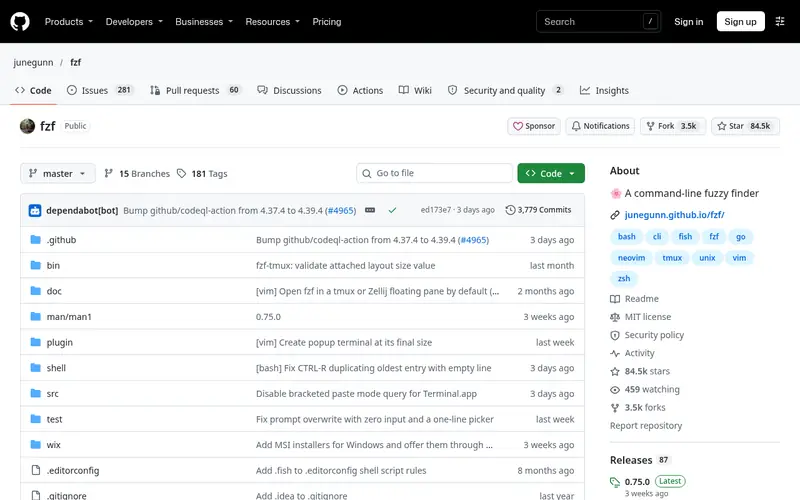
fzf reads lines from standard input or walks the file system and shows an interactive list you narrow down by typing. It runs on Linux, macOS and Windows, and installs from package managers, Homebrew, Scoop and prebuilt binaries. The project is MIT licensed.
The tool ships key bindings for bash, zsh and fish plus completion, so Ctrl+T for files and Ctrl+R for history work after one setup command. It also has a Go library for embedding the finder in other programs. Layout, preview windows and key maps are configured through environment variables and command-line flags, which is powerful but takes reading the manual. Skip it if you want zero configuration or only work inside Neovim.
Standout: Shell key bindings and completion for bash, zsh and fish
Free (open source), as listed by the vendor (fzf website). Confirm the current plan price before you buy.
Free plan. Plans change, so confirm on the vendor's pricing page before you buy.
Benefits
- Shell key bindings and completion for bash, zsh and fish
- works on Linux, macOS and Windows
Drawbacks
- Default matching is not always intuitive for long paths
- advanced layout needs config work
Skip it if this limit matters to you: default matching is not always intuitive for long paths.
Verdict. A sensible pick for general terminal users who want shell and Vim integration.
skim
Best for rust users who want an fzf-compatible finder with a library API
What it is and where it fits
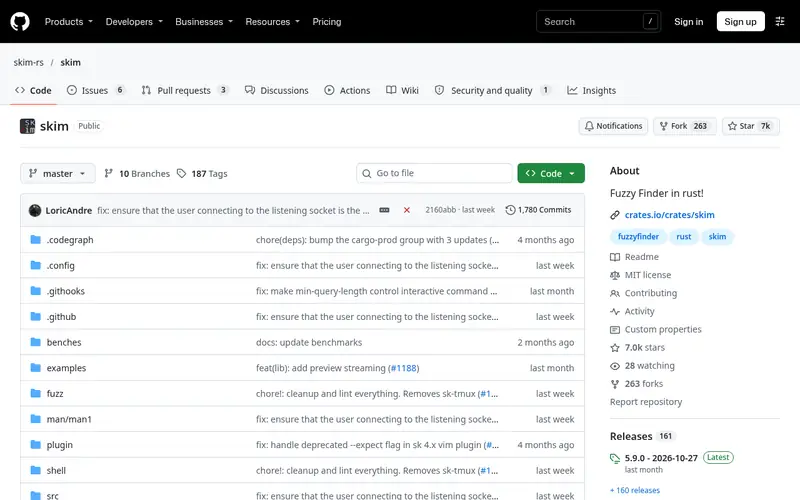
skim (sk) is a fuzzy finder written in Rust. It aims for command-line compatibility with fzf, so most flags and shell integration carry over. It runs on Linux, macOS and Windows and is distributed through Cargo, Homebrew and release binaries. The licence is MIT.
The main reason to pick skim over fzf is the Rust library: you can embed the finder in your own Rust program without shelling out. It also offers an interactive mode and a filter mode for scripting. Compatibility is close but not complete, so check the option you depend on before switching a large set of scripts. Developers who do not write Rust gain little from the swap.
Standout: Written in Rust with a usable library crate
Free (open source), as listed by the vendor (skim website). Confirm the current plan price before you buy.
Free plan. Plans change, so confirm on the vendor's pricing page before you buy.
Benefits
- Written in Rust with a usable library crate
- compatible with most fzf options and key bindings
Drawbacks
- Smaller community than fzf
- some fzf features are missing or behave differently
Skip it if this limit matters to you: smaller community than fzf.
Verdict. A sensible pick for rust users who want an fzf-compatible finder with a library API.
fzy
Best for minimalist users who want a small, fast picker
What it is and where it fits
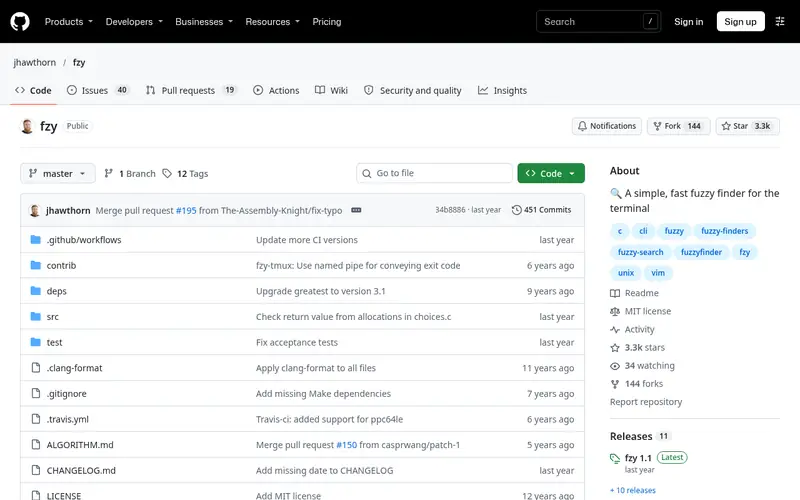
fzy is a small fuzzy finder with a deliberately simple scope. It reads lines and returns the best match by score, using an algorithm that favours matches at word boundaries and shorter candidates. It is written in C and builds on Linux and macOS; Windows users need a compatibility layer. The licence is MIT.
There is no preview window, no shell integration package and no plugin ecosystem. That is the point: the binary is small, starts quickly and is easy to read if you want to understand how scoring works. It suits scripts and minimal setups where fzf feels heavy. If you rely on previews, multi-select or editor plugins, choose fzf or Telescope instead.
Standout: Small codebase with a clear matching algorithm
Free (open source), as listed by the vendor (fzy website). Confirm the current plan price before you buy.
Free plan. Plans change, so confirm on the vendor's pricing page before you buy.
Benefits
- Small codebase with a clear matching algorithm
- fast startup and low overhead
Drawbacks
- Fewer features and integrations than fzf
- no built-in shell key bindings
Skip it if this limit matters to you: fewer features and integrations than fzf.
Verdict. A sensible pick for minimalist users who want a small, fast picker.
peco
Best for users who want a simple picker with incremental filtering
What it is and where it fits
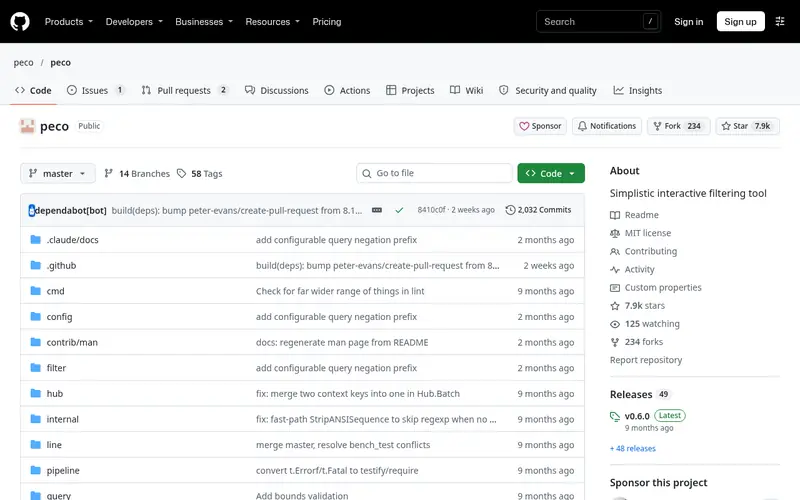
peco is a Go-based fuzzy finder with an interface close to the original percol tool. It filters incrementally as you type and supports custom key bindings through a config file. It runs on Linux, macOS and Windows and installs from release binaries or Go. The licence is MIT.
peco is a reasonable choice if you already have configs written for it or want a plain picker without fzf's option surface. It handles typical history and file-list workloads fine but is slower on very large inputs. Development is slower than on fzf or skim, so check open issues before adopting it for new work. Most new users are better served by fzf.
Standout: Simple configuration file and key bindings
Free (open source), as listed by the vendor (peco website). Confirm the current plan price before you buy.
Free plan. Plans change, so confirm on the vendor's pricing page before you buy.
Benefits
- Simple configuration file and key bindings
- incremental filtering with a familiar interface
Drawbacks
- Slower on very large inputs than fzf or skim
- less active development
Skip it if this limit matters to you: slower on very large inputs than fzf or skim.
Verdict. A sensible pick for users who want a simple picker with incremental filtering.
television
Best for users who want a fast finder with channels and previews
What it is and where it fits
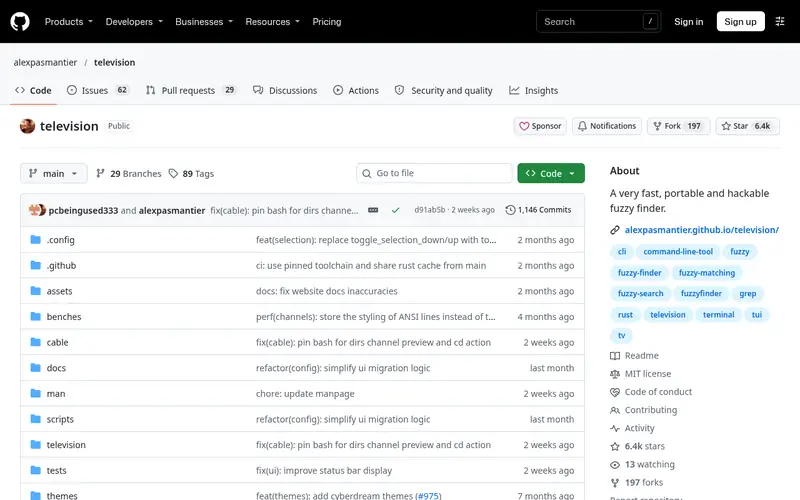
television (tv) is a Rust fuzzy finder built around "channels": named sources such as files, git branches or environment variables that you switch between inside the UI. It includes preview panes and a config file for custom channels. It runs on Linux and macOS, with Windows support depending on the release. The licence is MIT.
The channel model is the differentiator. Instead of piping a list in, you pick a source and search it directly, which reduces shell plumbing for common tasks. The trade-off is maturity: the project is newer than fzf, options and config formats have changed between releases, and third-party integrations are fewer. Try it if you like the channel workflow; keep fzf for scripts you need to stay stable.
Standout: Channel system for files, git and other sources
Free (open source), as listed by the vendor (television website). Confirm the current plan price before you buy.
Free plan. Plans change, so confirm on the vendor's pricing page before you buy.
Benefits
- Channel system for files, git and other sources
- built-in preview support
Drawbacks
- Younger project with a changing interface
- fewer integrations than fzf
Skip it if this limit matters to you: younger project with a changing interface.
Verdict. A sensible pick for users who want a fast finder with channels and previews.
Telescope.nvim
Best for neovim users who want fuzzy search inside the editor
What it is and where it fits
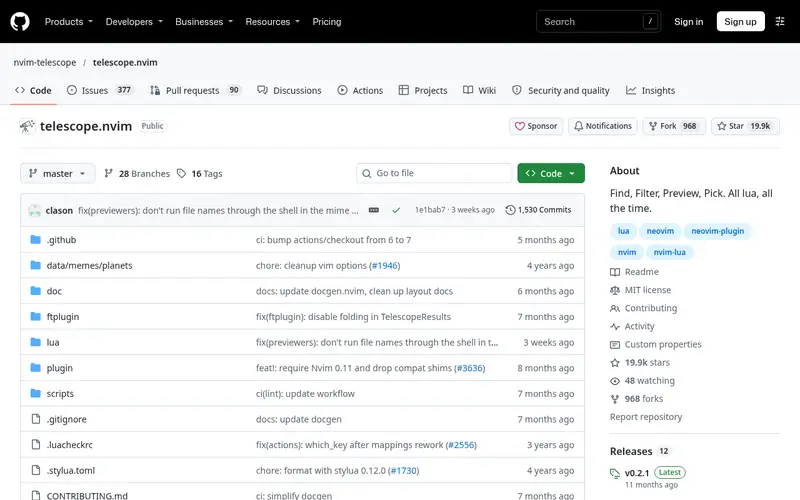
Telescope.nvim is a fuzzy finder plugin for Neovim, written in Lua. It provides pickers for files, buffers, help tags, LSP diagnostics, git commits and more, with previews in a floating window. It requires Neovim and a recent version of the plenary.nvim dependency. The licence is MIT.
It is the natural choice if Neovim is your main editor, because it reuses editor state: open buffers, LSP symbols and git data are searched without leaving the session. Setup goes through your plugin manager and a setup call, and extensions add more pickers. It does nothing outside Neovim, so terminal-only users should look at fzf or television. Check the required Neovim version in the README before installing.
Standout: Pickers for files, buffers, LSP results and git
Free (open source), as listed by the vendor (Telescope.nvim website). Confirm the current plan price before you buy.
Free plan. Plans change, so confirm on the vendor's pricing page before you buy.
Benefits
- Pickers for files, buffers, LSP results and git
- previews inside Neovim
Drawbacks
- Requires Neovim and plugin setup
- not usable outside the editor
Skip it if this limit matters to you: requires Neovim and plugin setup.
Verdict. A sensible pick for neovim users who want fuzzy search inside the editor.
Who should use what
If you want one finder for shell history, file search and Vim, use fzf. If you write Rust and want to embed a finder in your own program, use skim. If you work almost entirely inside Neovim, use Telescope.nvim for files, buffers and LSP results. If you want a tiny binary for scripts and do not need previews, use fzy. peco suits people with existing configs, and television suits those who like its channel model and can accept a younger project.
Questions to settle before you buy
What to check before you buy
- Confirm the tool builds or has a binary for your OS and architecture.
- Check that shell integration exists for your shell if you want key bindings.
- Test performance on your largest real input, such as a full home directory listing.
- Read the licence and confirm it fits how you distribute your own code.
- Verify the matching behaviour on the paths you search most, since scoring differs between tools.
FAQ
Do fuzzy finders send my data anywhere?
No. fzf, skim, fzy, peco, television and Telescope.nvim match input locally in the process. Nothing is uploaded. That said, avoid piping secrets into preview commands that call external services, and keep history files with tokens out of shared machines.
Can I use these on Windows?
fzf, skim and peco provide Windows builds. television's Windows support depends on the release, so check the repository. fzy is written in C for Unix-like systems and needs a compatibility layer on Windows. Telescope.nvim runs wherever Neovim runs.
Which one is fastest?
All of them are fast enough for typical file and history lists. fzf and skim are written for large inputs, and fzy has low startup overhead. We did not run benchmarks, so test with your own data rather than relying on claims.
Do I need a plugin manager for Telescope.nvim?
Yes, in practice. Telescope is a Neovim plugin installed through a plugin manager such as lazy.nvim or packer, and it needs plenary.nvim. Check the README for the minimum Neovim version.
Are these tools free for commercial use?
All six are MIT licensed, which permits commercial use with attribution requirements set by the licence. Read the licence text in each repository if you redistribute the code.
Sources we checked
Method: how we score · editorial policy.
Change log. First published 27 Nov 2026.