Stage 01 · Write · Researched comparison
Best Directory Jumpers for the Terminal in 2026
zoxide is the best directory jumper for most developers. It works across Bash, Zsh, Fish, PowerShell and other shells, tracks visited directories, and ranks matches by frequency and recency. If you want a long-standing Python-based option, autojump is a solid alternative. If you want tree navigation plus jumping in one tool, broot covers both. All of these are free and open source, so the choice comes down to shell support, language and workflow.

By Shihab Mia
Published 27 Nov 2026 · 6 tools compared
We run no ads and no affiliate links at launch. The order of a list follows our published method. See how we score.
Prices are the starting prices vendors list publicly. Plans change, so confirm the current price on the vendor page before you buy.
Key takeaways
- zoxide is the most portable pick, with support for many shells and a single binary.
- autojump, z, z.lua and zsh-z all use a frecency-style ranking of visited directories.
- z.lua and zsh-z are lighter picks if you already live in Zsh or want a Lua-based tool.
- broot adds a tree view and file operations on top of directory jumping.
- All six tools are free and open source; none requires a paid plan.
Who each pick is for
- Developers who want one jumper across many shellszoxide
- Python users who want a mature, well-known jumperautojump
- Minimalists who want a small shell scriptz
- Lua users who want fast jumping in Zsh or Bashz.lua
- Zsh users who want a focused, fast jumperzsh-z
- Developers who want tree navigation plus jumpingbroot
Comparison
| Tool | Best for | Standout feature | Listed starting price | Free plan or trial |
|---|---|---|---|---|
| 1zoxide | Developers who want one jumper across many shells | Works in Bash, Zsh, Fish, PowerShell and more | Free (open source) | Free plan |
| 2autojump | Python users who want a mature, well-known jumper | Long-standing project with wide documentation | Free (open source) | Free plan |
| 3z | Minimalists who want a small shell script | Tiny shell script with no runtime dependency | Free (open source) | Free plan |
| 4z.lua | Lua users who want fast jumping in Zsh or Bash | Fast Lua implementation | Free (open source) | Free plan |
| 5zsh-z | Zsh users who want a focused, fast jumper | Designed specifically for Zsh | Free (open source) | Free plan |
| 6broot | Developers who want tree navigation plus jumping | Tree view with fuzzy search and file operations | Free (open source) | Free plan |
How we picked
We compared tools on fit for directory jumping, shell and platform support, price and license, setup effort and main limits. We also considered whether each tool is currently maintained and has an official repository. Sources are vendor pages, project documentation and repositories. Prices and features can change, so confirm details on the official project page before you commit.
The tools, one by one
zoxide
Best for developers who want one jumper across many shells
What it is and where it fits
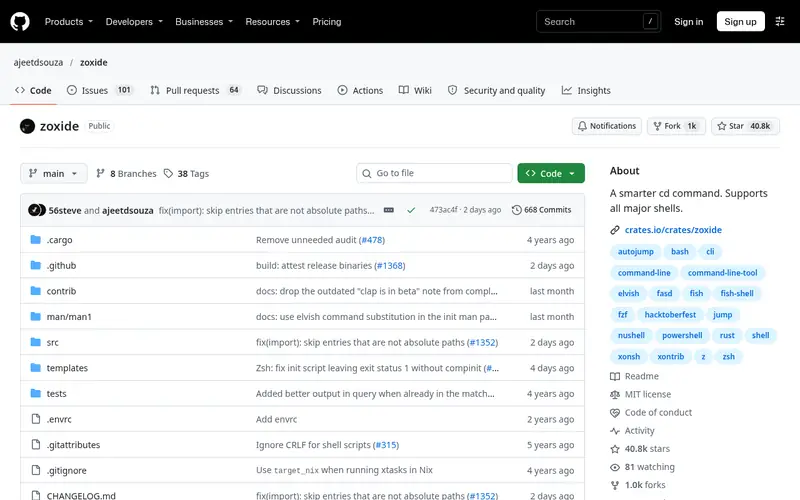
zoxide is a smarter cd command written in Rust. It builds a database of directories you visit and ranks them by frequency and recency, so `z foo` jumps to the most likely match. It supports Bash, Zsh, Fish, PowerShell, Nushell, Elvish and other shells through an init hook you add to your shell config. Installation is available through package managers, a install script and prebuilt binaries.
The project is open source under the MIT license. There is no paid tier and no account. You can query and edit the database with subcommands, and interactive selection is available when several matches exist. The main cost is setup: you must add the shell hook and reload your shell. Developers who switch shells often will appreciate that one tool covers all of them. Those who want zero configuration may prefer a simpler script.
Standout: Works in Bash, Zsh, Fish, PowerShell and more
Free (open source), as listed by the vendor (zoxide website). Confirm the current plan price before you buy.
Free plan. Plans change, so confirm on the vendor's pricing page before you buy.
Benefits
- Works in Bash, Zsh, Fish, PowerShell and more
- single binary with fast startup
Drawbacks
- Requires shell hook setup
- ranking can favor old frequent paths
Skip it if this limit matters to you: requires shell hook setup.
Verdict. A sensible pick for developers who want one jumper across many shells.
autojump
Best for python users who want a mature, well-known jumper
What it is and where it fits
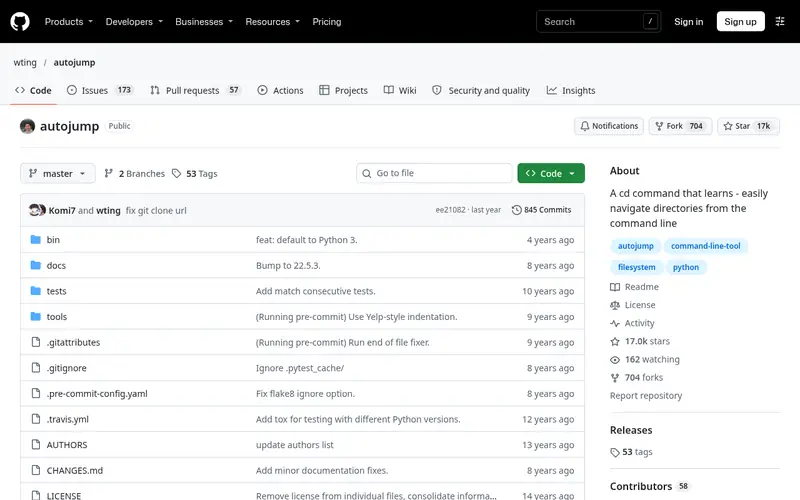
autojump is one of the older directory jumpers and remains widely used. It keeps a database of directories you visit and lets you jump with `j foo`. It installs through package managers or from source and requires Python. Shell integration is provided for Bash, Zsh and Fish, and the project documents setup steps for each.
The tool is open source under the GPL. There is no paid plan. Its database can be inspected and edited, and it supports options for opening a directory in a file manager. Because it is written in Python, startup can be slower than compiled alternatives, which matters if you invoke it very often. It is a reasonable choice for developers already comfortable with Python tooling, and a less ideal one for those who want a single static binary.
Standout: Long-standing project with wide documentation
Free (open source), as listed by the vendor (autojump website). Confirm the current plan price before you buy.
Free plan. Plans change, so confirm on the vendor's pricing page before you buy.
Benefits
- Long-standing project with wide documentation
- works in Bash, Zsh and Fish
Drawbacks
- Python dependency
- slower startup than compiled tools
Skip it if this limit matters to you: python dependency.
Verdict. A sensible pick for python users who want a mature, well-known jumper.
z
Best for minimalists who want a small shell script
What it is and where it fits
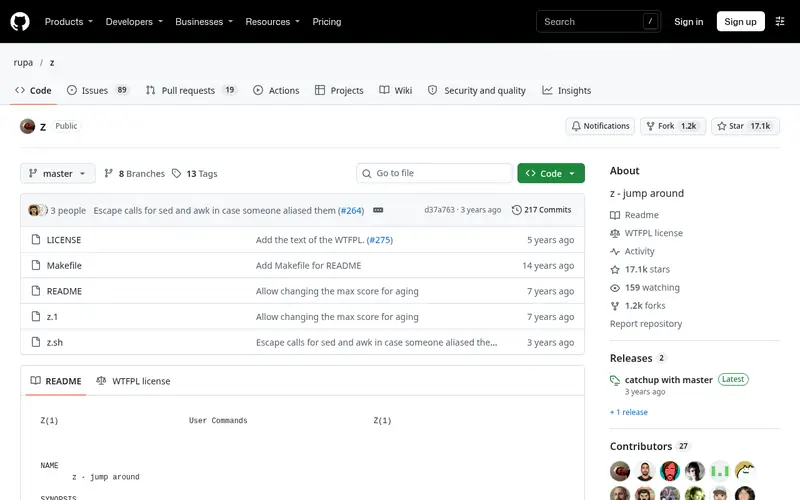
z is a small shell script that tracks the directories you visit and lets you jump with `z foo`. It is one of the original tools in this category and has inspired several others. Because it is a shell script, it has no runtime dependency beyond the shell itself. It works in Bash and Zsh, and setup is a matter of sourcing the script from your shell config.
The project is open source under the MIT license. There is no paid tier. Its small size makes it easy to read and adapt if you want to change the ranking or add options. The trade-off is fewer features than larger tools: there is no compiled binary, no cross-shell installer, and interactive selection is limited. Developers who want a lightweight script they can audit will find it appealing. Those who want broad shell support or extra features should look at zoxide or broot.
Standout: Tiny shell script with no runtime dependency
Free (open source), as listed by the vendor (z website). Confirm the current plan price before you buy.
Free plan. Plans change, so confirm on the vendor's pricing page before you buy.
Benefits
- Tiny shell script with no runtime dependency
- simple to read and modify
Drawbacks
- Shell script only, with fewer features
- setup differs per shell
Skip it if this limit matters to you: shell script only, with fewer features.
Verdict. A sensible pick for minimalists who want a small shell script.
z.lua
Best for lua users who want fast jumping in Zsh or Bash
What it is and where it fits
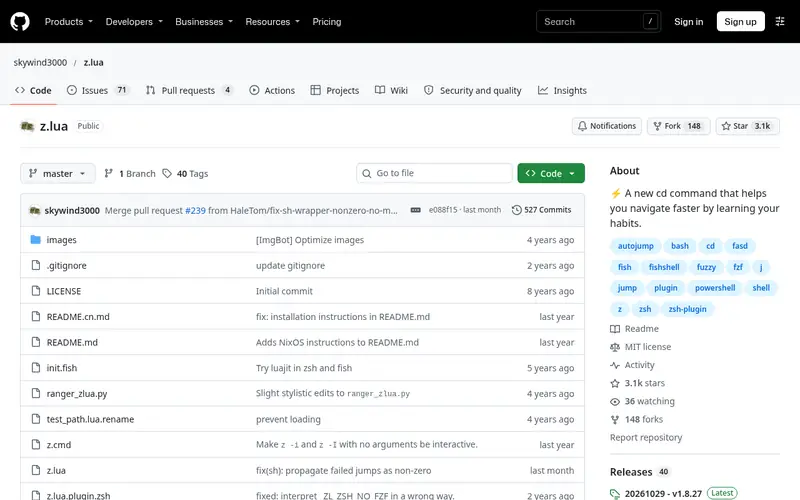
z.lua is a directory jumper written in Lua. It tracks visited directories and ranks them, with several matching modes that change how it weighs frequency, recency and path similarity. It runs in Bash, Zsh, Fish and other shells when a Lua interpreter is available. The project documents installation for common package managers and manual setups.
The tool is open source. There is no paid plan. Its matching modes are its main differentiator: you can tune how it ranks candidates, which helps in large directory trees. The cost is setup complexity, since you need Lua installed and a shell hook configured. Developers who already use Lua or want fine control over ranking will get the most from it. Those who want a single binary with defaults that just work may prefer zoxide.
Standout: Fast Lua implementation
Free (open source), as listed by the vendor (z.lua website). Confirm the current plan price before you buy.
Free plan. Plans change, so confirm on the vendor's pricing page before you buy.
Benefits
- Fast Lua implementation
- supports enhanced matching modes
Drawbacks
- Requires a Lua runtime
- configuration is more involved
Skip it if this limit matters to you: requires a Lua runtime.
Verdict. A sensible pick for lua users who want fast jumping in Zsh or Bash.
zsh-z
Best for zsh users who want a focused, fast jumper
What it is and where it fits
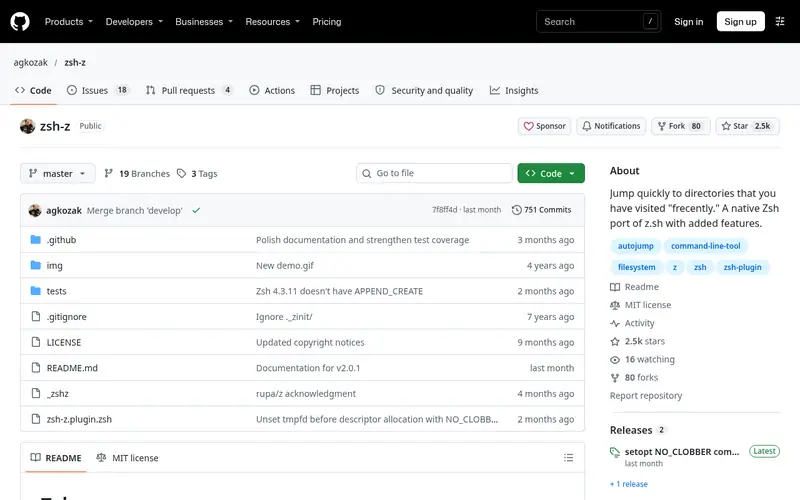
zsh-z is a directory jumper built for Zsh. It tracks visited directories and lets you jump with `z foo`, ranking matches by frequency and recency. Because it targets one shell, its setup is short: you install it and source it from your Zsh config. The project documents installation through plugin managers and manual methods.
The tool is open source. There is no paid tier. It is a good fit for developers who have standardized on Zsh and want a focused tool without cross-shell abstraction. The obvious limit is that it does not work in Bash, Fish or PowerShell. If you sometimes work in other shells, a cross-shell tool like zoxide is a better investment. If Zsh is your only shell, zsh-z keeps things simple and fast.
Standout: Designed specifically for Zsh
Free (open source), as listed by the vendor (zsh-z website). Confirm the current plan price before you buy.
Free plan. Plans change, so confirm on the vendor's pricing page before you buy.
Benefits
- Designed specifically for Zsh
- fast and simple to configure
Drawbacks
- Zsh only
- smaller feature set than cross-shell tools
Skip it if this limit matters to you: zsh only.
Verdict. A sensible pick for zsh users who want a focused, fast jumper.
broot
Best for developers who want tree navigation plus jumping
What it is and where it fits
broot is a terminal file tree explorer written in Rust. It shows a directory tree, supports fuzzy search, and lets you navigate and act on files. It also includes directory jumping, so you can move to frequently used paths without a separate jumper. It runs on Linux, macOS and Windows, and installs through package managers or prebuilt binaries.
The project is open source. There is no paid plan. Because it does more than jumping, it has more commands and modes to learn than a small script. That is a benefit if you want a single tool for browsing and jumping, and a drawback if you only want a faster cd. Developers who spend time exploring repositories will get more from it than those who only need short jumps between known directories.
Standout: Tree view with fuzzy search and file operations
Free (open source), as listed by the vendor (broot website). Confirm the current plan price before you buy.
Free plan. Plans change, so confirm on the vendor's pricing page before you buy.
Benefits
- Tree view with fuzzy search and file operations
- includes directory jumping
Drawbacks
- Larger tool with more concepts to learn
- not a drop-in cd replacement alone
Skip it if this limit matters to you: larger tool with more concepts to learn.
Verdict. A sensible pick for developers who want tree navigation plus jumping.
Who should use what
If you switch between Bash, Zsh, Fish and PowerShell, choose zoxide for one setup across shells. If you already use Python tooling and want a well-known jumper, autojump is a reasonable fit. If you have standardized on Zsh and want something small, zsh-z or z keep setup short. If you want tree browsing and file actions alongside jumping, broot covers both. If you want fine control over ranking and use Lua, z.lua offers several matching modes.
Questions to settle before you buy
What to check before you buy
- Confirm the tool supports every shell you use day to day.
- Check that installation is available through your package manager or a trusted binary.
- Read the setup steps for your shell config and plan to reload the shell.
- Review how the tool stores its database and whether you can inspect or clear it.
- Check that the project is actively maintained and has recent commits or releases.
FAQ
Do directory jumpers replace cd?
No. They add a faster way to reach directories you visit often. You still use cd for new or one-off paths. Most jumpers also let you fall back to normal cd behavior when no match is found.
Do these tools send data anywhere?
These are local command-line tools. They store a database of visited paths on your machine. They do not require an account. Check each project's documentation if you want details on where the database file lives.
Which jumper works in PowerShell?
zoxide supports PowerShell among other shells. The other tools listed here focus on Unix shells such as Bash, Zsh and Fish. Check the project documentation for current shell support before installing.
Are these tools free?
Yes. All six are free and open source. There is no paid tier for any of them. You can review the source code and license on each project's repository.
Can I use more than one jumper?
You can, but running two jumpers at once means two databases and two sets of shell hooks. It is usually simpler to pick one. If you want tree navigation too, broot can complement a jumper, but check for key binding conflicts.
Sources we checked
Method: how we score · editorial policy.
Change log. First published 27 Nov 2026.