Stage 01 · Write · Researched comparison
Best C++ Linear Algebra Libraries in 2026
Eigen is the first pick for most C++ projects that need dense or sparse linear algebra. It is header-only, open source, and covers decompositions, solvers, and matrix types without a build step. Armadillo suits users who want a MATLAB-like API with BLAS and LAPACK underneath. Blaze fits teams that want aggressive expression-template optimization for large dense workloads.

By Shihab Mia
Published 27 Nov 2026 · 7 tools compared
We run no ads and no affiliate links at launch. The order of a list follows our published method. See how we score.
Prices are the starting prices vendors list publicly. Plans change, so confirm the current price on the vendor page before you buy.
Key takeaways
- Eigen is header-only and free under MPL2, which makes it the lowest-friction starting point for most C++ linear algebra work.
- Armadillo and Blaze both rely on an external BLAS and LAPACK library, so plan for OpenBLAS or Intel oneMKL as a backend.
- GLM is for graphics math, not general numerical linear algebra, and should not replace Eigen or Armadillo for solvers.
- OpenBLAS is free and open source; Intel oneMKL is free to use under Intel's current licence terms, but confirm the terms on the vendor page.
Who each pick is for
- General dense and sparse linear algebra in C++Eigen
- MATLAB-like C++ API with BLAS and LAPACK underneathArmadillo
- High-performance dense math with expression templatesBlaze
- N-dimensional arrays with NumPy-like C++ syntaxxtensor
- Graphics math for OpenGL and Vulkan projectsGLM
- Free BLAS and LAPACK backend for other librariesOpenBLAS
- Optimized BLAS and LAPACK on Intel hardwareIntel oneMKL
Comparison
| Tool | Best for | Standout feature | Listed starting price | Free plan or trial |
|---|---|---|---|---|
| 1Eigen | General dense and sparse linear algebra in C++ | Header-only with no build step | Free (open source) | Free plan |
| 2Armadillo | MATLAB-like C++ API with BLAS and LAPACK underneath | Familiar matrix syntax | Free (open source) | Free plan |
| 3Blaze | High-performance dense math with expression templates | Expression templates reduce temporary allocations | Free (open source) | Free plan |
| 4xtensor | N-dimensional arrays with NumPy-like C++ syntax | N-dimensional array support | Free (open source) | Free plan |
| 5GLM | Graphics math for OpenGL and Vulkan projects | Matches GLSL naming and types | Free (open source) | Free plan |
| 6OpenBLAS | Free BLAS and LAPACK backend for other libraries | Widely used BLAS and LAPACK implementation | Free (open source) | Free plan |
| 7Intel oneMKL | Optimized BLAS and LAPACK on Intel hardware | Optimized for Intel CPUs and GPUs | Free | Free plan |
How we picked
We picked libraries that genuinely perform C++ linear algebra or provide the BLAS and LAPACK layer under it. Criteria were fit for the job, supported platforms, licence and price, and the main limits users hit. Sources are vendor pages, project documentation, and public repositories. Prices and licence terms change, so confirm them on the vendor site before you commit.
The tools, one by one
Eigen
Best for general dense and sparse linear algebra in C++
What it is and where it fits
Eigen is a C++ template library for linear algebra: matrices, vectors, numerical solvers, and related algorithms. It is header-only, so you add the include path and start. It runs on any platform with a conforming C++ compiler, including Linux, macOS, Windows, and embedded targets. The licence is MPL2, and the project is hosted on GitLab.
Eigen covers dense matrices, sparse matrices, decompositions such as LU, QR, and Cholesky, eigenvalue solvers, and geometry transforms. You can enable vectorization and, optionally, link a BLAS backend for large operations. The main cost is compile time and template diagnostics. Skip Eigen if you need a stable binary ABI across compiler versions or a MATLAB-style API.
Standout: Header-only with no build step
Free (open source), as listed by the vendor (Eigen website). Confirm the current plan price before you buy.
Free plan. Plans change, so confirm on the vendor's pricing page before you buy.
Benefits
- Header-only with no build step
- broad dense and sparse solver coverage
Drawbacks
- Template error messages are hard to read
- compile times grow with heavy use
Skip it if this limit matters to you: template error messages are hard to read.
Verdict. A sensible pick for general dense and sparse linear algebra in C++.
Armadillo
Best for mATLAB-like C++ API with BLAS and LAPACK underneath
What it is and where it fits
Armadillo is a C++ linear algebra library with an API that resembles MATLAB and Octave. It provides dense and sparse matrix classes, decompositions, and statistical functions. It is distributed under the Apache 2.0 licence and runs on Linux, macOS, and Windows.
Armadillo depends on BLAS and LAPACK for performance, so you pair it with OpenBLAS or Intel oneMKL. That adds a build and packaging step compared with header-only options. The trade-off is a simpler API and fast dense kernels on large matrices. Skip Armadillo if you want zero external dependencies or if your work is mostly sparse graph-style problems.
Standout: Familiar matrix syntax
Free (open source), as listed by the vendor (Armadillo website). Confirm the current plan price before you buy.
Free plan. Plans change, so confirm on the vendor's pricing page before you buy.
Benefits
- Familiar matrix syntax
- delegates heavy work to BLAS and LAPACK
Drawbacks
- Needs an external BLAS and LAPACK install
- fewer sparse features than Eigen
Skip it if this limit matters to you: needs an external BLAS and LAPACK install.
Verdict. A sensible pick for MATLAB-like C++ API with BLAS and LAPACK underneath.
Blaze
Best for high-performance dense math with expression templates
What it is and where it fits
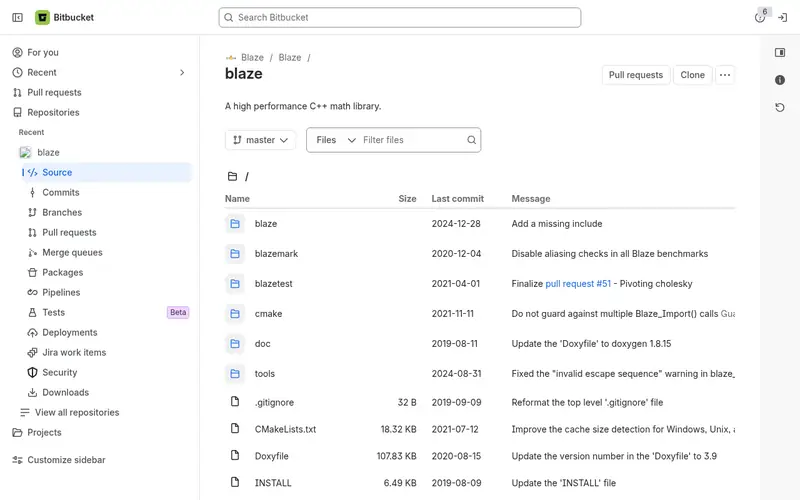
Blaze is a C++ math library for dense and sparse arithmetic. It uses smart expression templates to fuse operations and avoid temporary objects, which helps on large vector and matrix expressions. It is open source under a BSD-style licence and targets Linux, macOS, and Windows.
Blaze also needs a BLAS and LAPACK library for many operations, so budget time for backend setup. Its documentation is thorough, but the template-heavy design can slow compilation. Blaze is a good fit for teams already comfortable with template metaprogramming and large dense workloads. Skip it for small projects where Eigen's simpler setup wins.
Standout: Expression templates reduce temporary allocations
Free (open source), as listed by the vendor (Blaze website). Confirm the current plan price before you buy.
Free plan. Plans change, so confirm on the vendor's pricing page before you buy.
Benefits
- Expression templates reduce temporary allocations
- strong dense kernel performance
Drawbacks
- Smaller community than Eigen
- requires a BLAS and LAPACK backend for full speed
Skip it if this limit matters to you: smaller community than Eigen.
Verdict. A sensible pick for high-performance dense math with expression templates.
xtensor
Best for n-dimensional arrays with NumPy-like C++ syntax
What it is and where it fits
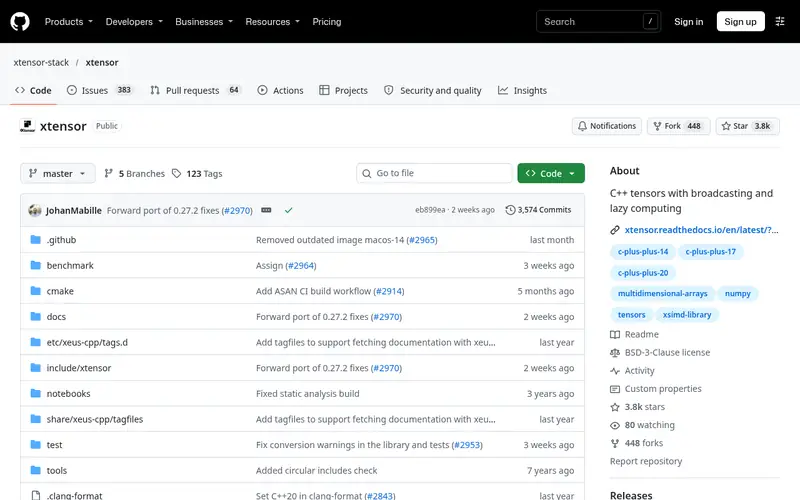
xtensor is a C++ library for multidimensional array containers and math. It offers NumPy-style broadcasting, lazy evaluation, and adaptors for other containers. It is open source under a BSD 3-Clause licence and is header-only, so it works on any platform with a modern C++ compiler.
xtensor handles array math well, but its linear algebra layer is thinner than Eigen's. For solvers and decompositions you often pair it with another library. It suits data-oriented code that needs N-dimensional arrays rather than classic matrix algebra. Skip it if your main need is a broad solver set.
Standout: N-dimensional array support
Free (open source), as listed by the vendor (xtensor website). Confirm the current plan price before you buy.
Free plan. Plans change, so confirm on the vendor's pricing page before you buy.
Benefits
- N-dimensional array support
- lazy evaluation and broadcasting
Drawbacks
- Linear algebra coverage is narrower than Eigen
- header-only builds can be slow
Skip it if this limit matters to you: linear algebra coverage is narrower than Eigen.
Verdict. A sensible pick for N-dimensional arrays with NumPy-like C++ syntax.
GLM
Best for graphics math for OpenGL and Vulkan projects
What it is and where it fits
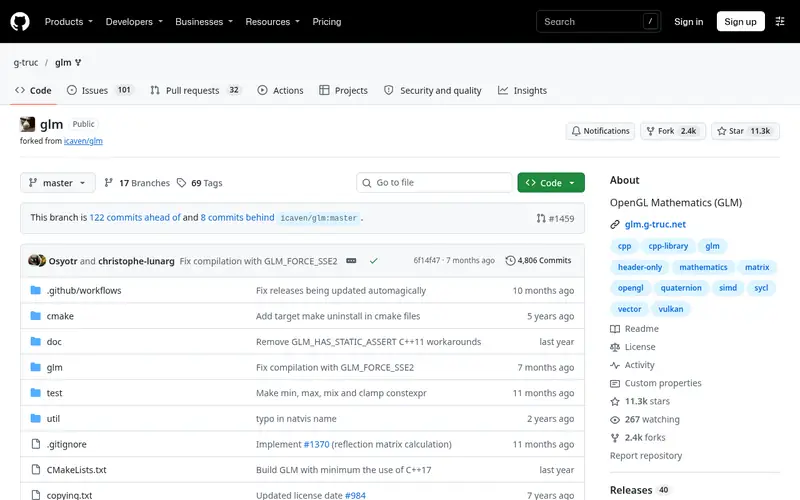
GLM is a header-only C++ math library designed for graphics software. It provides vectors, matrices, quaternions, and transform functions that mirror GLSL. It is open source under a permissive licence and runs on any platform with a C++ compiler.
GLM is the right choice for camera transforms, projection matrices, and shader-side math. It is not a general numerical linear algebra library: you will not find LU decomposition or sparse solvers. Use it alongside Eigen or Armadillo when a project needs both graphics math and numerical solvers. Skip GLM for simulation or statistics work.
Standout: Matches GLSL naming and types
Free (open source), as listed by the vendor (GLM website). Confirm the current plan price before you buy.
Free plan. Plans change, so confirm on the vendor's pricing page before you buy.
Benefits
- Matches GLSL naming and types
- header-only and lightweight
Drawbacks
- Not built for general numerical solvers
- limited sparse support
Skip it if this limit matters to you: not built for general numerical solvers.
Verdict. A sensible pick for graphics math for OpenGL and Vulkan projects.
OpenBLAS
Best for free BLAS and LAPACK backend for other libraries
What it is and where it fits
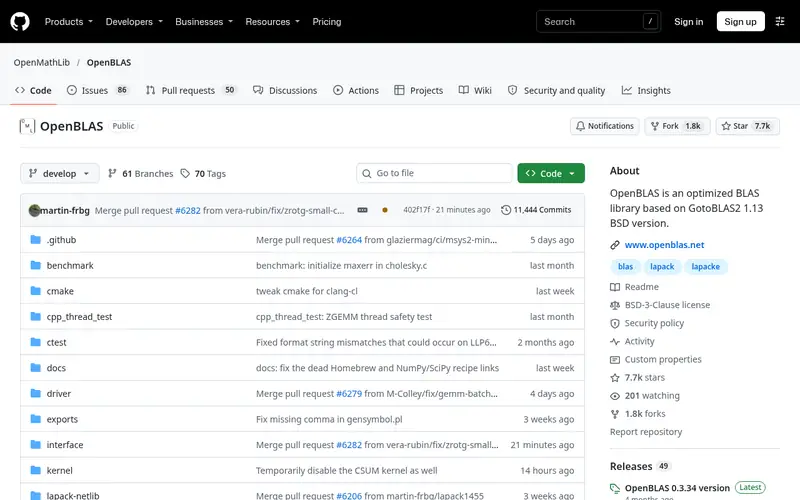
OpenBLAS is an open-source implementation of the BLAS and LAPACK APIs. It provides the low-level kernels that libraries such as Armadillo and Blaze call for fast dense operations. It is free under a BSD-style licence and builds on Linux, macOS, and Windows.
OpenBLAS is a backend, not a user-facing matrix library. You get C and Fortran interfaces, not C++ containers. Its performance depends on the build targeting your CPU. Use it when you want a free, portable BLAS and LAPACK layer under a higher-level library. Skip it if you need a C++ API out of the box.
Standout: Widely used BLAS and LAPACK implementation
Free (open source), as listed by the vendor (OpenBLAS website). Confirm the current plan price before you buy.
Free plan. Plans change, so confirm on the vendor's pricing page before you buy.
Benefits
- Widely used BLAS and LAPACK implementation
- tuned kernels for many CPUs
Drawbacks
- Needs per-platform builds or prebuilt packages
- not a C++ matrix API on its own
Skip it if this limit matters to you: needs per-platform builds or prebuilt packages.
Verdict. A sensible pick for free BLAS and LAPACK backend for other libraries.
Intel oneMKL
Best for optimized BLAS and LAPACK on Intel hardware
What it is and where it fits
Intel oneMKL is Intel's math kernel library, part of the oneAPI toolkit. It provides BLAS, LAPACK, sparse solvers, and related routines. Intel distributes it free of charge under its current licence terms, but you should confirm those terms on the vendor page before shipping.
oneMKL is a strong backend for Armadillo and Blaze on Intel systems. On other hardware, the performance advantage narrows. It is not a C++ container library, so you still need a higher-level API. Skip it if you target non-Intel platforms and want a single portable backend.
Standout: Optimized for Intel CPUs and GPUs
Free, as listed by the vendor (Intel oneMKL website). Confirm the current plan price before you buy.
Free plan. Plans change, so confirm on the vendor's pricing page before you buy.
Benefits
- Optimized for Intel CPUs and GPUs
- includes LAPACK and sparse routines
Drawbacks
- Best performance is tied to Intel hardware
- larger install footprint
Skip it if this limit matters to you: best performance is tied to Intel hardware.
Verdict. A sensible pick for optimized BLAS and LAPACK on Intel hardware.
Who should use what
If you need a general solver set with no build step, start with Eigen. If you want a MATLAB-like API and can install BLAS and LAPACK, choose Armadillo. If you work on large dense expressions and know template metaprogramming, look at Blaze. For graphics transforms in OpenGL or Vulkan code, use GLM. Pair Armadillo or Blaze with OpenBLAS for a free backend, or with Intel oneMKL on Intel hardware.
Questions to settle before you buy
What to check before you buy
- Confirm the licence fits your distribution model, especially for closed-source products.
- Check whether the library is header-only or needs a BLAS and LAPACK backend.
- Test compile times on your real codebase, since template-heavy libraries can slow builds.
- Verify sparse matrix and solver support if your problems are sparse.
- Confirm platform and compiler support for every target you ship.
FAQ
Is Eigen free for commercial use?
Yes. Eigen is distributed under the MPL2 licence, which permits commercial use. Check the licence text for your distribution requirements.
Do I need OpenBLAS with Eigen?
No. Eigen works without an external BLAS. You can optionally link one for faster large dense operations.
Can GLM replace Eigen for solvers?
No. GLM targets graphics math and lacks general decompositions and sparse solvers. Use Eigen or Armadillo for numerical work.
Is Intel oneMKL free?
Intel distributes oneMKL free of charge under its current licence terms. Confirm the terms on Intel's page before shipping.
Which library is best for sparse matrices?
Eigen has the broadest built-in sparse support among these options. Armadillo also handles sparse matrices but with fewer solver options.
Sources we checked
Method: how we score · editorial policy.
Change log. First published 27 Nov 2026.