Stage 01 · Write · Researched comparison
Best C++ GUI Frameworks in 2026
Qt is the first pick for most teams building cross-platform desktop applications in C++. It has the widest widget set, mature tooling and a dual licence. wxWidgets suits projects that want native controls and a permissive licence. Dear ImGui suits tools, debuggers and internal dashboards where an immediate-mode GUI is a good fit. All three are free to start.

By Shihab Mia
Published 27 Nov 2026 · 7 tools compared
We run no ads and no affiliate links at launch. The order of a list follows our published method. See how we score.
Prices are the starting prices vendors list publicly. Plans change, so confirm the current price on the vendor page before you buy.
Key takeaways
- Qt offers the broadest feature set and runs on Windows, macOS, Linux and mobile, under LGPL/GPL or a commercial licence.
- wxWidgets and FLTK use permissive licences and map to native or lightweight controls, which keeps binaries and dependencies small.
- Dear ImGui is immediate-mode and best for tooling, not for consumer-facing forms; it is free under the MIT licence.
- JUCE and Slint have dual licences with paid tiers; confirm current terms and prices on their vendor pages.
Who each pick is for
- Cross-platform desktop and embedded apps that need a full widget setQt
- Native-looking desktop apps under a permissive licencewxWidgets
- Developer tools, debug overlays and internal dashboardsDear ImGui
- GNOME-style Linux applications written in modern C++gtkmm
- Small, fast, statically linked desktop utilitiesFLTK
- Audio applications and plugins with custom interfacesJUCE
- Declarative UIs in C++ or Rust for embedded and desktopSlint
Comparison
| Tool | Best for | Standout feature | Listed starting price | Free plan or trial |
|---|---|---|---|---|
| 1Qt | Cross-platform desktop and embedded apps that need a full widget set | Large widget and module set | Free (open source) | Free plan |
| 2wxWidgets | Native-looking desktop apps under a permissive licence | Uses native controls on each platform | Free (open source) | Free plan |
| 3Dear ImGui | Developer tools, debug overlays and internal dashboards | Immediate-mode API is simple to wire up | Free (open source) | Free plan |
| 4gtkmm | GNOME-style Linux applications written in modern C++ | C++ wrapper over GTK with RAII and signals | Free (open source) | Free plan |
| 5FLTK | Small, fast, statically linked desktop utilities | Small footprint and fast startup | Free (open source) | Free plan |
| 6JUCE | Audio applications and plugins with custom interfaces | Built-in audio and plugin hosting support | See vendor pricing page | Free trial (30 days) |
| 7Slint | Declarative UIs in C++ or Rust for embedded and desktop | Declarative UI language with C++ and Rust APIs | See vendor pricing page | Free plan |
How we picked
We compared frameworks on fit for C++ desktop and embedded UI work, supported platforms, licence terms and distribution constraints, and the main limits each one documents. Sources are vendor pages, official documentation and project repositories. We did not run benchmarks or collect user reviews. Prices and licence thresholds change, so confirm them on the vendor site before you commit.
The tools, one by one
Qt
Best for cross-platform desktop and embedded apps that need a full widget set
What it is and where it fits
Qt is the most complete C++ GUI framework in common use. It provides widgets, a declarative QML layer, networking, database access, multimedia and more in one toolkit. Applications build for Windows, macOS, Linux, Android and embedded targets from a shared codebase. Qt Creator and Qt Designer cover editing and layout.
Licensing is the main decision point. The open-source edition is available under LGPLv3 and GPL, which places conditions on static linking and on distributing closed-source binaries. Teams that cannot meet those terms buy a commercial licence. Pricing is not fixed publicly, so check the vendor page.
Choose Qt when you need breadth and long-term support. Skip it if your project must stay small or you cannot accept the licence terms.
Standout: Large widget and module set
Free (open source), as listed by the vendor (Qt website). Confirm the current plan price before you buy.
Free plan. Plans change, so confirm on the vendor's pricing page before you buy.
Benefits
- Large widget and module set
- mature tooling and documentation
Drawbacks
- LGPL/GPL terms affect static linking and closed-source distribution
- commercial licence needed for some uses
Skip it if this limit matters to you: LGPL/GPL terms affect static linking and closed-source distribution.
Verdict. A sensible pick for cross-platform desktop and embedded apps that need a full widget set.
Alternatives in this guide: wxWidgets, Dear ImGui, gtkmm
wxWidgets
Best for native-looking desktop apps under a permissive licence
What it is and where it fits
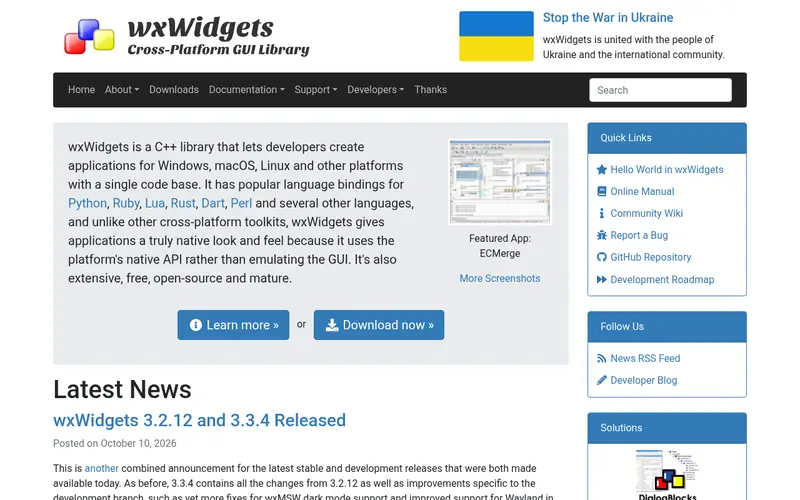
wxWidgets wraps the native controls of each platform, so a Windows build looks like a Windows app and a macOS build looks like a macOS app. It runs on Windows, macOS and Linux, with bindings for other languages. The library is C++ with an event-driven API that will feel familiar to MFC or Win32 developers.
The licence is based on the LGPL with an exception that allows static linking and distribution of binaries without releasing your source. That makes it a practical choice for commercial desktop software that wants native widgets.
Skip wxWidgets if you need a large set of custom-drawn controls or a modern declarative UI layer. It is a good fit for conventional forms-and-dialogs applications.
Standout: Uses native controls on each platform
Free (open source), as listed by the vendor (wxWidgets website). Confirm the current plan price before you buy.
Free plan. Plans change, so confirm on the vendor's pricing page before you buy.
Benefits
- Uses native controls on each platform
- wxWindows licence is permissive
Drawbacks
- Smaller ecosystem than Qt
- fewer modern styling options
Skip it if this limit matters to you: smaller ecosystem than Qt.
Verdict. A sensible pick for native-looking desktop apps under a permissive licence.
Alternatives in this guide: Qt, Dear ImGui, gtkmm
Dear ImGui
Best for developer tools, debug overlays and internal dashboards
What it is and where it fits
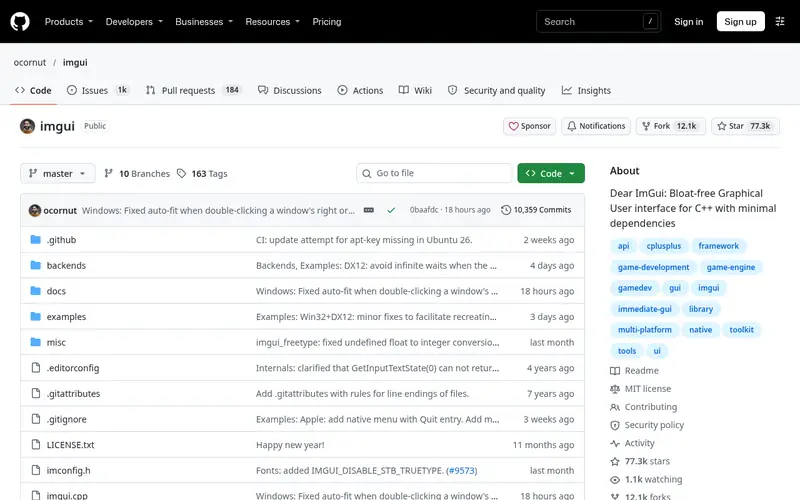
Dear ImGui is an immediate-mode GUI library. You describe the UI every frame in code, and the library draws it. There are no retained widget objects to manage. It ships with backends for OpenGL, DirectX, Vulkan, Metal and SDL, and works on Windows, macOS, Linux and game consoles.
It is widely used for debug overlays, level editors, profilers and internal tools. The MIT licence places no restrictions on commercial use. The trade-off is that it is not built for long forms, rich text or platform accessibility APIs, so it is a poor fit for end-user applications that must follow OS conventions.
Pick Dear ImGui when speed of development for tooling matters more than native look and feel. Skip it for customer-facing products.
Standout: Immediate-mode API is simple to wire up
Free (open source), as listed by the vendor (Dear ImGui website). Confirm the current plan price before you buy.
Free plan. Plans change, so confirm on the vendor's pricing page before you buy.
Benefits
- Immediate-mode API is simple to wire up
- renders through common backends like OpenGL, DirectX and Vulkan
Drawbacks
- Not designed for consumer-facing forms
- styling and accessibility are limited
Skip it if this limit matters to you: not designed for consumer-facing forms.
Verdict. A sensible pick for developer tools, debug overlays and internal dashboards.
gtkmm
Best for gNOME-style Linux applications written in modern C++
What it is and where it fits
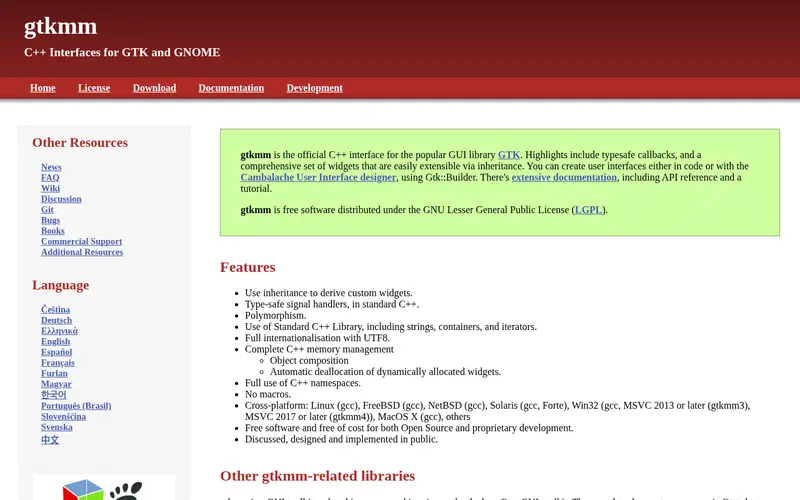
gtkmm is the official C++ binding for GTK. It provides object-oriented wrappers, automatic memory management and a signal system that maps to C++ practice. It tracks the GTK release cycle and covers widgets, layout containers and drawing areas.
The primary target is Linux and the GNOME desktop, where it integrates with the platform's themes, settings and accessibility support. Builds for Windows and macOS exist but need more setup and do not always match native behaviour. The licence is LGPL.
Choose gtkmm for Linux-first applications that should look at home on GNOME. Skip it if Windows or macOS is your main target, or if you want one toolkit that behaves the same everywhere.
Standout: C++ wrapper over GTK with RAII and signals
Free (open source), as listed by the vendor (gtkmm website). Confirm the current plan price before you buy.
Free plan. Plans change, so confirm on the vendor's pricing page before you buy.
Benefits
- C++ wrapper over GTK with RAII and signals
- integrates with the GNOME stack
Drawbacks
- Best supported on Linux
- Windows and macOS builds need extra setup
Skip it if this limit matters to you: best supported on Linux.
Verdict. A sensible pick for GNOME-style Linux applications written in modern C++.
Alternatives in this guide: Qt, wxWidgets, Dear ImGui
FLTK
Best for small, fast, statically linked desktop utilities
What it is and where it fits
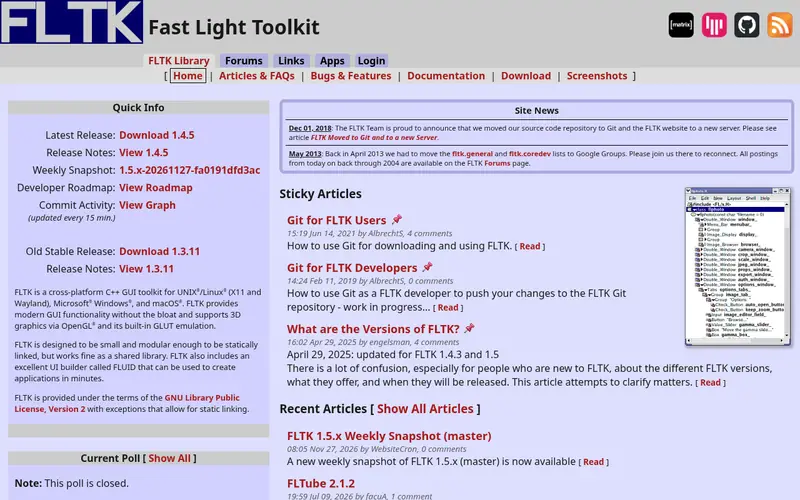
FLTK (Fast Light Toolkit) is a compact C++ GUI library. It draws its own widgets, which keeps behaviour consistent across platforms and avoids heavy dependencies. It runs on Windows, macOS and Linux, and static builds produce small single-file executables.
The licence is LGPL with an exception that permits static linking in closed-source applications. The widget set covers the basics: windows, buttons, inputs, menus, tables and a drawing API. There is a simple UI designer, FLUID.
FLTK suits small utilities, embedded interfaces and tools where binary size and startup time matter. Skip it if you need modern styling, accessibility features or a large widget catalogue.
Standout: Small footprint and fast startup
Free (open source), as listed by the vendor (FLTK website). Confirm the current plan price before you buy.
Free plan. Plans change, so confirm on the vendor's pricing page before you buy.
Benefits
- Small footprint and fast startup
- static linking is straightforward
Drawbacks
- Dated look
- limited widget set compared with Qt
Skip it if this limit matters to you: dated look.
Verdict. A sensible pick for small, fast, statically linked desktop utilities.
Alternatives in this guide: Qt, wxWidgets, Dear ImGui
JUCE
Best for audio applications and plugins with custom interfaces
What it is and where it fits
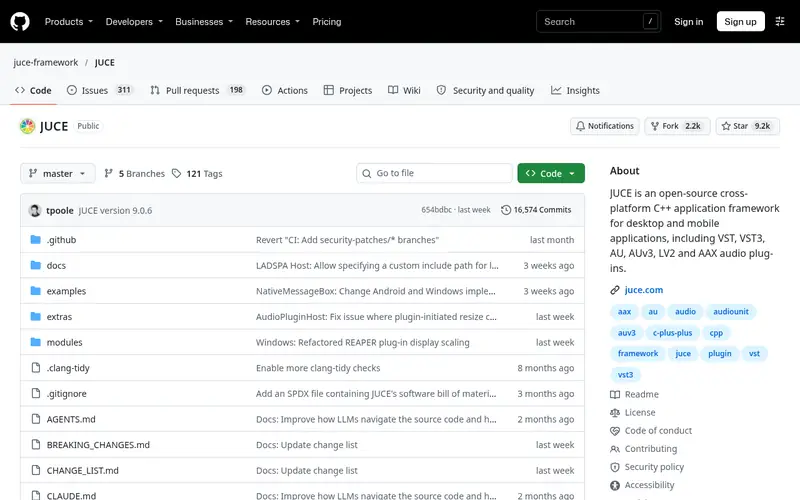
JUCE is a C++ framework aimed at audio software. It includes GUI classes, audio device handling, DSP modules and wrappers for VST, AU and AAX plugin formats. It runs on Windows, macOS, Linux, iOS and Android.
The licence is dual. The free tier is available under the GPL or under JUCE's own terms for small projects, and a paid licence is required for larger commercial releases. The exact thresholds and prices change, so check the vendor pricing page before you plan a release.
Choose JUCE when your product is an audio app or plugin and you want GUI and audio in one toolkit. Skip it for general desktop software, where a broader widget library is a better fit.
Standout: Built-in audio and plugin hosting support
See vendor pricing page, as listed by the vendor (JUCE website). Confirm the current plan price before you buy.
Free trial (30 days). Plans change, so confirm on the vendor's pricing page before you buy.
Benefits
- Built-in audio and plugin hosting support
- strong for custom-drawn UIs
Drawbacks
- Dual licence with revenue-based terms
- heavier than a plain GUI library
Skip it if this limit matters to you: dual licence with revenue-based terms.
Verdict. A sensible pick for audio applications and plugins with custom interfaces.
Alternatives in this guide: Qt, wxWidgets, Dear ImGui
Slint
Best for declarative UIs in C++ or Rust for embedded and desktop
What it is and where it fits
Slint is a declarative GUI toolkit with a markup language for layouts and styling, plus APIs for C++ and Rust. It targets desktop platforms and embedded Linux devices, and is designed to run with modest memory and no heavy runtime.
Licensing has several tiers: GPL, a royalty-free option under stated conditions, and a commercial licence. The conditions and prices are set by the vendor and can change, so confirm them on the Slint pricing page before committing.
Slint fits teams that want a modern declarative approach and embedded deployment. Skip it if you need a very large widget catalogue or a long track record, where Qt or wxWidgets are safer choices.
Standout: Declarative UI language with C++ and Rust APIs
See vendor pricing page, as listed by the vendor (Slint website). Confirm the current plan price before you buy.
Free plan. Plans change, so confirm on the vendor's pricing page before you buy.
Benefits
- Declarative UI language with C++ and Rust APIs
- designed for embedded targets
Drawbacks
- Younger ecosystem
- some features gated by licence tier
Skip it if this limit matters to you: younger ecosystem.
Verdict. A sensible pick for declarative UIs in C++ or Rust for embedded and desktop.
Alternatives in this guide: Qt, wxWidgets, Dear ImGui
Who should use what
A team shipping a commercial cross-platform desktop product should start with Qt and check the licence terms, or choose wxWidgets if native controls and permissive terms matter more. A developer building debug tools, editors or internal dashboards will move fastest with Dear ImGui. A Linux-first project that should match GNOME should use gtkmm, while a small utility that must stay tiny fits FLTK. Audio software belongs on JUCE, and embedded or Rust-adjacent teams should evaluate Slint.
Questions to settle before you buy
What to check before you buy
- Confirm the licence allows your distribution model, including static linking and closed-source binaries.
- Check that every target platform you ship is officially supported, not just community-ported.
- Verify accessibility support if your users rely on screen readers or OS input methods.
- Test the build with your compiler and standard library versions before adopting the toolkit.
- Review the release cadence and long-term support policy for the version you pick.
FAQ
Is Qt free to use?
Qt has an open-source edition under LGPLv3 and GPL. Those terms place conditions on static linking and on distributing closed-source binaries. Commercial use that cannot meet them requires a paid licence. Confirm the current terms on the Qt website.
Which C++ GUI framework is easiest to start with?
Dear ImGui has the smallest setup for tool-style UIs because you draw the interface in code each frame. For conventional desktop apps, Qt and wxWidgets both have good tutorials and starter templates. The right choice depends on the kind of UI you need.
Can I build a GUI without a framework?
Yes. You can call platform APIs directly, such as Win32, Cocoa or X11, or use a lower-level library. This gives full control but means writing separate code per platform and handling events, layout and drawing yourself. Most projects are faster with a framework.
Do these frameworks support mobile?
Qt supports Android and iOS, and JUCE supports iOS and Android. wxWidgets, FLTK and gtkmm are primarily desktop. Dear ImGui can render on mobile through its backends but is not aimed at mobile app conventions. Check each project's platform list.
Are these frameworks free for commercial software?
wxWidgets, FLTK and Dear ImGui have licences that permit commercial closed-source distribution. Qt, JUCE and Slint have open-source and paid tiers with conditions. Read the licence text for your version and confirm with the vendor if your use is unclear.
Sources we checked
Method: how we score · editorial policy.
Change log. First published 27 Nov 2026.