Stage 01 · Write · Researched comparison
Best Code Statistics Tools in 2026
cloc is the first pick for most teams that need line counts by language, because it supports many languages and runs on Linux, macOS and Windows. tokei is a faster alternative for large repositories, and scc adds COCOMO cost estimates on top of line counts. All three are free and open source, and all run locally, so your source code stays on your machine.

By Shihab Mia
Published 27 Nov 2026 · 6 tools compared
We run no ads and no affiliate links at launch. The order of a list follows our published method. See how we score.
Prices are the starting prices vendors list publicly. Plans change, so confirm the current price on the vendor page before you buy.
Key takeaways
- cloc, tokei, scc, gocloc, GitHub Linguist and onefetch are all free and open source, so cost is not a deciding factor.
- Every tool in this guide runs locally as a command-line program, so source code is not uploaded to a third-party service.
- tokei and scc are built for speed on large trees; cloc favors breadth of language support and output formats.
- scc is the only pick here that estimates COCOMO cost and schedule from the line counts it produces.
Who each pick is for
Comparison
| Tool | Best for | Standout feature | Listed starting price | Free plan or trial |
|---|---|---|---|---|
| 1cloc | Broad language coverage and multiple report formats | Counts many languages | Free (open source) | Free plan |
| 2tokei | Fast counts on large repositories | Very fast on large trees | Free (open source) | Free plan |
| 3scc | Line counts plus COCOMO cost estimates | Fast | Free (open source) | Free plan |
| 4gocloc | Simple, fast counts in a small binary | Single Go binary with no runtime dependencies | Free (open source) | Free plan |
| 5GitHub Linguist | Language detection and repository language stats | The same language detection GitHub uses | Free (open source) | Free plan |
| 6onefetch | A quick repository summary in the terminal | Fast visual summary of languages, authors and size | Free (open source) | Free plan |
How we picked
We picked tools that count lines of code by language or summarize repository statistics, and that are currently maintained with a public repository. We compared language coverage, speed claims from project documentation, output formats, supported platforms, licence and whether the tool runs locally. We did not run benchmarks or tests. Sources are vendor pages, documentation and project repositories. Prices and features change, so confirm details on the vendor site.
The tools, one by one
cloc
Best for broad language coverage and multiple report formats
What it is and where it fits
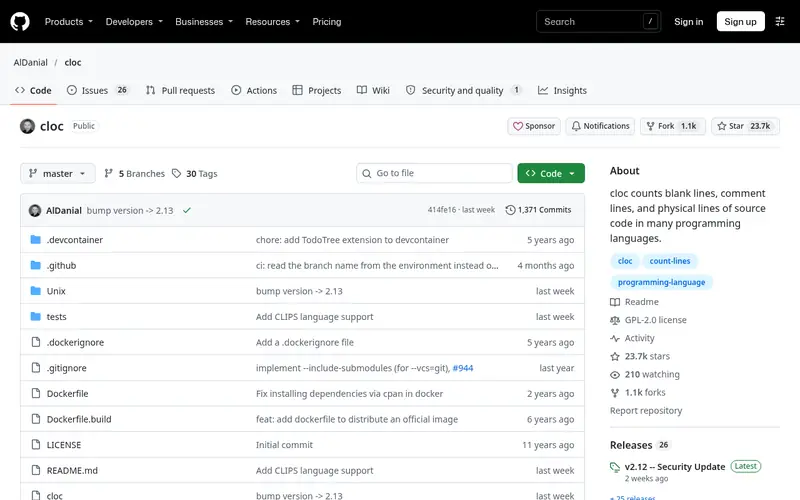
cloc counts blank lines, comment lines and source lines of code, grouped by language. It also reports on duplicate files and can diff two codebases to show what changed. It runs on Linux, macOS and Windows, and packaged binaries exist so you do not always need a Perl install.
Output can be plain text, JSON, XML, YAML, CSV, SQL or a Markdown table, which makes it easy to feed results into a report or dashboard. It reads archives such as zip and tar files and can pull counts from git history. On very large repositories it is slower than tokei or scc, so use it when language breadth and output formats matter more than raw speed.
Standout: Counts many languages
Free (open source), as listed by the vendor (cloc website). Confirm the current plan price before you buy.
Free plan. Plans change, so confirm on the vendor's pricing page before you buy.
Benefits
- Counts many languages
- outputs plain text, JSON, XML, YAML and SQL
Drawbacks
- Slower than newer tools on very large trees
- needs Perl unless you use a packaged binary
Skip it if this limit matters to you: slower than newer tools on very large trees.
Verdict. A sensible pick for broad language coverage and multiple report formats.
tokei
Best for fast counts on large repositories
What it is and where it fits
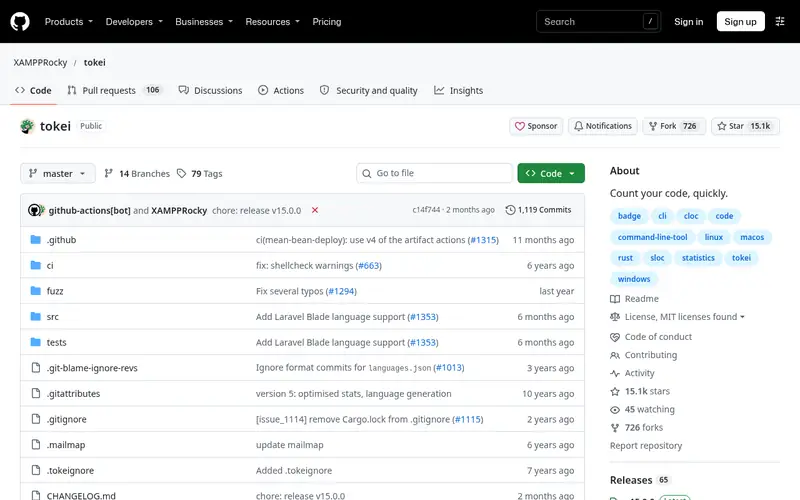
tokei is written in Rust and is built for speed. It prints a table of language, file count, total lines, code lines, comment lines and blank lines, plus a total. It respects .gitignore and .tokeignore files, so generated and vendored code can be excluded.
It runs on Linux, macOS and Windows, and can be installed from package managers or built from source. Output can be JSON, YAML or CBOR for scripting. It does not estimate cost or schedule, and its language list is smaller than cloc's, so check that your languages are recognized before relying on it.
Standout: Very fast on large trees
Free (open source), as listed by the vendor (tokei website). Confirm the current plan price before you buy.
Free plan. Plans change, so confirm on the vendor's pricing page before you buy.
Benefits
- Very fast on large trees
- clean summary table with comment and code ratios
Drawbacks
- Fewer output formats than cloc
- no built-in cost estimate
Skip it if this limit matters to you: fewer output formats than cloc.
Verdict. A sensible pick for fast counts on large repositories.
scc
Best for line counts plus COCOMO cost estimates
What it is and where it fits
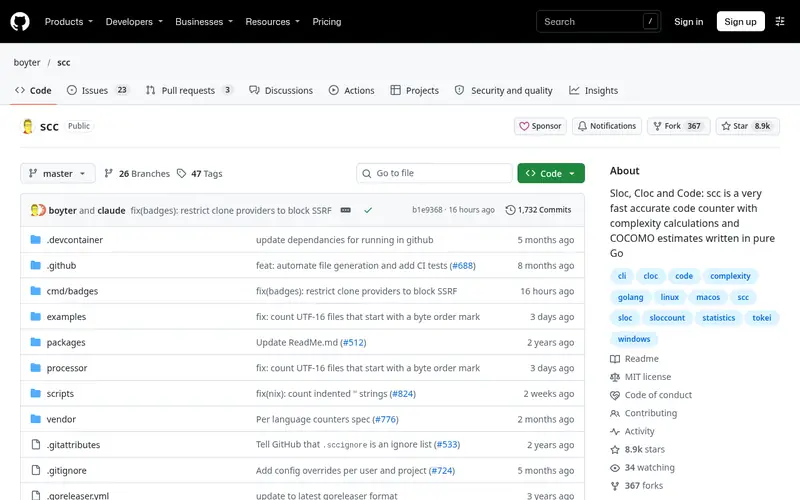
scc, short for Sloc, Cloc and Code, counts lines by language and adds complexity and COCOMO estimates. The COCOMO figures turn line counts into an estimated effort, cost and schedule, which is useful for early project sizing. Treat those numbers as a model output, not a forecast.
It is written in Go, runs on Linux, macOS and Windows, and is designed to be fast on large repositories. It can output JSON, CSV, HTML and SQL, and it detects duplicate files. It handles many languages, but confirm yours is supported. Teams that only need raw counts may find the extra columns noise.
Standout: Fast
Free (open source), as listed by the vendor (scc website). Confirm the current plan price before you buy.
Free plan. Plans change, so confirm on the vendor's pricing page before you buy.
Benefits
- Fast
- adds COCOMO cost and schedule estimates per language
Drawbacks
- COCOMO output is a rough model, not a budget
- fewer output formats than cloc
Skip it if this limit matters to you: COCOMO output is a rough model, not a budget.
Verdict. A sensible pick for line counts plus COCOMO cost estimates.
gocloc
Best for simple, fast counts in a small binary
What it is and where it fits
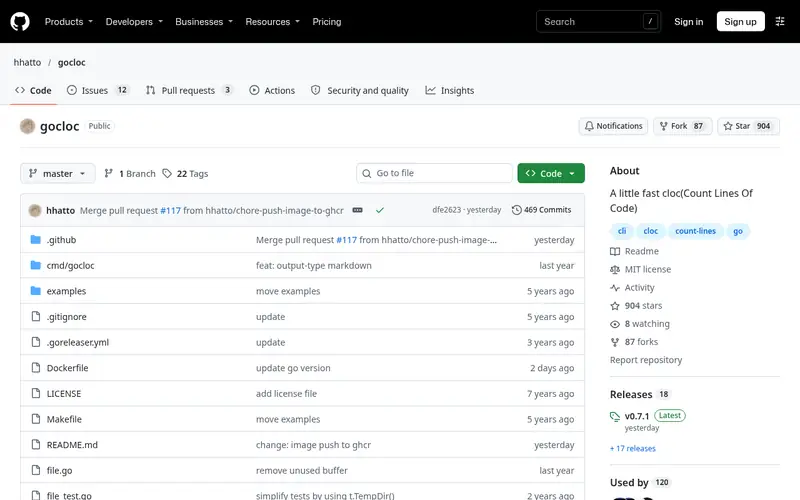
gocloc is a line counter written in Go. It reports files, blank lines, comment lines and code lines per language, with a total row. Because it compiles to a single binary, it is easy to drop into CI images and containers without installing a runtime.
It supports a defined set of languages and can output JSON and XML in addition to the default table. It has fewer options than cloc and does not produce cost estimates. It suits teams that want quick counts on Linux, macOS or Windows and do not need the widest language coverage or the most report formats.
Standout: Single Go binary with no runtime dependencies
Free (open source), as listed by the vendor (gocloc website). Confirm the current plan price before you buy.
Free plan. Plans change, so confirm on the vendor's pricing page before you buy.
Benefits
- Single Go binary with no runtime dependencies
- simple table output
Drawbacks
- Smaller language list
- fewer output options than cloc
Skip it if this limit matters to you: smaller language list.
Verdict. A sensible pick for simple, fast counts in a small binary.
GitHub Linguist
Best for language detection and repository language stats
What it is and where it fits
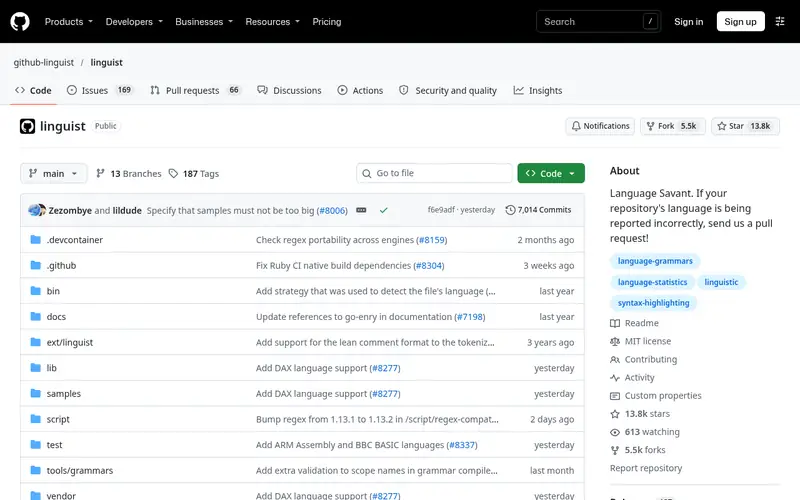
GitHub Linguist is the library behind the language bar on GitHub repositories. It detects languages, classifies files as generated, vendored or documentation, and computes language percentages. Running it locally lets you see the same breakdown GitHub shows, which helps when a repository's language bar looks wrong.
It is distributed as a Ruby gem and runs on Linux and macOS; Windows support depends on your Ruby setup. It is not a replacement for cloc or tokei if you need per-language line counts with comment breakdowns. Use it when language detection and the generated/vendored rules are the point.
Standout: The same language detection GitHub uses
Free (open source), as listed by the vendor (GitHub Linguist website). Confirm the current plan price before you buy.
Free plan. Plans change, so confirm on the vendor's pricing page before you buy.
Benefits
- The same language detection GitHub uses
- handles generated and vendored file rules
Drawbacks
- Not a general line-counting report tool
- Ruby gem setup
Skip it if this limit matters to you: not a general line-counting report tool.
Verdict. A sensible pick for language detection and repository language stats.
onefetch
Best for a quick repository summary in the terminal
What it is and where it fits
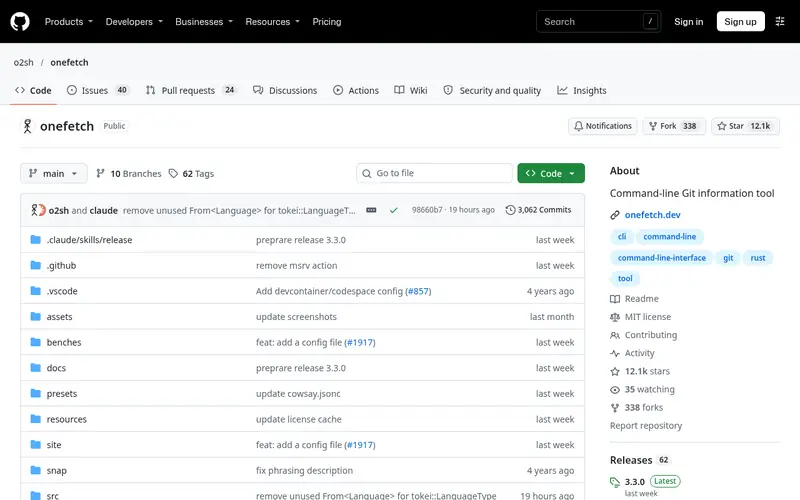
onefetch prints a summary of a git repository in the terminal: language breakdown, author counts, commit count, size and other metadata, alongside an ASCII art logo. It is written in Rust and runs on Linux, macOS and Windows.
It is aimed at a quick look rather than a full statistics export. It does not produce JSON or CSV reports for dashboards, and it needs a git repository to read from. Use it for a fast overview when you open a project, and pair it with cloc, tokei or scc when you need numbers you can export and track.
Standout: Fast visual summary of languages, authors and size
Free (open source), as listed by the vendor (onefetch website). Confirm the current plan price before you buy.
Free plan. Plans change, so confirm on the vendor's pricing page before you buy.
Benefits
- Fast visual summary of languages, authors and size
- runs offline
Drawbacks
- Summary view, not a detailed line-count report
- needs a git repository
Skip it if this limit matters to you: summary view, not a detailed line-count report.
Verdict. A sensible pick for A quick repository summary in the terminal.
Who should use what
If you need the widest language coverage and reports you can export to JSON or SQL, start with cloc. If your repositories are large and you want counts fast, use tokei. If you need a rough cost or schedule estimate alongside line counts, use scc. If you want a single binary for a CI image, gocloc is the simplest fit. For language detection that matches GitHub, use GitHub Linguist, and for a quick terminal summary of a repository, use onefetch.
Questions to settle before you buy
What to check before you buy
- Confirm your main languages are recognized by the tool, since language lists differ.
- Check which output formats you need for reports, CI or dashboards.
- Decide whether .gitignore and vendored or generated code should be excluded.
- Verify the install path for your platform, including Windows support.
- Read how any cost or schedule estimate is calculated before sharing it.
FAQ
Are these code statistics tools free?
Yes. cloc, tokei, scc, gocloc, GitHub Linguist and onefetch are all free and open source. You can install and run them without a paid licence. Support comes from project maintainers and community issue trackers.
Do these tools upload my source code?
No. All six run locally as command-line programs. Your code is read from disk or from a local git repository. That makes them suitable for private codebases, unlike web-based counters where you paste code into a third-party page.
What is the difference between cloc and tokei?
cloc supports more languages and more output formats, including SQL and YAML. tokei is written in Rust and is built for speed on large repositories, with a smaller set of output options. Both report code, comment and blank lines by language.
Can I get a cost estimate from line counts?
scc includes COCOMO estimates for effort, cost and schedule based on line counts. These are model outputs, not budgets. Treat them as a rough sizing input and validate against your own team data before using them in planning.
Which tool should I use in CI?
gocloc and tokei are good fits for CI because they are fast and ship as single binaries or easy installs. cloc works too if you need its output formats. Pin a version, exclude vendored code, and store the JSON output as a build artifact.
Sources we checked
Method: how we score · editorial policy.
Change log. First published 27 Nov 2026.