Stage 01 · Write · Researched comparison
Best Clojure IDEs and Editor Setups in 2026
Cursive is the first pick for developers who want a full IDE and already work in IntelliJ IDEA. It offers structural editing, REPL integration and refactoring in one place. Calva is the practical choice for VS Code users who want a lighter setup with a strong REPL workflow. CIDER suits Emacs users who prefer keyboard-driven development and do not mind configuring their environment.

By Shihab Mia
Published 27 Nov 2026 · 6 tools compared
We run no ads and no affiliate links at launch. The order of a list follows our published method. See how we score.
Prices are the starting prices vendors list publicly. Plans change, so confirm the current price on the vendor page before you buy.
Key takeaways
- Cursive runs inside IntelliJ IDEA and is free for non-commercial use, with a paid licence for commercial work.
- Calva is free and open source and runs as a VS Code extension on Windows, macOS and Linux.
- CIDER and Conjure are free, open-source setups for Emacs and Neovim, and both expect comfort with those editors.
- Clojure-LSP is not an editor; it adds completion, linting and navigation to many editors and can pair with the options above.
Who each pick is for
- IntelliJ IDEA users who want a full Clojure IDECursive
- VS Code users who want a strong REPL workflowCalva
- Emacs users who want a keyboard-driven Clojure setupCIDER
- Neovim users who want a minimal REPL workflowConjure
- Adding Clojure language features to many editorsClojure-LSP
- Vim users who want REPL evaluation without leaving VimFireplace
Comparison
| Tool | Best for | Standout feature | Listed starting price | Free plan or trial |
|---|---|---|---|---|
| 1Cursive | IntelliJ IDEA users who want a full Clojure IDE | Deep IntelliJ integration | See vendor pricing page | Free plan |
| 2Calva | VS Code users who want a strong REPL workflow | Free and open source | Free (open source) | Free plan |
| 3CIDER | Emacs users who want a keyboard-driven Clojure setup | Mature REPL and debugging integration | Free (open source) | Free plan |
| 4Conjure | Neovim users who want a minimal REPL workflow | Lightweight and fast to start | Free (open source) | Free plan |
| 5Clojure-LSP | Adding Clojure language features to many editors | Works across many editors | Free (open source) | Free plan |
| 6Fireplace | Vim users who want REPL evaluation without leaving Vim | Simple REPL integration for Vim | Free (open source) | Free plan |
How we picked
We selected tools that are currently maintained and that genuinely support Clojure development in an editor. Criteria were fit for REPL-driven work, supported platforms, licence and price model, and the main limits users hit in practice. We also noted whether a tool is an editor setup or a shared language server. Sources are vendor pages, project documentation and public repositories. Prices and licence terms change, so confirm them on the vendor site before you commit.
The tools, one by one
Cursive
Best for intelliJ IDEA users who want a full Clojure IDE
What it is and where it fits
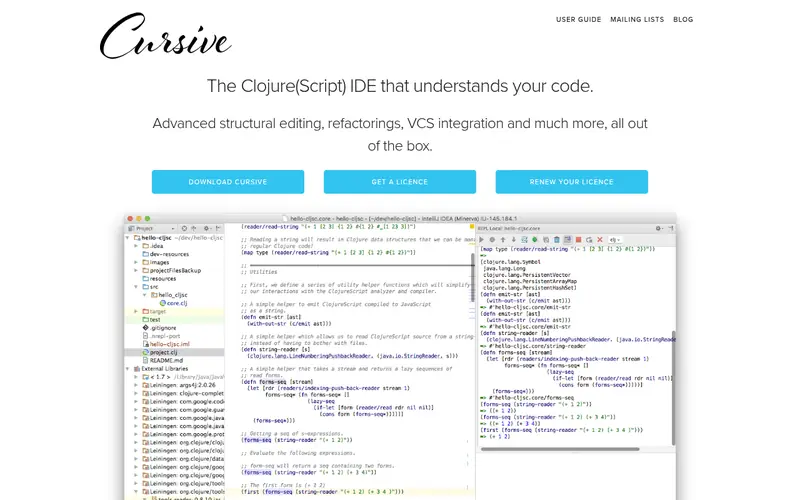
Cursive is a Clojure plugin for IntelliJ IDEA. It adds structural editing, symbol resolution, refactoring, a REPL that connects to a running project, and inspection support. Because it runs inside IntelliJ, it inherits the platform's debugger, version control and database tools. It runs wherever IntelliJ IDEA runs: Windows, macOS and Linux.
The licence model is the main thing to check. Cursive is free for non-commercial use, and commercial use requires a paid licence. Confirm current terms and prices on the vendor pricing page before you standardise a team on it. The free tier is not a time-limited trial, but it is scoped to non-commercial work.
Skip Cursive if your team is standardised on VS Code or if you do not want to run IntelliJ IDEA. Developers who only need completion and linting may find Clojure-LSP in a lighter editor enough.
Standout: Deep IntelliJ integration
See vendor pricing page, as listed by the vendor (Cursive website). Confirm the current plan price before you buy.
Free plan. Plans change, so confirm on the vendor's pricing page before you buy.
Benefits
- Deep IntelliJ integration
- structural editing and refactoring built in
Drawbacks
- Requires IntelliJ IDEA
- commercial use needs a paid licence
Skip it if this limit matters to you: requires IntelliJ IDEA.
Verdict. A sensible pick for intelliJ IDEA users who want a full Clojure IDE.
Calva
Best for vS Code users who want a strong REPL workflow
What it is and where it fits
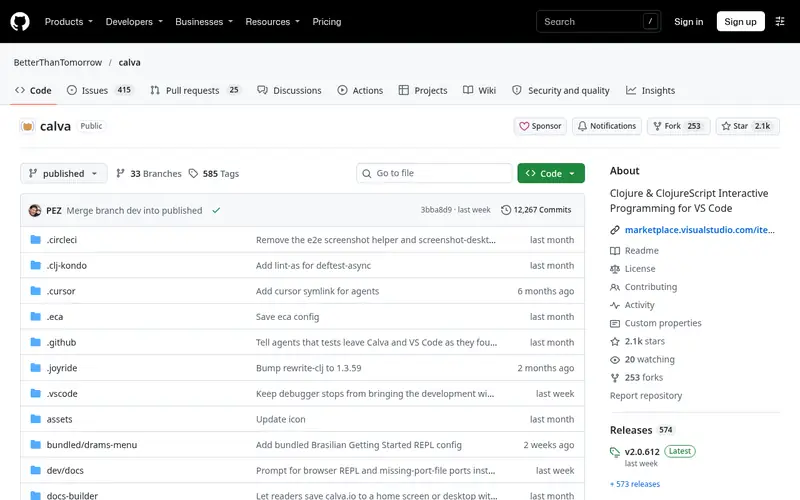
Calva is a VS Code extension for Clojure and ClojureScript. It provides REPL connection and evaluation, inline results, a test runner, structural editing commands, formatting through cljfmt, and linting through clj-kondo. It also supports Jack-in workflows that start a REPL and connect the editor in one step.
Calva is free and open source and runs on Windows, macOS and Linux wherever VS Code runs. It is maintained in a public repository, so you can review the code and issue tracker. The extension is the whole product, so your experience follows VS Code releases and extension updates rather than a separate IDE upgrade cycle.
Choose Calva if your team already uses VS Code and wants one editor for Clojure and other languages. Skip it if you need features that only a full IDE platform provides, such as a built-in debugger for JVM code outside the extension's scope.
Standout: Free and open source
Free (open source), as listed by the vendor (Calva website). Confirm the current plan price before you buy.
Free plan. Plans change, so confirm on the vendor's pricing page before you buy.
Benefits
- Free and open source
- tight REPL and test runner integration
Drawbacks
- Tied to VS Code
- feature set depends on extension updates
Skip it if this limit matters to you: tied to VS Code.
Verdict. A sensible pick for VS Code users who want a strong REPL workflow.
CIDER
Best for emacs users who want a keyboard-driven Clojure setup
What it is and where it fits
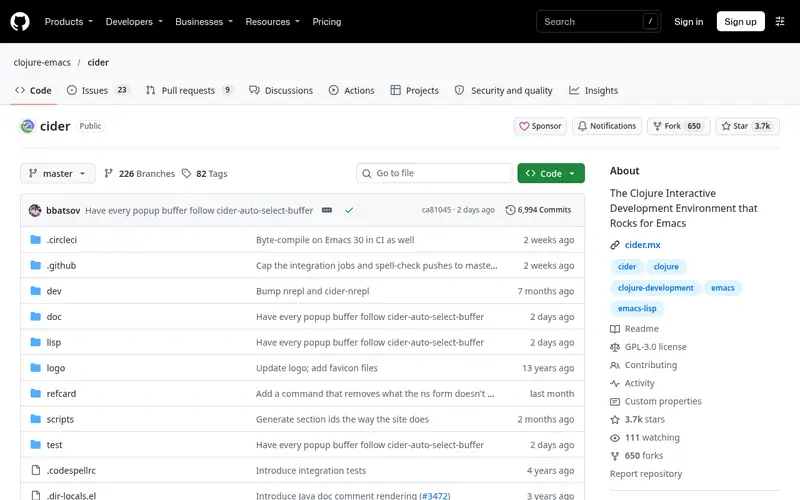
CIDER is the Clojure development environment for Emacs. It provides REPL interaction, evaluation of forms and buffers, a debugger, test running, stacktrace navigation and documentation lookup. It integrates with common Clojure tooling such as Leiningen, deps.edn projects and nREPL.
CIDER is free and open source and runs anywhere Emacs runs, including Windows, macOS and Linux. It is distributed through package repositories and its public project repository. Setup assumes you already know Emacs keybindings and configuration, and the experience depends on your Emacs configuration.
Pick CIDER if Emacs is already your editor and you want REPL-driven development in it. Skip it if you are new to Emacs; the learning curve covers both the editor and the Clojure workflow at once.
Standout: Mature REPL and debugging integration
Free (open source), as listed by the vendor (CIDER website). Confirm the current plan price before you buy.
Free plan. Plans change, so confirm on the vendor's pricing page before you buy.
Benefits
- Mature REPL and debugging integration
- works with many Clojure tools
Drawbacks
- Requires Emacs knowledge
- configuration takes effort
Skip it if this limit matters to you: requires Emacs knowledge.
Verdict. A sensible pick for emacs users who want a keyboard-driven Clojure setup.
Conjure
Best for neovim users who want a minimal REPL workflow
What it is and where it fits
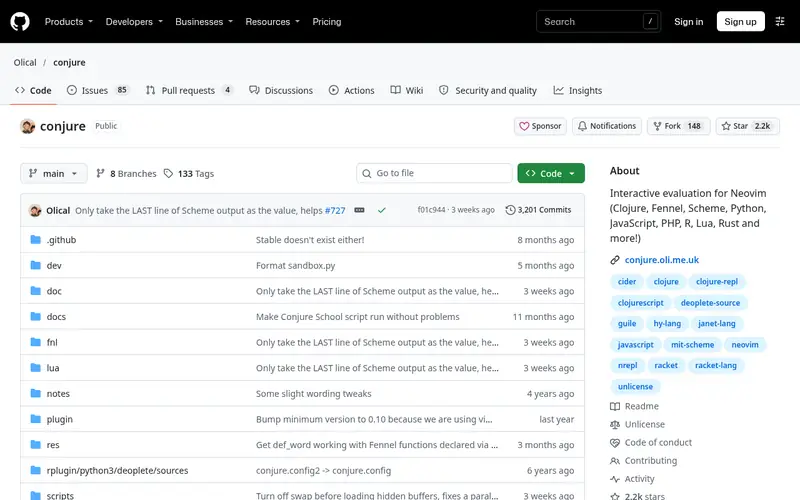
Conjure is a Clojure and ClojureScript environment for Neovim. It connects to a REPL, evaluates forms and shows results inline, and supports a log buffer for output. It works with common REPL tools and does not require a large plugin stack.
Conjure is free and open source and runs on Windows, macOS and Linux through Neovim. It is maintained in a public repository. The feature set is deliberately smaller than a full IDE: expect evaluation, a log and basic navigation rather than deep refactoring tools.
Choose Conjure if you use Neovim and want a small, focused setup. Skip it if you rely on refactoring, structural editing or a graphical debugger, which Cursive and CIDER cover more fully.
Standout: Lightweight and fast to start
Free (open source), as listed by the vendor (Conjure website). Confirm the current plan price before you buy.
Free plan. Plans change, so confirm on the vendor's pricing page before you buy.
Benefits
- Lightweight and fast to start
- works with a plain terminal REPL
Drawbacks
- Fewer IDE features than Cursive
- Neovim only
Skip it if this limit matters to you: fewer IDE features than Cursive.
Verdict. A sensible pick for neovim users who want a minimal REPL workflow.
Clojure-LSP
Best for adding Clojure language features to many editors
What it is and where it fits
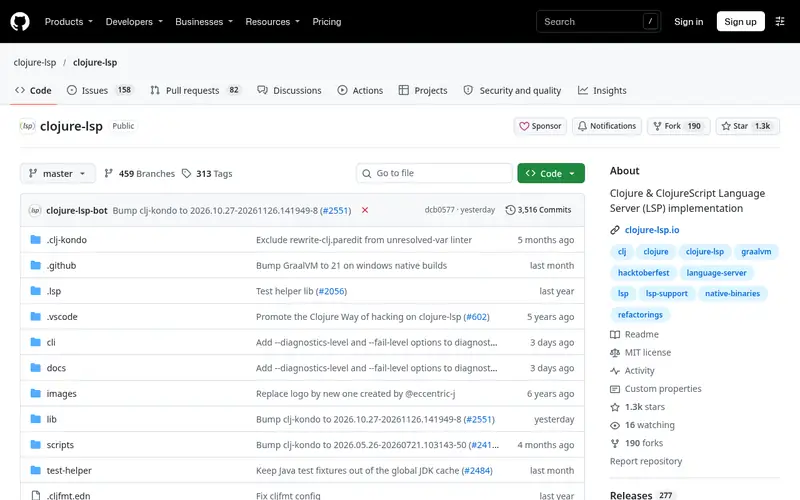
Clojure-LSP is a language server for Clojure, ClojureScript and EDN. It provides completion, go-to-definition, find references, diagnostics through clj-kondo, formatting, and refactoring actions. Editors that support the Language Server Protocol can use it, including VS Code, Neovim, Emacs and others.
Clojure-LSP is free and open source and runs on Windows, macOS and Linux as a standalone server. It is not an IDE by itself; you still need an editor and, usually, an editor client. Feature coverage varies by client, so check what your editor supports before relying on refactoring actions.
Use Clojure-LSP when you want consistent language tooling across a team that uses different editors. Skip it as your only tool if you need a complete REPL-driven IDE out of the box.
Standout: Works across many editors
Free (open source), as listed by the vendor (Clojure-LSP website). Confirm the current plan price before you buy.
Free plan. Plans change, so confirm on the vendor's pricing page before you buy.
Benefits
- Works across many editors
- adds linting, completion and navigation
Drawbacks
- Not an editor on its own
- some features depend on editor client support
Skip it if this limit matters to you: not an editor on its own.
Verdict. A sensible pick for adding Clojure language features to many editors.
Fireplace
Best for vim users who want REPL evaluation without leaving Vim
What it is and where it fits
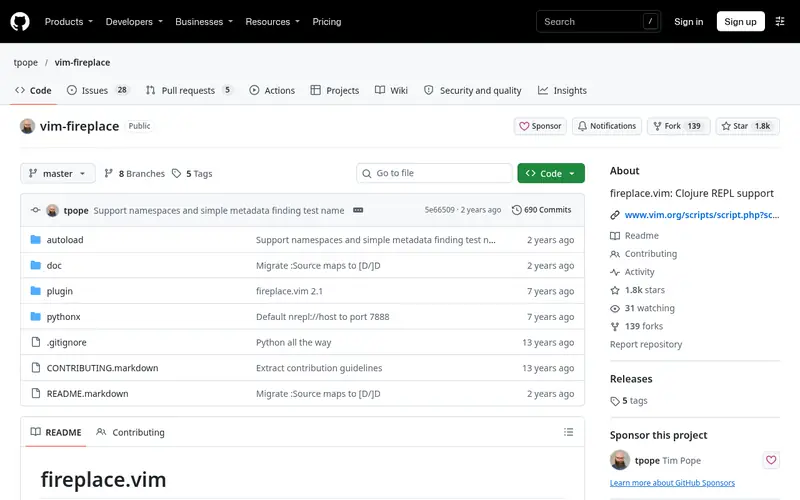
Fireplace is a Vim plugin for Clojure. It connects to a REPL and lets you evaluate forms, inspect results and look up documentation from inside Vim. It is intentionally small and focuses on REPL interaction rather than a full IDE feature set.
Fireplace is free and open source and runs on Windows, macOS and Linux through Vim. It is maintained in a public repository. Because it targets Vim, it does not cover the broader language server features that Clojure-LSP provides, and many users pair the two.
Choose Fireplace if you use Vim and want quick REPL evaluation. Skip it if you need refactoring, structural editing or diagnostics, or if you use Neovim and prefer a Neovim-native plugin such as Conjure.
Standout: Simple REPL integration for Vim
Free (open source), as listed by the vendor (Fireplace website). Confirm the current plan price before you buy.
Free plan. Plans change, so confirm on the vendor's pricing page before you buy.
Benefits
- Simple REPL integration for Vim
- small footprint
Drawbacks
- Vim only, not Neovim-first
- limited modern IDE features
Skip it if this limit matters to you: vim only, not Neovim-first.
Verdict. A sensible pick for vim users who want REPL evaluation without leaving Vim.
Who should use what
If you work in IntelliJ IDEA and want a full IDE, use Cursive and check the commercial licence terms. If your team uses VS Code, use Calva with clj-kondo and cljfmt for a free setup. If you live in Emacs, use CIDER; if you use Neovim or Vim, use Conjure or Fireplace. If your team mixes editors, add Clojure-LSP so completion, linting and navigation stay consistent across everyone's setup.
Questions to settle before you buy
What to check before you buy
- Confirm the licence covers your use, especially Cursive's non-commercial versus commercial terms.
- Check that the tool supports your project type, such as deps.edn or Leiningen.
- Verify REPL connection works with your usual workflow, including Jack-in or manual connect.
- Check editor and OS support for your team, including Windows, macOS and Linux.
- Review whether you need Clojure-LSP alongside the editor for linting and navigation.
FAQ
Is Cursive free?
Cursive is free for non-commercial use. Commercial use requires a paid licence. Check the vendor pricing page for current terms and prices, since licence terms can change.
Can I use Clojure-LSP with any editor?
Clojure-LSP works with editors that support the Language Server Protocol. That includes VS Code, Neovim and Emacs, but feature coverage depends on the editor client, so check what your editor supports.
Do I need a full IDE for Clojure?
No. Many developers use Calva, CIDER, Conjure or Fireplace with a REPL and get a productive workflow. A full IDE such as Cursive helps most when you want refactoring, structural editing and platform tools in one place.
Does Calva work outside VS Code?
No. Calva is a VS Code extension. If you use another editor, look at CIDER for Emacs, Conjure for Neovim, Fireplace for Vim, or Cursive for IntelliJ IDEA.
Are these tools safe for private code?
These are local editor tools and language servers, not online formatters, so your code stays on your machine. Review each project's documentation and licence before use, and avoid pasting secrets into any third-party web tool.
Sources we checked
Method: how we score · editorial policy.
Change log. First published 27 Nov 2026.