Stage 01 · Write · Researched comparison
Best Blazor Component Libraries in 2026
MudBlazor is the first pick for most teams that want a free, open-source library with a large set of Material Design components and no licence cost. Radzen Blazor Components is a strong free alternative with a large component count and a commercial support option. Telerik UI for Blazor and Syncfusion Blazor suit teams that need commercial support, vendor-maintained grids and paid backing.

By Shihab Mia
Published 27 Nov 2026 · 7 tools compared
We run no ads and no affiliate links at launch. The order of a list follows our published method. See how we score.
Prices are the starting prices vendors list publicly. Plans change, so confirm the current price on the vendor page before you buy.
Key takeaways
- MudBlazor, Radzen Blazor Components, Microsoft Fluent UI Blazor and Ant Design Blazor are free and open source.
- Blazorise offers free packages plus paid commercial tiers for extra features and support.
- Telerik UI for Blazor and Syncfusion Blazor are commercial; Syncfusion offers a free community licence for small companies.
- All listed libraries target Blazor Server, Blazor WebAssembly and Blazor Web App hosting models.
Who each pick is for
- Teams wanting a free Material Design component setMudBlazor
- Free library with a large component count and toolingRadzen Blazor Components
- Teams standardizing on Microsoft Fluent designMicrosoft Fluent UI Blazor
- Teams wanting one API across multiple CSS frameworksBlazorise
- Teams needing commercial support and advanced gridsTelerik UI for Blazor
- Teams wanting a broad commercial suite with a community licenceSyncfusion Blazor
- Teams using Ant Design in mixed front-end stacksAnt Design Blazor
Comparison
| Tool | Best for | Standout feature | Listed starting price | Free plan or trial |
|---|---|---|---|---|
| 1MudBlazor | Teams wanting a free Material Design component set | Large component set | Free (open source) | Free plan |
| 2Radzen Blazor Components | Free library with a large component count and tooling | Wide component range including data grid and scheduler | Free (open source) | Free plan |
| 3Microsoft Fluent UI Blazor | Teams standardizing on Microsoft Fluent design | Matches the Fluent design language | Free (open source) | Free plan |
| 4Blazorise | Teams wanting one API across multiple CSS frameworks | Supports several CSS frameworks through one component API | Free (open source) | Free plan |
| 5Telerik UI for Blazor | Teams needing commercial support and advanced grids | Large commercial component set with advanced data grid | See vendor pricing page | Free trial (N days) |
| 6Syncfusion Blazor | Teams wanting a broad commercial suite with a community licence | Very large component suite including data grid and charts | See vendor pricing page | Free trial (N days) |
| 7Ant Design Blazor | Teams using Ant Design in mixed front-end stacks | Consistent Ant Design look | Free (open source) | Free plan |
How we picked
We compared libraries on fit for Blazor development, supported hosting models, licence and pricing structure, component coverage, documentation quality and the limits stated by each vendor or project. Sources are vendor websites, official documentation and project repositories. Prices and licence terms change, so confirm current terms on the vendor site before you buy.
The tools, one by one
MudBlazor
Best for teams wanting a free Material Design component set
What it is and where it fits
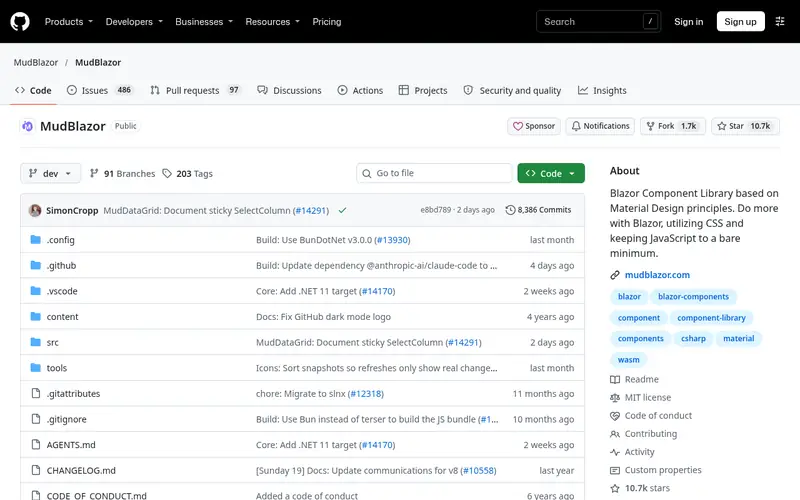
MudBlazor is an open-source Blazor component library built around Material Design. It covers forms, inputs, dialogs, data grids, charts, navigation and layout components. It targets Blazor Server, Blazor WebAssembly and Blazor Web App projects and is distributed as NuGet packages.
The project is MIT licensed, so there is no per-developer cost. Styling is handled through a theme provider, and components expose parameters for density, color and typography. The library is community maintained, so support comes from GitHub issues and community channels rather than a paid support contract.
Choose MudBlazor when you want a broad free component set and are comfortable with the Material Design look. Skip it if your design system is tightly branded and you need vendor support with response commitments.
Standout: Large component set
Free (open source), as listed by the vendor (MudBlazor website). Confirm the current plan price before you buy.
Free plan. Plans change, so confirm on the vendor's pricing page before you buy.
Benefits
- Large component set
- Material Design styling with theme support
Drawbacks
- Material look may not fit every brand
- major version upgrades have required migration work
Skip it if this limit matters to you: material look may not fit every brand.
Verdict. A sensible pick for teams wanting a free Material Design component set.
Alternatives in this guide: Radzen Blazor Components, Microsoft Fluent UI Blazor, Blazorise
Radzen Blazor Components
Best for free library with a large component count and tooling
What it is and where it fits
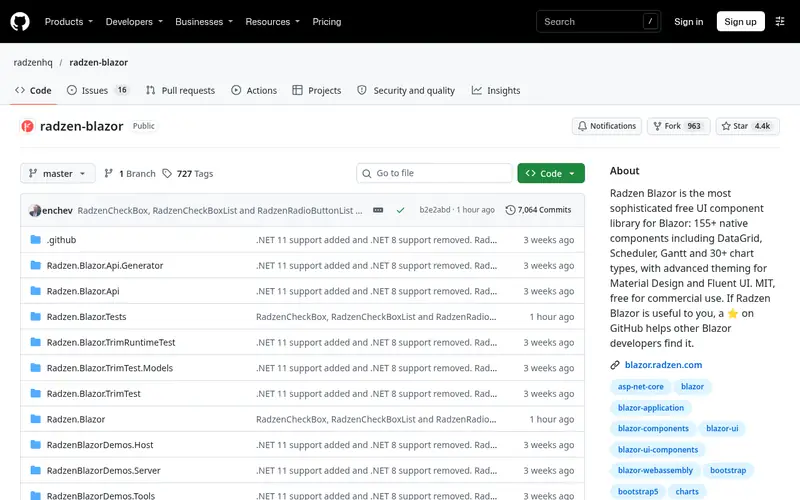
Radzen Blazor Components is a free, open-source set of native Blazor components. It includes data grids, schedulers, charts, forms, dialogs, menus and layout components. The components are MIT licensed and published as NuGet packages for Blazor Server, WebAssembly and Web App projects.
The same vendor offers Radzen Blazor Studio, a development tool, and paid support plans. The component library itself stays free. The components use their own visual style rather than Material Design or Fluent, so theming works differently from MudBlazor.
Pick Radzen when you want a large free component set and may also use the vendor's tooling. Skip it if you need a specific design language out of the box or a formal support contract from day one.
Standout: Wide component range including data grid and scheduler
Free (open source), as listed by the vendor (Radzen Blazor Components website). Confirm the current plan price before you buy.
Free plan. Plans change, so confirm on the vendor's pricing page before you buy.
Benefits
- Wide component range including data grid and scheduler
- free Radzen Blazor Studio tooling
Drawbacks
- Design language is its own, not Material or Fluent
- advanced support is a paid option
Skip it if this limit matters to you: design language is its own, not Material or Fluent.
Verdict. A sensible pick for free library with a large component count and tooling.
Alternatives in this guide: MudBlazor, Microsoft Fluent UI Blazor, Blazorise
Microsoft Fluent UI Blazor
Best for teams standardizing on Microsoft Fluent design
What it is and where it fits
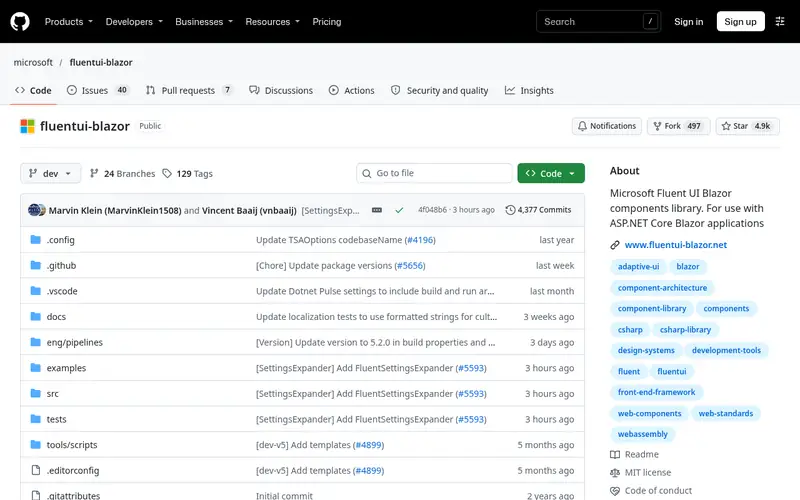
Microsoft Fluent UI Blazor provides Blazor components built on the Fluent design system. It includes buttons, inputs, dialogs, data grids, navigation and layout components, plus wrappers for some Fluent web components. It targets Blazor Server, WebAssembly and Web App projects.
The project is open source and free to use. It is maintained in the Microsoft GitHub organization, and documentation and demos are published alongside the repository. Because it follows Fluent, it fits applications that should look consistent with Microsoft products.
Choose it when Fluent styling and Microsoft alignment matter. Skip it if you need the largest possible component catalog or a vendor support contract.
Standout: Matches the Fluent design language
Free (open source), as listed by the vendor (Microsoft Fluent UI Blazor website). Confirm the current plan price before you buy.
Free plan. Plans change, so confirm on the vendor's pricing page before you buy.
Benefits
- Matches the Fluent design language
- maintained under the Microsoft organization
Drawbacks
- Component coverage differs from larger third-party sets
- Fluent styling may not suit non-Microsoft brands
Skip it if this limit matters to you: component coverage differs from larger third-party sets.
Verdict. A sensible pick for teams standardizing on Microsoft Fluent design.
Alternatives in this guide: MudBlazor, Radzen Blazor Components, Blazorise
Blazorise
Best for teams wanting one API across multiple CSS frameworks
What it is and where it fits
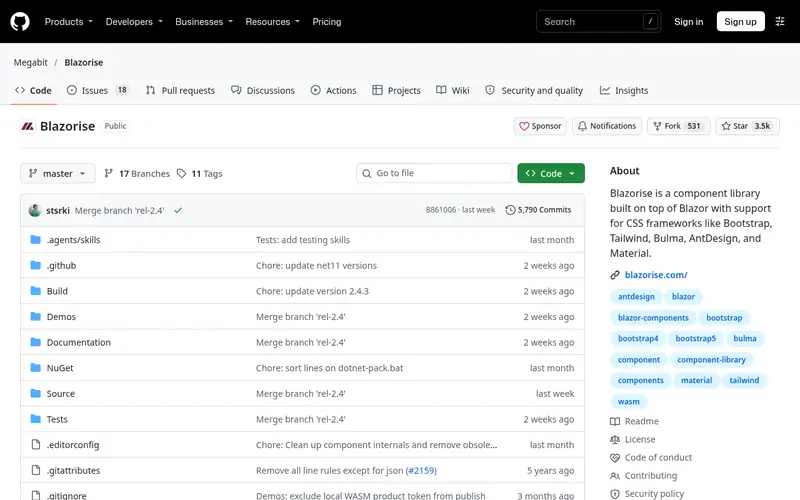
Blazorise is a component library that provides one API across multiple CSS frameworks, including Bootstrap, Tailwind, Bulma and Ant Design. It covers forms, data grids, charts, modals and layout components for Blazor Server, WebAssembly and Web App projects.
The core is open source and free. The vendor sells commercial tiers that add components, themes and support. Which components are free versus commercial depends on the tier, so check the vendor's feature and pricing pages before you plan around a specific component.
Choose Blazorise when you want to switch or mix CSS frameworks without rewriting component markup. Skip it if you want everything free with no tier boundaries, or if you prefer a single fixed design language.
Standout: Supports several CSS frameworks through one component API
Free (open source), as listed by the vendor (Blazorise website). Confirm the current plan price before you buy.
Free plan. Plans change, so confirm on the vendor's pricing page before you buy.
Benefits
- Supports several CSS frameworks through one component API
- commercial tiers add features and support
Drawbacks
- Some components and features sit behind commercial licences
- configuration is more involved than single-framework libraries
Skip it if this limit matters to you: some components and features sit behind commercial licences.
Verdict. A sensible pick for teams wanting one API across multiple CSS frameworks.
Alternatives in this guide: MudBlazor, Radzen Blazor Components, Microsoft Fluent UI Blazor
Telerik UI for Blazor
Best for teams needing commercial support and advanced grids
What it is and where it fits
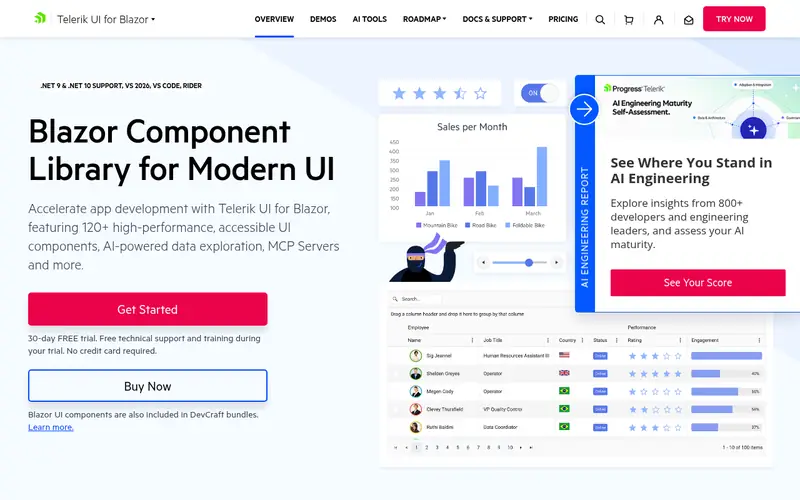
Telerik UI for Blazor is a commercial component library from Progress. It includes grids, schedulers, charts, editors, pickers and layout components, with a focus on data-heavy business applications. It supports Blazor Server, WebAssembly and Web App projects.
Licensing is per developer, and the vendor publishes current prices and trial terms on its site. A trial is available so you can evaluate components before buying. Support comes from the vendor, and the product ships regular releases tied to .NET versions.
Choose Telerik when advanced grid features, vendor support and a broad commercial catalog justify the cost. Skip it for small projects or tight budgets where a free library covers the needs.
Standout: Large commercial component set with advanced data grid
See vendor pricing page, as listed by the vendor (Telerik UI for Blazor website). Confirm the current plan price before you buy.
Free trial (N days). Plans change, so confirm on the vendor's pricing page before you buy.
Benefits
- Large commercial component set with advanced data grid
- vendor support and frequent releases
Drawbacks
- Paid licence required for production
- cost scales with developer count
Skip it if this limit matters to you: paid licence required for production.
Verdict. A sensible pick for teams needing commercial support and advanced grids.
Alternatives in this guide: MudBlazor, Radzen Blazor Components, Microsoft Fluent UI Blazor
Syncfusion Blazor
Best for teams wanting a broad commercial suite with a community licence
What it is and where it fits
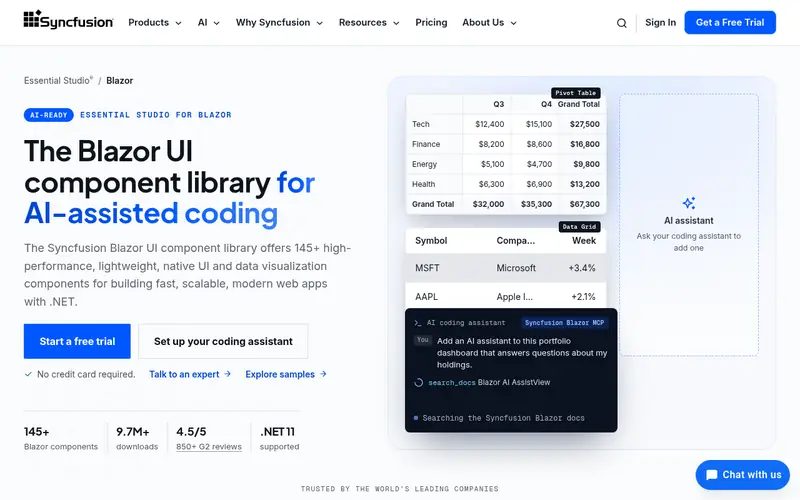
Syncfusion Blazor is a commercial component suite with a large catalog: data grids, charts, schedulers, editors, file upload, PDF and Excel-related components. It supports Blazor Server, WebAssembly and Web App projects.
Syncfusion publishes a Community License for small companies and individual developers that meet its revenue and employee limits. Larger organizations need a paid licence, and the vendor lists current prices on its site. A trial is available.
Choose Syncfusion when you need a wide suite and may qualify for the community licence. Skip it if you cannot meet the community licence terms and do not want a paid subscription.
Standout: Very large component suite including data grid and charts
See vendor pricing page, as listed by the vendor (Syncfusion Blazor website). Confirm the current plan price before you buy.
Free trial (N days). Plans change, so confirm on the vendor's pricing page before you buy.
Benefits
- Very large component suite including data grid and charts
- community licence for qualifying small companies
Drawbacks
- Paid licence for most commercial use
- suite size adds learning overhead
Skip it if this limit matters to you: paid licence for most commercial use.
Verdict. A sensible pick for teams wanting a broad commercial suite with a community licence.
Alternatives in this guide: MudBlazor, Radzen Blazor Components, Microsoft Fluent UI Blazor
Ant Design Blazor
Best for teams using Ant Design in mixed front-end stacks
What it is and where it fits
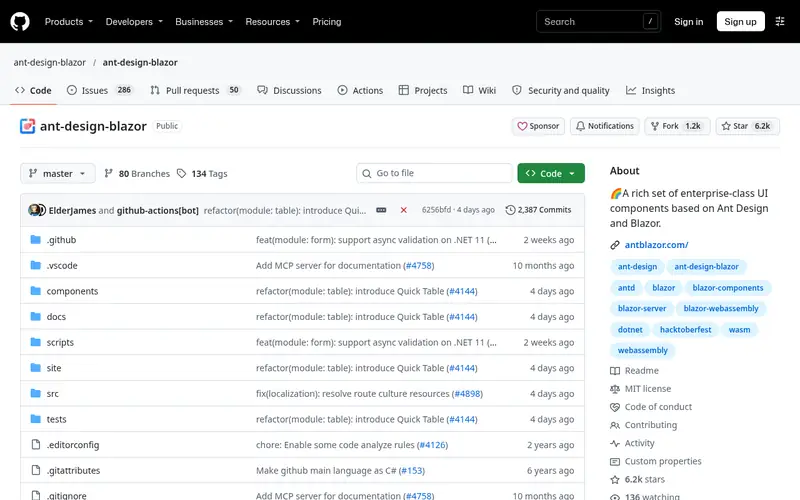
Ant Design Blazor brings the Ant Design language to Blazor. It includes forms, tables, modals, navigation, data display and feedback components, and targets Blazor Server, WebAssembly and Web App projects.
The project is open source and free. It suits teams that already use Ant Design in React or other front ends and want a consistent look across applications. The component set covers common enterprise patterns such as tables, forms and layout.
Choose it when Ant Design consistency matters across your stack. Skip it if you want the largest community or a vendor support contract.
Standout: Consistent Ant Design look
Free (open source), as listed by the vendor (Ant Design Blazor website). Confirm the current plan price before you buy.
Free plan. Plans change, so confirm on the vendor's pricing page before you buy.
Benefits
- Consistent Ant Design look
- broad enterprise-style component set
Drawbacks
- Documentation and community are smaller than MudBlazor
- Ant Design styling may not fit every brand
Skip it if this limit matters to you: documentation and community are smaller than MudBlazor.
Verdict. A sensible pick for teams using Ant Design in mixed front-end stacks.
Alternatives in this guide: MudBlazor, Radzen Blazor Components, Microsoft Fluent UI Blazor
Who should use what
A solo developer building an internal tool should start with MudBlazor or Radzen Blazor Components, since both are free and cover common UI needs. A team that must match Microsoft styling should use Microsoft Fluent UI Blazor. A team that wants one API across Bootstrap or Tailwind should look at Blazorise. An enterprise with data-heavy grids and a support budget should evaluate Telerik UI for Blazor or Syncfusion Blazor, checking the Syncfusion community licence terms first.
Questions to settle before you buy
What to check before you buy
- Confirm the library supports your hosting model (Server, WebAssembly or Web App) and your .NET version.
- Check the licence: open source, community licence or per-developer commercial.
- List the components you actually need, especially data grid, scheduler and charts.
- Check theming options against your brand and design system.
- Review release cadence, open issues and documentation depth before adopting.
FAQ
Are these Blazor component libraries free?
MudBlazor, Radzen Blazor Components, Microsoft Fluent UI Blazor and Ant Design Blazor are free and open source. Blazorise has free packages plus paid tiers. Telerik UI for Blazor and Syncfusion Blazor are commercial, though Syncfusion offers a community licence for qualifying small companies.
Do these libraries work with Blazor WebAssembly?
Yes. All the libraries listed support Blazor Server, Blazor WebAssembly and Blazor Web App projects. Check the documentation for any component-specific notes, since some components depend on server-side features or JavaScript interop.
Can I use a component library in a commercial product?
It depends on the licence. Open-source libraries such as MudBlazor and Radzen use permissive licences. Commercial libraries such as Telerik and Syncfusion require a paid licence for most commercial use. Read the licence terms before shipping.
Which library has the largest component set?
Syncfusion Blazor and Telerik UI for Blazor ship very large commercial suites. Among free options, Radzen Blazor Components and MudBlazor cover a broad range of common components. Check each vendor's component list against your needs.
Do I need to paste data into a website to use these libraries?
No. These are code libraries installed through NuGet and run in your own application. You do not paste secrets or production data into a third-party web page to use them.
Sources we checked
Method: how we score · editorial policy.
Change log. First published 27 Nov 2026.