Stage 04 · Run · Researched comparison
Best Terraform Linters in 2026
TFLint is the first pick for most teams because it checks provider-specific rules, deprecated syntax and module issues that `terraform validate` misses, and it runs as a single binary. For security-focused checks, Checkov and Trivy are strong alternatives: Checkov has broad policy coverage across many infrastructure-as-code frameworks, and Trivy is a fast scanner that also covers container and dependency vulnerabilities.

By Shihab Mia
Published 22 Nov 2026 · 5 tools compared
We run no ads and no affiliate links at launch. The order of a list follows our published method. See how we score.
Prices are the starting prices vendors list publicly. Plans change, so confirm the current price on the vendor page before you buy.
Key takeaways
- TFLint is free and open source, runs locally and in CI, and focuses on Terraform-specific correctness rather than general security policy.
- Checkov and Trivy add security and misconfiguration scanning; both are free and open source with paid commercial platforms from their vendors.
- Terraform validate ships with Terraform itself, so it costs nothing extra but catches only syntax and basic type errors.
- All tools listed run locally or in your own CI, so plan files and variables do not need to be sent to a third-party web page.
Who each pick is for
- Terraform-specific linting with provider-aware rulesTFLint
- Policy and security scanning across infrastructure-as-codeCheckov
- Combined IaC, container and dependency scanningTrivy
- Writing custom Rego policies for Terraform plansConftest
- Built-in syntax and basic consistency checksTerraform validate
Comparison
| Tool | Best for | Standout feature | Listed starting price | Free plan or trial |
|---|---|---|---|---|
| 1TFLint | Terraform-specific linting with provider-aware rules | Provider-aware rules catch invalid instance types and deprecated syntax | Free (open source) | Free plan |
| 2Checkov | Policy and security scanning across infrastructure-as-code | Large built-in policy library | Free (open source) | Free plan |
| 3Trivy | Combined IaC, container and dependency scanning | One scanner for Terraform misconfigurations plus container and dependency CVEs | Free (open source) | Free plan |
| 4Conftest | Writing custom Rego policies for Terraform plans | Flexible Rego policies for team-specific rules | Free (open source) | Free plan |
| 5Terraform validate | Built-in syntax and basic consistency checks | Ships with Terraform, no extra install | Free | Free plan |
How we picked
We selected tools that genuinely lint or statically analyze Terraform and are currently maintained. Criteria were fit for the job (Terraform-specific rules versus general security policy), supported platforms, licence and price, whether scanning runs locally so code and plans stay off third-party services, and known limits such as maintenance status or missing policy libraries. Sources are vendor documentation, project repositories and public pricing pages. Prices and plan details change, so confirm on the vendor site before you commit.
The tools, one by one
TFLint
Best for terraform-specific linting with provider-aware rules
What it is and where it fits
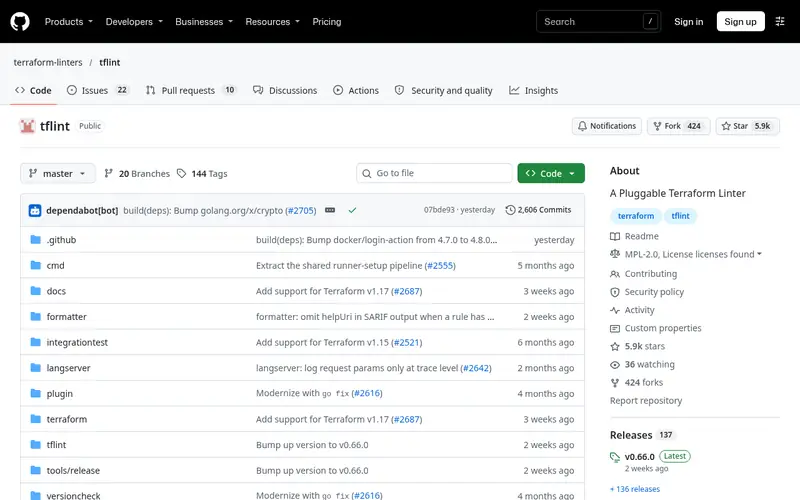
TFLint is a linter built specifically for Terraform. It parses your configuration and flags issues such as invalid instance types, deprecated interpolation syntax, unused declarations and module problems. Its plugin system lets it load provider-specific rules for AWS, Azure, Google Cloud and others, which is where it goes beyond generic checks.
It runs as a single binary on Linux, macOS and Windows, and integrates with CI systems and pre-commit hooks. The project is open source under the MPL 2.0 license and free to use. Configuration lives in a `.tflint.hcl` file, and plugins are downloaded separately. It does not perform security policy checks by itself, so teams that need compliance scanning usually pair it with a security scanner.
Standout: Provider-aware rules catch invalid instance types and deprecated syntax
Free (open source), as listed by the vendor (TFLint website). Confirm the current plan price before you buy.
Free plan. Plans change, so confirm on the vendor's pricing page before you buy.
Benefits
- Provider-aware rules catch invalid instance types and deprecated syntax
- plugin system extends checks to AWS, Azure and GCP
Drawbacks
- Does not evaluate security policy on its own
- plugin setup adds configuration work
Skip it if this limit matters to you: does not evaluate security policy on its own.
Verdict. A sensible pick for terraform-specific linting with provider-aware rules.
Checkov
Best for policy and security scanning across infrastructure-as-code
What it is and where it fits
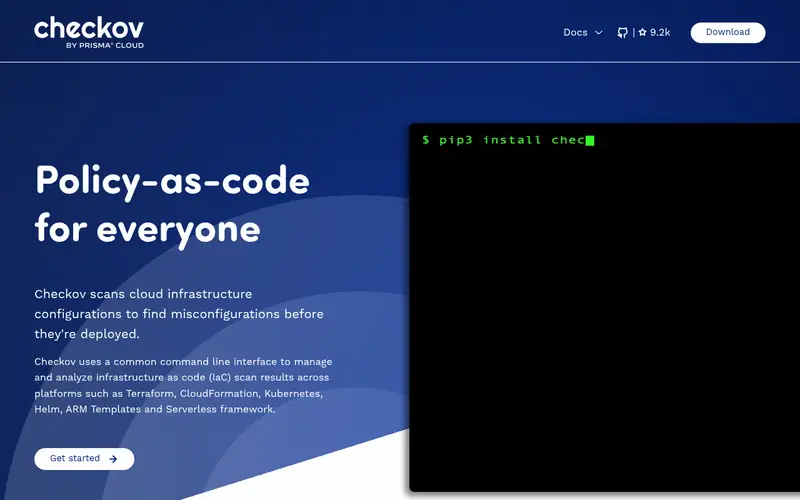
Checkov is an open-source static analysis tool from Bridgecrew (now part of Palo Alto Networks) that scans infrastructure-as-code for misconfigurations. For Terraform it checks resources against hundreds of built-in policies covering networking, encryption, logging and identity. It also scans CloudFormation, Kubernetes manifests, Helm charts and serverless definitions.
It installs via pip or runs as a container, and works on Linux, macOS and Windows. Output can be plain text, JSON, SARIF or other formats for CI integration. The open-source tool is free; the vendor offers a commercial platform with additional features under separate pricing. The main drawback is volume: default policy sets can return many findings, so teams need a baseline and suppression process.
Standout: Large built-in policy library
Free (open source), as listed by the vendor (Checkov website). Confirm the current plan price before you buy.
Free plan. Plans change, so confirm on the vendor's pricing page before you buy.
Benefits
- Large built-in policy library
- scans Terraform plus CloudFormation, Kubernetes and other formats
Drawbacks
- Can produce many findings that need triage
- full platform features require a paid plan
Skip it if this limit matters to you: can produce many findings that need triage.
Verdict. A sensible pick for policy and security scanning across infrastructure-as-code.
Trivy
Best for combined IaC, container and dependency scanning

What it is and where it fits
Trivy is an open-source scanner from Aqua Security. Its misconfiguration scanning covers Terraform, Kubernetes, Dockerfiles and other formats, and it also detects vulnerabilities in container images and application dependencies. That makes it a practical single tool for teams that want infrastructure and artifact scanning in one place.
It runs as a binary or container on Linux, macOS and Windows, and works in CI pipelines. It is free and open source. Because it covers many targets, its Terraform checks focus on security misconfigurations rather than Terraform style or provider correctness. Teams that want deep Terraform linting still add TFLint alongside it.
Standout: One scanner for Terraform misconfigurations plus container and dependency CVEs
Free (open source), as listed by the vendor (Trivy website). Confirm the current plan price before you buy.
Free plan. Plans change, so confirm on the vendor's pricing page before you buy.
Benefits
- One scanner for Terraform misconfigurations plus container and dependency CVEs
- fast and easy to run in CI
Drawbacks
- Broad scope means less Terraform-specific depth than TFLint
- policy customization takes learning
Skip it if this limit matters to you: broad scope means less Terraform-specific depth than TFLint.
Verdict. A sensible pick for combined IaC, container and dependency scanning.
Conftest
Best for writing custom Rego policies for Terraform plans
What it is and where it fits
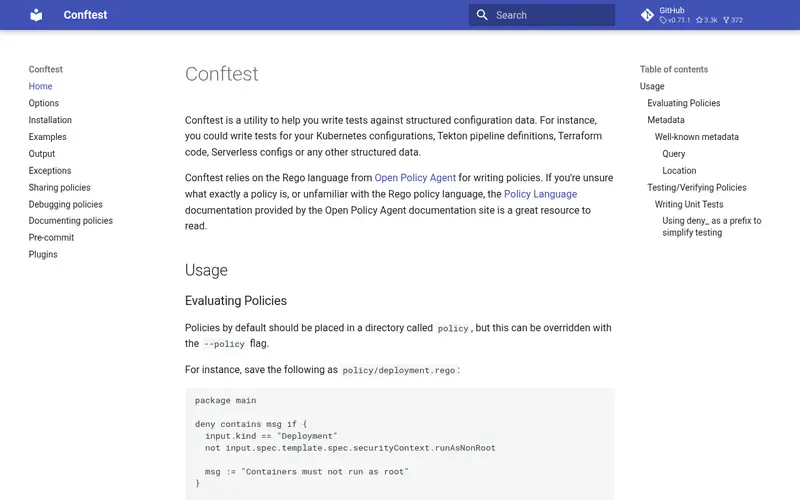
Conftest is an open-source utility from the Open Policy Agent project that runs Rego policies against structured configuration files. For Terraform, you convert a plan to JSON with `terraform show -json` and test it against your own rules, such as required tags, approved regions or naming conventions.
It runs as a binary on Linux, macOS and Windows and fits into CI pipelines. It is free and open source. The trade-off is that Conftest provides the engine, not the policies: you write and maintain the Rego rules yourself. It suits teams with specific internal standards rather than those wanting an off-the-shelf security baseline.
Standout: Flexible Rego policies for team-specific rules
Free (open source), as listed by the vendor (Conftest website). Confirm the current plan price before you buy.
Free plan. Plans change, so confirm on the vendor's pricing page before you buy.
Benefits
- Flexible Rego policies for team-specific rules
- works with Terraform plans and many config formats
Drawbacks
- No built-in Terraform policy library
- requires writing and maintaining policies
Skip it if this limit matters to you: no built-in Terraform policy library.
Verdict. A sensible pick for writing custom Rego policies for Terraform plans.
Terraform validate
Best for built-in syntax and basic consistency checks
What it is and where it fits
`terraform validate` is a built-in command in the Terraform CLI. It checks that configuration is syntactically valid and internally consistent, such as correct argument names and types, without contacting providers or reading remote state. It runs offline once providers are installed.
It is included with Terraform, which is free under the Business Source License for the CLI, and runs wherever Terraform runs. It is the cheapest first check and belongs in every pipeline. It is not a linter in the fuller sense: it will not flag deprecated syntax, insecure settings or style issues, so it complements rather than replaces tools like TFLint or Checkov.
Standout: Ships with Terraform, no extra install
Free, as listed by the vendor (Terraform validate website). Confirm the current plan price before you buy.
Free plan. Plans change, so confirm on the vendor's pricing page before you buy.
Benefits
- Ships with Terraform, no extra install
- catches syntax and type errors before plan
Drawbacks
- No security or provider-specific rules
- limited to basic validation
Skip it if this limit matters to you: no security or provider-specific rules.
Verdict. A sensible pick for built-in syntax and basic consistency checks.
Who should use what
If you want Terraform-specific correctness checks such as deprecated syntax and invalid provider arguments, start with TFLint. If your priority is security and compliance baselines across several infrastructure-as-code formats, Checkov or Trivy fit better; Trivy also covers container and dependency vulnerabilities. If you have internal standards, such as required tags or approved regions, Conftest lets you encode them in Rego. Every team should also run `terraform validate` as a fast first gate, since it ships with Terraform and needs no extra tooling.
Questions to settle before you buy
What to check before you buy
- Confirm the tool supports the Terraform version and providers you use, and check its release cadence.
- Decide whether you need Terraform-specific linting, security policy scanning, or both, and avoid duplicating tools.
- Check that scans run locally or in your CI so plan files and variables are not sent to third parties.
- Review default rule sets for noise, and plan a baseline and suppression process before enforcing in CI.
- Verify the licence and any paid platform features, and confirm current pricing on the vendor page.
FAQ
Is TFLint a replacement for terraform validate?
No. `terraform validate` checks syntax and internal consistency and ships with Terraform. TFLint adds provider-aware rules, deprecated syntax checks and module analysis. Most teams run both, with validate as the fast first step and TFLint as the deeper check.
Do these tools send my Terraform code anywhere?
The open-source tools listed run locally or in your own CI, so code and plan files stay in your environment. Check any paid platform features separately, since those may upload results to a vendor service. Avoid pasting configuration or plan output into third-party web pages.
What is the difference between a linter and a security scanner?
A linter checks correctness, style and provider rules, such as invalid arguments or deprecated syntax. A security scanner checks for misconfigurations and policy violations, such as public buckets or missing encryption. TFLint is mainly a linter; Checkov and Trivy are security scanners.
Can I scan a Terraform plan instead of source code?
Yes. Conftest works on JSON output from `terraform show -json`. Scanning plans catches values resolved at plan time, but requires generating a plan in CI, which needs provider credentials and, for some workflows, remote state access.
Does Trivy replace a dedicated Terraform linter?
No. Trivy focuses on security misconfigurations across many targets, including Terraform, containers and dependencies. It does not check Terraform style or provider-specific correctness the way TFLint does, so teams that want deep Terraform linting run TFLint alongside Trivy.
Sources we checked
Method: how we score · editorial policy.
Change log. First published 22 Nov 2026.