Stage 04 · Run · Researched comparison
Best Kubernetes CLI Tools in 2026
kubectl is the baseline every other tool builds on, and it suits anyone who wants the official client with the widest plugin ecosystem. For day-to-day navigation across many clusters and namespaces, k9s gives a fast terminal UI, while kubectx and kubens handle context and namespace switching. For manifest validation and policy checks before apply, kubeconform and Conftest cover different needs.

By Shihab Mia
Published 22 Nov 2026 · 8 tools compared
We run no ads and no affiliate links at launch. The order of a list follows our published method. See how we score.
Prices are the starting prices vendors list publicly. Plans change, so confirm the current price on the vendor page before you buy.
Key takeaways
- kubectl is free, open source and the reference client; most other tools on this list extend or wrap it.
- k9s, kubectx/kubens, kubeconform, Conftest, Helm, kustomize and kubescape are all free and open source.
- kubeconform validates manifests offline against schemas, so no cluster credentials leave your machine.
- Terminal UIs and linters read your kubeconfig, so review what a tool stores or sends before pointing it at production clusters.
Who each pick is for
- Anyone who needs the official Kubernetes command-line clientkubectl
- Developers who want a fast terminal UI over clustersk9s
- Quickly switching between clusters and namespaceskubectx and kubens
- Validating Kubernetes manifests against schemas offlinekubeconform
- Writing policy tests for Kubernetes and other config filesConftest
- Packaging and installing Kubernetes applications from chartsHelm
- Composing manifests from overlays without templatingkustomize
- Scanning clusters and manifests for misconfigurationsKubescape
Comparison
| Tool | Best for | Standout feature | Listed starting price | Free plan or trial |
|---|---|---|---|---|
| 1kubectl | Anyone who needs the official Kubernetes command-line client | Official client with full API coverage | Free (open source) | Free plan |
| 2k9s | Developers who want a fast terminal UI over clusters | Keyboard-driven views for pods, logs and events | Free (open source) | Free plan |
| 3kubectx and kubens | Quickly switching between clusters and namespaces | Short commands for context and namespace changes | Free (open source) | Free plan |
| 4kubeconform | Validating Kubernetes manifests against schemas offline | Fast schema validation without a cluster | Free (open source) | Free plan |
| 5Conftest | Writing policy tests for Kubernetes and other config files | Rego policies work across many config formats | Free (open source) | Free plan |
| 6Helm | Packaging and installing Kubernetes applications from charts | Widely used chart format for distributing apps | Free (open source) | Free plan |
| 7kustomize | Composing manifests from overlays without templating | Plain YAML with patches, no template language | Free (open source) | Free plan |
| 8Kubescape | Scanning clusters and manifests for misconfigurations | Checks against common security frameworks | Free (open source) | Free plan |
How we picked
We picked tools that do a distinct CLI job for Kubernetes users: the official client, terminal navigation, context switching, schema validation, policy testing, packaging, overlay rendering and misconfiguration scanning. Criteria were fit for the named job, platform support, licence and price, whether checks can run locally or offline, and known limits from documentation. Sources are vendor documentation, project repositories and public pricing pages. Prices and free-plan terms change, so confirm on the vendor site before you commit.
The tools, one by one
kubectl
Best for anyone who needs the official Kubernetes command-line client
What it is and where it fits
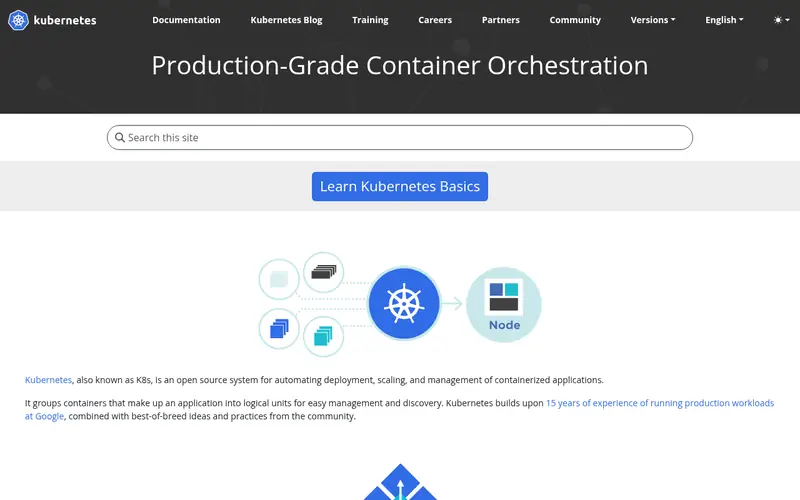
kubectl is the reference CLI shipped by the Kubernetes project. It talks to the API server for every resource type, supports apply, diff, logs, exec, port-forward and rollout commands, and reads cluster and auth settings from your kubeconfig. Plugins are discovered as `kubectl-<name>` binaries on your PATH, and krew is the community package manager for installing them.
It runs on Linux, macOS and Windows, and the project publishes binaries plus packages through common package managers. The licence is Apache 2.0. There is no paid tier and no account requirement. The main limit is ergonomics: switching contexts, watching many resources and editing manifests all take extra commands or plugins. Teams that mostly script against the API will be fine with kubectl alone; people who live in the terminal all day usually add a UI or wrapper on top.
Standout: Official client with full API coverage
Free (open source), as listed by the vendor (kubectl website). Confirm the current plan price before you buy.
Free plan. Plans change, so confirm on the vendor's pricing page before you buy.
Benefits
- Official client with full API coverage
- large plugin ecosystem via krew
Drawbacks
- Verbose for routine tasks
- no built-in multi-cluster dashboard
Skip it if this limit matters to you: verbose for routine tasks.
Verdict. A sensible pick for anyone who needs the official Kubernetes command-line client.
Alternatives in this guide: k9s, kubectx and kubens, kubeconform
k9s
Best for developers who want a fast terminal UI over clusters
What it is and where it fits
k9s is a terminal-based UI for Kubernetes. It shows live views of pods, deployments, services, nodes and other resources, with shortcuts for logs, shell access, describe output and deletion. You can switch contexts and namespaces inside the app, and it respects your existing kubeconfig and RBAC permissions.
It is distributed as a single binary for Linux, macOS and Windows, and is also available through Homebrew and other package managers. The project is open source under Apache 2.0 and free to use. Because it reads your kubeconfig, it inherits whatever cluster access you already have, including production. There is no separate audit layer, so treat it as a faster view of the same permissions. Skip it if you prefer GUI dashboards or need a tool that emits machine-readable output for pipelines.
Standout: Keyboard-driven views for pods, logs and events
Free (open source), as listed by the vendor (k9s website). Confirm the current plan price before you buy.
Free plan. Plans change, so confirm on the vendor's pricing page before you buy.
Benefits
- Keyboard-driven views for pods, logs and events
- works with any kubeconfig context
Drawbacks
- Terminal UI has a learning curve
- not a scripting tool
Skip it if this limit matters to you: terminal UI has a learning curve.
Verdict. A sensible pick for developers who want a fast terminal UI over clusters.
Alternatives in this guide: kubectl, kubectx and kubens, kubeconform
kubectx and kubens
Best for quickly switching between clusters and namespaces
What it is and where it fits
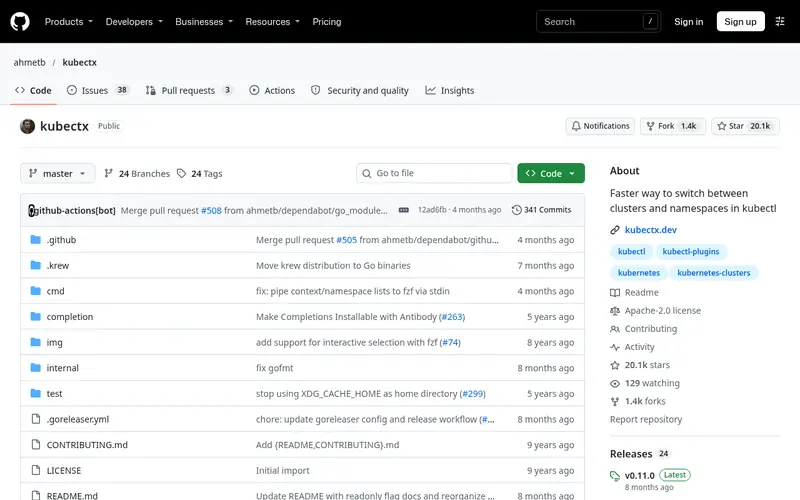
kubectx and kubens are two small utilities from the same project. kubectx lists and switches kubeconfig contexts; kubens lists and switches the active namespace. Both support fuzzy search when fzf is installed, and kubectx can rename contexts and switch back to the previous one.
They are shell scripts and small binaries that work wherever kubectl works: Linux, macOS and Windows. The project is open source under Apache 2.0 and free. The scope is deliberately narrow, so these tools do not replace kubectl for anything beyond context and namespace handling. They are a good fit for people who juggle several clusters a day and want fewer keystrokes. If you already use k9s or a similar UI, the switching built into that tool may be enough.
Standout: Short commands for context and namespace changes
Free (open source), as listed by the vendor (kubectx and kubens website). Confirm the current plan price before you buy.
Free plan. Plans change, so confirm on the vendor's pricing page before you buy.
Benefits
- Short commands for context and namespace changes
- optional fuzzy matching with fzf
Drawbacks
- Narrow scope
- no resource management features
Skip it if this limit matters to you: narrow scope.
Verdict. A sensible pick for quickly switching between clusters and namespaces.
Alternatives in this guide: kubectl, k9s, kubeconform
kubeconform
Best for validating Kubernetes manifests against schemas offline
What it is and where it fits
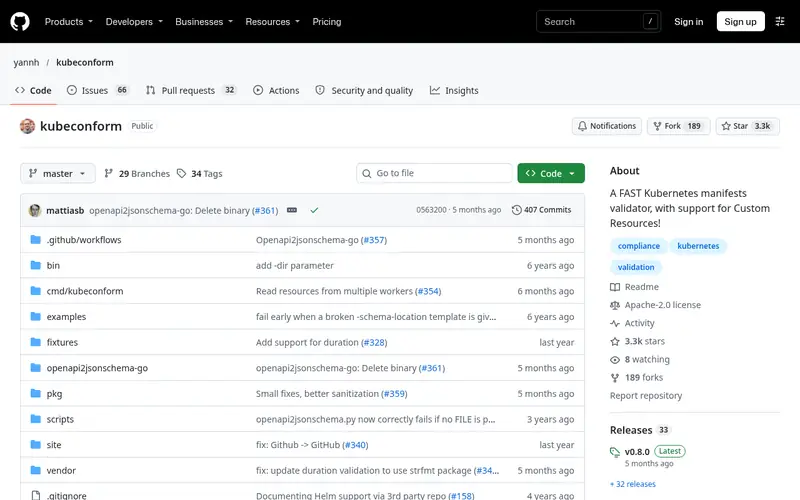
kubeconform validates Kubernetes YAML and JSON against OpenAPI schemas. It can fetch schemas for specific Kubernetes versions and can run fully offline with a local schema cache, which matters if you do not want manifests leaving your machine. It handles multi-document files and custom resource definitions when schemas are available.
It ships as a single binary for Linux, macOS and Windows and is open source under Apache 2.0. It is a static checker: it catches wrong field names, types and missing required fields, but it does not enforce organizational policy and does not talk to a live cluster. Use it in pre-commit hooks and CI to fail fast on malformed manifests. Teams that need policy rules should pair it with a policy engine rather than rely on schema checks alone.
Standout: Fast schema validation without a cluster
Free (open source), as listed by the vendor (kubeconform website). Confirm the current plan price before you buy.
Free plan. Plans change, so confirm on the vendor's pricing page before you buy.
Benefits
- Fast schema validation without a cluster
- supports multiple Kubernetes versions
Drawbacks
- Checks structure, not policy or runtime behavior
- schema source must be trusted
Skip it if this limit matters to you: checks structure, not policy or runtime behavior.
Verdict. A sensible pick for validating Kubernetes manifests against schemas offline.
Alternatives in this guide: kubectl, k9s, kubectx and kubens
Conftest
Best for writing policy tests for Kubernetes and other config files
What it is and where it fits
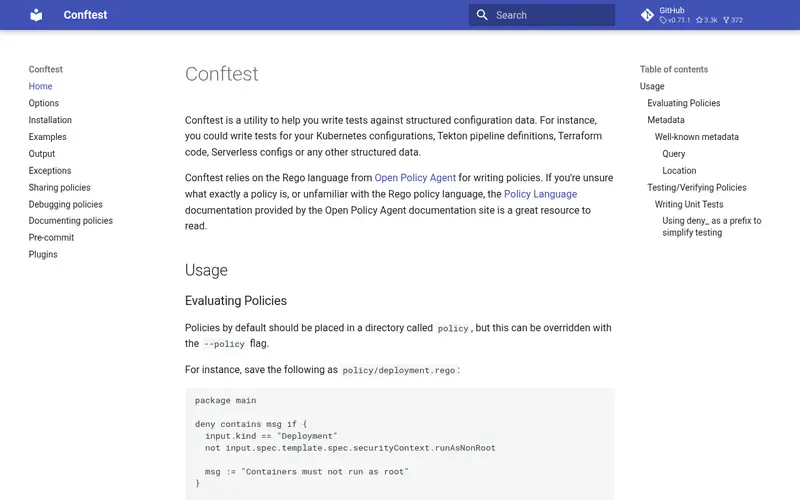
Conftest is a utility for testing configuration files against policies written in Rego, the policy language from OpenPGP. For Kubernetes work it parses YAML manifests and lets you assert rules such as required labels, banned image registries or resource limits. The same binary can check Dockerfiles, Terraform plans and other structured files.
It is a single binary for Linux, macOS and Windows, open source under Apache 2.0, and free. Policies live in your repository, so they are reviewable and versioned with the manifests they check. The cost is the Rego learning curve and the work of writing and maintaining rules. It does not replace admission control in the cluster; it shifts some checks earlier, into the developer's terminal and CI. Skip it if your team has no appetite for maintaining a policy language.
Standout: Rego policies work across many config formats
Free (open source), as listed by the vendor (Conftest website). Confirm the current plan price before you buy.
Free plan. Plans change, so confirm on the vendor's pricing page before you buy.
Benefits
- Rego policies work across many config formats
- runs locally and in CI
Drawbacks
- Requires learning Rego
- policy authoring takes setup effort
Skip it if this limit matters to you: requires learning Rego.
Verdict. A sensible pick for writing policy tests for Kubernetes and other config files.
Alternatives in this guide: kubectl, k9s, kubectx and kubens
Helm
Best for packaging and installing Kubernetes applications from charts
What it is and where it fits
Helm is the package manager for Kubernetes. It renders chart templates with values files, installs the result as a release, and tracks revisions so you can roll back. The CLI handles repository management, dependency resolution, dry runs and diff-style previews with plugins.
It runs on Linux, macOS and Windows, is open source under Apache 2.0, and is free. Helm stores release metadata in the cluster by default, which is worth knowing before you install into shared namespaces. Charts are powerful but templating errors can be hard to trace, and large value files get unwieldy. Teams that prefer plain manifests or kustomize overlays may not need it, but it remains the common way to consume third-party software.
Standout: Widely used chart format for distributing apps
Free (open source), as listed by the vendor (Helm website). Confirm the current plan price before you buy.
Free plan. Plans change, so confirm on the vendor's pricing page before you buy.
Benefits
- Widely used chart format for distributing apps
- templating and release tracking built in
Drawbacks
- Templated YAML can be hard to debug
- release state adds operational overhead
Skip it if this limit matters to you: templated YAML can be hard to debug.
Verdict. A sensible pick for packaging and installing Kubernetes applications from charts.
Alternatives in this guide: kubectl, k9s, kubectx and kubens
kustomize
Best for composing manifests from overlays without templating
What it is and where it fits
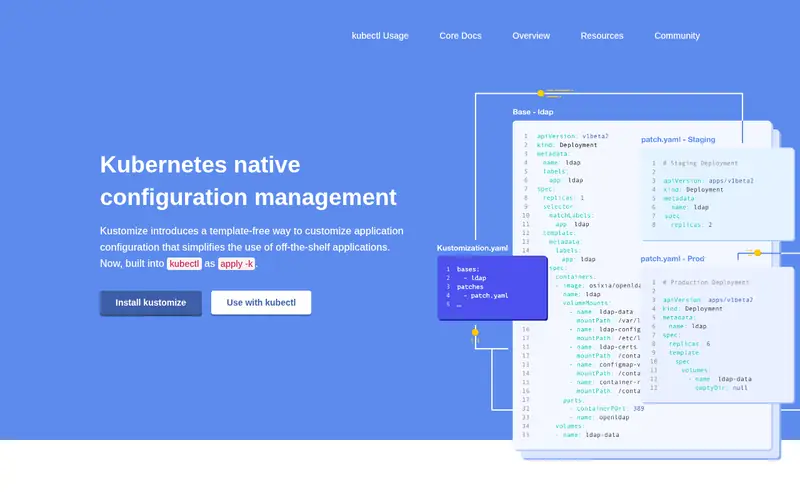
kustomize builds Kubernetes manifests from a base plus overlays. You keep plain YAML and apply patches, name prefixes and image overrides per environment, then render the result with `kustomize build` or `kubectl apply -k`. Because it is part of kubectl, many teams already have it installed.
It runs wherever kubectl runs and is open source under Apache 2.0, free to use. The model avoids a template language, which makes diffs easier to read, but deep overlay trees can become hard to follow and there is no release tracking. It pairs well with a GitOps controller or a CI step that renders and applies. Choose it over Helm when you want to own the YAML and avoid chart abstractions.
Standout: Plain YAML with patches, no template language
Free (open source), as listed by the vendor (kustomize website). Confirm the current plan price before you buy.
Free plan. Plans change, so confirm on the vendor's pricing page before you buy.
Benefits
- Plain YAML with patches, no template language
- built into kubectl
Drawbacks
- Overlay trees can grow complex
- not a package manager
Skip it if this limit matters to you: overlay trees can grow complex.
Verdict. A sensible pick for composing manifests from overlays without templating.
Alternatives in this guide: kubectl, k9s, kubectx and kubens
Kubescape
Best for scanning clusters and manifests for misconfigurations
What it is and where it fits
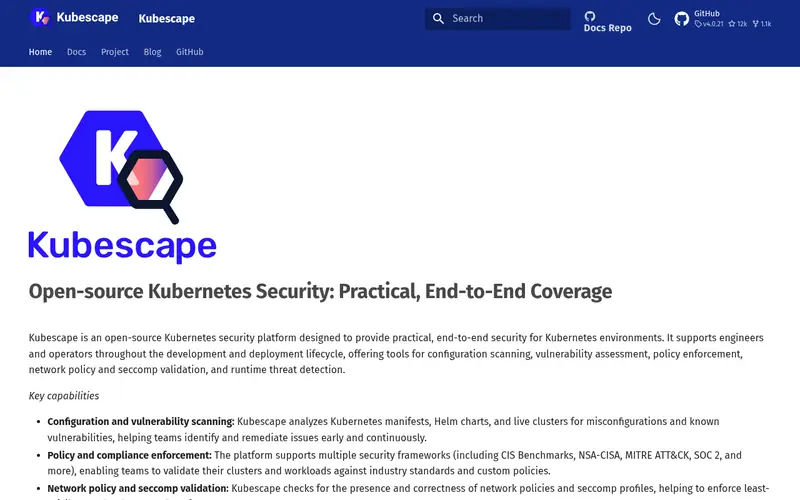
Kubescape is a CLI and operator from the CNCF that scans Kubernetes clusters, manifests and Helm charts for misconfigurations and policy issues. It maps results to frameworks such as NSA/CISA hardening guidance and MITRE ATT&CK, and can run as part of CI or against a live cluster.
The CLI runs on Linux, macOS and Windows and is open source under Apache 2.0. It reads your kubeconfig when scanning a cluster, so scope credentials carefully and avoid pointing it at production without a plan for the output. Results are only as useful as the triage that follows, and framework mappings are updated by the project over time. It suits teams that want a starting security baseline without building policies from scratch; teams with mature policy engines may prefer their existing tooling.
Standout: Checks against common security frameworks
Free (open source), as listed by the vendor (Kubescape website). Confirm the current plan price before you buy.
Free plan. Plans change, so confirm on the vendor's pricing page before you buy.
Benefits
- Checks against common security frameworks
- can scan manifests and live clusters
Drawbacks
- Findings need triage
- framework coverage changes over time
Skip it if this limit matters to you: findings need triage.
Verdict. A sensible pick for scanning clusters and manifests for misconfigurations.
Alternatives in this guide: kubectl, k9s, kubectx and kubens
Who should use what
If you script against the API and want the official client, start with kubectl and add plugins as needed. If you spend the day watching pods and logs in a terminal, k9s plus kubectx and kubens cuts keystrokes. If your problem is bad YAML reaching the cluster, kubeconform catches schema errors and Conftest enforces team rules. If you distribute or consume packaged applications, Helm is the common choice, while kustomize suits teams that want plain YAML overlays. For a first security pass, Kubescape gives a baseline to triage.
Questions to settle before you buy
What to check before you buy
- Confirm the tool reads your existing kubeconfig and respects RBAC rather than storing separate credentials.
- Check whether validation or scanning runs offline, and avoid sending manifests with secrets to remote services.
- Verify the supported Kubernetes versions match your clusters before relying on schema checks.
- Decide whether you need release tracking (Helm) or plain rendered YAML (kustomize) for your workflow.
- Test the tool in CI with a dry run before adding it to pre-commit hooks or pipelines.
FAQ
Do I need anything beyond kubectl?
No. kubectl covers the API and supports plugins. Extra tools mainly improve ergonomics, validation or packaging, so add them when a specific pain point appears.
Are these tools free?
All eight listed here are open source and free to use. Some projects offer commercial support or hosted products separately, but the CLIs themselves carry no licence fee.
Can these tools send my manifests or credentials anywhere?
It depends on the tool. kubeconform can run fully offline with cached schemas. Cluster-aware tools read your kubeconfig, so review documentation and scope credentials before pointing them at production.
What replaced kubeval?
kubeval is deprecated. kubeconform is a common replacement for schema validation, and it supports multiple Kubernetes versions and offline runs.
Does kustomize replace Helm?
No. kustomize renders overlays from plain YAML and has no release tracking. Helm packages and tracks releases. Some teams use both, rendering charts or overlays before applying.
Sources we checked
Method: how we score · editorial policy.
Change log. First published 22 Nov 2026.