Stage 01 · Write · Researched comparison
Best grep alternatives in 2026
ripgrep is the first pick for most developers who want a faster, smarter replacement for grep, because it respects .gitignore, skips binary files by default and handles large trees well. ack suits people who want readable Perl-based search with file-type filtering. The Silver Searcher (ag) is a good middle option for fast code search. All three are free and open source.

By Shihab Mia
Published 22 Nov 2026 · 7 tools compared
We run no ads and no affiliate links at launch. The order of a list follows our published method. See how we score.
Prices are the starting prices vendors list publicly. Plans change, so confirm the current price on the vendor page before you buy.
Key takeaways
- ripgrep, ack, The Silver Searcher and ugrep are free and open source, so there is no licence cost to try them.
- ripgrep and ugrep ship as single binaries for Linux, macOS and Windows, which makes them easy to install without a package manager.
- None of these tools send your files anywhere; search runs locally on your machine.
- If you need regex features beyond basic grep, check each tool's documentation, since syntax support differs.
Who each pick is for
- Fast recursive code search that respects ignore filesripgrep
- Readable Perl-based search with file-type filtersack
- Fast code search with simple defaultsThe Silver Searcher
- grep-compatible search with extra featuresugrep
- The standard grep on Unix-like systemsGNU grep
- Searching code across public GitHub repositoriesgrep.app
- Windows users who want a graphical grepAstroGrep
Comparison
| Tool | Best for | Standout feature | Listed starting price | Free plan or trial |
|---|---|---|---|---|
| 1ripgrep | Fast recursive code search that respects ignore files | Respects .gitignore and skips hidden and binary files by default | Free (open source) | Free plan |
| 2ack | Readable Perl-based search with file-type filters | Simple file-type filtering with flags like --perl and --js | Free (open source) | Free plan |
| 3The Silver Searcher | Fast code search with simple defaults | Ignores VCS directories and binary files by default | Free (open source) | Free plan |
| 4ugrep | grep-compatible search with extra features | Largely compatible with grep options | Free (open source) | Free plan |
| 5GNU grep | The standard grep on Unix-like systems | Present on nearly every Unix-like system | Free (open source) | Free plan |
| 6grep.app | Searching code across public GitHub repositories | Web interface with no install | Free | Free plan |
| 7AstroGrep | Windows users who want a graphical grep | Graphical interface on Windows | Free (open source) | Free plan |
How we picked
We picked tools that genuinely replace or extend grep for searching code and text. Criteria were fit for the job, supported platforms, price and licence, whether search runs locally, and main limits such as speed, ignore-file support and regex compatibility. Sources are vendor pages, project documentation and public repositories. Prices and licences can change, so confirm details on the vendor site before you rely on them.
The tools, one by one
ripgrep
Best for fast recursive code search that respects ignore files
What it is and where it fits
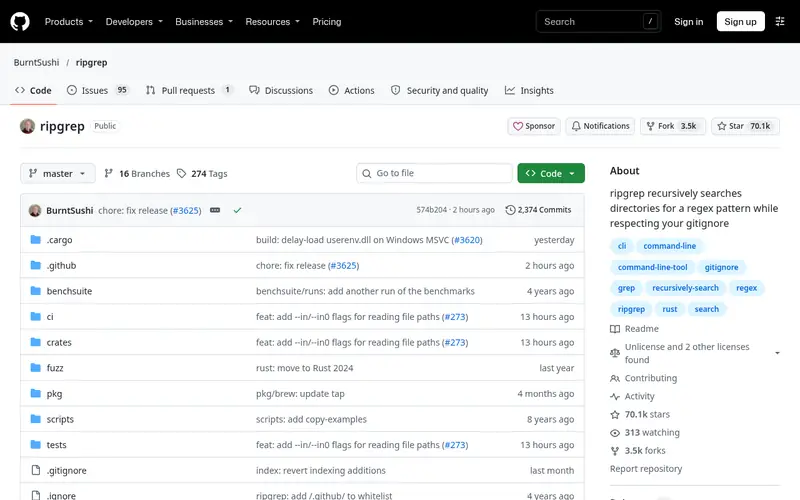
ripgrep (the rg command) is a line-oriented search tool written in Rust. It searches directories recursively, honors .gitignore, .ignore and global ignore files, and skips binary files unless told otherwise. That default behavior makes it a common replacement for grep in day-to-day code search.
It runs on Linux, macOS and Windows, and prebuilt binaries are available from the project's releases page. It is distributed under the MIT or Apache 2.0 licence. The tool supports Unicode, compressed files and multiline search, and it can output results in formats such as JSON for use in scripts.
Skip ripgrep if you depend on exact POSIX grep behavior or need a graphical interface. For plain text search inside a single file, grep is still fine.
Standout: Respects .gitignore and skips hidden and binary files by default
Free (open source), as listed by the vendor (ripgrep website). Confirm the current plan price before you buy.
Free plan. Plans change, so confirm on the vendor's pricing page before you buy.
Benefits
- Respects .gitignore and skips hidden and binary files by default
- fast on large repositories
Drawbacks
- Regex syntax differs from POSIX grep in places
- no built-in interactive UI
Skip it if this limit matters to you: regex syntax differs from POSIX grep in places.
Verdict. A sensible pick for fast recursive code search that respects ignore files.
Alternatives in this guide: ack, The Silver Searcher, ugrep
ack
Best for readable Perl-based search with file-type filters
What it is and where it fits
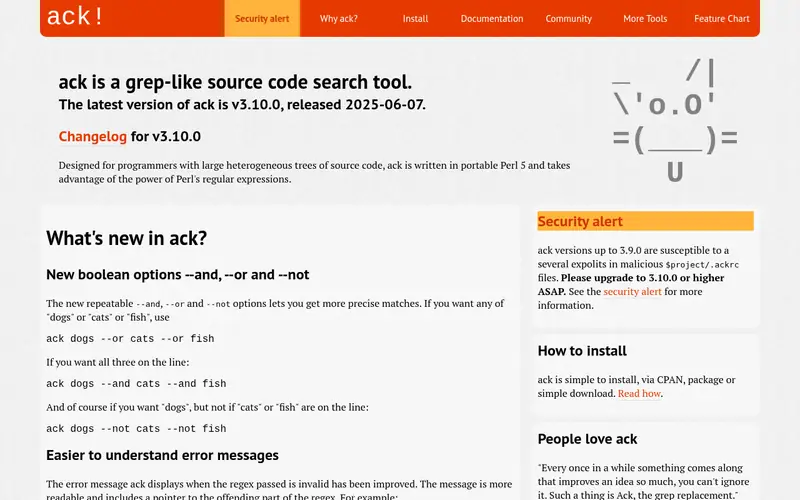
ack is a grep-like tool written in Perl and aimed at programmers. It searches source trees by default, ignores version-control directories, and lets you limit results by file type with flags such as --python, --js or --ruby. Output is grouped by file, which some developers find easier to read than raw grep output.
It runs anywhere Perl runs, including Linux, macOS and Windows. It is free and open source under the Artistic License 2.0. The project's site documents installation through package managers and standalone downloads.
ack is a reasonable choice if you already work in Perl or want file-type filters without learning a new syntax. It is slower than ripgrep on large repositories, so heavy users may prefer ripgrep.
Standout: Simple file-type filtering with flags like --perl and --js
Free (open source), as listed by the vendor (ack website). Confirm the current plan price before you buy.
Free plan. Plans change, so confirm on the vendor's pricing page before you buy.
Benefits
- Simple file-type filtering with flags like --perl and --js
- designed for source code search
Drawbacks
- Slower than ripgrep on very large trees
- requires Perl
Skip it if this limit matters to you: slower than ripgrep on very large trees.
Verdict. A sensible pick for readable Perl-based search with file-type filters.
Alternatives in this guide: ripgrep, The Silver Searcher, ugrep
The Silver Searcher
Best for fast code search with simple defaults
What it is and where it fits
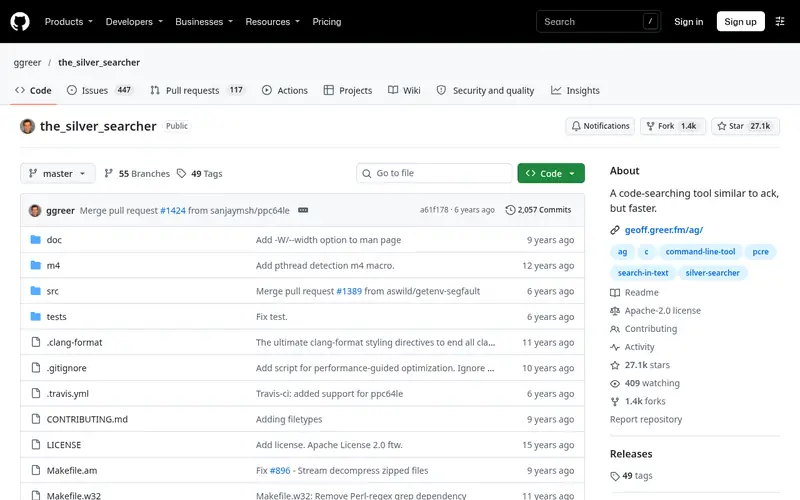
The Silver Searcher (the ag command) is a code-searching tool written in C. It skips files matched by .gitignore and .hgignore, ignores binary files, and searches recursively by default. It was built as a faster alternative to ack and remains common on Linux and macOS systems.
It is free and open source under the Apache 2.0 licence. Installation is usually through a package manager such as apt, brew or pacman, and source builds are documented in the repository.
The project sees less active development than ripgrep, and some newer features are missing. It is still a solid choice if it is already installed on your system or if you want ack-style behavior with better speed.
Standout: Ignores VCS directories and binary files by default
Free (open source), as listed by the vendor (The Silver Searcher website). Confirm the current plan price before you buy.
Free plan. Plans change, so confirm on the vendor's pricing page before you buy.
Benefits
- Ignores VCS directories and binary files by default
- fast on code trees
Drawbacks
- Development is less active than ripgrep
- fewer features than newer tools
Skip it if this limit matters to you: development is less active than ripgrep.
Verdict. A sensible pick for fast code search with simple defaults.
ugrep
Best for grep-compatible search with extra features
What it is and where it fits
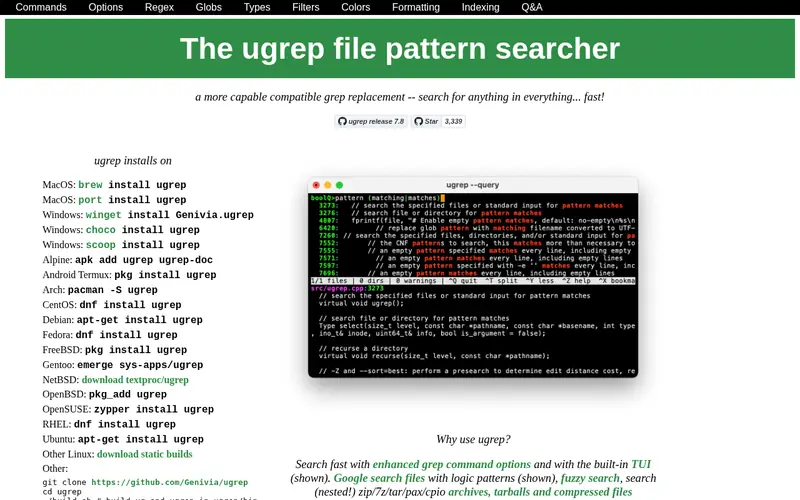
ugrep is a grep-compatible search tool written in C++. It aims to accept familiar grep options while adding features such as searching compressed files and archives, fuzzy matching and an interactive query mode. It runs on Linux, macOS and Windows.
It is free and open source under the BSD 3-Clause licence. Prebuilt binaries and source are available from the project site and repository. Because it stays close to grep syntax, it can be a lower-friction switch than tools with different defaults.
The large option set takes time to learn. If you only need basic recursive search, ripgrep's defaults may be simpler.
Standout: Largely compatible with grep options
Free (open source), as listed by the vendor (ugrep website). Confirm the current plan price before you buy.
Free plan. Plans change, so confirm on the vendor's pricing page before you buy.
Benefits
- Largely compatible with grep options
- supports archives and compressed files
Drawbacks
- More options to learn
- documentation is long
Skip it if this limit matters to you: more options to learn.
Verdict. A sensible pick for grep-compatible search with extra features.
Alternatives in this guide: ripgrep, ack, The Silver Searcher
GNU grep
Best for the standard grep on Unix-like systems
What it is and where it fits
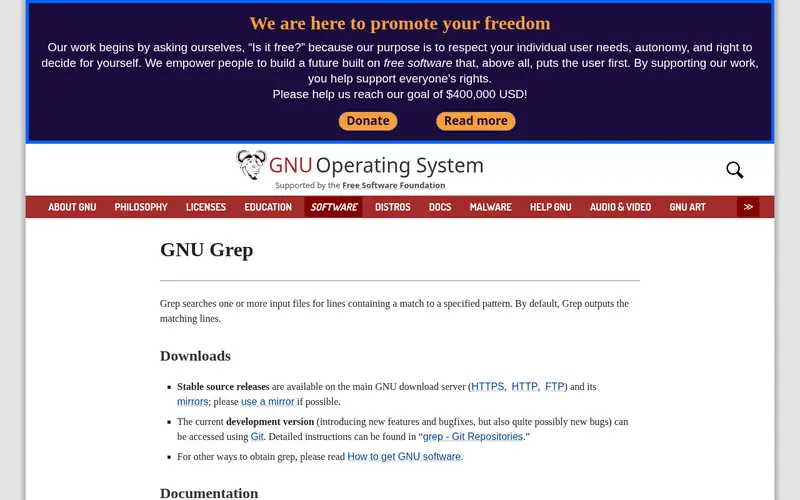
GNU grep is the default grep on most Linux distributions and is part of the GNU project. It supports basic and extended regular expressions and is the reference behavior many scripts rely on. It is free and open source under the GPL.
It runs on Unix-like systems and is available for Windows through projects such as GnuWin and MSYS2. For recursive code search, you often need to add flags such as --exclude-dir and --include yourself.
GNU grep is the safe choice for scripts that need standard behavior. For interactive code search in large repositories, ripgrep or ugrep usually need less setup.
Standout: Present on nearly every Unix-like system
Free (open source), as listed by the vendor (GNU grep website). Confirm the current plan price before you buy.
Free plan. Plans change, so confirm on the vendor's pricing page before you buy.
Benefits
- Present on nearly every Unix-like system
- stable and well documented
Drawbacks
- Does not respect .gitignore by default
- slower on large trees than ripgrep
Skip it if this limit matters to you: does not respect .gitignore by default.
Verdict. A sensible pick for the standard grep on Unix-like systems.
Alternatives in this guide: ripgrep, ack, The Silver Searcher
grep.app
Best for searching code across public GitHub repositories
What it is and where it fits
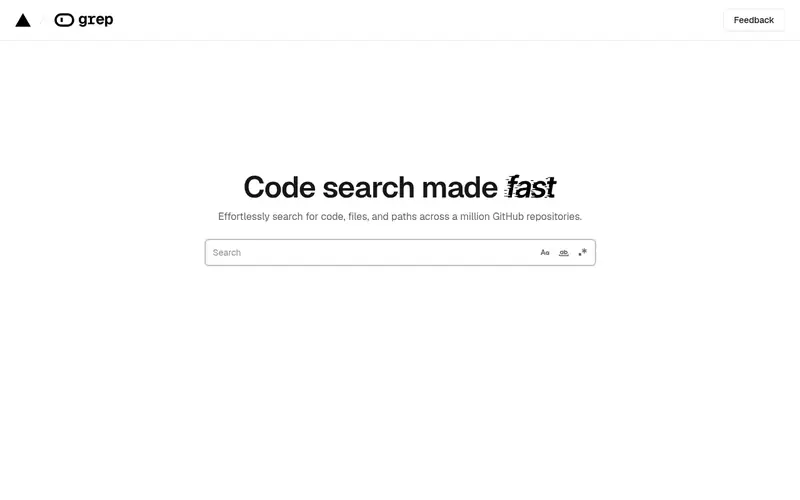
grep.app is a web service for searching code across public GitHub repositories. You type a pattern and get matching files with links to the source. It is useful for finding real-world usage examples of an API or a regex pattern.
It runs in a browser and needs no installation. The service is free to use. It does not search your local files, and it only covers public code, so it is not a replacement for a local grep tool.
Do not use it to search for secrets or private code, since queries go to a third-party service. For local search, use ripgrep, ack or ugrep.
Standout: Web interface with no install
Free, as listed by the vendor (grep.app website). Confirm the current plan price before you buy.
Free plan. Plans change, so confirm on the vendor's pricing page before you buy.
Benefits
- Web interface with no install
- searches many public repositories
Drawbacks
- Only covers public code
- not a local file search tool
Skip it if this limit matters to you: only covers public code.
Verdict. A sensible pick for searching code across public GitHub repositories.
Alternatives in this guide: ripgrep, ack, The Silver Searcher
AstroGrep
Best for windows users who want a graphical grep
What it is and where it fits
AstroGrep is a Windows grep tool with a graphical interface. You pick a folder, enter a pattern and filter by file type, then review results in a list. It supports regular expressions and can open matches in an editor.
It is free and open source and runs on Windows only. It is a fit for developers on Windows who prefer a GUI over a terminal, or who need to hand a search task to someone who does not use the command line.
It is not a drop-in replacement for grep in scripts, and it does not run on Linux or macOS. For cross-platform command-line search, use ripgrep or ugrep.
Standout: Graphical interface on Windows
Free (open source), as listed by the vendor (AstroGrep website). Confirm the current plan price before you buy.
Free plan. Plans change, so confirm on the vendor's pricing page before you buy.
Benefits
- Graphical interface on Windows
- supports regular expressions and file filters
Drawbacks
- Windows only
- no command-line workflow
Skip it if this limit matters to you: windows only.
Verdict. A sensible pick for windows users who want a graphical grep.
Alternatives in this guide: ripgrep, ack, The Silver Searcher
Who should use what
If you search large repositories daily and want fast defaults, start with ripgrep. If you work in Perl or want file-type flags with simple syntax, try ack. If you are on Windows and prefer a graphical tool, AstroGrep fits. If you need grep-compatible options plus archive support, use ugrep. If you want to look up public code examples, grep.app is a web option, but keep private code off it.
Questions to settle before you buy
What to check before you buy
- Confirm the tool runs on your operating system and installs through your package manager or a prebuilt binary.
- Check how it handles .gitignore and binary files, since defaults affect result quality.
- Test your most common regex patterns, because syntax support differs between tools.
- Verify that search runs locally if you work with private code or credentials.
- Review the licence if you plan to bundle the tool with your own software.
FAQ
Is ripgrep faster than grep?
ripgrep is generally faster than GNU grep for recursive searches in large code trees, partly because it skips ignored and binary files by default. Exact speed depends on the files and patterns. For single-file searches, the difference is often small.
Do these tools respect .gitignore?
ripgrep and The Silver Searcher respect .gitignore by default. ack ignores version-control directories but handles ignore files differently. GNU grep does not read .gitignore, so you add exclude flags yourself. Check each tool's documentation for details.
Can I use these tools on Windows?
ripgrep, ugrep and GNU grep provide Windows builds. ack runs where Perl runs. The Silver Searcher is mainly used on Linux and macOS. AstroGrep is Windows only. Confirm the install method on each project's site.
Are these tools free?
ripgrep, ack, The Silver Searcher, ugrep, GNU grep and AstroGrep are free and open source. grep.app is a free web service. None of the listed tools require a paid licence.
Is it safe to search private code with a web tool?
No. Web search tools such as grep.app send your query to a third-party service and only cover public code. For private code, secrets or tokens, use a local tool like ripgrep, ack or ugrep so data stays on your machine.
Sources we checked
Method: how we score · editorial policy.
Change log. First published 22 Nov 2026.