Stage 04 · Run · Researched comparison
Best Docker Image Analysis Tools in 2026
Trivy is the first pick for most teams. It is open source, scans images for vulnerabilities, misconfigurations and secrets, and runs as a single binary or in CI. For teams that want a managed platform with policy controls, Snyk Container is a strong alternative. For deep image and layer inspection during development, Dive is a focused free option.

By Shihab Mia
Published 22 Nov 2026 · 7 tools compared
We run no ads and no affiliate links at launch. The order of a list follows our published method. See how we score.
Prices are the starting prices vendors list publicly. Plans change, so confirm the current price on the vendor page before you buy.
Key takeaways
- Trivy is free and open source, and covers vulnerabilities, misconfigurations, secrets and licences in one scanner.
- Grype and Syft from Anchore are free and open source; Syft generates SBOMs and Grype scans them.
- Snyk Container and Docker Scout have free tiers and paid plans; confirm current limits on the vendor pricing pages.
- Dive runs locally and needs no account, which suits developers inspecting layers before pushing an image.
Who each pick is for
- All-in-one open source image scanning in CITrivy
- Vulnerability scanning from SBOMs or imagesGrype
- Generating SBOMs from container imagesSyft
- Inspecting image layers and wasted spaceDive
- Image analysis inside the Docker Desktop workflowDocker Scout
- Managed scanning with policy and fix adviceSnyk Container
- Self-hosted scanning behind a registryClair
Comparison
| Tool | Best for | Standout feature | Listed starting price | Free plan or trial |
|---|---|---|---|---|
| 1Trivy | All-in-one open source image scanning in CI | Scans for vulnerabilities, misconfigurations, secrets and licences | Free (open source) | Free plan |
| 2Grype | Vulnerability scanning from SBOMs or images | Scans images and SBOM files directly | Free (open source) | Free plan |
| 3Syft | Generating SBOMs from container images | Wide ecosystem and package coverage | Free (open source) | Free plan |
| 4Dive | Inspecting image layers and wasted space | Interactive terminal UI shows layer contents and wasted space | Free (open source) | Free plan |
| 5Docker Scout | Image analysis inside the Docker Desktop workflow | Integrated with Docker Desktop and Docker Hub | See vendor pricing page | Free plan |
| 6Snyk Container | Managed scanning with policy and fix advice | Clear fix guidance and base image upgrade advice | See vendor pricing page | Free trial (14 days) |
| 7Clair | Self-hosted scanning behind a registry | Runs as a service with an API | Free (open source) | Free plan |
How we picked
We picked tools that directly analyze Docker images: vulnerability scanning, SBOM generation, layer inspection or registry-side policy. Criteria were fit for the job, supported platforms, licence and pricing model, whether analysis runs locally or sends data to a service, and known limits. Sources are vendor documentation, project repositories and public pricing pages. Prices and free-tier limits change, so confirm them on the vendor site before you commit.
The tools, one by one
Trivy
Best for all-in-one open source image scanning in CI
What it is and where it fits
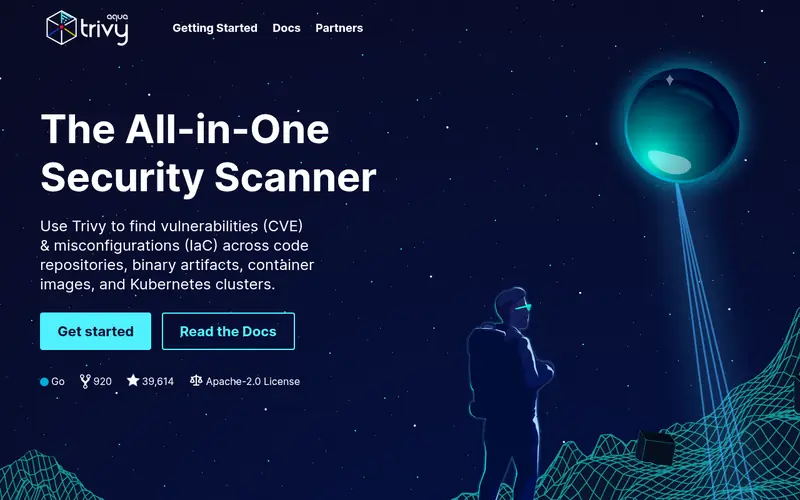
Trivy is an open source scanner from Aqua Security. For Docker images it reads the OS packages and language dependencies in each layer and matches them against vulnerability databases. It also flags secrets and misconfigurations, and can output SBOMs in CycloneDX and SPDX formats.
It runs on Linux, macOS and Windows as a CLI, and there is an official GitHub Action and container image for CI pipelines. The licence is Apache 2.0. There is no hosted dashboard in the open source edition, so teams that need central policy and reporting should look at a platform product. Skip Trivy if you need a managed UI out of the box.
Standout: Scans for vulnerabilities, misconfigurations, secrets and licences
Free (open source), as listed by the vendor (Trivy website). Confirm the current plan price before you buy.
Free plan. Plans change, so confirm on the vendor's pricing page before you buy.
Benefits
- Scans for vulnerabilities, misconfigurations, secrets and licences
- single binary with no daemon required
Drawbacks
- Large vulnerability database downloads on first run
- result triage is left to you
Skip it if this limit matters to you: large vulnerability database downloads on first run.
Verdict. A sensible pick for all-in-one open source image scanning in CI.
Grype
Best for vulnerability scanning from SBOMs or images
What it is and where it fits
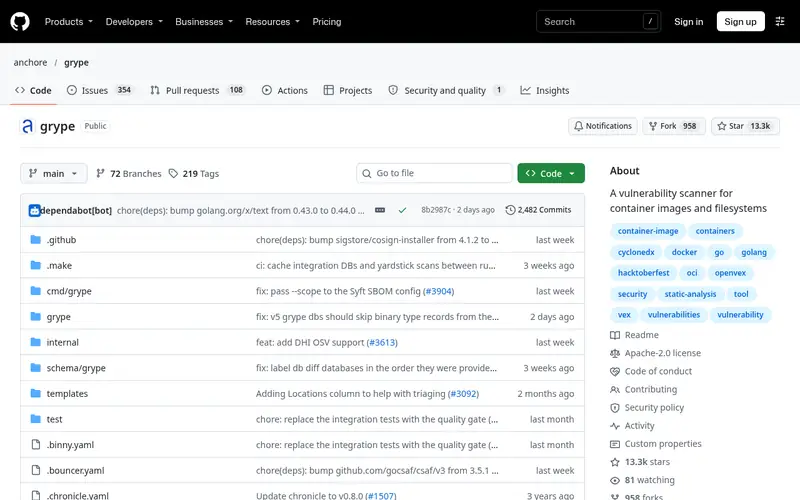
Grype is an open source vulnerability scanner from Anchore. It accepts a container image, a directory or an SBOM as input and reports CVEs with severity and fix versions. It pairs naturally with Syft, which produces the SBOM.
It runs as a CLI on Linux, macOS and Windows and is used in CI to fail builds on severity thresholds. The licence is Apache 2.0. Grype does not scan for secrets or misconfigurations, so it is usually combined with another tool for full coverage. Teams wanting a supported platform with policy management should consider Anchore Enterprise instead.
Standout: Scans images and SBOM files directly
Free (open source), as listed by the vendor (Grype website). Confirm the current plan price before you buy.
Free plan. Plans change, so confirm on the vendor's pricing page before you buy.
Benefits
- Scans images and SBOM files directly
- clear table and JSON output for pipelines
Drawbacks
- Vulnerability focus only
- no secret or misconfiguration scanning
Skip it if this limit matters to you: vulnerability focus only.
Verdict. A sensible pick for vulnerability scanning from SBOMs or images.
Syft
Best for generating SBOMs from container images
What it is and where it fits
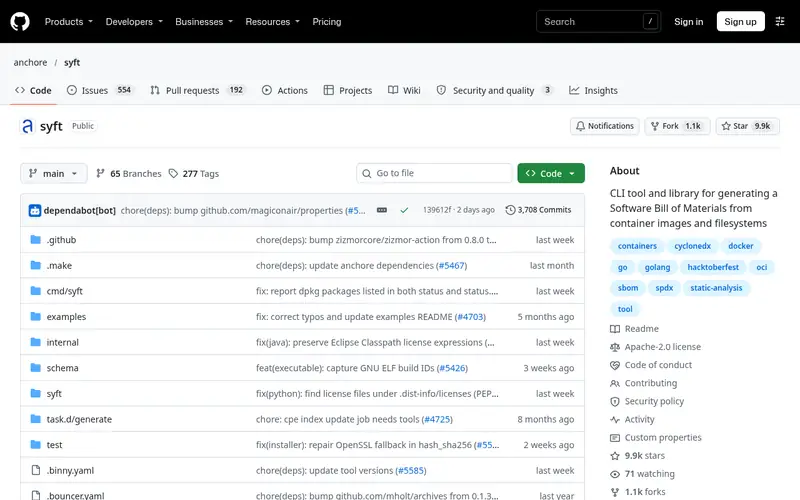
Syft is an open source SBOM generator from Anchore. It catalogs OS packages and language libraries inside a Docker image, a filesystem or an archive, then writes the result in standard formats. That SBOM becomes the input for vulnerability scanning and for supply chain records.
It runs as a CLI on Linux, macOS and Windows and is Apache 2.0 licensed. Syft is the right tool when your process requires an SBOM artifact per build. It does not report vulnerabilities itself, so pair it with Grype or another scanner. Skip it if you only want a pass or fail scan result.
Standout: Wide ecosystem and package coverage
Free (open source), as listed by the vendor (Syft website). Confirm the current plan price before you buy.
Free plan. Plans change, so confirm on the vendor's pricing page before you buy.
Benefits
- Wide ecosystem and package coverage
- outputs CycloneDX, SPDX and Syft JSON
Drawbacks
- Produces SBOMs only
- needs a separate scanner such as Grype
Skip it if this limit matters to you: produces SBOMs only.
Verdict. A sensible pick for generating SBOMs from container images.
Dive
Best for inspecting image layers and wasted space
What it is and where it fits
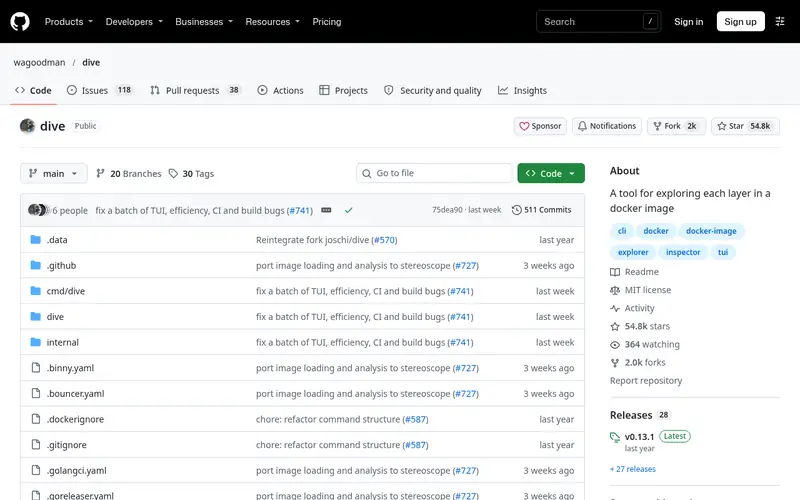
Dive is an open source tool for exploring a Docker image's layers. It shows what each layer adds, estimates wasted space and gives a score for image efficiency. This helps developers shrink images by spotting unnecessary files and poor layer ordering.
It runs as a CLI with an interactive terminal interface on Linux, macOS and Windows, and it can also run in CI to check efficiency thresholds. The licence is MIT. Dive does not scan for CVEs or secrets, so it complements rather than replaces a scanner. Skip it if you need automated vulnerability reporting.
Standout: Interactive terminal UI shows layer contents and wasted space
Free (open source), as listed by the vendor (Dive website). Confirm the current plan price before you buy.
Free plan. Plans change, so confirm on the vendor's pricing page before you buy.
Benefits
- Interactive terminal UI shows layer contents and wasted space
- runs fully locally
Drawbacks
- No vulnerability scanning
- terminal UI only
Skip it if this limit matters to you: no vulnerability scanning.
Verdict. A sensible pick for inspecting image layers and wasted space.
Docker Scout
Best for image analysis inside the Docker Desktop workflow
What it is and where it fits
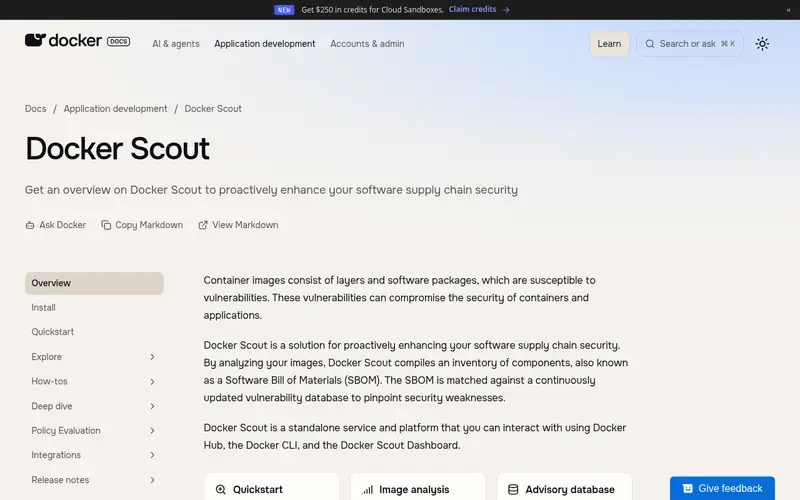
Docker Scout analyzes images for vulnerabilities and policy compliance and is built into Docker Desktop and Docker Hub. It shows package-level findings, base image recommendations and comparisons between image versions. A CLI is available for CI use.
Pricing follows Docker's subscription plans, with a free tier and paid tiers that add more analysis and policy features. Check the vendor pricing page for current limits. Scout fits teams already standardized on Docker Desktop. Teams that avoid Docker's commercial tooling may prefer a standalone scanner.
Standout: Integrated with Docker Desktop and Docker Hub
See vendor pricing page, as listed by the vendor (Docker Scout website). Confirm the current plan price before you buy.
Free plan. Plans change, so confirm on the vendor's pricing page before you buy.
Benefits
- Integrated with Docker Desktop and Docker Hub
- compares images and suggests fixes
Drawbacks
- Best experience requires Docker tooling
- some features tied to paid plans
Skip it if this limit matters to you: best experience requires Docker tooling.
Verdict. A sensible pick for image analysis inside the Docker Desktop workflow.
Snyk Container
Best for managed scanning with policy and fix advice
What it is and where it fits
Snyk Container scans Docker images and Kubernetes workloads for vulnerabilities and gives upgrade and patch advice. It connects to source repositories and CI systems so findings appear alongside code issues. Policies and reporting are handled in the Snyk web UI.
Snyk uses a subscription model with a limited free allowance and paid team plans. Confirm current limits and prices on the vendor pricing page. It suits teams that want a managed service with support. Teams with strict data rules should check what metadata leaves their environment before adopting it.
Standout: Clear fix guidance and base image upgrade advice
See vendor pricing page, as listed by the vendor (Snyk Container website). Confirm the current plan price before you buy.
Free trial (14 days). Plans change, so confirm on the vendor's pricing page before you buy.
Benefits
- Clear fix guidance and base image upgrade advice
- integrates with repos and CI
Drawbacks
- Paid platform for ongoing team use
- requires an account and sends image data to the service
Skip it if this limit matters to you: paid platform for ongoing team use.
Verdict. A sensible pick for managed scanning with policy and fix advice.
Clair
Best for self-hosted scanning behind a registry
What it is and where it fits
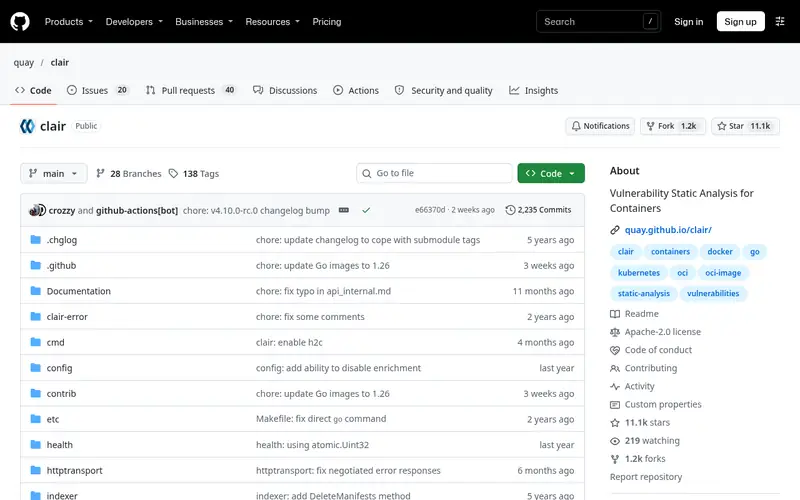
Clair is an open source vulnerability scanner designed to run as a service. It indexes image layers through its API and matches packages against vulnerability data. It is commonly deployed behind a container registry to scan images on push.
Clair is Apache 2.0 licensed and runs on Linux as a server component with a database. It has no command-line client, so you interact through its API or through a registry integration. Operating it takes more effort than a single-binary scanner. It suits platform teams that want self-hosted scanning at the registry layer.
Standout: Runs as a service with an API
Free (open source), as listed by the vendor (Clair website). Confirm the current plan price before you buy.
Free plan. Plans change, so confirm on the vendor's pricing page before you buy.
Benefits
- Runs as a service with an API
- integrates with registries such as Quay
Drawbacks
- API-only, no CLI
- requires operating a database and service
Skip it if this limit matters to you: API-only, no CLI.
Verdict. A sensible pick for self-hosted scanning behind a registry.
Who should use what
A solo developer who wants a quick check before pushing an image should start with Trivy or Dive, both free and local. A team that needs an SBOM per build should use Syft with Grype for scanning. An organization that wants a managed dashboard with fix advice should evaluate Snyk Container or Docker Scout. A platform team running its own registry should look at Clair for self-hosted scanning behind that registry.
Questions to settle before you buy
What to check before you buy
- Confirm the tool scans both OS packages and language dependencies in your images.
- Check whether scanning runs locally or uploads image metadata to a hosted service.
- Verify CI integration: exit codes, severity thresholds and SBOM output formats.
- Review the licence and any paid tier limits before standardizing on one tool.
- Test scan time and database update behavior on your largest images.
FAQ
Do I need more than one Docker image analysis tool?
Often yes. A scanner such as Trivy or Grype finds vulnerabilities, while Dive shows layer contents and wasted space. Syft produces SBOMs that scanners consume. Many teams combine one scanner with one inspection tool rather than relying on a single product.
Are free Docker image scanners good enough for production?
Open source scanners such as Trivy, Grype and Clair use the same public vulnerability databases as commercial tools. They lack managed dashboards and support. For many teams that is acceptable, especially when results feed an existing CI pipeline and issue tracker.
Does scanning a Docker image send my data anywhere?
CLI tools like Trivy, Grype, Syft and Dive run locally and download vulnerability databases rather than uploading images. Hosted platforms such as Snyk Container and Docker Scout send image metadata to their services. Check the vendor's data policy if your images are sensitive.
What is an SBOM and why does it matter for images?
An SBOM is a machine-readable list of the packages inside an image. Tools like Syft generate one in CycloneDX or SPDX format. It lets you scan later, answer questions about what shipped, and keep a record for supply chain review.
Can these tools reduce Docker image size?
Dive shows which layers add the most space and where files are wasted, which helps you rewrite a Dockerfile. Scanners do not shrink images, but base image recommendations from Docker Scout and Snyk Container can point to smaller, patched bases.
Sources we checked
Method: how we score · editorial policy.
Change log. First published 22 Nov 2026.