Stage 04 · Run · Researched comparison
Best DNS Lookup CLI Tools in 2026
dig from the BIND utilities is the first pick for most developers because it ships with nearly every Unix-like system and prints full DNS responses. It suits anyone who wants detailed records and debugging flags without installing anything. For a portable option that runs on Linux, macOS and Windows, use kdig from Knot DNS.

By Shihab Mia
Published 22 Nov 2026 · 6 tools compared
We run no ads and no affiliate links at launch. The order of a list follows our published method. See how we score.
Prices are the starting prices vendors list publicly. Plans change, so confirm the current price on the vendor page before you buy.
Key takeaways
- dig, host and nslookup are part of the BIND utilities and are usually already installed on Linux and macOS.
- kdig adds structured output, while dnsx is built for bulk lookups in scripts and pipelines.
- All six tools here are free or open source; none requires a paid licence to run lookups.
- CLI lookups send queries to a DNS resolver, so avoid querying internal hostnames from untrusted networks.
Who each pick is for
- Detailed single-query DNS debugging on Unix-like systemsdig
- DNSSEC-aware lookups with a dig-like interfacedrill
- Portable lookups with DNS over TLS and HTTPS supportkdig
- Quick lookups on systems where dig is unavailablenslookup
- Short, readable answers for common record typeshost
- Bulk DNS lookups in scripts and pipelinesdnsx
Comparison
| Tool | Best for | Standout feature | Listed starting price | Free plan or trial |
|---|---|---|---|---|
| 1dig | Detailed single-query DNS debugging on Unix-like systems | Ships with BIND utilities on most Linux and macOS systems | Free (open source) | Free plan |
| 2drill | DNSSEC-aware lookups with a dig-like interface | Built on the ldns library with DNSSEC validation support | Free (open source) | Free plan |
| 3kdig | Portable lookups with DNS over TLS and HTTPS support | Consistent behavior across Linux, macOS and Windows | Free (open source) | Free plan |
| 4nslookup | Quick lookups on systems where dig is unavailable | Present on Windows and most Unix-like systems | Free (open source) | Free plan |
| 5host | Short, readable answers for common record types | Compact output that is easy to read at a glance | Free (open source) | Free plan |
| 6dnsx | Bulk DNS lookups in scripts and pipelines | Reads hostnames from stdin and resolves them in parallel | Free (open source) | Free plan |
How we picked
We picked tools that perform real DNS queries from a terminal and are currently maintained or shipped as part of a maintained suite. Criteria were fit for the job, platform coverage, licence and price, and the main limits of each tool. Sources are vendor pages, official documentation and project repositories. Prices and licences can change, so confirm on the vendor site before you rely on them.
The tools, one by one
dig
Best for detailed single-query DNS debugging on Unix-like systems
What it is and where it fits
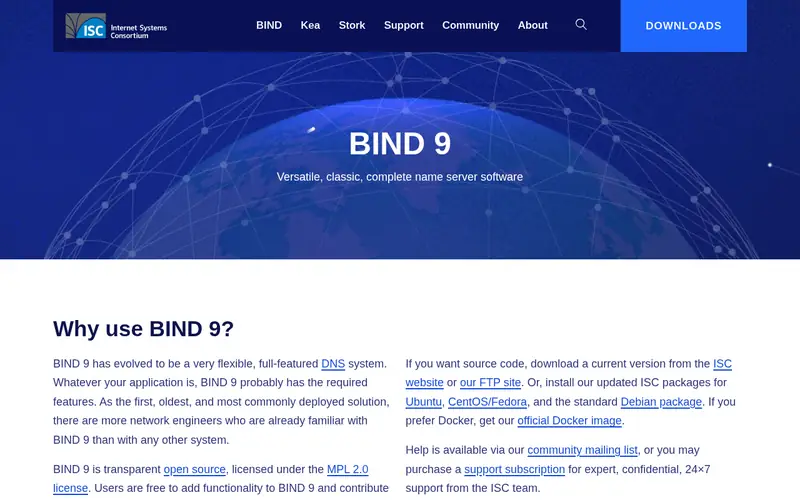
dig is the reference command-line DNS client distributed with the BIND suite. It queries any record type, lets you pick the resolver with @server, and shows the full response including the answer, authority and additional sections. The +short flag trims output for scripts, and +trace walks the delegation chain from the root.
It runs on Linux, macOS and other Unix-like systems, and Windows users can install BIND or use it through WSL. The licence is the Mozilla Public License 2.0. There is no paid tier and no account. The main limit is verbosity: default output is long, and the tool does not do bulk input natively. Skip it if you want colorized output or a single static binary for Windows.
Standout: Ships with BIND utilities on most Linux and macOS systems
Free (open source), as listed by the vendor (dig website). Confirm the current plan price before you buy.
Free plan. Plans change, so confirm on the vendor's pricing page before you buy.
Benefits
- Ships with BIND utilities on most Linux and macOS systems
- full output with flags, authority and additional sections
Drawbacks
- Verbose default output
- not installed by default on Windows
Skip it if this limit matters to you: verbose default output.
Verdict. A sensible pick for detailed single-query DNS debugging on Unix-like systems.
drill
Best for dNSSEC-aware lookups with a dig-like interface
What it is and where it fits
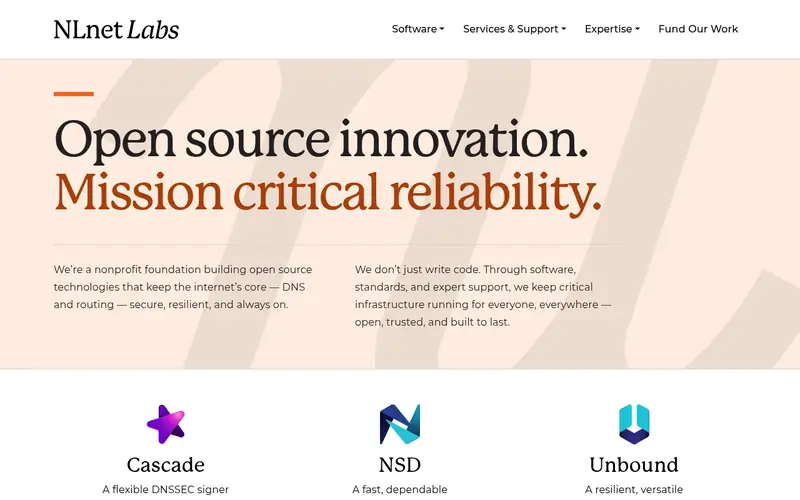
drill is the query tool that ships with the ldns library from NLnet Labs. It behaves much like dig, so existing habits carry over, and it adds DNSSEC-oriented options such as chasing the chain of trust with the -T flag. That makes it useful when you are checking whether a zone is signed correctly.
It runs on Linux, macOS and other Unix-like systems, and is available through package managers on most distributions. The licence is the BSD 3-Clause. There is no paid edition. The main limits are reach and documentation: it is not installed by default on many systems, and its manual is shorter than dig's. Skip it if you only need basic lookups and already have dig.
Standout: Built on the ldns library with DNSSEC validation support
Free (open source), as listed by the vendor (drill website). Confirm the current plan price before you buy.
Free plan. Plans change, so confirm on the vendor's pricing page before you buy.
Benefits
- Built on the ldns library with DNSSEC validation support
- similar flags to dig
Drawbacks
- Less common in default installs
- documentation is thinner than dig's
Skip it if this limit matters to you: less common in default installs.
Verdict. A sensible pick for DNSSEC-aware lookups with a dig-like interface.
kdig
Best for portable lookups with DNS over TLS and HTTPS support
What it is and where it fits
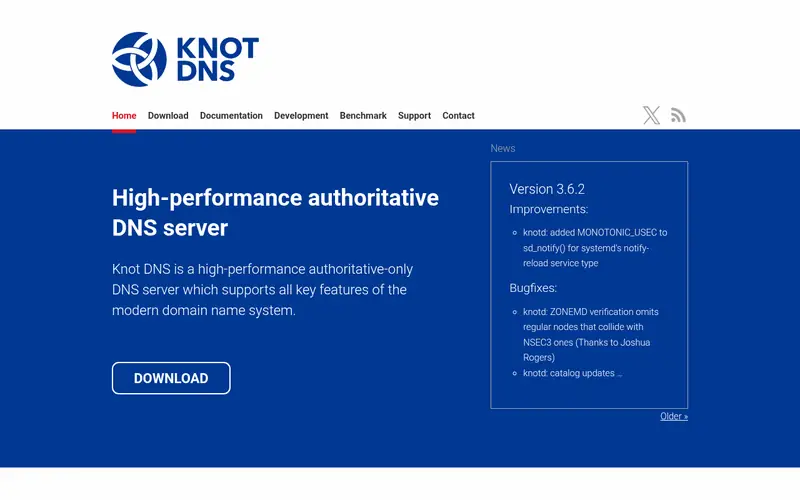
kdig is the query utility from Knot DNS, a DNS server project from CZ.NIC. It offers a dig-like interface with options for DNS over TLS (+tls), DNS over HTTPS (+https) and DNS over QUIC, plus a +short mode for scripts. Because it is built as part of a cross-platform server project, it behaves the same on Linux, macOS and Windows.
It is free and open source under the GPLv3. There is no paid tier. The main limit is installation: you need the Knot DNS utilities package, which is not part of a base system on most platforms. Output formatting also differs from dig in small ways, so scripts written against dig output may need adjustment. Skip it if you want zero-install lookups on a Unix host.
Standout: Consistent behavior across Linux, macOS and Windows
Free (open source), as listed by the vendor (kdig website). Confirm the current plan price before you buy.
Free plan. Plans change, so confirm on the vendor's pricing page before you buy.
Benefits
- Consistent behavior across Linux, macOS and Windows
- supports DNS over TLS, HTTPS and QUIC
Drawbacks
- Requires installing Knot DNS utilities
- output differs from dig in small ways
Skip it if this limit matters to you: requires installing Knot DNS utilities.
Verdict. A sensible pick for portable lookups with DNS over TLS and HTTPS support.
nslookup
Best for quick lookups on systems where dig is unavailable
What it is and where it fits
nslookup is the older query tool from the BIND suite. It runs in a one-shot mode and an interactive mode, and it is available on Windows as well as most Unix-like systems, which makes it a fallback when dig is missing. Type a hostname and it returns the address records.
It is free and open source under the Mozilla Public License 2.0. There is no paid version. The catch is output: Windows ships its own nslookup, separate from the BIND version, and the format differs across platforms, which makes parsing harder. Use it for a quick check, not for scripts. Skip it if you can install dig.
Standout: Present on Windows and most Unix-like systems
Free (open source), as listed by the vendor (nslookup website). Confirm the current plan price before you buy.
Free plan. Plans change, so confirm on the vendor's pricing page before you buy.
Benefits
- Present on Windows and most Unix-like systems
- simple interactive mode
Drawbacks
- Less detail than dig
- output differs between Windows and Unix builds
Skip it if this limit matters to you: less detail than dig.
Verdict. A sensible pick for quick lookups on systems where dig is unavailable.
host
Best for short, readable answers for common record types
What it is and where it fits
host is the third query tool in the BIND utilities, alongside dig and nslookup. It returns a short, human-readable answer for a given name and record type, with flags such as -t MX or -t TXT to pick the type. It is a good fit when you want a one-line answer rather than a full packet dump.
It runs on Linux, macOS and other Unix-like systems and is free under the Mozilla Public License 2.0. There is no paid edition. The limit is depth: host does not show the authority and additional sections that dig prints, and it is not part of a default Windows install. Skip it if you need DNSSEC detail or full response inspection.
Standout: Compact output that is easy to read at a glance
Free (open source), as listed by the vendor (host website). Confirm the current plan price before you buy.
Free plan. Plans change, so confirm on the vendor's pricing page before you buy.
Benefits
- Compact output that is easy to read at a glance
- simple flags for MX, TXT and NS
Drawbacks
- Limited detail compared with dig
- not available on Windows by default
Skip it if this limit matters to you: limited detail compared with dig.
Verdict. A sensible pick for short, readable answers for common record types.
dnsx
Best for bulk DNS lookups in scripts and pipelines
What it is and where it fits
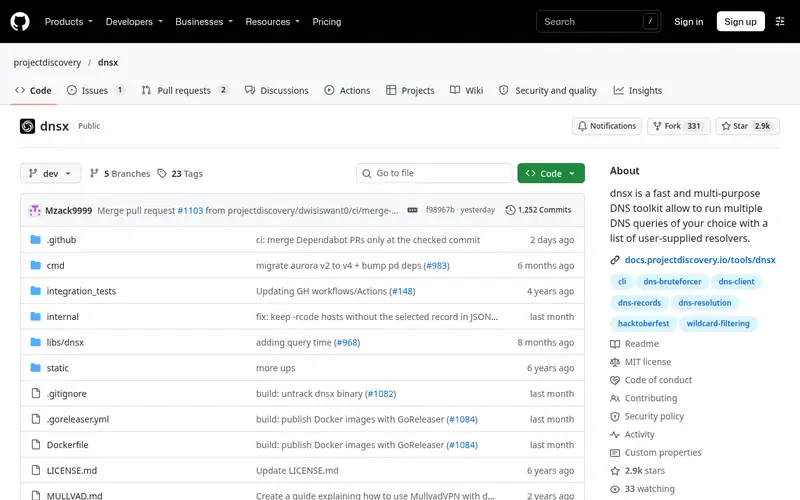
dnsx is a DNS toolkit from ProjectDiscovery built for resolving many names at once. It reads a list of hostnames from standard input, resolves them concurrently, and can output JSON lines for further processing. It supports record types, custom resolvers and wildcard filtering.
It runs on Linux, macOS and Windows and is distributed as release binaries or via Go install. The licence is MIT. There is no paid tier. The design target is security and reconnaissance work, so the flags and defaults reflect that rather than everyday debugging. Skip it if you need one-off queries with full response detail; dig fits better there.
Standout: Reads hostnames from stdin and resolves them in parallel
Free (open source), as listed by the vendor (dnsx website). Confirm the current plan price before you buy.
Free plan. Plans change, so confirm on the vendor's pricing page before you buy.
Benefits
- Reads hostnames from stdin and resolves them in parallel
- supports JSON lines output
Drawbacks
- Aimed at security and recon workflows rather than general debugging
- needs Go or a release binary
Skip it if this limit matters to you: aimed at security and recon workflows rather than general debugging.
Verdict. A sensible pick for bulk DNS lookups in scripts and pipelines.
Who should use what
If you debug DNS on a Linux server, dig is already there and gives you the most detail. If you want readable output and JSON on a workstation, kdig is a good pick, and it is the better choice when you also work on Windows. If you are checking DNSSEC, use drill or dig with DNSSEC flags. If you need to resolve thousands of names in a script, dnsx is built for that. For a quick one-line answer, host is the shortest path.
Questions to settle before you buy
What to check before you buy
- Confirm the tool is available in your package manager or as a signed release binary for your platform.
- Check whether you need encrypted transports such as DNS over TLS or HTTPS.
- Decide whether you need bulk input and JSON output for scripts.
- Test the output format against any scripts that parse it, since dig and kdig differ.
- Avoid querying internal hostnames from untrusted networks, because queries reveal what you are looking up.
FAQ
Is dig still the standard DNS lookup CLI tool?
Yes. dig ships with the BIND utilities, is present on most Linux and macOS systems, and remains the tool most documentation references. It is free and open source. Alternatives like kdig add features such as encrypted transports, but dig is still the default choice for detailed queries.
What is the difference between dig, host and nslookup?
All three come from the BIND suite. dig prints the full response with all sections and is best for debugging. host prints a short, readable answer for common record types. nslookup is the oldest and gives the least detail, though it remains useful on Windows where dig is not installed by default.
Can these tools do DNS over HTTPS or DNS over TLS?
Some can. kdig supports DNS over TLS, DNS over HTTPS and DNS over QUIC. dig and host do not support encrypted transports by default. Check the documentation for the exact flags before relying on them.
Do I need to install anything to run a DNS lookup?
On Linux and macOS, dig, host and nslookup are usually already installed. On Windows, nslookup is included but dig is not. kdig, drill and dnsx all require installation through a package manager or a release binary. All of them are free.
Is it safe to run DNS lookups for internal hostnames?
Be careful. A DNS query reveals the name you are looking up to the resolver and potentially to the authoritative servers. Avoid querying internal or sensitive hostnames from untrusted networks or public resolvers. Use your organization's resolver and check what it logs.
Sources we checked
Method: how we score · editorial policy.
Change log. First published 22 Nov 2026.