Stage 04 · Run · Researched comparison
Best Dev Container Tools for Reproducible Setups in 2026
The Dev Containers specification is the first pick for most teams, because it defines a portable container config that many editors and CLIs can read. It suits developers who want one setup file shared across a team. Docker Desktop is the common runtime behind it on Mac and Windows, and Podman is the practical alternative where licensing or rootless containers matter. VS Code and JetBrains IDEs both consume the spec, so pick the editor your team already uses.

By Shihab Mia
Published 22 Nov 2026 · 8 tools compared
We run no ads and no affiliate links at launch. The order of a list follows our published method. See how we score.
Prices are the starting prices vendors list publicly. Plans change, so confirm the current price on the vendor page before you buy.
Key takeaways
- The Dev Containers spec is an open, editor-neutral format; the reference CLI and VS Code extension are free and open source.
- Docker Desktop is free for small businesses and personal use, but larger companies need a paid subscription; check the current terms.
- Podman is free and open source, runs rootless by default, and can serve as a drop-in container runtime for dev containers.
- Devbox and Nix build reproducible shell environments without a container image, which suits teams that want fewer moving parts.
Who each pick is for
- Teams that want one portable container config across editorsDev Containers specification
- Mac and Windows developers who want a managed container runtimeDocker Desktop
- Teams that need rootless containers or a Docker-free runtimePodman
- VS Code users who want to open a project inside a containerVisual Studio Code Dev Containers extension
- IntelliJ, PyCharm and GoLand users working in containersJetBrains Gateway with Dev Containers
- CI pipelines and scripted dev container buildsDev Containers CLI
- Developers who want reproducible shells without container imagesDevbox
- Teams that want fully pinned, reproducible build environmentsNix
Comparison
| Tool | Best for | Standout feature | Listed starting price | Free plan or trial |
|---|---|---|---|---|
| 1Dev Containers specification | Teams that want one portable container config across editors | Editor-neutral JSON config | Free (open source) | Free plan |
| 2Docker Desktop | Mac and Windows developers who want a managed container runtime | Bundled engine, CLI and Compose | See vendor pricing page | Free trial (See vendor terms) |
| 3Podman | Teams that need rootless containers or a Docker-free runtime | Rootless by default | Free (open source) | Free plan |
| 4Visual Studio Code Dev Containers extension | VS Code users who want to open a project inside a container | Opens folders in a container from the editor | Free | Free plan |
| 5JetBrains Gateway with Dev Containers | IntelliJ, PyCharm and GoLand users working in containers | Brings JetBrains IDEs into dev containers | See vendor pricing page | Free trial (30 days) |
| 6Dev Containers CLI | CI pipelines and scripted dev container builds | Runs devcontainer.json from the terminal | Free (open source) | Free plan |
| 7Devbox | Developers who want reproducible shells without container images | Per-project shell definition | Free (open source) | Free plan |
| 8Nix | Teams that want fully pinned, reproducible build environments | Pinned dependency graph | Free (open source) | Free plan |
How we picked
We picked tools that directly support dev container workflows: defining a container config, running containers, opening a project inside one, or producing reproducible environments without containers. Criteria were fit for the job, supported platforms, price and licence model, and the main practical limits. Sources are vendor documentation, project repositories and public pricing pages. Prices and free-plan terms change, so confirm them on the vendor site before you commit.
The tools, one by one
Dev Containers specification
Best for teams that want one portable container config across editors
What it is and where it fits
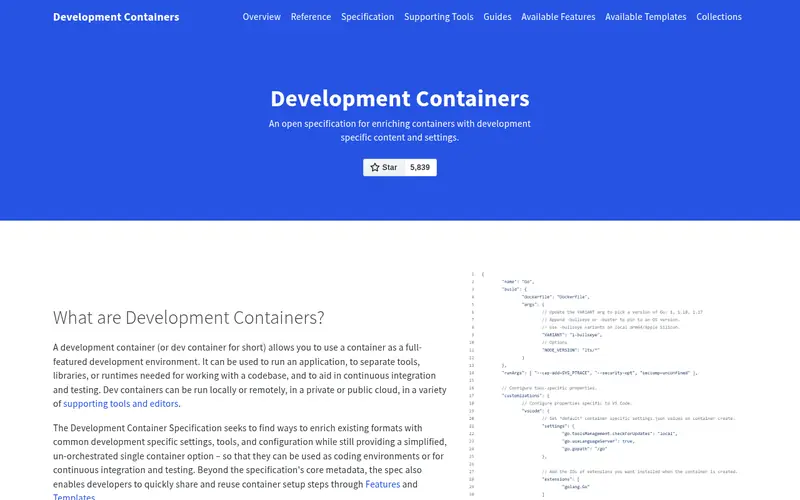
The Dev Containers spec defines a `devcontainer.json` file that describes an image, features, mounts, ports and lifecycle commands. Editors and CLIs that implement the spec can open the same project in the same environment. The spec itself is maintained in the open, and the reference CLI is published as an open-source project.
It runs wherever a container runtime is available: Docker, Podman or another OCI-compatible engine. The spec does not ship a runtime, so you still need one installed. Feature support differs between implementations, so test the specific features you rely on in each editor. Skip it if your team has standardized on a single editor and a single custom image with no need for portability.
Standout: Editor-neutral JSON config
Free (open source), as listed by the vendor (Dev Containers specification website). Confirm the current plan price before you buy.
Free plan. Plans change, so confirm on the vendor's pricing page before you buy.
Benefits
- Editor-neutral JSON config
- reference CLI and spec are open source
Drawbacks
- Feature support varies by editor
- not a runtime on its own
Skip it if this limit matters to you: feature support varies by editor.
Verdict. A sensible pick for teams that want one portable container config across editors.
Alternatives in this guide: Docker Desktop, Podman, Visual Studio Code Dev Containers extension
Docker Desktop
Best for mac and Windows developers who want a managed container runtime
What it is and where it fits
Docker Desktop packages a container engine, the Docker CLI, Docker Compose and a GUI for Mac, Windows and Linux. It is the runtime most Dev Containers tutorials assume, and the VS Code and JetBrains integrations detect it automatically. The GUI helps with image and volume cleanup, which matters when dev containers accumulate layers.
Licensing is the main limit. Docker Desktop is free for personal use, education, non-commercial open source and small businesses, but larger organizations need a paid subscription. Confirm the current thresholds on the pricing page before rolling it out. On Linux, many teams install the Docker Engine directly instead, which avoids the desktop app and its licence terms.
Standout: Bundled engine, CLI and Compose
See vendor pricing page, as listed by the vendor (Docker Desktop website). Confirm the current plan price before you buy.
Free trial (See vendor terms). Plans change, so confirm on the vendor's pricing page before you buy.
Benefits
- Bundled engine, CLI and Compose
- works with Dev Containers out of the box
Drawbacks
- Paid subscription required for larger companies
- heavier than a plain engine
Skip it if this limit matters to you: paid subscription required for larger companies.
Verdict. A sensible pick for mac and Windows developers who want a managed container runtime.
Alternatives in this guide: Dev Containers specification, Podman, Visual Studio Code Dev Containers extension
Podman
Best for teams that need rootless containers or a Docker-free runtime
What it is and where it fits
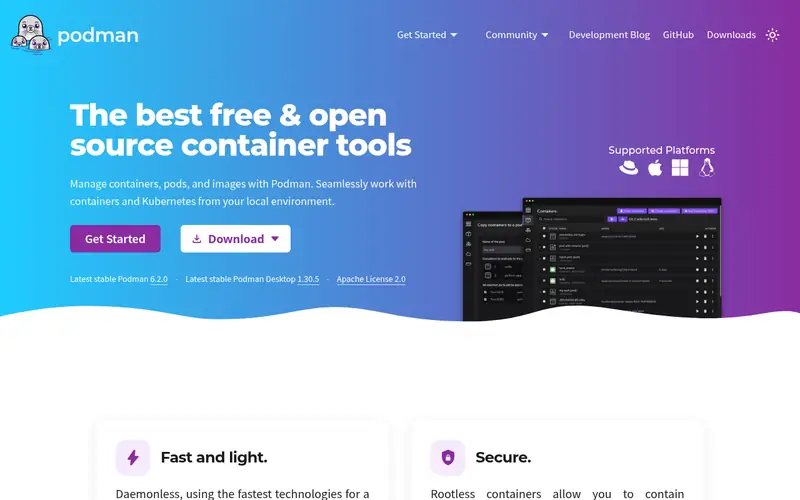
Podman is an open-source container engine from the containers project. It runs containers and pods without a long-running daemon and defaults to rootless operation, which reduces the blast radius of a misconfigured dev container. Its command line is largely compatible with Docker, so most `docker` commands work with `podman` substituted.
For dev containers, Podman can act as the runtime behind the Dev Containers CLI and editor extensions, though setup steps differ from Docker Desktop. Podman Desktop adds a GUI for Mac, Windows and Linux. Expect occasional friction with tooling that assumes the Docker socket path. It suits teams with security requirements or licensing constraints; teams that depend on Docker Desktop-specific features should stay with Docker.
Standout: Rootless by default
Free (open source), as listed by the vendor (Podman website). Confirm the current plan price before you buy.
Free plan. Plans change, so confirm on the vendor's pricing page before you buy.
Benefits
- Rootless by default
- daemonless and Docker-CLI compatible
Drawbacks
- Some Docker Desktop GUI workflows differ
- desktop app is less mature
Skip it if this limit matters to you: some Docker Desktop GUI workflows differ.
Verdict. A sensible pick for teams that need rootless containers or a Docker-free runtime.
Alternatives in this guide: Dev Containers specification, Docker Desktop, Visual Studio Code Dev Containers extension
Visual Studio Code Dev Containers extension
Best for vS Code users who want to open a project inside a container
What it is and where it fits
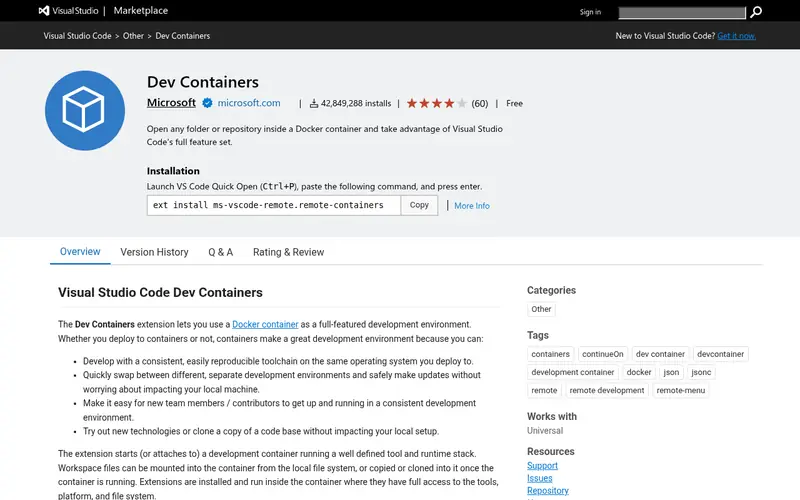
The Dev Containers extension lets VS Code open a folder inside a container and run the editor's language services, terminal and debugger against it. It reads `devcontainer.json`, supports features and lifecycle hooks, and can attach to a running container. The extension is free and published by Microsoft.
It requires Docker, Podman or another supported runtime on the host. Performance on Mac and Windows depends on file sharing between host and container, so keep source code inside the container or a named volume where possible. The extension is the simplest path for VS Code users; developers on other editors should use a spec-compliant alternative rather than this extension.
Standout: Opens folders in a container from the editor
Free, as listed by the vendor (Visual Studio Code Dev Containers extension website). Confirm the current plan price before you buy.
Free plan. Plans change, so confirm on the vendor's pricing page before you buy.
Benefits
- Opens folders in a container from the editor
- reads devcontainer.json directly
Drawbacks
- Tied to VS Code
- needs a working container runtime installed
Skip it if this limit matters to you: tied to VS Code.
Verdict. A sensible pick for VS Code users who want to open a project inside a container.
Alternatives in this guide: Dev Containers specification, Docker Desktop, Podman
JetBrains Gateway with Dev Containers
Best for intelliJ, PyCharm and GoLand users working in containers
What it is and where it fits
JetBrains Gateway is a thin client that connects a local window to a remote IDE backend, including one running in a dev container. It reads `devcontainer.json` and starts the backend inside the container, so IntelliJ IDEA, PyCharm, GoLand and other JetBrains IDEs can work against the containerized environment.
Gateway itself is free to download, but the IDE backend needs a JetBrains subscription, with a free trial available. Setup takes more steps than the VS Code extension: you need a container runtime, the Gateway client and a compatible IDE version. It suits teams already standardized on JetBrains tools. Developers without a JetBrains licence should look at VS Code or a spec-compliant CLI instead.
Standout: Brings JetBrains IDEs into dev containers
See vendor pricing page, as listed by the vendor (JetBrains Gateway with Dev Containers website). Confirm the current plan price before you buy.
Free trial (30 days). Plans change, so confirm on the vendor's pricing page before you buy.
Benefits
- Brings JetBrains IDEs into dev containers
- supports remote backends
Drawbacks
- Requires a JetBrains IDE licence
- setup is heavier than VS Code
Skip it if this limit matters to you: requires a JetBrains IDE licence.
Verdict. A sensible pick for intelliJ, PyCharm and GoLand users working in containers.
Alternatives in this guide: Dev Containers specification, Docker Desktop, Podman
Dev Containers CLI
Best for cI pipelines and scripted dev container builds
What it is and where it fits
The Dev Containers CLI is the reference command-line implementation of the spec. It builds and runs dev containers from a `devcontainer.json` file, which makes it useful for CI jobs, scripted setup and testing that a config works before an editor opens it. It is open source and installable via npm.
The CLI is not a full editor integration. Some features and editor-specific behavior may not be covered, so validate the workflows you depend on. It needs a container runtime on the machine. Use it alongside an editor extension rather than as a replacement, and pin the CLI version in CI so builds stay reproducible.
Standout: Runs devcontainer.json from the terminal
Free (open source), as listed by the vendor (Dev Containers CLI website). Confirm the current plan price before you buy.
Free plan. Plans change, so confirm on the vendor's pricing page before you buy.
Benefits
- Runs devcontainer.json from the terminal
- usable in CI
Drawbacks
- Command-line only
- feature coverage trails editor extensions
Skip it if this limit matters to you: command-line only.
Verdict. A sensible pick for CI pipelines and scripted dev container builds.
Alternatives in this guide: Dev Containers specification, Docker Desktop, Podman
Devbox
Best for developers who want reproducible shells without container images

What it is and where it fits
Devbox from Jetify creates isolated, reproducible development shells from a `devbox.json` file. It installs packages into a per-project environment using the Nix package manager under the hood, so a teammate gets the same tool versions without building a container image. It runs on macOS, Linux and Windows via WSL.
Because it does not use containers, isolation is weaker than a dev container: processes share the host kernel and filesystem. That is fine for many CLI-heavy projects but not for untrusted code. Devbox is open source and free; Jetify also sells a cloud offering, so check the vendor page for current plan details. Skip it if your team needs full container isolation or already standardizes on the Dev Containers spec.
Standout: Per-project shell definition
Free (open source), as listed by the vendor (Devbox website). Confirm the current plan price before you buy.
Free plan. Plans change, so confirm on the vendor's pricing page before you buy.
Benefits
- Per-project shell definition
- no container runtime required
Drawbacks
- Not a container spec
- isolation is weaker than a container
Skip it if this limit matters to you: not a container spec.
Verdict. A sensible pick for developers who want reproducible shells without container images.
Alternatives in this guide: Dev Containers specification, Docker Desktop, Podman
Nix
Best for teams that want fully pinned, reproducible build environments
What it is and where it fits
Nix is a package manager and build system that produces reproducible environments from a declarative description. A `flake.nix` or `shell.nix` can pin every dependency, which gives dev environments the same guarantees a container image provides, without a container runtime. Nix runs on Linux and macOS, and on Windows through WSL.
It is powerful but has a real learning curve, and the ecosystem of examples is uneven. Nix can also build the container images you run elsewhere, so it complements rather than replaces a dev container setup. Teams that want a simpler path should start with Devbox, which wraps Nix. Choose Nix when reproducibility and pinning are the top priority and the team can invest in learning it.
Standout: Pinned dependency graph
Free (open source), as listed by the vendor (Nix website). Confirm the current plan price before you buy.
Free plan. Plans change, so confirm on the vendor's pricing page before you buy.
Benefits
- Pinned dependency graph
- works across Linux and macOS
Drawbacks
- Steep learning curve
- not a container tool by itself
Skip it if this limit matters to you: steep learning curve.
Verdict. A sensible pick for teams that want fully pinned, reproducible build environments.
Alternatives in this guide: Dev Containers specification, Docker Desktop, Podman
Who should use what
A team that wants one setup file shared across editors should start with the Dev Containers spec and the CLI, then pick an editor extension. VS Code users get the shortest path with the Dev Containers extension. JetBrains users should use Gateway with a paid IDE licence. Teams with licensing or security constraints should run Podman as the runtime instead of Docker Desktop. Developers who want reproducible tooling without container images should look at Devbox first, and Nix if they need full pinning and can absorb the learning curve.
Questions to settle before you buy
What to check before you buy
- Confirm your chosen editor actually implements the spec features you rely on, such as features, mounts and lifecycle hooks.
- Check the container runtime licence terms for your company size before standardizing on Docker Desktop.
- Test file-sharing performance between host and container on Mac and Windows with your real project.
- Pin the CLI, image and feature versions so CI and local setups match.
- Decide whether you need container isolation or only reproducible tool versions; Devbox and Nix do not isolate processes.
FAQ
Do I need Docker to use dev containers?
No. The Dev Containers spec works with any OCI-compatible runtime. Docker Desktop is the most common choice on Mac and Windows, but Podman and the Docker Engine on Linux also work. Check that your editor extension supports the runtime you pick, since setup steps differ.
Is Docker Desktop free?
Docker Desktop is free for personal use, education, non-commercial open source and small businesses. Larger organizations need a paid subscription. The exact thresholds and terms are on Docker's pricing page, so confirm them for your company size before rolling it out.
What is the difference between Devbox and a dev container?
A dev container runs your project inside an isolated container built from an image. Devbox creates a reproducible shell on the host using Nix packages, with no container runtime. Devbox is lighter to set up but gives weaker isolation, so it is a poor fit for running untrusted code.
Can I use dev containers in CI?
Yes. The Dev Containers CLI builds and runs a `devcontainer.json` from the terminal, which lets CI jobs use the same environment as developers. Pin the CLI version and the image so builds stay reproducible, and validate any editor-specific features separately.
Does the Dev Containers spec lock me into VS Code?
No. The spec is editor-neutral, and both VS Code and JetBrains IDEs read `devcontainer.json`. Feature coverage varies between implementations, so test the specific features you depend on in each editor before standardizing.
Sources we checked
Method: how we score · editorial policy.
Change log. First published 22 Nov 2026.