Stage 04 · Run · Researched comparison
Best Commit Message Linters in 2026
commitlint is the first pick for most teams. It checks commit messages against Conventional Commits or your own rules and fits cleanly into Node and monorepo workflows. If you want a standalone Python tool with no Node dependency, use gitlint. If you want one hook manager to run commit checks alongside linters and formatters, use the pre-commit framework.

By Shihab Mia
Published 22 Nov 2026 · 5 tools compared
We run no ads and no affiliate links at launch. The order of a list follows our published method. See how we score.
Prices are the starting prices vendors list publicly. Plans change, so confirm the current price on the vendor page before you buy.
Key takeaways
- commitlint is free and open source, runs on Node.js, and works with any hook manager or CI as the trigger.
- gitlint is free and open source, written in Python, and needs no Node runtime.
- The pre-commit framework is a free, open-source hook manager that can run any commit message checker.
- All tools here are free or open source; none requires pasting commit data into a third-party web page.
Who each pick is for
- Node and monorepo teams using Conventional Commitscommitlint
- Python teams that want a standalone commit checkergitlint
- Teams that want one hook manager for all checkspre-commit
- Teams that want guided commit prompts plus checkscommitizen
- Teams that check commit and PR rules in CIDanger JS
Comparison
| Tool | Best for | Standout feature | Listed starting price | Free plan or trial |
|---|---|---|---|---|
| 1commitlint | Node and monorepo teams using Conventional Commits | Large rule set and shareable configs | Free (open source) | Free plan |
| 2gitlint | Python teams that want a standalone commit checker | No Node dependency | Free (open source) | Free plan |
| 3pre-commit | Teams that want one hook manager for all checks | Runs commitlint, gitlint and other tools from one config | Free (open source) | Free plan |
| 4commitizen | Teams that want guided commit prompts plus checks | Interactive prompt builds valid messages | Free (open source) | Free plan |
| 5Danger JS | Teams that check commit and PR rules in CI | Checks messages and PR metadata in one place | Free (open source) | Free plan |
How we picked
We picked tools that check or help enforce commit message rules, then compared them on fit for the job, supported platforms, price and license, and main limits. We also noted whether each tool runs locally, since commit messages can contain sensitive context. Sources are vendor pages, official documentation and project repositories. Prices and plan limits change, so confirm details on the vendor site before you rely on them.
The tools, one by one
commitlint
Best for node and monorepo teams using Conventional Commits
What it is and where it fits
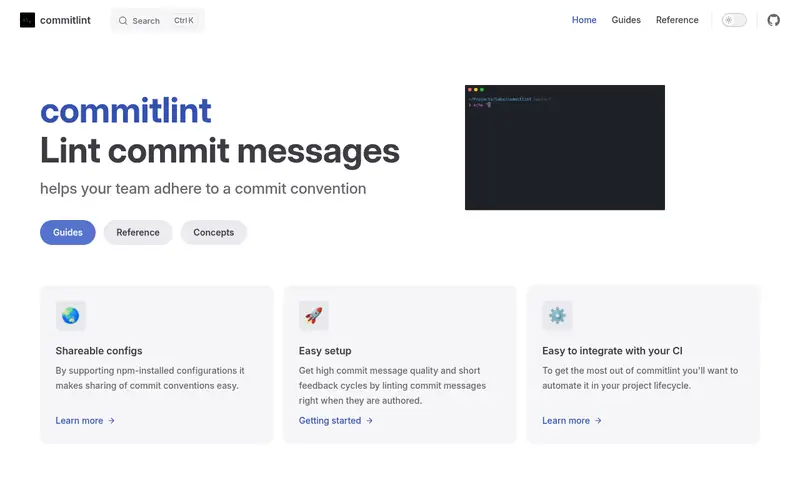
commitlint validates commit messages against a set of rules. The default config enforces Conventional Commits, and you can extend or replace rules for type, scope, subject case, line length and body format. It runs as a CLI, so any hook manager or CI job can call it. Shareable configs let several repositories use the same rules.
It runs on Node.js and installs from npm. The project is open source under the MIT license. Typical setup pairs it with a hook manager for the commit-msg hook, but it also works with simple-git-hooks or a CI step. There is no hosted service and no account. Skip it if your team does not use Node and you want to avoid adding a runtime just for commit checks.
Standout: Large rule set and shareable configs
Free (open source), as listed by the vendor (commitlint website). Confirm the current plan price before you buy.
Free plan. Plans change, so confirm on the vendor's pricing page before you buy.
Benefits
- Large rule set and shareable configs
- strong Conventional Commits support
Drawbacks
- Needs Node.js
- config can feel heavy for small repos
Skip it if this limit matters to you: needs Node.js.
Verdict. A sensible pick for node and monorepo teams using Conventional Commits.
Alternatives in this guide: gitlint, pre-commit, commitizen
gitlint
Best for python teams that want a standalone commit checker

What it is and where it fits
gitlint is a Python tool that checks commit messages against configurable rules. It covers line length, body and title separation, trailing whitespace and required patterns. You can write custom rules in Python when the built-in set is not enough. It installs with pip and runs as a CLI or as a pre-commit hook.
It runs anywhere Python runs, including CI containers. The project is open source. Configuration lives in a `.gitlint` file, so rules travel with the repository. It does not ship a built-in Conventional Commits preset the way commitlint does, so teams that want that format write matching rules or use a contributed config. Skip it if you want a large library of ready-made configs.
Standout: No Node dependency
Free (open source), as listed by the vendor (gitlint website). Confirm the current plan price before you buy.
Free plan. Plans change, so confirm on the vendor's pricing page before you buy.
Benefits
- No Node dependency
- configurable rules in a plain config file
Drawbacks
- Smaller ecosystem than commitlint
- Conventional Commits needs custom rules
Skip it if this limit matters to you: smaller ecosystem than commitlint.
Verdict. A sensible pick for python teams that want a standalone commit checker.
Alternatives in this guide: commitlint, pre-commit, commitizen
pre-commit
Best for teams that want one hook manager for all checks
What it is and where it fits
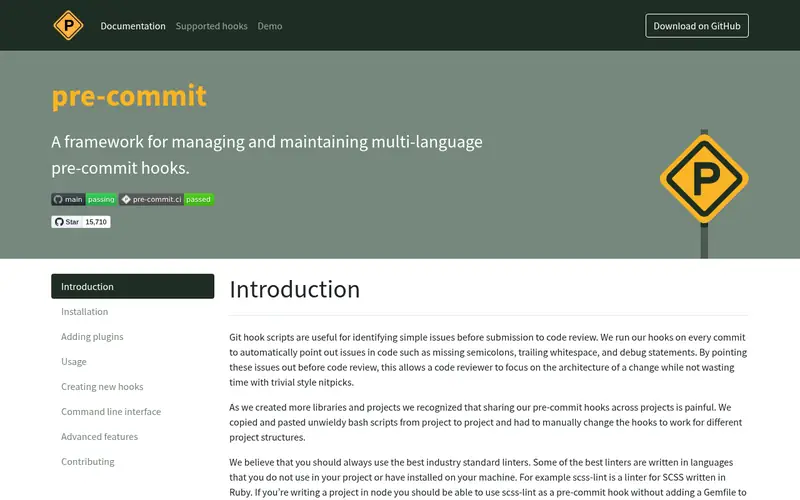
pre-commit is a framework for managing git hooks. You list hooks in a YAML file, and it installs and runs them at commit time. For commit messages, it can call commitlint, gitlint or a custom script. The same file can run formatters, linters and secret scanners, so the commit-msg and pre-commit stages stay in one place.
It runs on macOS, Linux and Windows and installs with pip or pipx. The project is open source. Hook versions are pinned in the config, which keeps behavior stable across machines. It does not check commit messages itself; it only runs the tools you name. Skip it if you want a single-purpose commit checker with no extra dependency.
Standout: Runs commitlint, gitlint and other tools from one config
Free (open source), as listed by the vendor (pre-commit website). Confirm the current plan price before you buy.
Free plan. Plans change, so confirm on the vendor's pricing page before you buy.
Benefits
- Runs commitlint, gitlint and other tools from one config
- manages hook versions
Drawbacks
- Python required to install
- adds a layer between git and each tool
Skip it if this limit matters to you: python required to install.
Verdict. A sensible pick for teams that want one hook manager for all checks.
Alternatives in this guide: commitlint, gitlint, commitizen
commitizen
Best for teams that want guided commit prompts plus checks
What it is and where it fits
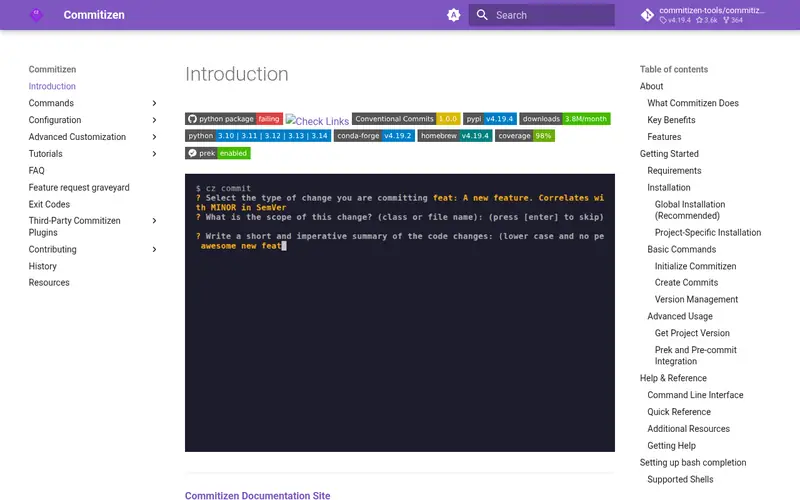
commitizen is a Python tool that prompts you for commit type, scope and description, then builds a message that follows a chosen convention. It can also check existing messages with a `check` command and bump versions from commit history. The prompt reduces invalid messages before a linter ever runs.
It runs on Python 3 and installs with pip or pipx. The project is open source. A Node-based variant with a similar name exists, so confirm which package you install. The prompt workflow suits teams that want guidance, but developers who prefer typing full messages may find it slow. Skip it if you only need a check and not a prompt.
Standout: Interactive prompt builds valid messages
Free (open source), as listed by the vendor (commitizen website). Confirm the current plan price before you buy.
Free plan. Plans change, so confirm on the vendor's pricing page before you buy.
Benefits
- Interactive prompt builds valid messages
- can check messages and bump versions
Drawbacks
- Prompts add a step to each commit
- Python-based
Skip it if this limit matters to you: prompts add a step to each commit.
Verdict. A sensible pick for teams that want guided commit prompts plus checks.
Alternatives in this guide: commitlint, gitlint, pre-commit
Danger JS
Best for teams that check commit and PR rules in CI
What it is and where it fits
Danger JS runs rules in CI and reports results on the pull request. You can check commit message format, PR title conventions, linked issues and changelog entries in one script. It complements a local hook by catching messages that bypass it, such as squash merges or web edits.
It runs in CI on GitHub, GitLab, Bitbucket and others, with a Node runtime. The project is open source. It needs a CI configuration and an access token for the provider. It does not block a local commit; it reports after the push. Skip it if you only want a local commit-msg check.
Standout: Checks messages and PR metadata in one place
Free (open source), as listed by the vendor (Danger JS website). Confirm the current plan price before you buy.
Free plan. Plans change, so confirm on the vendor's pricing page before you buy.
Benefits
- Checks messages and PR metadata in one place
- runs in CI across providers
Drawbacks
- Not a commit-msg hook
- needs CI setup and a token
Skip it if this limit matters to you: not a commit-msg hook.
Verdict. A sensible pick for teams that check commit and PR rules in CI.
Alternatives in this guide: commitlint, gitlint, pre-commit
Who should use what
Node and monorepo teams using Conventional Commits should start with commitlint plus a hook manager. Python teams that want no Node dependency should use gitlint. Teams that want one hook manager for formatters, linters and commit checks should use the pre-commit framework. Teams that want guided commit prompts should try commitizen, and teams that need checks after push should add Danger JS in CI.
Questions to settle before you buy
What to check before you buy
- Decide the rule format first: Conventional Commits, a custom pattern, or line-length rules only.
- Run the linter locally through a commit-msg hook so bad messages fail before push.
- Add the same check in CI to catch squash merges and web edits.
- Pin tool versions in your config so behavior stays the same across machines.
- Keep config in the repository so every contributor uses the same rules.
FAQ
What is a commit message linter?
A commit message linter checks the text of a git commit against rules such as format, length and required prefixes. It runs as a hook or CI step and rejects messages that break the rules. commitlint and gitlint are common examples.
Do I need Node.js to lint commit messages?
No. gitlint and commitizen run on Python. commitlint needs Node.js. Pick based on the runtime your project already uses.
Can a linter enforce Conventional Commits?
Yes. commitlint enforces Conventional Commits with its default config. gitlint can do it with custom rules. commitizen builds messages in that format through a prompt.
Will a commit-msg hook slow down commits?
Usually not much. A single check adds little time. Running several checks at once helps, and some hook managers can run hooks in parallel.
Are these tools free?
All tools listed here are free and open source. None requires a paid plan. You may still pay for CI minutes where the check runs in a hosted pipeline.
Sources we checked
Method: how we score · editorial policy.
Change log. First published 22 Nov 2026.