Stage 03 · Host · Researched comparison
Best Static File Servers for Development in 2026
Python's built-in http.server is the first pick for most developers because it needs no install beyond Python and starts with one command. Choose http-server or serve if you work in Node.js and want a small npm-installed server. Choose Caddy if you want a production-grade file server with automatic HTTPS, or miniserve if you want a single binary with directory listing and upload support.

By Shihab Mia
Published 27 Nov 2026 · 7 tools compared
We run no ads and no affiliate links at launch. The order of a list follows our published method. See how we score.
Prices are the starting prices vendors list publicly. Plans change, so confirm the current price on the vendor page before you buy.
Key takeaways
- Python http.server ships with the standard library and is free, but it is meant for local development only.
- http-server and serve install through npm and are free and open source.
- miniserve and static-web-server are single-binary servers that run on Linux, macOS and Windows.
- Caddy is free and open source, and its file-server directive can also run in production with automatic HTTPS.
Who each pick is for
- Quick local serving with no extra installPython http.server
- Node.js projects that need a simple CLI serverhttp-server
- Serving build output with clean URLsserve
- Single-binary serving with directory listing and uploadsminiserve
- Syncing scroll and reload across multiple devicesBrowsersync
- Static serving with automatic HTTPS in one binaryCaddy file-server
- Fast single-binary serving with production featuresstatic-web-server
Comparison
| Tool | Best for | Standout feature | Listed starting price | Free plan or trial |
|---|---|---|---|---|
| 1Python http.server | Quick local serving with no extra install | Ships with Python | Free (open source) | Free plan |
| 2http-server | Node.js projects that need a simple CLI server | Zero-config with sensible defaults | Free (open source) | Free plan |
| 3serve | Serving build output with clean URLs | Clean URL handling and single-page app fallback | Free (open source) | Free plan |
| 4miniserve | Single-binary serving with directory listing and uploads | One binary with no runtime dependency | Free (open source) | Free plan |
| 5Browsersync | Syncing scroll and reload across multiple devices | Syncs clicks, scroll and form input across browsers | Free (open source) | Free plan |
| 6Caddy file-server | Static serving with automatic HTTPS in one binary | Automatic HTTPS and HTTP/2 | Free (open source) | Free plan |
| 7static-web-server | Fast single-binary serving with production features | Single binary for many platforms | Free (open source) | Free plan |
How we picked
We picked tools that serve a local directory of static files over HTTP and are currently maintained or part of a maintained platform. Criteria were fit for the job, supported platforms, install method, price and licence, and main limits such as single-threaded handling or lack of HTTPS. Sources are vendor documentation, project repositories and public pricing pages. Prices and features change, so confirm details on the vendor site before you commit.
The tools, one by one
Python http.server
Best for quick local serving with no extra install
What it is and where it fits
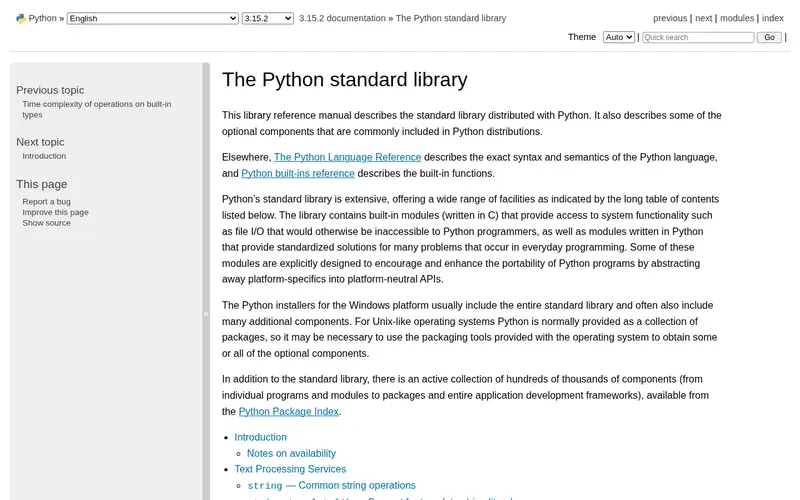
The http.server module is part of the Python standard library. Running `python -m http.server` in a directory serves its files on port 8000, and `python -m http.server 8080` changes the port. It runs anywhere Python runs, including Linux, macOS and Windows. There is no configuration file and no install step beyond Python itself.
The server handles one request at a time in its default mode, which is fine for local pages but slow for many parallel asset requests. Python's own documentation states that it should only be used for testing and not for production. It has no live reload, no HTTPS and no directory listing controls beyond the default. Developers who need those features should pick a different tool. It remains the fastest option when you just need a local URL for a folder.
Standout: Ships with Python
Free (open source), as listed by the vendor (Python http.server website). Confirm the current plan price before you buy.
Free plan. Plans change, so confirm on the vendor's pricing page before you buy.
Benefits
- Ships with Python
- one command serves the current directory
Drawbacks
- Single-threaded by default
- not intended for production
Skip it if this limit matters to you: single-threaded by default.
Verdict. A sensible pick for quick local serving with no extra install.
Alternatives in this guide: http-server, serve, miniserve
http-server
Best for node.js projects that need a simple CLI server
What it is and where it fits
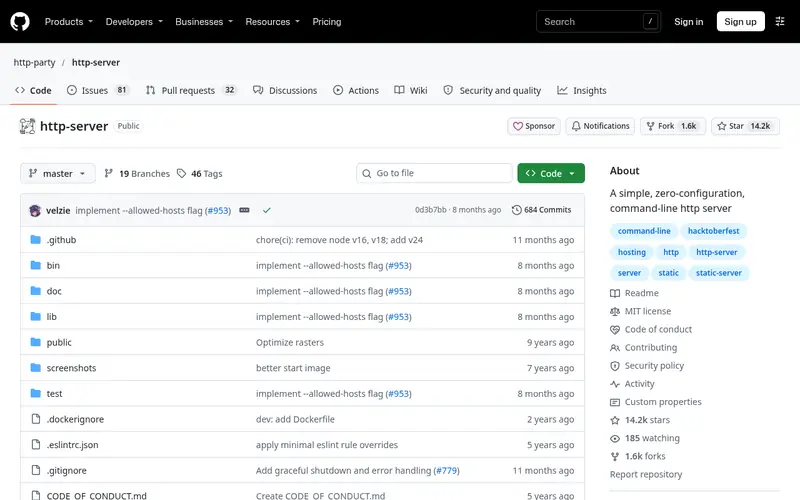
http-server is a command-line static server distributed through npm. After `npm install -g http-server`, running `http-server` in a folder serves it on port 8080. Flags cover port, address binding, CORS headers, cache control, gzip and basic authentication. It also supports a proxy option for forwarding API calls to a backend during development.
It runs on any platform with Node.js. The package is free and open source. Because it is installed globally or as a dev dependency, it fits projects that already use npm. The repository has seen less frequent updates in recent years, so check that it works with your Node version before relying on it for a team workflow. It is a reasonable choice for simple static previews and for serving build output locally.
Standout: Zero-config with sensible defaults
Free (open source), as listed by the vendor (http-server website). Confirm the current plan price before you buy.
Free plan. Plans change, so confirm on the vendor's pricing page before you buy.
Benefits
- Zero-config with sensible defaults
- supports gzip, caching headers and CORS flags
Drawbacks
- Pulls in Node.js dependencies
- project maintenance has slowed
Skip it if this limit matters to you: pulls in Node.js dependencies.
Verdict. A sensible pick for node.js projects that need a simple CLI server.
Alternatives in this guide: Python http.server, serve, miniserve
serve
Best for serving build output with clean URLs
What it is and where it fits
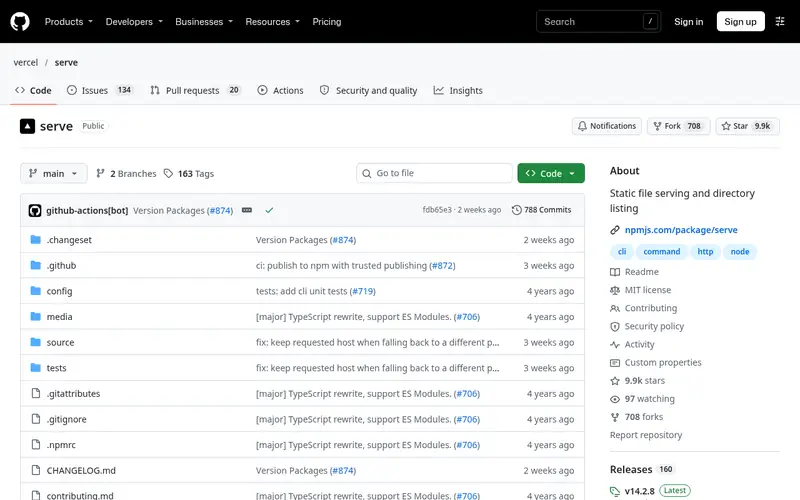
serve is a static file server from Vercel, installed with `npm install -g serve`. Running `serve` serves the current directory, and `serve dist` serves a build folder. It rewrites URLs to drop `.html` extensions and can fall back to a single-page app entry file, which suits projects built with client-side routers. It also supports compression, CORS and custom ports.
It runs wherever Node.js runs and is free and open source. The tool is aimed at previewing static sites and build artifacts rather than at production hosting. It does not offer HTTPS or reverse proxy features. If your project already uses npm, serve is a low-friction way to check a production build locally with routing that matches common static hosts.
Standout: Clean URL handling and single-page app fallback
Free (open source), as listed by the vendor (serve website). Confirm the current plan price before you buy.
Free plan. Plans change, so confirm on the vendor's pricing page before you buy.
Benefits
- Clean URL handling and single-page app fallback
- simple npm install
Drawbacks
- Node.js required
- fewer server-level options than http-server
Skip it if this limit matters to you: node.js required.
Verdict. A sensible pick for serving build output with clean URLs.
Alternatives in this guide: Python http.server, http-server, miniserve
miniserve
Best for single-binary serving with directory listing and uploads
What it is and where it fits
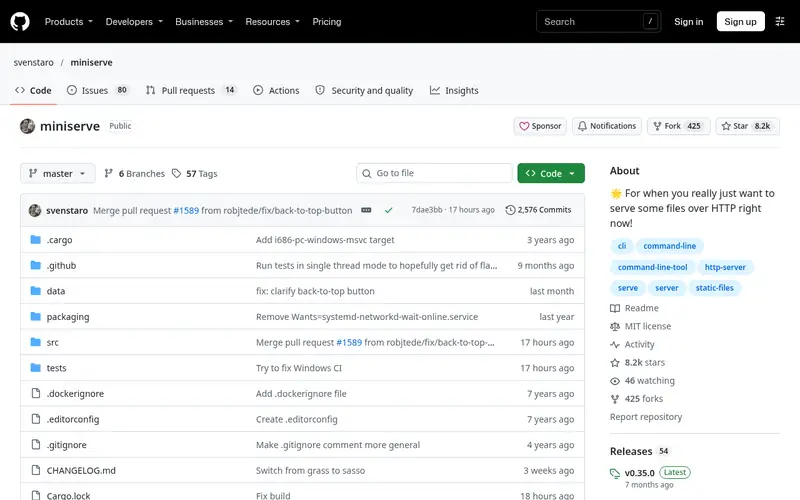
miniserve is a small static file server written in Rust and shipped as a single binary for Linux, macOS and Windows. Running `miniserve .` serves the current directory. It includes a directory listing interface, file upload, basic authentication, range requests and optional TLS. It can also generate a QR code for the served URL, which helps when testing on a phone over a local network.
There is no runtime to install, which makes it useful on machines without Node.js or Python. It is free and open source. The binary can be downloaded from the project's releases page or installed through package managers such as Homebrew, Cargo or Scoop. It is a good fit for sharing a folder on a LAN or for quick file transfer during development.
Standout: One binary with no runtime dependency
Free (open source), as listed by the vendor (miniserve website). Confirm the current plan price before you buy.
Free plan. Plans change, so confirm on the vendor's pricing page before you buy.
Benefits
- One binary with no runtime dependency
- built-in directory listing, upload and auth options
Drawbacks
- Not a Node or Python tool, so it adds a separate install
- feature set is broader than some users need
Skip it if this limit matters to you: not a Node or Python tool, so it adds a separate install.
Verdict. A sensible pick for single-binary serving with directory listing and uploads.
Alternatives in this guide: Python http.server, http-server, serve
Browsersync
Best for syncing scroll and reload across multiple devices
What it is and where it fits
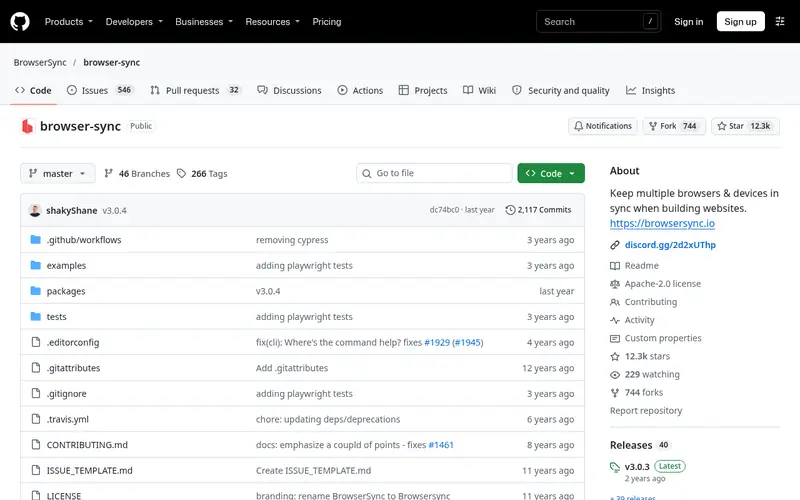
Browsersync serves static files and synchronizes interaction across browsers and devices. Running `browser-sync start --server --files "*.html, *.css"` serves the current directory and reloads pages when the listed files change. It also mirrors scroll position, clicks and form input across connected clients, which helps when testing responsive layouts on a phone and a desktop at the same time.
It installs through npm and runs on any platform with Node.js. The project is free and open source. It can also act as a proxy in front of an existing dev server. The extra features mean more configuration than http-server or serve, so skip it if you only need a URL for a folder. It suits front-end work where multi-device preview matters.
Standout: Syncs clicks, scroll and form input across browsers
Free (open source), as listed by the vendor (Browsersync website). Confirm the current plan price before you buy.
Free plan. Plans change, so confirm on the vendor's pricing page before you buy.
Benefits
- Syncs clicks, scroll and form input across browsers
- works as a CLI or module
Drawbacks
- Heavier than a plain static server
- configuration takes more steps
Skip it if this limit matters to you: heavier than a plain static server.
Verdict. A sensible pick for syncing scroll and reload across multiple devices.
Alternatives in this guide: Python http.server, http-server, serve
Caddy file-server
Best for static serving with automatic HTTPS in one binary
What it is and where it fits
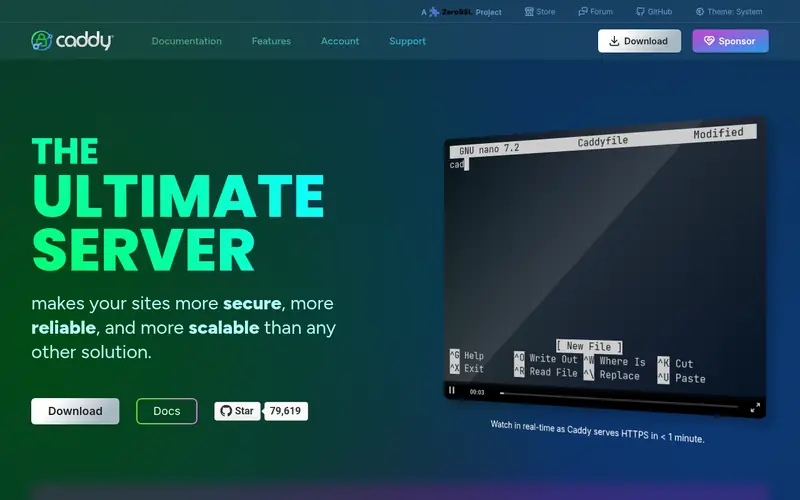
Caddy is a web server with a `file_server` directive. A two-line Caddyfile such as `:8080 { root * ./public file_server }` serves a folder. Caddy handles automatic HTTPS when given a real domain, supports HTTP/2 and HTTP/3, and can compress responses. It is written in Go and ships as a single binary for Linux, macOS and Windows.
It is free and open source. For local development it works as a simple static server, and the same configuration can move to a staging or production host. That makes it a good pick when you want the dev server and the deployed server to behave the same way. Developers who only need a quick local URL may find it heavier than http-server or serve.
Standout: Automatic HTTPS and HTTP/2
Free (open source), as listed by the vendor (Caddy file-server website). Confirm the current plan price before you buy.
Free plan. Plans change, so confirm on the vendor's pricing page before you buy.
Benefits
- Automatic HTTPS and HTTP/2
- one binary with a short Caddyfile
Drawbacks
- More setup than a one-command dev server
- aimed at production as well as development
Skip it if this limit matters to you: more setup than a one-command dev server.
Verdict. A sensible pick for static serving with automatic HTTPS in one binary.
Alternatives in this guide: Python http.server, http-server, serve
static-web-server
Best for fast single-binary serving with production features
What it is and where it fits
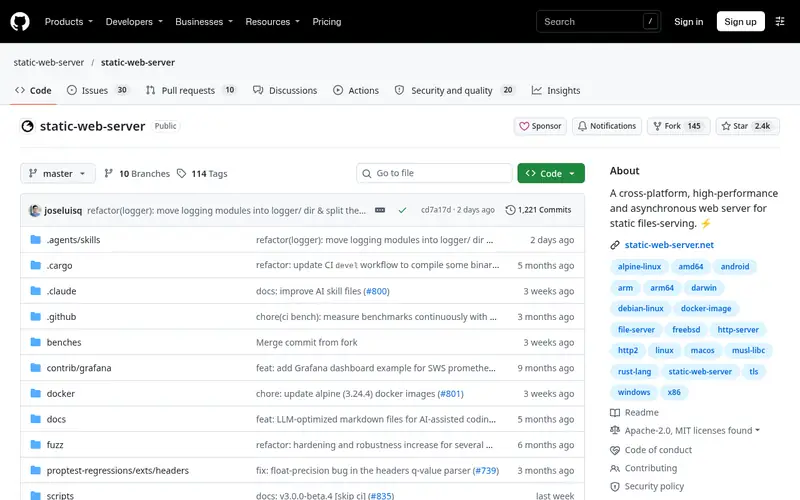
static-web-server is a Rust-based static file server distributed as a single binary for Linux, macOS, Windows and Docker. It serves a directory with options for gzip and brotli compression, byte-range requests, cache control headers, directory listing and TLS. Configuration comes from command-line flags, environment variables or a TOML file.
It is free and open source. The binary has no runtime dependency, so it works on machines without Node.js or Python. It is designed for both development previews and lightweight production serving, which makes it a fit when you want one tool for both. The trade-off is a smaller community and fewer integrations than Caddy. Check the release notes for the current feature set before adopting it.
Standout: Single binary for many platforms
Free (open source), as listed by the vendor (static-web-server website). Confirm the current plan price before you buy.
Free plan. Plans change, so confirm on the vendor's pricing page before you buy.
Benefits
- Single binary for many platforms
- supports compression, range requests and TLS
Drawbacks
- Configuration is file or flag based, not interactive
- smaller community than Caddy
Skip it if this limit matters to you: configuration is file or flag based, not interactive.
Verdict. A sensible pick for fast single-binary serving with production features.
Alternatives in this guide: Python http.server, http-server, serve
Who should use what
If you have Python installed and need a local URL in seconds, use http.server. If your project already uses npm, http-server or serve gives you more flags with little setup. If you test on phones and tablets, Browsersync or miniserve makes multi-device work easier. If you want the same server in development and production, Caddy or static-web-server is the better fit.
Questions to settle before you buy
What to check before you buy
- Confirm the server runs on your operating system and does not require a runtime you lack.
- Check whether you need live reload, clean URLs or single-page app fallback.
- Decide if you need HTTPS, authentication or directory listing for your workflow.
- Verify the project is still maintained and works with your current runtime version.
- Read the documentation on binding to localhost versus all interfaces before sharing a URL on a network.
FAQ
Do I need a static file server for development?
Not always. Some frameworks include a dev server. A standalone static server helps when you have plain HTML, CSS and JavaScript, or when you want to preview a build folder without running the full framework toolchain.
Is Python http.server safe for production?
No. Python's documentation says it should only be used for testing. It handles one request at a time by default and lacks production features such as HTTPS and access control. Use Caddy, static-web-server or a full web server for production.
Which option supports live reload?
Browsersync reloads the browser when files change and also syncs scroll and clicks across devices. http-server, serve, miniserve, Caddy and static-web-server do not reload the browser on their own.
Can these servers run on Windows?
Yes. http-server, serve and Browsersync run on any platform with Node.js. miniserve, Caddy and static-web-server ship Windows binaries. Python http.server runs wherever Python is installed.
Are these tools free?
All the tools listed here are free and open source. Caddy and static-web-server can also be used in production under their open-source licences. Check each project's licence if you plan to redistribute or bundle it.
Sources we checked
Method: how we score · editorial policy.
Change log. First published 27 Nov 2026.