Stage 03 · Host · Researched comparison
Best React Native Storage Libraries in 2026
react-native-mmkv is the first pick for fast synchronous key-value storage on iOS and Android. AsyncStorage suits small async key-value needs with the widest ecosystem support. For structured data, expo-sqlite fits Expo projects and op-sqlite fits bare React Native apps that need a fast SQLite binding. Use react-native-keychain or expo-secure-store for tokens and secrets.

By Shihab Mia
Published 27 Nov 2026 · 7 tools compared
We run no ads and no affiliate links at launch. The order of a list follows our published method. See how we score.
Prices are the starting prices vendors list publicly. Plans change, so confirm the current price on the vendor page before you buy.
Key takeaways
- react-native-mmkv and op-sqlite are free and open source, and both use native modules, so they need a custom dev client or prebuild rather than Expo Go.
- AsyncStorage is free and works in Expo Go, but it is asynchronous and not encrypted by default.
- expo-sqlite and expo-secure-store are free and ship with the Expo SDK; expo-secure-store wraps the iOS Keychain and Android Keystore.
- WatermelonDB is free and open source and targets large datasets with lazy loading and sync, but it adds setup work.
Who each pick is for
- Fast synchronous key-value storage on iOS and Androidreact-native-mmkv
- Simple async key-value storage with broad ecosystem supportAsyncStorage
- SQLite inside Expo projects with a managed workflowexpo-sqlite
- Fast SQLite binding for bare React Native appsop-sqlite
- Offline-first apps with large datasets and syncWatermelonDB
- Storing tokens and passwords in the device keystorereact-native-keychain
- Secret storage in Expo apps without extra native setupexpo-secure-store
Comparison
| Tool | Best for | Standout feature | Listed starting price | Free plan or trial |
|---|---|---|---|---|
| 1react-native-mmkv | Fast synchronous key-value storage on iOS and Android | Synchronous reads and writes | Free (open source) | Free plan |
| 2AsyncStorage | Simple async key-value storage with broad ecosystem support | Works in Expo Go | Free (open source) | Free plan |
| 3expo-sqlite | SQLite inside Expo projects with a managed workflow | Part of the Expo SDK | Free | Free plan |
| 4op-sqlite | Fast SQLite binding for bare React Native apps | Synchronous and async APIs | Free (open source) | Free plan |
| 5WatermelonDB | Offline-first apps with large datasets and sync | Lazy loading for large tables | Free (open source) | Free plan |
| 6react-native-keychain | Storing tokens and passwords in the device keystore | Uses iOS Keychain and Android Keystore | Free (open source) | Free plan |
| 7expo-secure-store | Secret storage in Expo apps without extra native setup | Part of the Expo SDK | Free | Free plan |
How we picked
We picked libraries that genuinely handle storage in React Native: key-value, SQL, offline sync or secrets. Criteria were fit for the job, platform support, licence and price, whether data is encrypted, and the main limits such as Expo Go support and value size. Sources are vendor documentation, project repositories and public pricing pages. Prices and features change, so confirm details on the vendor site before you commit.
The tools, one by one
react-native-mmkv
Best for fast synchronous key-value storage on iOS and Android
What it is and where it fits
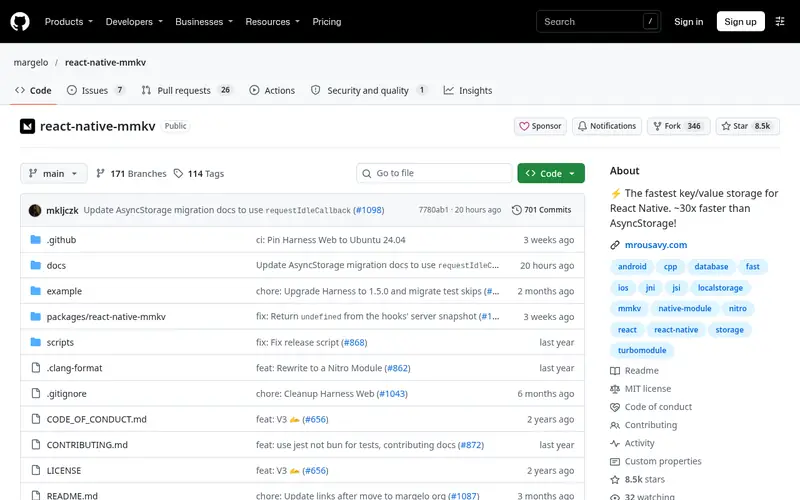
react-native-mmkv wraps Tencent's MMKV library for React Native. Reads and writes are synchronous, so you can load a value without awaiting a promise. It supports strings, numbers, booleans and buffers, and it offers an encryption option that uses the device keystore. It runs on iOS and Android only; there is no web target.
Because it is a native module, it does not run in Expo Go. You need a custom dev client or a prebuild. The project is MIT licensed and free. It suits apps that read settings or cached values often and want to avoid async overhead. Skip it if you need a relational store or web support.
Standout: Synchronous reads and writes
Free (open source), as listed by the vendor (react-native-mmkv website). Confirm the current plan price before you buy.
Free plan. Plans change, so confirm on the vendor's pricing page before you buy.
Benefits
- Synchronous reads and writes
- built on MMKV with optional encryption
Drawbacks
- Needs a native module and a custom dev client
- no web support
Skip it if this limit matters to you: needs a native module and a custom dev client.
Verdict. A sensible pick for fast synchronous key-value storage on iOS and Android.
Alternatives in this guide: AsyncStorage, expo-sqlite, op-sqlite
AsyncStorage
Best for simple async key-value storage with broad ecosystem support
What it is and where it fits
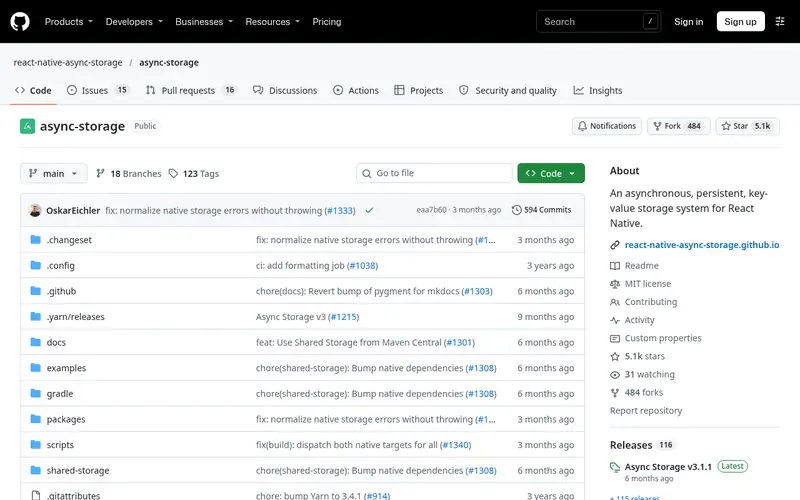
AsyncStorage is the long-standing key-value store for React Native. Every call returns a promise, and the API covers get, set, merge, remove and multi-get. It runs on iOS, Android and web, and it works in Expo Go, which makes it the easiest option to start with.
Data is stored unencrypted by default, so do not put tokens or personal data in it without an added encryption layer. It is slower than MMKV for heavy read and write traffic. The project is MIT licensed and free. It suits small settings stores, onboarding flags and prototypes. Move to MMKV or SQL when data grows or speed matters.
Standout: Works in Expo Go
Free (open source), as listed by the vendor (AsyncStorage website). Confirm the current plan price before you buy.
Free plan. Plans change, so confirm on the vendor's pricing page before you buy.
Benefits
- Works in Expo Go
- simple promise-based API
Drawbacks
- Asynchronous only
- not encrypted by default
Skip it if this limit matters to you: asynchronous only.
Verdict. A sensible pick for simple async key-value storage with broad ecosystem support.
Alternatives in this guide: react-native-mmkv, expo-sqlite, op-sqlite
expo-sqlite
Best for sQLite inside Expo projects with a managed workflow
What it is and where it fits
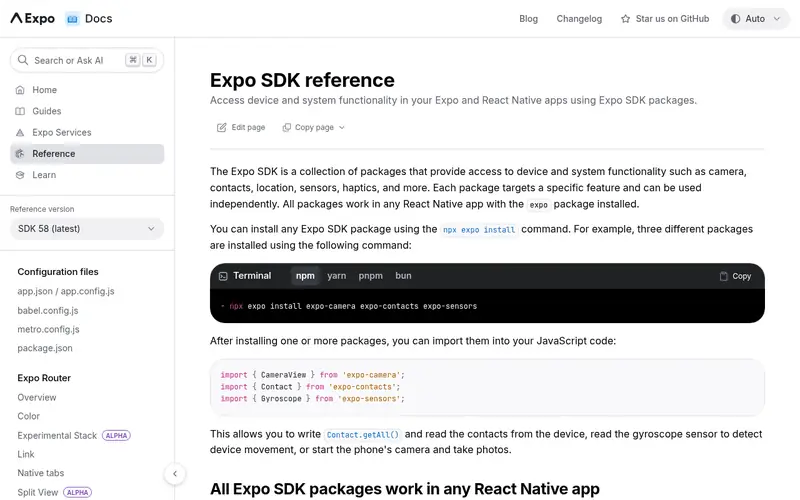
expo-sqlite gives Expo apps a SQLite database. It offers an async API and a synchronous API, prepared statements, transactions and a migration helper. It runs on iOS, Android and web, though the web target uses a WASM build with its own limits.
It ships with the Expo SDK and is free. Some features need a development build rather than Expo Go, so check the current docs for your SDK version. It suits apps that need queries, joins and indexes but want to stay inside the Expo toolchain. Skip it if you are on bare React Native and want a different binding.
Standout: Part of the Expo SDK
Free, as listed by the vendor (expo-sqlite website). Confirm the current plan price before you buy.
Free plan. Plans change, so confirm on the vendor's pricing page before you buy.
Benefits
- Part of the Expo SDK
- supports async and sync APIs plus migrations
Drawbacks
- Tied to the Expo release cycle
- needs a dev build for some features
Skip it if this limit matters to you: tied to the Expo release cycle.
Verdict. A sensible pick for SQLite inside Expo projects with a managed workflow.
Alternatives in this guide: react-native-mmkv, AsyncStorage, op-sqlite
op-sqlite
Best for fast SQLite binding for bare React Native apps
What it is and where it fits
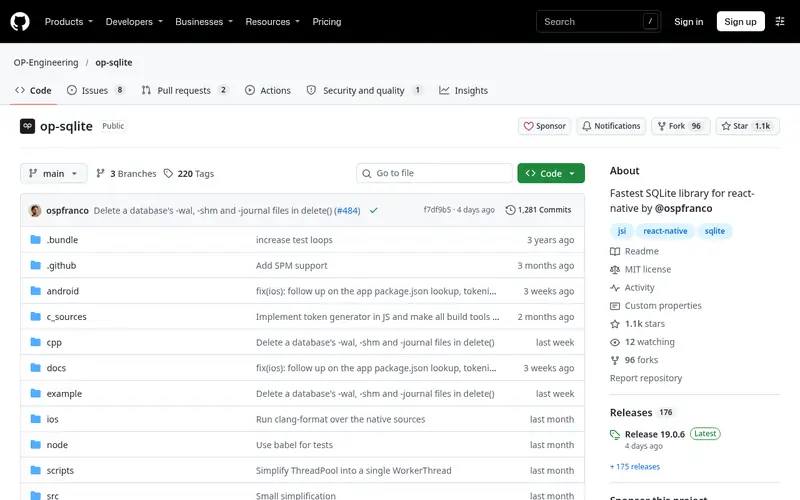
op-sqlite is a SQLite binding for React Native built on the JSI. It exposes both synchronous and asynchronous calls, prepared statements, transactions and support for SQLite extensions. It runs on iOS and Android.
It is a native module, so it needs a custom dev client or prebuild and does not run in Expo Go. The project is MIT licensed and free. It suits apps with heavy query workloads or large local datasets that want direct control over SQLite. Skip it if you want a managed Expo-only setup or a higher-level ORM.
Standout: Synchronous and async APIs
Free (open source), as listed by the vendor (op-sqlite website). Confirm the current plan price before you buy.
Free plan. Plans change, so confirm on the vendor's pricing page before you buy.
Benefits
- Synchronous and async APIs
- supports extensions and prepared statements
Drawbacks
- Native setup required
- not usable in Expo Go
Skip it if this limit matters to you: native setup required.
Verdict. A sensible pick for fast SQLite binding for bare React Native apps.
Alternatives in this guide: react-native-mmkv, AsyncStorage, expo-sqlite
WatermelonDB
Best for offline-first apps with large datasets and sync
What it is and where it fits
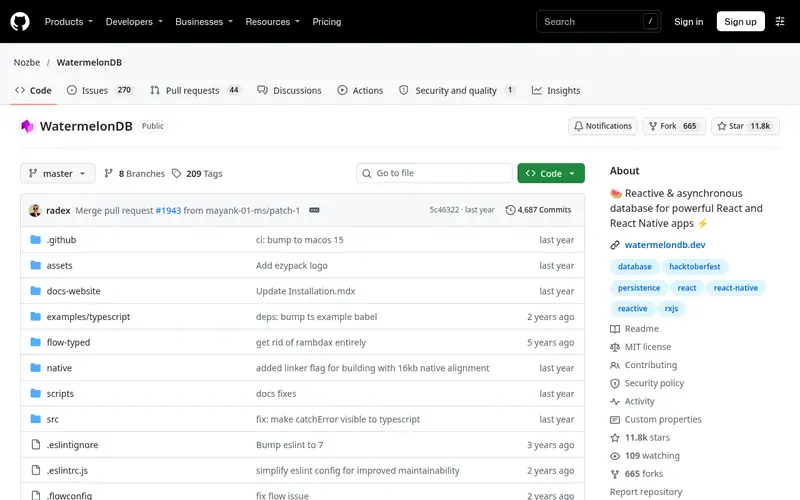
WatermelonDB is a database layer for React Native built for speed on large datasets. It loads records lazily and runs queries on a separate thread. It sits on top of SQLite and provides observables so components update when data changes. It runs on iOS, Android and web.
It includes sync primitives that you connect to your own backend. That means more schema and setup work than a plain key-value store. The project is MIT licensed and free. It suits apps with thousands of records that must work offline and sync later. Skip it for small settings stores or simple caches.
Standout: Lazy loading for large tables
Free (open source), as listed by the vendor (WatermelonDB website). Confirm the current plan price before you buy.
Free plan. Plans change, so confirm on the vendor's pricing page before you buy.
Benefits
- Lazy loading for large tables
- built-in sync primitives
Drawbacks
- More setup and schema work
- opinionated data model
Skip it if this limit matters to you: more setup and schema work.
Verdict. A sensible pick for offline-first apps with large datasets and sync.
Alternatives in this guide: react-native-mmkv, AsyncStorage, expo-sqlite
react-native-keychain
Best for storing tokens and passwords in the device keystore
What it is and where it fits
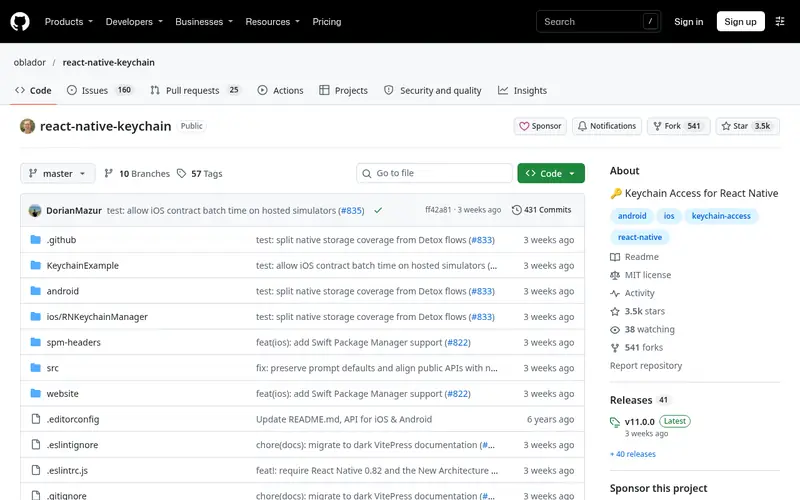
react-native-keychain stores secrets in the platform secure storage: the iOS Keychain and the Android Keystore-backed system. It handles usernames, passwords and generic secrets, and it can require biometric authentication before access. It runs on iOS and Android.
It is a native module and does not run in Expo Go; use expo-secure-store in managed Expo apps instead. The project is MIT licensed and free. It suits login tokens, API keys and refresh tokens that must not sit in plain key-value storage. It is not a place for app settings or cached content.
Standout: Uses iOS Keychain and Android Keystore
Free (open source), as listed by the vendor (react-native-keychain website). Confirm the current plan price before you buy.
Free plan. Plans change, so confirm on the vendor's pricing page before you buy.
Benefits
- Uses iOS Keychain and Android Keystore
- supports biometrics
Drawbacks
- Native module, so no Expo Go
- not a general data store
Skip it if this limit matters to you: native module, so no Expo Go.
Verdict. A sensible pick for storing tokens and passwords in the device keystore.
Alternatives in this guide: react-native-mmkv, AsyncStorage, expo-sqlite
expo-secure-store
Best for secret storage in Expo apps without extra native setup
What it is and where it fits
expo-secure-store stores small key-value pairs in encrypted form using the iOS Keychain and Android Keystore. It ships with the Expo SDK, so managed Expo apps can use it without adding a separate native module. It runs on iOS and Android.
Values have a size limit, so it is not a database. It suits tokens, session keys and short secrets. It is free. If you are on bare React Native and want more control over access rules and biometric prompts, react-native-keychain is the closer fit. Do not use either one for cached content or settings.
Standout: Part of the Expo SDK
Free, as listed by the vendor (expo-secure-store website). Confirm the current plan price before you buy.
Free plan. Plans change, so confirm on the vendor's pricing page before you buy.
Benefits
- Part of the Expo SDK
- encrypts values with platform secure storage
Drawbacks
- Small value size limit
- not for large data
Skip it if this limit matters to you: small value size limit.
Verdict. A sensible pick for secret storage in Expo apps without extra native setup.
Alternatives in this guide: react-native-mmkv, AsyncStorage, expo-sqlite
Who should use what
If you need fast settings or cache reads on iOS and Android, use react-native-mmkv. If you are prototyping in Expo Go and need simple key-value storage, start with AsyncStorage. If your app needs queries and joins, use expo-sqlite in an Expo project or op-sqlite in a bare app. If you have thousands of records that must sync offline, look at WatermelonDB. For tokens and passwords, use react-native-keychain on bare React Native or expo-secure-store in managed Expo apps.
Questions to settle before you buy
What to check before you buy
- Confirm the library runs on every platform you ship, including web if you target it.
- Check whether it works in Expo Go or needs a custom dev client or prebuild.
- Decide whether data must be encrypted at rest, and pick a store that does it.
- Review the licence and any native dependency it pulls in.
- Check migration and upgrade paths, especially for SQL schemas and Expo SDK versions.
FAQ
Is AsyncStorage encrypted?
No. AsyncStorage stores data unencrypted by default. Do not put tokens, passwords or personal data in it without adding encryption. For secrets, use react-native-keychain or expo-secure-store, which use the iOS Keychain and Android Keystore.
Can I use react-native-mmkv in Expo Go?
No. react-native-mmkv is a native module, so it needs a custom dev client or a prebuild. It does not run in Expo Go. The same applies to op-sqlite and react-native-keychain.
What is the difference between expo-sqlite and op-sqlite?
Both give you SQLite. expo-sqlite ships with the Expo SDK and fits managed Expo projects. op-sqlite is a JSI-based binding for bare React Native apps that want synchronous calls, prepared statements and extension support. Both are free.
When should I use WatermelonDB instead of a key-value store?
Use WatermelonDB when you have large tables that must load lazily and sync with a backend. Key-value stores like MMKV and AsyncStorage fit small settings and caches. WatermelonDB adds schema and sync setup, so it is overkill for simple flags.
Are these libraries free?
Yes. All seven listed here are free or free and open source. react-native-mmkv, AsyncStorage, op-sqlite, WatermelonDB and react-native-keychain are open source. expo-sqlite and expo-secure-store ship with the free Expo SDK.
Sources we checked
Method: how we score · editorial policy.
Change log. First published 27 Nov 2026.