Stage 03 · Host · Researched comparison
Best Python Task Schedulers in 2026
APScheduler is the first pick for most teams that need in-process scheduling with cron, interval and date triggers in one library. It suits single-process apps and scripts that want no extra broker. Choose Celery beat when you already run Celery workers and need distributed periodic tasks. Choose schedule when you want a small, readable library for simple recurring jobs inside one long-running process.

By Shihab Mia
Published 27 Nov 2026 · 6 tools compared
We run no ads and no affiliate links at launch. The order of a list follows our published method. See how we score.
Prices are the starting prices vendors list publicly. Plans change, so confirm the current price on the vendor page before you buy.
Key takeaways
- APScheduler, schedule and python-crontab are free and open source, and run inside your own Python process.
- Celery beat, rq-scheduler and Huey periodic tasks need a queue backend such as Redis, so they add infrastructure.
- None of these tools is a workflow orchestrator; they schedule jobs, not multi-step DAGs with dependencies.
- Check each project's maintenance activity and Python version support before you commit, since release cadence varies.
Who each pick is for
- In-process cron, interval and date jobs in one appAPScheduler
- Periodic tasks across distributed Celery workersCelery beat
- Lightweight task queue with built-in periodic tasksHuey
- Simple recurring jobs in a single long-running scriptschedule
- Scheduling jobs on an existing RQ queuerq-scheduler
- Reading and writing system crontab entries from Pythonpython-crontab
Comparison
| Tool | Best for | Standout feature | Listed starting price | Free plan or trial |
|---|---|---|---|---|
| 1APScheduler | In-process cron, interval and date jobs in one app | Multiple trigger types in one library | Free (open source) | Free plan |
| 2Celery beat | Periodic tasks across distributed Celery workers | Runs periodic tasks across many workers | Free (open source) | Free plan |
| 3Huey | Lightweight task queue with built-in periodic tasks | Small dependency footprint | Free (open source) | Free plan |
| 4schedule | Simple recurring jobs in a single long-running script | Readable API with no dependencies | Free (open source) | Free plan |
| 5rq-scheduler | Scheduling jobs on an existing RQ queue | Fits teams already using RQ and Redis | Free (open source) | Free plan |
| 6python-crontab | Reading and writing system crontab entries from Python | Manages real crontab files programmatically | Free (open source) | Free plan |
How we picked
We picked tools that genuinely schedule Python jobs, either in-process or through a queue, and left out workflow orchestrators such as Airflow. Criteria were fit for the job, supported platforms, price and licence, whether jobs persist across restarts, and the main operational limits. Sources are vendor pages, official documentation and project repositories. Prices and release activity change, so confirm current details on the vendor or repository page before you commit.
The tools, one by one
APScheduler
Best for in-process cron, interval and date jobs in one app
What it is and where it fits
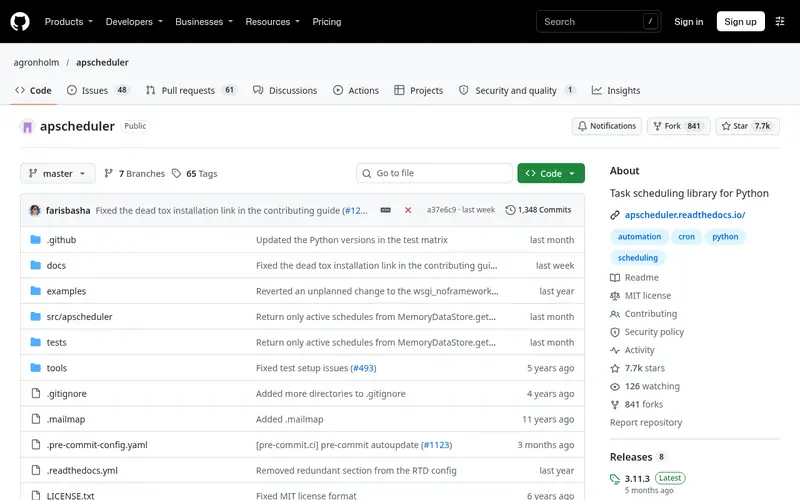
APScheduler runs inside your Python process and supports cron, interval, date and calendar-based triggers. You can attach job stores such as SQLAlchemy or MongoDB so jobs survive restarts, and executors let you run jobs in a thread pool or process pool. It works on any platform that runs Python, including Linux, macOS and Windows.
The library is MIT licensed and free. It fits web apps, background services and scripts that need scheduling without a separate broker. The main limit is scale: it does not coordinate across many machines by itself, and an in-memory job store drops pending jobs when the process stops. Teams that need distributed execution across workers should look at Celery beat instead.
Standout: Multiple trigger types in one library
Free (open source), as listed by the vendor (APScheduler website). Confirm the current plan price before you buy.
Free plan. Plans change, so confirm on the vendor's pricing page before you buy.
Benefits
- Multiple trigger types in one library
- job stores and executors are configurable
Drawbacks
- In-memory job store loses jobs on restart
- no built-in distributed coordination
Skip it if this limit matters to you: in-memory job store loses jobs on restart.
Verdict. A sensible pick for in-process cron, interval and date jobs in one app.
Alternatives in this guide: Celery beat, Huey, schedule
Celery beat
Best for periodic tasks across distributed Celery workers
What it is and where it fits
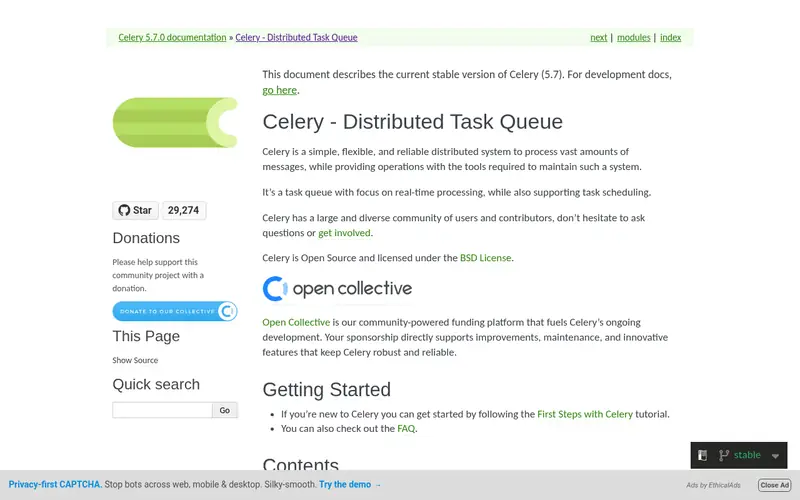
Celery beat is the scheduler component of Celery. It sends periodic tasks to Celery workers on a schedule you define, and those workers can run across many machines. It supports crontab and interval schedules and stores schedule state in the broker or a configured backend. Celery is BSD licensed and free.
This is the right pick if you already run Celery and need recurring jobs at scale. The cost is operational: you need a broker, a beat process and workers, and you must run only one beat instance per schedule to avoid duplicate sends. For a single small app, that setup is more than you need, and APScheduler or schedule will be simpler.
Standout: Runs periodic tasks across many workers
Free (open source), as listed by the vendor (Celery beat website). Confirm the current plan price before you buy.
Free plan. Plans change, so confirm on the vendor's pricing page before you buy.
Benefits
- Runs periodic tasks across many workers
- integrates with existing Celery setups
Drawbacks
- Requires a broker such as Redis or RabbitMQ
- more moving parts to operate
Skip it if this limit matters to you: requires a broker such as Redis or RabbitMQ.
Verdict. A sensible pick for periodic tasks across distributed Celery workers.
Alternatives in this guide: APScheduler, Huey, schedule
Huey
Best for lightweight task queue with built-in periodic tasks
What it is and where it fits
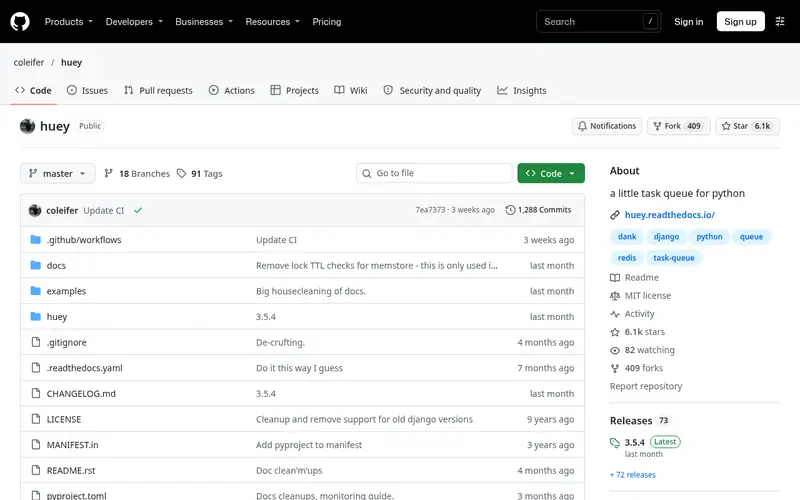
Huey is a small task queue for Python that includes periodic task scheduling. You define tasks with a periodic decorator using crontab or interval syntax, and Huey runs them through its consumer. It supports Redis, SQLite and in-memory storage, so you can start small and move to Redis later. It is MIT licensed and free.
Huey suits projects that want a queue and a scheduler in one lightweight package without Celery's footprint. It runs on standard Python platforms. The tradeoff is ecosystem size: fewer integrations and less community material than Celery. If you need broad framework support or very large distributed deployments, Celery beat is the safer choice.
Standout: Small dependency footprint
Free (open source), as listed by the vendor (Huey website). Confirm the current plan price before you buy.
Free plan. Plans change, so confirm on the vendor's pricing page before you buy.
Benefits
- Small dependency footprint
- periodic tasks built into the queue
Drawbacks
- Smaller ecosystem than Celery
- needs a storage backend such as Redis or SQLite
Skip it if this limit matters to you: smaller ecosystem than Celery.
Verdict. A sensible pick for lightweight task queue with built-in periodic tasks.
Alternatives in this guide: APScheduler, Celery beat, schedule
schedule
Best for simple recurring jobs in a single long-running script
What it is and where it fits
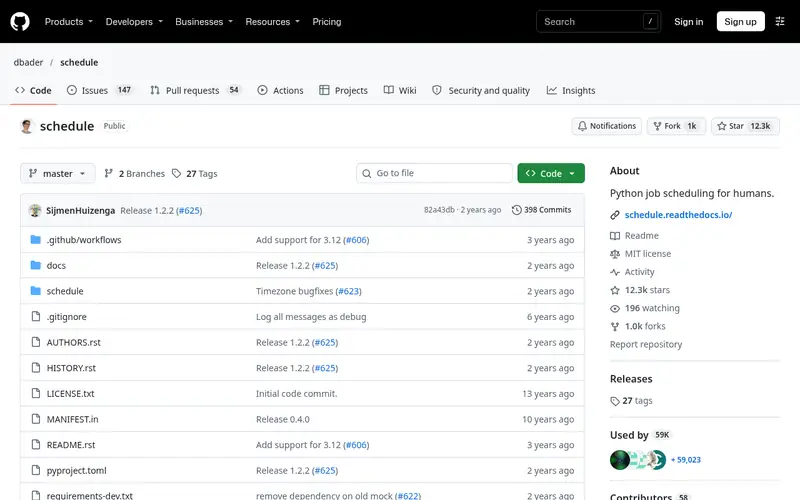
schedule is a small library with a plain, readable API for running jobs every few minutes, hours or days. It has no external dependencies and runs anywhere Python runs. It is MIT licensed and free. A typical pattern is a loop that calls the run_pending method and sleeps.
It fits scripts, small services and cron replacements inside one process. The limits are real: schedule does not persist jobs, does not run them in separate processes by default, and stops when the script stops. It is not built for multiple machines or for jobs that must survive a restart. For those needs, use APScheduler with a persistent job store or a queue-based tool.
Standout: Readable API with no dependencies
Free (open source), as listed by the vendor (schedule website). Confirm the current plan price before you buy.
Free plan. Plans change, so confirm on the vendor's pricing page before you buy.
Benefits
- Readable API with no dependencies
- quick to add to a script
Drawbacks
- In-process only, so jobs stop with the script
- no persistence or distribution
Skip it if this limit matters to you: in-process only, so jobs stop with the script.
Verdict. A sensible pick for simple recurring jobs in a single long-running script.
Alternatives in this guide: APScheduler, Celery beat, Huey
rq-scheduler
Best for scheduling jobs on an existing RQ queue
What it is and where it fits
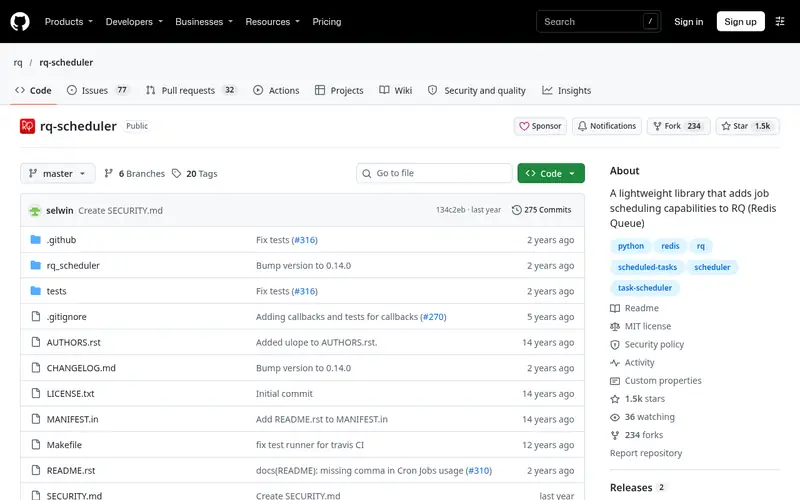
rq-scheduler adds scheduling to RQ, the Redis-backed Python job queue. You can enqueue jobs to run at a future time or on a recurring schedule, and RQ workers execute them. It requires Redis and an RQ worker setup. The project is BSD licensed and free.
Choose it if you already run RQ and want to add scheduled jobs without introducing Celery. The constraint is the dependency chain: Redis, RQ and rq-scheduler all need to be running. The project is smaller than Celery and releases less often, so check recent commit activity and open issues before adopting it for critical schedules.
Standout: Fits teams already using RQ and Redis
Free (open source), as listed by the vendor (rq-scheduler website). Confirm the current plan price before you buy.
Free plan. Plans change, so confirm on the vendor's pricing page before you buy.
Benefits
- Fits teams already using RQ and Redis
- supports recurring and one-off jobs
Drawbacks
- Tied to RQ and Redis
- smaller project with less frequent releases
Skip it if this limit matters to you: tied to RQ and Redis.
Verdict. A sensible pick for scheduling jobs on an existing RQ queue.
Alternatives in this guide: APScheduler, Celery beat, Huey
python-crontab
Best for reading and writing system crontab entries from Python
What it is and where it fits
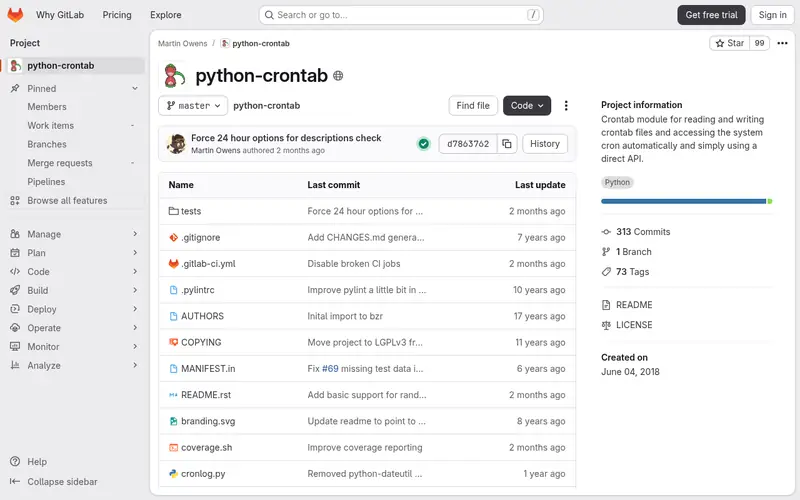
python-crontab lets Python code read, write and manage crontab entries on Unix-like systems. It generates cron syntax for you and can install jobs into the user or system crontab. It is LGPL licensed and free. It runs on Linux and macOS, where cron is available.
This is a different approach from the libraries above: the system cron daemon runs the jobs, not your Python process. That means jobs survive restarts and need no long-running process. The limits are platform and permissions: cron is not native to Windows, and editing system crontabs can require elevated rights. Use it when you want the OS to own the schedule.
Standout: Manages real crontab files programmatically
Free (open source), as listed by the vendor (python-crontab website). Confirm the current plan price before you buy.
Free plan. Plans change, so confirm on the vendor's pricing page before you buy.
Benefits
- Manages real crontab files programmatically
- works with the system cron daemon
Drawbacks
- Relies on system cron, so behavior varies by OS
- not an in-process scheduler
Skip it if this limit matters to you: relies on system cron, so behavior varies by OS.
Verdict. A sensible pick for reading and writing system crontab entries from Python.
Alternatives in this guide: APScheduler, Celery beat, Huey
Who should use what
A single web app that needs cron-style jobs should start with APScheduler and a persistent job store. A team already running Celery workers should use Celery beat rather than adding a second scheduler. A small script that runs recurring tasks in one process is a good fit for schedule. A team on RQ and Redis should add rq-scheduler to stay in that stack. If you want the operating system to own the schedule on Linux or macOS, use python-crontab.
Questions to settle before you buy
What to check before you buy
- Confirm the project supports your Python version and is actively maintained.
- Decide whether jobs must survive a process restart, and pick a persistent store if so.
- Check whether you need one process or many machines; distributed needs point to a queue.
- Review the licence and any broker or database dependencies you must operate.
- Test that only one scheduler instance runs per schedule to avoid duplicate jobs.
FAQ
Do I need a message broker to schedule Python jobs?
No. APScheduler, schedule and python-crontab work without a broker. Celery beat, rq-scheduler and Huey periodic tasks need a backend such as Redis or RabbitMQ, which adds setup and operational work.
Can these tools replace cron?
Some can. python-crontab manages the system crontab directly. APScheduler and schedule can replace cron inside an application process, but jobs stop if the process stops unless you configure persistence.
Which scheduler handles jobs across multiple machines?
Celery beat is built for this, since it sends tasks to workers across many machines. APScheduler and schedule run in one process by default and do not coordinate across hosts on their own.
Are these tools workflow orchestrators?
No. They schedule individual jobs on time or interval triggers. They do not manage multi-step dependencies, retries across stages or data pipelines the way Airflow and similar orchestrators do.
Is it safe to run scheduled jobs with secrets in config?
Keep credentials in environment variables or a secrets manager, not in job definitions committed to source control. This applies to every tool here, especially when schedules are stored in a database or shared repository.
Sources we checked
Method: how we score · editorial policy.
Change log. First published 27 Nov 2026.