Stage 03 · Host · Researched comparison
Best Node.js Cron Libraries in 2026
node-cron is the first pick for most teams that want simple in-process cron scheduling with a familiar syntax. croner suits projects that need timezone-aware scheduling with no dependencies. BullMQ repeatable jobs fit teams that already run Redis and need durable, distributed schedules. All three are open source. Pick based on whether your jobs must survive a process restart.

By Shihab Mia
Published 27 Nov 2026 · 7 tools compared
We run no ads and no affiliate links at launch. The order of a list follows our published method. See how we score.
Prices are the starting prices vendors list publicly. Plans change, so confirm the current price on the vendor page before you buy.
Key takeaways
- node-cron, croner, node-schedule, Bree and Agenda are free and open source; BullMQ is also open source and needs a Redis server.
- In-process schedulers such as node-cron and croner lose pending jobs when the process stops, so they suit single-instance apps.
- Agenda and BullMQ store schedules in a database or Redis, which lets multiple workers share the same job definitions.
- Bree runs each job in a worker thread or child process, which keeps long tasks from blocking the main event loop.
Who each pick is for
- Simple in-process cron jobs in a single Node.js appnode-cron
- Dependency-free cron scheduling with timezone supportcroner
- Projects already using the long-standing CronJob APIcron (kelektiv)
- Flexible scheduling by date, recurrence rule or cron expressionnode-schedule
- Running cron jobs in worker threads or child processesBree
- Persistent job scheduling backed by MongoDBAgenda
- Durable, distributed recurring jobs on a Redis-backed queueBullMQ repeatable jobs
Comparison
| Tool | Best for | Standout feature | Listed starting price | Free plan or trial |
|---|---|---|---|---|
| 1node-cron | Simple in-process cron jobs in a single Node.js app | Familiar cron syntax | Free (open source) | Free plan |
| 2croner | Dependency-free cron scheduling with timezone support | No runtime dependencies | Free (open source) | Free plan |
| 3cron (kelektiv) | Projects already using the long-standing CronJob API | Mature and widely used | Free (open source) | Free plan |
| 4node-schedule | Flexible scheduling by date, recurrence rule or cron expression | Accepts cron strings, Date objects and recurrence rules | Free (open source) | Free plan |
| 5Bree | Running cron jobs in worker threads or child processes | Jobs run off the main thread | Free (open source) | Free plan |
| 6Agenda | Persistent job scheduling backed by MongoDB | Stores jobs in MongoDB so schedules survive restarts | Free (open source) | Free plan |
| 7BullMQ repeatable jobs | Durable, distributed recurring jobs on a Redis-backed queue | Repeatable jobs persist in Redis | Free (open source) | Free plan |
How we picked
We compared libraries on fit for recurring job scheduling in Node.js, supported platforms and Node.js versions, licence and price, whether schedules persist across restarts, and the main operational limits such as required databases or Redis. Sources are vendor pages, official documentation and project repositories. Prices and plan limits change, so confirm details on the vendor site before you commit.
The tools, one by one
node-cron
Best for simple in-process cron jobs in a single Node.js app
What it is and where it fits
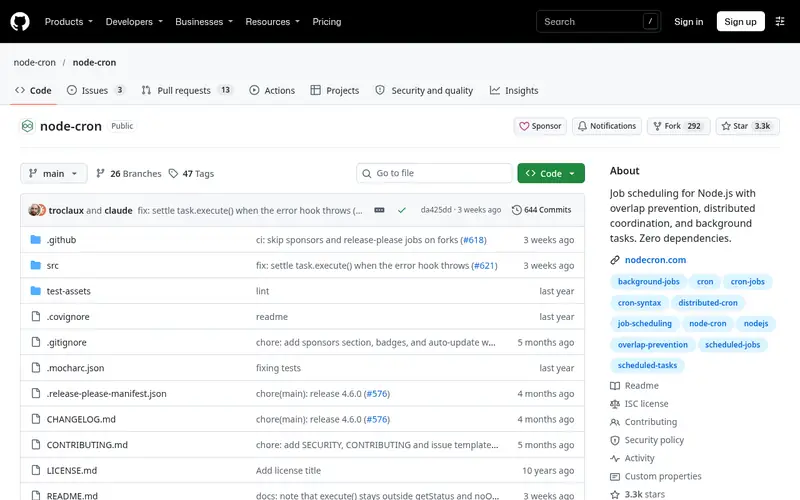
node-cron lets you register a task with a standard five- or six-field cron expression and a callback. It runs inside your Node.js process, so setup takes a few lines and there is no external service to run. The package exposes helpers to validate expressions and to start, stop and destroy tasks.
Because schedules are held in memory, a restart clears them and a crash loses any pending run. Running several app instances means each one fires its own copy of the job unless you add coordination. It also does not persist job history.
Choose node-cron for small services, scripts and single-instance apps where a missed run after a restart is acceptable. Skip it when you need durable schedules or shared state across workers.
Standout: Familiar cron syntax
Free (open source), as listed by the vendor (node-cron website). Confirm the current plan price before you buy.
Free plan. Plans change, so confirm on the vendor's pricing page before you buy.
Benefits
- Familiar cron syntax
- small API with schedule, validate and task control
Drawbacks
- Schedules live in memory only
- no built-in persistence or clustering
Skip it if this limit matters to you: schedules live in memory only.
Verdict. A sensible pick for simple in-process cron jobs in a single Node.js app.
Alternatives in this guide: croner, cron (kelektiv), node-schedule
croner
Best for dependency-free cron scheduling with timezone support
What it is and where it fits
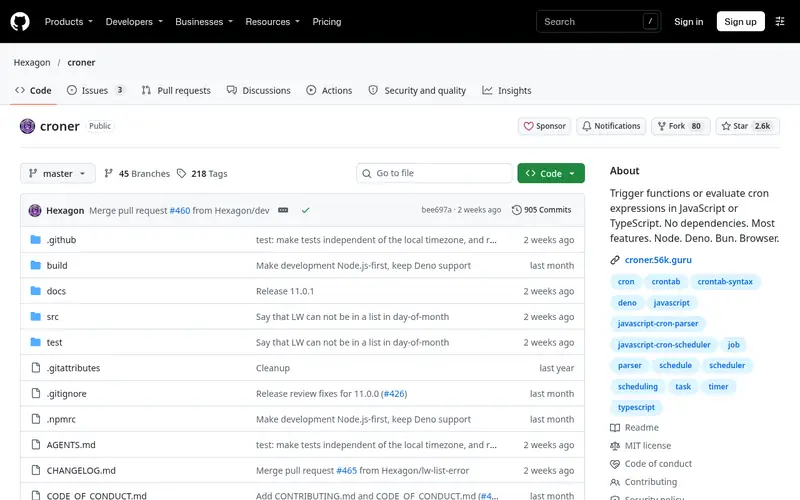
croner is a cron parser and scheduler with no dependencies. It accepts standard cron patterns plus extensions such as last-day and weekday modifiers, and it resolves timezones through the built-in Intl API. That matters when a job must run at a local wall-clock time across daylight saving changes.
It works in Node.js, Deno and browsers, and it can run a job once at a specific date as well as on a recurring pattern. You can pause, resume and stop jobs, and set a maximum number of runs.
Like node-cron, croner keeps schedules in memory. It does not store job state or coordinate across processes. It suits libraries and small services that want a light scheduler without pulling in dependencies. Teams that need durable, multi-worker scheduling should look at Agenda or BullMQ instead.
Standout: No runtime dependencies
Free (open source), as listed by the vendor (croner website). Confirm the current plan price before you buy.
Free plan. Plans change, so confirm on the vendor's pricing page before you buy.
Benefits
- No runtime dependencies
- handles timezones and daylight saving changes
Drawbacks
- In-process only, so no persistence
- smaller ecosystem than older libraries
Skip it if this limit matters to you: in-process only, so no persistence.
Verdict. A sensible pick for dependency-free cron scheduling with timezone support.
Alternatives in this guide: node-cron, cron (kelektiv), node-schedule
cron (kelektiv)
Best for projects already using the long-standing CronJob API
What it is and where it fits
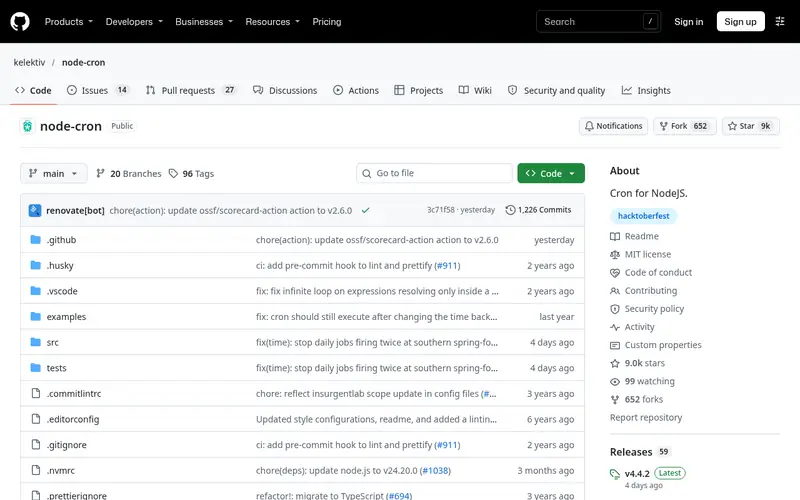
The kelektiv cron package provides a CronJob class. You pass a cron pattern or a Date, a callback, and options such as onComplete and start. It has been in use for years and appears in many existing codebases, so maintenance work often means keeping the current API rather than migrating.
It supports seconds in the pattern when you enable them, and it can run a job at a fixed time. The callback style fits older code but is less convenient than promises for async work, and errors inside the callback need their own handling.
Schedules are held in memory, so the same restart and multi-instance limits as node-cron apply. It is a reasonable choice for existing projects and simple scripts. New projects that want a modern API or timezone handling may prefer croner or node-cron.
Standout: Mature and widely used
Free (open source), as listed by the vendor (cron (kelektiv) website). Confirm the current plan price before you buy.
Free plan. Plans change, so confirm on the vendor's pricing page before you buy.
Benefits
- Mature and widely used
- supports cron expressions and JS Date objects
Drawbacks
- Callback-based API
- in-memory schedules only
Skip it if this limit matters to you: callback-based API.
Verdict. A sensible pick for projects already using the long-standing CronJob API.
Alternatives in this guide: node-cron, croner, node-schedule
node-schedule
Best for flexible scheduling by date, recurrence rule or cron expression
What it is and where it fits
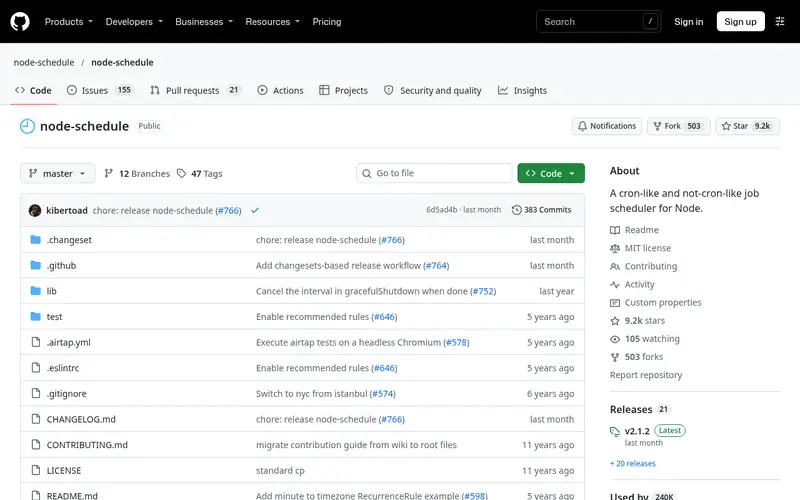
node-schedule schedules jobs using cron expressions, one-off Date objects, or recurrence rules. The recurrence rule option covers patterns that plain cron cannot express, such as the second-to-last day of a month. It also offers a gracefulShutdown method that cancels jobs and waits for running ones.
Jobs are stored in memory and keyed by name, so you can cancel or reschedule by name. The library does not persist schedules or job results, and it does not coordinate across processes.
It fits apps that need more than a fixed cron pattern but still run as a single process. If you need schedules that survive restarts or run across several workers, a database-backed scheduler is a better fit.
Standout: Accepts cron strings, Date objects and recurrence rules
Free (open source), as listed by the vendor (node-schedule website). Confirm the current plan price before you buy.
Free plan. Plans change, so confirm on the vendor's pricing page before you buy.
Benefits
- Accepts cron strings, Date objects and recurrence rules
- supports graceful shutdown
Drawbacks
- In-memory only
- API surface is broader than simple cron needs
Skip it if this limit matters to you: in-memory only.
Verdict. A sensible pick for flexible scheduling by date, recurrence rule or cron expression.
Alternatives in this guide: node-cron, croner, cron (kelektiv)
Bree
Best for running cron jobs in worker threads or child processes
What it is and where it fits
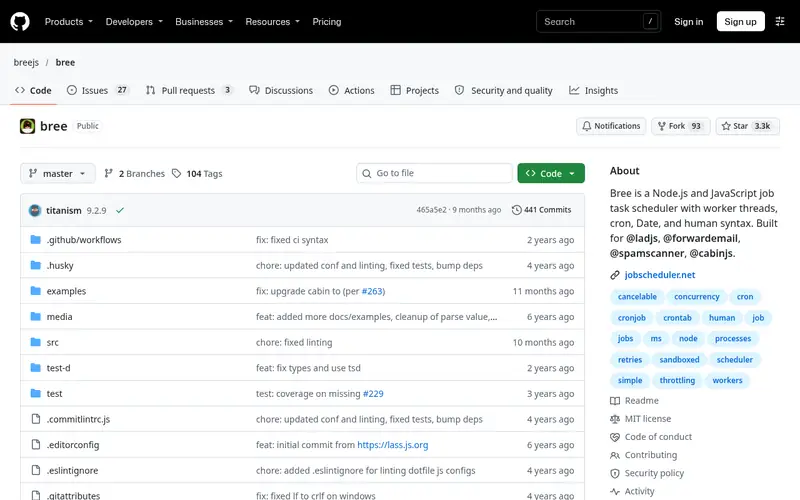
Bree is a job scheduler that runs each job in a worker thread or a child process. That keeps CPU-heavy or long-running tasks from blocking the main event loop, which is a real concern for in-process schedulers. It uses cron expressions for timing and can also run jobs on an interval or at a date.
Jobs are defined as separate files, so the project needs a jobs directory and a clear file layout. Bree handles graceful shutdown and can restart workers. It relies on the worker_threads module, so it needs a Node.js version that supports it.
The schedule itself is still held in memory. Bree is a good fit when job isolation matters more than distributed coordination. Teams that need persistence across restarts should pair it with a queue or use Agenda or BullMQ.
Standout: Jobs run off the main thread
Free (open source), as listed by the vendor (Bree website). Confirm the current plan price before you buy.
Free plan. Plans change, so confirm on the vendor's pricing page before you buy.
Benefits
- Jobs run off the main thread
- supports worker threads and child processes
Drawbacks
- Requires job files on disk
- in-memory schedule state
Skip it if this limit matters to you: requires job files on disk.
Verdict. A sensible pick for running cron jobs in worker threads or child processes.
Alternatives in this guide: node-cron, croner, cron (kelektiv)
Agenda
Best for persistent job scheduling backed by MongoDB
What it is and where it fits
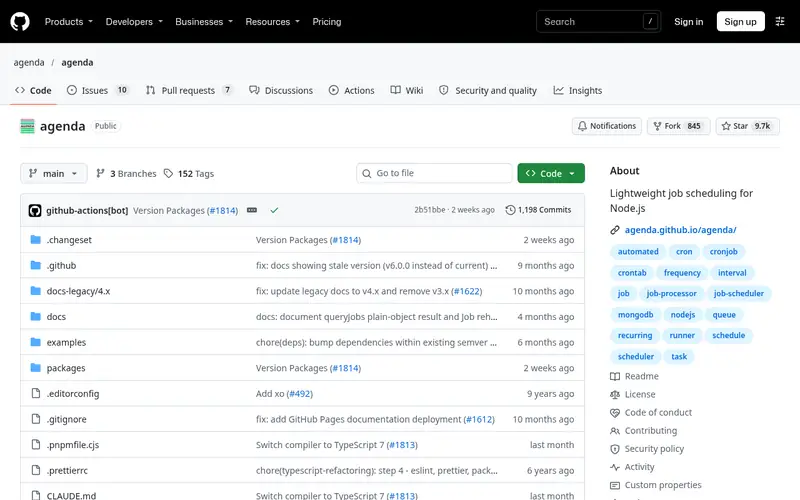
Agenda stores job definitions and state in MongoDB. Jobs persist across restarts, and several processes can share the same collection so only one worker runs a given job. You define jobs by name and schedule them with cron expressions or human-readable intervals.
Because state lives in the database, Agenda supports features that in-memory schedulers cannot, such as locking and retry of failed jobs. The trade-off is an operational dependency on MongoDB and the need to define and load job handlers in every worker process.
Agenda is a fit for teams already running MongoDB that need durable schedules. Check the repository for current release activity before adopting it for new work, and confirm the supported Node.js and MongoDB versions on the project page.
Standout: Stores jobs in MongoDB so schedules survive restarts
Free (open source), as listed by the vendor (Agenda website). Confirm the current plan price before you buy.
Free plan. Plans change, so confirm on the vendor's pricing page before you buy.
Benefits
- Stores jobs in MongoDB so schedules survive restarts
- supports multiple workers
Drawbacks
- Requires a MongoDB instance
- light maintenance activity
Skip it if this limit matters to you: requires a MongoDB instance.
Verdict. A sensible pick for persistent job scheduling backed by MongoDB.
Alternatives in this guide: node-cron, croner, cron (kelektiv)
BullMQ repeatable jobs
Best for durable, distributed recurring jobs on a Redis-backed queue
What it is and where it fits
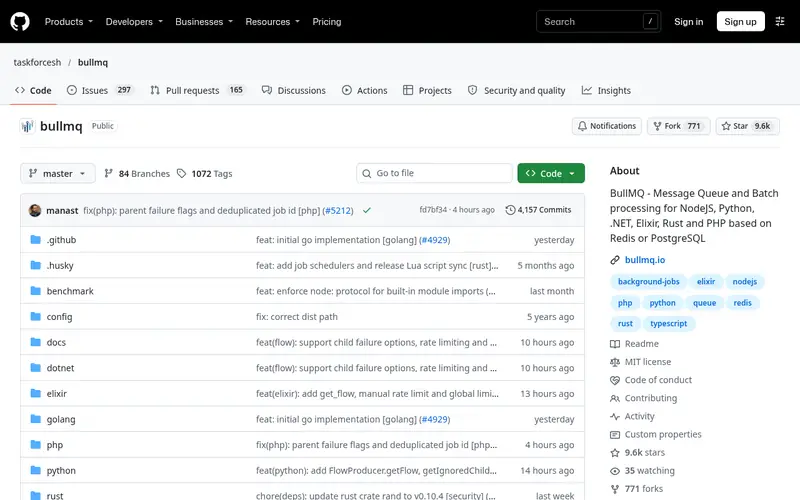
BullMQ is a queue library for Node.js built on Redis. Its repeatable jobs feature schedules a job on a cron pattern or fixed interval, and the schedule is stored in Redis. Workers pull jobs from the queue, so you can run several processes and scale throughput.
Repeatable jobs survive restarts because the schedule lives in Redis, and BullMQ tracks job state, retries and failures. It also provides a dashboard package and tooling for inspecting queues. The cost is operational: you need a Redis server and a queue and worker setup in your code.
BullMQ suits production systems that need reliable recurring work across multiple instances. For a single small service, a lighter in-process library is simpler. Confirm the current Redis version requirements and licence terms on the project page.
Standout: Repeatable jobs persist in Redis
Free (open source), as listed by the vendor (BullMQ repeatable jobs website). Confirm the current plan price before you buy.
Free plan. Plans change, so confirm on the vendor's pricing page before you buy.
Benefits
- Repeatable jobs persist in Redis
- multiple workers share the queue
Drawbacks
- Requires Redis
- more setup than a simple cron library
Skip it if this limit matters to you: requires Redis.
Verdict. A sensible pick for durable, distributed recurring jobs on a Redis-backed queue.
Alternatives in this guide: node-cron, croner, cron (kelektiv)
Who should use what
A solo developer adding a nightly cleanup to a small Express app should start with node-cron or croner. A team that needs timezone-correct schedules with no dependencies should pick croner. A team already running MongoDB that needs schedules to survive restarts should use Agenda. A production system with several workers and Redis in place should use BullMQ repeatable jobs. If long jobs block the event loop, Bree with worker threads is worth considering.
Questions to settle before you buy
What to check before you buy
- Confirm whether schedules must survive a process restart; if so, choose a database- or Redis-backed option.
- Check how many app instances will run and whether jobs need coordination across them.
- Verify timezone and daylight saving behavior for jobs tied to local wall-clock times.
- Review the licence and the maintenance activity of the repository before adopting it.
- Test error handling and retries, since in-memory schedulers do not track failed runs.
FAQ
Do I need Redis or a database for Node.js cron jobs?
Only if schedules must persist or run across several instances. In-process libraries such as node-cron, croner and node-schedule keep schedules in memory. Agenda uses MongoDB and BullMQ uses Redis to store job state so it survives restarts.
What is the difference between node-cron and croner?
Both schedule jobs in process with cron syntax. croner has no dependencies and handles timezones and daylight saving through the Intl API. node-cron has a small API with task control and validation helpers. Either works for single-instance apps.
Can these libraries run jobs in multiple processes?
In-memory schedulers run a copy of the job in each process, which can cause duplicate work. Agenda and BullMQ store schedules in a shared store and coordinate workers so a job runs once. Bree isolates jobs in worker threads but does not coordinate across processes.
Is cron syntax the same across these libraries?
Most accept standard five-field cron expressions, and some support an optional seconds field or extensions. Check each project's documentation for supported fields and modifiers before you copy patterns between libraries.
Are these libraries free to use?
All the libraries listed here are open source and free to use under their published licences. BullMQ and Agenda still require you to run Redis or MongoDB, which has its own hosting or infrastructure cost.
Sources we checked
Method: how we score · editorial policy.
Change log. First published 27 Nov 2026.