Stage 03 · Host · Researched comparison
Best Android Database Libraries in 2026
Room is the first pick for most Android teams. It is the official SQLite abstraction from Google, it has first-party documentation, and it fits apps that already use Kotlin coroutines and Flow. SQLDelight suits teams that want compile-checked SQL and shared Kotlin database code across Android and other platforms. ObjectBox is an option for apps that need a fast object store without writing SQL. DataStore covers key-value and typed settings, not relational tables.

By Shihab Mia
Published 27 Nov 2026 · 5 tools compared
We run no ads and no affiliate links at launch. The order of a list follows our published method. See how we score.
Prices are the starting prices vendors list publicly. Plans change, so confirm the current price on the vendor page before you buy.
Key takeaways
- Room, SQLDelight, ObjectBox, DataStore and the built-in SQLite APIs are all free to use, and all but ObjectBox are open source.
- Room and the built-in SQLite APIs are Android-only; SQLDelight and ObjectBox also target other Kotlin platforms.
- DataStore is not a relational database; use it for preferences and small typed records, not complex queries.
- The Realm Kotlin SDK was deprecated by MongoDB in 2024, so new projects should avoid it.
Who each pick is for
- Most Android apps that need a SQLite layerRoom
- Teams that want compile-checked SQL and multiplatform codeSQLDelight
- Apps that want a fast object store without SQLObjectBox
- Preferences and small typed data, not relational tablesDataStore
- Apps that need raw SQLite with no extra dependencyAndroid SQLite APIs
Comparison
| Tool | Best for | Standout feature | Listed starting price | Free plan or trial |
|---|---|---|---|---|
| 1Room | Most Android apps that need a SQLite layer | Official Android library with first-party docs | Free (open source) | Free plan |
| 2SQLDelight | Teams that want compile-checked SQL and multiplatform code | Generates type-safe Kotlin from SQL files | Free (open source) | Free plan |
| 3ObjectBox | Apps that want a fast object store without SQL | Stores objects directly with no SQL or ORM mapping | See vendor pricing page | Free plan |
| 4DataStore | Preferences and small typed data, not relational tables | Official Jetpack library that replaces SharedPreferences | Free (open source) | Free plan |
| 5Android SQLite APIs | Apps that need raw SQLite with no extra dependency | Built into the platform with no added library | Free (open source) | Free plan |
How we picked
We picked libraries that are currently maintained and that solve local data storage on Android. Criteria were fit for the job, platform coverage, licence and price, and the main limits each one documents. Sources are vendor pages, official Android documentation and project repositories. We did not run benchmarks or surveys. Prices and terms change, so confirm them on the vendor site before you commit.
The tools, one by one
Room
Best for most Android apps that need a SQLite layer
What it is and where it fits
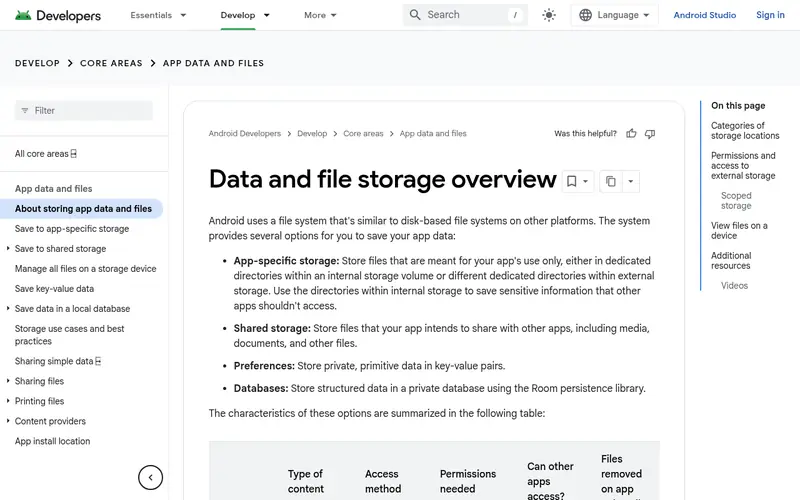
Room is the SQLite abstraction maintained by Google as part of Android Jetpack. You define entities and data access objects in Kotlin or Java, and Room generates the SQL at build time. It checks queries against the schema during compilation, so many errors surface before the app runs. It supports coroutines, Flow, LiveData and Paging, and it handles schema migrations with explicit version steps.
Room runs on Android only. It is open source under Apache 2.0 and ships through Google Maven. There is no paid tier. The main costs are build time from annotation processing and the need to write migration code when the schema changes. Teams that want raw SQL control or shared Kotlin code across server and mobile may prefer SQLDelight. Teams that want no SQL at all may prefer ObjectBox.
Standout: Official Android library with first-party docs
Free (open source), as listed by the vendor (Room website). Confirm the current plan price before you buy.
Free plan. Plans change, so confirm on the vendor's pricing page before you buy.
Benefits
- Official Android library with first-party docs
- compile-time checks on queries and schema
Drawbacks
- Android-only
- adds annotation processing and build time
Skip it if this limit matters to you: android-only.
Verdict. A sensible pick for most Android apps that need a SQLite layer.
Alternatives in this guide: SQLDelight, ObjectBox, DataStore
SQLDelight
Best for teams that want compile-checked SQL and multiplatform code
What it is and where it fits
SQLDelight is an open-source library from Cash App. You write SQL statements in .sq files, and the Gradle plugin generates Kotlin classes with typed results and parameters. The compiler checks your SQL against the schema, so column and type mistakes fail the build. It supports Android, JVM, iOS and native targets through Kotlin Multiplatform, which makes it a fit for shared data layers.
It is free under Apache 2.0 with no paid tier. Setup requires the Gradle plugin and a driver per platform. The SQL-first approach is a shift for teams used to ORM-style APIs, and the community is smaller than Room's. It suits teams that already write SQL and want the same database code on more than one platform. Apps that are Android-only and prefer generated DAOs may find Room simpler.
Standout: Generates type-safe Kotlin from SQL files
Free (open source), as listed by the vendor (SQLDelight website). Confirm the current plan price before you buy.
Free plan. Plans change, so confirm on the vendor's pricing page before you buy.
Benefits
- Generates type-safe Kotlin from SQL files
- works on Android, JVM and native targets
Drawbacks
- SQL-first workflow has a learning curve
- smaller ecosystem than Room
Skip it if this limit matters to you: SQL-first workflow has a learning curve.
Verdict. A sensible pick for teams that want compile-checked SQL and multiplatform code.
ObjectBox
Best for apps that want a fast object store without SQL
What it is and where it fits
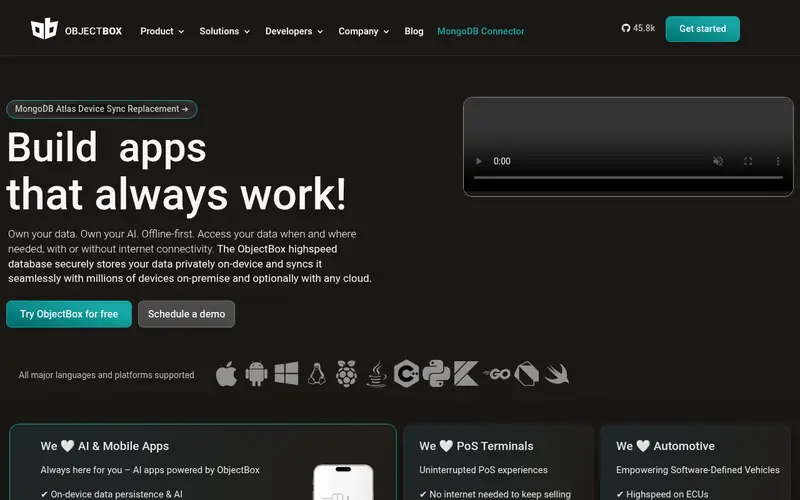
ObjectBox is a NoSQL object database for Android, Java, Kotlin, Flutter, Dart, Swift and other platforms. You store plain objects and query them through a generated API, so there is no table mapping or SQL to write. It uses its own storage engine and claims low latency on device. It supports reactive queries and relations between objects.
The core library is free to use, and the vendor lists commercial and sync products on its pricing page. Confirm current terms and limits there before you commit. The community is smaller than Room's, and the storage format is specific to ObjectBox. It suits apps with heavy local data and simple object models. Teams that need standard SQLite files or broad third-party tooling should look at Room or SQLDelight instead.
Standout: Stores objects directly with no SQL or ORM mapping
See vendor pricing page, as listed by the vendor (ObjectBox website). Confirm the current plan price before you buy.
Free plan. Plans change, so confirm on the vendor's pricing page before you buy.
Benefits
- Stores objects directly with no SQL or ORM mapping
- fast reads and writes on device
Drawbacks
- Smaller community than Room
- some features sit behind commercial terms
Skip it if this limit matters to you: smaller community than Room.
Verdict. A sensible pick for apps that want a fast object store without SQL.
Alternatives in this guide: Room, SQLDelight, DataStore
DataStore
Best for preferences and small typed data, not relational tables
What it is and where it fits
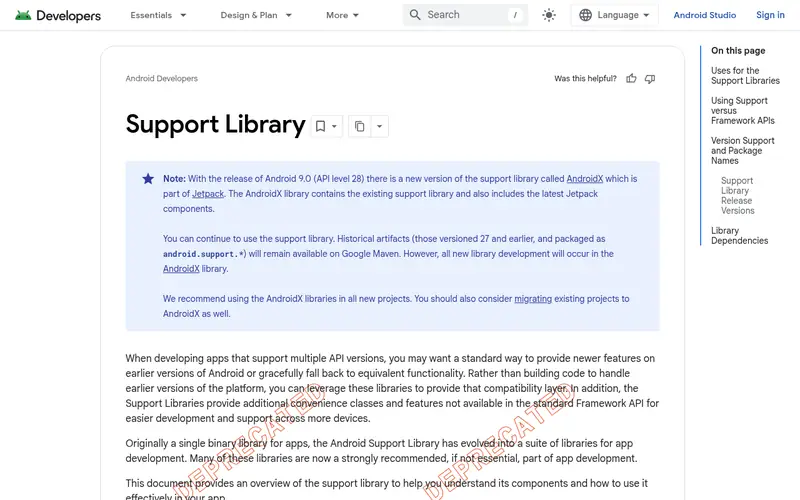
DataStore is the Jetpack library for storing key-value pairs and typed objects. It replaces SharedPreferences and fixes several of its problems, including blocking disk reads on the main thread and unclear error handling. There are two versions: Preferences DataStore for simple keys and values, and Typed DataStore for protocol buffers or custom serializers. Both expose data as a Flow.
It is open source under Apache 2.0 and part of Android Jetpack. It runs on Android only. It is not a relational database, so it has no joins, indexes or SQL queries. Use it for settings, flags and small records. Use Room or SQLDelight for tables with relations and queries. Teams that only need preferences can often drop SharedPreferences for DataStore with little code change.
Standout: Official Jetpack library that replaces SharedPreferences
Free (open source), as listed by the vendor (DataStore website). Confirm the current plan price before you buy.
Free plan. Plans change, so confirm on the vendor's pricing page before you buy.
Benefits
- Official Jetpack library that replaces SharedPreferences
- supports coroutines and Flow
Drawbacks
- Not a relational database
- no joins or complex queries
Skip it if this limit matters to you: not a relational database.
Verdict. A sensible pick for preferences and small typed data, not relational tables.
Alternatives in this guide: Room, SQLDelight, ObjectBox
Android SQLite APIs
Best for apps that need raw SQLite with no extra dependency
What it is and where it fits
Android ships with SQLite and a set of framework classes for it, including SQLiteOpenHelper, SQLiteDatabase and Cursor. These are part of the platform, so there is no dependency to add and no library version to manage. You write SQL by hand and read results from cursors. This gives full control over statements, transactions and schema changes.
The trade-off is boilerplate. You manage schema creation, migrations and cursor handling yourself, and query errors appear at runtime rather than at build time. Room was built on top of these APIs to remove much of that work. The built-in APIs still suit small apps, legacy code and cases where you need behavior the wrappers do not expose. They are free and available on every Android version.
Standout: Built into the platform with no added library
Free (open source), as listed by the vendor (Android SQLite APIs website). Confirm the current plan price before you buy.
Free plan. Plans change, so confirm on the vendor's pricing page before you buy.
Benefits
- Built into the platform with no added library
- full control over SQL and cursors
Drawbacks
- Verbose boilerplate
- no compile-time query checks
Skip it if this limit matters to you: verbose boilerplate.
Verdict. A sensible pick for apps that need raw SQLite with no extra dependency.
Alternatives in this guide: Room, SQLDelight, ObjectBox
Who should use what
A typical Android app with tables, relations and coroutines should start with Room. A team sharing a Kotlin data layer across Android and iOS should look at SQLDelight. An app that stores many objects and wants to skip SQL may fit ObjectBox, after checking its pricing terms. An app that only needs settings and flags should use DataStore and skip a relational database entirely. Legacy code or very small apps can stay on the built-in SQLite APIs.
Questions to settle before you buy
What to check before you buy
- Confirm the library is still maintained and supports your minimum Android version.
- Check whether you need multiplatform support or Android only.
- Review the licence and any commercial terms, especially for ObjectBox.
- Plan schema migrations before the first release, not after.
- Test query behavior and threading rules on a low-end device.
FAQ
Is Room better than SQLDelight?
Neither is better in general. Room is official, Android-only and generates DAOs from annotated classes. SQLDelight is open source, SQL-first and works across Kotlin platforms. Pick Room for a standard Android app and SQLDelight when you want shared Kotlin database code or compile-checked SQL files.
Can I use DataStore instead of a database?
Only for simple data. DataStore handles key-value pairs and typed objects and exposes them as a Flow. It has no tables, joins or SQL queries. Use it for settings and small records. Use Room, SQLDelight or SQLite for anything with relations or complex queries.
Should I use Realm on Android?
The Realm Kotlin SDK was deprecated by MongoDB in 2024. New projects should avoid it. Existing apps should plan a migration to Room, SQLDelight or another maintained option. Check the vendor notices for the current status before you start new work.
Are these libraries free?
Room, SQLDelight, DataStore and the built-in SQLite APIs are free and open source. ObjectBox offers a free core library and lists commercial products on its pricing page. Confirm current terms there, since pricing can change.
Do I need a database library at all?
Not always. If your app only stores a few settings, DataStore is enough. If you need tables and queries, a library like Room saves boilerplate and catches errors at build time. The built-in SQLite APIs work when you want no extra dependency.
Sources we checked
Method: how we score · editorial policy.
Change log. First published 27 Nov 2026.