Stage 01 · Write · Researched comparison
Best YAML to JSON Converters in 2026
For most developers, yq is the first pick: a free, open-source command-line converter that handles YAML to JSON reliably and runs on Windows, macOS and Linux. If you want a no-install option, a browser-based converter like JSON Formatter's YAML to JSON page works for small snippets. If you already live in VS Code, the YAML extension converts and validates without leaving the editor. Skip browser tools for anything sensitive.

By Shihab Mia
Published 22 Nov 2026 · 7 tools compared
We run no ads and no affiliate links at launch. The order of a list follows our published method. See how we score.
Prices are the starting prices vendors list publicly. Plans change, so confirm the current price on the vendor page before you buy.
Key takeaways
- yq is free and open source, runs locally, and is the safest default for scripted or repeated conversions.
- Browser converters are convenient but send your pasted YAML to a third-party page, so never paste secrets, tokens or production config.
- VS Code with the YAML extension converts in-editor and keeps data on your machine.
- Command-line and library options (yq, Python PyYAML, Node.js-yaml) have no per-conversion cost and fit automation.
Who each pick is for
- Scripted and repeated YAML to JSON conversionyq
- Quick one-off conversions in the browserJSON Formatter YAML to JSON
- Converting while editing in VS CodeVS Code YAML extension (Red Hat)
- YAML to JSON conversion inside Python codePyYAML
- YAML to JSON conversion in Node.js projectsjs-yaml
- YAML to JSON conversion in Ruby programsRuby Psych
- Converting between YAML, JSON, TOML and XML from one CLIDasel
Comparison
| Tool | Best for | Standout feature | Listed starting price | Free plan or trial |
|---|---|---|---|---|
| 1yq | Scripted and repeated YAML to JSON conversion | Runs locally with no data sent to a third party | Free (open source) | Free plan |
| 2JSON Formatter YAML to JSON | Quick one-off conversions in the browser | No install and works in any modern browser | Free | Free plan |
| 3VS Code YAML extension (Red Hat) | Converting while editing in VS Code | Keeps data local inside the editor | Free (open source) | Free plan |
| 4PyYAML | YAML to JSON conversion inside Python code | Standard choice in the Python ecosystem | Free (open source) | Free plan |
| 5js-yaml | YAML to JSON conversion in Node.js projects | Mature JavaScript library with broad YAML support | Free (open source) | Free plan |
| 6Ruby Psych | YAML to JSON conversion in Ruby programs | Ships with Ruby, so no extra install in most setups | Free (open source) | Free plan |
| 7Dasel | Converting between YAML, JSON, TOML and XML from one CLI | One binary handles several formats | Free (open source) | Free plan |
How we picked
We picked tools that genuinely convert YAML to JSON and are currently maintained. Criteria were fit for the job, supported platforms, price and licence, whether pasted or file data stays local, and main limits such as file size or missing interfaces. Sources are vendor pages, official documentation and project repositories. We did not run benchmarks or collect user reviews. Prices and free-plan limits can change, so confirm details on the vendor site before you rely on them.
The tools, one by one
yq
Best for scripted and repeated YAML to JSON conversion
What it is and where it fits
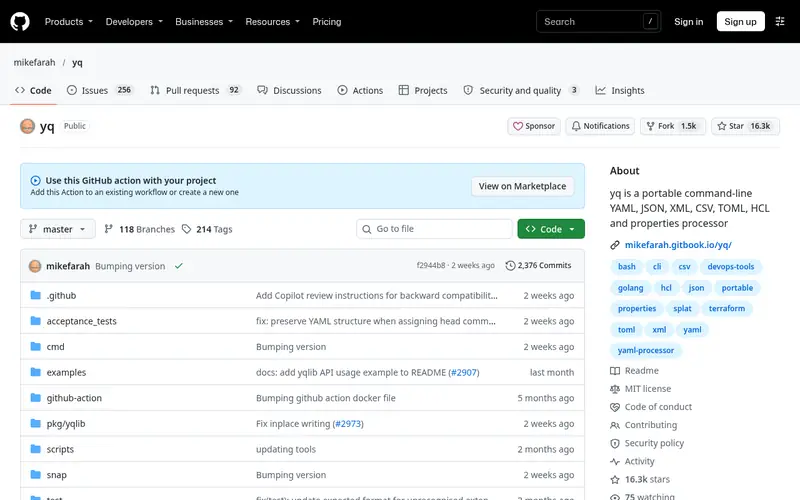
yq is a command-line YAML, JSON and XML processor written in Go. To convert, you run a command such as `yq -o=json '.' input.yaml`, which reads the YAML file and writes JSON to stdout. It runs on Windows, macOS and Linux as a single binary, so installation is simple and there is no runtime dependency.
The project is open source under the MIT licence, with no paid tier. It handles multi-document YAML, anchors and merges, and can convert in both directions. Because it runs entirely on your machine, it is suitable for config files that contain credentials or internal hostnames.
Skip yq if you need a one-off conversion and do not want to install anything, or if you prefer a visual interface for inspecting nested structures.
Standout: Runs locally with no data sent to a third party
Free (open source), as listed by the vendor (yq website). Confirm the current plan price before you buy.
Free plan. Plans change, so confirm on the vendor's pricing page before you buy.
Benefits
- Runs locally with no data sent to a third party
- handles large files and pipelines well
Drawbacks
- Command-line syntax takes time to learn
- no graphical interface
Skip it if this limit matters to you: command-line syntax takes time to learn.
Verdict. A sensible pick for scripted and repeated YAML to JSON conversion.
Alternatives in this guide: JSON Formatter YAML to JSON, VS Code YAML extension (Red Hat), PyYAML
JSON Formatter YAML to JSON
Best for quick one-off conversions in the browser
What it is and where it fits
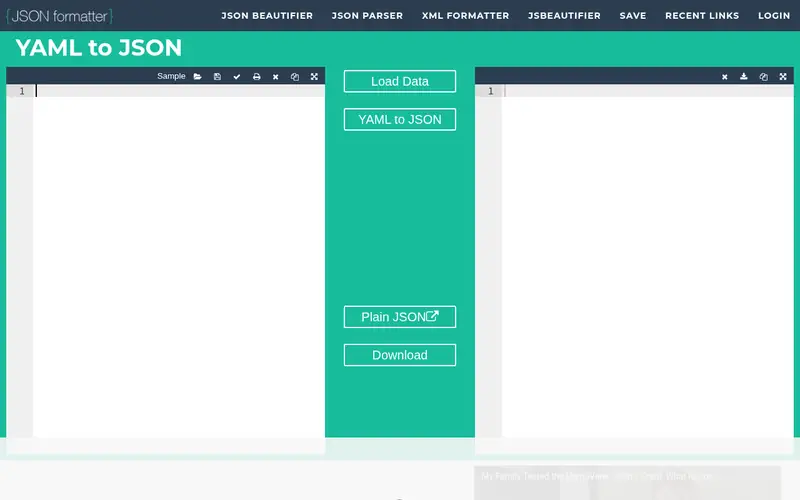
This page converts YAML pasted into a text box into JSON in the browser. It is useful for small snippets, sample configs from documentation, or checking how a structure maps before you write code. The interface is plain: paste YAML on one side, read JSON on the other.
The service is free and requires no account. It is a web page, so treat it as untrusted for anything private. Do not paste API keys, tokens, passwords, customer data or production configuration. For those cases use a local tool such as yq or an editor extension.
It also is not built for very large files or batch conversion. If you need to convert many files or run conversions in CI, use a command-line tool instead.
Standout: No install and works in any modern browser
Free, as listed by the vendor (JSON Formatter YAML to JSON website). Confirm the current plan price before you buy.
Free plan. Plans change, so confirm on the vendor's pricing page before you buy.
Benefits
- No install and works in any modern browser
- shows input and output side by side
Drawbacks
- Pasted YAML is processed by a third-party site
- not suited to large or sensitive files
Skip it if this limit matters to you: pasted YAML is processed by a third-party site.
Verdict. A sensible pick for quick one-off conversions in the browser.
Alternatives in this guide: yq, VS Code YAML extension (Red Hat), PyYAML
VS Code YAML extension (Red Hat)
Best for converting while editing in VS Code
What it is and where it fits
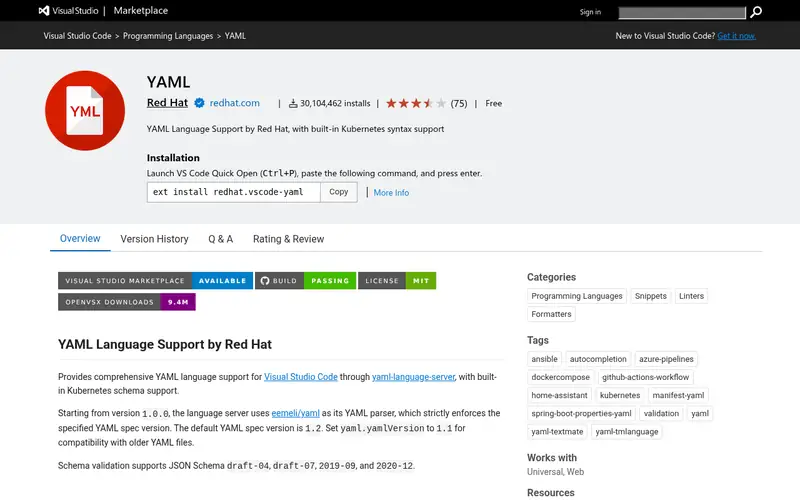
The Red Hat YAML extension adds YAML language support to Visual Studio Code, including validation against schemas, hover documentation and formatting. It is open source and free. It does not provide a one-click "save as JSON" button, but it lets you inspect and edit YAML with validation, then convert using a command or a small script.
Because it runs inside your editor, the YAML stays on your machine. That makes it a reasonable middle ground for developers who want help while editing but do not want to paste config into a website.
It is not a converter on its own. Pair it with yq or a library for the actual output step, or use the editor's integrated terminal to run a conversion command.
Standout: Keeps data local inside the editor
Free (open source), as listed by the vendor (VS Code YAML extension (Red Hat) website). Confirm the current plan price before you buy.
Free plan. Plans change, so confirm on the vendor's pricing page before you buy.
Benefits
- Keeps data local inside the editor
- adds validation and schema support alongside conversion
Drawbacks
- Requires VS Code
- conversion is manual rather than scripted
Skip it if this limit matters to you: requires VS Code.
Verdict. A sensible pick for converting while editing in VS Code.
Alternatives in this guide: yq, JSON Formatter YAML to JSON, PyYAML
PyYAML
Best for yAML to JSON conversion inside Python code
What it is and where it fits
PyYAML is a YAML parser and emitter for Python. To convert, you load the YAML with `yaml.safe_load` and write it out with the `json` module. It is open source under the MIT licence and is widely used in Python projects.
Because the conversion happens in your own process, no data leaves your machine. That makes it suitable for build scripts, data pipelines and internal tooling. Use `safe_load` rather than `load` for untrusted input.
It is a library, not a standalone converter, so you need Python and a few lines of code. If you want a ready-made command, yq is simpler. PyYAML fits teams already working in Python who want conversion as part of a larger script.
Standout: Standard choice in the Python ecosystem
Free (open source), as listed by the vendor (PyYAML website). Confirm the current plan price before you buy.
Free plan. Plans change, so confirm on the vendor's pricing page before you buy.
Benefits
- Standard choice in the Python ecosystem
- converts in memory within your own process
Drawbacks
- Requires writing a short script
- output formatting is up to you
Skip it if this limit matters to you: requires writing a short script.
Verdict. A sensible pick for YAML to JSON conversion inside Python code.
Alternatives in this guide: yq, JSON Formatter YAML to JSON, VS Code YAML extension (Red Hat)
js-yaml
Best for yAML to JSON conversion in Node.js projects
What it is and where it fits
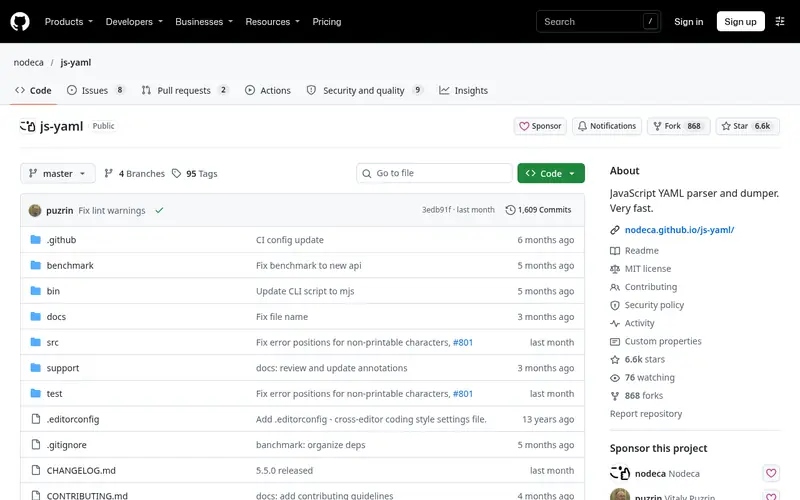
js-yaml is a YAML parser and dumper for JavaScript, usable in Node.js and the browser. In Node, you load a YAML string with `yaml.load` and pass the result to `JSON.stringify`. The project is open source under the MIT licence.
It is a common choice for build tools, config loaders and scripts that already run in Node. Conversion stays in your process, so sensitive config does not go to a third party. It supports common YAML features including anchors and multi-document streams.
It does not ship a command-line converter, so you need a small script. If you want a CLI without writing code, use yq. js-yaml suits JavaScript and TypeScript teams who want conversion inside existing tooling.
Standout: Mature JavaScript library with broad YAML support
Free (open source), as listed by the vendor (js-yaml website). Confirm the current plan price before you buy.
Free plan. Plans change, so confirm on the vendor's pricing page before you buy.
Benefits
- Mature JavaScript library with broad YAML support
- runs locally in your Node process
Drawbacks
- Library only, so you write the conversion code
- no CLI included
Skip it if this limit matters to you: library only, so you write the conversion code.
Verdict. A sensible pick for YAML to JSON conversion in Node.js projects.
Alternatives in this guide: yq, JSON Formatter YAML to JSON, VS Code YAML extension (Red Hat)
Ruby Psych
Best for yAML to JSON conversion in Ruby programs
What it is and where it fits
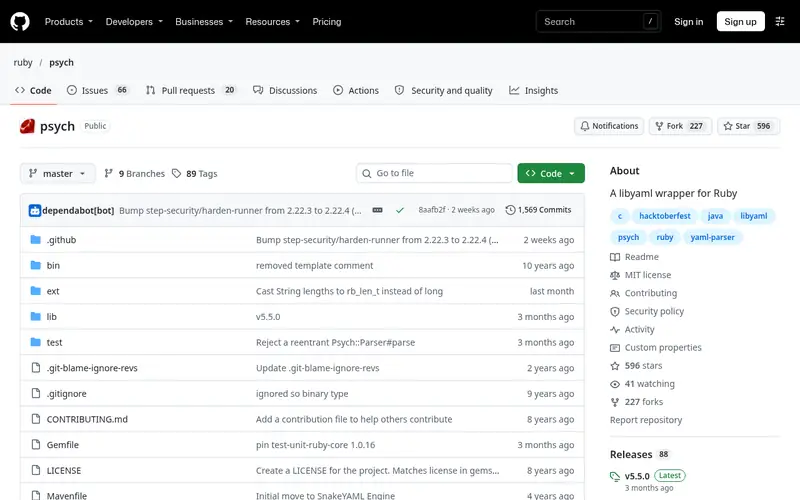
Psych is the YAML parser and emitter that ships with Ruby. You can load YAML with `YAML.safe_load` and emit JSON with the standard `json` library. It is maintained as part of the Ruby project and is free to use.
Because it is bundled with Ruby, it is the lowest-friction option for Ruby developers who already have a script or Rake task. Conversion happens locally, so config stays on your machine.
It is not a standalone converter and offers no graphical interface. Teams outside Ruby should look at yq or a language library they already use. Psych fits Ruby projects that need YAML handling as part of a larger task.
Standout: Ships with Ruby, so no extra install in most setups
Free (open source), as listed by the vendor (Ruby Psych website). Confirm the current plan price before you buy.
Free plan. Plans change, so confirm on the vendor's pricing page before you buy.
Benefits
- Ships with Ruby, so no extra install in most setups
- conversion runs locally
Drawbacks
- Requires Ruby knowledge
- output formatting needs a JSON library call
Skip it if this limit matters to you: requires Ruby knowledge.
Verdict. A sensible pick for YAML to JSON conversion in Ruby programs.
Alternatives in this guide: yq, JSON Formatter YAML to JSON, VS Code YAML extension (Red Hat)
Dasel
Best for converting between YAML, JSON, TOML and XML from one CLI
What it is and where it fits
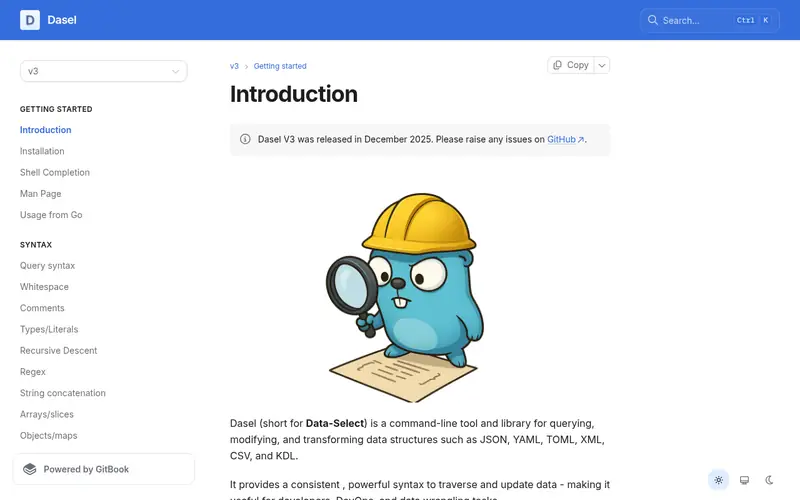
Dasel is a command-line tool for querying and modifying data in JSON, YAML, TOML, XML and CSV. To convert YAML to JSON, you point it at a file and set the output format, for example `dasel -f input.yaml -r yaml -w json`. It is open source and distributed as a single binary for Windows, macOS and Linux.
It runs locally, so pasted or file-based data does not leave your machine. It is a good fit when you regularly move between several config formats and want one tool rather than several.
The community is smaller than yq's, so examples and answers are fewer. If you only convert YAML to JSON, yq is the more common choice. Dasel suits developers who work across multiple formats and want a single CLI.
Standout: One binary handles several formats
Free (open source), as listed by the vendor (Dasel website). Confirm the current plan price before you buy.
Free plan. Plans change, so confirm on the vendor's pricing page before you buy.
Benefits
- One binary handles several formats
- works well in shell pipelines
Drawbacks
- Smaller community than yq
- syntax differs from yq and takes adjustment
Skip it if this limit matters to you: smaller community than yq.
Verdict. A sensible pick for converting between YAML, JSON, TOML and XML from one CLI.
Alternatives in this guide: yq, JSON Formatter YAML to JSON, VS Code YAML extension (Red Hat)
Who should use what
If you convert config files in scripts or CI, use yq or Dasel; both run locally and fit pipelines. If you want a quick look at a small snippet and the data is not sensitive, a browser converter is fine. If you work in Python or Node, PyYAML or js-yaml keeps conversion inside your existing code. If you prefer to stay in the editor, the VS Code YAML extension plus a terminal command covers editing and conversion without pasting data into a website.
Questions to settle before you buy
What to check before you buy
- Confirm the tool runs locally if your YAML contains secrets, tokens or production hostnames.
- Check that it handles your file size and any multi-document YAML you use.
- Verify the licence if you plan to bundle the tool or library in a product.
- Test edge cases such as anchors, merge keys and non-string scalars before relying on output.
- Confirm the project is still maintained by checking recent commits or releases.
FAQ
Can I convert YAML to JSON without installing anything?
Yes. Browser-based converters work with no install, but the YAML is processed by a third-party site. Use them only for small, non-sensitive snippets. For private config, use a local tool such as yq or a library in a language you already have installed.
Is yq free to use?
Yes. yq is open source and free, with no paid tier. You download a single binary for Windows, macOS or Linux and run it from a terminal. There is no account or subscription.
Why should I avoid pasting production config into a web converter?
A web converter sends your input to a server you do not control. That can expose API keys, passwords, internal hostnames or customer data. Prefer tools that run locally in the browser or offline, and never paste secrets into a third-party page.
Which library should I use for YAML to JSON in Python?
PyYAML is the common choice. Load with `yaml.safe_load` and write with the standard `json` module. Use `safe_load` rather than `load` for untrusted input. It is open source and runs entirely in your process.
Do these tools preserve YAML anchors and merge keys?
Command-line tools such as yq resolve anchors and merge keys into the output JSON, since JSON has no equivalent. Libraries like PyYAML and js-yaml also resolve them on load. Check output for your specific file if the structure is complex.
Sources we checked
Method: how we score · editorial policy.
Change log. First published 22 Nov 2026.