Stage 01 · Write · Researched comparison
Best YAML Linters for CI and Editors in 2026
yamllint is the first pick for most developers who want a focused, configurable YAML linter that runs in a terminal, an editor, or a CI job. It suits teams that want style and syntax checks without a larger framework. For YAML embedded in Kubernetes or API specs, Spectral adds rule-based schema checks. For projects already on ESLint, eslint-plugin-yml keeps YAML linting in the same config.

By Shihab Mia
Published 22 Nov 2026 · 6 tools compared
We run no ads and no affiliate links at launch. The order of a list follows our published method. See how we score.
Prices are the starting prices vendors list publicly. Plans change, so confirm the current price on the vendor page before you buy.
Key takeaways
- yamllint is free and open source, runs on Python, and works as a standalone CLI, a pre-commit hook, or an editor plugin.
- Spectral is free and open source, and it validates YAML against OpenAPI, AsyncAPI, and custom rulesets rather than only checking syntax and style.
- eslint-plugin-yml is free and open source and fits teams that already run ESLint, so YAML rules live beside JavaScript and TypeScript rules.
- Most YAML linters are local command-line tools, so secrets in config files stay on your machine; browser-based checkers should be avoided for production data.
Who each pick is for
- Standalone YAML style and syntax checks in CLI and CIyamllint
- Rule-based linting of OpenAPI and AsyncAPI YAMLSpectral
- YAML linting inside an existing ESLint setupeslint-plugin-yml
- Formatting YAML consistently alongside other file typesPrettier
- In-editor YAML validation against schemasRed Hat YAML extension for VS Code
- Validating Kubernetes YAML against API schemaskubeconform
Comparison
| Tool | Best for | Standout feature | Listed starting price | Free plan or trial |
|---|---|---|---|---|
| 1yamllint | Standalone YAML style and syntax checks in CLI and CI | Focused YAML rules with a readable config file | Free (open source) | Free plan |
| 2Spectral | Rule-based linting of OpenAPI and AsyncAPI YAML | Rulesets cover API specs and custom YAML rules | Free (open source) | Free plan |
| 3eslint-plugin-yml | YAML linting inside an existing ESLint setup | Reuses ESLint config, plugins, and editor integration | Free (open source) | Free plan |
| 4Prettier | Formatting YAML consistently alongside other file types | One formatter for YAML, JSON, Markdown, and code | Free (open source) | Free plan |
| 5Red Hat YAML extension for VS Code | In-editor YAML validation against schemas | Schema validation and autocomplete in the editor | Free (open source) | Free plan |
| 6kubeconform | Validating Kubernetes YAML against API schemas | Fast schema validation for Kubernetes manifests | Free (open source) | Free plan |
How we picked
We picked tools that genuinely lint or validate YAML for the job named, then compared them on fit (style checks, schema validation, or policy), platforms and runtimes, licence and price, and how they handle local versus hosted data. We also noted real limits, such as editor-only scope or Kubernetes-only validation. Sources are vendor pages, official documentation, and project repositories. Prices and plan limits change, so confirm them on the vendor site before you commit.
The tools, one by one
yamllint
Best for standalone YAML style and syntax checks in CLI and CI
What it is and where it fits
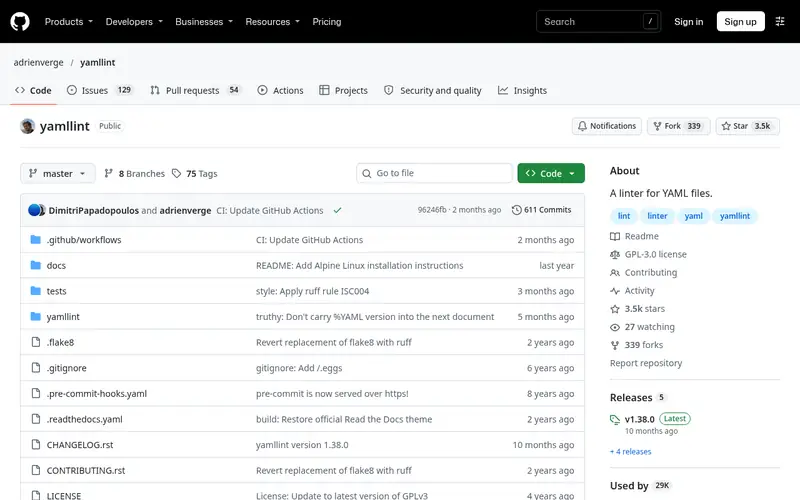
yamllint checks YAML syntax and style: indentation, line length, trailing spaces, duplicate keys, and document markers. Rules are configured in a `.yamllint` file, so a team can enforce one style across repositories. It runs as a command-line tool, integrates with pre-commit, and has plugins for common editors. Output formats include a parsable mode for CI logs.
The project is open source under GPL-3.0 and distributed through PyPI and common package managers. It does not validate YAML against a schema, so it will not catch a misspelled Kubernetes field or a wrong value type. Teams that need schema checks pair it with a validator. Skip it if you want one tool that does both style and schema validation.
Standout: Focused YAML rules with a readable config file
Free (open source), as listed by the vendor (yamllint website). Confirm the current plan price before you buy.
Free plan. Plans change, so confirm on the vendor's pricing page before you buy.
Benefits
- Focused YAML rules with a readable config file
- runs as a CLI, pre-commit hook, or editor plugin
Drawbacks
- No schema validation for Kubernetes or OpenAPI
- requires Python in the environment
Skip it if this limit matters to you: no schema validation for Kubernetes or OpenAPI.
Verdict. A sensible pick for standalone YAML style and syntax checks in CLI and CI.
Alternatives in this guide: Spectral, eslint-plugin-yml, Prettier
Spectral
Best for rule-based linting of OpenAPI and AsyncAPI YAML
What it is and where it fits
Spectral is a linter for JSON and YAML, built around rulesets. It ships with rulesets for OpenAPI and AsyncAPI, and you can write custom rules with functions. It runs as a Node.js CLI and can be called from CI or editor integrations. For teams that keep API definitions in YAML, it catches naming, structure, and schema problems that a style linter misses.
The project is open source under Apache-2.0 and distributed via npm. It is not a general-purpose YAML style checker, so a repository of CI configs and deployment manifests gets little value from it. Setup requires choosing or writing a ruleset, which is more work than a `.yamllint` file. Skip it if your YAML is mostly build and deployment config rather than API specs.
Standout: Rulesets cover API specs and custom YAML rules
Free (open source), as listed by the vendor (Spectral website). Confirm the current plan price before you buy.
Free plan. Plans change, so confirm on the vendor's pricing page before you buy.
Benefits
- Rulesets cover API specs and custom YAML rules
- runs in CLI and CI
Drawbacks
- Aimed at API description files, not general YAML
- ruleset setup takes effort
Skip it if this limit matters to you: aimed at API description files, not general YAML.
Verdict. A sensible pick for rule-based linting of OpenAPI and AsyncAPI YAML.
Alternatives in this guide: yamllint, eslint-plugin-yml, Prettier
eslint-plugin-yml
Best for yAML linting inside an existing ESLint setup
What it is and where it fits
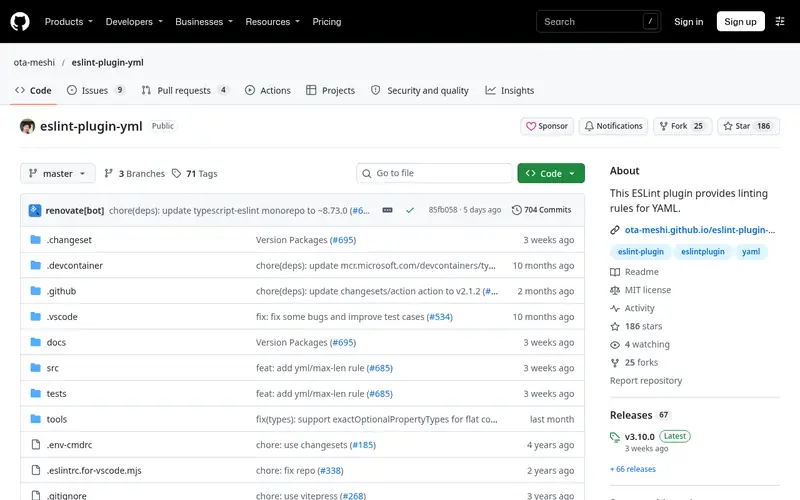
eslint-plugin-yml lets ESLint parse and lint YAML files. It provides rules for indentation, key ordering, quoting, and spacing, and it can lint YAML blocks embedded in Markdown or Vue single-file components. If a project already runs ESLint in CI and editors, this plugin adds YAML coverage without a second tool and a second config format.
The plugin is open source under MIT and installed from npm. It depends on ESLint and its parser infrastructure, so it only makes sense where ESLint is already present. It does not validate against external schemas. Skip it for repositories without a Node.js toolchain, where a standalone linter is simpler.
Standout: Reuses ESLint config, plugins, and editor integration
Free (open source), as listed by the vendor (eslint-plugin-yml website). Confirm the current plan price before you buy.
Free plan. Plans change, so confirm on the vendor's pricing page before you buy.
Benefits
- Reuses ESLint config, plugins, and editor integration
- supports YAML in Markdown and Vue files
Drawbacks
- Requires ESLint and Node.js
- adds YAML rules to a JavaScript-focused toolchain
Skip it if this limit matters to you: requires ESLint and Node.js.
Verdict. A sensible pick for YAML linting inside an existing ESLint setup.
Prettier
Best for formatting YAML consistently alongside other file types

What it is and where it fits
Prettier formats YAML files as part of its multi-language support. It normalizes indentation, quoting, and spacing, and it runs as a CLI, in editors, and in pre-commit hooks. For teams that want consistent YAML layout without writing rule configs, it is a low-effort option, and it pairs well with a linter that checks semantics.
Prettier is open source under MIT and installed from npm. It is a formatter, not a linter: it will not report duplicate keys, schema violations, or suspicious values. Its output is intentionally opinionated, and teams that need specific YAML style rules should use a linter instead of or alongside it. Skip it if you need rule-level reporting in CI.
Standout: One formatter for YAML, JSON, Markdown, and code
Free (open source), as listed by the vendor (Prettier website). Confirm the current plan price before you buy.
Free plan. Plans change, so confirm on the vendor's pricing page before you buy.
Benefits
- One formatter for YAML, JSON, Markdown, and code
- wide editor support
Drawbacks
- Formats rather than lints, so it does not flag semantic problems
- opinionated output with few options
Skip it if this limit matters to you: formats rather than lints, so it does not flag semantic problems.
Verdict. A sensible pick for formatting YAML consistently alongside other file types.
Alternatives in this guide: yamllint, Spectral, eslint-plugin-yml
Red Hat YAML extension for VS Code
Best for in-editor YAML validation against schemas
What it is and where it fits
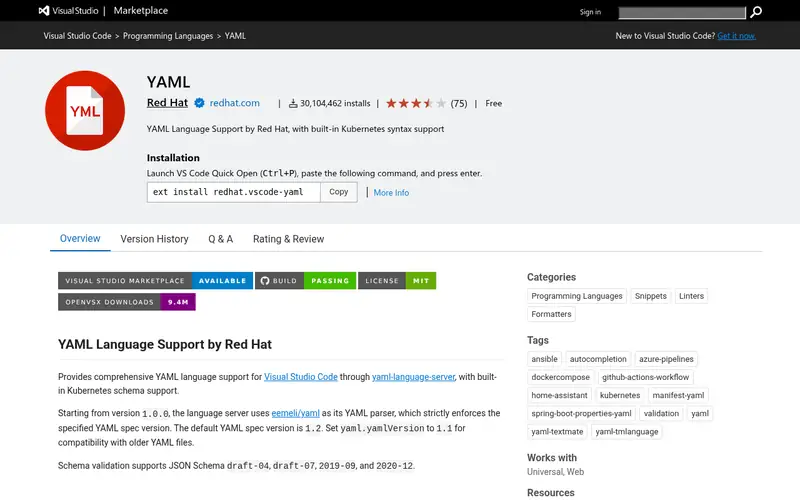
The Red Hat YAML extension brings the YAML Language Server into VS Code. It validates YAML against JSON schemas, offers autocomplete and hover docs, and can associate schemas with file patterns such as Kubernetes manifests or GitHub Actions workflows. Problems show up as you type, before a commit or CI run.
The extension is open source and free to install from the VS Code Marketplace. It is tied to the editor, so it does not replace a CI linter; most teams run it for feedback and a CLI linter for enforcement. Schema association can take configuration, especially for custom file types. Skip it if your team does not use VS Code.
Standout: Schema validation and autocomplete in the editor
Free (open source), as listed by the vendor (Red Hat YAML extension for VS Code website). Confirm the current plan price before you buy.
Free plan. Plans change, so confirm on the vendor's pricing page before you buy.
Benefits
- Schema validation and autocomplete in the editor
- uses the YAML Language Server
Drawbacks
- Editor-bound, so CI needs a separate tool
- schema setup varies by file type
Skip it if this limit matters to you: editor-bound, so CI needs a separate tool.
Verdict. A sensible pick for in-editor YAML validation against schemas.
Alternatives in this guide: yamllint, Spectral, eslint-plugin-yml
kubeconform
Best for validating Kubernetes YAML against API schemas
What it is and where it fits
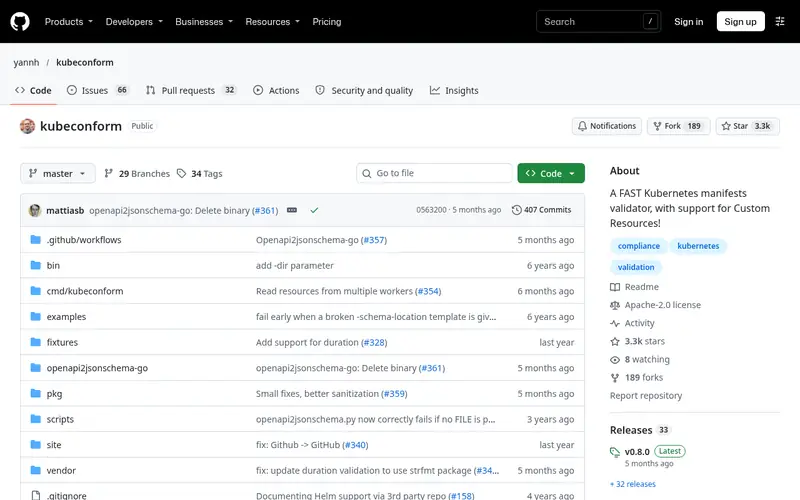
kubeconform validates Kubernetes YAML and JSON manifests against the schemas for their API versions. It catches unknown fields, wrong types, and deprecated API versions, which a style linter cannot see. It runs as a standalone binary, so it fits into CI without a language runtime, and it can pull schemas from local or remote sources.
The project is open source under Apache-2.0 and distributed as release binaries. It is specific to Kubernetes: it does not check general YAML style, and it does not validate non-Kubernetes files. Teams with mixed YAML should pair it with yamllint. Skip it if you do not deploy to Kubernetes.
Standout: Fast schema validation for Kubernetes manifests
Free (open source), as listed by the vendor (kubeconform website). Confirm the current plan price before you buy.
Free plan. Plans change, so confirm on the vendor's pricing page before you buy.
Benefits
- Fast schema validation for Kubernetes manifests
- works in CI as a single binary
Drawbacks
- Only covers Kubernetes resources
- not a general YAML style linter
Skip it if this limit matters to you: only covers Kubernetes resources.
Verdict. A sensible pick for validating Kubernetes YAML against API schemas.
Alternatives in this guide: yamllint, Spectral, eslint-plugin-yml
Who should use what
If you want one configurable linter for YAML style in any repository, start with yamllint. If your YAML is mostly OpenAPI or AsyncAPI specs, use Spectral with its API rulesets. If your project already runs ESLint, add eslint-plugin-yml so YAML rules live in the same config. For Kubernetes manifests, pair a style linter with kubeconform for schema checks. Use the VS Code YAML extension for fast in-editor feedback, and Prettier when consistent formatting matters more than rule reporting.
Questions to settle before you buy
What to check before you buy
- Confirm the tool checks what you need: syntax and style, schema validation, or policy rules.
- Check the runtime: Python, Node.js, a standalone binary, or an editor extension.
- Verify CI integration and output formats, especially parsable output for logs.
- Review the licence and any hosted service terms if the tool sends data off your machine.
- Keep secrets and production configs out of third-party web checkers; prefer local CLI or editor tools.
FAQ
What is the difference between a YAML linter and a YAML formatter?
A linter reports problems such as style violations, duplicate keys, or schema errors. A formatter rewrites the file into a consistent layout. Prettier formats YAML; yamllint and Spectral report issues. Many teams run both, with the formatter handling layout and the linter handling rules.
Can yamllint validate Kubernetes manifests?
No. yamllint checks YAML syntax and style, not Kubernetes schemas. Use kubeconform or a schema-aware editor extension to catch unknown fields and wrong types. A common setup runs yamllint for style and kubeconform for schema validation in the same CI job.
Are these YAML linters free?
Most tools in this guide are free and open source, including yamllint, Spectral, eslint-plugin-yml, Prettier, kubeconform, and the Red Hat YAML extension. Open-source licences still carry obligations, so read them before redistribution.
Is it safe to paste YAML into an online linter?
Treat third-party web pages as untrusted with secrets, tokens, and production configuration. Prefer tools that run locally, such as a CLI linter or an editor extension, where the file stays on your machine. If you must use a web checker, remove credentials and internal hostnames first.
Do I need more than one YAML linter?
Often yes. A style linter and a schema validator cover different problems, and neither replaces the other. Teams with Kubernetes or API specs commonly run two tools in CI. Start with one, then add a second only when you hit a class of error the first cannot catch.
Sources we checked
Method: how we score · editorial policy.
Change log. First published 22 Nov 2026.