Stage 01 · Write · Researched comparison
Best YAML Command-Line Processors in 2026
Mike Farah's yq is the first pick for most developers who need to query and edit YAML from a shell, because it uses a jq-like syntax and ships as a single binary. dasel suits people who want one tool for YAML, JSON, TOML and XML. ytt fits teams that need templating and overlays on top of plain processing. All three are open source.

By Shihab Mia
Published 22 Nov 2026 · 7 tools compared
We run no ads and no affiliate links at launch. The order of a list follows our published method. See how we score.
Prices are the starting prices vendors list publicly. Plans change, so confirm the current price on the vendor page before you buy.
Key takeaways
- Mike Farah's yq is the most widely used standalone YAML CLI and uses jq-style expressions for reads and writes.
- dasel handles YAML alongside JSON, TOML, XML and CSV with one selector syntax and one binary.
- ytt adds templating and overlay logic for teams that generate YAML from parameters.
- All picks here are free and open source, and each runs locally, so files never leave your machine.
Who each pick is for
- jq-style querying and in-place edits of YAML filesyq (Mike Farah)
- One selector syntax across YAML, JSON, TOML, XML and CSVdasel
- Templating and overlays for YAML configuration setsytt (Carvel)
- jq users who want jq itself applied to YAMLyq (Python port)
- Path-based YAML queries with a familiar dotted syntaxyamlpath
- A pure Go jq implementation usable on YAML via conversiongojq
- Reformatting and normalizing YAML files in bulkyamlfmt
Comparison
| Tool | Best for | Standout feature | Listed starting price | Free plan or trial |
|---|---|---|---|---|
| 1yq (Mike Farah) | jq-style querying and in-place edits of YAML files | jq-like expression syntax | Free (open source) | Free plan |
| 2dasel | One selector syntax across YAML, JSON, TOML, XML and CSV | Same query syntax for multiple formats | Free (open source) | Free plan |
| 3ytt (Carvel) | Templating and overlays for YAML configuration sets | Templating and overlay model built for YAML | Free (open source) | Free plan |
| 4yq (Python port) | jq users who want jq itself applied to YAML | Wraps real jq, so jq filters work as written | Free (open source) | Free plan |
| 5yamlpath | Path-based YAML queries with a familiar dotted syntax | Intuitive dotted and search paths | Free (open source) | Free plan |
| 6gojq | A pure Go jq implementation usable on YAML via conversion | Single Go binary with no runtime | Free (open source) | Free plan |
| 7yamlfmt | Reformatting and normalizing YAML files in bulk | Fast bulk formatting | Free (open source) | Free plan |
How we picked
We picked tools that genuinely process YAML from a command line: querying, editing, templating or formatting. Criteria were fit for the job, supported platforms, licence and price, whether processing happens locally, and the main limits of each tool. Sources are vendor pages, project documentation and public repositories. Prices and features change, so confirm details on the vendor site before you commit.
The tools, one by one
yq (Mike Farah)
Best for jq-style querying and in-place edits of YAML files
What it is and where it fits
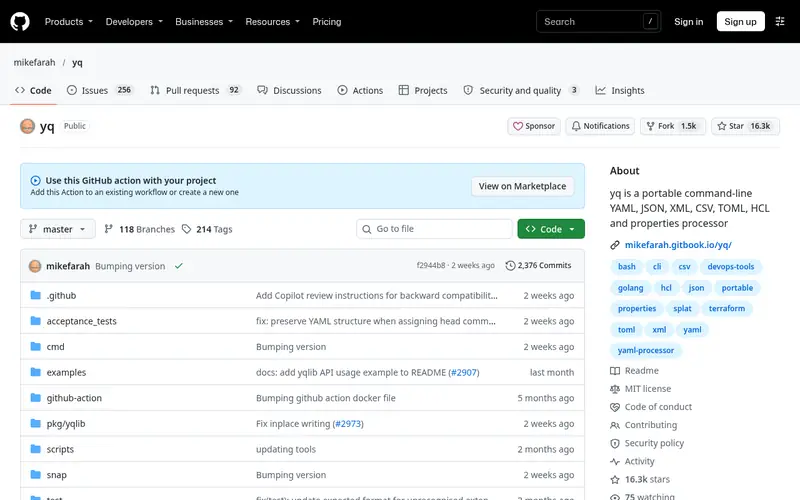
yq by Mike Farah is a command-line processor for YAML, JSON, XML, CSV and properties files. It uses a jq-inspired expression language, so you can select a key, filter a list, merge documents or set a value and write the result back with the -i flag. It runs on Linux, macOS and Windows and is distributed as a single binary, so installation does not require a language runtime.
The project is MIT licensed and developed in the open on GitHub. Releases are frequent and the documentation covers operators, path expressions and merge behavior. It is a good fit for shell scripts and CI steps that need to read a field from a manifest or patch a value without loading a full programming language.
Skip it if you need one tool that also handles TOML or XML with the same selector syntax, or if you want a GUI. Its expression language is close to jq but not identical, so jq snippets may need edits.
Standout: jq-like expression syntax
Free (open source), as listed by the vendor (yq (Mike Farah) website). Confirm the current plan price before you buy.
Free plan. Plans change, so confirm on the vendor's pricing page before you buy.
Benefits
- jq-like expression syntax
- single static binary with no runtime dependency
Drawbacks
- Expression syntax differs from the Python yq fork
- complex merges take practice
Skip it if this limit matters to you: expression syntax differs from the Python yq fork.
Verdict. A sensible pick for jq-style querying and in-place edits of YAML files.
Alternatives in this guide: dasel, ytt (Carvel), yq (Python port)
dasel
Best for one selector syntax across YAML, JSON, TOML, XML and CSV
What it is and where it fits
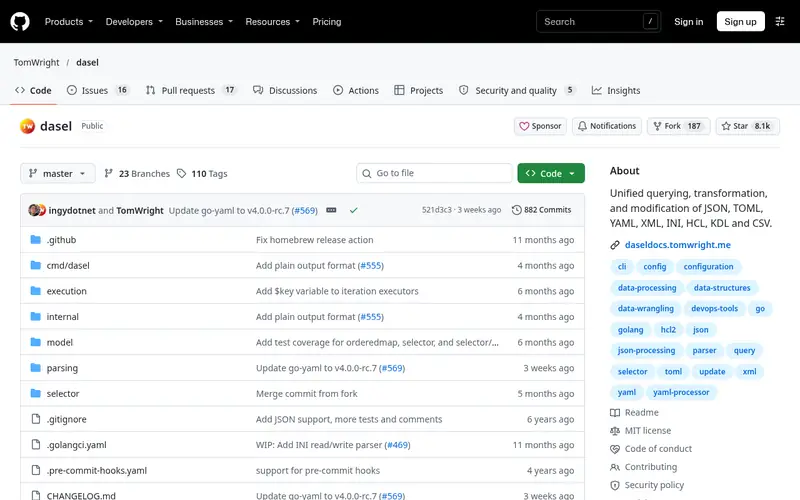
dasel is a command-line tool and Go library for querying and modifying data structures. It supports YAML, JSON, TOML, XML and CSV, and you use the same selector syntax regardless of format. That makes it useful when a pipeline touches several config formats and you do not want to learn a separate expression language for each.
It runs on Linux, macOS and Windows as a single binary. You can read a value, update it in place, or convert a document from one format to another, which helps when migrating config files. The project is MIT licensed and maintained on GitHub.
The tradeoff is familiarity: dasel's selectors are its own design rather than a jq clone, so developers with jq habits face a learning curve. The community and volume of examples are smaller than yq's. Choose it when cross-format support matters more than matching an existing jq workflow.
Standout: Same query syntax for multiple formats
Free (open source), as listed by the vendor (dasel website). Confirm the current plan price before you buy.
Free plan. Plans change, so confirm on the vendor's pricing page before you buy.
Benefits
- Same query syntax for multiple formats
- can convert between formats
Drawbacks
- Smaller community than yq
- selector syntax is its own design
Skip it if this limit matters to you: smaller community than yq.
Verdict. A sensible pick for one selector syntax across YAML, JSON, TOML, XML and CSV.
Alternatives in this guide: yq (Mike Farah), ytt (Carvel), yq (Python port)
ytt (Carvel)
Best for templating and overlays for YAML configuration sets
What it is and where it fits
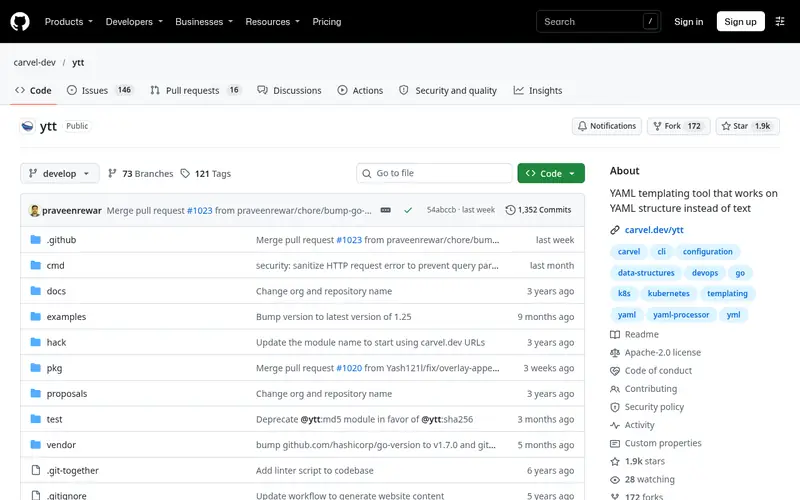
ytt is a YAML templating tool from the Carvel project. It processes plain YAML and adds a templating layer with variables, conditionals and overlays, so you can generate or patch configuration sets from parameters. It is often used to build Kubernetes manifests, but it works on any YAML.
It runs as a single binary on Linux, macOS and Windows and is Apache 2.0 licensed. The overlay model lets you keep base files untouched and apply targeted changes, which is easier to review than string substitution. Documentation and examples live in the project repository.
ytt is not a drop-in replacement for a query tool. If you only need to read one field from a file, yq or dasel is simpler. Pick ytt when the job is generating or layering YAML rather than extracting values.
Standout: Templating and overlay model built for YAML
Free (open source), as listed by the vendor (ytt (Carvel) website). Confirm the current plan price before you buy.
Free plan. Plans change, so confirm on the vendor's pricing page before you buy.
Benefits
- Templating and overlay model built for YAML
- plain YAML stays valid input
Drawbacks
- More concepts to learn than a query tool
- aimed at config generation
Skip it if this limit matters to you: more concepts to learn than a query tool.
Verdict. A sensible pick for templating and overlays for YAML configuration sets.
Alternatives in this guide: yq (Mike Farah), dasel, yq (Python port)
yq (Python port)
Best for jq users who want jq itself applied to YAML
What it is and where it fits
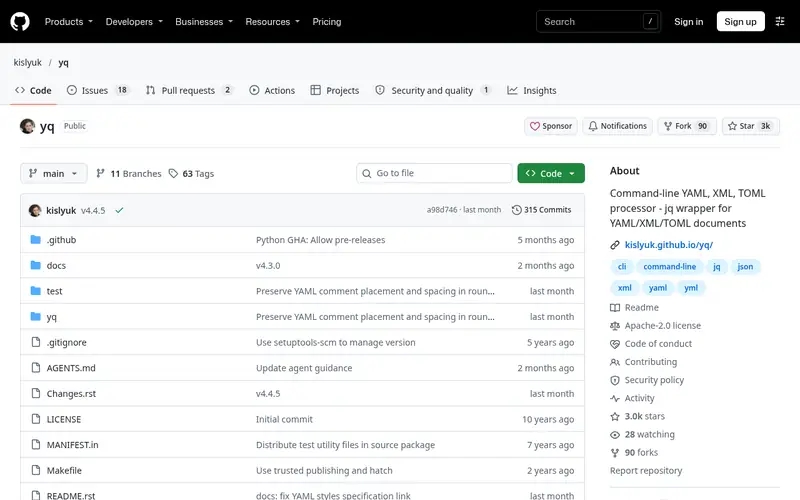
This yq is a Python wrapper that converts YAML to JSON, runs jq on it, and converts the result back. Because it delegates to jq, any jq filter you already know works without translation. That is the main reason to choose it over the Go-based yq with a similar name.
It is installed with pip and requires both Python and jq on the system. The project is MIT licensed and maintained on GitHub. It handles multi-document YAML and can round-trip between formats.
The extra dependencies are the main drawback. In minimal containers you must add Python and jq, while a static binary needs nothing. Also note the name collision: two popular tools are both called yq, and their syntax is not interchangeable. Check which one a script expects before installing.
Standout: Wraps real jq, so jq filters work as written
Free (open source), as listed by the vendor (yq (Python port) website). Confirm the current plan price before you buy.
Free plan. Plans change, so confirm on the vendor's pricing page before you buy.
Benefits
- Wraps real jq, so jq filters work as written
- handles YAML-to-JSON conversion
Drawbacks
- Requires Python and jq installed
- separate project from Mike Farah's yq
Skip it if this limit matters to you: requires Python and jq installed.
Verdict. A sensible pick for jq users who want jq itself applied to YAML.
Alternatives in this guide: yq (Mike Farah), dasel, ytt (Carvel)
yamlpath
Best for path-based YAML queries with a familiar dotted syntax
What it is and where it fits
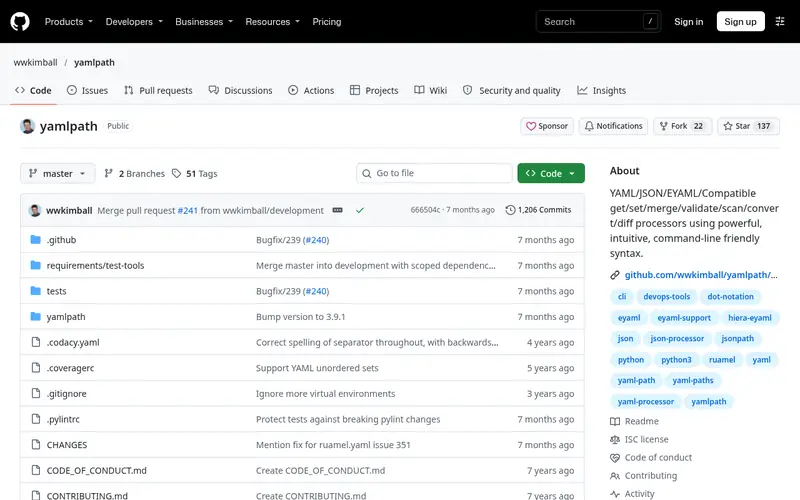
yamlpath provides a set of commands for reading and editing YAML using path expressions such as dotted keys and search segments. It aims to make YAML access readable without learning a full expression language, and it ships several utilities for getting, setting, merging and validating values.
It is a Python package installed with pip and is MIT licensed. Because it is written in Python, it fits environments that already have Python and want to avoid another binary. The path syntax covers arrays, wildcards and search-by-value cases.
The tradeoff is reach: it is less widely used than yq, so fewer examples and answers exist online. It also adds a Python dependency to slim images. It suits developers who prefer readable paths over jq-style filters and who already run Python.
Standout: Intuitive dotted and search paths
Free (open source), as listed by the vendor (yamlpath website). Confirm the current plan price before you buy.
Free plan. Plans change, so confirm on the vendor's pricing page before you buy.
Benefits
- Intuitive dotted and search paths
- includes editing and merging commands
Drawbacks
- Python dependency
- less known than yq
Skip it if this limit matters to you: python dependency.
Verdict. A sensible pick for path-based YAML queries with a familiar dotted syntax.
Alternatives in this guide: yq (Mike Farah), dasel, ytt (Carvel)
gojq
Best for a pure Go jq implementation usable on YAML via conversion
What it is and where it fits
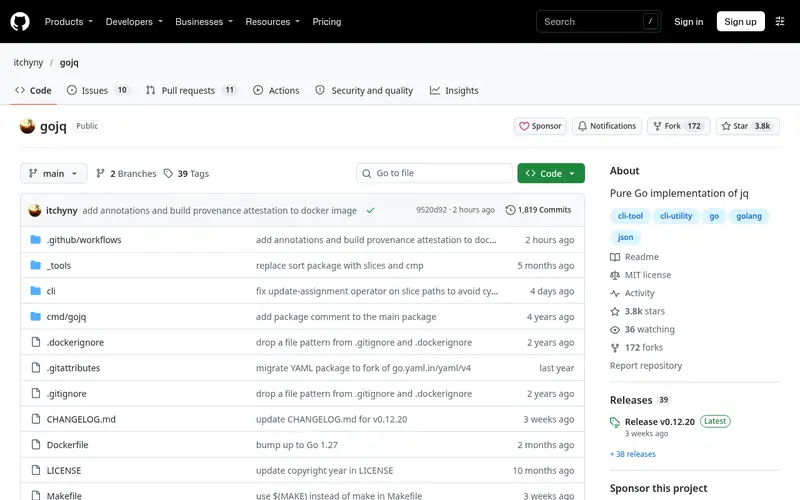
gojq is a pure Go implementation of jq. It reads JSON natively, and you can pair it with a YAML-to-JSON converter to process YAML in a pipeline. It is useful when you want jq semantics in a static binary without installing jq or Python.
It runs on Linux, macOS and Windows and is MIT licensed. The query language follows jq closely, and the project documents where behavior differs. Because it is a single binary, it fits scratch containers and minimal CI images.
The catch is that YAML is not its native format. You need a conversion step, such as a YAML-to-JSON tool, before gojq sees the data. That adds a stage to scripts. Choose it when jq compatibility and a dependency-free binary matter more than direct YAML input.
Standout: Single Go binary with no runtime
Free (open source), as listed by the vendor (gojq website). Confirm the current plan price before you buy.
Free plan. Plans change, so confirm on the vendor's pricing page before you buy.
Benefits
- Single Go binary with no runtime
- jq-compatible query language
Drawbacks
- YAML support is indirect through conversion
- not YAML-first
Skip it if this limit matters to you: YAML support is indirect through conversion.
Verdict. A sensible pick for A pure Go jq implementation usable on YAML via conversion.
Alternatives in this guide: yq (Mike Farah), dasel, ytt (Carvel)
yamlfmt
Best for reformatting and normalizing YAML files in bulk
What it is and where it fits
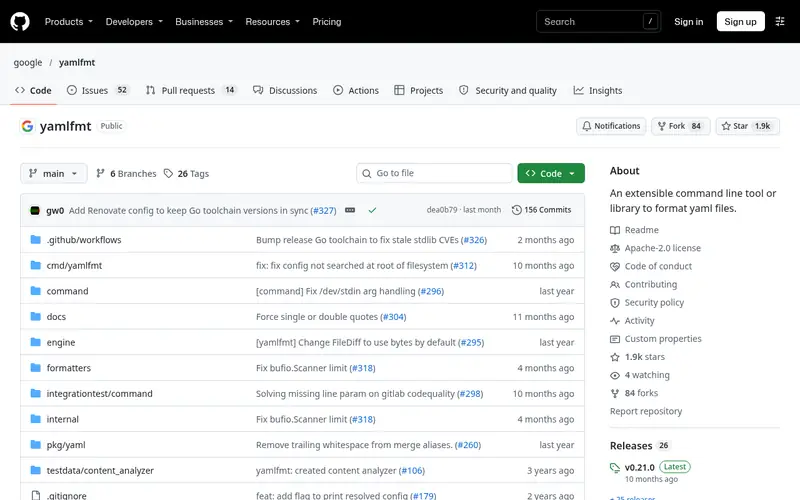
yamlfmt from Google is a command-line tool that reformats YAML files to a consistent style. It handles indentation, line length and document separators, and it can run over a directory tree. It is aimed at keeping config files uniform in a repository.
It is written in Go, distributed as a binary, and Apache 2.0 licensed. A config file controls formatting rules, and it can run in CI to check that files match the expected style. It does not query or transform values.
If your problem is inconsistent indentation or whitespace across many YAML files, this is a direct fix. If you need to read or change values, use yq or dasel instead. It complements a processor rather than replacing one.
Standout: Fast bulk formatting
Free (open source), as listed by the vendor (yamlfmt website). Confirm the current plan price before you buy.
Free plan. Plans change, so confirm on the vendor's pricing page before you buy.
Benefits
- Fast bulk formatting
- configurable through a config file
Drawbacks
- Formats rather than queries
- opinionated defaults
Skip it if this limit matters to you: formats rather than queries.
Verdict. A sensible pick for reformatting and normalizing YAML files in bulk.
Alternatives in this guide: yq (Mike Farah), dasel, ytt (Carvel)
Who should use what
If you write shell scripts that read or patch YAML values, start with Mike Farah's yq. If your pipelines touch YAML, JSON and TOML, dasel gives you one syntax. If you already know jq and want those filters unchanged, the Python yq wrapper is the closest match. If you generate or layer configuration sets, ytt handles templating and overlays. For bulk style cleanup, yamlfmt is the focused choice.
Questions to settle before you buy
What to check before you buy
- Confirm the tool reads and writes the YAML features you use, such as multi-document files, anchors and merge keys.
- Check the install path: a static binary avoids adding Python or jq to minimal images.
- Verify the expression or path syntax matches what your existing scripts expect, since the two yq projects differ.
- Test in-place editing on a copy first, and keep files under version control.
- Confirm the licence fits your project, and check that processing stays local so config data is not sent to a third party.
FAQ
What is a YAML command-line processor?
It is a CLI tool that reads YAML files and lets you query, edit, convert, template or format them from a terminal. Examples include yq, dasel and ytt. These tools run locally and are typically used in shell scripts, build steps and CI pipelines.
Are these tools free?
All the tools listed here are free and open source under licences such as MIT and Apache 2.0. There is no paid tier to evaluate. You can read the source, file issues and build from the repository.
What is the difference between the two yq tools?
Mike Farah's yq is a Go binary with its own jq-like expression language. The Python yq wraps real jq and converts YAML to JSON and back. Their syntax is not interchangeable, so check which one a script or tutorial expects before installing.
Can these tools edit YAML in place?
Mike Farah's yq, dasel and yamlpath support in-place edits. Test on a copy first and keep files under version control, because a wrong expression can rewrite a file unexpectedly. ytt works through overlays rather than direct in-place edits.
Should I paste YAML into an online tool instead?
Avoid pasting secrets, tokens or production config into third-party web pages. The tools here run locally, so file contents stay on your machine. That makes them the safer choice for real configuration data.
Sources we checked
Method: how we score · editorial policy.
Change log. First published 22 Nov 2026.