Stage 01 · Write · Researched comparison
Best XML to JSON Converters in 2026
xml2js is the first pick for Node.js developers who need a maintained library with control over parsing options. It suits teams that already build JavaScript services. For a quick one-off conversion without installing anything, the free browser-based XML to JSON Converter from CodeShack works, but avoid pasting secrets. For command-line pipelines, xq (from the yq project) is a strong alternative because it handles XML, JSON and YAML with one syntax.

By Shihab Mia
Published 22 Nov 2026 · 7 tools compared
We run no ads and no affiliate links at launch. The order of a list follows our published method. See how we score.
Prices are the starting prices vendors list publicly. Plans change, so confirm the current price on the vendor page before you buy.
Key takeaways
- xml2js is free and open source under the MIT license and runs on Node.js.
- Browser converters are convenient but send your XML to a third-party page unless they run locally; never paste tokens or production data.
- xq is part of the yq project and converts between XML, JSON and YAML from the terminal.
- Paid API and desktop tools exist, but most developers can finish this job with free libraries or local scripts.
Who each pick is for
- Node.js developers who need a configurable XML parserxml2js
- JavaScript projects that need a fast, dependency-free parserfast-xml-parser
- Terminal users who convert XML, JSON and YAML with one toolxq (yq project)
- Python developers who want dict-style XML conversionxmltodict
- Python users who need a full-featured XML toolkitlxml
- Quick one-off conversions in a browser with no installXML to JSON Converter (CodeShack)
- Browser conversion with options for attributes and arraysOnline XML to JSON Converter (ConvertJSON)
Comparison
| Tool | Best for | Standout feature | Listed starting price | Free plan or trial |
|---|---|---|---|---|
| 1xml2js | Node.js developers who need a configurable XML parser | Widely used and maintained | Free (open source) | Free plan |
| 2fast-xml-parser | JavaScript projects that need a fast, dependency-free parser | No dependencies | Free (open source) | Free plan |
| 3xq (yq project) | Terminal users who convert XML, JSON and YAML with one tool | Single binary for multiple formats | Free (open source) | Free plan |
| 4xmltodict | Python developers who want dict-style XML conversion | Small API that maps XML to Python dicts | Free (open source) | Free plan |
| 5lxml | Python users who need a full-featured XML toolkit | Fast C-backed parser | Free (open source) | Free plan |
| 6XML to JSON Converter (CodeShack) | Quick one-off conversions in a browser with no install | No signup or install | Free | Free plan |
| 7Online XML to JSON Converter (ConvertJSON) | Browser conversion with options for attributes and arrays | Simple interface | Free | Free plan |
How we picked
We picked tools that genuinely convert XML to JSON and are currently maintained. Criteria were fit for the job, supported platforms, license and price, privacy of pasted data, and known limits such as file size or output control. Sources are vendor pages, official documentation and project repositories. Prices and free-plan limits can change, so confirm details on the vendor site before you commit.
The tools, one by one
xml2js
Best for node.js developers who need a configurable XML parser
What it is and where it fits
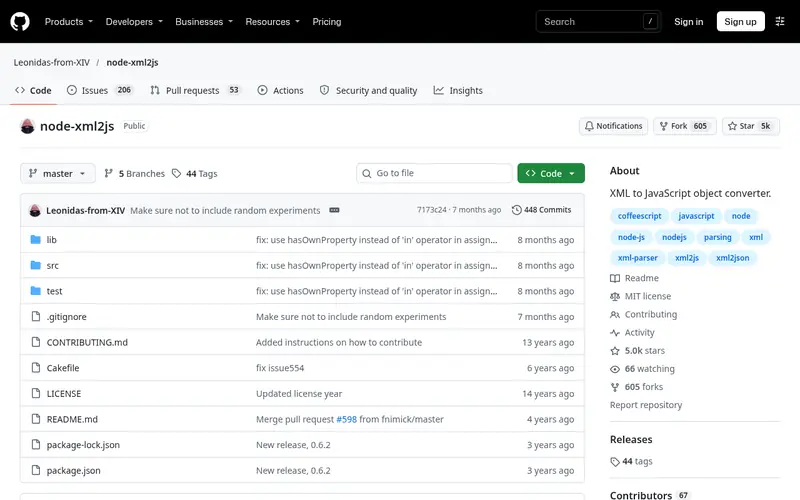
xml2js is a JavaScript library that parses XML into plain JavaScript objects, which you can then serialize to JSON with JSON.stringify. It runs on Node.js and in browsers through bundlers. The parser has options for how attributes, text content and repeated elements map to object keys, which matters when you need predictable output.
The project is open source under the MIT license and is published on npm. It does not ship a command-line tool, so you write a short script for batch jobs. Output shape depends on your options; default settings can produce nested objects that surprise people expecting a flat structure. Teams that want a typed, streaming parser should look at fast-xml-parser instead.
Standout: Widely used and maintained
Free (open source), as listed by the vendor (xml2js website). Confirm the current plan price before you buy.
Free plan. Plans change, so confirm on the vendor's pricing page before you buy.
Benefits
- Widely used and maintained
- exposes parser options for attributes, text nodes and arrays
Drawbacks
- Callback-based API feels dated
- no built-in CLI
Skip it if this limit matters to you: callback-based API feels dated.
Verdict. A sensible pick for node.js developers who need a configurable XML parser.
Alternatives in this guide: fast-xml-parser, xq (yq project), xmltodict
fast-xml-parser
Best for javaScript projects that need a fast, dependency-free parser
What it is and where it fits
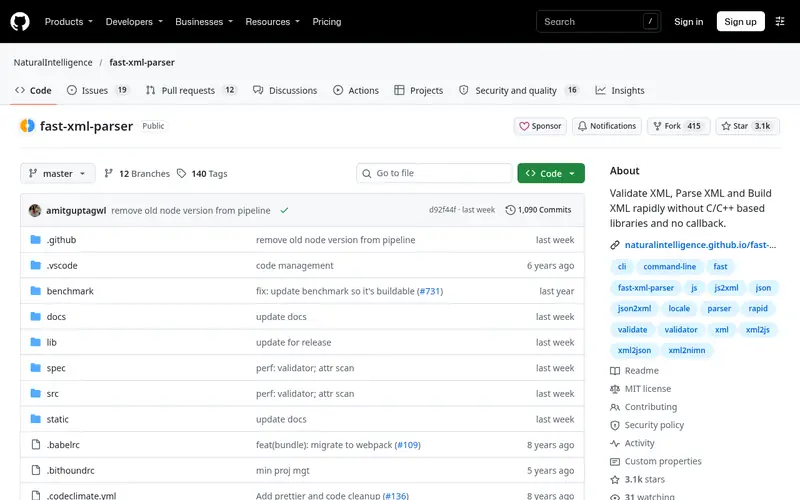
fast-xml-parser is a JavaScript library for parsing and validating XML. It converts XML to JavaScript objects, which you then turn into JSON. It has no runtime dependencies, runs in Node.js and browsers, and includes a command-line interface for file conversion. The project is open source under the MIT license.
The library offers options for preserving attributes, handling text nodes and building arrays. It also includes an XML validator. Because the mapping rules are configurable, two teams can get different JSON from the same XML. Read the documentation before relying on defaults in production. It is a good fit for JavaScript and TypeScript services that want one library for parsing and validation.
Standout: No dependencies
Free (open source), as listed by the vendor (fast-xml-parser website). Confirm the current plan price before you buy.
Free plan. Plans change, so confirm on the vendor's pricing page before you buy.
Benefits
- No dependencies
- supports validation and a CLI
- works in Node.js and browsers
Drawbacks
- Configuration options take time to learn
- output shape varies with settings
Skip it if this limit matters to you: configuration options take time to learn.
Verdict. A sensible pick for javaScript projects that need a fast, dependency-free parser.
Alternatives in this guide: xml2js, xq (yq project), xmltodict
xq (yq project)
Best for terminal users who convert XML, JSON and YAML with one tool
What it is and where it fits
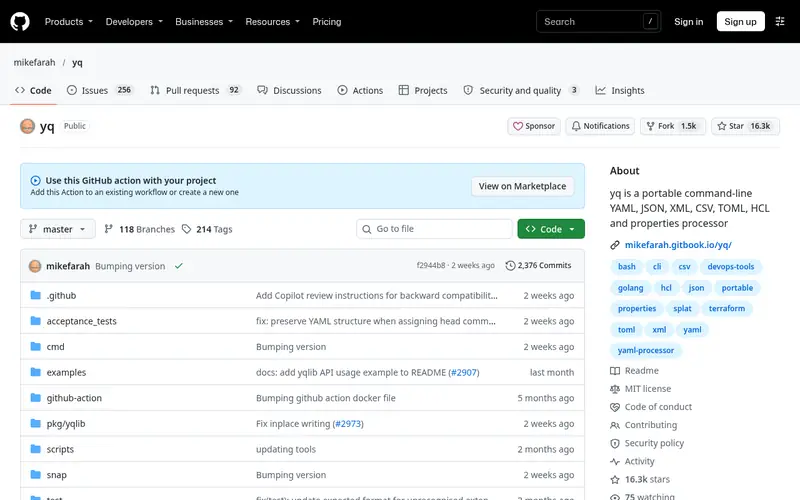
xq is the XML-aware mode of the yq project, a command-line processor for YAML, JSON and XML. You pipe XML in and request JSON out, for example with `xq -p xml '.' file.xml` style commands. It runs on Linux, macOS and Windows as a single binary, so it fits into scripts and CI jobs without a language runtime.
The project is open source under the MIT license. The main cost is learning the expression syntax, which is shared across formats. It is not a full XML schema validator and does not aim to be. Use it when you already work in the terminal and want one tool for several data formats. Developers who need fine control over attribute mapping may prefer a library.
Standout: Single binary for multiple formats
Free (open source), as listed by the vendor (xq (yq project) website). Confirm the current plan price before you buy.
Free plan. Plans change, so confirm on the vendor's pricing page before you buy.
Benefits
- Single binary for multiple formats
- works in shell pipelines
Drawbacks
- Query syntax has a learning curve
- not a dedicated XML library
Skip it if this limit matters to you: query syntax has a learning curve.
Verdict. A sensible pick for terminal users who convert XML, JSON and YAML with one tool.
Alternatives in this guide: xml2js, fast-xml-parser, xmltodict
xmltodict
Best for python developers who want dict-style XML conversion
What it is and where it fits
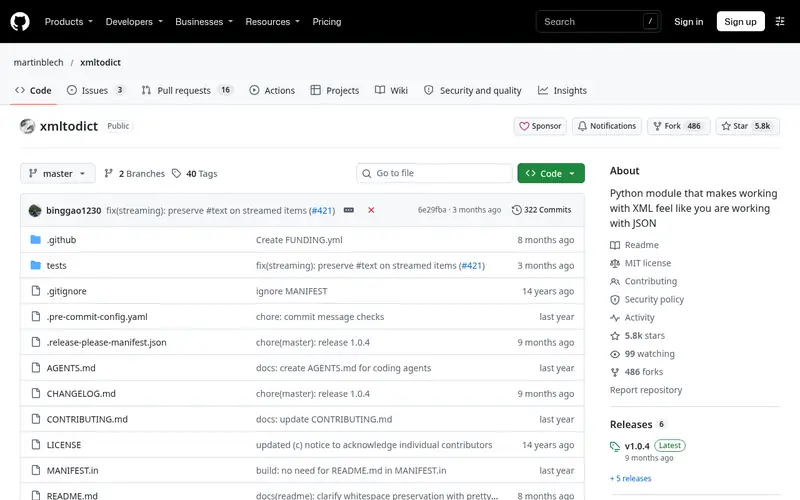
xmltodict is a Python module that converts XML into Python dictionaries, which you can pass to json.dumps. It is a small library with a simple API, and it is often used in scripts and data pipelines. It runs wherever Python runs and is available from PyPI. The project is open source under the MIT license.
The mapping is straightforward: elements become keys and attributes get a prefix. That simplicity is also the limit. Namespaces, mixed content and repeated elements need care, and the library is not designed for streaming huge files. For large documents, look at iterparse in the standard library or a streaming parser. xmltodict suits quick scripts and small to medium payloads.
Standout: Small API that maps XML to Python dicts
Free (open source), as listed by the vendor (xmltodict website). Confirm the current plan price before you buy.
Free plan. Plans change, so confirm on the vendor's pricing page before you buy.
Benefits
- Small API that maps XML to Python dicts
- easy to serialize to JSON
Drawbacks
- Limited options for complex XML
- not built for very large documents
Skip it if this limit matters to you: limited options for complex XML.
Verdict. A sensible pick for python developers who want dict-style XML conversion.
Alternatives in this guide: xml2js, fast-xml-parser, xq (yq project)
lxml
Best for python users who need a full-featured XML toolkit
What it is and where it fits
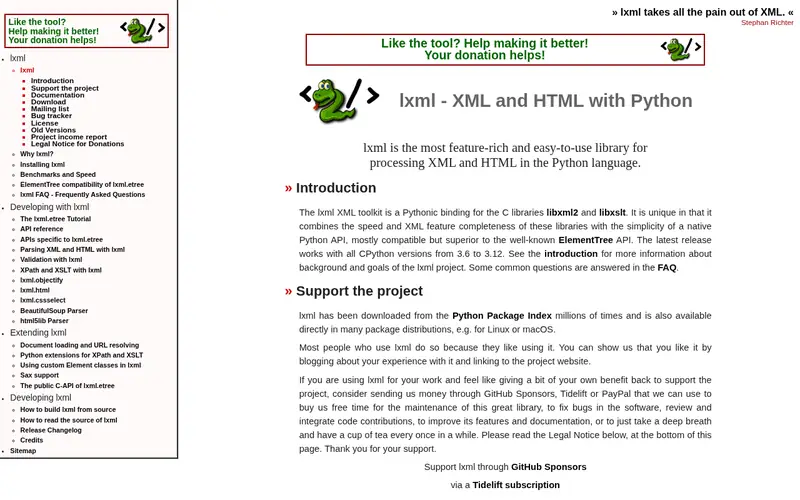
lxml is a Python library that binds the libxml2 and libxslt C libraries. It parses XML and HTML, supports XPath and XSLT, and handles namespaces properly. It does not convert to JSON by itself; you walk the tree and build a dict, then serialize with the json module. That extra step gives you full control over the output shape.
The library is open source under a BSD-style license and installs from PyPI. It is heavier than pure-Python options because of the C dependencies, which can matter in some deployment environments. For complex XML with namespaces or when you need XPath queries before conversion, lxml is a solid choice. For simple one-off conversions, xmltodict is less code.
Standout: Fast C-backed parser
Free (open source), as listed by the vendor (lxml website). Confirm the current plan price before you buy.
Free plan. Plans change, so confirm on the vendor's pricing page before you buy.
Benefits
- Fast C-backed parser
- supports XPath, XSLT and namespaces
Drawbacks
- Heavier install
- conversion to JSON is manual
Skip it if this limit matters to you: heavier install.
Verdict. A sensible pick for python users who need a full-featured XML toolkit.
Alternatives in this guide: xml2js, fast-xml-parser, xq (yq project)
XML to JSON Converter (CodeShack)
Best for quick one-off conversions in a browser with no install
What it is and where it fits
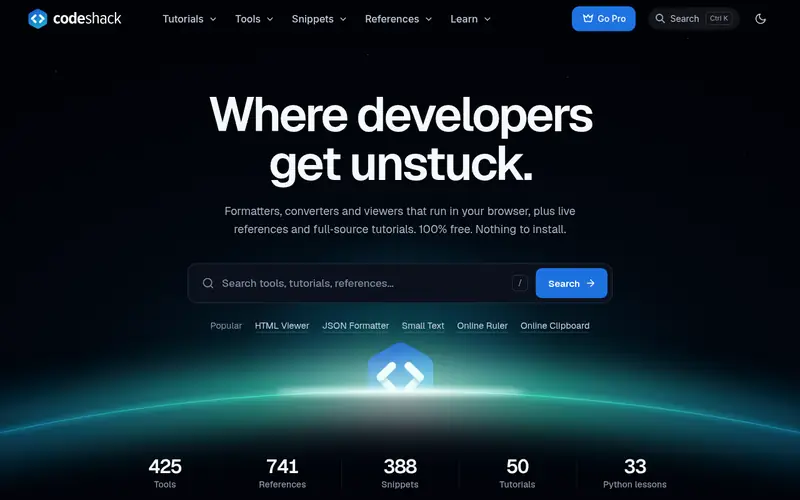
CodeShack hosts a free browser-based XML to JSON converter. You paste XML into a text area and the page returns JSON. There is no account and no install, which makes it useful for a quick check on sample data. The site also offers related converters for other formats.
The main caution is privacy. The conversion happens on a third-party web page, so do not paste API keys, tokens, customer records or production data. For anything sensitive, use a local library or a tool that runs offline in your browser. The page is also not built for batch jobs or large files. Treat it as a convenience for small, non-sensitive snippets.
Standout: No signup or install
Free, as listed by the vendor (XML to JSON Converter (CodeShack) website). Confirm the current plan price before you buy.
Free plan. Plans change, so confirm on the vendor's pricing page before you buy.
Benefits
- No signup or install
- paste XML and get JSON
Drawbacks
- Runs on a third-party page
- not for sensitive data or automation
Skip it if this limit matters to you: runs on a third-party page.
Verdict. A sensible pick for quick one-off conversions in a browser with no install.
Alternatives in this guide: xml2js, fast-xml-parser, xq (yq project)
Online XML to JSON Converter (ConvertJSON)
Best for browser conversion with options for attributes and arrays
What it is and where it fits
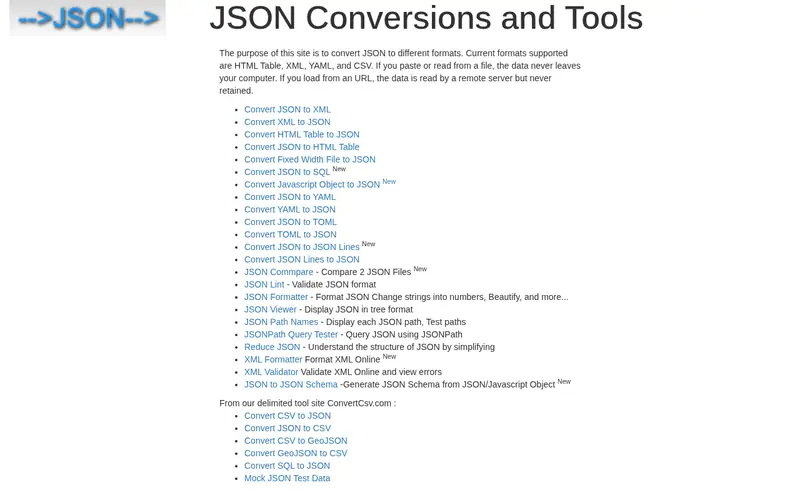
ConvertJSON hosts a free XML to JSON converter in the browser. You paste or load XML, adjust options such as how attributes are treated, and copy the JSON output. It is aimed at developers who need a quick result without setting up a script. The page also links to related format converters.
As with any hosted converter, the data leaves your machine. Do not paste secrets, credentials or regulated data. The tool is fine for sample payloads, documentation examples and small test files. It does not replace a library in a build pipeline, and large files may be awkward to handle in a browser text area. Check the output shape against your parser's rules before using it in code.
Standout: Simple interface
Free, as listed by the vendor (Online XML to JSON Converter (ConvertJSON) website). Confirm the current plan price before you buy.
Free plan. Plans change, so confirm on the vendor's pricing page before you buy.
Benefits
- Simple interface
- offers settings for attribute handling
Drawbacks
- Third-party page
- no automation or API on the free page
Skip it if this limit matters to you: third-party page.
Verdict. A sensible pick for browser conversion with options for attributes and arrays.
Alternatives in this guide: xml2js, fast-xml-parser, xq (yq project)
Who should use what
Node.js and TypeScript teams should start with fast-xml-parser or xml2js, depending on whether they want a dependency-free parser or a long-standing library. Python developers doing quick scripts can use xmltodict, while complex XML with namespaces points to lxml. Shell users who move between XML, JSON and YAML should try xq. For a one-off look at a small, non-sensitive snippet, a browser converter such as CodeShack or ConvertJSON is enough, but keep secrets out of any third-party page.
Questions to settle before you buy
What to check before you buy
- Confirm how the tool maps attributes, text nodes and repeated elements to JSON keys.
- Check namespace handling if your XML uses them.
- Decide whether you need a library, a CLI or a one-off browser page.
- For browser tools, confirm whether conversion runs locally or on a server, and never paste secrets.
- Check the license and maintenance activity of any open-source project before adding it to a build.
FAQ
What is the best XML to JSON converter overall?
There is no single best for every case. For code, fast-xml-parser and xml2js are common JavaScript choices, and xmltodict and lxml cover Python. For the terminal, xq handles XML and JSON in one tool. For a quick non-sensitive snippet, a browser converter works.
Are free XML to JSON converters safe for sensitive data?
Not always. Hosted browser converters send your XML to a third-party page. Do not paste API keys, tokens, customer records or production data. Use a local library or a tool that runs offline in your browser when the data is sensitive.
Can I convert XML to JSON from the command line?
Yes. xq from the yq project converts XML to JSON in shell pipelines. fast-xml-parser also ships a CLI. You can also write a short script with xml2js, xmltodict or lxml and run it in a build step.
Why does the same XML produce different JSON in different tools?
Each tool has its own rules for attributes, text nodes, namespaces and repeated elements. Some produce arrays for repeated tags, others use single objects. Check the output shape against what your application expects, and set options explicitly where the tool allows it.
Do these tools validate XML as well as convert it?
Some do. fast-xml-parser includes an XML validator. lxml can validate against schemas with additional setup. Others, such as xmltodict and the browser converters, focus on conversion and may fail or produce odd output on malformed XML. Validate first if input quality is uncertain.
Sources we checked
Method: how we score · editorial policy.
Change log. First published 22 Nov 2026.