Stage 01 · Write · Researched comparison
Best Unix Timestamp Converters in 2026
Epoch Converter (epochconverter.com) is the first pick for most developers who need a quick, no-install conversion in a browser. It handles seconds and milliseconds and shows both directions. For scripted or offline work, the GNU coreutils `date` command and Python's `datetime` module cover the same job without a third-party page. Developers who want a local GUI can use DevToys on Windows or macOS.

By Shihab Mia
Published 22 Nov 2026 · 7 tools compared
We run no ads and no affiliate links at launch. The order of a list follows our published method. See how we score.
Prices are the starting prices vendors list publicly. Plans change, so confirm the current price on the vendor page before you buy.
Key takeaways
- Epoch Converter is a free web page that converts Unix timestamps to dates and back, with no account required.
- The `date` command and Python's `datetime` module are free, run offline, and keep data on your machine.
- Browser converters are convenient but you should not paste secrets, tokens or production data into third-party pages.
- DevToys is a free desktop utility with a timestamp converter among its tools; it runs locally.
Who each pick is for
- Quick browser conversions with no installEpoch Converter
- Scripted and offline conversion in a terminalGNU coreutils date
- Conversion inside Python code and data pipelinesPython datetime
- Local desktop conversion on Windows and macOSDevToys
- Timestamp handling inside JavaScript projectsMoment.js
- Lightweight date and timestamp work in JavaScriptDay.js
- Converting timestamps inside JSON from the command linejq
Comparison
| Tool | Best for | Standout feature | Listed starting price | Free plan or trial |
|---|---|---|---|---|
| 1Epoch Converter | Quick browser conversions with no install | Handles seconds and milliseconds | Free | Free plan |
| 2GNU coreutils date | Scripted and offline conversion in a terminal | Runs offline and keeps data local | Free (open source) | Free plan |
| 3Python datetime | Conversion inside Python code and data pipelines | Part of the standard library | Free (open source) | Free plan |
| 4DevToys | Local desktop conversion on Windows and macOS | Runs locally with no data sent to a server | Free | Free plan |
| 5Moment.js | Timestamp handling inside JavaScript projects | Widely used and well documented | Free (open source) | Free plan |
| 6Day.js | Lightweight date and timestamp work in JavaScript | Small footprint with a familiar API | Free (open source) | Free plan |
| 7jq | Converting timestamps inside JSON from the command line | Runs offline and keeps data local | Free (open source) | Free plan |
How we picked
We picked tools that genuinely convert between Unix epoch time and human-readable dates, and that are currently maintained or still standard in their ecosystem. We weighed fit for the job, the platforms each one runs on, price and licence, whether pasted data stays local, and the main limits a developer would hit. Sources are vendor pages, official documentation and project repositories. Prices and plan details change, so confirm them on the vendor site before you rely on them.
The tools, one by one
Epoch Converter
Best for quick browser conversions with no install
What it is and where it fits
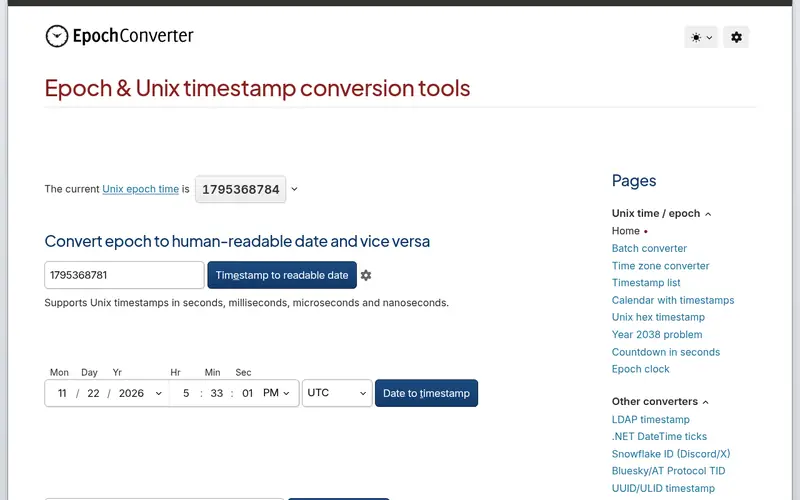
Epoch Converter is a web page that turns a Unix timestamp into a date and time, and turns a date back into a timestamp. It accepts seconds and milliseconds, which matters because many APIs return one or the other. The page also shows the current epoch time and common reference values. It runs in any modern browser on any platform.
The tool is free and needs no account. Because it is a hosted page, anything you type into it is sent to a third party. Do not paste secrets, tokens or production data. For a quick check of a log line or an API response, it is fast and needs no setup. Developers working with sensitive values should use a local option instead.
Standout: Handles seconds and milliseconds
Free, as listed by the vendor (Epoch Converter website). Confirm the current plan price before you buy.
Free plan. Plans change, so confirm on the vendor's pricing page before you buy.
Benefits
- Handles seconds and milliseconds
- shows both conversion directions on one page
Drawbacks
- Runs on a third-party site, so pasted data leaves your machine
- ad-supported
Skip it if this limit matters to you: runs on a third-party site, so pasted data leaves your machine.
Verdict. A sensible pick for quick browser conversions with no install.
Alternatives in this guide: GNU coreutils date, Python datetime, DevToys
GNU coreutils date
Best for scripted and offline conversion in a terminal
What it is and where it fits
The `date` command ships with GNU coreutils and is standard on Linux. It converts a timestamp to a date with `date -d @1700000000` and a date to a timestamp with `date +%s`. Because it runs locally, nothing leaves your machine. You can put it in scripts, cron jobs and pipelines.
macOS ships a BSD `date` with different flags, so the same command may not work across systems. The project is free and open source under the GPL. It suits developers who work in a terminal and want repeatable, scriptable conversion. It is not a fit if you want a visual interface or need to convert many values by hand.
Standout: Runs offline and keeps data local
Free (open source), as listed by the vendor (GNU coreutils date website). Confirm the current plan price before you buy.
Free plan. Plans change, so confirm on the vendor's pricing page before you buy.
Benefits
- Runs offline and keeps data local
- available on Linux and macOS by default
Drawbacks
- Syntax differs between GNU and BSD versions
- no GUI
Skip it if this limit matters to you: syntax differs between GNU and BSD versions.
Verdict. A sensible pick for scripted and offline conversion in a terminal.
Alternatives in this guide: Epoch Converter, Python datetime, DevToys
Python datetime
Best for conversion inside Python code and data pipelines
What it is and where it fits
Python's `datetime` module converts epoch values with `datetime.fromtimestamp()` and back with `.timestamp()`. It is part of the standard library, so there is nothing to install. It runs offline and keeps data local. Time zone handling is explicit through `timezone.utc`, which helps avoid off-by-hours errors.
The module suits developers who already work in Python and need conversion inside a script, a data pipeline or a test. It is free and open source under the Python Software Foundation licence. It is not a standalone converter, so it is the wrong choice if you want a point-and-click tool. You need to know Python to use it.
Standout: Part of the standard library
Free (open source), as listed by the vendor (Python datetime website). Confirm the current plan price before you buy.
Free plan. Plans change, so confirm on the vendor's pricing page before you buy.
Benefits
- Part of the standard library
- handles time zones explicitly
Drawbacks
- Requires writing code
- not a standalone app
Skip it if this limit matters to you: requires writing code.
Verdict. A sensible pick for conversion inside Python code and data pipelines.
Alternatives in this guide: Epoch Converter, GNU coreutils date, DevToys
DevToys
Best for local desktop conversion on Windows and macOS
What it is and where it fits
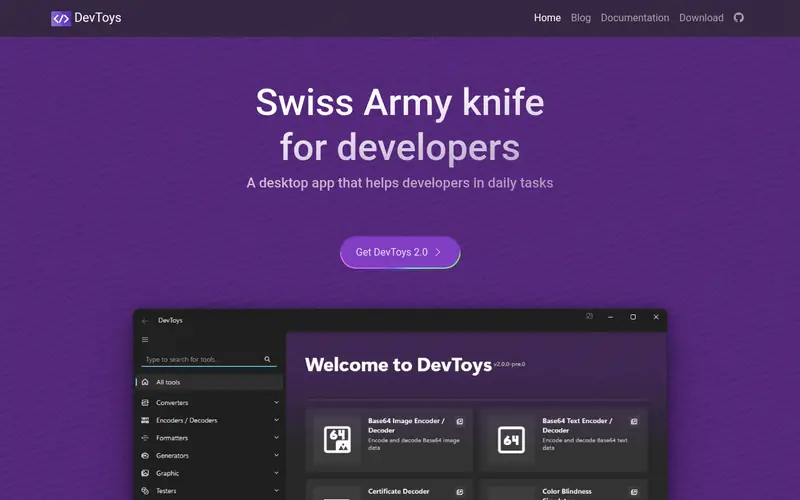
DevToys is a desktop app for Windows and macOS that bundles a set of small developer utilities, including a Unix timestamp converter. Because it runs on your machine, values you enter stay local. That makes it a reasonable choice when you want a GUI but do not want to paste data into a web page.
The app is free and open source. It covers more than timestamps, so it is a good fit if you want one local toolbox for several small jobs. The trade-off is that you must install a desktop app, and the timestamp converter is one feature among many rather than a focused tool. Developers who only need a one-off conversion may find it heavier than a web page.
Standout: Runs locally with no data sent to a server
Free, as listed by the vendor (DevToys website). Confirm the current plan price before you buy.
Free plan. Plans change, so confirm on the vendor's pricing page before you buy.
Benefits
- Runs locally with no data sent to a server
- bundles many developer tools in one app
Drawbacks
- Desktop install required
- not a dedicated timestamp tool
Skip it if this limit matters to you: desktop install required.
Verdict. A sensible pick for local desktop conversion on Windows and macOS.
Alternatives in this guide: Epoch Converter, GNU coreutils date, Python datetime
Moment.js
Best for timestamp handling inside JavaScript projects
What it is and where it fits
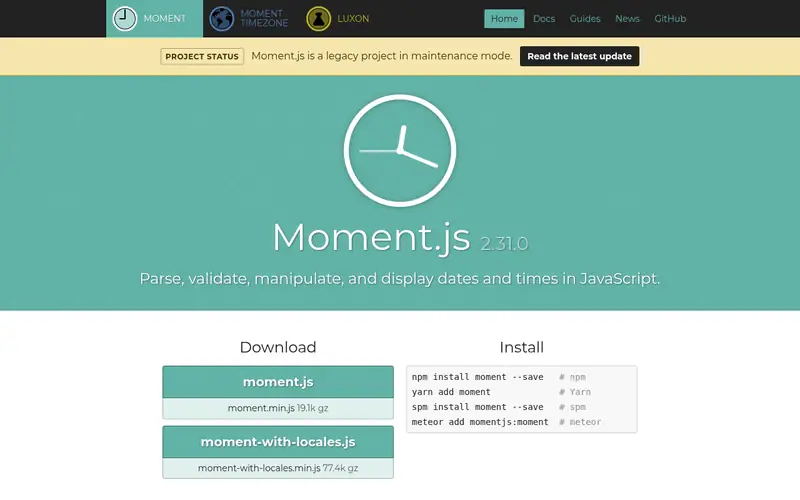
Moment.js is a JavaScript library that parses, validates, formats and converts dates, including Unix timestamps. It runs in the browser and in Node.js. It is free and open source under the MIT licence. Many existing codebases use it, so you will meet it in maintenance work.
The maintainers have placed the project in maintenance mode and recommend newer libraries for new projects. That does not break existing code, but it matters when you choose a library for a new app. For timestamp conversion inside JavaScript, it works and is well documented. Developers starting fresh should check the project's own guidance before adopting it.
Standout: Widely used and well documented
Free (open source), as listed by the vendor (Moment.js website). Confirm the current plan price before you buy.
Free plan. Plans change, so confirm on the vendor's pricing page before you buy.
Benefits
- Widely used and well documented
- handles parsing and formatting
Drawbacks
- The project is in maintenance mode
- the maintainers recommend alternatives for new projects
Skip it if this limit matters to you: the project is in maintenance mode.
Verdict. A sensible pick for timestamp handling inside JavaScript projects.
Alternatives in this guide: Epoch Converter, GNU coreutils date, Python datetime
Day.js
Best for lightweight date and timestamp work in JavaScript
What it is and where it fits
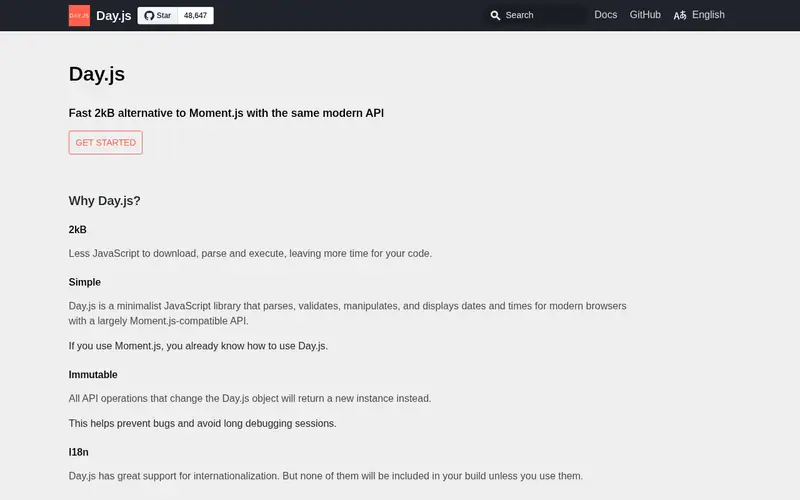
Day.js is a small JavaScript date library with an API similar to Moment.js. It converts Unix timestamps with `dayjs.unix()` and formats them with `.format()`. It runs in the browser and in Node.js. It is free and open source under the MIT licence.
The core is small, and extra features such as time zone support come as plugins you add when needed. That keeps bundles lean but means you must know which plugins to include. It suits developers who want a maintained, lightweight library for date and timestamp work in JavaScript. It is not a standalone converter, so it is the wrong pick if you want a page or app to click.
Standout: Small footprint with a familiar API
Free (open source), as listed by the vendor (Day.js website). Confirm the current plan price before you buy.
Free plan. Plans change, so confirm on the vendor's pricing page before you buy.
Benefits
- Small footprint with a familiar API
- plugin system for extra features
Drawbacks
- Some features need plugins
- not a standalone converter
Skip it if this limit matters to you: some features need plugins.
Verdict. A sensible pick for lightweight date and timestamp work in JavaScript.
Alternatives in this guide: Epoch Converter, GNU coreutils date, Python datetime
jq
Best for converting timestamps inside JSON from the command line
What it is and where it fits
jq is a command-line JSON processor. Its `strftime` and `strptime` functions convert between epoch values and formatted dates, and it works directly on JSON. That makes it useful when timestamps arrive inside API responses or log records. It runs on Linux, macOS and Windows, and it is free and open source under the MIT licence.
Because it runs locally, values stay on your machine. The catch is that jq is a query language, so you need to learn its syntax before it is useful for date work. It suits developers who already pipe JSON through jq and want to convert timestamps in the same step. It is not a fit for someone who wants a simple form with two fields.
Standout: Runs offline and keeps data local
Free (open source), as listed by the vendor (jq website). Confirm the current plan price before you buy.
Free plan. Plans change, so confirm on the vendor's pricing page before you buy.
Benefits
- Runs offline and keeps data local
- handles JSON directly
Drawbacks
- Requires learning jq syntax
- not a general date tool
Skip it if this limit matters to you: requires learning jq syntax.
Verdict. A sensible pick for converting timestamps inside JSON from the command line.
Alternatives in this guide: Epoch Converter, GNU coreutils date, Python datetime
Who should use what
If you need a one-off conversion and do not mind a web page, Epoch Converter is the fastest route. If you work in a terminal or script, GNU coreutils `date` keeps everything local and repeatable. If you write Python, the `datetime` module handles conversion and time zones inside your code. If you want a local GUI on Windows or macOS, DevToys gives you a timestamp converter without sending data to a server. For JavaScript projects, Day.js is a maintained, lightweight library, while Moment.js is best treated as a choice for existing code.
Questions to settle before you buy
What to check before you buy
- Confirm whether the tool expects seconds or milliseconds, since mixing them gives wrong dates.
- Check how it handles time zones and daylight saving, and whether it defaults to UTC.
- For web tools, confirm whether conversion happens in the browser or on a server before pasting anything.
- Never paste secrets, tokens or production data into a third-party page.
- For libraries, check the maintenance status and licence before adding a dependency.
FAQ
What is a Unix timestamp?
A Unix timestamp is the number of seconds since 1 January 1970 at 00:00 UTC, not counting leap seconds. Some systems report milliseconds instead, which is why converters let you pick the unit. Converting to a date requires knowing which unit you have and which time zone you want.
Are these converters free?
Epoch Converter, DevToys, jq and the command-line and library options listed here are free. The open-source projects are free under their respective licences. None of the tools in this guide requires a paid plan for basic timestamp conversion.
Can I convert timestamps without sending data to a server?
Yes. GNU coreutils `date`, Python's `datetime`, jq, DevToys, Moment.js and Day.js all run locally. Only Epoch Converter is a hosted web page, so treat it as unsuitable for sensitive values.
Why do I get a date in 1970?
A timestamp of zero or a very small number maps to dates near 1 January 1970. This usually means the value is missing, was parsed as zero, or is in the wrong unit. Check the source value and whether it is in seconds or milliseconds.
Which tool is best for scripting?
GNU coreutils `date` is the simplest for shell scripts, and Python's `datetime` is a good fit inside Python code. jq is useful when timestamps sit inside JSON. All three run offline and keep data local.
Sources we checked
Method: how we score · editorial policy.
Change log. First published 22 Nov 2026.