Stage 01 · Write · Researched comparison
Best Terminal Markdown Viewers in 2026
glow is the first pick for most developers who want to read Markdown in the terminal. It renders headings, lists, tables and code blocks with styled output, runs on macOS, Linux and Windows, and is free and open source. mdless suits macOS users who want a quick pager that also handles other text formats. bat suits people who want syntax-highlighted raw source with line numbers.

By Shihab Mia
Published 28 Nov 2026 · 5 tools compared
We run no ads and no affiliate links at launch. The order of a list follows our published method. See how we score.
Prices are the starting prices vendors list publicly. Plans change, so confirm the current price on the vendor page before you buy.
Key takeaways
- glow, mdless, bat, rich-cli and pandoc are all free or open source, so cost is not the deciding factor.
- glow and bat are the easiest to install through Homebrew, apt, or a Go or Cargo build.
- bat highlights Markdown but does not render it, so pair it with a renderer if you need formatted output.
Who each pick is for
- General terminal Markdown reading and browsingglow
- macOS users who want a fast Markdown pagermdless
- Syntax-highlighted file viewing with Markdown awarenessbat
- Python users who want rich terminal renderingrich-cli
- Converting Markdown to terminal-friendly text in scriptspandoc piped to a pager
Comparison
| Tool | Best for | Standout feature | Listed starting price | Free plan or trial |
|---|---|---|---|---|
| 1glow | General terminal Markdown reading and browsing | Styled rendering of headings, lists, tables and code | Free (open source) | Free plan |
| 2mdless | macOS users who want a fast Markdown pager | Renders Markdown plus other text formats through one command | Free (open source) | Free plan |
| 3bat | Syntax-highlighted file viewing with Markdown awareness | Fast, widely packaged, and highlights Markdown syntax and code blocks | Free (open source) | Free plan |
| 4rich-cli | Python users who want rich terminal rendering | Renders Markdown and other formats with Rich styling | Free (open source) | Free plan |
| 5pandoc piped to a pager | Converting Markdown to terminal-friendly text in scripts | Extremely flexible conversion engine | Free (open source) | Free plan |
How we picked
We picked tools that render or display Markdown in a terminal and are currently maintained. Criteria were fit for the reading job, platform support, licence and price, and the main limits of each tool. Sources are vendor pages, project documentation and public repositories. Prices and licences can change, so confirm details on the official site before you rely on them. None of these tools sends your files to a third-party web page; they run locally, which matters if your Markdown contains tokens or internal notes.
The tools, one by one
glow
Best for general terminal Markdown reading and browsing
What it is and where it fits
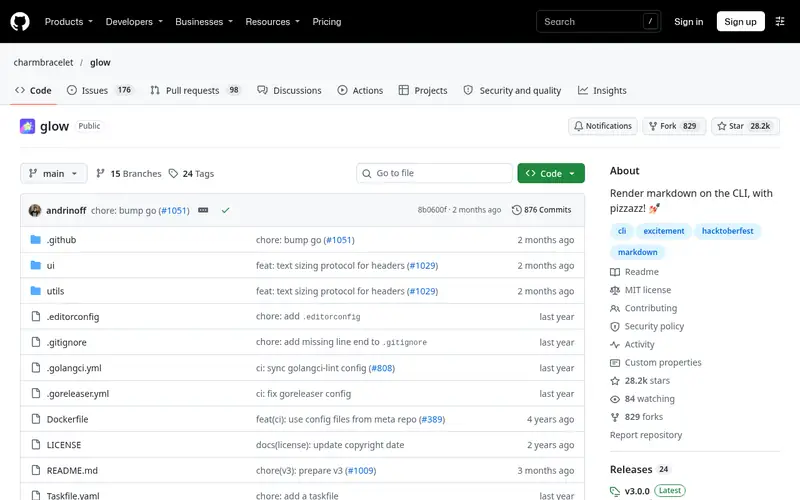
glow is a CLI tool from Charm that renders Markdown with headings, emphasis, lists, tables and syntax-highlighted code blocks. Run it with a file path to render that file, or with no arguments to open a browser of local Markdown files and remote READMEs. Output goes through a pager, so long documents scroll cleanly.
It runs on macOS, Linux and Windows. Install options include Homebrew, apt, Scoop and a Go build from source. The project is MIT licensed and free. There is no paid tier, so there are no account or usage limits.
Skip glow if you need a persistent two-pane reader with a document tree. It renders and pages well, but it is not a full TUI application. It also assumes a terminal that handles ANSI styling; plain or limited terminals will show plainer output.
Standout: Styled rendering of headings, lists, tables and code
Free (open source), as listed by the vendor (glow website). Confirm the current plan price before you buy.
Free plan. Plans change, so confirm on the vendor's pricing page before you buy.
Benefits
- Styled rendering of headings, lists, tables and code
- built-in file browser and pager
Drawbacks
- Styling depends on terminal font and color support
- very wide tables can still wrap badly
Skip it if this limit matters to you: styling depends on terminal font and color support.
Verdict. A sensible pick for general terminal Markdown reading and browsing.
mdless
Best for macOS users who want a fast Markdown pager
What it is and where it fits
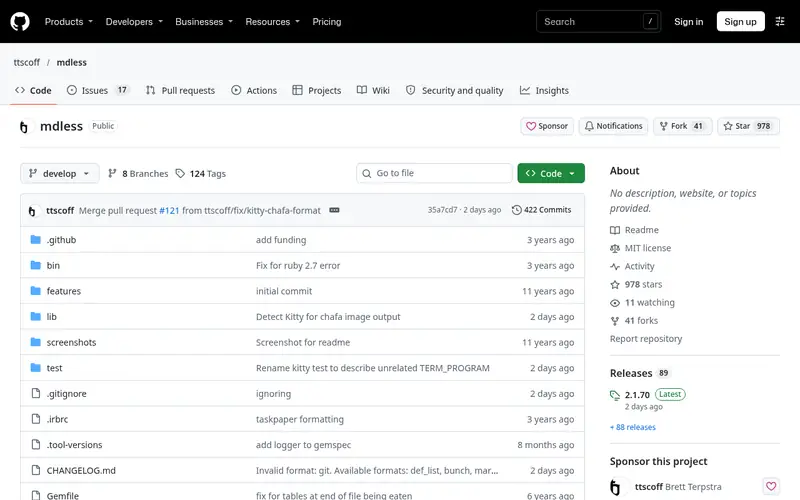
mdless is a Ruby command-line tool that formats Markdown for terminal reading and pages the result. It handles headings, lists, tables and code, and it can also format other text formats so one command covers more than Markdown. It works as a pager and accepts piped input.
The tool is developed with macOS in mind and is distributed as a Ruby gem. It is MIT licensed and free. Because it depends on Ruby and terminal capabilities, output varies between terminals.
Pick mdless if you work mostly on macOS and want a lightweight pager that handles Markdown and plain text. Skip it if you need a cross-platform interactive reader or a tool with no Ruby dependency.
Standout: Renders Markdown plus other text formats through one command
Free (open source), as listed by the vendor (mdless website). Confirm the current plan price before you buy.
Free plan. Plans change, so confirm on the vendor's pricing page before you buy.
Benefits
- Renders Markdown plus other text formats through one command
- works well with pipes and pagers
Drawbacks
- Primarily aimed at macOS
- formatting is simpler than a full TUI reader
Skip it if this limit matters to you: primarily aimed at macOS.
Verdict. A sensible pick for macOS users who want a fast Markdown pager.
bat
Best for syntax-highlighted file viewing with Markdown awareness
What it is and where it fits
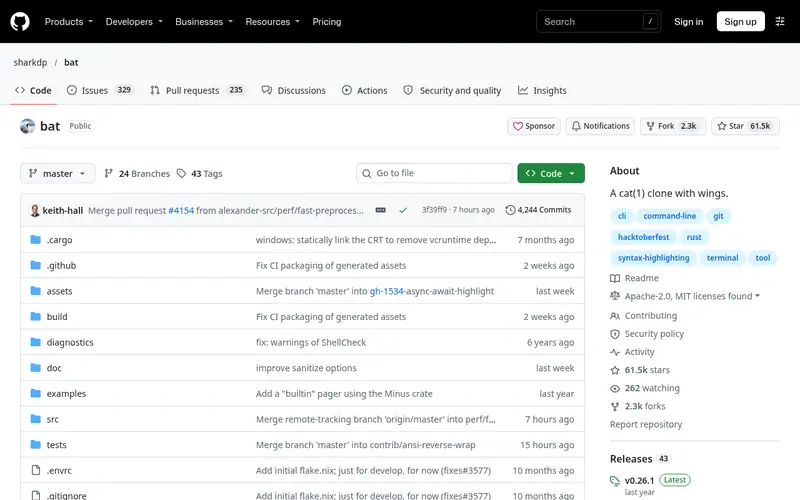
bat is a file viewer that adds syntax highlighting and line numbers to terminal output. For Markdown it highlights the syntax, including fenced code blocks, but it does not convert headings, lists or tables into rendered layout. It is best treated as a fast viewer and a cat replacement.
It runs on macOS, Linux and Windows and is packaged in most distributions and package managers. The project is MIT or Apache-2.0 licensed and free. There are no paid tiers or usage limits.
Use bat when you want to inspect raw Markdown with color and line numbers, or when you pipe it into another tool. Skip it if your goal is formatted reading; pair it with glow for that.
Standout: Fast, widely packaged, and highlights Markdown syntax and code blocks
Free (open source), as listed by the vendor (bat website). Confirm the current plan price before you buy.
Free plan. Plans change, so confirm on the vendor's pricing page before you buy.
Benefits
- Fast, widely packaged, and highlights Markdown syntax and code blocks
- works as a drop-in cat replacement
Drawbacks
- Does not render Markdown structure such as heading sizes or tables
- needs a separate renderer for formatted output
Skip it if this limit matters to you: does not render Markdown structure such as heading sizes or tables.
Verdict. A sensible pick for syntax-highlighted file viewing with Markdown awareness.
rich-cli
Best for python users who want rich terminal rendering
What it is and where it fits
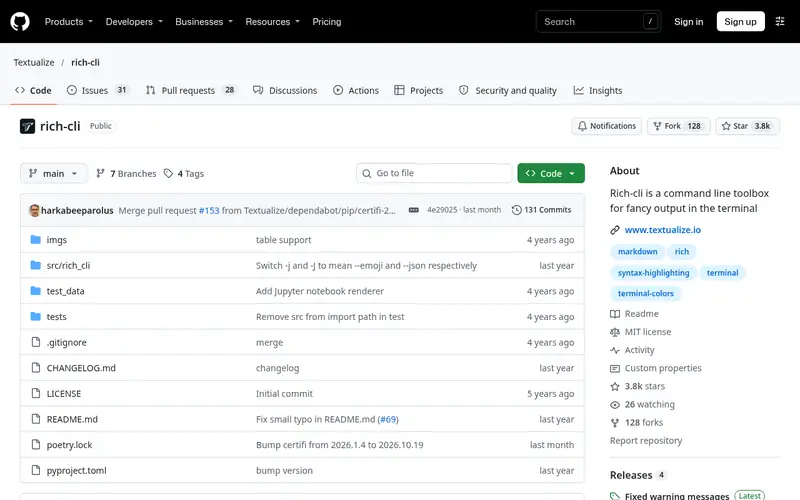
rich-cli is a command-line wrapper around the Rich library. It renders Markdown with styled headings, lists, tables and code, and it also handles JSON, syntax-highlighted source and other formats. The `rich` command can print a Markdown file directly to the terminal.
It is a Python package installed with pip or pipx and runs on macOS, Linux and Windows wherever Python is available. The project is MIT licensed and free.
Choose rich-cli if you already use Python and want one tool that renders Markdown and other formats. Skip it if you want a dedicated Markdown reader or do not want a Python runtime on the machine.
Standout: Renders Markdown and other formats with Rich styling
Free (open source), as listed by the vendor (rich-cli website). Confirm the current plan price before you buy.
Free plan. Plans change, so confirm on the vendor's pricing page before you buy.
Benefits
- Renders Markdown and other formats with Rich styling
- installs with pip alongside other Python tooling
Drawbacks
- Requires Python
- feature set is broader than Markdown, so it is less focused
Skip it if this limit matters to you: requires Python.
Verdict. A sensible pick for python users who want rich terminal rendering.
pandoc piped to a pager
Best for converting Markdown to terminal-friendly text in scripts
What it is and where it fits
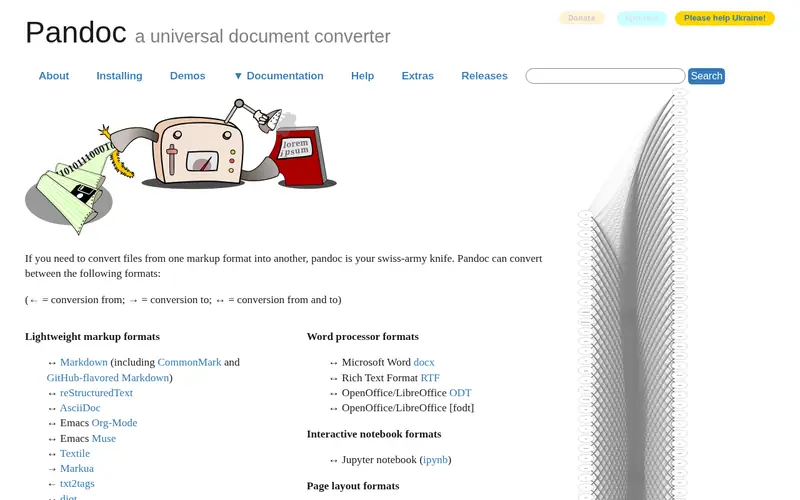
pandoc is a document converter. It does not render Markdown on its own, but you can convert a Markdown file to plain text or to a format a pager can display, then pipe the result to less or another pager. This is the baseline approach many developers already have installed.
It runs on macOS, Linux and Windows and is GPL-2.0-or-later licensed and free. It handles a very wide range of input and output formats, which makes it useful beyond Markdown reading.
Use pandoc when you want scriptable conversion or already depend on it for document work. Skip it if you want a ready-made reader; glow will be faster to set up for plain reading.
Standout: Extremely flexible conversion engine
Free (open source), as listed by the vendor (pandoc piped to a pager website). Confirm the current plan price before you buy.
Free plan. Plans change, so confirm on the vendor's pricing page before you buy.
Benefits
- Extremely flexible conversion engine
- can output plain text or ANSI-styled text for a pager
Drawbacks
- Not a viewer by itself
- needs a pager and some configuration to read well
Skip it if this limit matters to you: not a viewer by itself.
Verdict. A sensible pick for converting Markdown to terminal-friendly text in scripts.
Who should use what
If you want one command to read a README and move on, use glow. If you are on macOS and want a fast pager that also handles plain text, use mdless. If you mainly want colored raw source with line numbers, use bat. Python-heavy teams can use rich-cli for Markdown and other formats, and anyone with existing document pipelines can pipe pandoc output to a pager.
Questions to settle before you buy
What to check before you buy
- Confirm the tool runs on your OS and terminal, especially if you want a full-screen TUI.
- Check how it handles tables and long code lines in your terminal width.
- Verify the install path: package manager, language runtime, or a single binary.
- Confirm the licence if you plan to bundle the tool in internal images.
- Test with a real document that has nested lists, tables and fenced code.
FAQ
Do these tools send my Markdown to a server?
No. glow, mdless, bat, rich-cli and pandoc run locally. That makes them a safer choice than pasting content into a third-party web renderer when the file contains secrets, tokens or internal notes.
Can bat render Markdown like a browser?
No. bat highlights Markdown syntax and code blocks but does not convert headings, lists or tables into rendered layout. Use glow when you want formatted output.
Is mdcat still a good choice?
mdcat was archived in 2025, so it is not covered here. Prefer maintained projects such as glow for new setups.
Which tool works best over SSH?
Any of them work over SSH if the terminal supports ANSI styling. glow and bat are the lightest to run on a remote host.
Do any of these tools cost money?
All five are free or open source. There are no paid tiers for the tools listed, so choose based on workflow and platform rather than price.
Sources we checked
Method: how we score · editorial policy.
Change log. First published 28 Nov 2026.