Stage 01 · Write · Researched comparison
Best ls Command Alternatives in 2026
eza is the first pick for most developers who want a modern ls with icons, Git status and a tree view, and it is free and open source. lsd is a close alternative with a similar feature set and a different flag style. broot suits people who want interactive tree navigation rather than a single listing command. GNU ls with --color and dircolors remains the baseline that needs no install.

By Shihab Mia
Published 28 Nov 2026 · 6 tools compared
We run no ads and no affiliate links at launch. The order of a list follows our published method. See how we score.
Prices are the starting prices vendors list publicly. Plans change, so confirm the current price on the vendor page before you buy.
Key takeaways
- eza, lsd, broot, tree and nnn are all free and open source, so cost is not the deciding factor.
- eza and lsd are drop-in style replacements for ls; broot and nnn are interactive browsers with a different workflow.
- GNU ls with --color and dircolors ships with coreutils and works on any system without extra packages.
- None of these tools upload file names or paths anywhere; they read the local filesystem only.
Who each pick is for
- Developers who want a modern ls replacement with icons and Git statuseza
- Users who want icons and colors with a familiar ls-like flag setlsd
- Developers who want an interactive tree browser with search and navigationbroot
- Recursive directory listings in scripts and documentationtree
- Terminal users who want a fast full file manager, not just a listingnnn
- Anyone who wants colored listings with zero extra installsGNU ls with --color and dircolors
Comparison
| Tool | Best for | Standout feature | Listed starting price | Free plan or trial |
|---|---|---|---|---|
| 1eza | Developers who want a modern ls replacement with icons and Git status | Icons, Git status column and tree view in one binary | Free (open source) | Free plan |
| 2lsd | Users who want icons and colors with a familiar ls-like flag set | Color, icons and tree view | Free (open source) | Free plan |
| 3broot | Developers who want an interactive tree browser with search and navigation | Interactive tree view with fuzzy search and file preview | Free (open source) | Free plan |
| 4tree | Recursive directory listings in scripts and documentation | Simple recursive tree output that is easy to pipe and read | Free (open source) | Free plan |
| 5nnn | Terminal users who want a fast full file manager, not just a listing | Very fast file browser with plugins and minimal dependencies | Free (open source) | Free plan |
| 6GNU ls with --color and dircolors | Anyone who wants colored listings with zero extra installs | Ships with coreutils on nearly every Linux system | Free (open source) | Free plan |
How we picked
We picked tools that genuinely list or browse files on a local system and are currently maintained. Criteria were fit for the job (drop-in replacement, tree output or interactive browser), platform support, license and price, and whether the tool sends any data off the machine. Sources were vendor and project pages, official documentation and public repositories. Prices and plan details can change, so confirm on the vendor site before relying on them.
The tools, one by one
eza
Best for developers who want a modern ls replacement with icons and Git status
What it is and where it fits
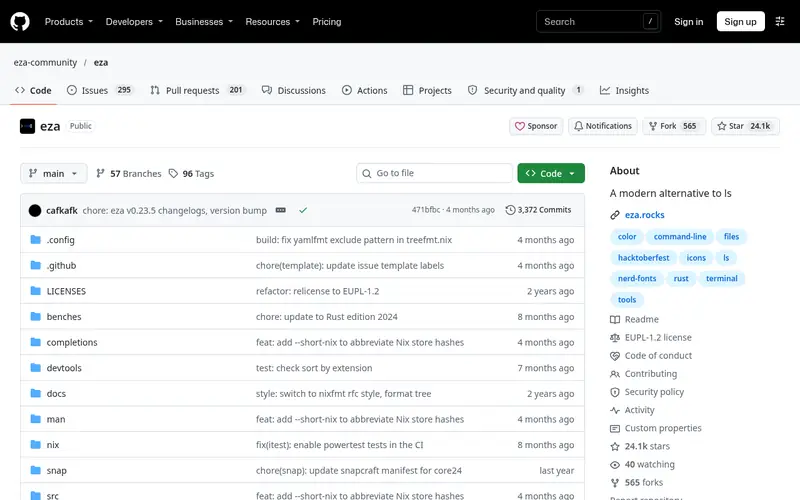
eza is a maintained fork of the exa project, which is no longer maintained. It lists files with color, file-type icons, a Git status column, extended attributes and a tree mode. Output is designed for interactive terminal use, and the tool runs on Linux, macOS and other Unix-like systems.
The project is distributed as open source under the MIT license. Many distributions package it, and it can also be installed from the project repository or through common package managers. Because flags differ from GNU ls, scripts that parse ls output should not be switched to eza without checking the options. Developers who want a modern listing with minimal setup should start here; those who need exact GNU ls behavior should stay on coreutils.
Standout: Icons, Git status column and tree view in one binary
Free (open source), as listed by the vendor (eza website). Confirm the current plan price before you buy.
Free plan. Plans change, so confirm on the vendor's pricing page before you buy.
Benefits
- Icons, Git status column and tree view in one binary
- actively maintained community fork
Drawbacks
- Flag names differ from GNU ls, so existing aliases need edits
- icon fonts must be set up in the terminal
Skip it if this limit matters to you: flag names differ from GNU ls, so existing aliases need edits.
Verdict. A sensible pick for developers who want a modern ls replacement with icons and Git status.
lsd
Best for users who want icons and colors with a familiar ls-like flag set
What it is and where it fits
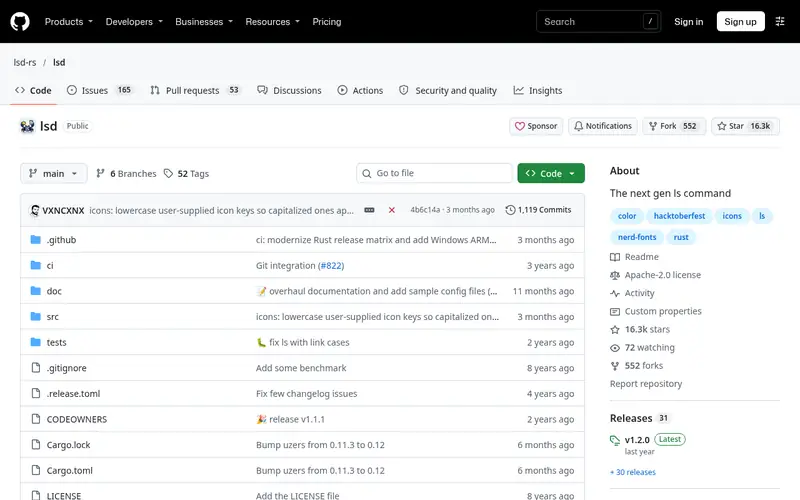
lsd is a modern replacement for ls written in Rust. It adds colors, file-type icons, a tree view and configurable output. It runs on Linux, macOS and Windows, and it is available through common package managers as well as from the project repository.
The license is open source (Apache-2.0). lsd aims to keep the familiar ls feel while adding visual detail, which makes it easier to adopt than a fully interactive browser. It is a reasonable pick if eza is not packaged for your system or if you prefer its flag conventions. It does not replace the need for a tree tool on very large directories, and icon rendering depends on a Nerd Font being installed in the terminal.
Standout: Color, icons and tree view
Free (open source), as listed by the vendor (lsd website). Confirm the current plan price before you buy.
Free plan. Plans change, so confirm on the vendor's pricing page before you buy.
Benefits
- Color, icons and tree view
- written in Rust and shipped by many package managers
Drawbacks
- Feature set overlaps heavily with eza
- configuration and icon setup take a few steps
Skip it if this limit matters to you: feature set overlaps heavily with eza.
Verdict. A sensible pick for users who want icons and colors with a familiar ls-like flag set.
broot
Best for developers who want an interactive tree browser with search and navigation
What it is and where it fits
broot opens an interactive tree view of a directory and lets you navigate, search and act on files from inside it. It is not a drop-in ls replacement; it is a browser that you launch when you need to move around a tree quickly. It runs on Linux, macOS and Windows and is distributed as open source under the MIT license.
The tool is useful when a flat listing is not enough and you want to see structure while filtering. It can also print a tree to standard output for use in other commands. The tradeoff is learning its key bindings and modes. Developers who only need a colored listing should use eza or lsd instead; broot pays off for people who spend time exploring unfamiliar repositories.
Standout: Interactive tree view with fuzzy search and file preview
Free (open source), as listed by the vendor (broot website). Confirm the current plan price before you buy.
Free plan. Plans change, so confirm on the vendor's pricing page before you buy.
Benefits
- Interactive tree view with fuzzy search and file preview
- handles very large directories
Drawbacks
- Different workflow from a plain listing command
- needs time to learn its key bindings
Skip it if this limit matters to you: different workflow from a plain listing command.
Verdict. A sensible pick for developers who want an interactive tree browser with search and navigation.
tree
Best for recursive directory listings in scripts and documentation
What it is and where it fits
tree is the classic recursive directory listing tool. It prints a directory and its subdirectories as an indented tree, with options to limit depth, filter by pattern and control color. It is available in the package repositories of most Linux and BSD systems and can be built from source on other Unix-like platforms.
The project is open source and has been maintained for decades. It is the right choice when you need a tree in a README, a bug report or a shell script, because the output is plain and predictable. It does not offer icons, Git status or interactive navigation. For everyday interactive listing, pair it with eza or lsd rather than using tree alone.
Standout: Simple recursive tree output that is easy to pipe and read
Free (open source), as listed by the vendor (tree website). Confirm the current plan price before you buy.
Free plan. Plans change, so confirm on the vendor's pricing page before you buy.
Benefits
- Simple recursive tree output that is easy to pipe and read
- widely packaged
Drawbacks
- No icons or Git integration
- output can be large on deep directory trees
Skip it if this limit matters to you: no icons or Git integration.
Verdict. A sensible pick for recursive directory listings in scripts and documentation.
nnn
Best for terminal users who want a fast full file manager, not just a listing
What it is and where it fits
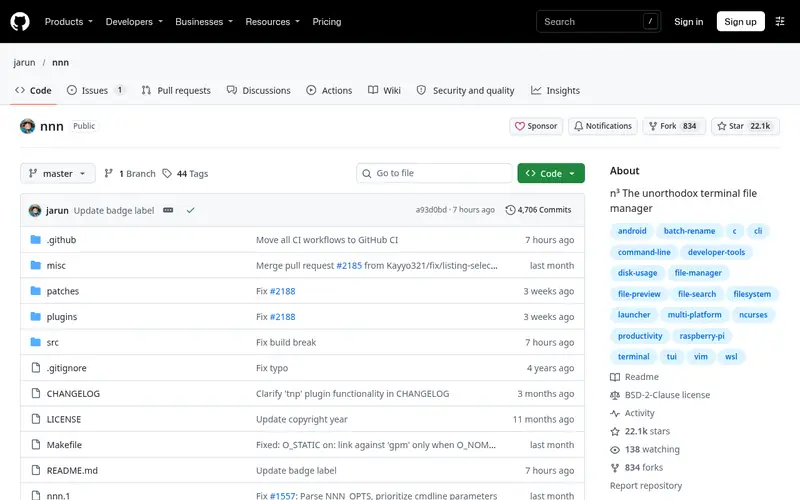
nnn is a terminal file manager. It lets you browse directories, open files, preview content and run actions through plugins. It is not a listing command in the ls sense, but it is a practical alternative for people who find themselves running ls repeatedly while moving through a project.
It runs on Linux, macOS, BSD and other Unix-like systems and is distributed as open source under the BSD-2-Clause license. It is small and fast, which makes it usable on remote machines over SSH. The tradeoff is that it replaces your shell workflow rather than extending it. Developers who want a single command that prints a listing should look at eza or lsd first.
Standout: Very fast file browser with plugins and minimal dependencies
Free (open source), as listed by the vendor (nnn website). Confirm the current plan price before you buy.
Free plan. Plans change, so confirm on the vendor's pricing page before you buy.
Benefits
- Very fast file browser with plugins and minimal dependencies
- works over SSH
Drawbacks
- A file manager rather than an ls replacement
- plugin setup varies by system
Skip it if this limit matters to you: A file manager rather than an ls replacement.
Verdict. A sensible pick for terminal users who want a fast full file manager, not just a listing.
GNU ls with --color and dircolors
Best for anyone who wants colored listings with zero extra installs
What it is and where it fits
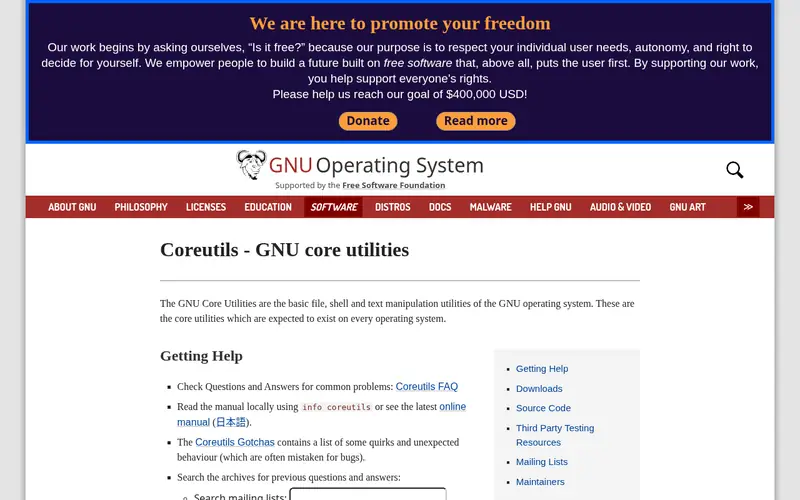
GNU ls is part of coreutils and is the default ls on most Linux distributions. It supports color output through --color and the LS_COLORS environment variable, which is usually generated with the dircolors command. Most shells ship a default color setup, and you can customize file-type colors in your shell profile.
This is the baseline against which the other tools are measured. It is open source, stable and present everywhere, and its flags are what scripts expect. It does not show icons, Git status or a tree view, and its output format is fixed. If you only need color and predictable behavior, stay here. If you want more visual detail, eza or lsd add it without changing the underlying filesystem access.
Standout: Ships with coreutils on nearly every Linux system
Free (open source), as listed by the vendor (GNU ls with --color and dircolors website). Confirm the current plan price before you buy.
Free plan. Plans change, so confirm on the vendor's pricing page before you buy.
Benefits
- Ships with coreutils on nearly every Linux system
- stable flags that scripts rely on
Drawbacks
- No icons, Git status or tree view
- color setup needs a dircolors file or shell config
Skip it if this limit matters to you: no icons, Git status or tree view.
Verdict. A sensible pick for anyone who wants colored listings with zero extra installs.
Who should use what
If you want a modern ls with icons and Git status and your aliases are easy to update, use eza. If eza is not packaged for your system or you prefer its flag style, use lsd. If you spend time exploring large or unfamiliar repositories, use broot for interactive navigation. If you need tree output for a README, a bug report or a script, use tree. If you want a full terminal file manager over SSH, use nnn. If you want color with no install and stable flags, stay on GNU ls with --color and dircolors.
Questions to settle before you buy
What to check before you buy
- Check that the tool is packaged for your distribution or install method before switching aliases.
- Confirm the flag names differ from GNU ls and update any scripts that parse output.
- Verify that icon output works in your terminal font, or disable icons.
- Test performance on your largest directories, since tree output can be slow or huge.
- Keep GNU ls available as a fallback for scripts and minimal environments.
FAQ
Is eza the same as exa?
No. eza is a community fork of exa, which is no longer maintained. eza continues development and is the project to use if you want that feature set.
Do these tools send file names anywhere?
No. eza, lsd, broot, tree and nnn read the local filesystem. They do not upload paths or file names. As with any tool, check the source or documentation if you install a fork or plugin.
Can I replace ls with eza or lsd in my shell?
Yes, with an alias such as alias ls='eza' or alias ls='lsd'. Keep in mind that flags differ, so scripts that call ls directly should keep using GNU ls.
Do I need a special font for icons?
eza and lsd can show icons, which usually require a Nerd Font installed in your terminal. You can disable icons if your font does not support them.
Which tool works best over SSH?
nnn and broot are both usable over SSH because they are terminal programs with low overhead. For simple listings, GNU ls or eza with icons disabled is the lightest option.
Sources we checked
Method: how we score · editorial policy.
Change log. First published 28 Nov 2026.