Stage 01 · Write · Researched comparison
Best sed Alternatives for Command-Line Edits in 2026
sd is the first pick for most developers who want a simpler find-and-replace tool than sed, because its syntax is plain and readable. fastmod suits large codebases where you want a confirmation step before each rewrite. comby and ast-grep are the better choices when a plain text match is not enough and you need structural or syntax-aware replacement.

By Shihab Mia
Published 28 Nov 2026 · 6 tools compared
We run no ads and no affiliate links at launch. The order of a list follows our published method. See how we score.
Prices are the starting prices vendors list publicly. Plans change, so confirm the current price on the vendor page before you buy.
Key takeaways
- sd replaces sed's cryptic expressions with a simple pattern and replacement syntax, and it is free and open source.
- fastmod adds an interactive confirmation prompt, which helps on large trees where a blind rewrite is risky.
- comby and ast-grep match code structure rather than raw text, so they avoid some false matches that sed and sd will make.
- GNU awk and perl -pi -e are already installed on many systems, so they need no new dependency.
Who each pick is for
- Developers who want simple regex find and replacesd
- Interactive rewrites across large codebasesfastmod
- Structural search and replace across languagescomby
- Syntax-aware rewriting using code structureast-grep
- Text processing already installed on many systemsGNU awk (gawk)
- In-place regex edits with no extra installperl -pi -e
Comparison
| Tool | Best for | Standout feature | Listed starting price | Free plan or trial |
|---|---|---|---|---|
| 1sd | Developers who want simple regex find and replace | Plain pattern and replacement arguments | Free (open source) | Free plan |
| 2fastmod | Interactive rewrites across large codebases | Asks before each replacement | Free (open source) | Free plan |
| 3comby | Structural search and replace across languages | Matches code structure, not just text | Free (open source) | Free plan |
| 4ast-grep | Syntax-aware rewriting using code structure | Matches syntax trees so edits respect code structure | Free (open source) | Free plan |
| 5GNU awk (gawk) | Text processing already installed on many systems | Available on most Unix-like systems | Free (open source) | Free plan |
| 6perl -pi -e | In-place regex edits with no extra install | In-place editing built in | Free (open source) | Free plan |
How we picked
We picked tools that do command-line find and replace and are simpler or more targeted than sed. Criteria were fit for the job, supported platforms, price and licence, whether the tool runs locally, and the main limits such as missing confirmation or a learning curve. Sources are vendor pages, project documentation and public repositories. Prices and features change, so confirm details on the vendor site before you rely on them.
The tools, one by one
sd
Best for developers who want simple regex find and replace
What it is and where it fits
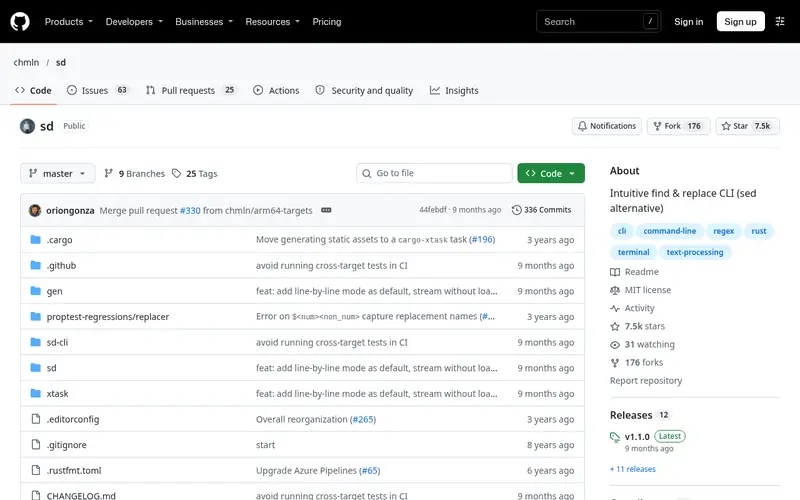
sd is a command-line search and replace tool written in Rust. You pass a pattern and a replacement, and it rewrites matching text in files or in standard input. The syntax is much shorter than sed's substitute command, and you do not need to escape delimiters. It supports regular expressions and a fixed-string mode for literal matches.
It runs on Linux, macOS and Windows. The project is open source and free to use. Because it rewrites files directly, a wrong pattern can change more than you expect, so run it against a copy or a version-controlled tree first. It does not prompt before each change and it does not parse code structure, so it will match inside strings and comments. Skip it if you need per-match confirmation or syntax-aware edits.
Standout: Plain pattern and replacement arguments
Free (open source), as listed by the vendor (sd website). Confirm the current plan price before you buy.
Free plan. Plans change, so confirm on the vendor's pricing page before you buy.
Benefits
- Plain pattern and replacement arguments
- supports regex and literal modes
Drawbacks
- No interactive confirmation
- no structural matching
Skip it if this limit matters to you: no interactive confirmation.
Verdict. A sensible pick for developers who want simple regex find and replace.
fastmod
Best for interactive rewrites across large codebases
What it is and where it fits
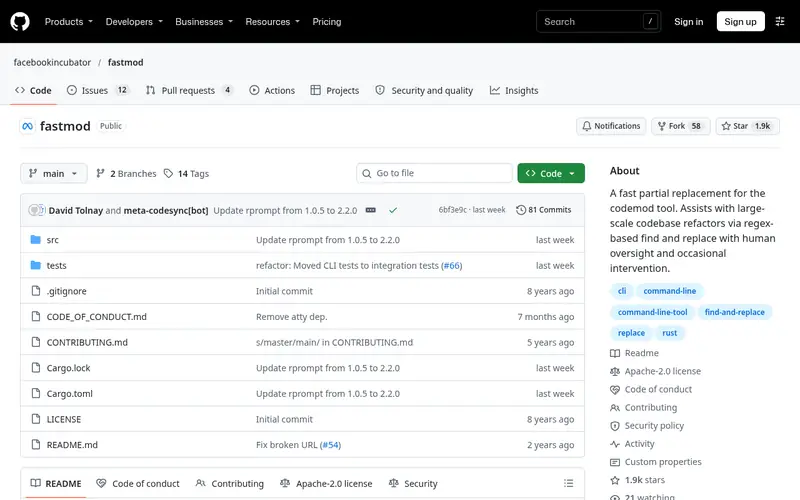
fastmod is a tool from Facebook's incubator projects for fast, interactive find and replace. It walks a directory tree, shows each match, and asks you to accept or reject the change. That confirmation step makes it safer than a blind rewrite when a pattern appears in many files. It uses the Rust regex syntax, which differs from POSIX regex in sed.
It runs on Linux, macOS and Windows, and it is open source and free. The main cost is learning its regex dialect and its flags. It works on plain text and does not understand code structure. It suits teams doing broad refactors where a human should review each hit. Skip it for quick one-line edits where sd or perl is faster to type.
Standout: Asks before each replacement
Free (open source), as listed by the vendor (fastmod website). Confirm the current plan price before you buy.
Free plan. Plans change, so confirm on the vendor's pricing page before you buy.
Benefits
- Asks before each replacement
- fast on large directory trees
Drawbacks
- Regex syntax has a learning curve
- fewer platforms packaged
Skip it if this limit matters to you: regex syntax has a learning curve.
Verdict. A sensible pick for interactive rewrites across large codebases.
comby
Best for structural search and replace across languages
What it is and where it fits
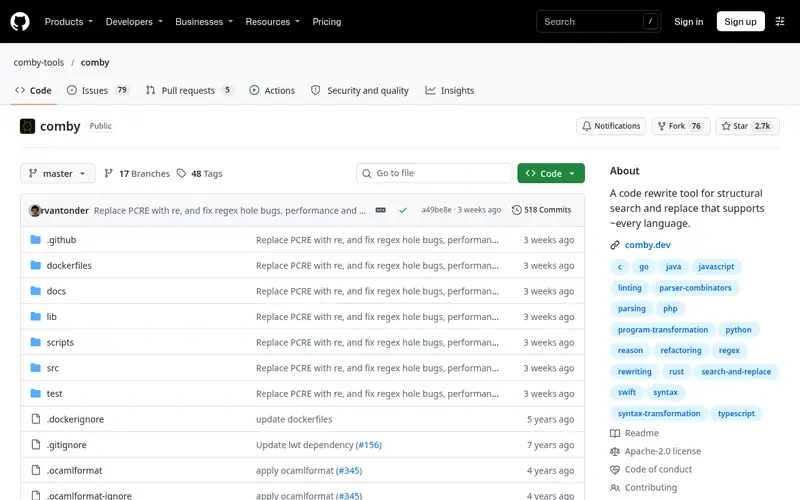
comby is a structural search and replace tool. Instead of matching raw characters, it understands the shape of code such as balanced brackets and strings, which lets you write patterns that ignore formatting differences. It supports many languages and can also handle plain text. This makes it useful for rewriting call sites or changing syntax across a codebase.
It runs on Linux and macOS, and it is open source and free. It can run as a command-line tool or as a service for editor and CI integrations. The tradeoff is complexity: patterns and configuration take more effort than a sed expression. It suits refactors where text matching produces too many false hits. Skip it for simple substitutions where sd or perl is enough.
Standout: Matches code structure, not just text
Free (open source), as listed by the vendor (comby website). Confirm the current plan price before you buy.
Free plan. Plans change, so confirm on the vendor's pricing page before you buy.
Benefits
- Matches code structure, not just text
- supports many languages
Drawbacks
- Setup is heavier than a one-line tool
- pattern syntax takes practice
Skip it if this limit matters to you: setup is heavier than a one-line tool.
Verdict. A sensible pick for structural search and replace across languages.
ast-grep
Best for syntax-aware rewriting using code structure
What it is and where it fits
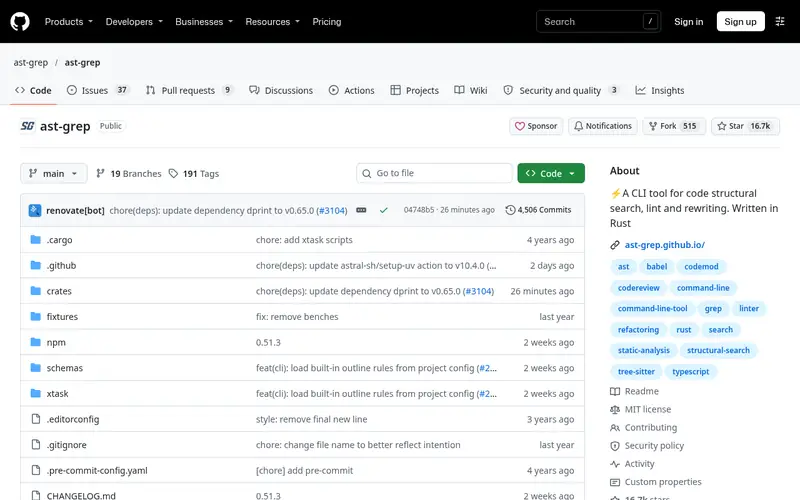
ast-grep is a command-line tool for code searching and rewriting based on syntax trees. You write patterns that match code structure, so a rewrite can target a function call or a declaration without matching the same words inside a comment or string. It supports many languages through tree-sitter parsers and can apply fixes across a project.
It runs on Linux, macOS and Windows, and it is open source and free. It is aimed at linting and codemods as well as simple replacement, which is why its rule format is richer than a regex. The cost is a learning curve for the pattern and configuration syntax. It suits teams doing structural refactors or custom lint rules. Skip it for plain text files where a regex tool is simpler.
Standout: Matches syntax trees so edits respect code structure
Free (open source), as listed by the vendor (ast-grep website). Confirm the current plan price before you buy.
Free plan. Plans change, so confirm on the vendor's pricing page before you buy.
Benefits
- Matches syntax trees so edits respect code structure
- supports many languages
Drawbacks
- Requires learning its pattern and rule format
- overkill for plain text
Skip it if this limit matters to you: requires learning its pattern and rule format.
Verdict. A sensible pick for syntax-aware rewriting using code structure.
GNU awk (gawk)
Best for text processing already installed on many systems
What it is and where it fits
GNU awk, or gawk, is the GNU implementation of the awk programming language. It is a general text processing tool, and you can use it for find and replace with the gsub function. It is often already installed on Linux and other Unix-like systems, so it adds no new dependency. It is strong at field-based processing, such as changing one column of a file.
It runs on Linux, macOS and other Unix-like systems, and it is open source and free. In-place editing is available with the -i inplace option in gawk, but portable scripts often write to a temp file and rename. The main cost is that awk is a small language of its own, so simple substitutions take more typing than sd. Skip it if you want a minimal, purpose-built replace command.
Standout: Available on most Unix-like systems
Free (open source), as listed by the vendor (GNU awk (gawk) website). Confirm the current plan price before you buy.
Free plan. Plans change, so confirm on the vendor's pricing page before you buy.
Benefits
- Available on most Unix-like systems
- strong field and record processing
Drawbacks
- Rewriting files needs a temp file or in-place flag
- syntax is its own language
Skip it if this limit matters to you: rewriting files needs a temp file or in-place flag.
Verdict. A sensible pick for text processing already installed on many systems.
perl -pi -e
Best for in-place regex edits with no extra install
What it is and where it fits
perl -pi -e is the long-standing baseline for in-place regex replacement from the command line. The -p flag loops over input lines, -i edits files in place, and -e runs the expression you pass. Perl's regular expressions are powerful, and the tool is installed on many Linux and macOS systems by default. It is a common fallback when you cannot install anything new.
It runs on Linux, macOS and other systems with Perl installed, and it is free and open source. The risks are real: a wrong expression can rewrite many files, and shell quoting around the expression is a frequent source of mistakes. There is no confirmation prompt. Back up or use version control before running it. Skip it if you want a simpler syntax or structural matching.
Standout: In-place editing built in
Free (open source), as listed by the vendor (perl -pi -e website). Confirm the current plan price before you buy.
Free plan. Plans change, so confirm on the vendor's pricing page before you buy.
Benefits
- In-place editing built in
- available on most systems
Drawbacks
- Regex and quoting are easy to get wrong
- no confirmation step
Skip it if this limit matters to you: regex and quoting are easy to get wrong.
Verdict. A sensible pick for in-place regex edits with no extra install.
Who should use what
If you want the shortest syntax for a quick regex replace, use sd. If you are rewriting a large tree and want to approve each change, use fastmod. If a text match produces too many false hits and you need to respect code structure, use comby or ast-grep. If you cannot install new software, perl -pi -e or GNU awk will usually be there already. Match the tool to the size of the change and how much review you need.
Questions to settle before you buy
What to check before you buy
- Confirm the tool runs on your operating system and is still maintained.
- Check whether it edits files in place and whether it has a dry-run or confirmation mode.
- Test your pattern on a small sample or a copy of the tree first.
- Keep the work in version control so you can review and revert changes.
- Check the regex dialect, since sed, sd, perl and fastmod differ in syntax.
FAQ
Is sd a drop-in replacement for sed?
No. sd has its own simpler syntax for find and replace, so existing sed scripts will not run unchanged. You rewrite the command in sd's pattern and replacement form. It covers common substitutions but not every sed feature, such as sed's line-addressing scripts.
Can these tools edit files in place?
sd, fastmod, perl -pi -e and gawk with its in-place option can rewrite files directly. comby and ast-grep can apply changes across a project depending on the command. In-place editing is fast but risky, so test on a copy and keep the tree under version control.
When should I use a structural tool instead of regex?
Use comby or ast-grep when a plain text pattern matches the wrong places, such as the same word inside strings or comments. Structural tools match code shape, so they target calls and declarations more precisely. For plain text and config files, a regex tool like sd is usually enough.
Do I need to install anything for perl or awk?
Perl and awk are preinstalled on many Linux and macOS systems, so they often need no install. Windows users usually need to add them. Check with perl -v or awk --version before relying on them in a script.
Are these tools safe for secrets in files?
These are local command-line tools, so text is not sent to a third-party web page. That is safer than pasting data into an online formatter. Still, a wrong pattern can expose or overwrite data, so review changes and avoid running rewrites on files that contain credentials.
Sources we checked
Method: how we score · editorial policy.
Change log. First published 28 Nov 2026.