Stage 01 · Write · Researched comparison
Best Terminal Diff Viewers in 2026
delta is the first pick for most developers who want readable git and diff output in the terminal. It is free, open source, and works as a git pager on macOS, Linux and Windows. difftastic suits people who need syntax-aware diffs across languages, and diff-so-fancy suits anyone who wants a lightweight pager with minimal setup.

By Shihab Mia
Published 22 Nov 2026 · 7 tools compared
We run no ads and no affiliate links at launch. The order of a list follows our published method. See how we score.
Prices are the starting prices vendors list publicly. Plans change, so confirm the current price on the vendor page before you buy.
Key takeaways
- delta, diff-so-fancy and difftastic are free and open source, so there is no licence cost to try any of them.
- difftastic parses code structure, which helps on refactors but can be slower on very large files.
- vimdiff and Neovim's diff mode need no extra install if you already use those editors.
- All of these tools run locally, so your code and diffs stay on your machine.
Who each pick is for
- Developers who want readable git diffs with little setupdelta
- Users who want cleaner diff output with a small scriptdiff-so-fancy
- Reviewing refactors where code structure matters more than linesdifftastic
- Vim users who want a diff view without new toolsvimdiff
- Neovim users who want built-in diff and merge workflowsNeovim diff mode
- Developers who want a terminal UI for git including diffslazygit
- Side-by-side colored diffs with no git dependencyicdiff
Comparison
| Tool | Best for | Standout feature | Listed starting price | Free plan or trial |
|---|---|---|---|---|
| 1delta | Developers who want readable git diffs with little setup | Syntax highlighting and side-by-side view | Free (open source) | Free plan |
| 2diff-so-fancy | Users who want cleaner diff output with a small script | Small and easy to read | Free (open source) | Free plan |
| 3difftastic | Reviewing refactors where code structure matters more than lines | Syntax-aware diffs across many languages | Free (open source) | Free plan |
| 4vimdiff | Vim users who want a diff view without new tools | Ships with Vim, so nothing extra to install | Free (open source) | Free plan |
| 5Neovim diff mode | Neovim users who want built-in diff and merge workflows | Built into Neovim with plugin support | Free (open source) | Free plan |
| 6lazygit | Developers who want a terminal UI for git including diffs | Full git workflow in a terminal UI | Free (open source) | Free plan |
| 7icdiff | Side-by-side colored diffs with no git dependency | Side-by-side output for any two files | Free (open source) | Free plan |
How we picked
We picked tools that render diffs in a terminal and are currently maintained. Criteria were fit for the job, supported platforms, licence and price, whether diffs stay local, and known limits such as speed on large files or dependence on an editor. Sources are vendor pages, project documentation and public repositories. Prices and licences can change, so confirm details on each project's site before you commit.
The tools, one by one
delta
Best for developers who want readable git diffs with little setup
What it is and where it fits
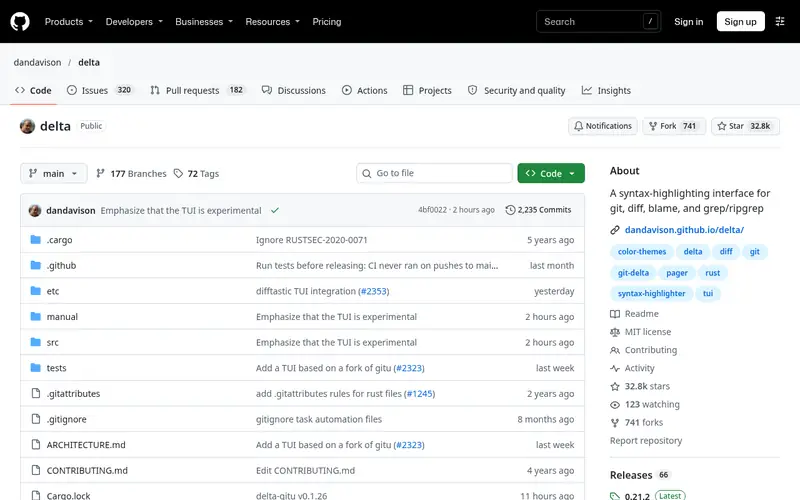
delta is a syntax-highlighting pager for git, diff and grep output. You install the binary, then set it as git's pager in your git config. It shows line numbers, highlights changed lines within a hunk, and supports a side-by-side layout. It runs on macOS, Linux and Windows.
The project is open source under the MIT licence. There is no paid tier. Setup is a single config entry, but the option list is long, so most people start with defaults and tune later. Terminals without true-color support will show weaker highlighting.
Skip delta if you want a diff tool with no install step, or if you work mostly inside an editor and prefer its built-in diff view.
Standout: Syntax highlighting and side-by-side view
Free (open source), as listed by the vendor (delta website). Confirm the current plan price before you buy.
Free plan. Plans change, so confirm on the vendor's pricing page before you buy.
Benefits
- Syntax highlighting and side-by-side view
- works as a git pager with one config line
Drawbacks
- Configuration options can feel large at first
- needs a true-color terminal for best results
Skip it if this limit matters to you: configuration options can feel large at first.
Verdict. A sensible pick for developers who want readable git diffs with little setup.
Alternatives in this guide: diff-so-fancy, difftastic, vimdiff
diff-so-fancy
Best for users who want cleaner diff output with a small script
What it is and where it fits
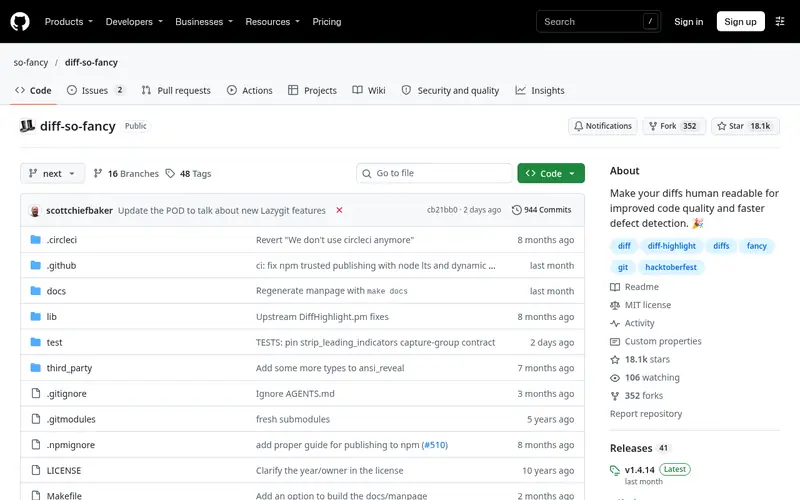
diff-so-fancy reformats git diff output to make headers, file names and changed lines easier to scan. It is a small script that sits in the git pager chain. It runs anywhere git and a shell run, including macOS, Linux and Windows.
It is open source under the MIT licence with no paid tier. It does not parse code, so it cannot tell a moved function from a changed one. It focuses on presentation: cleaner hunk headers, better whitespace markers and trimmed context.
Choose it if you want a light change to your existing git setup. Skip it if you need side-by-side views or syntax highlighting, which delta and difftastic provide.
Standout: Small and easy to read
Free (open source), as listed by the vendor (diff-so-fancy website). Confirm the current plan price before you buy.
Free plan. Plans change, so confirm on the vendor's pricing page before you buy.
Benefits
- Small and easy to read
- improves headers and whitespace display
Drawbacks
- No syntax-aware parsing
- fewer layout options than delta
Skip it if this limit matters to you: no syntax-aware parsing.
Verdict. A sensible pick for users who want cleaner diff output with a small script.
Alternatives in this guide: delta, difftastic, vimdiff
difftastic
Best for reviewing refactors where code structure matters more than lines
What it is and where it fits
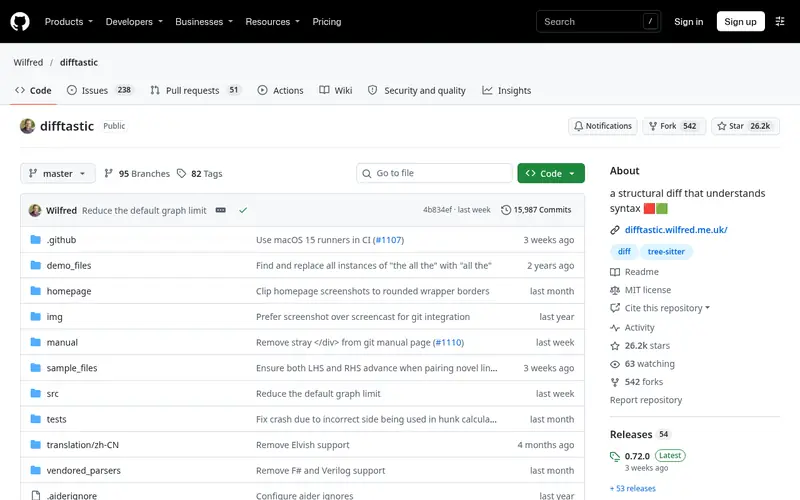
difftastic, often called difft, parses both versions of a file and compares syntax trees instead of lines. That means a reformatted block or a moved function shows as a structural change rather than a wall of red and green lines. It supports many languages through tree-sitter grammars.
It runs on macOS, Linux and Windows and is open source under the MIT licence. You can use it as a standalone command or wire it into git as an external diff tool. Because it parses code, it can take longer on big files, and its output does not match standard unified diff, which matters if you pipe diffs into other tools.
Skip it if you need fast output on huge generated files or strict unified diff format.
Standout: Syntax-aware diffs across many languages
Free (open source), as listed by the vendor (difftastic website). Confirm the current plan price before you buy.
Free plan. Plans change, so confirm on the vendor's pricing page before you buy.
Benefits
- Syntax-aware diffs across many languages
- highlights structural changes
Drawbacks
- Can be slower on very large files
- output differs from standard unified diff
Skip it if this limit matters to you: can be slower on very large files.
Verdict. A sensible pick for reviewing refactors where code structure matters more than lines.
Alternatives in this guide: delta, diff-so-fancy, vimdiff
vimdiff
Best for vim users who want a diff view without new tools
What it is and where it fits
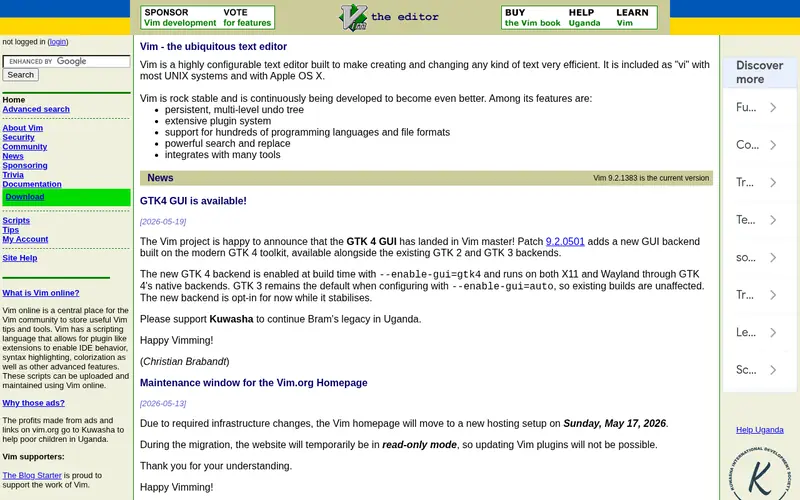
vimdiff opens two or more files in Vim's diff mode, with folded unchanged lines and highlighted changes. It is part of Vim itself, so if Vim is installed you already have it. It runs on macOS, Linux and Windows wherever Vim runs.
Vim is open source under the Vim licence, which is GPL-compatible. There is no paid tier. The diff view is line-based and does not parse code. Its strength is that you can edit both sides directly and use Vim's motions and registers while reviewing.
Skip it if you do not already know Vim. The keybindings and modes take time, and a pager like delta is faster to adopt for pure reading.
Standout: Ships with Vim, so nothing extra to install
Free (open source), as listed by the vendor (vimdiff website). Confirm the current plan price before you buy.
Free plan. Plans change, so confirm on the vendor's pricing page before you buy.
Benefits
- Ships with Vim, so nothing extra to install
- full editing inside the diff
Drawbacks
- Steep learning curve for non-Vim users
- no syntax-aware diffing
Skip it if this limit matters to you: steep learning curve for non-Vim users.
Verdict. A sensible pick for vim users who want a diff view without new tools.
Alternatives in this guide: delta, diff-so-fancy, difftastic
Neovim diff mode
Best for neovim users who want built-in diff and merge workflows
What it is and where it fits
Neovim includes diff mode, opened with the same vimdiff-style commands or through plugins. It shows changes side by side or in a unified layout, and plugins add features such as better highlighting, merge conflict handling and git integration. It runs on macOS, Linux and Windows.
Neovim is open source under the Apache 2.0 licence with no paid tier. The built-in diff is line-based. What you get depends on which plugins you add, so the experience varies between setups.
Choose it if Neovim is already your editor. Skip it if you want a standalone diff viewer that does not depend on editor configuration.
Standout: Built into Neovim with plugin support
Free (open source), as listed by the vendor (Neovim diff mode website). Confirm the current plan price before you buy.
Free plan. Plans change, so confirm on the vendor's pricing page before you buy.
Benefits
- Built into Neovim with plugin support
- works well with git workflows
Drawbacks
- Requires Neovim knowledge
- default diff view is plain
Skip it if this limit matters to you: requires Neovim knowledge.
Verdict. A sensible pick for neovim users who want built-in diff and merge workflows.
Alternatives in this guide: delta, diff-so-fancy, difftastic
lazygit
Best for developers who want a terminal UI for git including diffs
What it is and where it fits
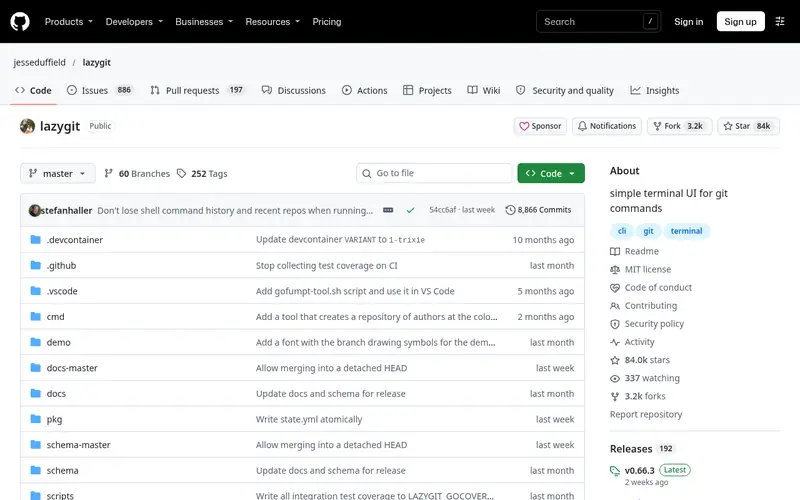
lazygit is a terminal UI for git. It shows file status, branches, commits and diffs in panes, and you can stage hunks, commit and rebase without leaving the terminal. It runs on macOS, Linux and Windows.
It is open source under the MIT licence with no paid tier. It can use delta or another pager for diff rendering, so it pairs well with the tools above. The diff pane is one part of a larger interface, not a standalone viewer.
Choose it if you want diffs as part of a broader git workflow in the terminal. Skip it if you only need to read a diff and prefer a single-purpose tool.
Standout: Full git workflow in a terminal UI
Free (open source), as listed by the vendor (lazygit website). Confirm the current plan price before you buy.
Free plan. Plans change, so confirm on the vendor's pricing page before you buy.
Benefits
- Full git workflow in a terminal UI
- shows diffs alongside staging and branches
Drawbacks
- Not a dedicated diff viewer
- learning the keybindings takes time
Skip it if this limit matters to you: not a dedicated diff viewer.
Verdict. A sensible pick for developers who want a terminal UI for git including diffs.
Alternatives in this guide: delta, diff-so-fancy, difftastic
icdiff
Best for side-by-side colored diffs with no git dependency
What it is and where it fits
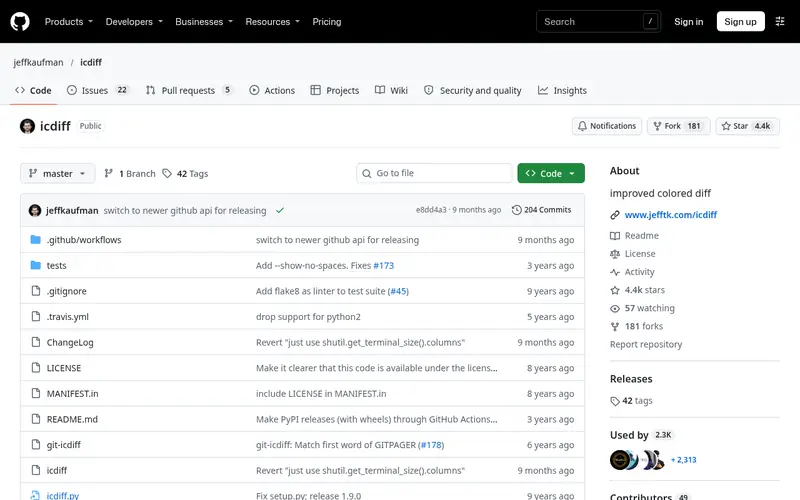
icdiff prints two files side by side with color highlighting, so you can compare any files, not just git-tracked ones. It is a Python script and runs on macOS, Linux and Windows wherever Python is available.
It is open source under the Python Software Foundation licence with no paid tier. It does not parse code and does not integrate with git by default, though you can call it from git as an external diff tool. Output width depends on your terminal size.
Choose it for quick side-by-side comparisons of arbitrary files. Skip it if you need syntax-aware diffs or deep git integration.
Standout: Side-by-side output for any two files
Free (open source), as listed by the vendor (icdiff website). Confirm the current plan price before you buy.
Free plan. Plans change, so confirm on the vendor's pricing page before you buy.
Benefits
- Side-by-side output for any two files
- simple Python script
Drawbacks
- Line-based only
- needs Python installed
Skip it if this limit matters to you: line-based only.
Verdict. A sensible pick for side-by-side colored diffs with no git dependency.
Alternatives in this guide: delta, diff-so-fancy, difftastic
Who should use what
If you mostly read git diffs and want better output with minimal setup, start with delta. If you review refactors and need to see structural changes across languages, use difftastic. If you already live in Vim or Neovim, the built-in diff mode saves an install. If you want diffs inside a full git workflow, lazygit covers staging, commits and branches in one terminal UI. For quick side-by-side checks of arbitrary files, icdiff is the simplest option.
Questions to settle before you buy
What to check before you buy
- Confirm the tool runs on your OS and terminal, and that your terminal supports true color if highlighting matters.
- Check the licence if you use it at work, since some licences have redistribution terms.
- Test speed on your largest files, because syntax-aware tools can be slower.
- Verify how it integrates with git, either as a pager or an external diff tool.
- Read the config docs for the options you need, and keep a known-good config to revert to.
FAQ
Do terminal diff viewers send my code anywhere?
No. delta, diff-so-fancy, difftastic, vimdiff, Neovim, lazygit and icdiff all run locally. Your code and diffs stay on your machine. This differs from online diff web pages, where pasted content leaves your browser.
What is the difference between delta and difftastic?
delta highlights and formats line-based diffs and works as a git pager. difftastic parses code and compares syntax trees, so it shows structural changes. delta is faster to set up; difftastic is better for refactors but can be slower on large files.
Can I use these tools with git?
Yes. delta and diff-so-fancy are designed as git pagers. difftastic and icdiff can be set as external diff tools. lazygit uses a pager for its diff pane. vimdiff and Neovim diff mode work with git through commands or plugins.
Are any of these tools paid?
No. All seven tools listed here are free and open source, with no paid tier. You pay nothing to install or use them. Support comes from project maintainers and community channels.
Which tool works without installing anything?
vimdiff ships with Vim, and Neovim's diff mode is built in, so neither needs a separate install if you already use those editors. Everything else requires installing a binary or script.
Sources we checked
Method: how we score · editorial policy.
Change log. First published 22 Nov 2026.