Stage 01 · Write · Researched comparison
Best Swift Logging Libraries in 2026
Apple's built-in Logger (the OSLog API) is the first pick for most apps because it needs no dependency and feeds the system log. Choose swift-log when you need one logging API across server and client Swift code. Choose SwiftyBeaver or CocoaLumberjack when you want file logging with rotation and multiple destinations. Pulse is the better fit when you need to inspect logs and network traffic inside the app.

By Shihab Mia
Published 27 Nov 2026 · 6 tools compared
We run no ads and no affiliate links at launch. The order of a list follows our published method. See how we score.
Prices are the starting prices vendors list publicly. Plans change, so confirm the current price on the vendor page before you buy.
Key takeaways
- Logger and swift-log are free and open source, so there is no licence cost for the two most common starting points.
- SwiftyBeaver, CocoaLumberjack, Puppy and Pulse are open source; Pulse also sells a paid upgrade, so check its vendor pricing page.
- Apple's Logger writes to the unified logging system, which keeps messages on the device unless you collect them with a configured tool.
- None of these libraries sends your logs to a third-party web page, but log files can still contain tokens and personal data, so filter before shipping.
Who each pick is for
- App developers who want built-in logging with no dependencyApple Logger (OSLog)
- Teams that need one logging API across server and client Swiftswift-log
- App developers who want colored console and file logging quicklySwiftyBeaver
- Large apps that need fast, configurable logging with file rotationCocoaLumberjack
- Swift developers who want a simple, cross-platform logging packagePuppy
- Developers who need to inspect logs and network traffic in-appPulse
Comparison
| Tool | Best for | Standout feature | Listed starting price | Free plan or trial |
|---|---|---|---|---|
| 1Apple Logger (OSLog) | App developers who want built-in logging with no dependency | Ships with Apple platforms and needs no package | Free | Free plan |
| 2swift-log | Teams that need one logging API across server and client Swift | Backend-neutral API with pluggable handlers | Free (open source) | Free plan |
| 3SwiftyBeaver | App developers who want colored console and file logging quickly | Multiple destinations including console, file and cloud | Free (open source) | Free plan |
| 4CocoaLumberjack | Large apps that need fast, configurable logging with file rotation | Mature, widely used framework with many loggers and formatters | Free (open source) | Free plan |
| 5Puppy | Swift developers who want a simple, cross-platform logging package | Small API with multiple destinations and log levels | Free (open source) | Free plan |
| 6Pulse | Developers who need to inspect logs and network traffic in-app | In-app console for logs and network requests | See vendor pricing page | Free plan |
How we picked
We picked tools that genuinely handle logging in Swift and are currently maintained. Criteria were fit for the job, supported platforms, licence and price, where log data goes, and the main limits such as rotation, viewer support and cross-platform reach. Sources are Apple developer documentation, project repositories and public pricing pages. Prices and plan terms change, so confirm them on the vendor site before you commit.
The tools, one by one
Apple Logger (OSLog)
Best for app developers who want built-in logging with no dependency
What it is and where it fits
Logger is Apple's Swift API over the unified logging system. You create a Logger with a subsystem and category, then call methods such as debug, info, error and fault. Messages are tagged with privacy levels, so you can mark values as private and keep them out of collected logs. It runs on iOS, iPadOS, macOS, watchOS and tvOS and has no package or licence cost.
The main limit is reach. It does not run on Linux or Windows, so it is not a fit for cross-platform Swift code. Viewing logs is easy in Xcode and Console, but collecting them from user devices requires a logging configuration or a tool that reads the system log. Teams that need file output with rotation should add a library rather than build that on top of Logger.
Standout: Ships with Apple platforms and needs no package
Free, as listed by the vendor (Apple Logger (OSLog) website). Confirm the current plan price before you buy.
Free plan. Plans change, so confirm on the vendor's pricing page before you buy.
Benefits
- Ships with Apple platforms and needs no package
- integrates with Console and Instruments
Drawbacks
- Apple platforms only
- reading logs outside Xcode needs extra tooling
Skip it if this limit matters to you: apple platforms only.
Verdict. A sensible pick for app developers who want built-in logging with no dependency.
Alternatives in this guide: swift-log, SwiftyBeaver, CocoaLumberjack
swift-log
Best for teams that need one logging API across server and client Swift
What it is and where it fits
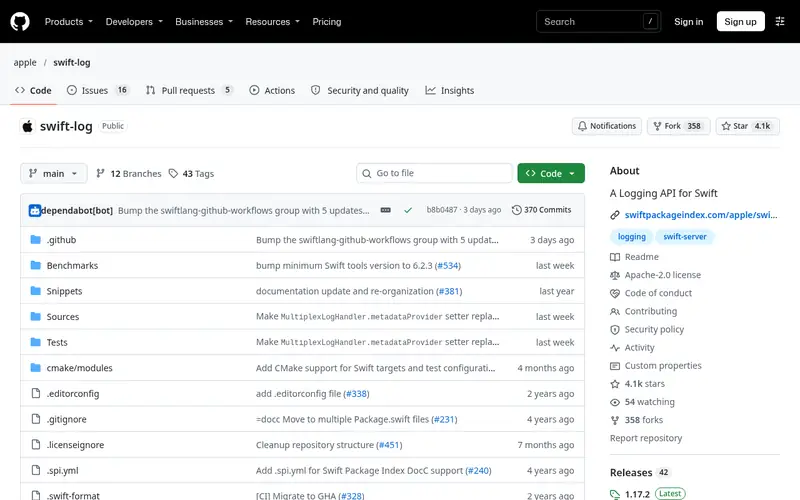
swift-log is a logging API package, not a full logging system. Your code calls a Logger, and a LogHandler decides where messages go. The package includes a simple stream handler for stdout, and the community provides handlers for other destinations. It builds on Apple platforms and Linux, which makes it a common choice for Swift on the server and shared packages.
Because the API is deliberately small, features like file rotation, formatting and remote shipping come from the handler you choose. That is good for portability and bad if you want everything in one box. It also does not integrate with Apple's unified logging by default; you need a handler that bridges to OSLog if you want both. Pick it when portability matters more than built-in destinations.
Standout: Backend-neutral API with pluggable handlers
Free (open source), as listed by the vendor (swift-log website). Confirm the current plan price before you buy.
Free plan. Plans change, so confirm on the vendor's pricing page before you buy.
Benefits
- Backend-neutral API with pluggable handlers
- maintained by Apple with a small surface
Drawbacks
- No built-in file rotation or log viewer
- you supply and configure a backend
Skip it if this limit matters to you: no built-in file rotation or log viewer.
Verdict. A sensible pick for teams that need one logging API across server and client Swift.
Alternatives in this guide: Apple Logger (OSLog), SwiftyBeaver, CocoaLumberjack
SwiftyBeaver
Best for app developers who want colored console and file logging quickly
What it is and where it fits
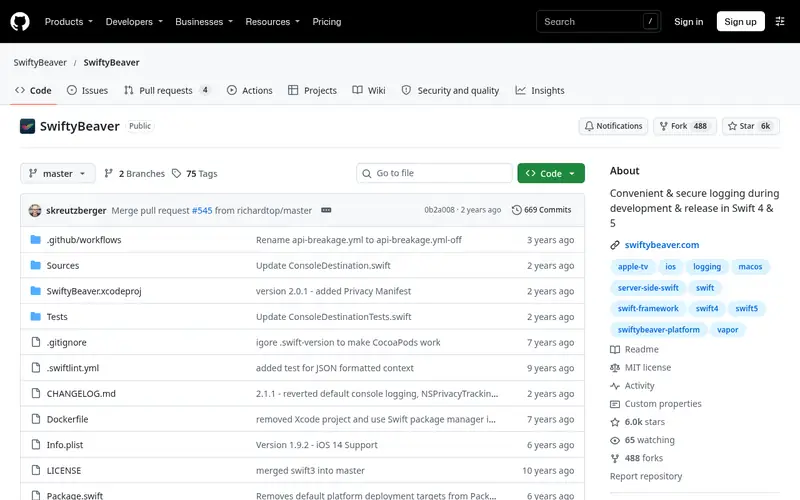
SwiftyBeaver is a logging framework for Swift with a familiar level-based API: verbose, debug, info, warning and error. It supports several destinations, including the Xcode console with colors, a rotating file log, and a cloud destination. Setup is short: create the logger, add destinations, then log. It runs on Apple platforms and Linux.
The file destination handles rotation and size limits, which is the main reason teams pick it over plain print or Logger. The cloud destination sends logs to SwiftyBeaver's platform, so review what data leaves the device before enabling it in production. The project is open source and free to use. Check the repository for current release activity if you depend on long-term maintenance.
Standout: Multiple destinations including console, file and cloud
Free (open source), as listed by the vendor (SwiftyBeaver website). Confirm the current plan price before you buy.
Free plan. Plans change, so confirm on the vendor's pricing page before you buy.
Benefits
- Multiple destinations including console, file and cloud
- simple setup with log levels
Drawbacks
- Cloud destination depends on a vendor service
- less active than Apple's own APIs
Skip it if this limit matters to you: cloud destination depends on a vendor service.
Verdict. A sensible pick for app developers who want colored console and file logging quickly.
Alternatives in this guide: Apple Logger (OSLog), swift-log, CocoaLumberjack
CocoaLumberjack
Best for large apps that need fast, configurable logging with file rotation
What it is and where it fits
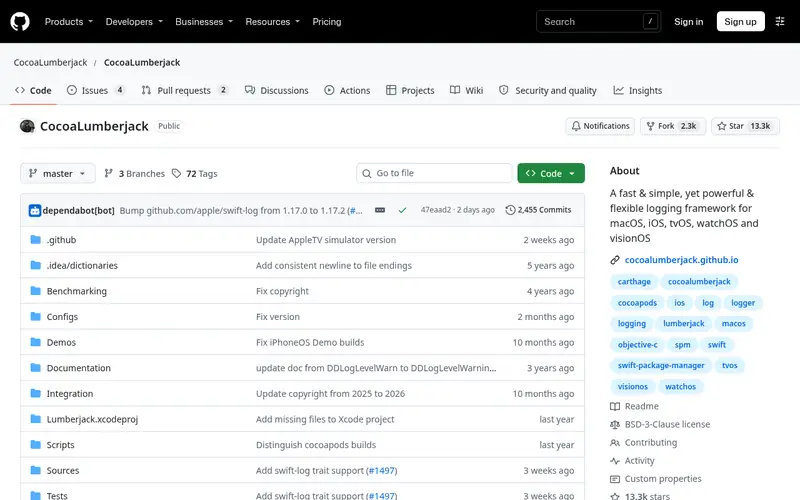
CocoaLumberjack is a long-running logging framework that started in Objective-C and works from Swift. It separates logging calls from destinations through loggers, so you can send the same message to the console, a file, or a custom destination. It includes file logging with rotation, archiving and compression, plus formatters for custom output.
The trade-off is setup. There are more moving parts than Apple's Logger, and the API shows its Objective-C roots. In return you get fine control over file size, roll counts and asynchronous logging, which matters for apps that write a lot of diagnostic data. It runs on Apple platforms only. Small apps and new projects that already use Logger may not need it.
Standout: Mature, widely used framework with many loggers and formatters
Free (open source), as listed by the vendor (CocoaLumberjack website). Confirm the current plan price before you buy.
Free plan. Plans change, so confirm on the vendor's pricing page before you buy.
Benefits
- Mature, widely used framework with many loggers and formatters
- strong file rotation
Drawbacks
- Objective-C heritage and more configuration
- heavier than a single Logger call
Skip it if this limit matters to you: objective-C heritage and more configuration.
Verdict. A sensible pick for large apps that need fast, configurable logging with file rotation.
Alternatives in this guide: Apple Logger (OSLog), swift-log, SwiftyBeaver
Puppy
Best for swift developers who want a simple, cross-platform logging package
What it is and where it fits
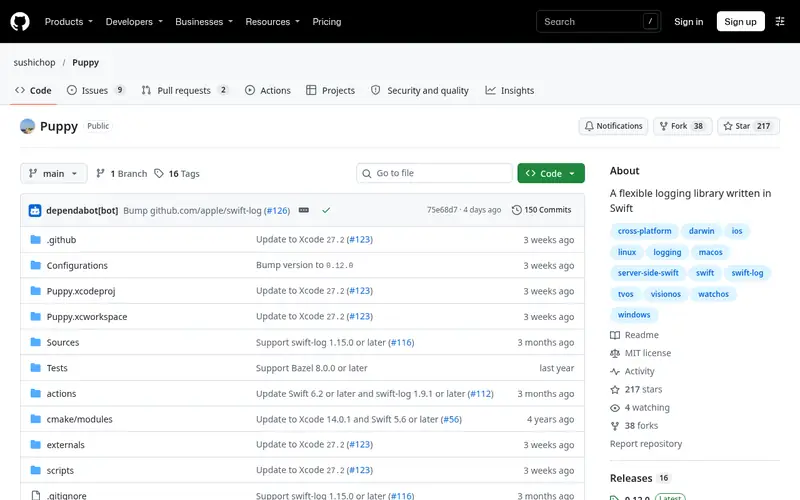
Puppy is a lightweight logging package written in Swift. It offers a Logger type with log levels and destinations such as console and file, and it aims to stay small and readable. It supports Apple platforms and Linux, so it can be shared between an app and a server-side package.
It is a reasonable choice when you want more than swift-log's bare API but do not want the configuration surface of CocoaLumberjack. The project is smaller, so check recent commits and open issues before adopting it for a long-lived product. It does not include an in-app log viewer or network inspection; pair it with Pulse if you need that.
Standout: Small API with multiple destinations and log levels
Free (open source), as listed by the vendor (Puppy website). Confirm the current plan price before you buy.
Free plan. Plans change, so confirm on the vendor's pricing page before you buy.
Benefits
- Small API with multiple destinations and log levels
- works on Apple platforms and Linux
Drawbacks
- Smaller community than the major frameworks
- fewer built-in integrations
Skip it if this limit matters to you: smaller community than the major frameworks.
Verdict. A sensible pick for swift developers who want a simple, cross-platform logging package.
Alternatives in this guide: Apple Logger (OSLog), swift-log, SwiftyBeaver
Pulse
Best for developers who need to inspect logs and network traffic in-app
What it is and where it fits
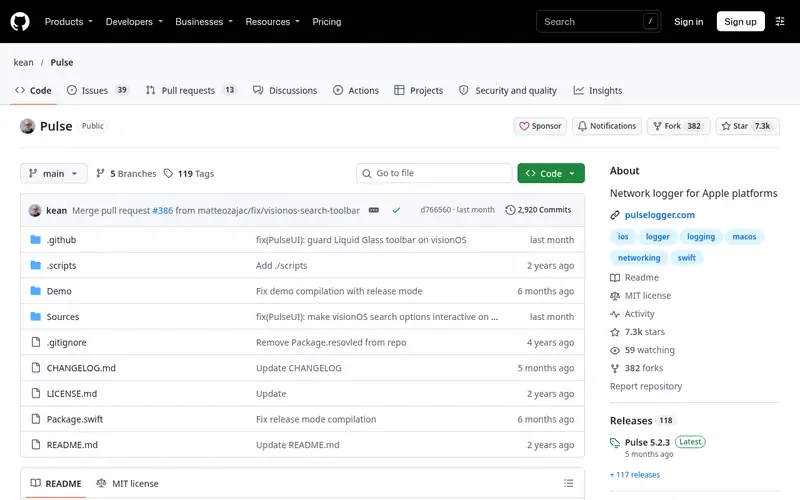
Pulse is a logging and network inspection tool for Apple platforms. It records log messages and network requests and shows them in an in-app console, which helps when you debug on a device without a cable. It can capture messages from Apple's unified logging system, so it fits projects already using Logger.
The open-source core is free. Some features are sold as a paid upgrade, so check the vendor pricing page for current terms rather than assuming everything is free. Pulse is a debugging aid, not a replacement for file logging with rotation. Use it during development and QA, and keep a separate logging setup for production diagnostics.
Standout: In-app console for logs and network requests
See vendor pricing page, as listed by the vendor (Pulse website). Confirm the current plan price before you buy.
Free plan. Plans change, so confirm on the vendor's pricing page before you buy.
Benefits
- In-app console for logs and network requests
- works with Apple's logging system
Drawbacks
- Aimed at debugging rather than long-term log storage
- paid upgrade for some features
Skip it if this limit matters to you: aimed at debugging rather than long-term log storage.
Verdict. A sensible pick for developers who need to inspect logs and network traffic in-app.
Alternatives in this guide: Apple Logger (OSLog), swift-log, SwiftyBeaver
Who should use what
A new iOS app with no special needs should start with Apple's Logger and add nothing else. A team sharing logging code between an iOS app and a Swift server package should use swift-log with a handler per platform. An app that needs file logs with rotation and colored console output should look at SwiftyBeaver or CocoaLumberjack. A developer debugging network calls and logs on a physical device should add Pulse alongside the logging library already in use.
Questions to settle before you buy
What to check before you buy
- Confirm the library supports every platform you ship on, including Linux if you have server code.
- Check how log files rotate and cap in size, and whether old files are deleted.
- Decide which fields are private and mark them so tokens and user data stay out of logs.
- Verify the project has recent commits and responds to issues before adding a dependency.
- Read the licence and any paid upgrade terms, then confirm the price on the vendor page.
FAQ
Is Apple's Logger enough for most apps?
For many apps, yes. Logger needs no dependency, works across Apple platforms and integrates with Console and Instruments. Add a library only when you need file rotation, cross-platform output or an in-app viewer.
What is the difference between swift-log and Apple's Logger?
swift-log is a backend-neutral API that runs on Apple platforms and Linux, and a handler decides where messages go. Apple's Logger writes to the unified logging system and runs only on Apple platforms. Use swift-log for portability and Logger for native Apple integration.
Do these libraries send my logs to a server?
Not by default. Most write to the console or local files. SwiftyBeaver has an optional cloud destination, and Pulse stores data on the device for inspection. Review any remote destination before enabling it, and keep secrets out of log messages.
Can I use more than one logging library?
Yes, but keep it deliberate. A common pattern is swift-log or Logger for app code plus Pulse for in-app inspection during development. Avoid logging the same message through several frameworks, which doubles work and makes output harder to read.
Are these libraries free?
Apple's Logger and swift-log are free, and SwiftyBeaver, CocoaLumberjack, Puppy and Pulse are open source. Pulse also offers a paid upgrade, so check its vendor pricing page for current terms.
Sources we checked
Method: how we score · editorial policy.
Change log. First published 27 Nov 2026.