Stage 01 · Write · Researched comparison
Best Shell Prompt Tools in 2026
Starship is the first pick for most developers because it is a single cross-shell prompt that works in Bash, Zsh, Fish and PowerShell with one config file. Oh My Zsh suits users who want a large plugin and theme ecosystem. Powerlevel10k is the choice for Zsh users who want a fast, highly configurable prompt with a setup wizard.

By Shihab Mia
Published 22 Nov 2026 · 5 tools compared
We run no ads and no affiliate links at launch. The order of a list follows our published method. See how we score.
Prices are the starting prices vendors list publicly. Plans change, so confirm the current price on the vendor page before you buy.
Key takeaways
- Starship is free and open source, runs on Bash, PowerShell and more, and uses one TOML config file.
- Oh My Zsh is free and open source and bundles a large set of plugins and themes.
- Powerlevel10k is free and open source and offers a guided configuration wizard.
- All tools listed here are free or open source; none require pasting secrets into a web page.
Who each pick is for
- Cross-shell users who want one config for every shellStarship
- Users who want plugins and themes in one frameworkOh My Zsh
- Users who want a fast, configurable promptPowerlevel10k
- Users who want a minimal promptPure
- PowerShell and cross-shell users who want themesOh My Posh
Comparison
| Tool | Best for | Standout feature | Listed starting price | Free plan or trial |
|---|---|---|---|---|
| 1Starship | Cross-shell users who want one config for every shell | Works across Bash, PowerShell and others | Free (open source) | Free plan |
| 2Oh My Zsh | Users who want plugins and themes in one framework | Large plugin and theme collection | Free (open source) | Free plan |
| 3Powerlevel10k | Users who want a fast, configurable prompt | Guided setup wizard | Free (open source) | Free plan |
| 4Pure | Users who want a minimal prompt | Clean minimal design | Free (open source) | Free plan |
| 5Oh My Posh | PowerShell and cross-shell users who want themes | Works in PowerShell, Bash and other shells | Free (open source) | Free plan |
How we picked
We compared prompt tools by fit for the job (cross-shell versus shell-specific), supported platforms and shells, price and license, and the main limits such as startup cost or configuration depth. Sources are vendor pages, documentation and project repositories. Prices and licenses can change, so confirm details on the vendor site before you commit.
The tools, one by one
Starship
Best for cross-shell users who want one config for every shell
What it is and where it fits
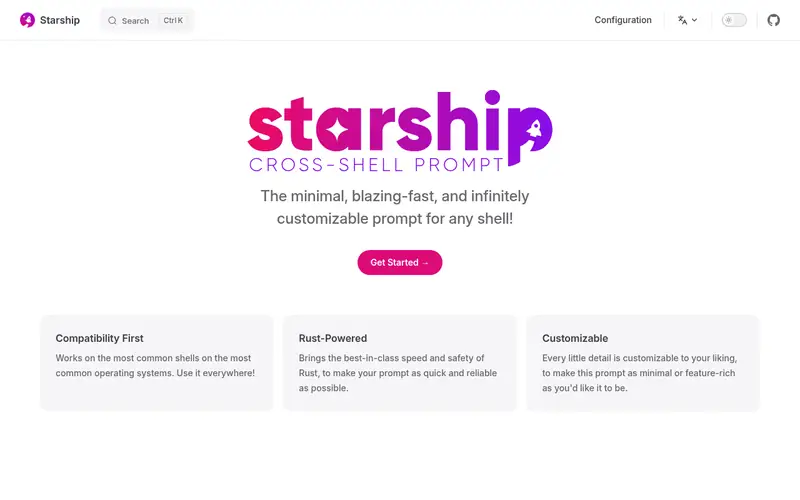
Starship is a cross-shell prompt written in Rust. It detects your shell and renders a prompt that shows context such as the current directory, git branch and status, language versions and command duration. You configure it once in a `starship.toml` file, and the same config applies in every supported shell. It supports Bash, PowerShell, Ion, Elvish, Nushell and others.
Installation is a single script or package manager entry, and you add one line to your shell config to activate it. The prompt is modular: each module (git, node, python, docker context, and so on) can be enabled, disabled or restyled. Because the config is shared, it suits developers who switch between shells or work on multiple machines.
The main limit is that the default look is plain, and getting a polished prompt takes some reading of the documentation. It is free and open source under the ISC license. Skip it if you want a large ready-made theme ecosystem.
Standout: Works across Bash, PowerShell and others
Free (open source), as listed by the vendor (Starship website). Confirm the current plan price before you buy.
Free plan. Plans change, so confirm on the vendor's pricing page before you buy.
Benefits
- Works across Bash, PowerShell and others
- single TOML config file
Drawbacks
- Default prompt is minimal and needs tuning
- no built-in theme gallery
Skip it if this limit matters to you: default prompt is minimal and needs tuning.
Verdict. A sensible pick for cross-shell users who want one config for every shell.
Alternatives in this guide: Oh My Zsh, Powerlevel10k, Pure
Oh My Zsh
Best for users who want plugins and themes in one framework
What it is and where it fits
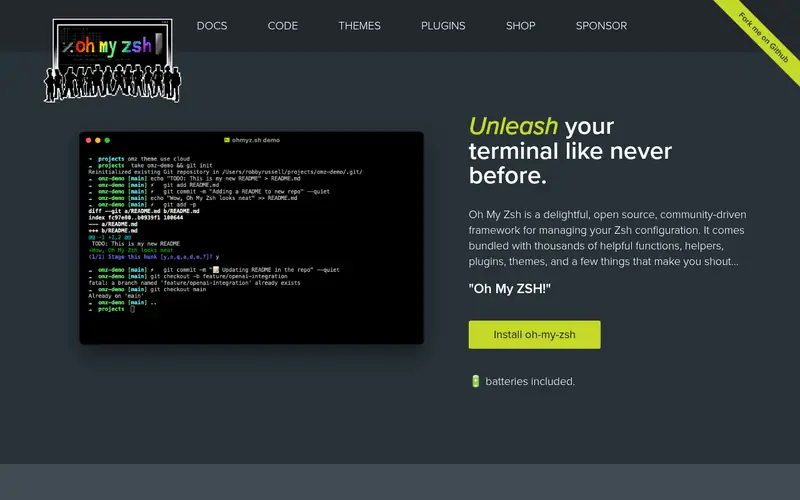
Oh My Zsh is a framework for managing shell configuration. It bundles themes and plugins, and it provides a structure for aliases, functions and prompt settings. The prompt comes from the theme you select, and many themes show git status, exit codes and path context.
The plugin library is large, covering git shortcuts, language tooling and directory navigation. Enabling many plugins can add noticeable startup time, so it is worth measuring your shell start with and without them.
Oh My Zsh is free and open source under the MIT license. It suits users who want a broad ecosystem and are willing to manage plugin load. Skip it if you want one prompt that works across multiple shells.
Standout: Large plugin and theme collection
Free (open source), as listed by the vendor (Oh My Zsh website). Confirm the current plan price before you buy.
Free plan. Plans change, so confirm on the vendor's pricing page before you buy.
Benefits
- Large plugin and theme collection
- active community
Drawbacks
- Can slow shell startup if many plugins load
Skip it if this limit matters to you: can slow shell startup if many plugins load.
Verdict. A sensible pick for users who want plugins and themes in one framework.
Alternatives in this guide: Starship, Powerlevel10k, Pure
Powerlevel10k
Best for users who want a fast, configurable prompt
What it is and where it fits
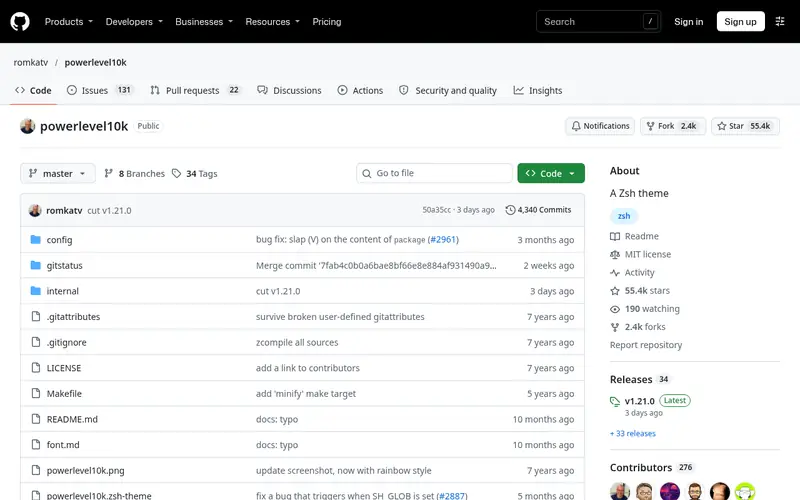
Powerlevel10k is a Zsh theme, often used with Oh My Zsh or a plain Zsh setup. It includes a configuration wizard that asks questions about icons, prompt style and what segments to show, then writes a config file for you. The result is a prompt with git status, command duration, language versions and optional time and battery segments.
It is designed for speed and supports instant prompt to reduce perceived startup delay. The configuration is deep: you can control segment order, colors, icons and truncation. That depth is also the main cost, since the config file can become long.
Powerlevel10k is free and open source under the MIT license. Skip it if you want a single cross-shell config or prefer a prompt with fewer options.
Standout: Guided setup wizard
Free (open source), as listed by the vendor (Powerlevel10k website). Confirm the current plan price before you buy.
Free plan. Plans change, so confirm on the vendor's pricing page before you buy.
Benefits
- Guided setup wizard
- fast rendering
Drawbacks
- Configuration options are extensive
Skip it if this limit matters to you: configuration options are extensive.
Verdict. A sensible pick for users who want a fast, configurable prompt.
Pure
Best for users who want a minimal prompt
What it is and where it fits
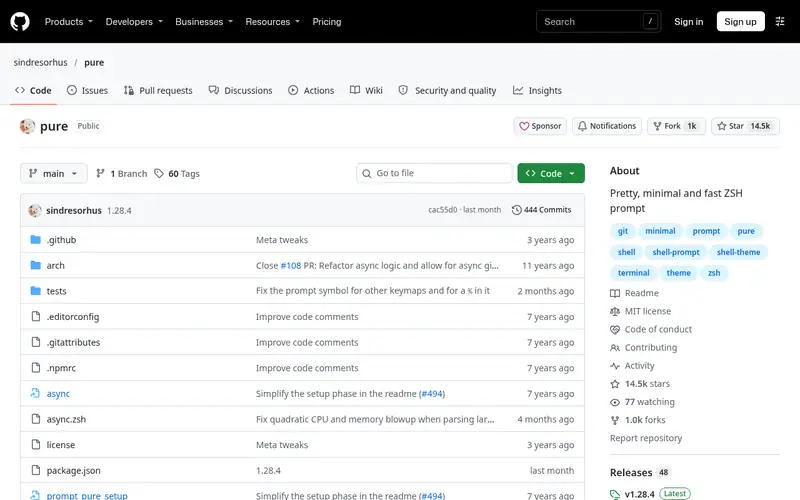
Pure is a minimal Zsh prompt. It shows the current directory, git branch and status, exit code of the last command and command duration. The design is deliberately sparse, so it stays readable without extra configuration.
It installs through a package manager or by cloning the repository and sourcing the prompt file. It works with Zsh's built-in prompt system or with frameworks such as Oh My Zsh. There is little to configure, which is the point.
Pure is free and open source under the MIT license. It suits developers who want a quiet prompt and do not need language version segments or cloud context. Skip it if you want a prompt that shows runtime versions, Kubernetes context or other environment details.
Standout: Clean minimal design
Free (open source), as listed by the vendor (Pure website). Confirm the current plan price before you buy.
Free plan. Plans change, so confirm on the vendor's pricing page before you buy.
Benefits
- Clean minimal design
- fast asynchronous git status in Zsh
Drawbacks
- Few segments compared with larger frameworks
- limited theming
Skip it if this limit matters to you: few segments compared with larger frameworks.
Verdict. A sensible pick for users who want a minimal prompt.
Alternatives in this guide: Starship, Oh My Zsh, Powerlevel10k
Oh My Posh
Best for powerShell and cross-shell users who want themes
What it is and where it fits
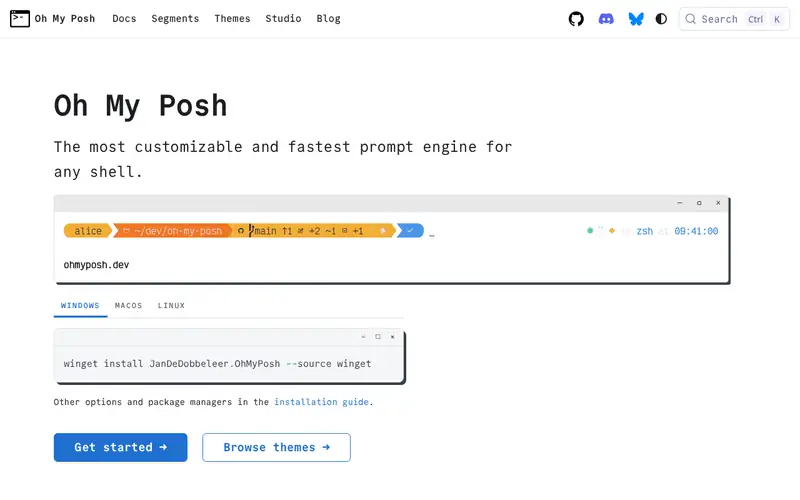
Oh My Posh is a prompt theme engine that works in PowerShell, Bash and other shells. It ships with a set of themes and lets you build custom segments for git, language versions, cloud context and system status.
It is a common choice on Windows, where PowerShell is the default shell, and it also runs on macOS and Linux. You select a theme with a command and then edit a JSON or YAML config to adjust segments. The theme library is large, so there is usually a starting point close to what you want.
Oh My Posh is free and open source under the MIT license. The main cost is setup time, since themes and config differ from Starship's TOML format. Skip it if you want the smallest possible config or already have a Starship setup you like.
Standout: Works in PowerShell, Bash and other shells
Free (open source), as listed by the vendor (Oh My Posh website). Confirm the current plan price before you buy.
Free plan. Plans change, so confirm on the vendor's pricing page before you buy.
Benefits
- Works in PowerShell, Bash and other shells
- large theme collection
Drawbacks
- Theme setup can take time
- config format differs from Starship
Skip it if this limit matters to you: theme setup can take time.
Verdict. A sensible pick for powerShell and cross-shell users who want themes.
Alternatives in this guide: Starship, Oh My Zsh, Powerlevel10k
Who should use what
If you switch between multiple shells, use Starship for one shared config. If you want plugins plus themes, use Oh My Zsh, and add Powerlevel10k if you want a guided, fast prompt. If you want a quiet prompt with few segments, use Pure. On Windows or mixed PowerShell setups, use Oh My Posh. If you want the prompt built into the shell, use your shell's own prompt system.
Questions to settle before you buy
What to check before you buy
- Confirm the tool supports every shell you use, not just your main one.
- Check where the config file lives and whether it is easy to back up and sync.
- Measure shell startup time before and after adding the prompt.
- Read the license if you plan to use the tool at work or redistribute config.
- Check that the prompt does not require network access to render.
FAQ
Do I need a prompt framework, or can I write my own prompt?
You can write your own prompt in Bash using built-in prompt variables and functions. Frameworks save time by handling git status, exit codes and language versions, and they give you a config file instead of shell code. Start with your shell's built-in prompt if your needs are simple.
Which of these tools work in Bash?
Starship and Oh My Posh work in Bash, along with other shells. Oh My Zsh, Powerlevel10k and Pure are built for Zsh. Switching shells changes more than your prompt.
Are these prompt tools free?
All tools listed here are free and open source. Starship, Oh My Zsh, Powerlevel10k, Pure and Oh My Posh are prompt tools or frameworks. Check each project's repository for the current license text.
Will a prompt framework slow down my shell?
It can. Frameworks that load many plugins or run several commands per prompt add startup and render time. Starship and Powerlevel10k are designed with speed in mind, but the config still matters. Measure startup time with your own config before and after changes.
Can I use these prompts over SSH or on a remote server?
Yes. These tools run locally in your shell, so they work over SSH as long as the tool is installed on the remote machine and your terminal supports the characters used. Icons and special glyphs need a font with the right glyphs, so check your terminal font if the prompt looks broken.
Sources we checked
Method: how we score · editorial policy.
Change log. First published 22 Nov 2026.