Stage 01 · Write · Researched comparison
Best cat Command Alternatives in 2026
bat is the first pick for most developers who want a drop-in cat replacement with syntax highlighting and Git markers. It suits people who read source files in the terminal every day. If you mainly need to scroll through long output, less is the standard pager and ships with most systems. For Markdown files rendered in the terminal, glow is the focused option.

By Shihab Mia
Published 28 Nov 2026 · 6 tools compared
We run no ads and no affiliate links at launch. The order of a list follows our published method. See how we score.
Prices are the starting prices vendors list publicly. Plans change, so confirm the current price on the vendor page before you buy.
Key takeaways
- bat adds syntax highlighting, line numbers and Git change markers while staying close to cat in everyday use.
- less is the baseline pager for long files and is already installed on most Unix-like systems.
- glow renders Markdown only, so it does not replace cat for source code or plain text.
- All six options here are free and open source, so the choice comes down to fit and platform.
Who each pick is for
- Developers who want highlighted source files in the terminalbat
- Anyone who needs a dependable pager for long filesless
- Users who want a pager with built-in color supportmost
- Reading Markdown files and READMEs in the terminalglow
- Inspecting binary files from the command linehexyl
- Users who want a pager with search and colormoor
Comparison
| Tool | Best for | Standout feature | Listed starting price | Free plan or trial |
|---|---|---|---|---|
| 1bat | Developers who want highlighted source files in the terminal | Syntax highlighting for many languages | Free (open source) | Free plan |
| 2less | Anyone who needs a dependable pager for long files | Installed by default on most Unix-like systems | Free (open source) | Free plan |
| 3most | Users who want a pager with built-in color support | Displays multiple files in split windows | Free (open source) | Free plan |
| 4glow | Reading Markdown files and READMEs in the terminal | Renders Markdown with headings, lists and code blocks | Free (open source) | Free plan |
| 5hexyl | Inspecting binary files from the command line | Colorized hex and ASCII output | Free (open source) | Free plan |
| 6moor | Users who want a pager with search and color | Pager with incremental search and color support | Free (open source) | Free plan |
How we picked
We picked tools that read files in a terminal and genuinely serve as cat alternatives or companions for that job. Criteria were fit for the task, supported platforms, licence and price, how they handle color and paging, and their main limits. We left out ccat because it is no longer maintained. Sources are vendor pages, project repositories and documentation. Prices and features change, so confirm details on the official site before you commit.
The tools, one by one
bat
Best for developers who want highlighted source files in the terminal
What it is and where it fits
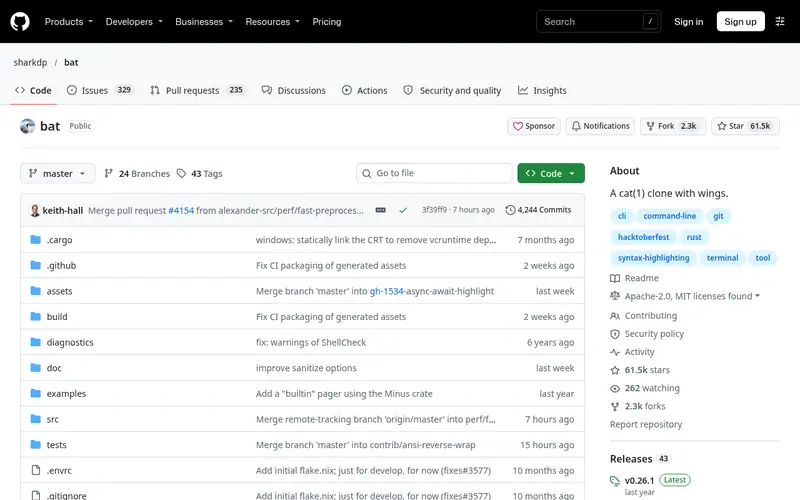
bat is a cat clone with syntax highlighting, line numbers and Git integration. It detects the language from the file extension and colorizes output, which makes reading source files and config files easier than raw cat. The Git gutter shows added, modified and removed lines when you view a file inside a repository. It runs on Linux, macOS and Windows, and is packaged in most system package managers.
bat is not a pager. For long files you pipe it into less, or set it as the pager for other tools. You can alias cat to bat, but the project notes that this can break scripts that expect plain output, so many people keep cat for scripting and call bat directly. Plain output is available with a flag when you need it. The licence is open source. Skip it if you only read short files or work on systems where you cannot install extra packages.
Standout: Syntax highlighting for many languages
Free (open source), as listed by the vendor (bat website). Confirm the current plan price before you buy.
Free plan. Plans change, so confirm on the vendor's pricing page before you buy.
Benefits
- Syntax highlighting for many languages
- Git change markers in the gutter
Drawbacks
- Not a pager by default
- needs configuration to replace cat fully
Skip it if this limit matters to you: not a pager by default.
Verdict. A sensible pick for developers who want highlighted source files in the terminal.
less
Best for anyone who needs a dependable pager for long files
What it is and where it fits
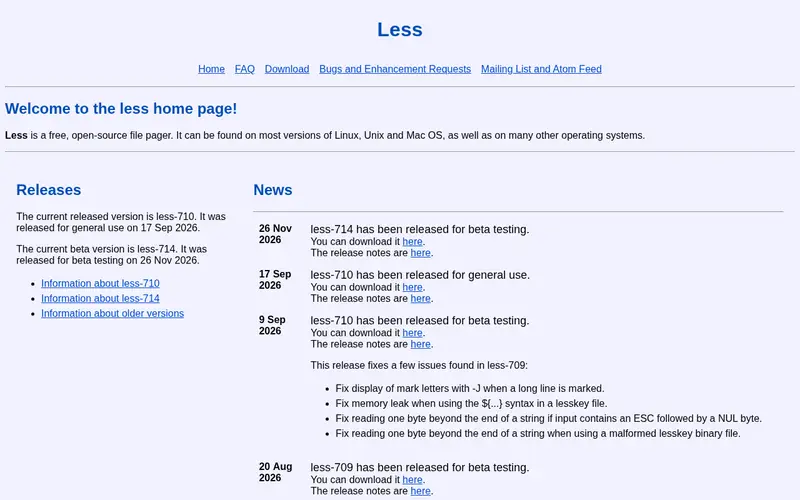
less is the standard pager on Unix-like systems and the usual target when tools like bat or git need to page output. It lets you scroll forward and backward through a file, search with regular expressions, and follow a file as it grows. It handles large files without loading everything into memory at once, which matters on servers and in logs.
It does not highlight syntax, so it is a complement to bat rather than a replacement for highlighted reading. The command set is broad but the basics are quick to pick up: space to page down, b to page back, / to search, q to quit. It runs on Linux, macOS and other Unix-like systems, and builds are available for Windows. The licence is open source. Skip it if you want color and line numbers without extra setup.
Standout: Installed by default on most Unix-like systems
Free (open source), as listed by the vendor (less website). Confirm the current plan price before you buy.
Free plan. Plans change, so confirm on the vendor's pricing page before you buy.
Benefits
- Installed by default on most Unix-like systems
- Backward and forward scrolling with search
Drawbacks
- No syntax highlighting
- Interface takes a moment to learn
Skip it if this limit matters to you: no syntax highlighting.
Verdict. A sensible pick for anyone who needs a dependable pager for long files.
most
Best for users who want a pager with built-in color support
What it is and where it fits
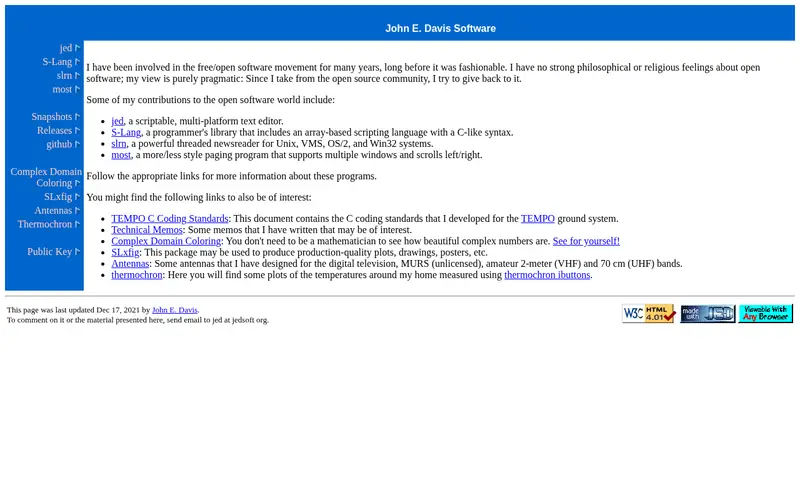
most is a pager designed as an alternative to less and more. It can display several files at once in split windows, which helps when comparing related files side by side. It also handles color escape sequences from other programs, so output from tools that emit color stays readable when piped through it. Key bindings are closer to those of an editor than to less.
It is available for Unix-like systems and Windows, and is distributed as open source. Because it is not preinstalled on as many systems as less, you usually need to install it from a package manager or build it. It does not add syntax highlighting of its own; it only passes through color that other tools produce. Skip it if you want the pager that is already on every machine, or if you need highlighting built in.
Standout: Displays multiple files in split windows
Free (open source), as listed by the vendor (most website). Confirm the current plan price before you buy.
Free plan. Plans change, so confirm on the vendor's pricing page before you buy.
Benefits
- Displays multiple files in split windows
- Supports color output from other programs
Drawbacks
- Less commonly preinstalled than less
- Smaller community than less
Skip it if this limit matters to you: less commonly preinstalled than less.
Verdict. A sensible pick for users who want a pager with built-in color support.
glow
Best for reading Markdown files and READMEs in the terminal
What it is and where it fits
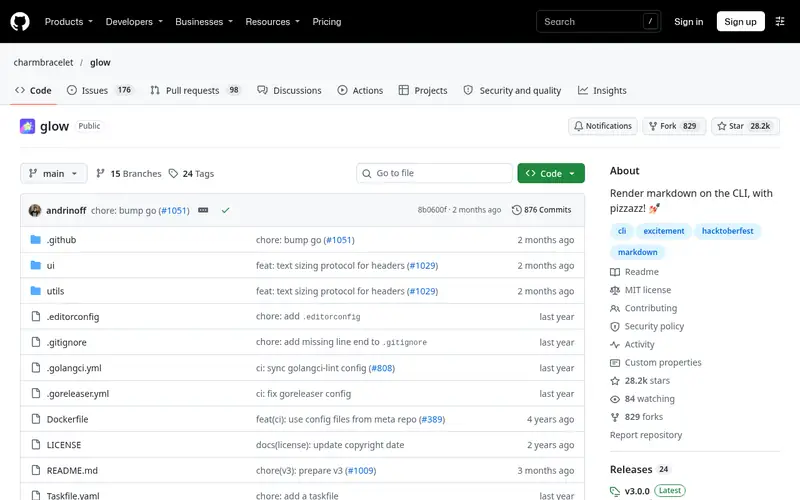
glow renders Markdown in the terminal. Headings, lists, tables and fenced code blocks are formatted so a README or notes file reads well without leaving the shell. It can also open a file browser for Markdown files in a directory, which is handy for project documentation. It runs on Linux, macOS and Windows, and is open source.
It is not a general-purpose cat replacement. Point it at a source file and you get little benefit over cat. It also does not page by default; for long documents you pipe it into a pager or use its built-in pager mode. Use it alongside bat or less rather than instead of them. Skip it if you rarely read Markdown in the terminal or need one tool that handles every file type.
Standout: Renders Markdown with headings, lists and code blocks
Free (open source), as listed by the vendor (glow website). Confirm the current plan price before you buy.
Free plan. Plans change, so confirm on the vendor's pricing page before you buy.
Benefits
- Renders Markdown with headings, lists and code blocks
- Can browse Markdown files in a directory
Drawbacks
- Markdown only, not a general file viewer
- Not a substitute for cat in scripts
Skip it if this limit matters to you: markdown only, not a general file viewer.
Verdict. A sensible pick for reading Markdown files and READMEs in the terminal.
hexyl
Best for inspecting binary files from the command line
What it is and where it fits
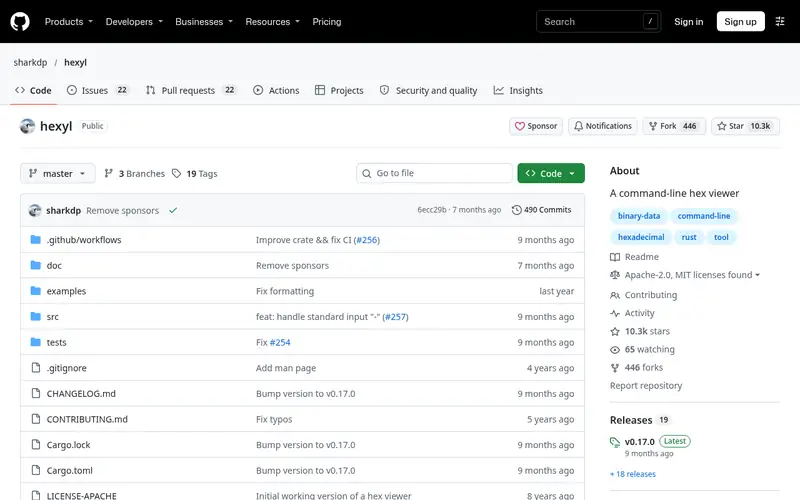
hexyl is a hex viewer for the terminal. It shows a file as bytes with color coding that distinguishes printable characters, whitespace, control codes and other byte classes, plus an ASCII column and byte offsets. That makes it easier to inspect binary files, headers and corrupted data than with a plain hex dump. It runs on Linux, macOS and Windows and is open source.
It is not a replacement for cat on text files. Use it when the file is binary or when you need to see exact byte values. For text, bat or less are the right tools. Large files are handled in pages, and you can set the number of bytes per line and skip to an offset. Skip it if you never work with binary data or already have a hex viewer you like.
Standout: Colorized hex and ASCII output
Free (open source), as listed by the vendor (hexyl website). Confirm the current plan price before you buy.
Free plan. Plans change, so confirm on the vendor's pricing page before you buy.
Benefits
- Colorized hex and ASCII output
- Clear byte offsets for navigation
Drawbacks
- Only useful for binary data
- Not a text file viewer
Skip it if this limit matters to you: only useful for binary data.
Verdict. A sensible pick for inspecting binary files from the command line.
moor
Best for users who want a pager with search and color
What it is and where it fits
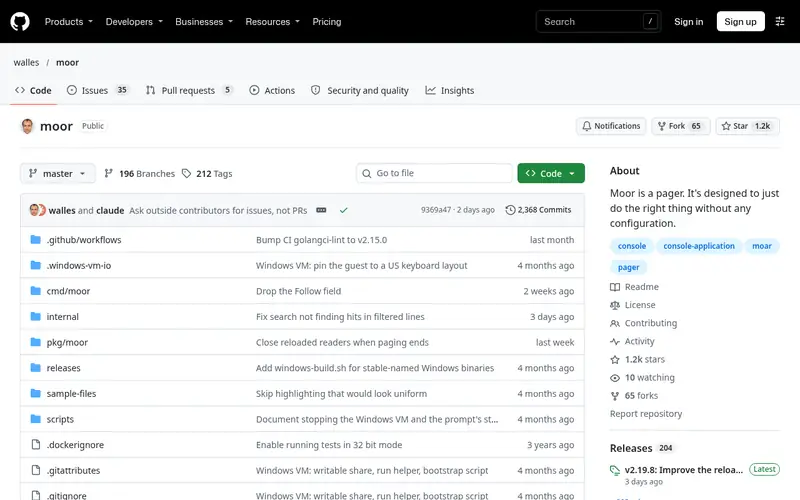
moor is a pager written as a friendlier alternative to less. It supports incremental search, keeps color output from other programs, and shows line numbers. It ships as a single binary with no runtime dependencies, which makes it easy to drop onto a server or into a container. It runs on Linux, macOS and Windows and is open source.
It is a pager, not a highlighter, so it does not add syntax highlighting on its own. Pair it with bat or another tool that emits color. Because it is a smaller project than less, fewer systems have it preinstalled and fewer guides cover it. Skip it if you want the pager that is guaranteed to be present everywhere, or if you need highlighting built in.
Standout: Pager with incremental search and color support
Free (open source), as listed by the vendor (moor website). Confirm the current plan price before you buy.
Free plan. Plans change, so confirm on the vendor's pricing page before you buy.
Benefits
- Pager with incremental search and color support
- Single binary with no dependencies
Drawbacks
- Less widely installed than less
- Smaller project than less
Skip it if this limit matters to you: less widely installed than less.
Verdict. A sensible pick for users who want a pager with search and color.
Who should use what
If you read source code and config files all day, start with bat and keep less as the pager for long output. If you work mostly on servers where you cannot install packages, less is already there and needs no setup. If your terminal time is mostly READMEs and notes, glow gives the best reading experience for Markdown. If you inspect binaries or debug file formats, hexyl is the focused tool. Developers who want a pager with search and color but fewer dependencies than less can try moor.
Questions to settle before you buy
What to check before you buy
- Confirm the tool is available for your OS and install method, especially on servers and in containers.
- Check whether it is a viewer or a pager, and whether you need to pipe it into less.
- Test whether aliasing cat to the tool breaks any of your scripts.
- Verify color and highlighting behave in your terminal and over SSH.
- Check the licence and whether the project is actively maintained.
FAQ
Does bat replace cat completely?
Not by default. bat is a viewer with highlighting, and the project warns that aliasing cat to bat can break scripts that expect plain output. Many people call bat directly for reading and keep cat for scripts and pipes.
Is less still worth using in 2026?
Yes. less is the standard pager on Unix-like systems, is installed almost everywhere, and handles large files well. It pairs naturally with bat and other tools that produce long output.
Can glow read source code files?
glow is built for Markdown. It renders headings, lists and code blocks in Markdown documents. For source code, use bat for highlighting or less for paging.
When should I use hexyl instead of cat?
Use hexyl when the file is binary or when you need exact byte values and offsets. cat and bat are for text. hexyl shows a colorized hex and ASCII view that makes binary structure easier to read.
Are these tools free?
All six are free and open source. You can install them from package managers or build them from source. There is no paid tier for any of them.
Sources we checked
Method: how we score · editorial policy.
Change log. First published 28 Nov 2026.