Stage 01 · Write · Researched comparison
Best Scala IDEs and Editors in 2026
IntelliJ IDEA is the first pick for most Scala developers because its Scala plugin adds deep code analysis, refactoring and sbt integration to a full IDE. It suits teams that want one tool for Scala, Java and build files. Visual Studio Code with the Metals extension is a lighter alternative, and Neovim with Metals or Metals' built-in editor support suits developers who prefer keyboard-driven workflows.

By Shihab Mia
Published 22 Nov 2026 · 6 tools compared
We run no ads and no affiliate links at launch. The order of a list follows our published method. See how we score.
Prices are the starting prices vendors list publicly. Plans change, so confirm the current price on the vendor page before you buy.
Key takeaways
- IntelliJ IDEA Community Edition is free and open source, and the Scala plugin installs from the plugin marketplace.
- Visual Studio Code is free, and the Metals extension provides Scala language support, debugging and build import.
- Editor plugins and language servers run locally, so source code stays on your machine unless you enable remote features.
Who each pick is for
- Teams wanting one full IDE for Scala, Java and sbtIntelliJ IDEA
- Developers who want a light editor with Scala supportVisual Studio Code
- Scala language server for editors that support LSPMetals
- Keyboard-driven developers who want a terminal editorNeovim
- Long-time Emacs users who want Scala in their editorEmacs
- Developers who want a fast editor with LSP supportSublime Text
Comparison
| Tool | Best for | Standout feature | Listed starting price | Free plan or trial |
|---|---|---|---|---|
| 1IntelliJ IDEA | Teams wanting one full IDE for Scala, Java and sbt | Deep Scala plugin with refactoring and inspections | Free (open source) for Community Edition | Free plan |
| 2Visual Studio Code | Developers who want a light editor with Scala support | Fast startup and a large extension ecosystem | Free | Free plan |
| 3Metals | Scala language server for editors that support LSP | Works across several editors through the Language Server Protocol | Free (open source) | Free plan |
| 4Neovim | Keyboard-driven developers who want a terminal editor | Fast and lightweight | Free (open source) | Free plan |
| 5Emacs | Long-time Emacs users who want Scala in their editor | Extensible and scriptable | Free (open source) | Free plan |
| 6Sublime Text | Developers who want a fast editor with LSP support | Fast startup and low memory use | See vendor pricing page | Free trial |
How we picked
We picked products that are maintained and genuinely support Scala development, either as a full IDE with a Scala plugin or as an editor paired with a Scala language server. Criteria were fit for Scala editing, debugging and build import; platform support; price and licence; whether code stays local; and the main limits of each setup. Sources are vendor pages, official documentation and project repositories. Prices and plugin terms change, so confirm details on the vendor site before you commit.
The tools, one by one
IntelliJ IDEA
Best for teams wanting one full IDE for Scala, Java and sbt

What it is and where it fits
IntelliJ IDEA is a JVM IDE from JetBrains. The Scala plugin adds syntax highlighting, type-aware code completion, inspections, refactoring, a debugger and sbt project import. It also handles Scala 3 syntax and worksheet files. The Community Edition is free and open source, while the Ultimate Edition adds web and database tooling and requires a paid subscription. The Scala plugin is maintained by JetBrains and installs from the plugin marketplace.
The IDE runs on Windows, macOS and Linux. Memory use is higher than a plain editor, which matters on older laptops. Teams that only edit a few Scala files may find a lighter editor faster to start. Teams that work across Scala, Java and build tooling usually get the most from the combined toolset.
Standout: Deep Scala plugin with refactoring and inspections
Free (open source) for Community Edition, as listed by the vendor (IntelliJ IDEA website). Confirm the current plan price before you buy.
Free plan. Plans change, so confirm on the vendor's pricing page before you buy.
Benefits
- Deep Scala plugin with refactoring and inspections
- integrated sbt, debugger and test runner
Drawbacks
- Ultimate Edition is paid
- the IDE is heavy on memory
Skip it if this limit matters to you: ultimate Edition is paid.
Verdict. A sensible pick for teams wanting one full IDE for Scala, Java and sbt.
Alternatives in this guide: Visual Studio Code, Metals, Neovim
Visual Studio Code
Best for developers who want a light editor with Scala support
What it is and where it fits
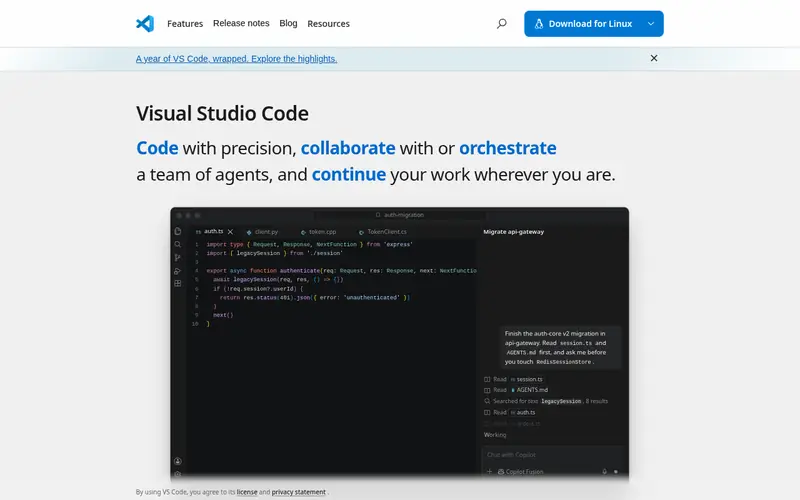
Visual Studio Code is a free code editor from Microsoft that runs on Windows, macOS and Linux. Scala support comes from the Metals extension, which provides code completion, go-to-definition, diagnostics, debugging and build import for sbt, Mill and Maven projects. Metals uses the Bloop build server and the Scala compiler for analysis.
The editor is free with no paid tier. Extension quality varies, so pin versions in team settings. Large monorepos can need memory and indexing adjustments. Developers who want a single lightweight editor for many languages often pick VS Code, while those who want deeper Scala refactoring may prefer IntelliJ IDEA.
Standout: Fast startup and a large extension ecosystem
Free, as listed by the vendor (Visual Studio Code website). Confirm the current plan price before you buy.
Free plan. Plans change, so confirm on the vendor's pricing page before you buy.
Benefits
- Fast startup and a large extension ecosystem
- Metals extension adds Scala language features
Drawbacks
- Scala support depends on extensions
- heavy projects can need tuning
Skip it if this limit matters to you: scala support depends on extensions.
Verdict. A sensible pick for developers who want a light editor with Scala support.
Alternatives in this guide: IntelliJ IDEA, Metals, Neovim
Metals
Best for scala language server for editors that support LSP
What it is and where it fits
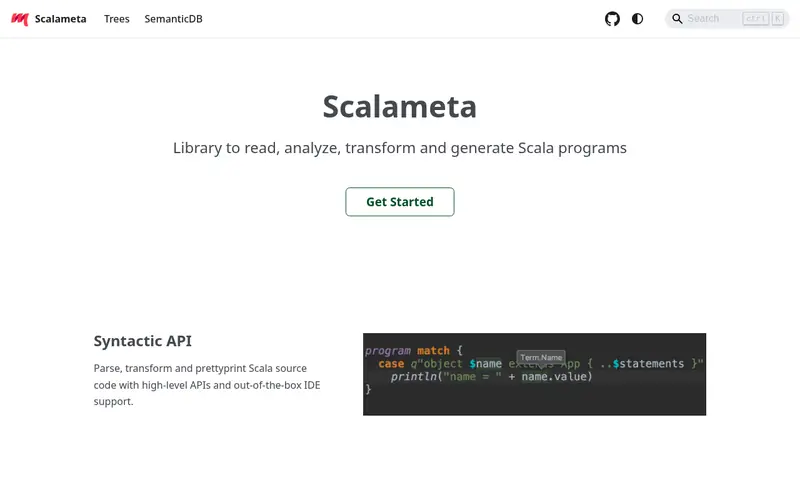
Metals is an open-source Scala language server from the Scalameta project. It provides code completion, diagnostics, go-to-definition, formatting, debugging and build import to editors that speak the Language Server Protocol. It supports sbt, Mill, Maven and Gradle projects and works with Scala 2 and Scala 3.
Metals is not a standalone editor. You pair it with VS Code, Neovim, Emacs, Sublime Text or another LSP client. That makes it a good fit for developers who already have an editor they like. Configuration lives in the build and in editor settings, so teams should document the setup. It runs locally, so source code stays on the machine unless you enable remote features.
Standout: Works across several editors through the Language Server Protocol
Free (open source), as listed by the vendor (Metals website). Confirm the current plan price before you buy.
Free plan. Plans change, so confirm on the vendor's pricing page before you buy.
Benefits
- Works across several editors through the Language Server Protocol
- open source and actively developed
Drawbacks
- Feature set depends on the host editor
- setup can require build tool configuration
Skip it if this limit matters to you: feature set depends on the host editor.
Verdict. A sensible pick for scala language server for editors that support LSP.
Alternatives in this guide: IntelliJ IDEA, Visual Studio Code, Neovim
Neovim
Best for keyboard-driven developers who want a terminal editor
What it is and where it fits
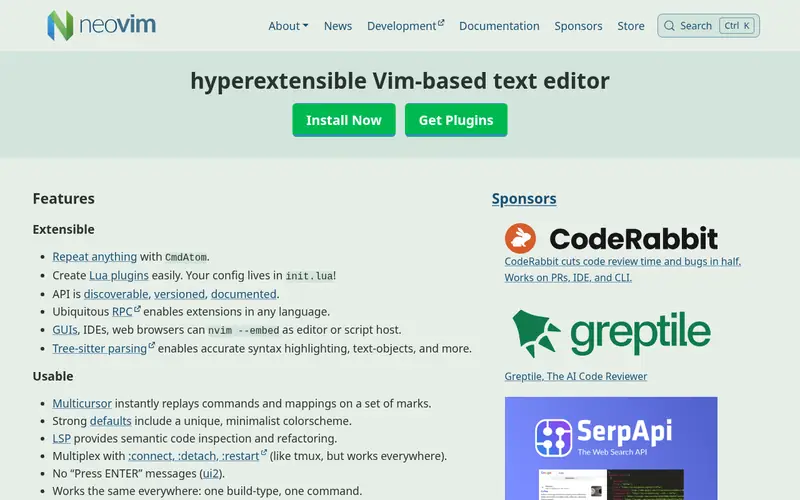
Neovim is a free, open-source terminal editor that runs on Windows, macOS and Linux. Scala support comes from the built-in LSP client paired with Metals, plus plugins for treesitter syntax highlighting and completion. Debugging uses the Debug Adapter Protocol with a Metals-compatible client.
Neovim is not an out-of-the-box Scala IDE. You assemble the setup from plugins and configuration files, which takes time but gives fine control. It suits developers who already work in Neovim and want Scala in the same environment. Those who want a guided setup with defaults may prefer VS Code with Metals or IntelliJ IDEA.
Standout: Fast and lightweight
Free (open source), as listed by the vendor (Neovim website). Confirm the current plan price before you buy.
Free plan. Plans change, so confirm on the vendor's pricing page before you buy.
Benefits
- Fast and lightweight
- works with Metals through LSP clients
Drawbacks
- Requires configuration
- no built-in Scala support
Skip it if this limit matters to you: requires configuration.
Verdict. A sensible pick for keyboard-driven developers who want a terminal editor.
Alternatives in this guide: IntelliJ IDEA, Visual Studio Code, Metals
Emacs
Best for long-time Emacs users who want Scala in their editor
What it is and where it fits
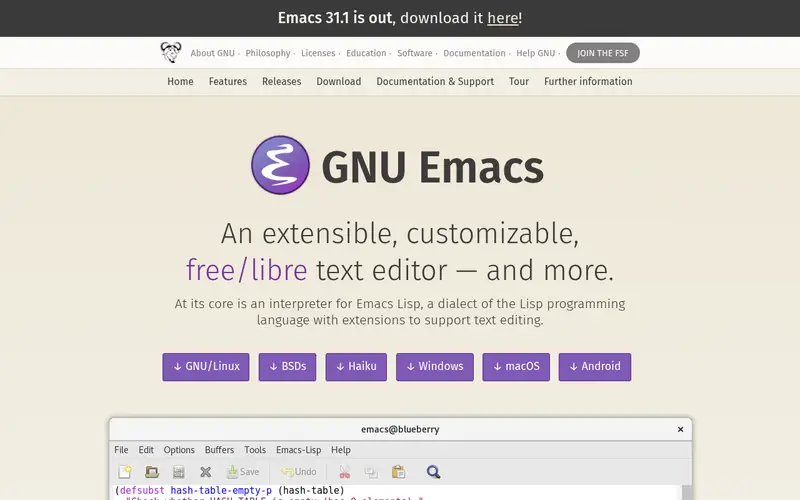
Emacs is a free, open-source editor available on Windows, macOS and Linux. Scala support comes from LSP clients such as lsp-mode or eglot connected to Metals, plus packages for syntax highlighting and project navigation. Debugging and build import depend on the chosen packages.
Emacs is highly configurable but requires manual setup for Scala. It suits developers already fluent in Emacs who want to keep one environment. Newcomers to Scala or to Emacs usually have a faster start with IntelliJ IDEA or VS Code with Metals. The editor runs locally, so code stays on the machine.
Standout: Extensible and scriptable
Free (open source), as listed by the vendor (Emacs website). Confirm the current plan price before you buy.
Free plan. Plans change, so confirm on the vendor's pricing page before you buy.
Benefits
- Extensible and scriptable
- LSP clients connect to Metals
Drawbacks
- Steep learning curve
- Scala setup is manual
Skip it if this limit matters to you: steep learning curve.
Verdict. A sensible pick for long-time Emacs users who want Scala in their editor.
Alternatives in this guide: IntelliJ IDEA, Visual Studio Code, Metals
Sublime Text
Best for developers who want a fast editor with LSP support
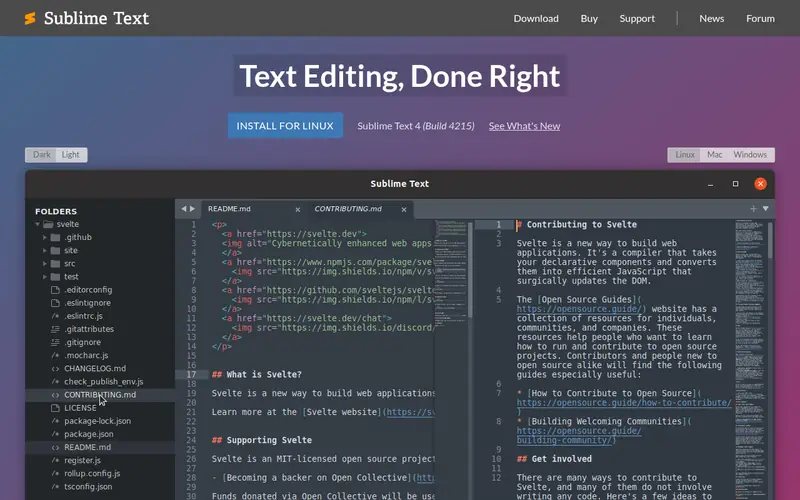
What it is and where it fits
Sublime Text is a proprietary code editor for Windows, macOS and Linux. Scala support comes from the LSP package connected to Metals, plus syntax packages for Scala highlighting. The editor offers a free evaluation period, and continued use requires a paid licence. Check the vendor pricing page for current terms.
Sublime Text is fast and light, which helps on large projects and older hardware. It does not ship Scala tooling by default, so setup effort is similar to Neovim or Emacs. Developers who want a polished editor with minimal configuration often choose VS Code or IntelliJ IDEA instead.
Standout: Fast startup and low memory use
See vendor pricing page, as listed by the vendor (Sublime Text website). Confirm the current plan price before you buy.
Free trial. Plans change, so confirm on the vendor's pricing page before you buy.
Benefits
- Fast startup and low memory use
- LSP package connects to Metals
Drawbacks
- Paid licence for continued use
- Scala support needs plugins
Skip it if this limit matters to you: paid licence for continued use.
Verdict. A sensible pick for developers who want a fast editor with LSP support.
Alternatives in this guide: IntelliJ IDEA, Visual Studio Code, Metals
Who should use what
Teams working across Scala, Java and sbt should start with IntelliJ IDEA, since one tool covers code, build files and debugging. Developers who want a light editor for many languages should use Visual Studio Code with the Metals extension. Keyboard-driven developers already in Neovim or Emacs should connect Metals through their LSP client.
Questions to settle before you buy
What to check before you buy
- Confirm the Scala plugin or language server supports your Scala version, including Scala 3.
- Check that your build tool (sbt, Mill, Maven or Gradle) imports cleanly.
- Verify debugging and test running work for your project layout.
- Review the licence and any paid tier, and confirm current pricing on the vendor page.
- Confirm code analysis runs locally and that no source is sent to third-party services.
FAQ
Do I need a paid IDE for Scala?
No. IntelliJ IDEA Community Edition is free and open source, and VS Code with Metals is free. Paid tiers add features such as web and database tooling, but core Scala editing, navigation and debugging work in free setups.
Can I use Metals without VS Code?
Yes. Metals is a language server that works with any editor that supports the Language Server Protocol, including Neovim, Emacs and Sublime Text. You configure the client in your editor and Metals handles completion, diagnostics and build import.
Does Scala tooling send my code to a server?
Language servers and IDE plugins generally run locally, so source code stays on your machine. Some optional features, such as telemetry or remote indexing, may send data if enabled. Check settings and disable anything you do not need.
Which option is best for a small team?
IntelliJ IDEA Community Edition is a common choice because it bundles Scala, Java and sbt support in one free tool. A small team that prefers lighter editors can standardize on VS Code with Metals and share extension and build settings.
How do I choose between IntelliJ IDEA and VS Code with Metals?
Pick IntelliJ IDEA if you want deep Scala refactoring, inspections and integrated sbt tooling in one full IDE. Pick VS Code with Metals if you want faster startup, a lighter footprint and one editor for many languages, and you are comfortable relying on extensions for Scala features.
Sources we checked
Method: how we score · editorial policy.
Change log. First published 22 Nov 2026.