Stage 01 · Write · Researched comparison
Best Rust PDF Libraries for Developers in 2026
lopdf is the first pick for most developers who need to read, inspect or modify existing PDF files in Rust, because it parses document structure and lets you edit objects directly. For generating new PDFs from scratch, printpdf is the usual choice. If you need to render pages to images or need full layout fidelity, pdfium-render wraps Google's PDFium engine. All three are open source and free.

By Shihab Mia
Published 27 Nov 2026 · 6 tools compared
We run no ads and no affiliate links at launch. The order of a list follows our published method. See how we score.
Prices are the starting prices vendors list publicly. Plans change, so confirm the current price on the vendor page before you buy.
Key takeaways
- lopdf handles reading and low-level editing of existing PDFs; printpdf focuses on creating new documents.
- pdf-rs (the pdf crate) and lopdf overlap, so pick one for parsing rather than mixing both.
- pdfium-render depends on the PDFium native library, which you must ship or build alongside your binary.
- typst and krilla generate PDFs from their own layout or drawing model, not by editing arbitrary existing files.
Who each pick is for
- Reading and modifying existing PDF documentslopdf
- Generating new PDFs with text, shapes and imagesprintpdf
- Reading and parsing PDF structure in pure Rustpdf-rs (pdf crate)
- Rendering PDF pages and extracting text with PDFiumpdfium-render
- Compiling marked-up documents into PDFstypst
- Low-level PDF generation with a modern Rust APIkrilla
Comparison
| Tool | Best for | Standout feature | Listed starting price | Free plan or trial |
|---|---|---|---|---|
| 1lopdf | Reading and modifying existing PDF documents | Direct access to PDF objects, streams and the document tree | Free (open source) | Free plan |
| 2printpdf | Generating new PDFs with text, shapes and images | Higher-level drawing API for pages, text and images | Free (open source) | Free plan |
| 3pdf-rs (pdf crate) | Reading and parsing PDF structure in pure Rust | Pure-Rust parser with a typed object model | Free (open source) | Free plan |
| 4pdfium-render | Rendering PDF pages and extracting text with PDFium | Access to the full PDFium engine for rendering and text extraction | Free (open source) | Free plan |
| 5typst | Compiling marked-up documents into PDFs | Modern markup and layout engine that outputs PDF | Free (open source) | Free plan |
| 6krilla | Low-level PDF generation with a modern Rust API | Focused, low-level drawing API for producing PDF content | Free (open source) | Free plan |
How we picked
We picked libraries that genuinely read, write, render or compile PDFs in Rust and that are actively maintained. Criteria were fit for the specific job, platform and dependency requirements, licence and price, and the main limits of each API. Sources are vendor pages, crate documentation and project repositories. Prices and licences can change, so confirm details on the official site before you commit.
The tools, one by one
lopdf
Best for reading and modifying existing PDF documents
What it is and where it fits
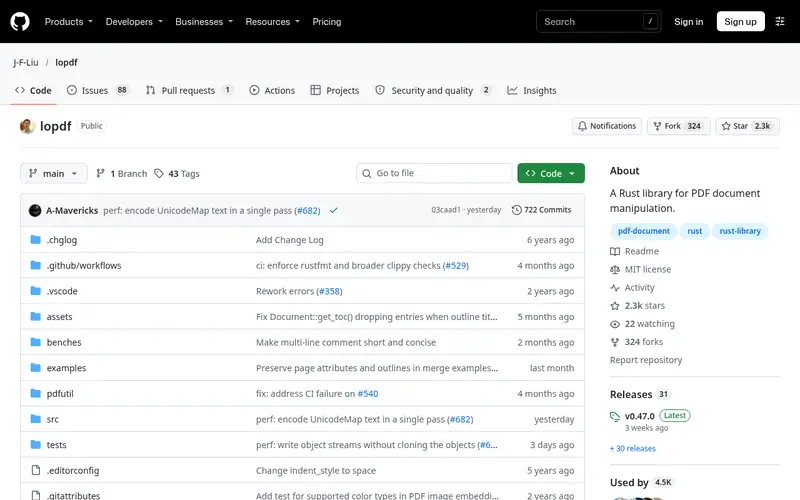
lopdf is a pure-Rust library for parsing and writing PDF files. It exposes the document catalog, page tree, objects, streams and cross-reference data, so you can read a file, change objects and save it back. It is the common starting point for tools that need to inspect or patch existing PDFs rather than draw new pages.
It runs anywhere Rust runs, with no native dependencies. It is dual-licensed under MIT and Apache-2.0. The tradeoff is that lopdf does not lay out text or graphics for you; you work with content streams and operators. It is the wrong pick if you want a high-level drawing API or text shaping.
Standout: Direct access to PDF objects, streams and the document tree
Free (open source), as listed by the vendor (lopdf website). Confirm the current plan price before you buy.
Free plan. Plans change, so confirm on the vendor's pricing page before you buy.
Benefits
- Direct access to PDF objects, streams and the document tree
- widely used as a parsing base
Drawbacks
- Low-level API with no layout engine
- you handle content stream details yourself
Skip it if this limit matters to you: low-level API with no layout engine.
Verdict. A sensible pick for reading and modifying existing PDF documents.
Alternatives in this guide: printpdf, pdf-rs (pdf crate), pdfium-render
printpdf
Best for generating new PDFs with text, shapes and images
What it is and where it fits
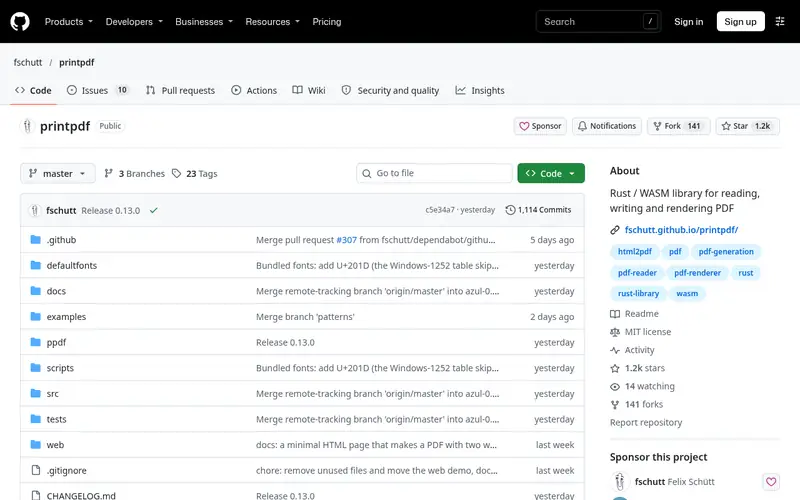
printpdf creates PDF documents from scratch. You define pages, set layers, draw shapes, place images and write text with built-in fonts or embedded font files. It targets the common case of producing reports, invoices and generated documents in a Rust service.
It is pure Rust and cross-platform, licensed under MIT. It does not aim to be a full PDF editor, so round-tripping an existing complex PDF through it is not its job. If you need to modify a third-party PDF in place, use lopdf instead.
Standout: Higher-level drawing API for pages, text and images
Free (open source), as listed by the vendor (printpdf website). Confirm the current plan price before you buy.
Free plan. Plans change, so confirm on the vendor's pricing page before you buy.
Benefits
- Higher-level drawing API for pages, text and images
- pure Rust with no native dependencies
Drawbacks
- Not built for editing arbitrary existing PDFs
- advanced typography needs extra work
Skip it if this limit matters to you: not built for editing arbitrary existing PDFs.
Verdict. A sensible pick for generating new PDFs with text, shapes and images.
Alternatives in this guide: lopdf, pdf-rs (pdf crate), pdfium-render
pdf-rs (pdf crate)
Best for reading and parsing PDF structure in pure Rust
What it is and where it fits
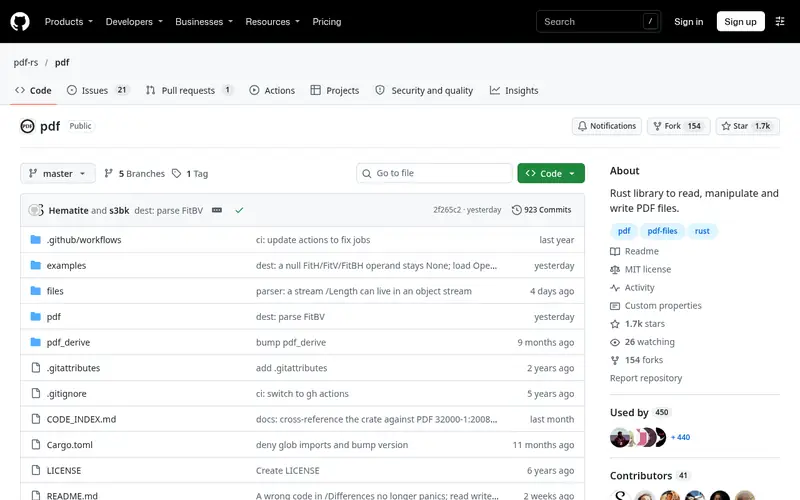
The pdf crate is the core of the pdf-rs project, a pure-Rust PDF parser. It reads files into a typed object model and gives you access to pages, resources and content. Related crates in the same project cover rendering and font handling.
It runs on standard Rust targets and is licensed under MIT. Because the project is still developing, expect API changes between versions and check the repository for the current state. For simple object edits, lopdf is often quicker to get working; for structured parsing, pdf-rs is a reasonable alternative.
Standout: Pure-Rust parser with a typed object model
Free (open source), as listed by the vendor (pdf-rs (pdf crate) website). Confirm the current plan price before you buy.
Free plan. Plans change, so confirm on the vendor's pricing page before you buy.
Benefits
- Pure-Rust parser with a typed object model
- part of an active project with related crates
Drawbacks
- API surface is still evolving
- less suited to quick write-and-save edits than lopdf
Skip it if this limit matters to you: API surface is still evolving.
Verdict. A sensible pick for reading and parsing PDF structure in pure Rust.
Alternatives in this guide: lopdf, printpdf, pdfium-render
pdfium-render
Best for rendering PDF pages and extracting text with PDFium
What it is and where it fits
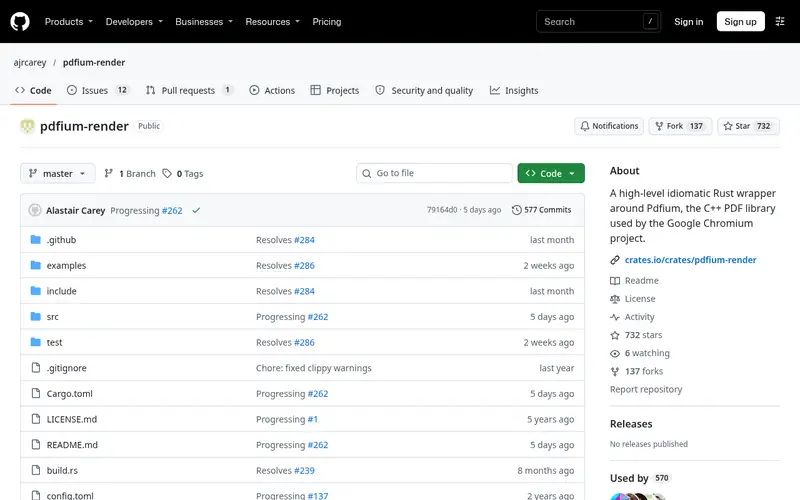
pdfium-render is a Rust binding to Google's PDFium, the engine behind Chrome's PDF viewer. It lets you render pages to bitmaps, extract text, and query document structure with the fidelity of a mature C++ engine.
It is licensed under Apache-2.0 or MIT. The main cost is the native dependency: you must obtain or build the PDFium shared library and make it available at runtime. That complicates static builds and cross-compilation. Choose it when rendering quality matters more than a pure-Rust build.
Standout: Access to the full PDFium engine for rendering and text extraction
Free (open source), as listed by the vendor (pdfium-render website). Confirm the current plan price before you buy.
Free plan. Plans change, so confirm on the vendor's pricing page before you buy.
Benefits
- Access to the full PDFium engine for rendering and text extraction
- supports loading a bundled library
Drawbacks
- Requires the native PDFium library at build or run time
- binding setup adds complexity
Skip it if this limit matters to you: requires the native PDFium library at build or run time.
Verdict. A sensible pick for rendering PDF pages and extracting text with PDFium.
Alternatives in this guide: lopdf, printpdf, pdf-rs (pdf crate)
typst
Best for compiling marked-up documents into PDFs
What it is and where it fits
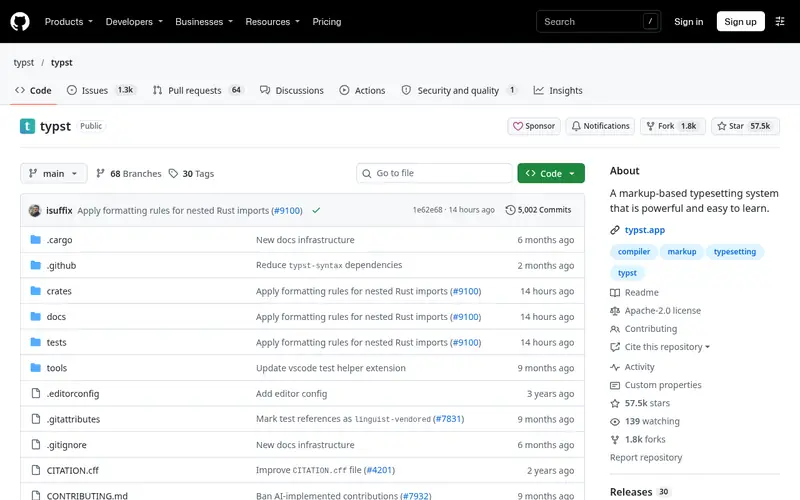
Typst is a typesetting system with its own markup language that compiles to PDF. It is not a general PDF library in the lopdf sense. You describe a document in Typst and the compiler produces the PDF, handling layout, fonts and pagination.
The compiler is written in Rust and can be used as a crate or through its command-line tool. It is licensed under Apache-2.0. Use it when you control the document source and want strong layout. It is the wrong tool for reading or patching a PDF someone else produced.
Standout: Modern markup and layout engine that outputs PDF
Free (open source), as listed by the vendor (typst website). Confirm the current plan price before you buy.
Free plan. Plans change, so confirm on the vendor's pricing page before you buy.
Benefits
- Modern markup and layout engine that outputs PDF
- usable as a library and a CLI
Drawbacks
- Not a PDF editing library
- you write Typst markup rather than manipulate PDF objects
Skip it if this limit matters to you: not a PDF editing library.
Verdict. A sensible pick for compiling marked-up documents into PDFs.
Alternatives in this guide: lopdf, printpdf, pdf-rs (pdf crate)
krilla
Best for low-level PDF generation with a modern Rust API
What it is and where it fits
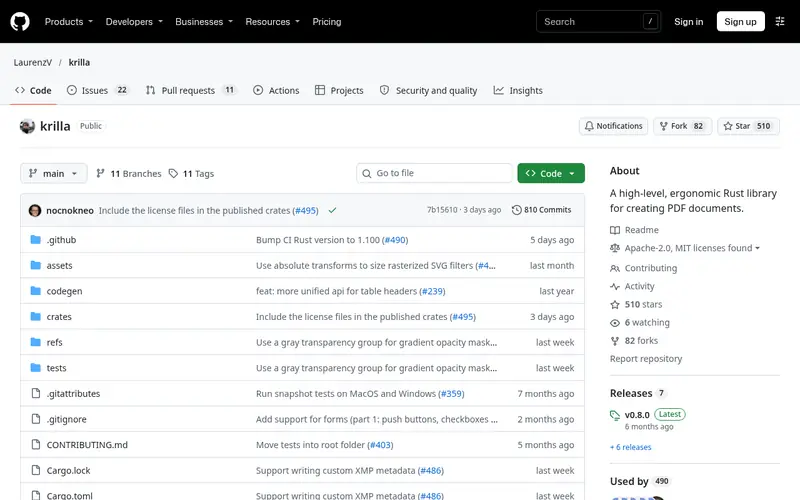
krilla is a Rust library for generating PDF content at a low level. It provides primitives for drawing paths, text and images and writing them into a PDF, aimed at projects that want control without a large framework.
It is pure Rust and open source. As a newer project, its API is smaller and less battle-tested than printpdf, so check the repository for current capabilities before committing. It does not parse or edit existing PDFs; pair it with a reader if you need both directions.
Standout: Focused, low-level drawing API for producing PDF content
Free (open source), as listed by the vendor (krilla website). Confirm the current plan price before you buy.
Free plan. Plans change, so confirm on the vendor's pricing page before you buy.
Benefits
- Focused, low-level drawing API for producing PDF content
- pure Rust
Drawbacks
- Younger project with a smaller API surface
- not a reader or editor
Skip it if this limit matters to you: younger project with a smaller API surface.
Verdict. A sensible pick for low-level PDF generation with a modern Rust API.
Alternatives in this guide: lopdf, printpdf, pdf-rs (pdf crate)
Who should use what
If you need to inspect or patch existing PDFs, start with lopdf. If you generate new documents from code, printpdf covers most cases. If rendering quality or text extraction matters, pdfium-render gives you the PDFium engine at the cost of a native dependency. If you control the document source and want strong typesetting, typst compiles markup to PDF. For structured parsing in pure Rust, pdf-rs is an alternative to lopdf.
Questions to settle before you buy
What to check before you buy
- Confirm whether you need to read and edit existing PDFs or only generate new ones; the two needs point to different crates.
- Check the licence (most here are MIT or Apache-2.0) against your project's requirements.
- For pdfium-render, plan how you will ship or build the native PDFium library for each target platform.
- Test with real sample PDFs, including scanned and complex files, since parser coverage varies.
- Pin crate versions and review changelogs, as several of these projects are still evolving.
FAQ
Do I need a native library to work with PDFs in Rust?
No for lopdf, printpdf, pdf-rs, typst and krilla, which are pure Rust. pdfium-render is the exception: it requires the native PDFium library at build or run time, which affects static builds and cross-compilation.
Can lopdf edit an existing PDF?
Yes. lopdf parses the document into objects and streams, and you can change them and save the result. It is low-level, so you work with content streams and operators rather than a drawing API.
What is the difference between printpdf and krilla?
printpdf gives a higher-level drawing API for pages, shapes and text, while krilla offers a focused, low-level drawing API for producing PDF content. Use printpdf for most document generation and krilla when you want finer control with a smaller API surface.
Is typst a PDF library?
Typst is a typesetting system that compiles its own markup to PDF. It is written in Rust and usable as a crate, but it is not a general PDF reader or editor. Use it when you control the document source.
Are these libraries free?
Yes. All the projects listed here are open source and free to use, under MIT, Apache-2.0 or similar licences. Check each repository for the exact licence terms.
Sources we checked
Method: how we score · editorial policy.
Change log. First published 27 Nov 2026.