Stage 01 · Write · Researched comparison
Best Rust Image Processing Libraries in 2026
The `image` crate is the first pick for most projects. It decodes and encodes common formats and gives you a pixel buffer to work with, and it suits developers who want a pure-Rust base. Add `imageproc` when you need filters and geometric operations. For resizing speed, look at `fast_image_resize`. For OpenCV features, `opencv-rust` bindings are the alternative, but they require the OpenCV C++ library.

By Shihab Mia
Published 27 Nov 2026 · 7 tools compared
We run no ads and no affiliate links at launch. The order of a list follows our published method. See how we score.
Prices are the starting prices vendors list publicly. Plans change, so confirm the current price on the vendor page before you buy.
Key takeaways
- The `image` crate is the common starting point: it handles decoding, encoding and pixel access in pure Rust.
- `imageproc` builds on `image` and adds filters, edges, morphology and drawing.
- `fast_image_resize` focuses on fast resizing and does not replace a full processing stack.
- All seven options are free and open source; check each licence and platform support before you commit.
Who each pick is for
- Decoding, encoding and pixel access in pure Rustimage (image-rs)
- Filters, edges, morphology and drawing on image buffersimageproc
- Fast, high-quality image resizing in Rustfast_image_resize
- Image effects and filters compiled to WebAssemblyphoton-rs
- Rendering SVG files to raster imagesresvg (with tiny-skia)
- Bindings to the libvips demand-driven image pipelinelibvips (libvips crate)
- Rust bindings to the OpenCV computer vision libraryopencv-rust
Comparison
| Tool | Best for | Standout feature | Listed starting price | Free plan or trial |
|---|---|---|---|---|
| 1image (image-rs) | Decoding, encoding and pixel access in pure Rust | Wide format support | Free (open source) | Free plan |
| 2imageproc | Filters, edges, morphology and drawing on image buffers | Broad set of classic image operations | Free (open source) | Free plan |
| 3fast_image_resize | Fast, high-quality image resizing in Rust | SIMD-accelerated resize paths | Free (open source) | Free plan |
| 4photon-rs | Image effects and filters compiled to WebAssembly | Runs in the browser via WebAssembly | Free (open source) | Free plan |
| 5resvg (with tiny-skia) | Rendering SVG files to raster images | Pure Rust SVG rendering | Free (open source) | Free plan |
| 6libvips (libvips crate) | Bindings to the libvips demand-driven image pipeline | Low memory use on large images | Free (open source) | Free plan |
| 7opencv-rust | Rust bindings to the OpenCV computer vision library | Access to OpenCV vision algorithms | Free (open source) | Free plan |
How we picked
We picked crates that are real, maintained and genuinely cover the job named in the slug, from decoding to rendering to computer vision. Criteria were fit for common Rust image tasks, platform and target support, licence terms, dependency weight, and known limits such as C library requirements. Sources are vendor pages, crate documentation and project repositories. We did not run benchmarks. Prices and licences can change, so confirm details on each project page.
The tools, one by one
image (image-rs)
Best for decoding, encoding and pixel access in pure Rust
What it is and where it fits
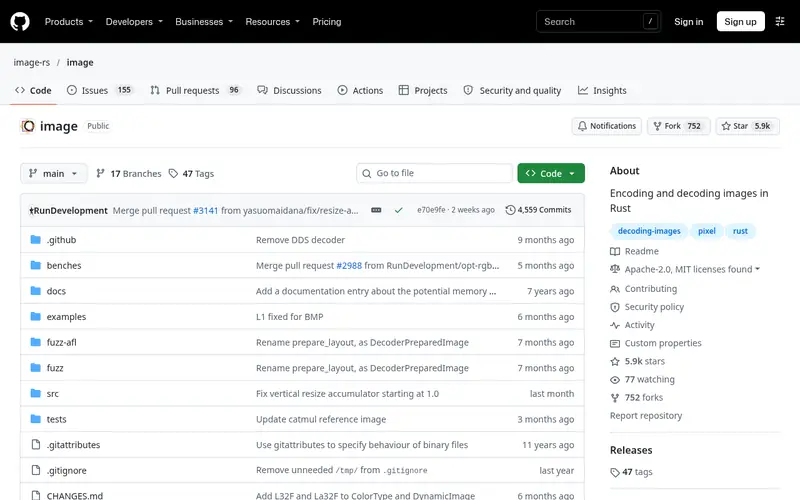
The `image` crate is the base layer for most Rust image work. It decodes and encodes formats such as PNG, JPEG, GIF, WebP, BMP and TIFF, and gives you an `ImageBuffer` of pixels to read and write. It runs on Windows, macOS, Linux and WebAssembly targets where the format decoders allow it.
The crate is dual-licensed under MIT and Apache-2.0. Format support depends on enabled features, so check the feature flags before you assume a format is available. It does not provide filters, resizing algorithms or computer vision. Pair it with `imageproc` or `fast_image_resize` for those tasks. Skip it if you need OpenCV-style vision functions out of the box.
Standout: Wide format support
Free (open source), as listed by the vendor (image (image-rs) website). Confirm the current plan price before you buy.
Free plan. Plans change, so confirm on the vendor's pricing page before you buy.
Benefits
- Wide format support
- pure Rust with no C dependencies
Drawbacks
- Not a full computer vision library
- some operations are basic
Skip it if this limit matters to you: not a full computer vision library.
Verdict. A sensible pick for decoding, encoding and pixel access in pure Rust.
Alternatives in this guide: imageproc, fast_image_resize, photon-rs
imageproc
Best for filters, edges, morphology and drawing on image buffers
What it is and where it fits
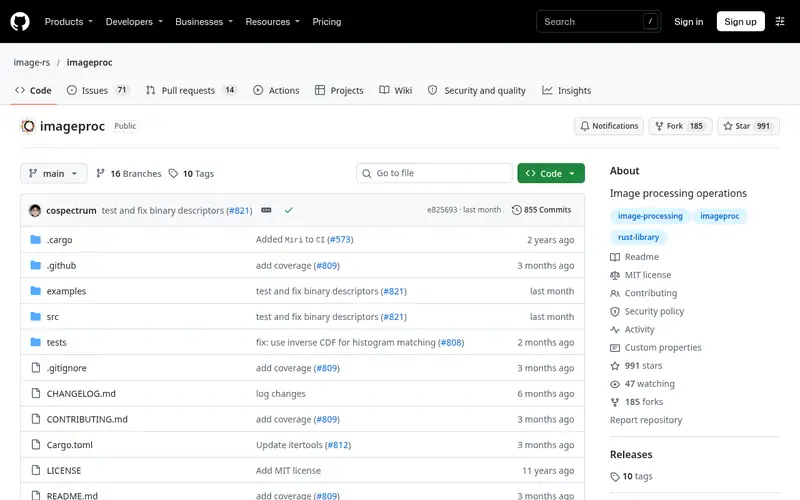
`imageproc` is a companion crate to `image`. It provides convolution, Gaussian blur, Sobel and Canny edge detection, thresholding, morphology, geometric transforms, drawing primitives and contour finding. It operates on `image` buffers, so the two crates are usually used together.
It is licensed under MIT and runs wherever the `image` crate runs. The API is lower level than a vision framework: you compose operations yourself. Some functions are slower than optimized C libraries for large images. It is a good fit for tooling, preprocessing and analysis pipelines. Skip it if you need trained models or camera capture, which are outside its scope.
Standout: Broad set of classic image operations
Free (open source), as listed by the vendor (imageproc website). Confirm the current plan price before you buy.
Free plan. Plans change, so confirm on the vendor's pricing page before you buy.
Benefits
- Broad set of classic image operations
- works directly with image buffers
Drawbacks
- Built on the image crate
- not aimed at deep learning or video
Skip it if this limit matters to you: built on the image crate.
Verdict. A sensible pick for filters, edges, morphology and drawing on image buffers.
Alternatives in this guide: image (image-rs), fast_image_resize, photon-rs
fast_image_resize
Best for fast, high-quality image resizing in Rust
What it is and where it fits
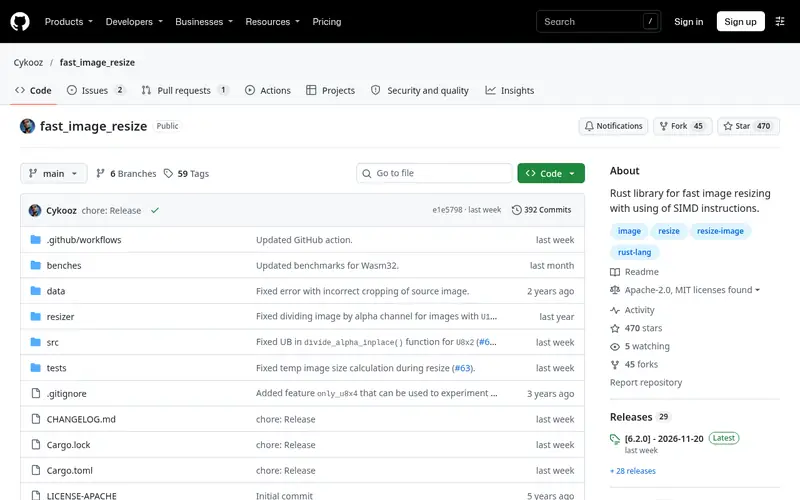
`fast_image_resize` does one job: resizing images quickly. It supports nearest, bilinear, bicubic, Lanczos3 and other filters, and uses SIMD instructions where the target CPU allows. It works with raw pixel buffers and integrates with the `image` crate through conversion helpers.
The crate is MIT licensed and runs on x86, ARM and WebAssembly targets. It does not decode or encode files, so you still need `image` or another decoder to load data. Quality and speed depend on the chosen filter and CPU features. It suits thumbnail pipelines, game asset scaling and server-side resize jobs. Skip it if you need a general processing library.
Standout: SIMD-accelerated resize paths
Free (open source), as listed by the vendor (fast_image_resize website). Confirm the current plan price before you buy.
Free plan. Plans change, so confirm on the vendor's pricing page before you buy.
Benefits
- SIMD-accelerated resize paths
- supports several filter types
Drawbacks
- Resizing only
- no decoding or encoding
Skip it if this limit matters to you: resizing only.
Verdict. A sensible pick for fast, high-quality image resizing in Rust.
Alternatives in this guide: image (image-rs), imageproc, photon-rs
photon-rs
Best for image effects and filters compiled to WebAssembly
What it is and where it fits
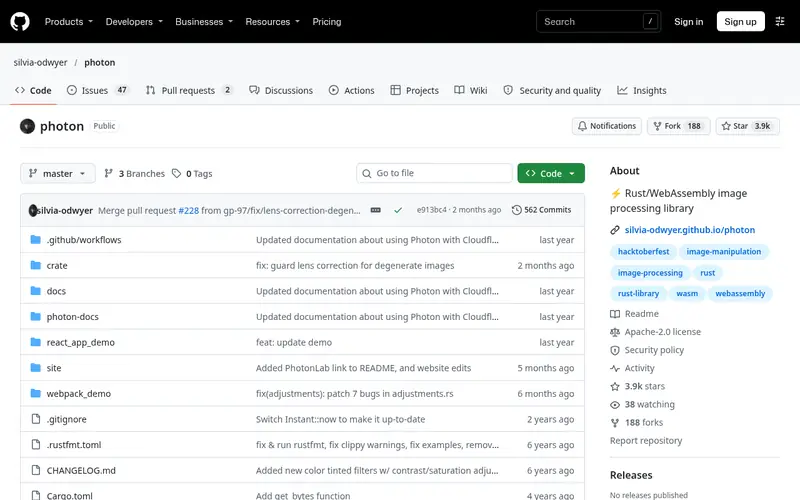
`photon-rs` is an image processing library written in Rust that targets native and WebAssembly builds. It offers filters such as sepia, grayscale, blur, sharpen, edge detection and color adjustments, plus transforms like crop and resize. The WebAssembly target lets it run in browsers without a server round trip.
It is licensed under Apache-2.0. The API is oriented toward effects and simple transforms rather than full computer vision. Format support and performance differ between native and WebAssembly builds. It suits web apps that need client-side image effects. Skip it if your work is server-side analysis or you need a broad format matrix.
Standout: Runs in the browser via WebAssembly
Free (open source), as listed by the vendor (photon-rs website). Confirm the current plan price before you buy.
Free plan. Plans change, so confirm on the vendor's pricing page before you buy.
Benefits
- Runs in the browser via WebAssembly
- includes many filter effects
Drawbacks
- Smaller ecosystem than image and imageproc
- effect-focused API
Skip it if this limit matters to you: smaller ecosystem than image and imageproc.
Verdict. A sensible pick for image effects and filters compiled to WebAssembly.
Alternatives in this guide: image (image-rs), imageproc, fast_image_resize
resvg (with tiny-skia)
Best for rendering SVG files to raster images
What it is and where it fits
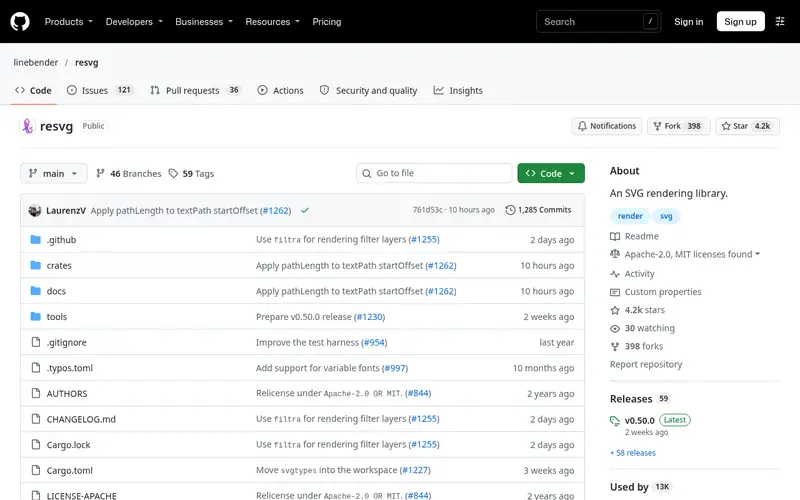
`resvg` renders SVG documents to PNG or raw pixel buffers. It uses `tiny-skia`, a pure Rust 2D rasterizer, as its drawing backend. It handles most of the SVG 1.1 static feature set, including paths, gradients, clipping and text when fonts are supplied.
The project is licensed under MPL-2.0. It is maintained under the Linebender organization. It does not process photos or decode camera formats. Font handling requires you to load font data yourself. It suits icon pipelines, chart rendering and server-side SVG to PNG conversion. Skip it if your input is not SVG.
Standout: Pure Rust SVG rendering
Free (open source), as listed by the vendor (resvg (with tiny-skia) website). Confirm the current plan price before you buy.
Free plan. Plans change, so confirm on the vendor's pricing page before you buy.
Benefits
- Pure Rust SVG rendering
- uses the tiny-skia rasterizer
Drawbacks
- SVG rendering only
- not a general photo processing library
Skip it if this limit matters to you: SVG rendering only.
Verdict. A sensible pick for rendering SVG files to raster images.
Alternatives in this guide: image (image-rs), imageproc, fast_image_resize
libvips (libvips crate)
Best for bindings to the libvips demand-driven image pipeline
What it is and where it fits
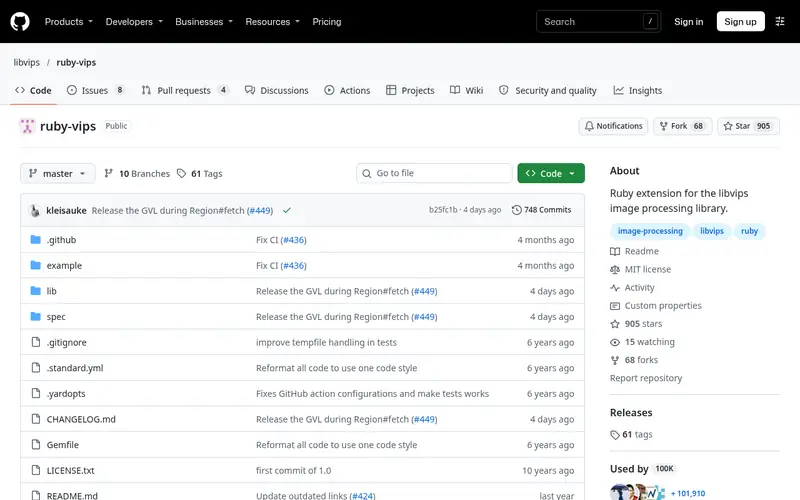
libvips is a C image processing library built around a demand-driven, streaming pipeline. It keeps memory use low on large images and supports many formats and operations. Rust projects use it through bindings, and the official libvips project documents its own bindings and language wrappers.
The core library is licensed under LGPL-2.1. Because it is a C library, Rust use means FFI bindings plus a system install of libvips and its dependencies. Binding coverage and API style differ between wrappers, so check the specific crate you plan to use. It suits batch pipelines and large-image servers. Skip it if you need a pure-Rust build with no C dependencies.
Standout: Low memory use on large images
Free (open source), as listed by the vendor (libvips (libvips crate) website). Confirm the current plan price before you buy.
Free plan. Plans change, so confirm on the vendor's pricing page before you buy.
Benefits
- Low memory use on large images
- broad format and operation set
Drawbacks
- Requires the libvips C library
- binding APIs vary by language
Skip it if this limit matters to you: requires the libvips C library.
Verdict. A sensible pick for bindings to the libvips demand-driven image pipeline.
Alternatives in this guide: image (image-rs), imageproc, fast_image_resize
opencv-rust
Best for rust bindings to the OpenCV computer vision library
What it is and where it fits
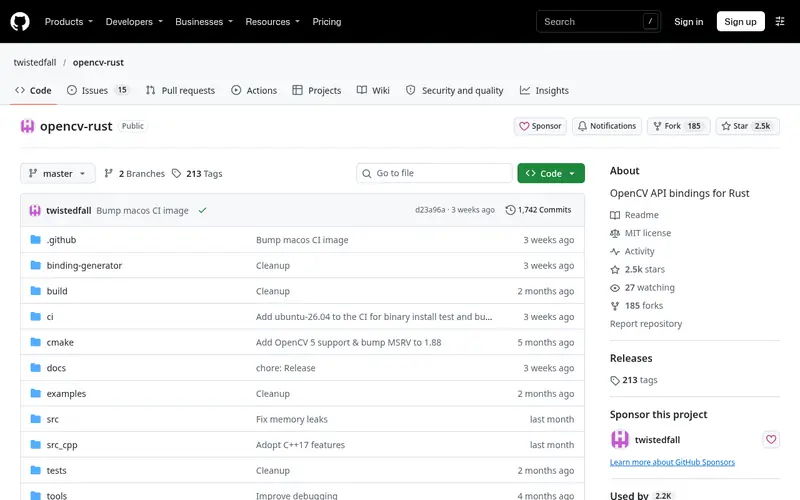
`opencv-rust` provides Rust bindings to OpenCV. It exposes modules for image filtering, feature detection, object detection, video I/O and camera capture. If you need computer vision algorithms rather than basic pixel work, this is the main route in Rust.
The bindings are MIT licensed, while OpenCV itself is Apache-2.0. You must install OpenCV and its dependencies, and the build links against the C++ library, so cross-compilation takes more setup. API coverage tracks OpenCV releases with some lag. It suits vision projects and camera pipelines. Skip it if a pure-Rust dependency tree matters more than algorithm breadth.
Standout: Access to OpenCV vision algorithms
Free (open source), as listed by the vendor (opencv-rust website). Confirm the current plan price before you buy.
Free plan. Plans change, so confirm on the vendor's pricing page before you buy.
Benefits
- Access to OpenCV vision algorithms
- covers detection, tracking and video
Drawbacks
- Requires OpenCV C++ installed
- build setup is heavier than pure Rust
Skip it if this limit matters to you: requires OpenCV C++ installed.
Verdict. A sensible pick for rust bindings to the OpenCV computer vision library.
Alternatives in this guide: image (image-rs), imageproc, fast_image_resize
Who should use what
If you are building a CLI that converts and crops images, start with `image` and add `imageproc` for filters. If your server resizes uploads at high volume, pair `image` with `fast_image_resize`. If you need browser-side effects, `photon-rs` compiled to WebAssembly is the fit. If you need object detection or camera capture, `opencv-rust` is the realistic option despite the heavier setup. For SVG icons and charts, use `resvg`. For large-image batch pipelines where memory matters, consider libvips bindings.
Questions to settle before you buy
What to check before you buy
- Confirm the crate supports the input and output formats you need, including feature flags.
- Check the licence, especially LGPL for libvips and Apache-2.0 for OpenCV.
- Decide whether a pure-Rust build matters or a C dependency is acceptable.
- Test your target platforms, including WebAssembly and cross-compilation.
- Review maintenance activity and open issues on the repository before adopting.
FAQ
Do I need more than one crate?
Often yes. The `image` crate handles decoding and encoding, while `imageproc` or `fast_image_resize` adds operations. Using them together is common and keeps each dependency focused.
Is there a pure-Rust option for computer vision?
Not at OpenCV's breadth. `imageproc` covers classic operations, but detection and tracking usually mean `opencv-rust` with the OpenCV C++ library installed.
Can these libraries run in the browser?
Some can. `photon-rs` and `fast_image_resize` support WebAssembly targets, and `image` works on WebAssembly where its format features allow. Check each crate's target support.
How do licences differ?
`image`, `imageproc` and `fast_image_resize` are permissive (MIT or MIT/Apache-2.0). `resvg` is MPL-2.0. libvips is LGPL-2.1, and `opencv-rust` bindings are MIT while OpenCV is Apache-2.0.
What about pasting images into online tools?
Avoid uploading private or production images to third-party web converters. Prefer local crates or tools that run offline in your own process, which is the normal mode for these Rust libraries.
Sources we checked
Method: how we score · editorial policy.
Change log. First published 27 Nov 2026.